

One photo or 2–30s clip
Use a single photo or 2–30 second reference video showing one person or a clear group together; no second upload slot is needed.
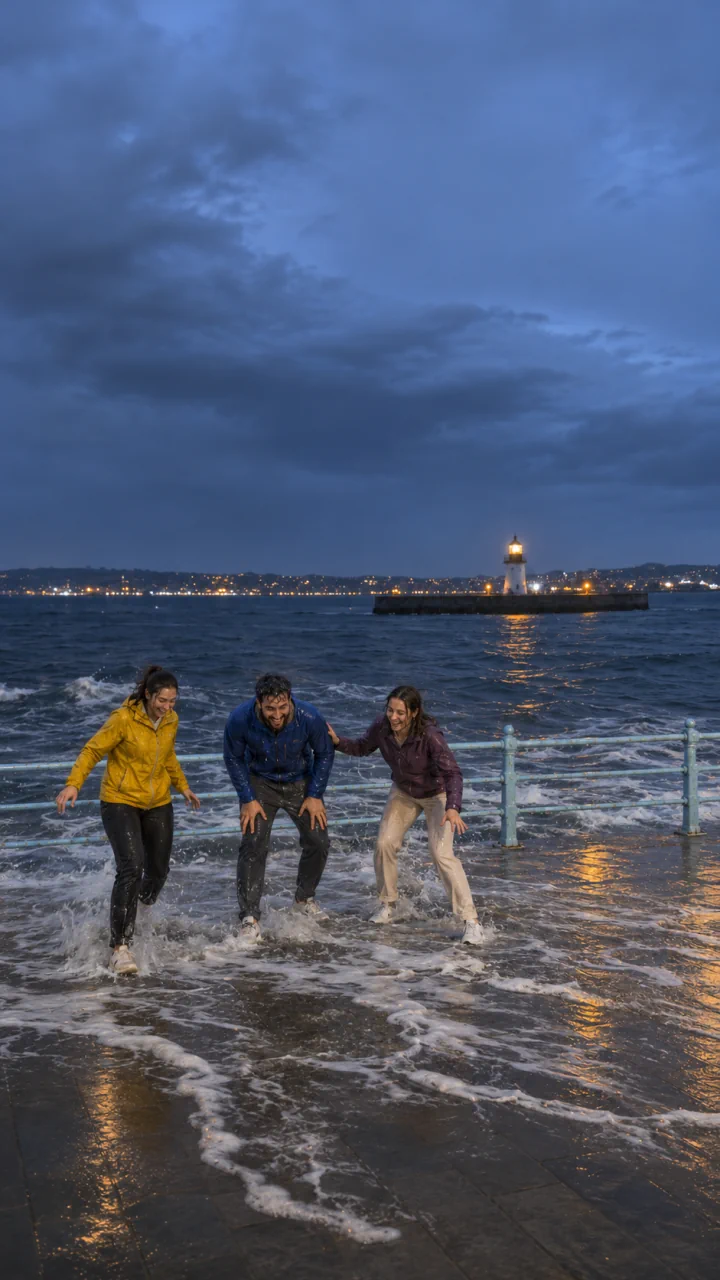
Make a fictional Tidal Wave clip from one solo or group photo or video: friends pause by a night seafront railing as a towering wave crests behind them, then reappear soaked and laughing.
Explore video models for shoreline scenes and short social clips.
Tidal Wave starts with a calm waterfront pose, then a swell breaks over the railing. Keep the same people in frame as they regain their footing. The main player shows the full two-wave reference clip. The preset uses one wave by default. Ask for a second wave in the optional details if you want both.
Use a single photo or 2–30 second reference video showing one person or a clear group together; no second upload slot is needed.
Seedance 2.5 starts at 10 seconds, 9:16, and 720p with audio enabled. You can adjust the duration (5–30s), aspect ratio, and resolution before generating.
Check the credit estimate on the button before creating. You need to sign in to submit.
Include clear outfits and faces from head to knees or shoes so the foam can cover the lower rail while leaving everyone identifiable.
Clear room behind the shoulders gives the towering swell space to rise above the railing before breaking and clearing back out.
Create the comedic soak indoors from an ordinary snapshot without filming along real seawalls or storm surf.
Opening with everyone standing relaxed and backs toward the seafront rail sets up the surprise. A warm-lit tower across the night harbor gives depth behind the rail so the sudden wave towers clearly before breaking.
Add “hold calm pose first, single wave rises slowly behind rail” in optional notes so viewers recognize everyone before the splash.
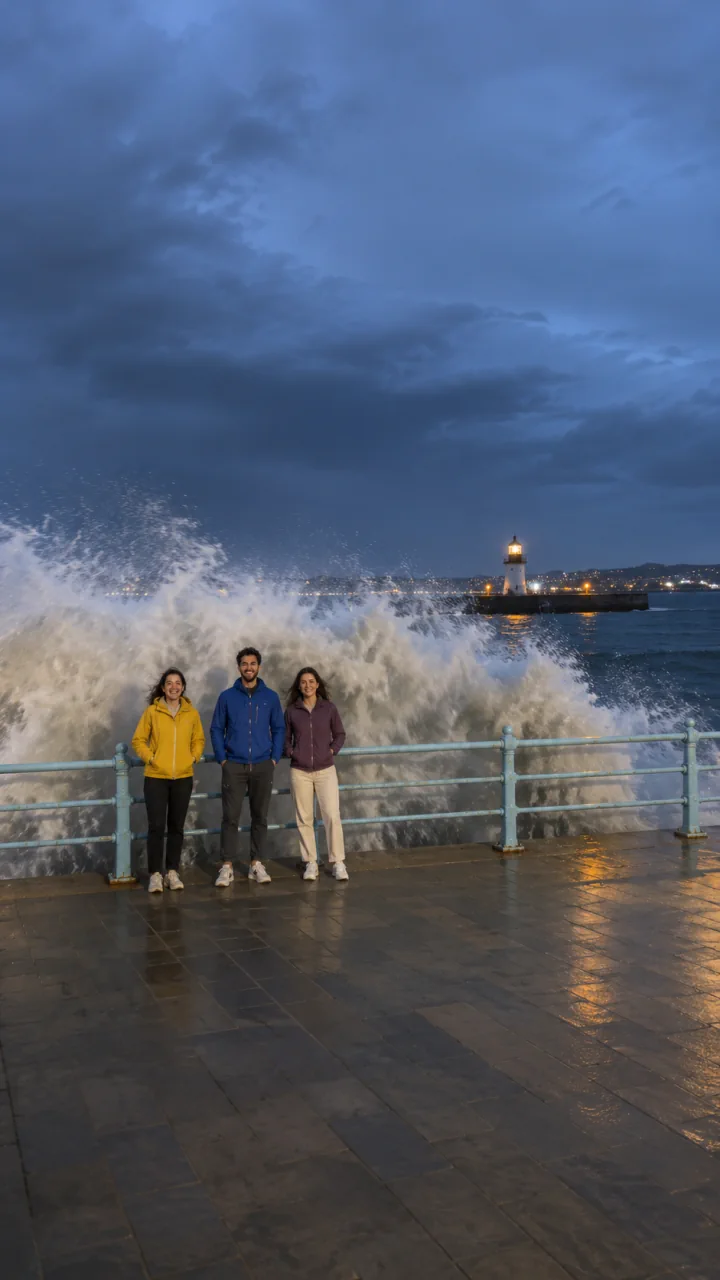
Keep the camera steady after the wave breaks. A short hold lets viewers see how the soaked group reacts and regains its footing while the foam drains across the pavement.
The crash should land as the wave hits the railing. Listen for the water to trail off as the foam drains.
Pick one sharp portrait photo or 2–30 second video showing your subject or friends clearly from the waist or shoes up.
Leave optional notes blank for the night seafront harbor scene, or note jacket colors, standing order, and adjust 5–30s length or quality.
Sign in, check the credit estimate, and review the wave and splash timing, wet clothing, and faces through the recovery.
No. This reference effect accepts one required photo or one 2–30 second video, so upload a single shot that already includes yourself or the full group.
No. Water motion, foam, wet hair, and facial expressions are AI-synthesized approximations rather than physically exact fluid simulation, so limbs, clothing, or features may shift and should be inspected before sharing.
Audio is enabled by default. The preset starts at 10 seconds, 9:16, and 720p and asks for a wave crash followed by receding water synchronized with the shot.