1K / 2K / 4K
Choose a resolution for each request. This page starts at 2K.
Generate and edit images with Nano Banana 2.1. Choose 1K, 2K or 4K, combine up to 14 references, and create product scenes, posters and visual concepts.
Preview
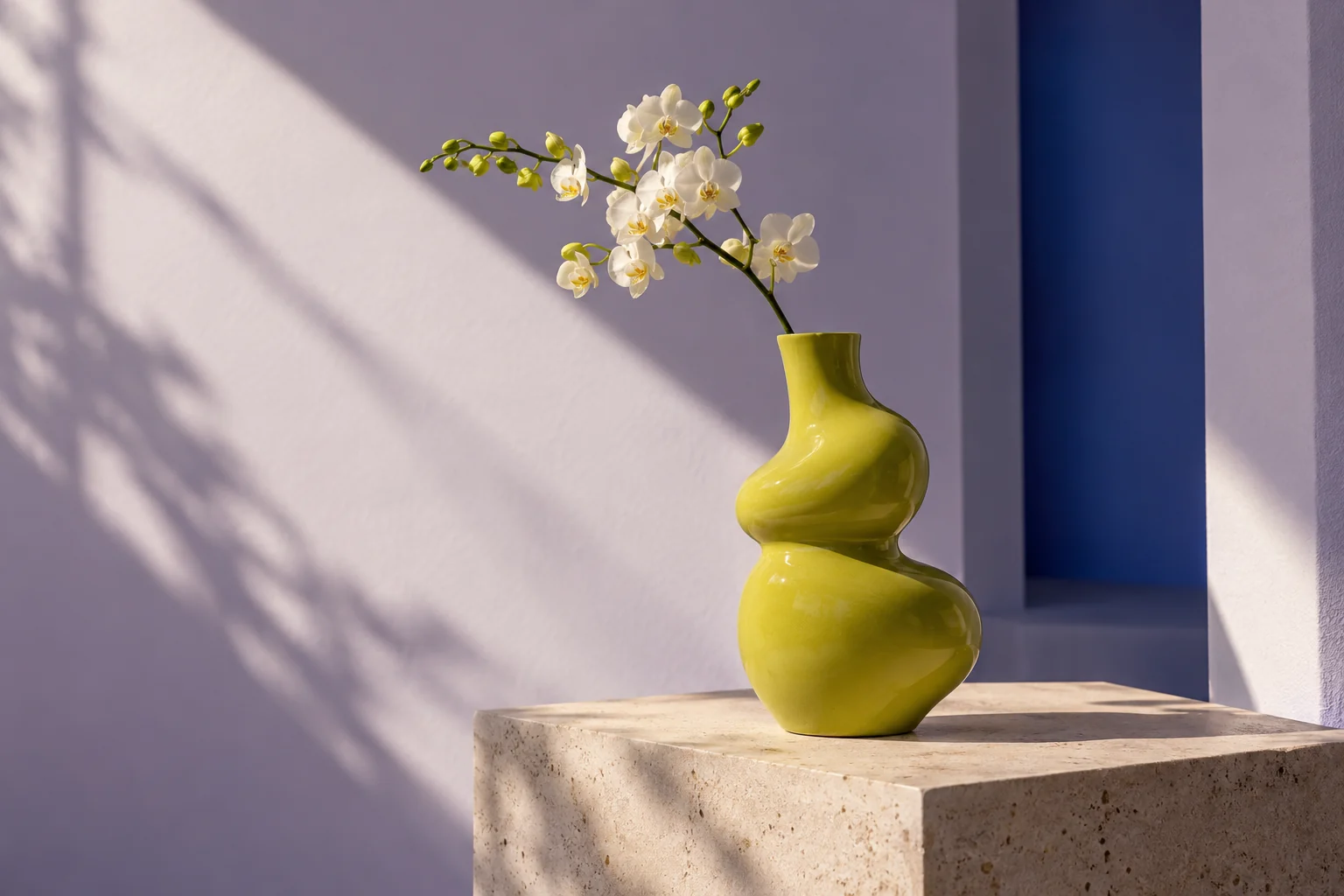
Explore other image models. Open a model to start creating.
Nano Banana 2.1 is Google’s updated image generation and editing model, released on October 6, 2026. Google reports improvements in visual quality, text rendering and subject consistency. In SceneFlare, start with a prompt or your own references, then choose the composition and resolution for the image you need.
Choose a resolution for each request. This page starts at 2K.
Add JPEG, PNG or WebP images, up to 20 MB each, in image-to-image mode.
Generate a new image or upload a downloaded result as the reference for another edit.
Set a clear visual goal, use references deliberately and check the result at its intended size.
Describe the main subject, materials, camera angle and light. Name the objects you want and where they belong. For an ad, specify which area should stay empty for copy.
Upload product photos, character references or a style sample. Explain the role of each image and list the details to preserve. Clear reference roles make a complex brief easier to evaluate.
Put the exact headline in quotation marks and specify its position, size and contrast. Start with a short title. Inspect spelling and individual characters before publishing; an improved model can still make text errors.
Use a portrait frame for a poster, a square for a product card or a wide frame for a banner. Auto lets the model choose. Extreme panoramas work best when the focal subject and empty areas are explicit.
Optional web search can supply current information; image search can find visual references. Verify names, numbers and image rights before using a factual graphic or publishing a design.
Download a result and upload it for the next edit. Ask for one focused change, such as the background or lighting, while naming what should stay the same. Each request starts from the references you supply.
The update focuses on instruction following, subject consistency, text rendering and overall image quality.
Google identifies instruction following and subject consistency as key improvements in 2.1. The model combines text and reference images to interpret a creative brief, better preserve a subject's appearance during generation and editing, and respond to layout, lighting and style instructions.
Supply multiple visual references in one request to add subject, style and composition details.
Use text-to-image or reference-based editing to create a new image or adjust an existing one.
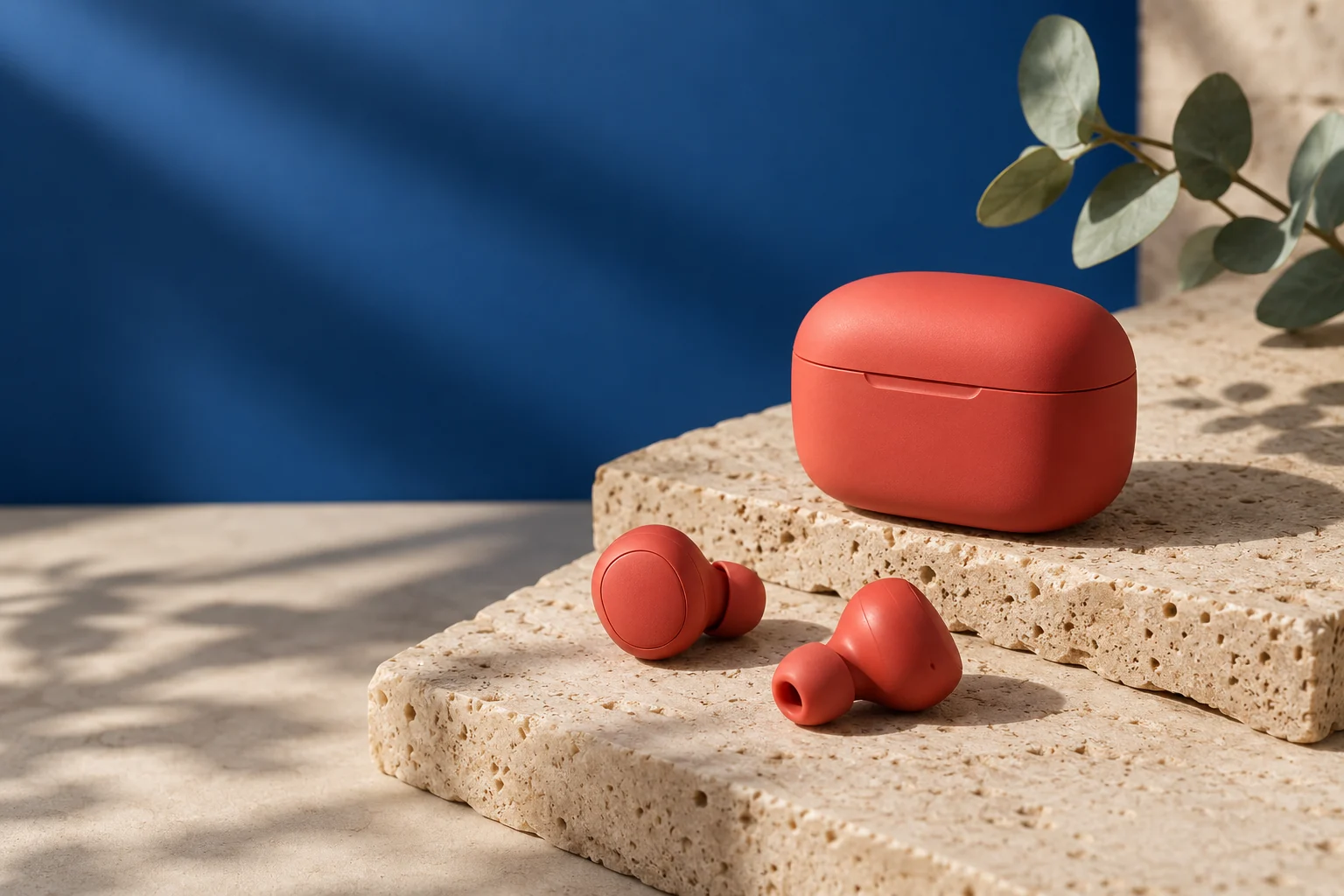
Google reports improvements in text rendering, visual design and overall image quality, helping express the relationships between words, graphics and subjects. Resolution and aspect-ratio choices give you control over detail and composition. Generated text still needs proofreading.
Choose a resolution for the detail you need. This page defaults to 2K and generates one image per request.
Choose automatic sizing or 14 fixed ratios for landscape, square and portrait compositions.
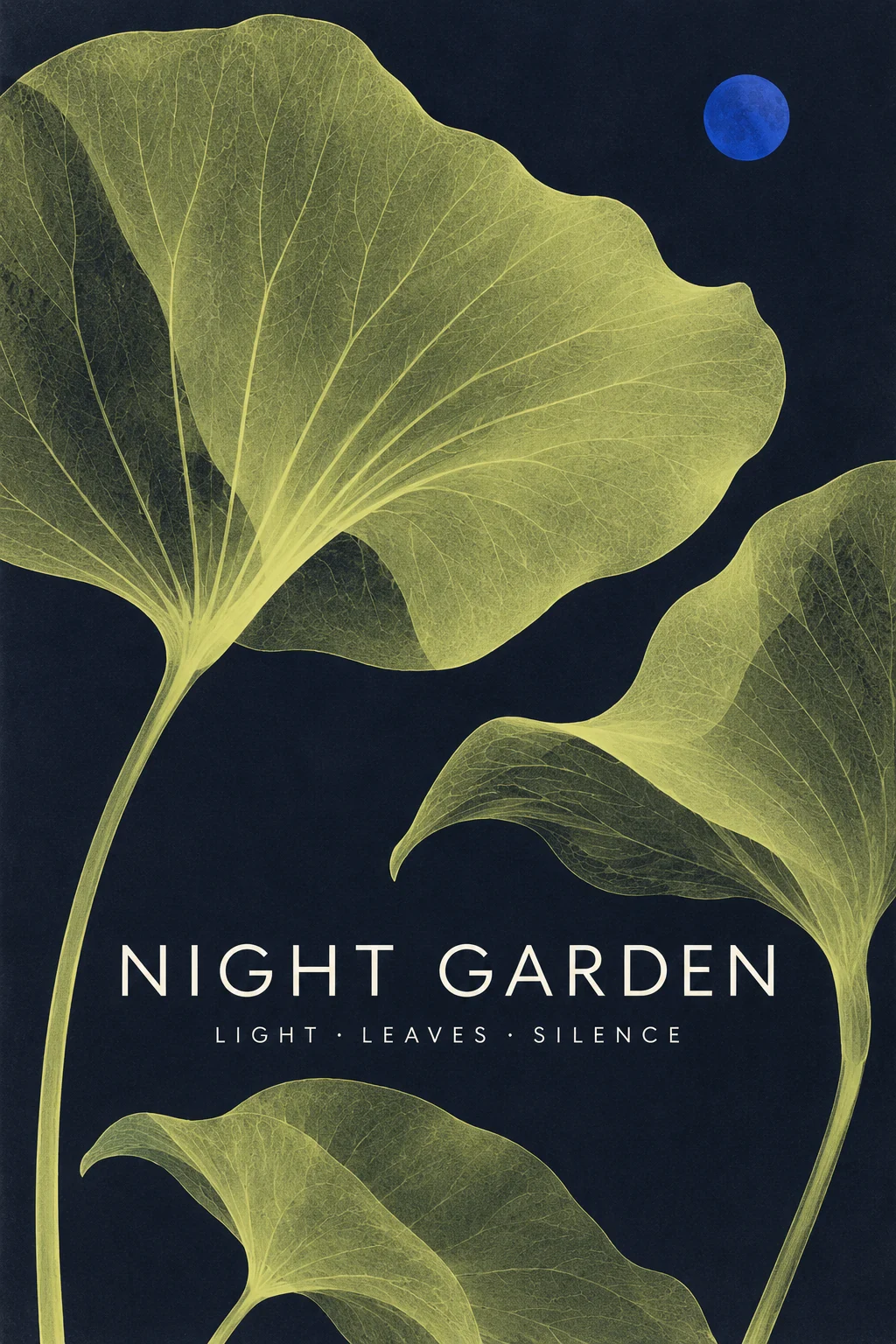
Use text-to-image for a new scene. Choose image-to-image to upload references and explain which details to preserve or change.
Set the ratio, resolution and thinking level. Keep search off unless the task needs it. The button shows SceneFlare credits for your current inputs; review it after changing settings.
Wait for completion, inspect the image and download it. Check text, faces and product details. Upload the result as a new reference if you want another edit.
Google describes 2.1 as an update to Nano Banana 2 with better visual quality, prompt adherence, typography and subject consistency. The two models have separate settings and pricing in SceneFlare. Compare them with your own brief and references when deciding which suits a project.
Choose 1K, 2K or 4K; the default here is 2K. These are resolution tiers, with pixel dimensions varying by ratio. There are 14 ratios plus Auto, including 1:1, 9:16, 16:9 and panoramas up to 8:1 or 1:8. This model has no 0.5K option.
Yes. Image-to-image accepts up to 14 JPEG, PNG or WebP images, each up to 20 MB. Explain what each image contributes. Subject consistency guides the edit but does not guarantee an exact copy of a face, logo or product.
This page supports prompt-based generation and reference-image editing. A mask upload and persistent conversation are not available here. To continue an edit, download your result, upload it as a reference and write the next instruction.
Thinking controls how much reasoning the model applies before generating. Auto lets it decide; Minimal, Medium and High are also available. Web and image search are optional and off by default. Search can help a draft use current information or visual references, but factual checks remain necessary.
The quote includes the selected resolution, prompt and reference count, plus estimates for thinking and enabled search tools. It assumes 1,000 thinking tokens and one query per enabled search tool; actual provider usage can differ. SceneFlare credits are separate from EvoLink credits. The button shows the credits reserved for this request.
Google states that generated images include the invisible SynthID watermark. This identifies AI-generated content; it does not guarantee factual accuracy or grant permission to use a person, brand or third-party image.
Start with a clear brief, choose your references and check the credits before generating.