

Start with one clear image
Upload one PNG or JPEG, up to 30 MB, with at least 262,144 total pixels. Keep the elements you want to separate large enough to see.
Split one JPEG or PNG into a base image and transparent PNG layers. Download placement and stacking data, with optional text recognition.
Explore compatible models for your next creation.
Use Seedream 5.5 Layerize on SceneFlare when you have a finished graphic and need to move or reuse individual elements. The model estimates the layers from the visible image, so inspect overlapping areas before using the pieces in a new layout.
Upload one PNG or JPEG, up to 30 MB, with at least 262,144 total pixels. Keep the elements you want to separate large enough to see.
Choose 2–100 outputs, including the base image. Leave the prompt blank for automatic detection or name the few elements you need, such as the heading and the main illustration.
Download the transparent PNG layers and their JSON file. The file lists stacking order and bounding boxes so you can position the layers relative to the base image.
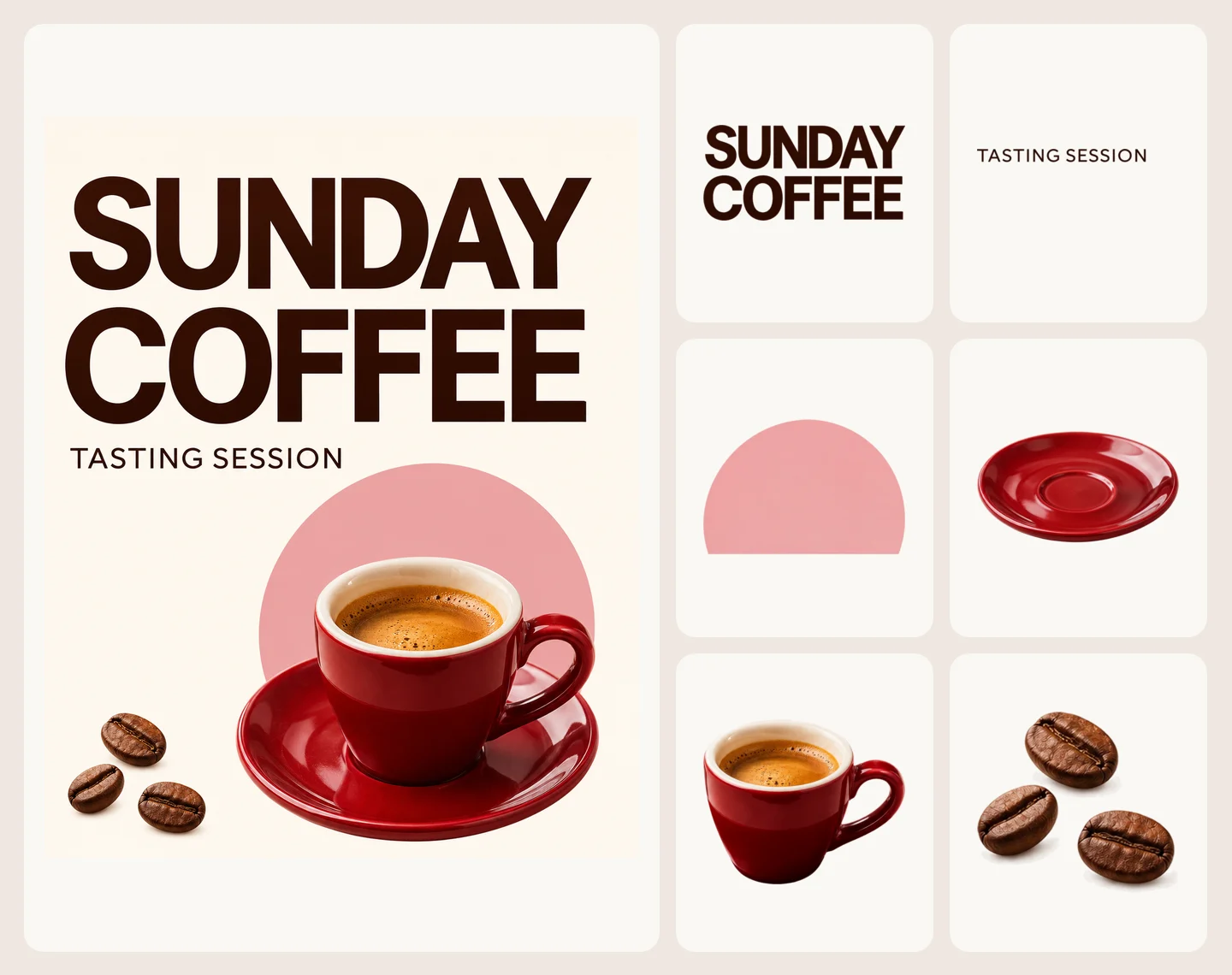
We left the prompt blank. Layerize returned a base image and separate PNGs for the headline, subtitle, pink shape, saucer, cup and coffee beans. The artwork on the left is the input. The tiles show all six returned layers.
Text recognition returned SUNDAY COFFEE and TASTING SESSION with their positions. The text layers are PNGs. Use the recognized words to set editable type again in your design tool.
Move the cup and saucer as separate pieces. The pink shape stops where the cup and saucer covered it, so check that edge if you move the ceramics.
Drag the divider to compare the finished poster with the base image Layerize returned.


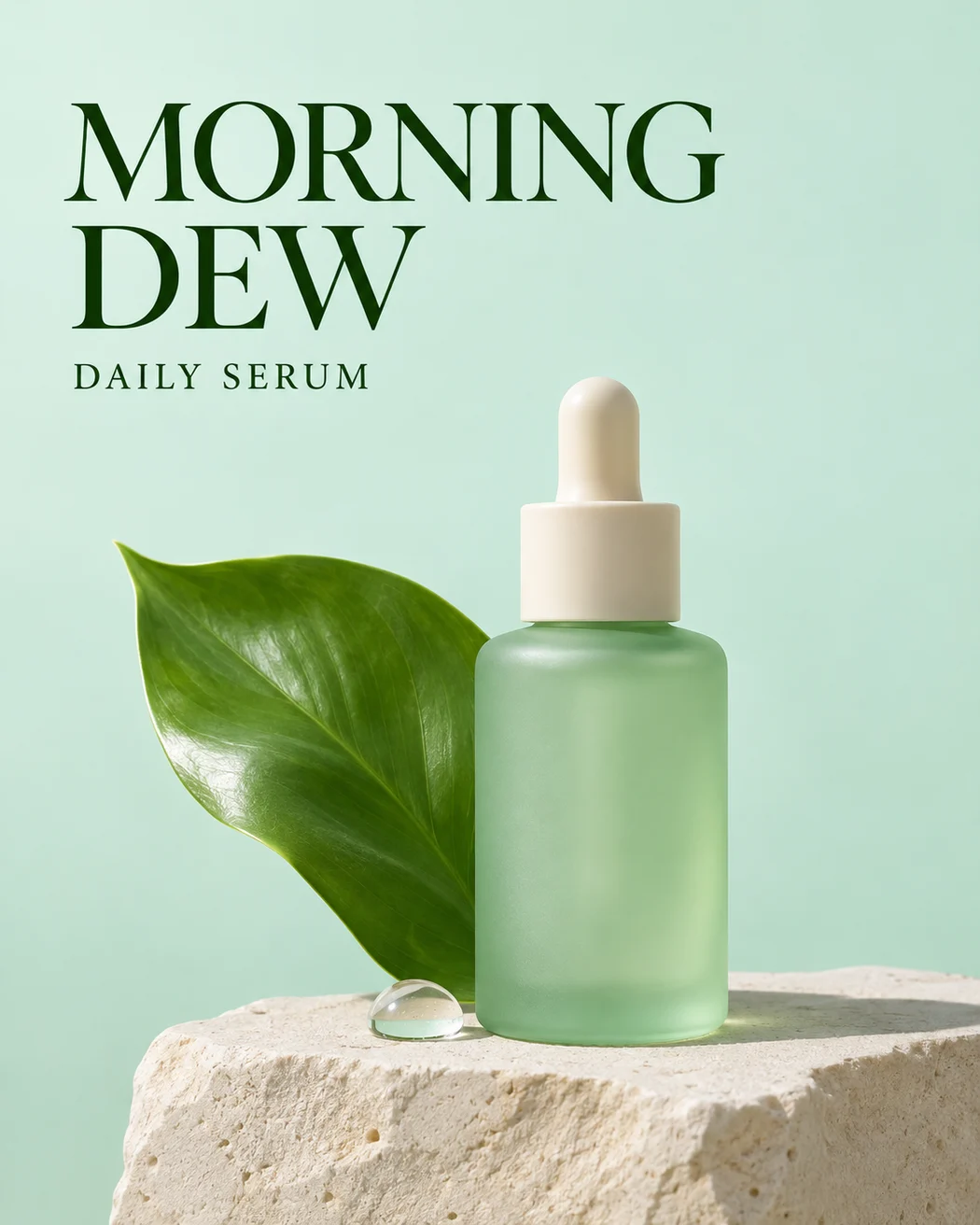
We asked for the bottle, leaf, limestone platform and text. Layerize returned those four PNG layers and a base image. The headline and subtitle came back together in one layer.
The leaf layer ends at the area covered by the bottle. Moving the bottle can expose that edge, so preview the pieces together before changing the layout.
Both runs used 1K, a maximum of 10 outputs and text recognition. The poster used 24 SceneFlare credits and the ad used 18, after unused credits were returned.
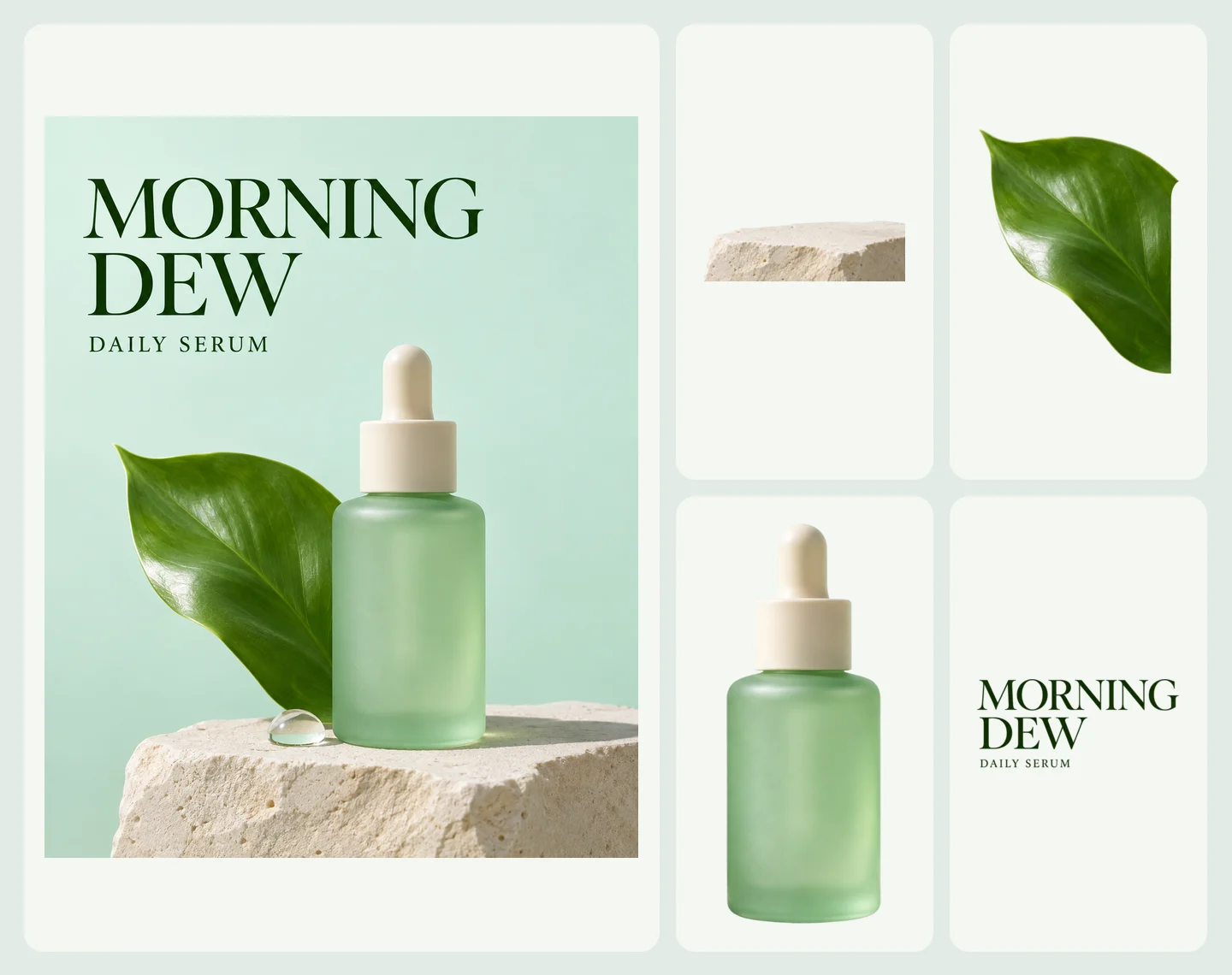
The base still shows the droplet and part of the platform. Inspect what remains on the base before rebuilding the ad.

Choose a single JPEG or PNG. For a first run, use a design with a clear background and distinct shapes.
Pick an output limit and turn on Text recognition if the design has a heading or label you want to recover. Sign in and check the maximum charge.
Download the layers and layer metadata. Place the PNGs using the bounding boxes and stacking order, then check any areas that were covered by other objects.
You receive a base image, transparent PNGs and JSON. Any previously hidden pixels are estimated, and the result contains neither the original layer history nor editable type.
Enable Text recognition for regular printed text. Handwriting and decorative lettering may not return OCR data. Check the recognized words before reusing them.
SceneFlare reserves for the maximum number of outputs. The final charge includes the input, the base image and each returned layer at its size tier. Unused credits are returned.