1K / 1.5K / 2K
Three resolutions at one rate.
Generate and edit 1K, 1.5K or 2K images with up to 10 references. Seedream 5.0 Flash brings ByteDance’s speed-focused image model to everyday creative work.
Preview

Explore other image models for generation and editing.
Generate and edit 1K, 1.5K or 2K images with up to 10 references. Seedream 5.0 Flash brings ByteDance’s speed-focused image model to everyday creative work.
Three resolutions at one rate.
Guide editing and composition.
One image per request.
Fast image generation and reference-guided editing
Describe your subject, lighting and composition, then change one part of the brief to compare ideas.
Assign each uploaded image a role: subject, palette, composition or material. Use up to 10 images together.
Name the region or object to change and specify which details should remain. Inspect the result against your source.
Select 1K, 1.5K or 2K and one of eight aspect ratios before generating. All three sizes use the same credit rate.
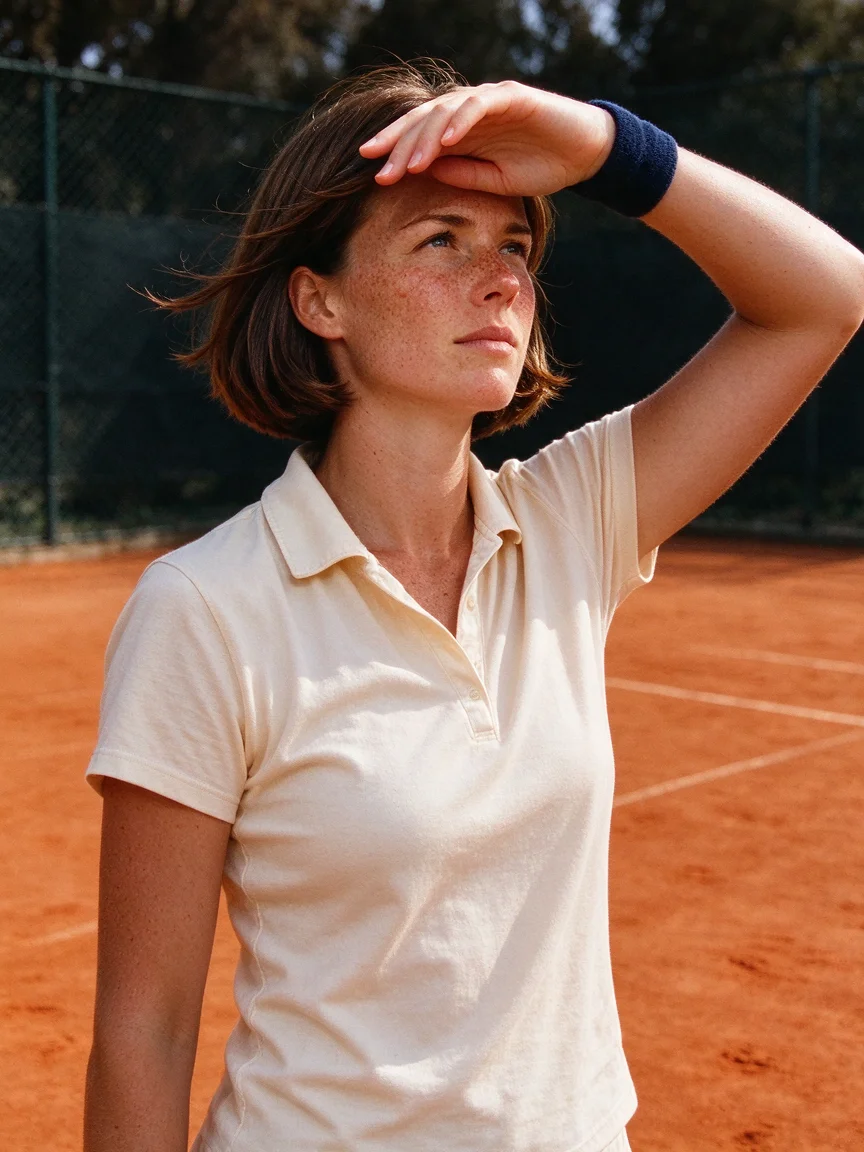
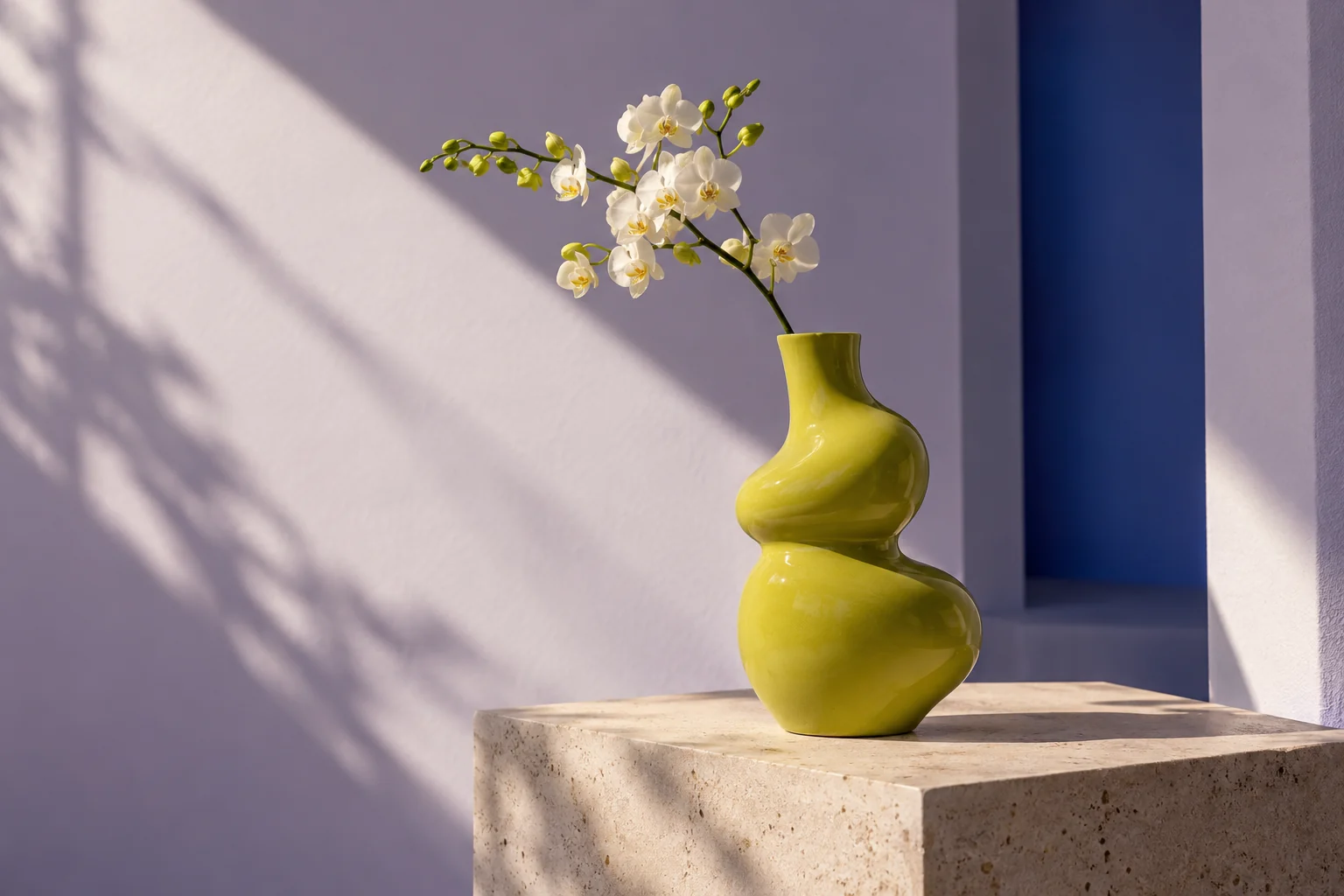
Describe the light direction, surface finish and camera distance to guide portraits, objects and illustrated scenes.
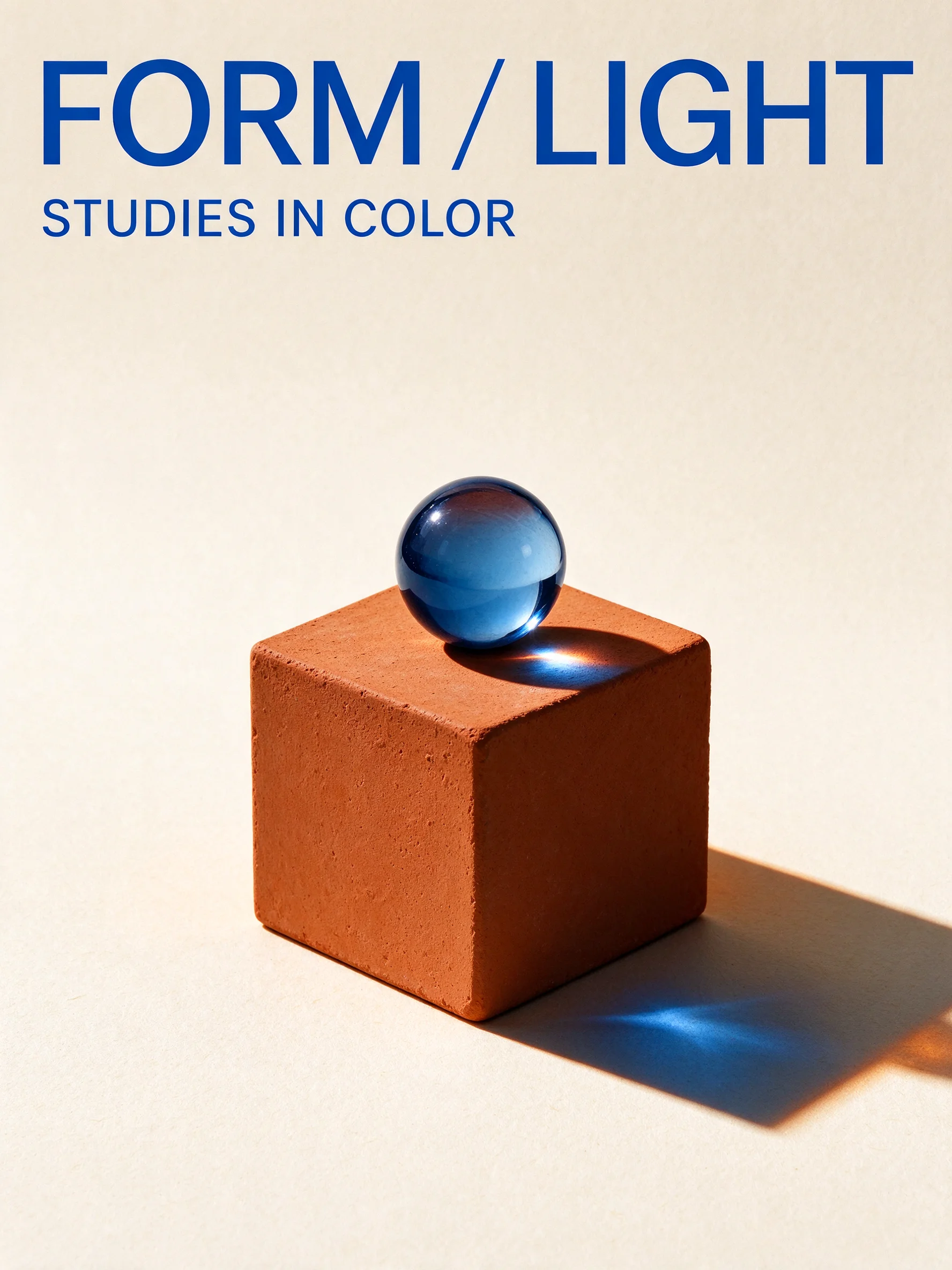
Put short headlines in quotation marks and describe their position. Check spelling and translations before publishing.
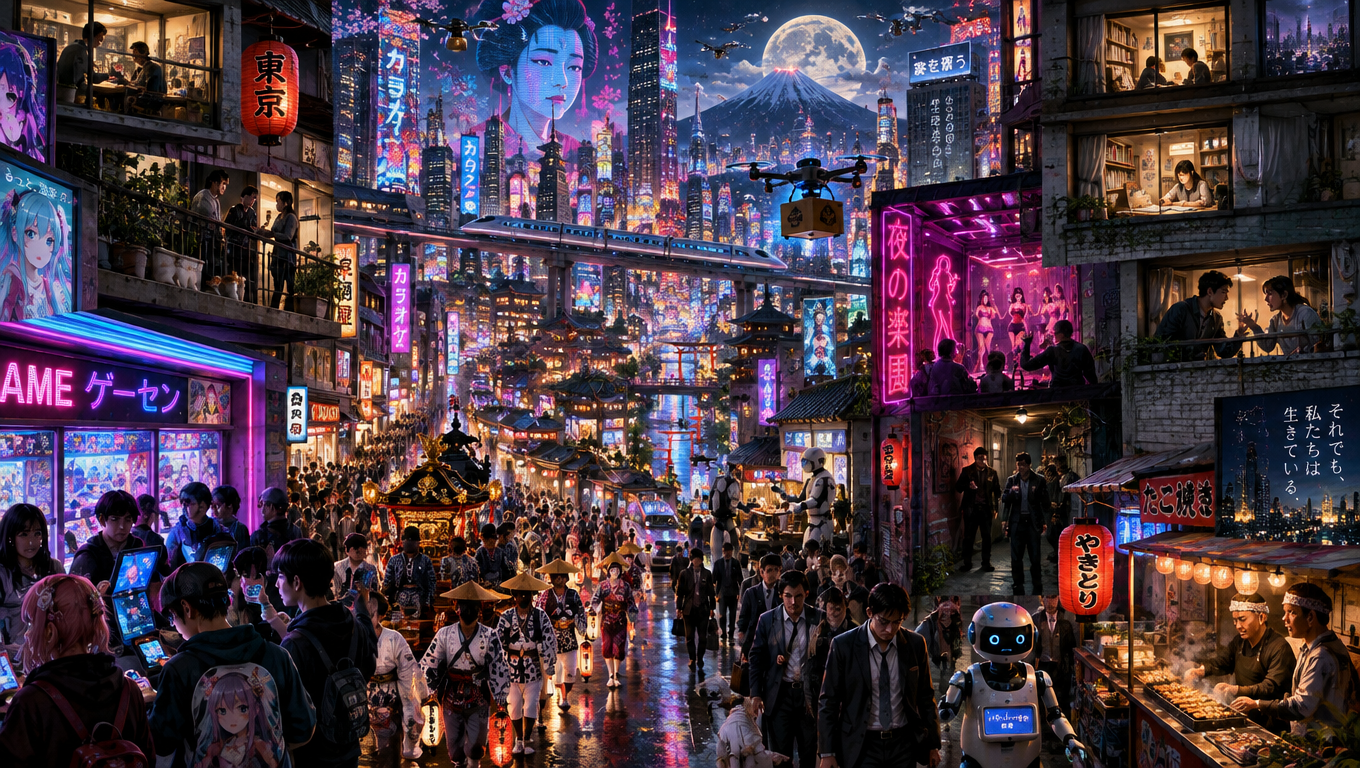
Build a coherent image from a specific brief. Start with the main subject and add only the visual details that matter.
Describe your subject, lighting and composition, then change one part of the brief to compare ideas.
Assign each uploaded image a role: subject, palette, composition or material. Use up to 10 images together.
Name the region or object to change and specify which details should remain. Inspect the result against your source.
Explore photographic or illustrated treatments, then tune texture, color and typography for the intended format.
Select 1K, 1.5K or 2K and one of eight aspect ratios before generating. All three sizes use the same credit rate.
Describe the light direction, surface finish and camera distance to guide portraits, objects and illustrated scenes.
Put short headlines in quotation marks and describe their position. Check spelling and translations before publishing.
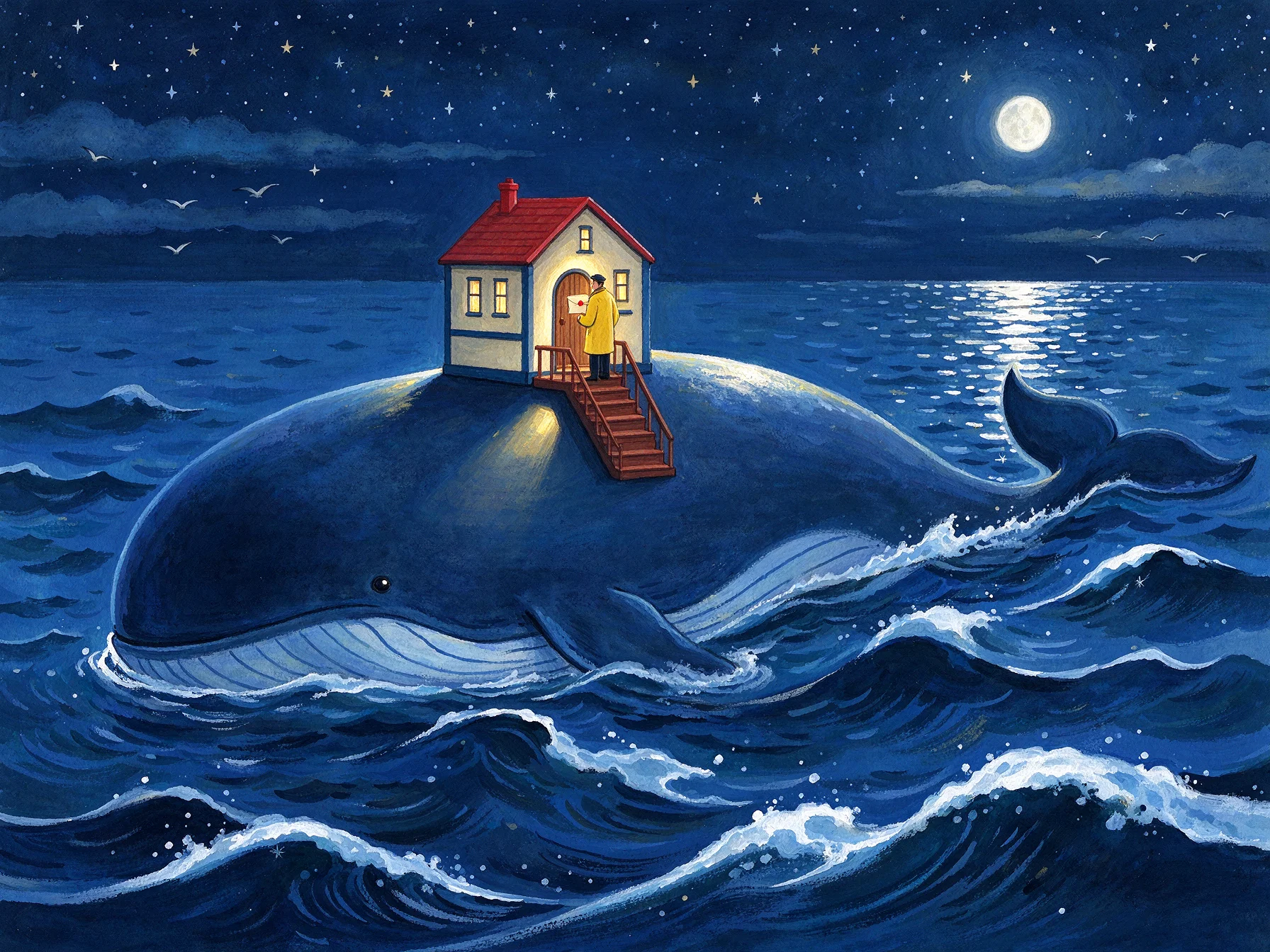
Choose text-to-image or upload references in image-to-image mode.
Write the subject, composition and requested changes. This generator accepts up to 3,000 characters.
Choose the ratio, resolution and format, check the displayed credits, then generate and download your image.
It is ByteDance’s speed-focused image generation and editing model. Use Flash for frequent creative iterations; compare Pro when evaluating a more quality-focused option.
Choose 1K, 1.5K or 2K, PNG or JPEG, and ratios 1:1, 4:3, 3:4, 16:9, 9:16, 2:3, 3:2 or 21:9. This model does not offer 4K.
Yes. Image-to-image accepts up to 10 JPEG, PNG or WebP references. Explain each reference’s role and what to preserve. Each request returns one image.
The current rate is 8 credits per image for all three resolutions, including reference-guided editing. Check the generator’s quote before submitting.
This generator produces a single flattened image. The separate Seedream Flash layer-decomposition model is not available in this page’s controls.
Flash is positioned for speed and cost efficiency. Actual waiting time depends on the request and provider load; there is no fixed completion-time guarantee.
Fast image generation and reference-guided editing