1
Use a clear photo of one person with the face and hair visible.
Try a new hairstyle on your own photo. Browse 20 styles in women’s and men’s categories, adjust hair color and compatible bangs, and generate without writing a prompt.
Style preview
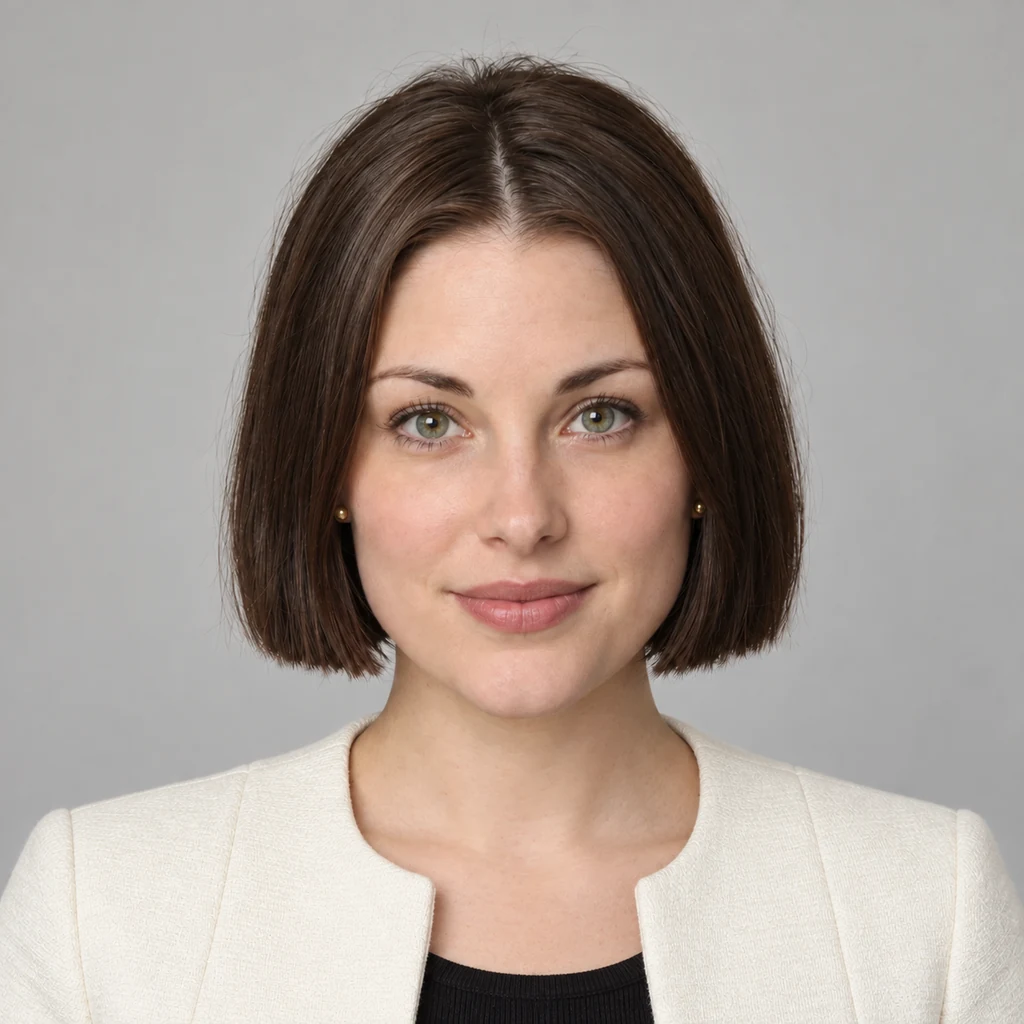
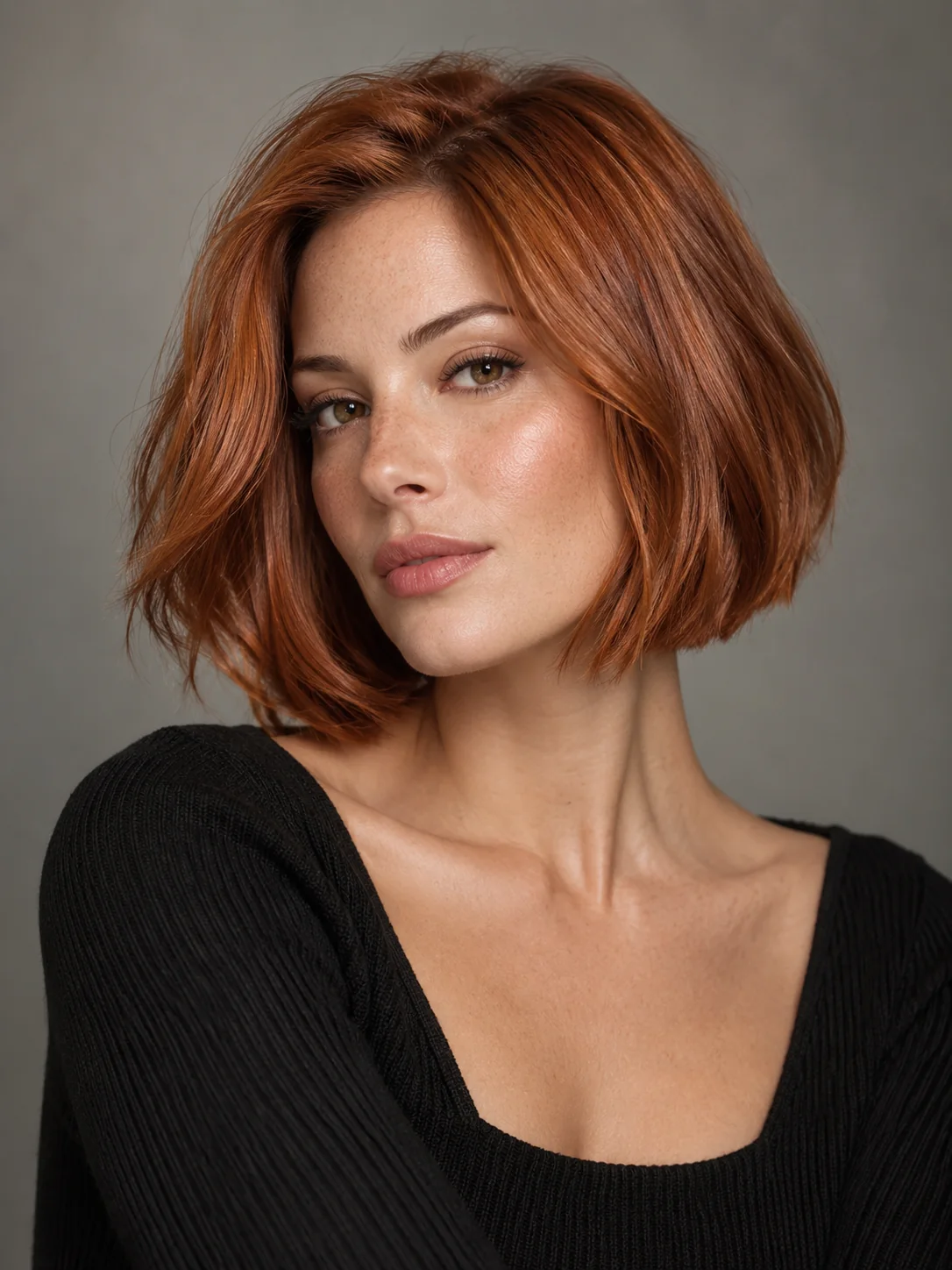
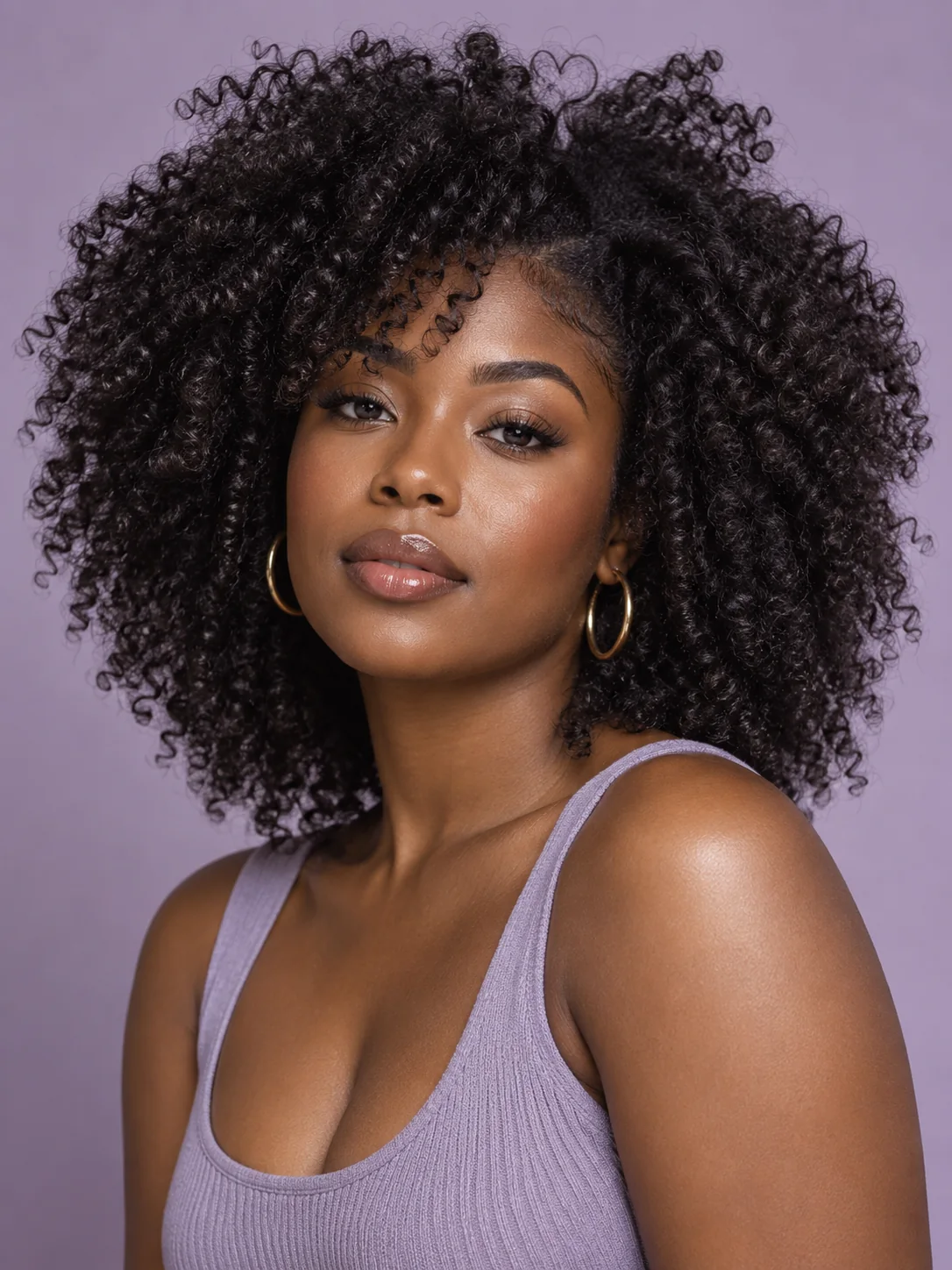
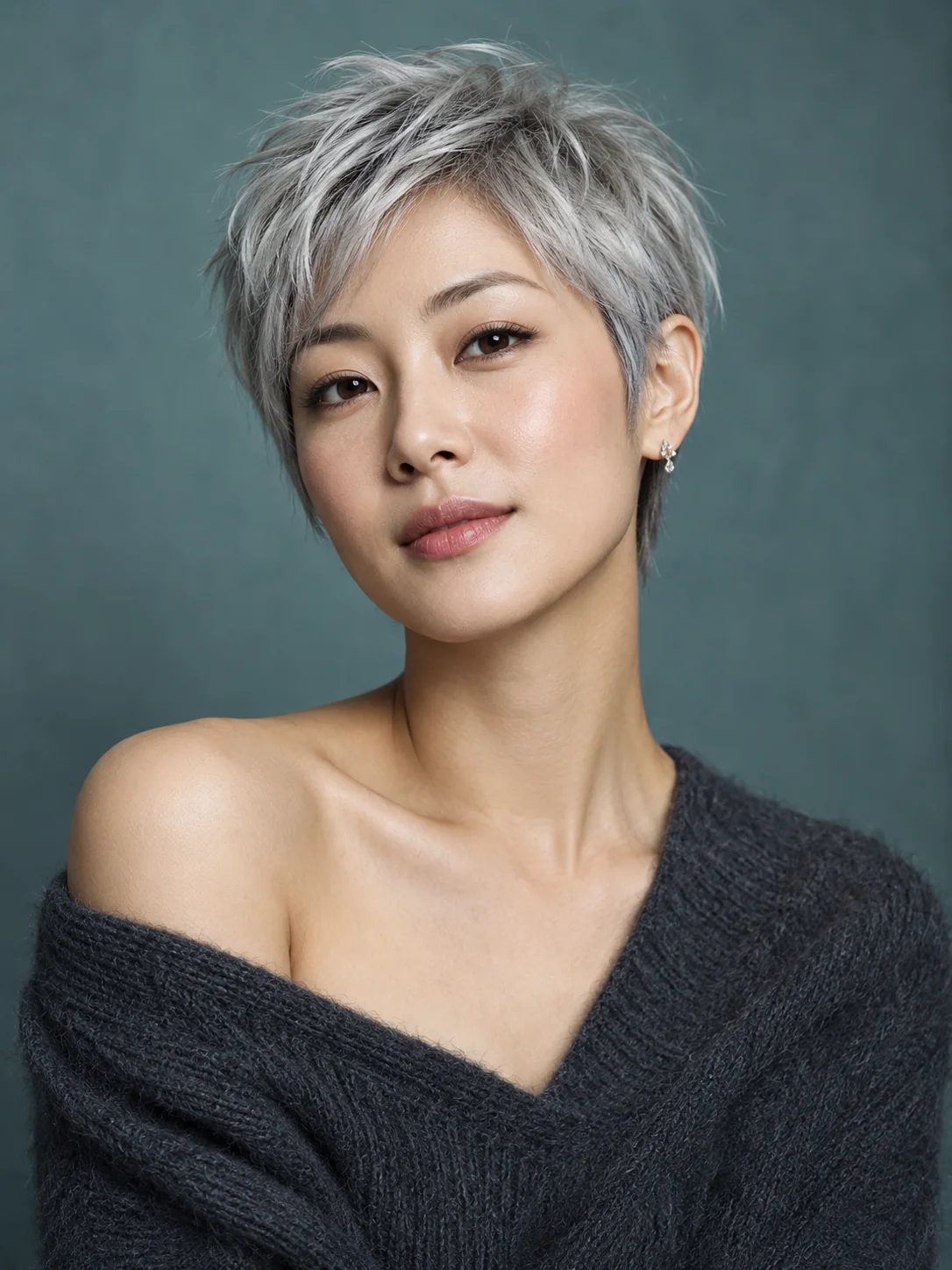
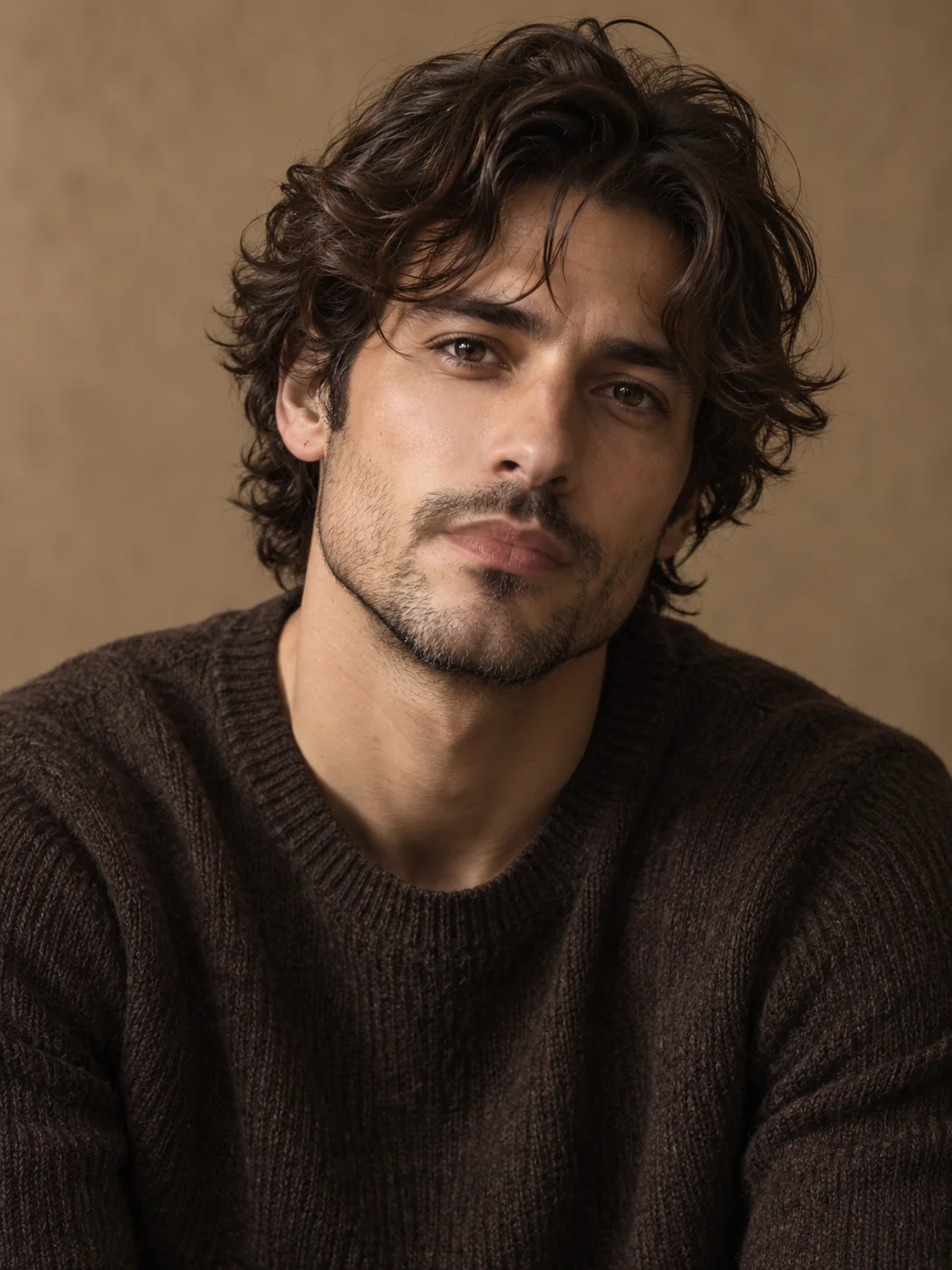
AI hairstyle illustrations, not results from this tool. Outfits and backgrounds are not applied.
Explore other image models for generation and editing.
Preview short, medium and long hairstyles on a photo of yourself. Use the result to explore a direction or discuss a cut with a stylist, not as a prediction of how your real hair will behave.
Use a clear photo of one person with the face and hair visible.
Choose from 10 women’s and 10 men’s styles, including bobs, layers, waves, curls, short cuts and braids. Categories help you browse; any style can be selected for your photo. Hair color is separate, and compatible styles also offer bangs.
Choose 1K or 2K output. Review the credit estimate before generating.
Choose from 10 women’s and 10 men’s styles, including bobs, layers, waves, curls, short cuts and braids. Categories help you browse; any style can be selected for your photo. Hair color is separate, and compatible styles also offer bangs.
Original hair color is the default. Choose a new color independently of the cut, so you can compare one change at a time.
The built-in instructions keep the face, expression, clothing and background while changing the hair. Review those details because generative edits can affect them.
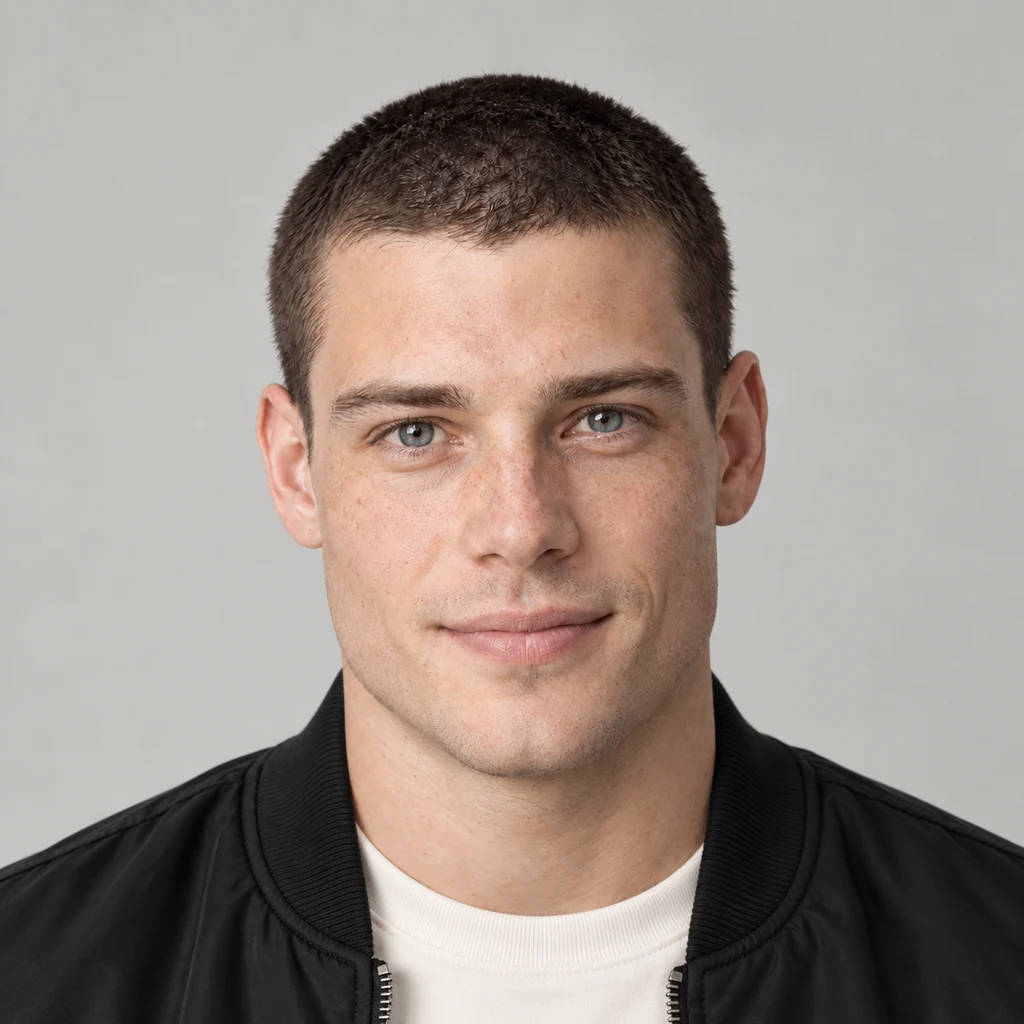
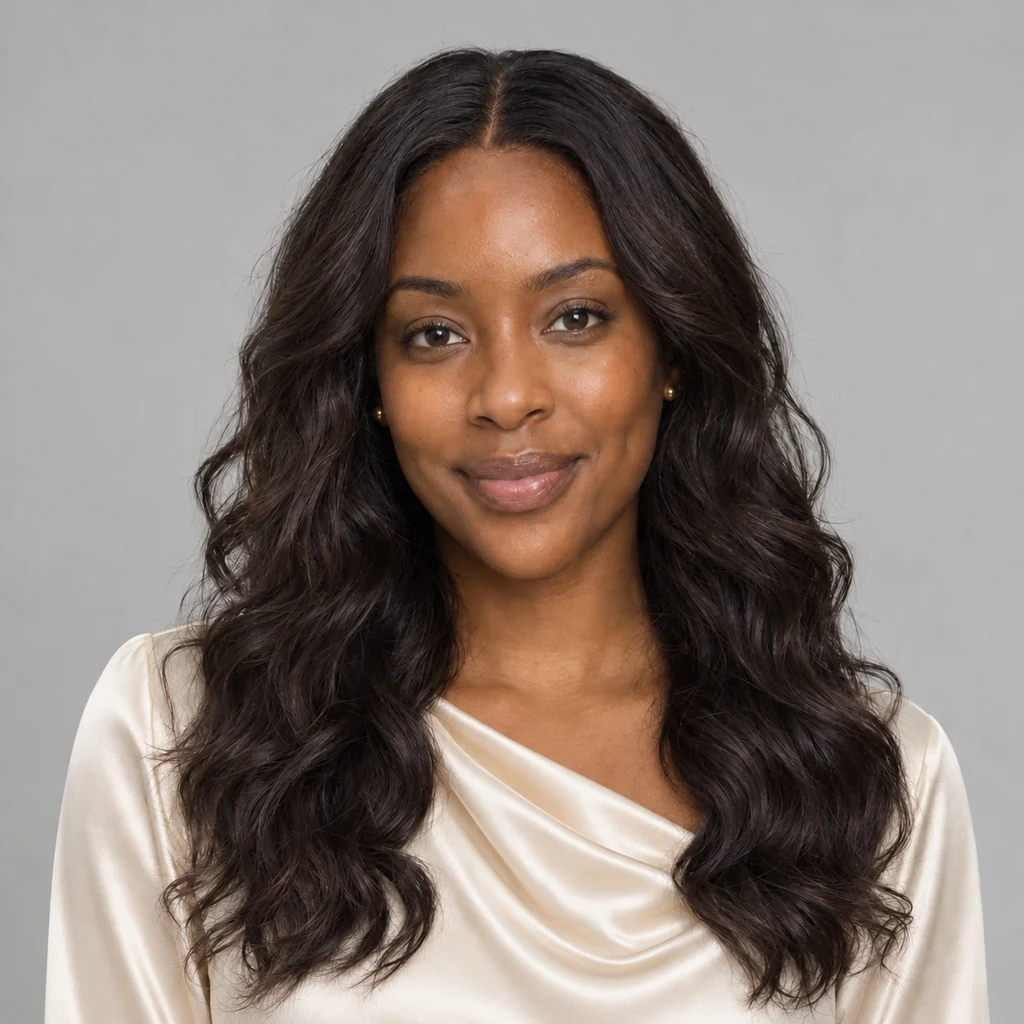
AI hairstyle illustrations, not results from this tool. Outfits and backgrounds are not applied.
Compare a pixie, short bob or side part on the same source photo. Check the hairline and edges around ears; these areas may need another attempt.
Check the forehead and transitions around ears. A short cut can expose areas hidden by the original hair.
Keep the original color while comparing short styles, then explore colors after choosing a cut.
Explore a long bob, layers, long straight hair, soft waves or natural curls. For a fair comparison, keep your source and hair color unchanged between runs.
Check both sides and the ends of long hair. Cropped source photos give the model less information.
Use the preview to explain length and texture. Your hair density and growth direction still affect what is achievable.
Choose a clear JPEG, PNG or WebP with the full face and hair visible. Avoid hats, heavy filters and hair covering most of the face.
Choose a hairstyle, hair color and, where supported, bangs. Browse all styles by category. Optional preferences can stay empty. Check the ratio, resolution and credits.
Sign in and generate one preview. Compare with the original, download it, or try another style. Each new generation uses credits.
The instructions request hair-only changes, but facial details can still shift. Compare the result with your original before using it.
No. Choose a hairstyle and generate. You can add an optional detail about length or bangs. The input starts empty and resets on refresh.
Generation requires sign-in and SceneFlare credits. Review the current estimate on the button before submitting; each new style generation uses credits.
This is an AI visual preview. Hair density, texture, growth and styling affect a real cut. Discuss feasibility with a stylist; the image is not a guaranteed salon result.
The template guides the cut, length and texture. The result is adapted to your photo, so the exact outline and details may differ. Hair color stays unchanged by default unless you choose another color. The tool aims to preserve your clothing and background; it does not apply the outfit or setting shown in the example. Bangs and additional preferences can also change the selected look.
Upload a photo, choose a cut and see a new direction for your look.
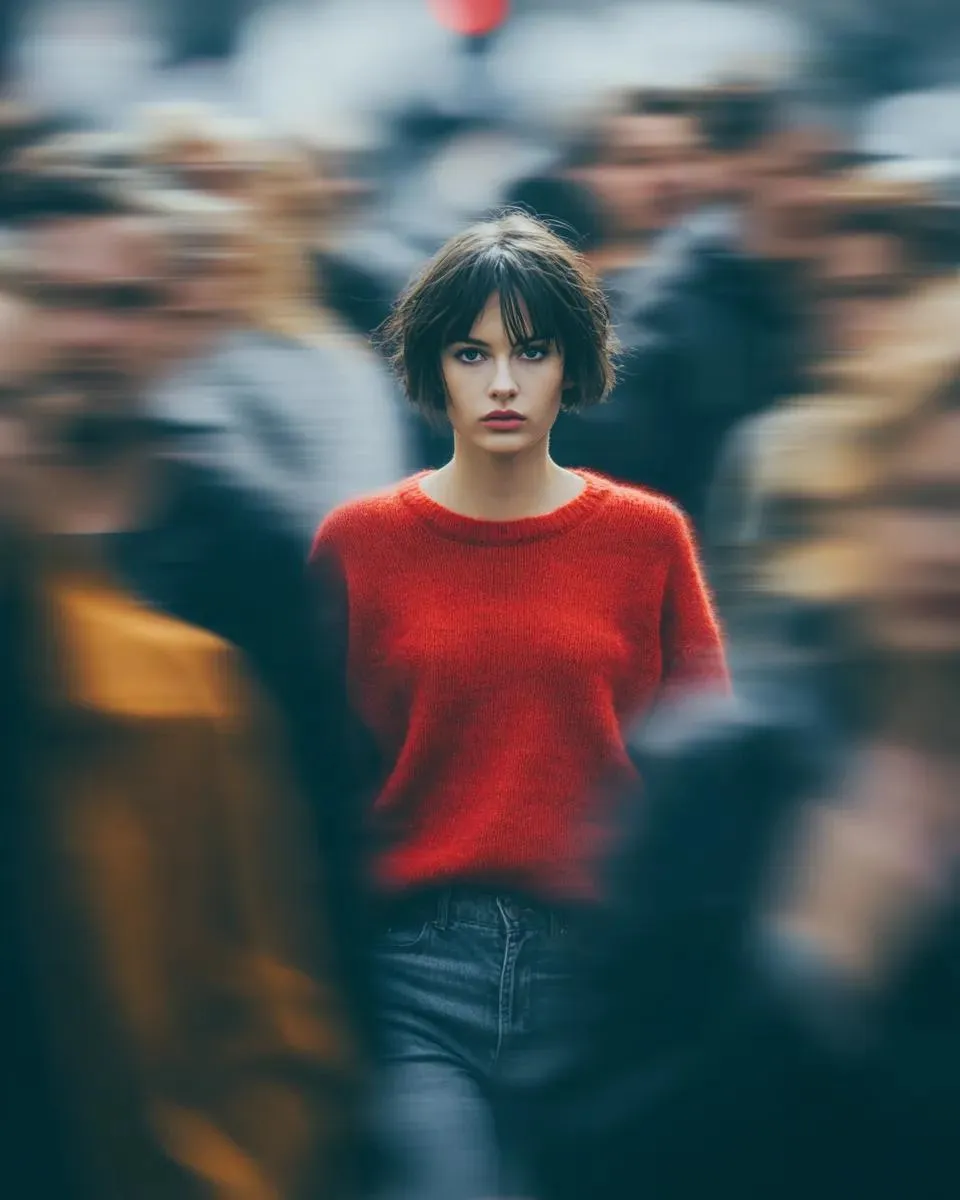
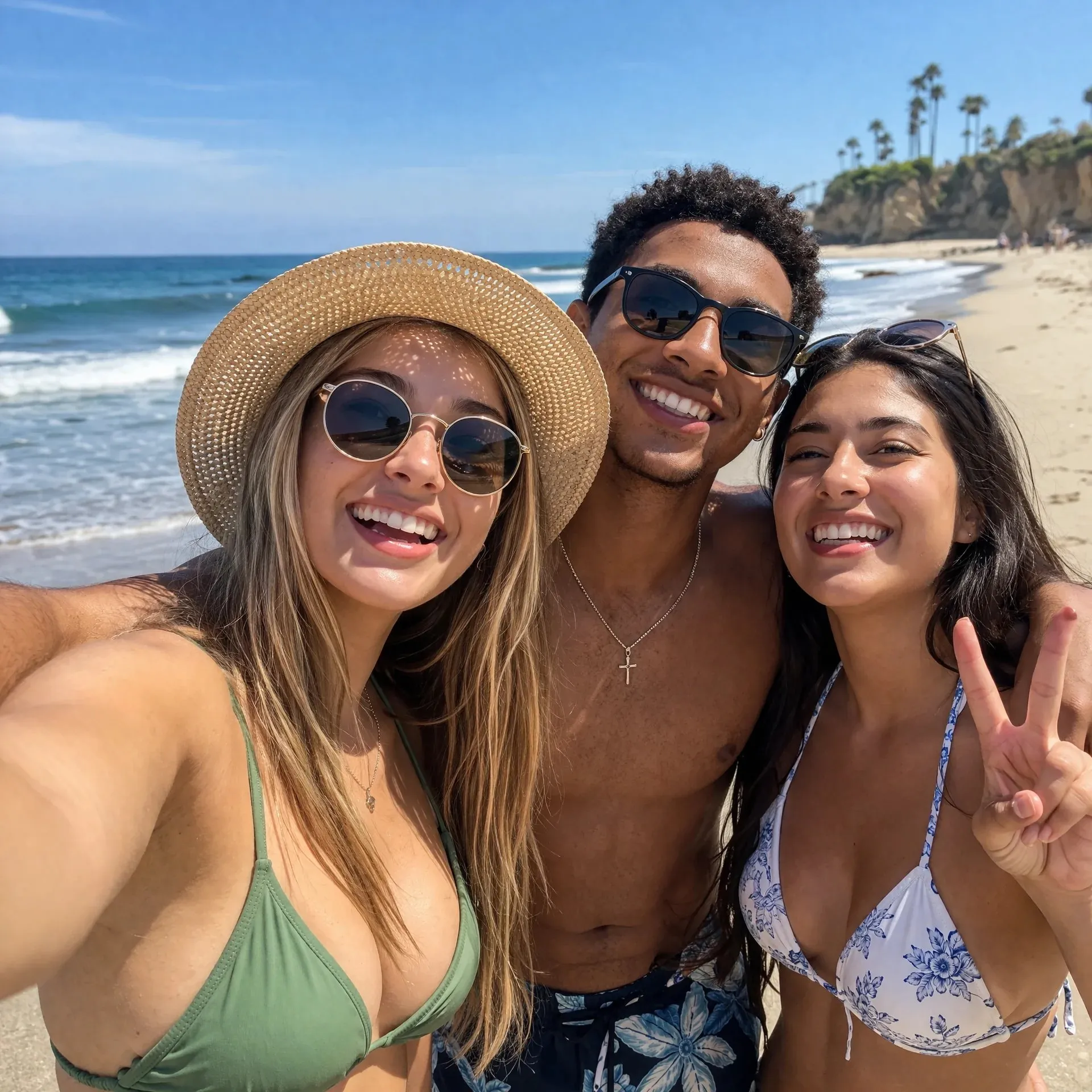
AI-generated creative concepts, not tested outputs from the featured model or tool.