Image tool collection
Use one image directory to reach AI image generation, image editing, background removal, and image upscaling pages.
Use text-to-image, image-to-image, AI image editing, background removal, and image upscaling tools in SceneFlare to create product images, ads, posters, thumbnails, and social media visuals.
Preview
Continue with image generation, image-to-image, AI image editing, background removal, and image upscaling tools.
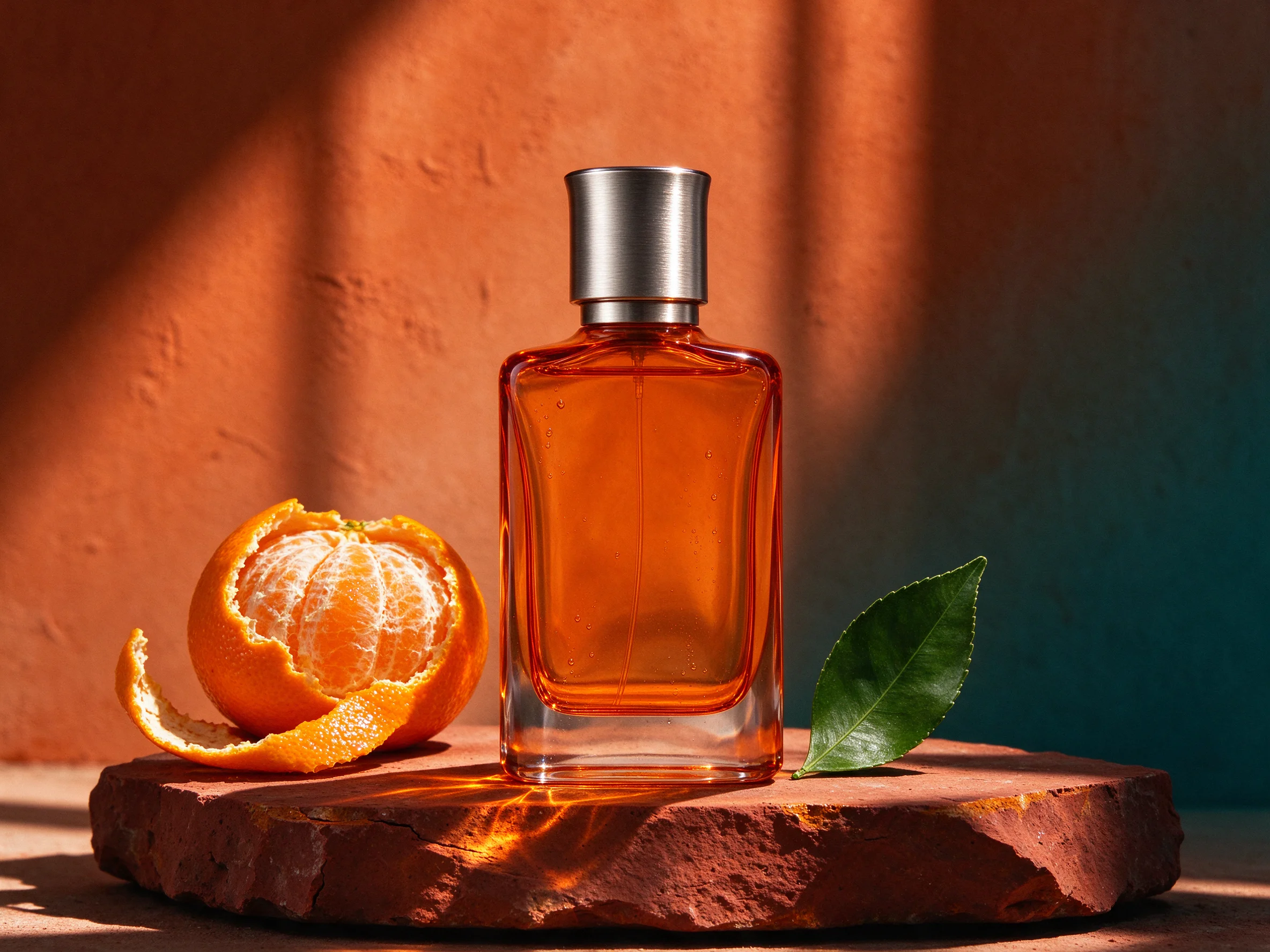
Open Seedream 5.0 Flash in SceneFlare.
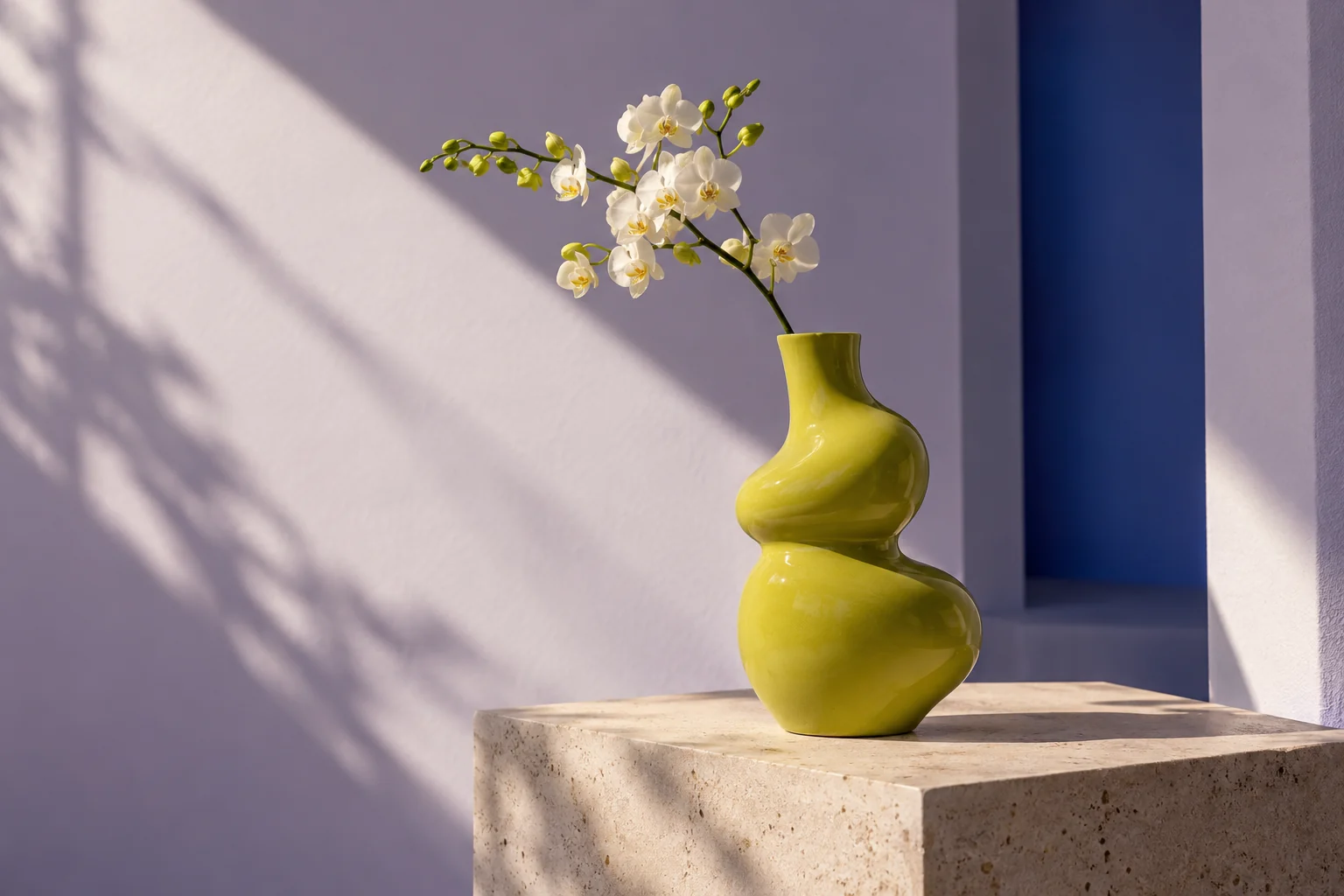
Open Nano Banana 2.1 in SceneFlare.
Open GPT Image 2.5 in SceneFlare.
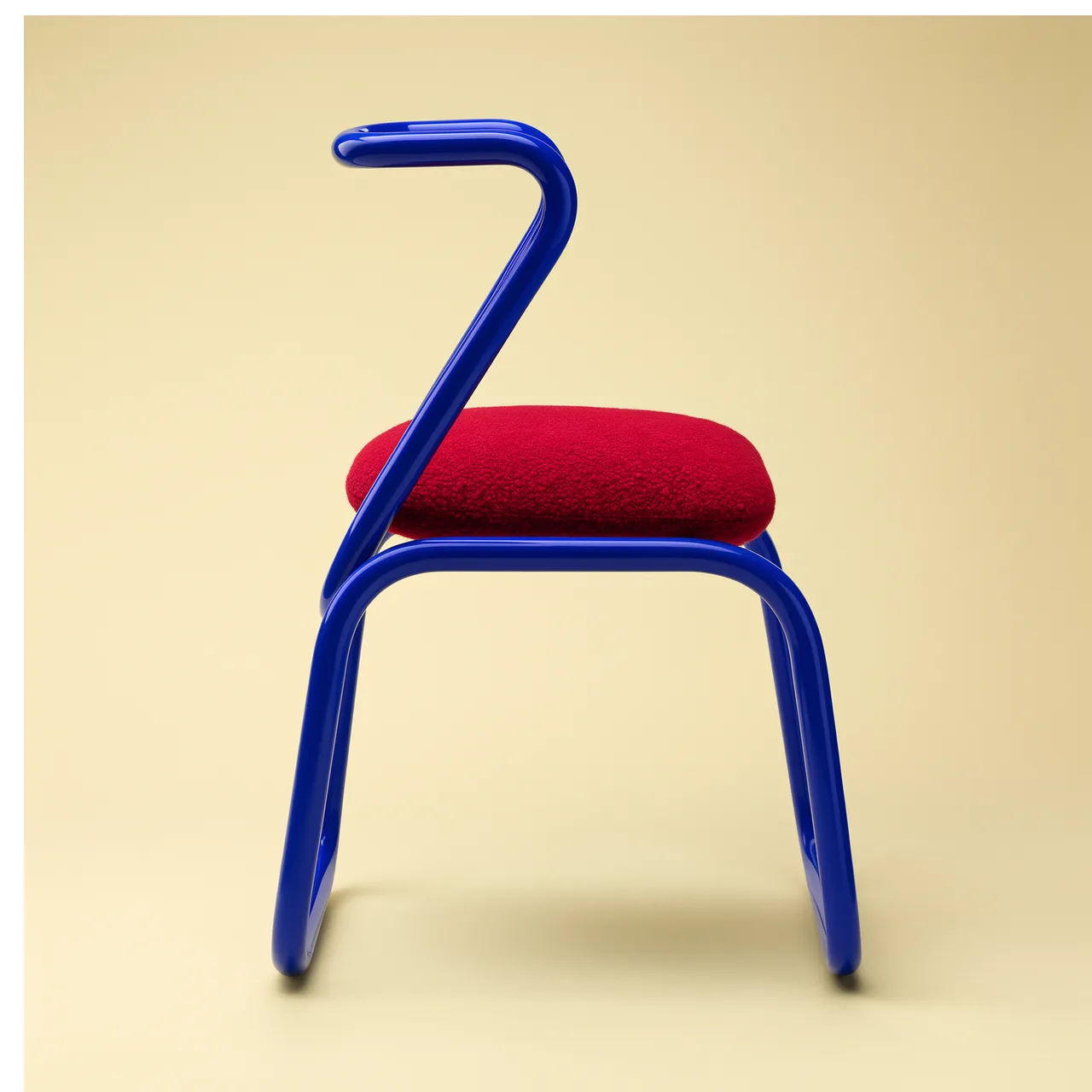
Open FLUX 3 Image in SceneFlare.
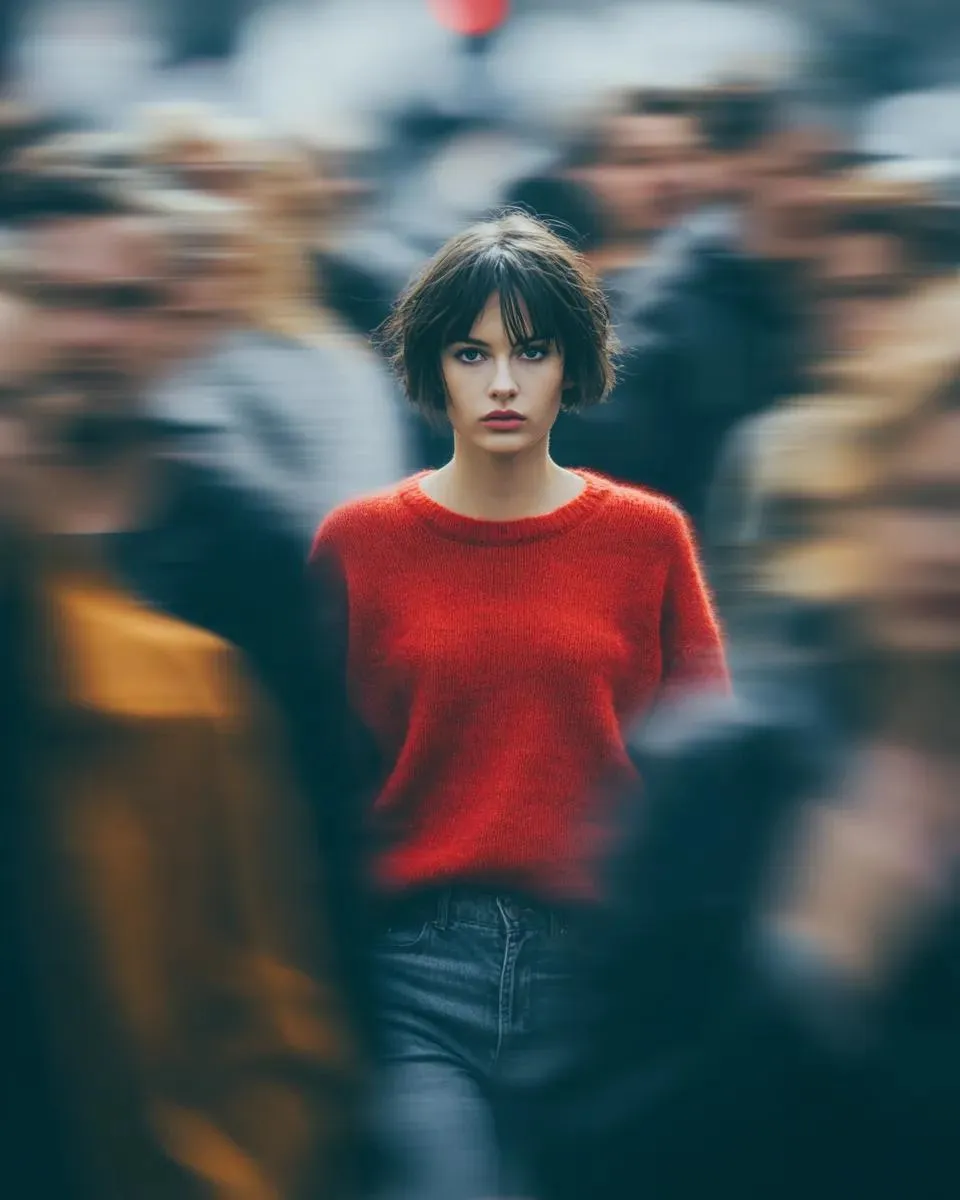
Open Seedream 5.0 Pro in SceneFlare.
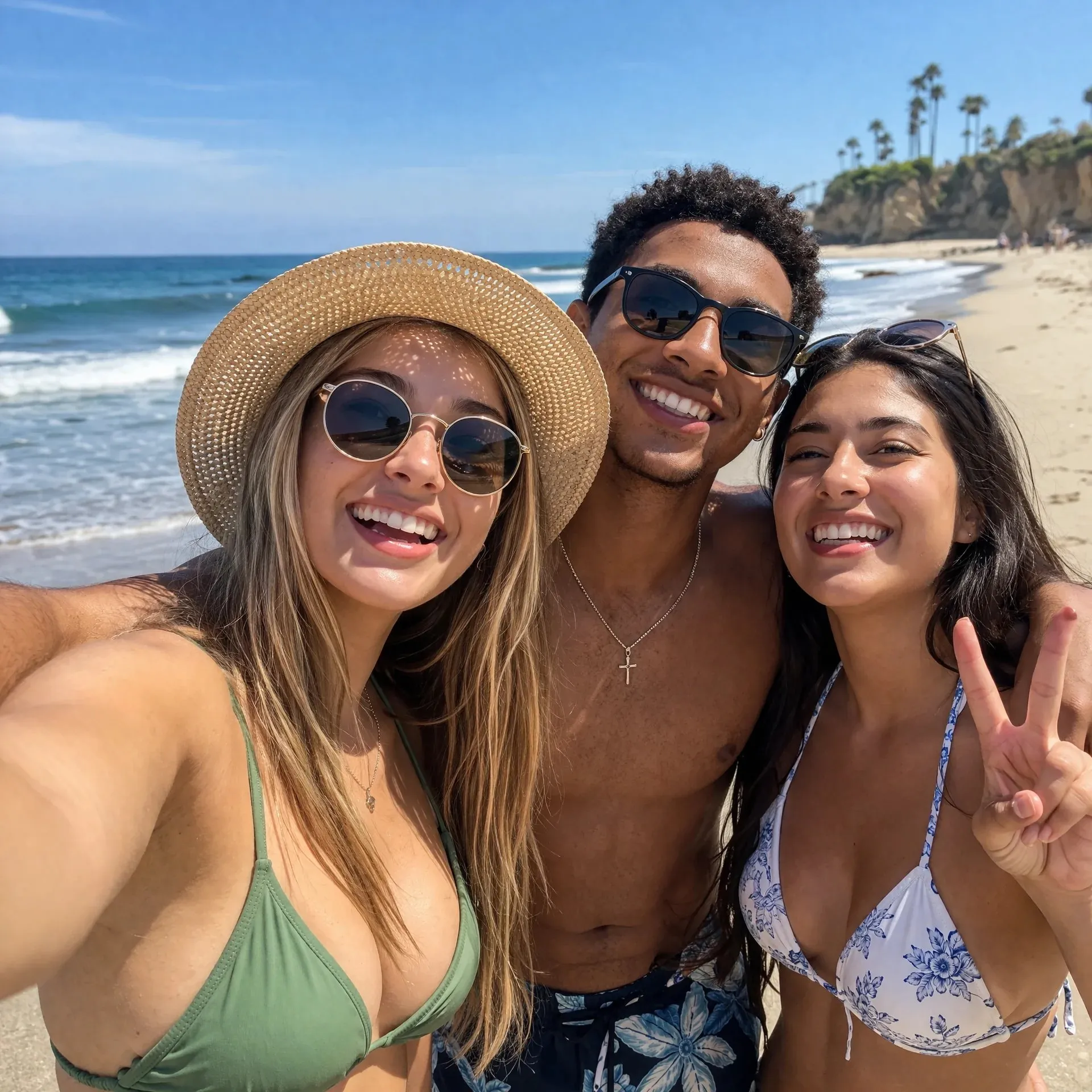
Open GPT image 2 in SceneFlare.
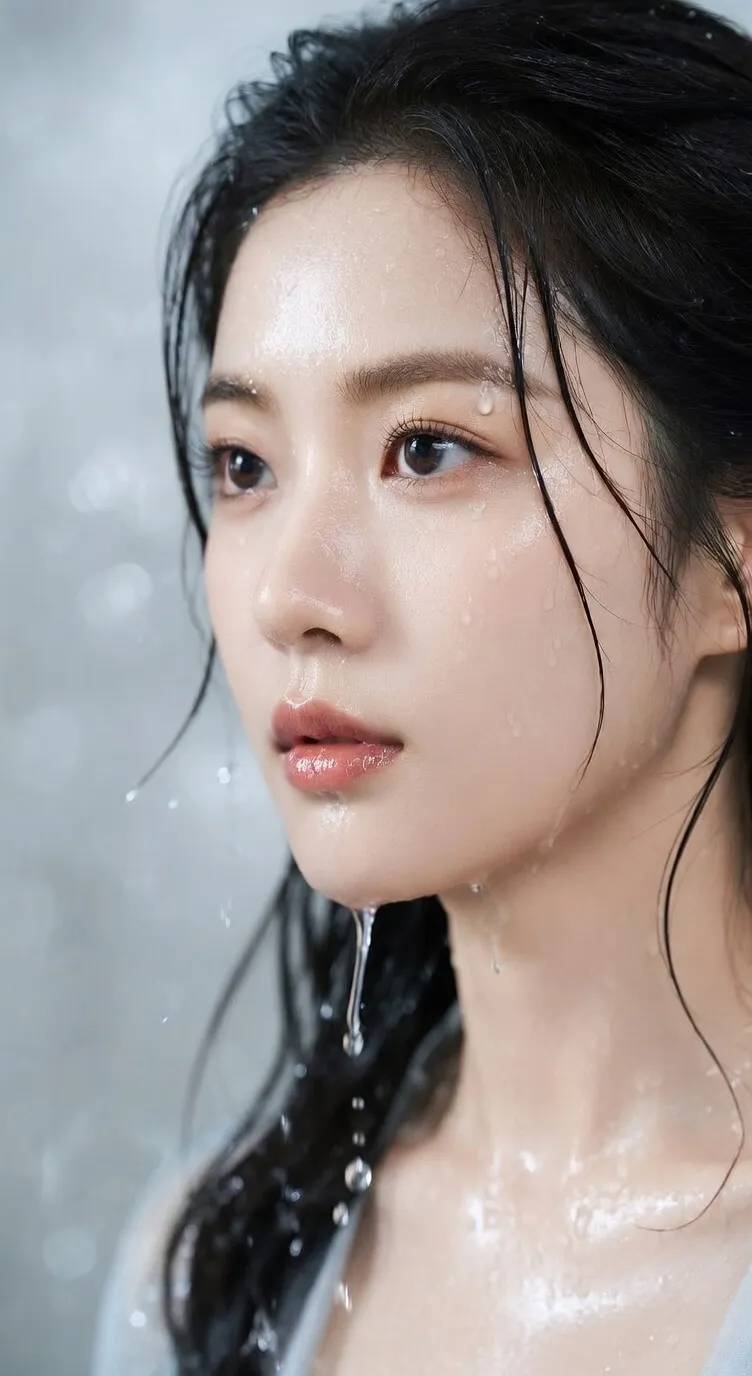
Open Seedream 5 Lite in SceneFlare.
The SceneFlare image pages bring together text-to-image, image-to-image, AI image editing, background removal, and image upscaling. Start from a prompt, or upload product photos, portraits, screenshots, or sketches as references to create product visuals, ad concepts, posters, thumbnails, social media images, and content graphics.
Use one image directory to reach AI image generation, image editing, background removal, and image upscaling pages.
Describe the image in text, or upload an image to guide subject, composition, style, product shape, and editing direction.
Create visuals for product presentation, ad campaigns, social publishing, content covers, and continued editing.
This directory groups the core AI image tools: generate from text, edit uploaded images, change backgrounds, improve clarity, and prepare assets for publishing.
Turn natural-language prompts into product scenes, ad concepts, character ideas, illustrations, posters, thumbnails, covers, and early visual drafts.
Upload product photos, portraits, sketches, screenshots, or brand references to guide subject, composition, color, material, and overall style.
Use SceneFlare to adjust existing images with text instructions, including backgrounds, local details, product presentation, style direction, and visual consistency.
Use the background remover for transparent or clean-background assets, then use Image Upscaler to improve clarity for low-resolution images, screenshots, and thumbnails.
Pick a model page based on prompt following, reference-image support, text rendering, speed, cost, and output style for the current image task.
Before downloading or publishing, review text, logos, product details, likeness, brand rules, copyrighted references, and marketing claims.
From prompt-based creation and reference-image editing to asset enhancement, SceneFlare turns ideas, product photos, and design references into image versions that are easier to publish.
Start with a short brief and quickly create product images, ad concepts, campaign posters, social covers, thumbnails, and concept visuals.
Say whether you need a product scene, ad creative, poster, cover, social post, infographic, or concept image.
Specify subject, audience, channel, composition, lighting, style, aspect ratio, text, and constraints.
Compare several candidates and continue with the version that has the clearest subject, stable layout, and best fit for the publishing surface.
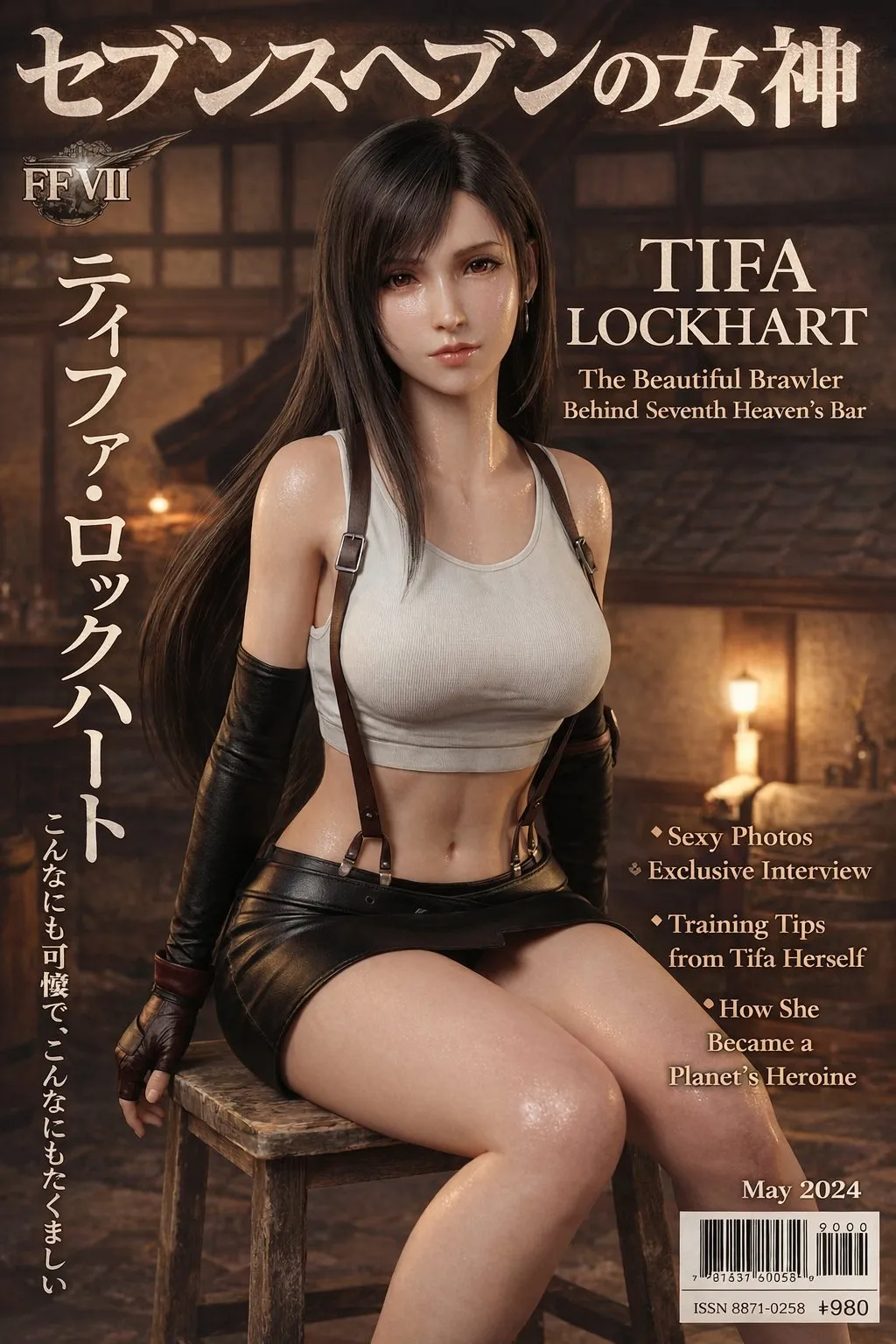
Upload product photos, portraits, brand assets, screenshots, sketches, or layout references, then explain what should stay and what should change.
Keep the product, person, logo, material, color system, layout, or brand style recognizable.
Describe whether to change the background, adjust style, relight the image, extend the canvas, replace local elements, or improve product presentation.
Use the result to adjust crop, background, clarity, color, text, and visual hierarchy.
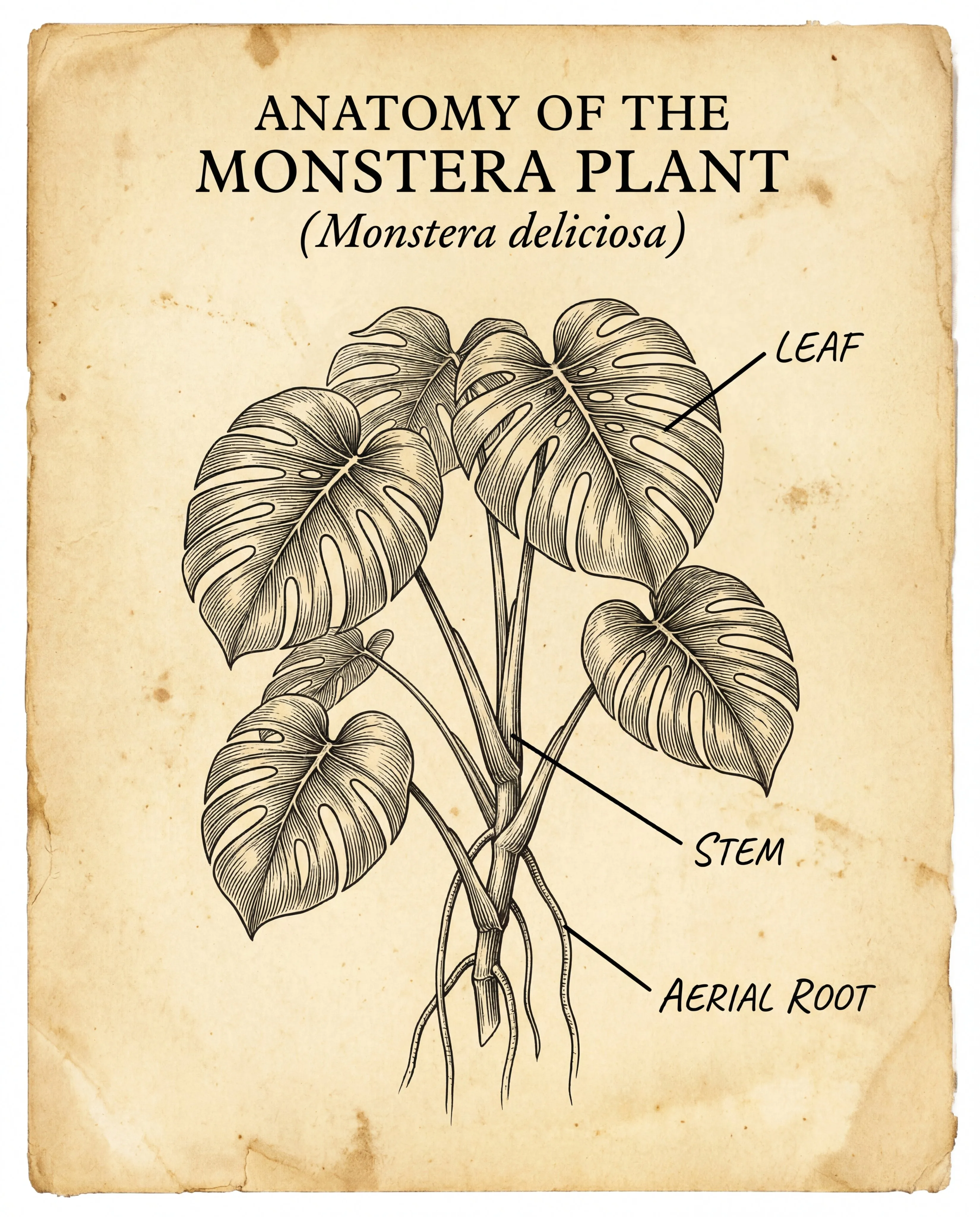
Create review-ready images for product pages, ads, social feeds, landing pages, blog posts, presentations, and localized campaigns.
Prepare square, vertical, horizontal, cover, poster, banner, or thumbnail versions based on the real publishing channel.
Use text-to-image for new visuals, image-to-image to preserve subjects, and background removal or image upscaling when assets need cleanup.
Before public use, check text, logos, product details, likeness, trademarks, copyrighted references, and platform rules.
Decide whether you need to generate from text, edit with a reference image, refine an existing image, remove a background, or upscale for clearer detail.
Write the image purpose, subject, scene, style, ratio, and constraints. If product, person, or layout consistency matters, upload a reference image.
After generation, review details, text, brand consistency, and rights risk, then download the image or continue with another image tool.
SceneFlare permits commercial use of generated images under the applicable plan and model terms. You remain responsible for input rights and third-party rights, including likeness, trademarks, copyrighted references, claims, and publishing-channel rules; SceneFlare does not obtain or clear those rights for you.
Text-to-image generates pictures from prompts. Image-to-image uses an uploaded reference image, which is better when you need to preserve a product, person, composition, style, or brand direction while creating a new version.
The image directory includes AI image generation models, image-to-image, SceneFlare, Background Remover, and Image Upscaler. Choose a page based on whether you need generation, editing, background removal, or clarity enhancement.
If prompt following and image quality matter most, start with the main image generation models. If you need to preserve a source subject or make targeted changes, choose a page that supports reference images or image editing.
SceneFlare permits commercial use of generated images under the applicable plan and model terms. You remain responsible for input rights and third-party rights, including likeness, trademarks, copyrighted references, claims, and publishing-channel rules; SceneFlare does not obtain or clear those rights for you.
Generate, edit, remove backgrounds, upscale, and download.