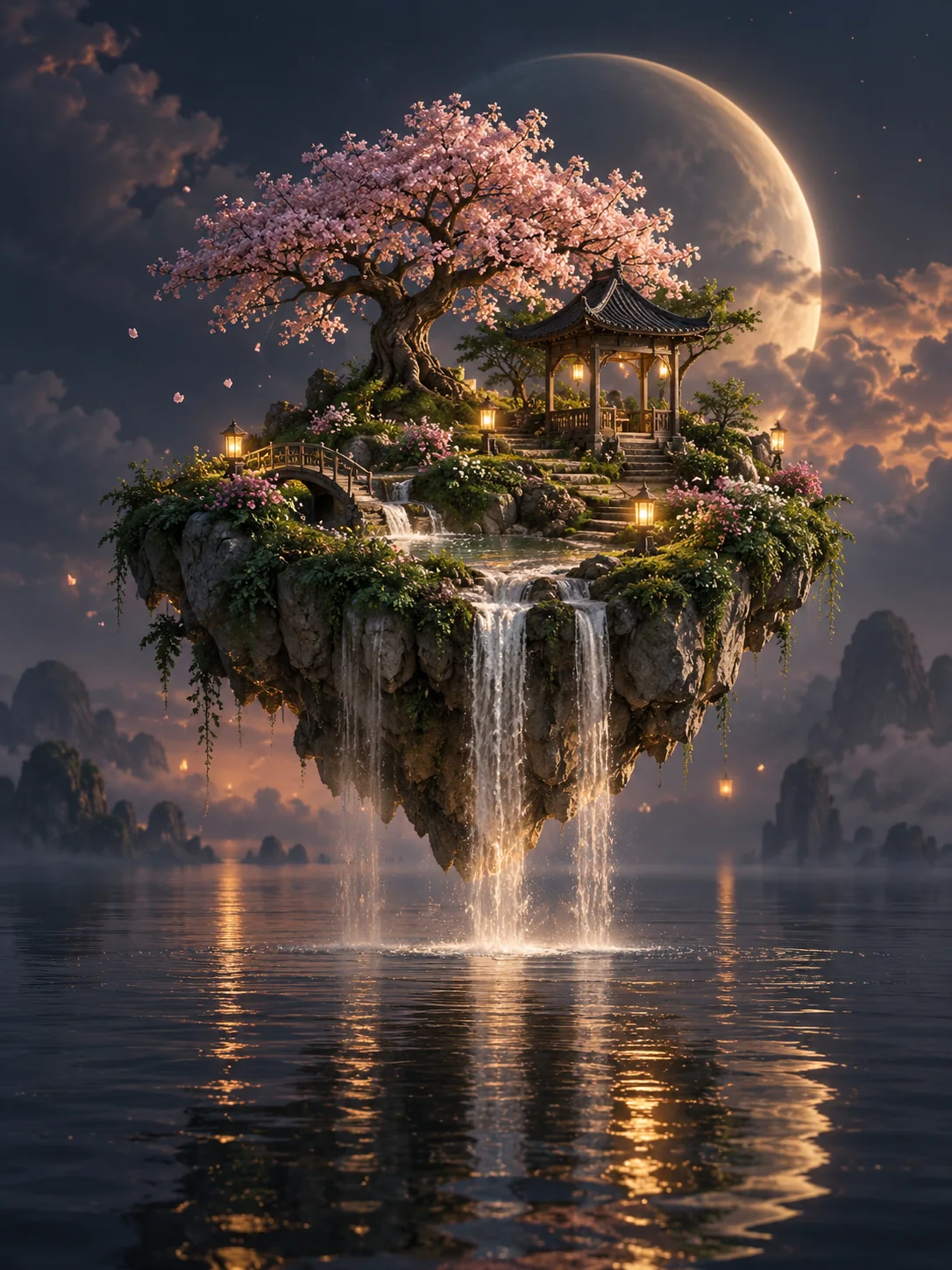
Create AI Images and Videos—Your Way
SceneFlare brings multiple AI image and video models together with reference image workflows, creative effects, and editing tools. Start with a task or choose a specific model, then review the expected credits before generating.
Start with a Task or Model, Then Keep Creating
SceneFlare provides clear entry points for tasks, models, and creative effects. New users can start quickly, while experienced creators can choose a specific model directly.
SceneFlare vs. Using Separate Model Sites
Model providers offer direct access to their full capabilities, but working across models often means managing separate accounts, balances, and histories. SceneFlare keeps model choice clear while bringing image, video, creative effects, and editing tools into one platform.
| Capability | Separate model sites | SceneFlare |
|---|---|---|
| Image and video models from different providers | ||
| One account, credit balance, and creation history | ||
| Prompt and reference inputs where supported | ||
| Model-specific controls and input limits | ||
| Creative effects and editing tools | ||
| Start by task or by model |
Create Multiple Visual Options from One Brief
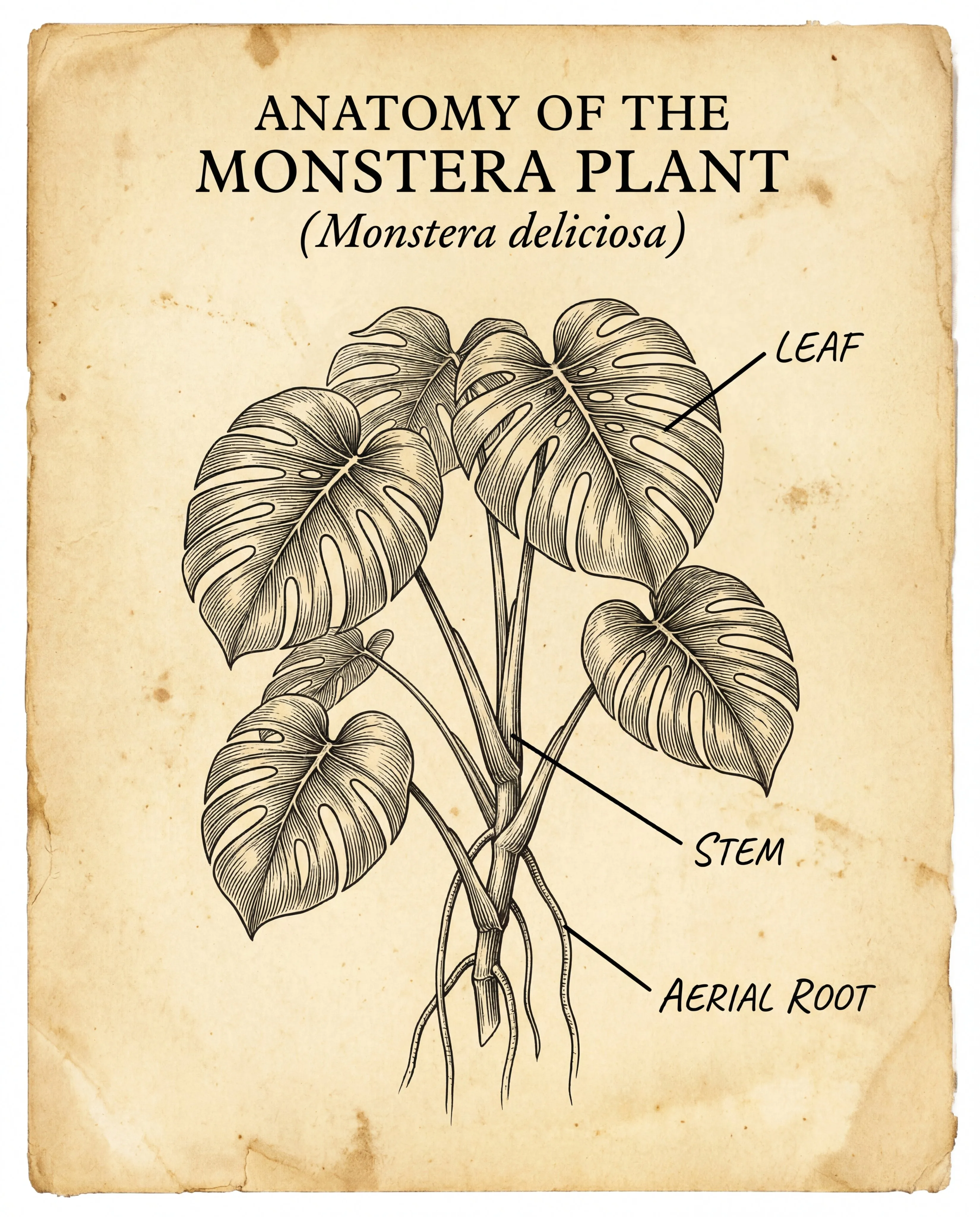
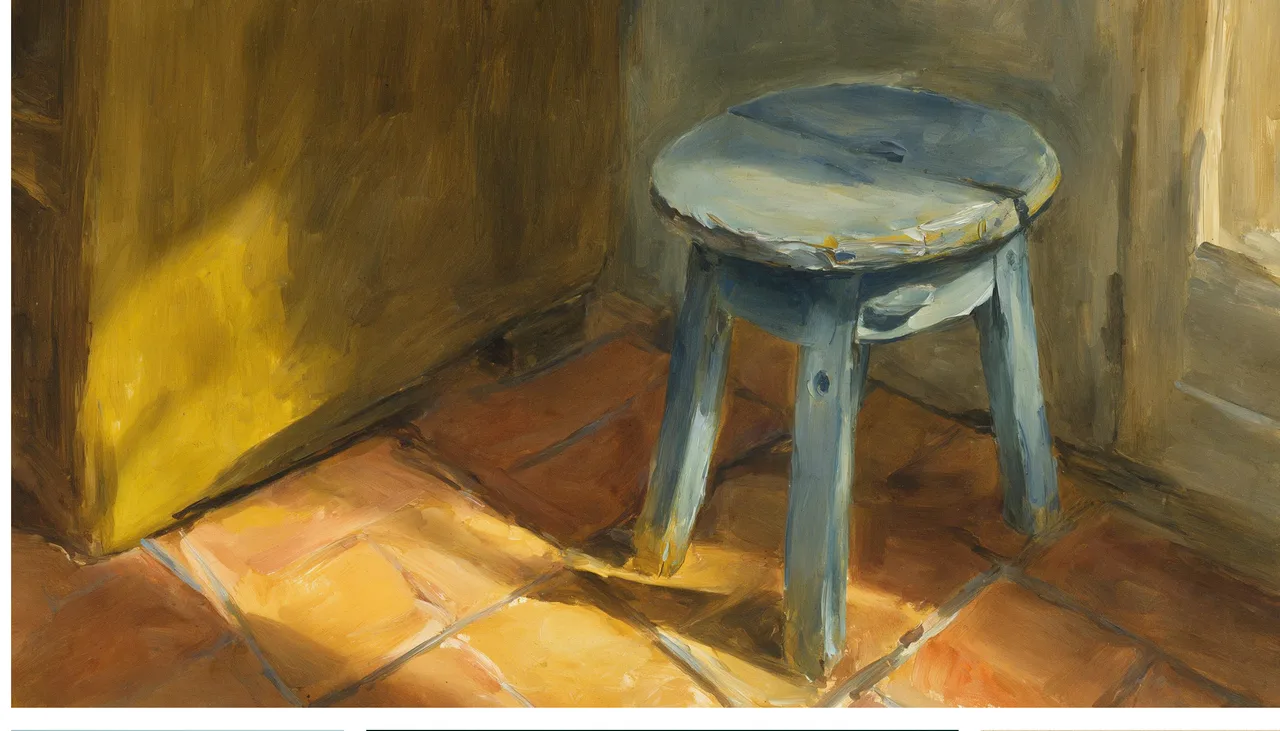
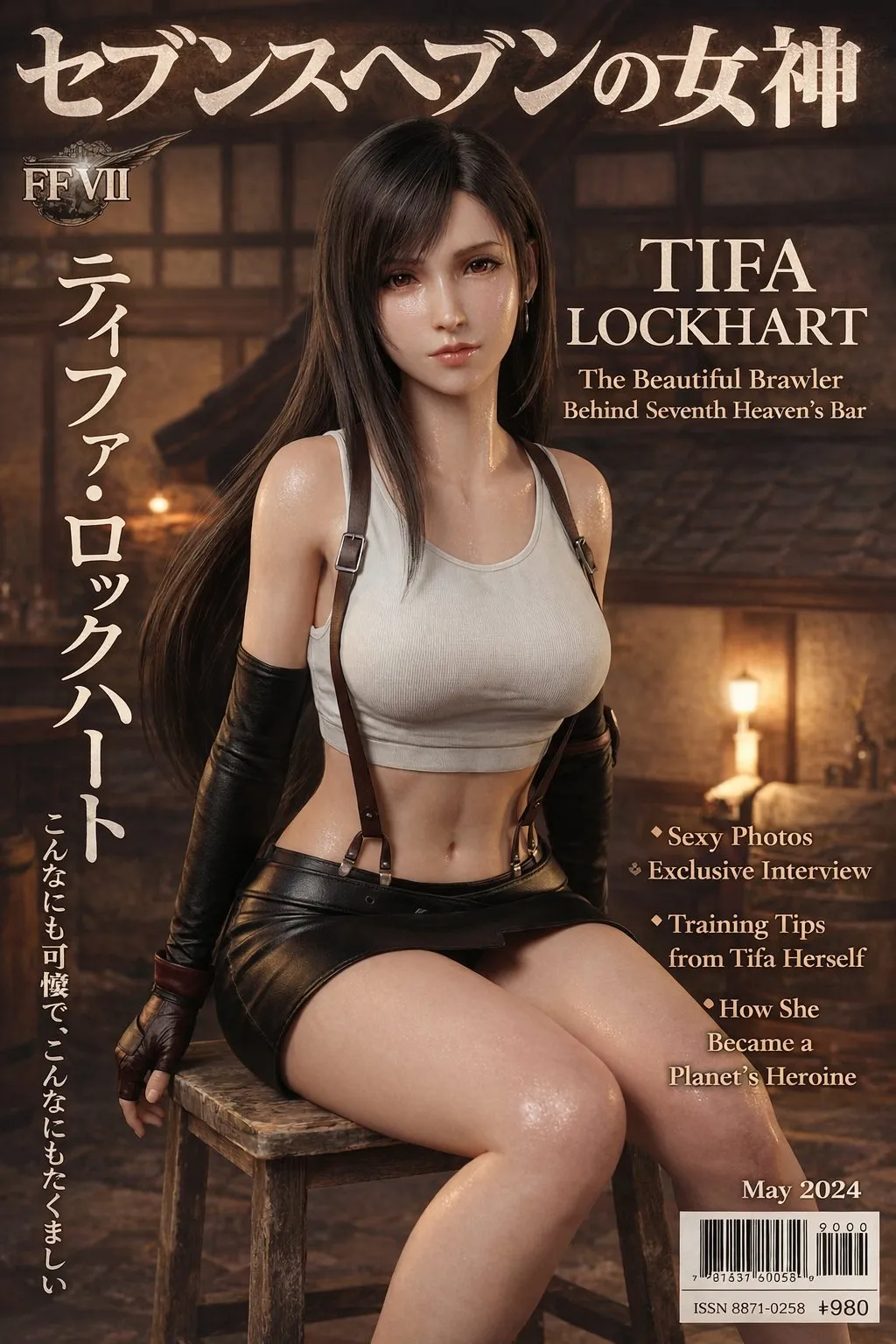
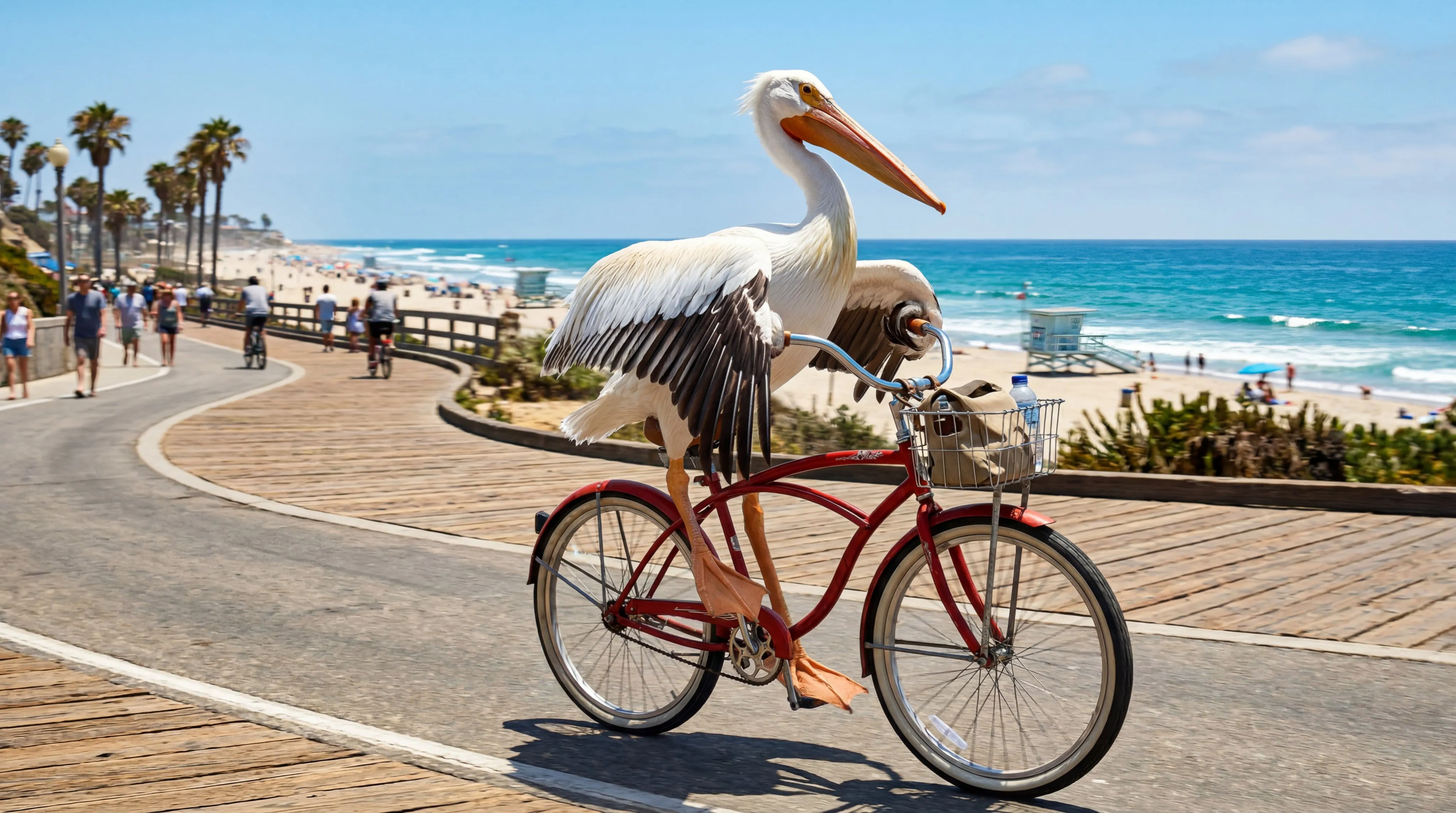
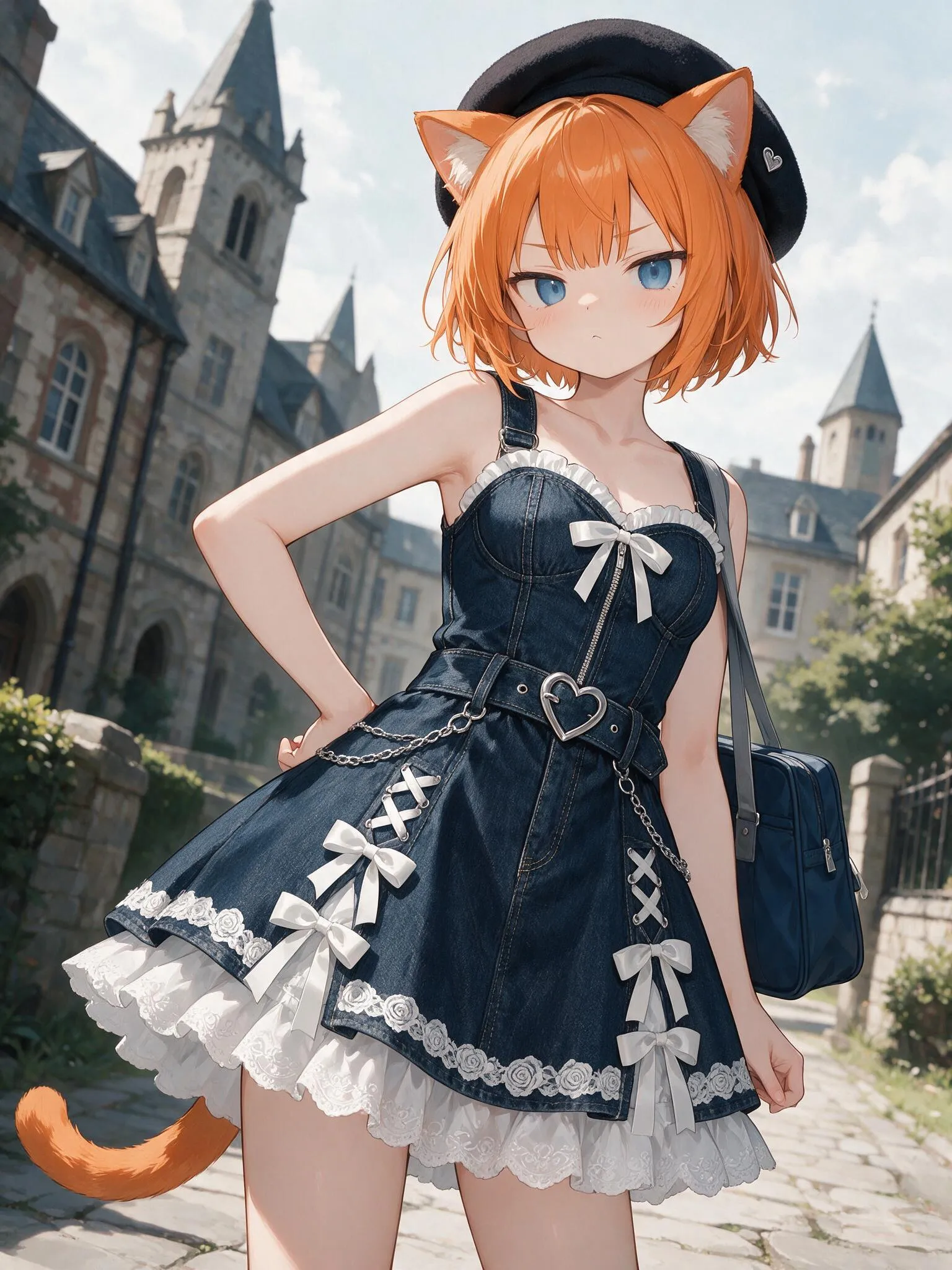
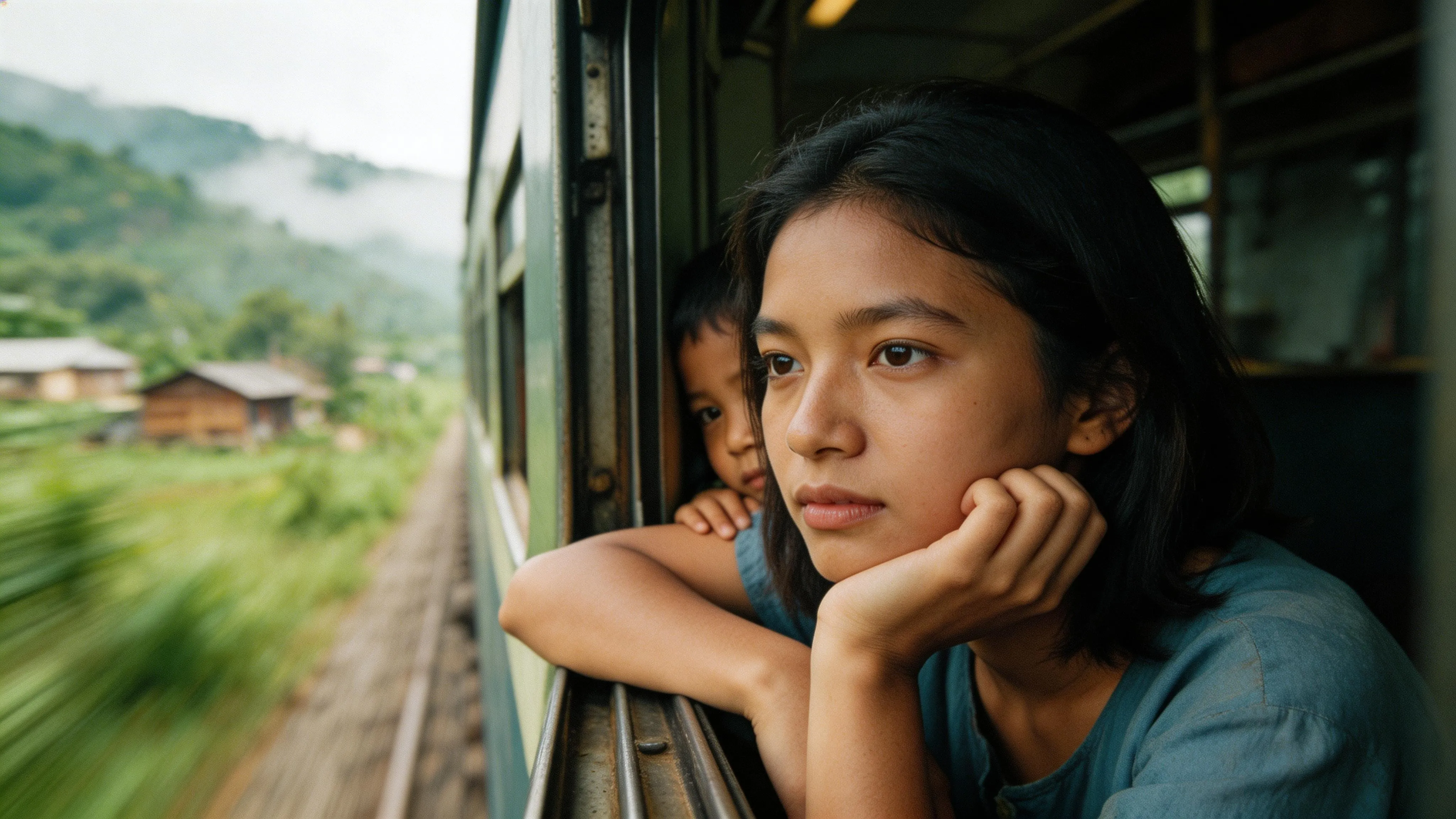
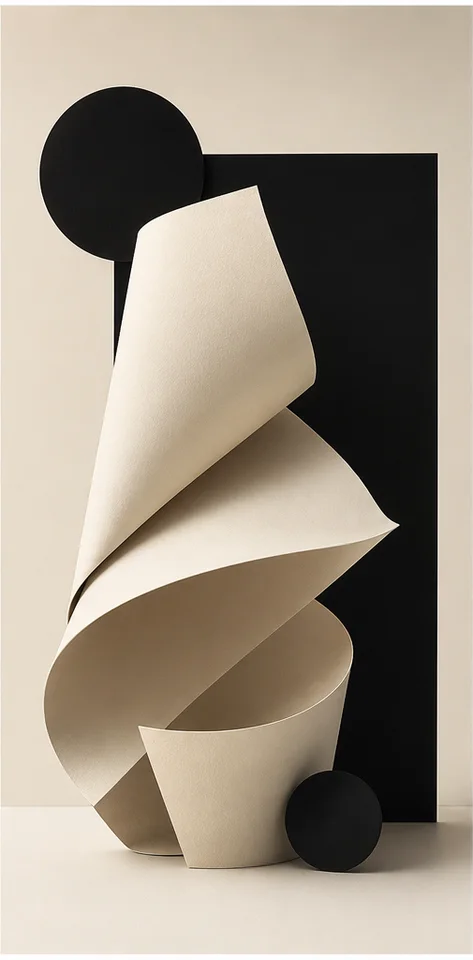
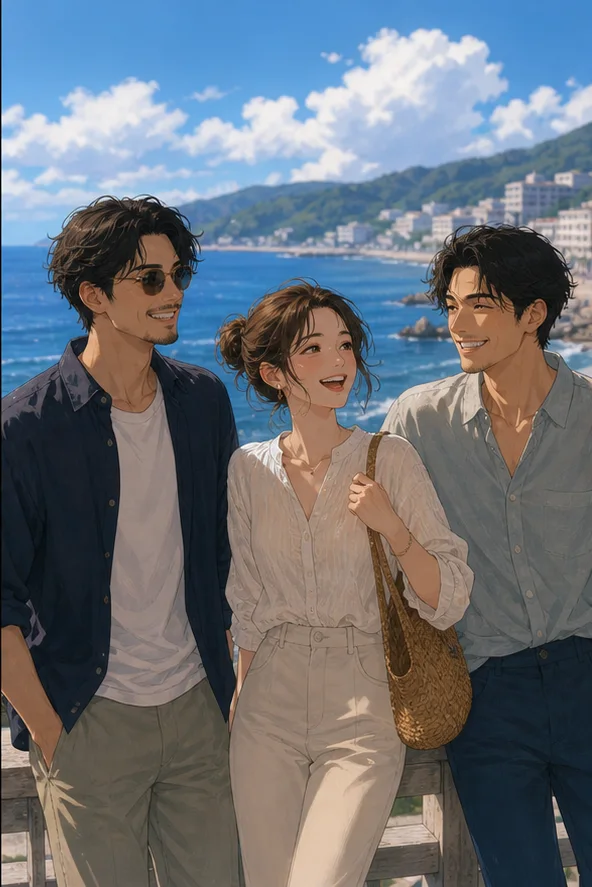
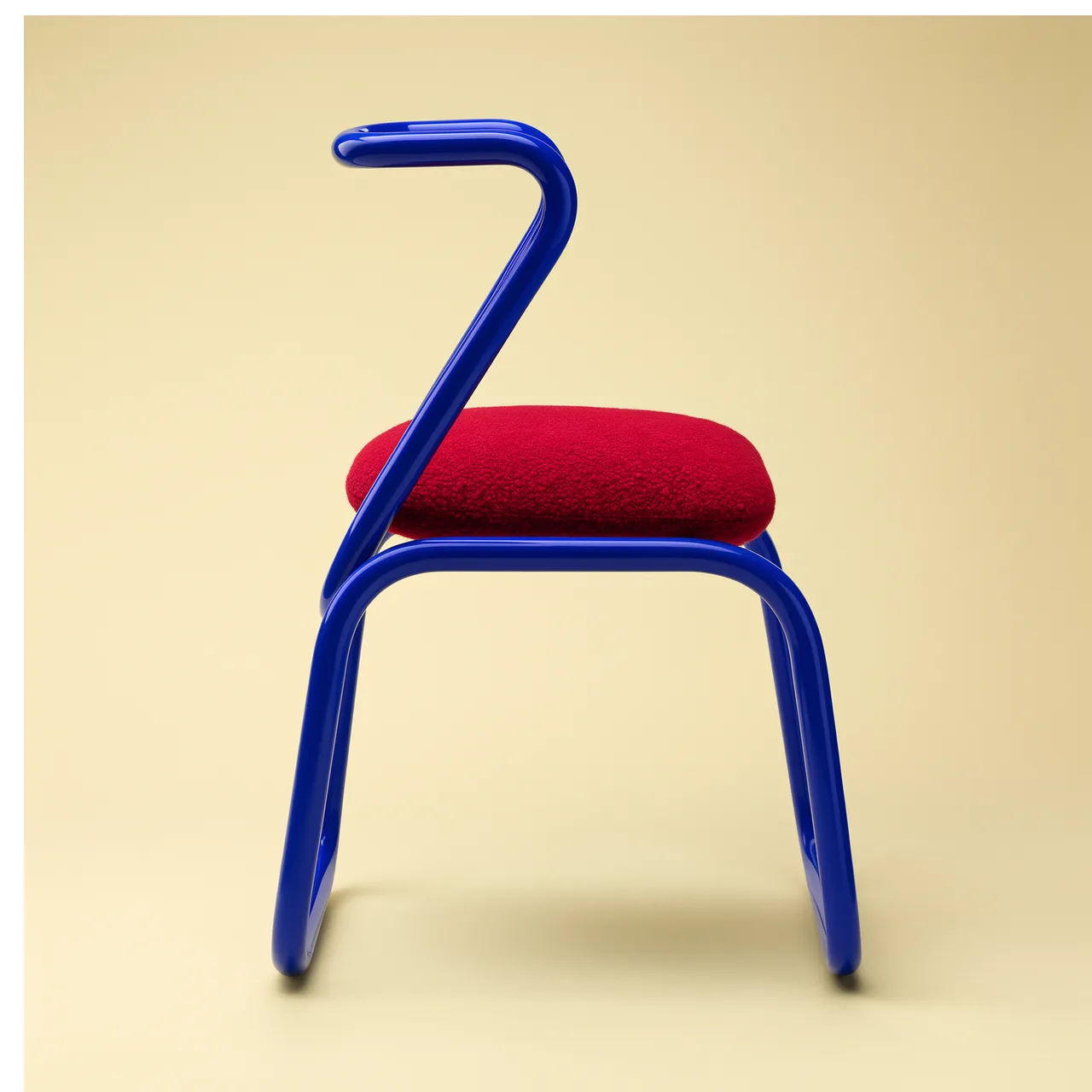
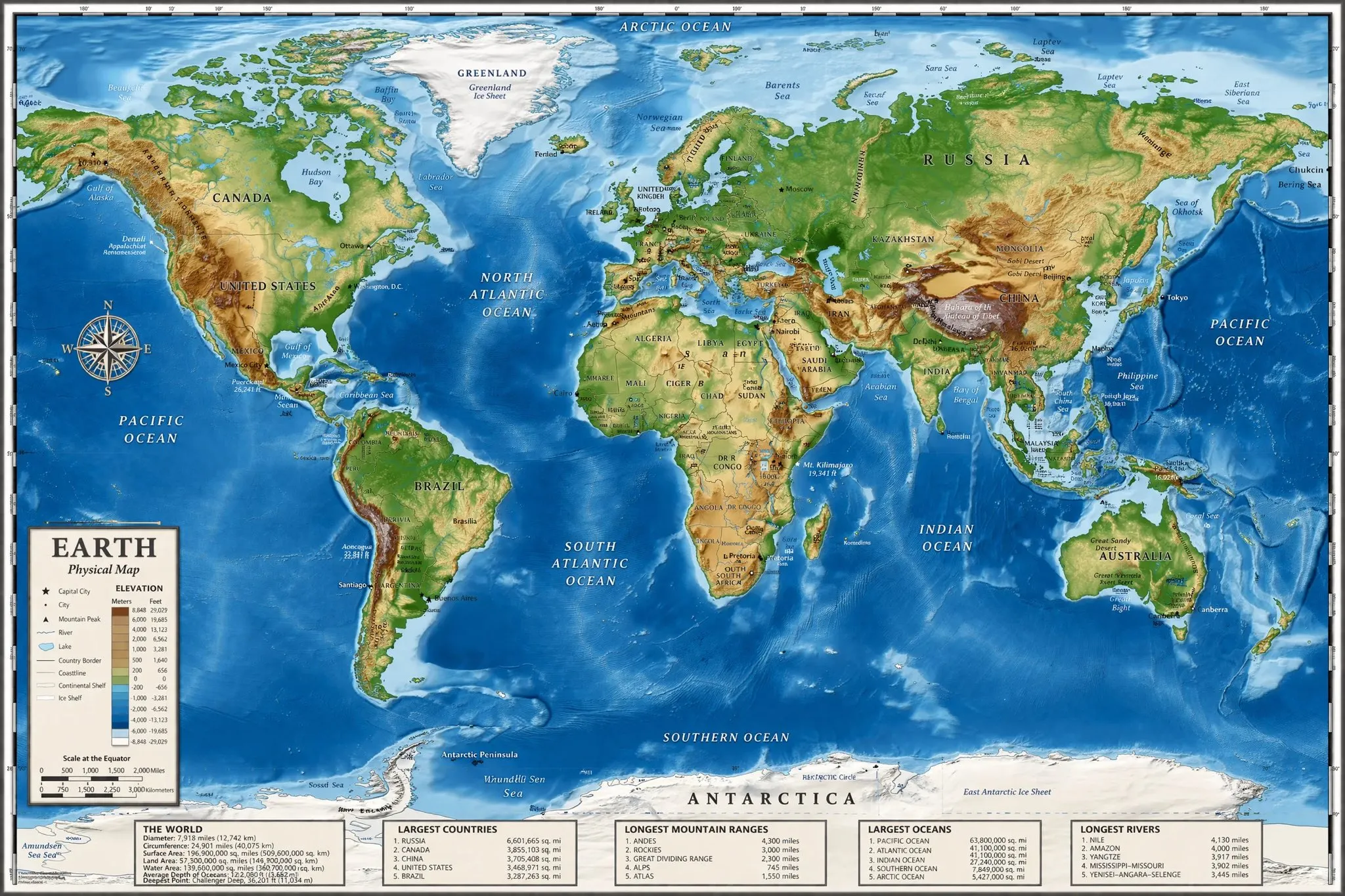
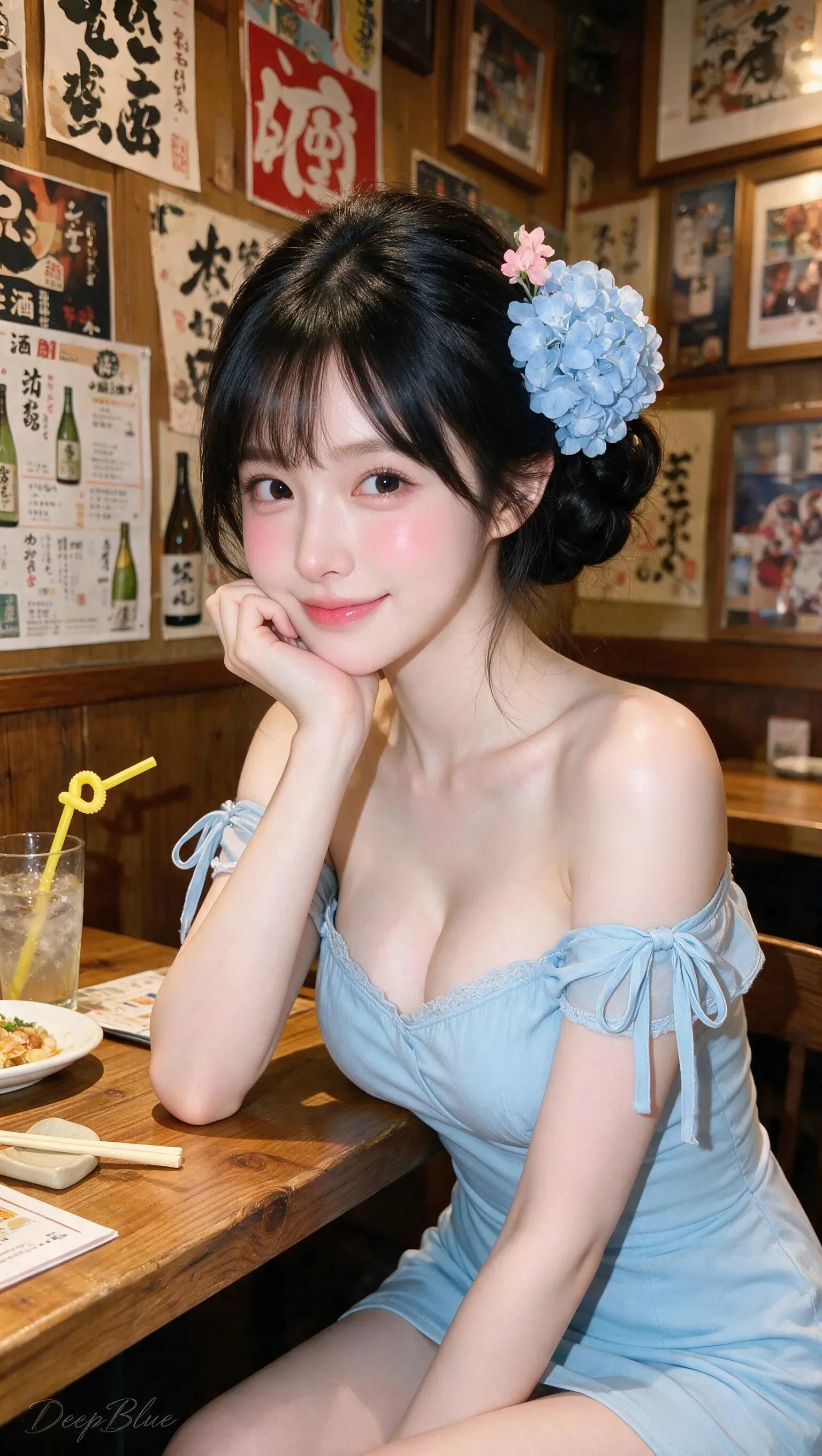
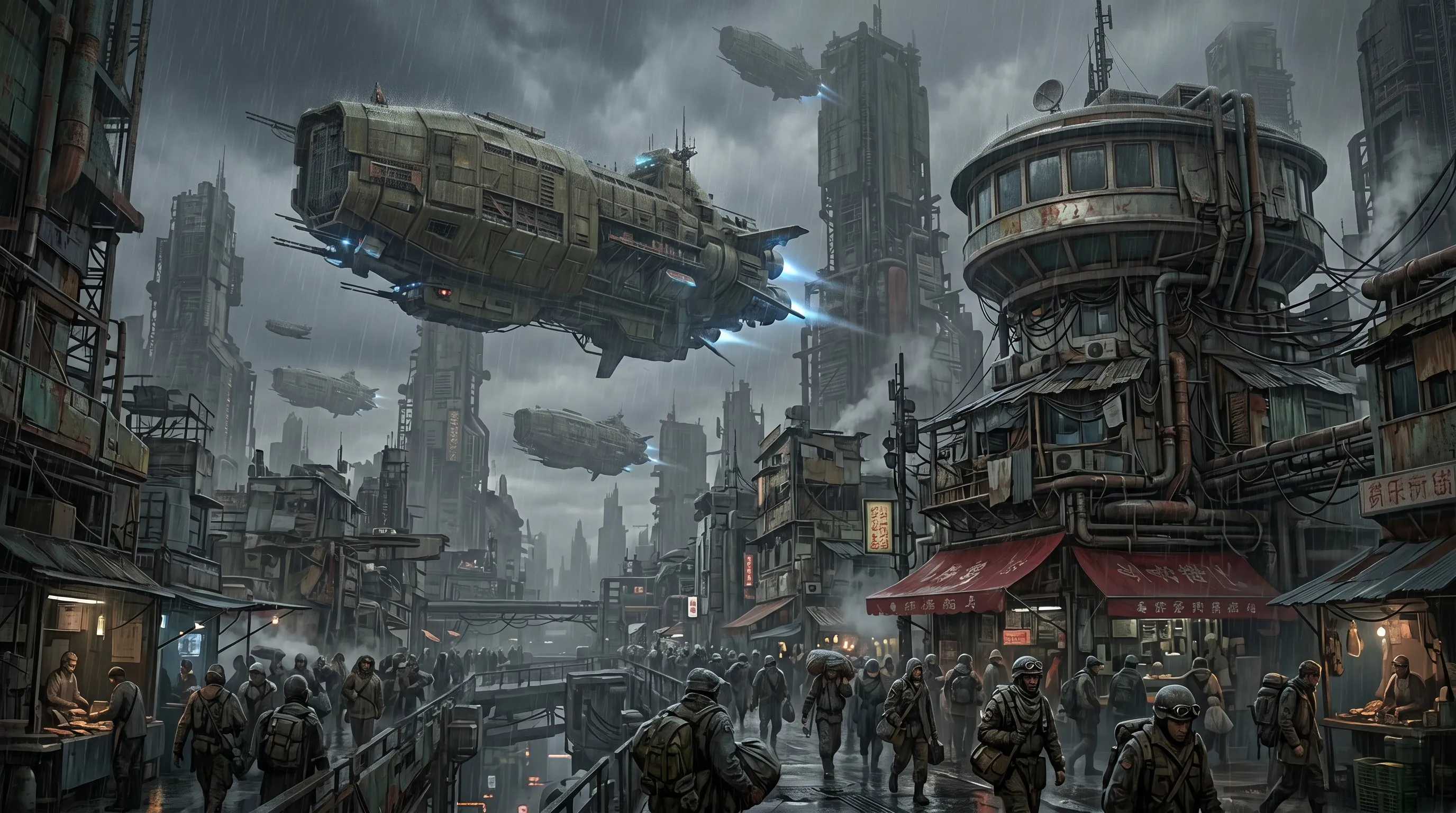
Use SceneFlare to turn an early idea into image and video options, keep important subjects consistent with references, and prepare versions for different publishing channels.


Built for Creators and Teams
Whether you work independently or with a team, SceneFlare helps you create more options, keep your creative context, and continue refining the result.
Independent Creators
Test covers, social images, short video ideas, and creative effects in one account, with less time spent switching tools.
Brand & Growth Teams
Turn one campaign idea into multiple ad directions, channel formats, and localized versions before production.
Commerce Teams
Start from approved product material to explore new scenes, promotional visuals, product-page variants, and short video hooks.
Agencies & Production Studios
Show clients several image and video options earlier, then continue developing the direction they select.
Product & Launch Teams
Turn product features into launch visuals, explainer images, and simple motion concepts for a more concrete review.
Educators & Learners
Translate lessons, key concepts, and presentation themes into visuals while observing how inputs and models shape the output.
How Creators Use SceneFlare
Use SceneFlare to present ideas quickly, compare creative directions, and prepare stronger visual assets for design and production.
 Mira Chen
Mira Chen
Creative Workflow Lead
“When the brief is still rough, turning it into three or four visible directions makes the discussion more useful than debating a paragraph.”
 Julian Park
Julian Park
Paid Social Designer
“We can test scenes and visual hooks around the same product image, then move only the clearest direction into full ad production.”
 Avery Stone
Avery Stone
Go-to-Market Lead
“Putting key-art candidates, motion tests, and regional versions in the launch review makes feedback much more specific.”
 Noah Feld
Noah Feld
Founder & Product Builder
“I check the model and expected credits first, then decide whether to keep the direction or switch to a better option for fast exploration.”
 Sofia Reyes
Sofia Reyes
Social Creative Lead
“One editorial idea can become a cover, a vertical frame, and a motion test before we choose the format that suits the channel.”
 Hannah Brooks
Hannah Brooks
Ecommerce Art Director
“Starting from an approved product photo makes it easier to explore scenes, promotional layouts, and motion while holding onto product recognition.”
 Marcus Lee
Marcus Lee
Senior Producer
“Not every job needs a new generation. Sometimes fixing the background, edges, and clarity is enough to move a client review forward.”
 Elena Ortiz
Elena Ortiz
Motion Designer
“Testing movement and camera direction from a still helps rule out weak ideas before they enter a longer editing process.”
 Maya Patel
Maya Patel
Performance Creative Lead
“Separating still creation, motion, and asset finishing makes it clearer what problem each candidate is meant to solve.”
 Priya Shah
Priya Shah
Global Content Lead
“Regional versions are more than translated copy; references, information density, and visual context all need review before release.”
FAQ
What can I create in SceneFlare?
SceneFlare is built for AI visual creation. Generate images and short videos, create with references, try creative effects, and use editing tools such as image editing, background removal, and upscaling. Exact capabilities and controls depend on the selected task and model.
Should I choose a task or a model first?
Either works. Start with an image, video, effect, or finishing tool when you only know the result you need. Open a model page directly when you already care about a model's capabilities, look, or cost.
Which inputs can image and video workflows use?
Common inputs include prompts, a single image, and reference assets. Some video workflows also accept multiple images or a source video. Counts, formats, dimensions, and controls vary by model, so follow the input requirements shown in the generator.
How are Models, Tools, and Effects different?
Models are for people who already know which model they want. Tools are organized around a specific generation, editing, or enhancement task. Effects start from a preset visual style or result.
Can I see the credit cost before generating?
Yes. The expected credits are calculated from the current model and settings and shown before the generation task is submitted. Current plan benefits and credit rules are available on the pricing and checkout pages.
How do references help keep results consistent?
A reference can help keep the subject, product appearance, character, composition, colors, or style consistent. The prompt should also explain what must stay and what may change. Results still depend on the selected model and source quality.
Can I keep working on a result after generation?
Depending on the available workflow, you can revise the prompt or references, try a compatible model, or use image editing, background removal, and upscaling tools on the selected result.
What types of commercial content can I create?
Common uses include product imagery, ad concepts, social assets, thumbnails, blog covers, launch key art, explainer frames, and short video drafts. Review facts, text, brand requirements, and rights before publishing.
When should I use a subscription or a credit pack?
A subscription fits steady, recurring generation. A credit pack can suit a launch, a short test, or a temporary increase in volume. Check the current pricing page for included credits, validity, and model access.
Can generated content be used in commercial projects?
Yes. SceneFlare permits content generated through the platform to be used in commercial projects under the applicable plan and service terms. You remain responsible for confirming that prompts and uploaded materials are authorized and for reviewing model-specific terms, third-party intellectual property, trademarks, likenesses, license scope, advertising requirements, and publishing-platform rules. SceneFlare does not obtain or clear those third-party rights for you.
Start Creating with SceneFlare
Open the image generator now, or compare models first. Manage prompts, references, expected credits, and generated results in one platform.