1 design
Upload one JPEG, PNG or WebP artwork image.
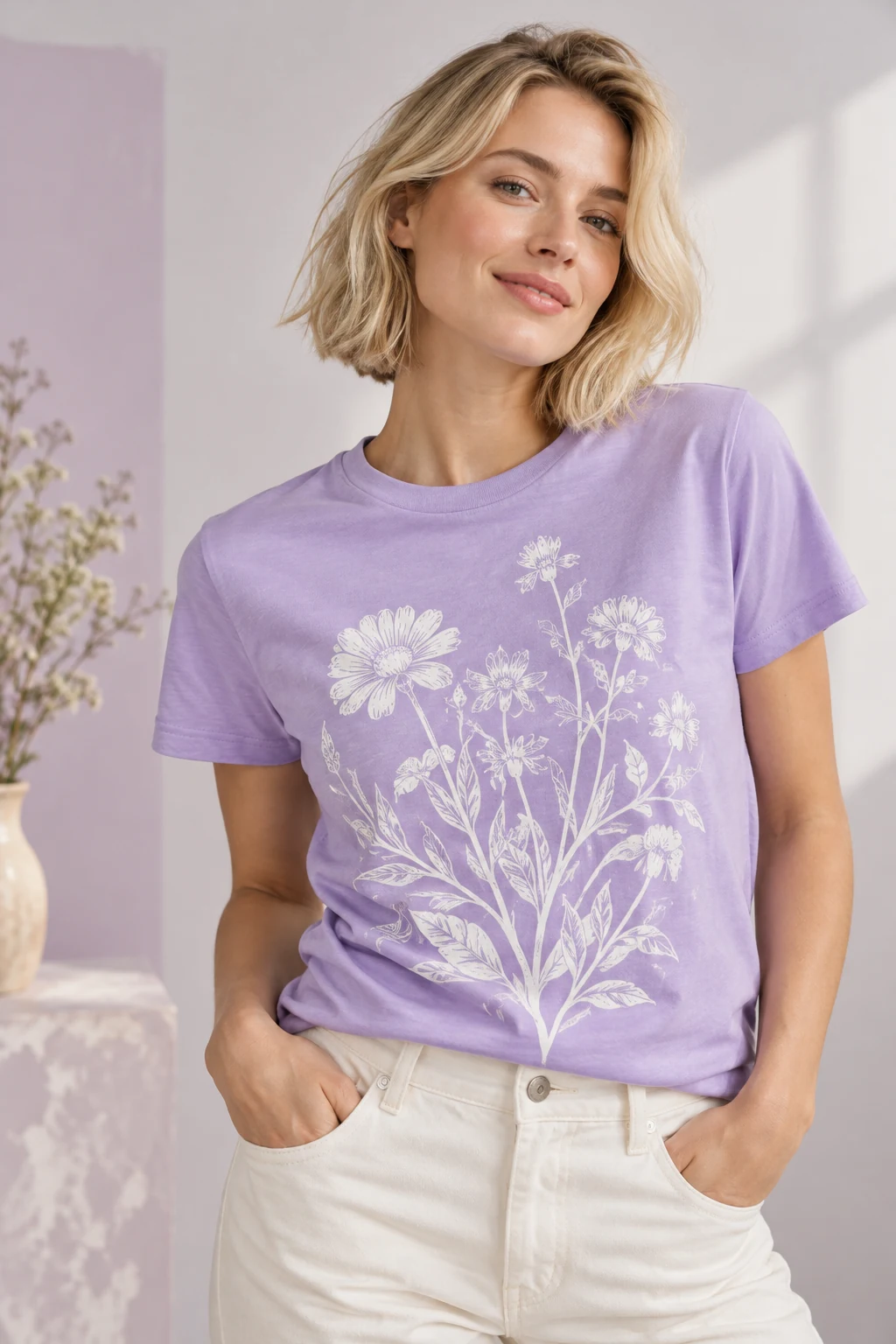
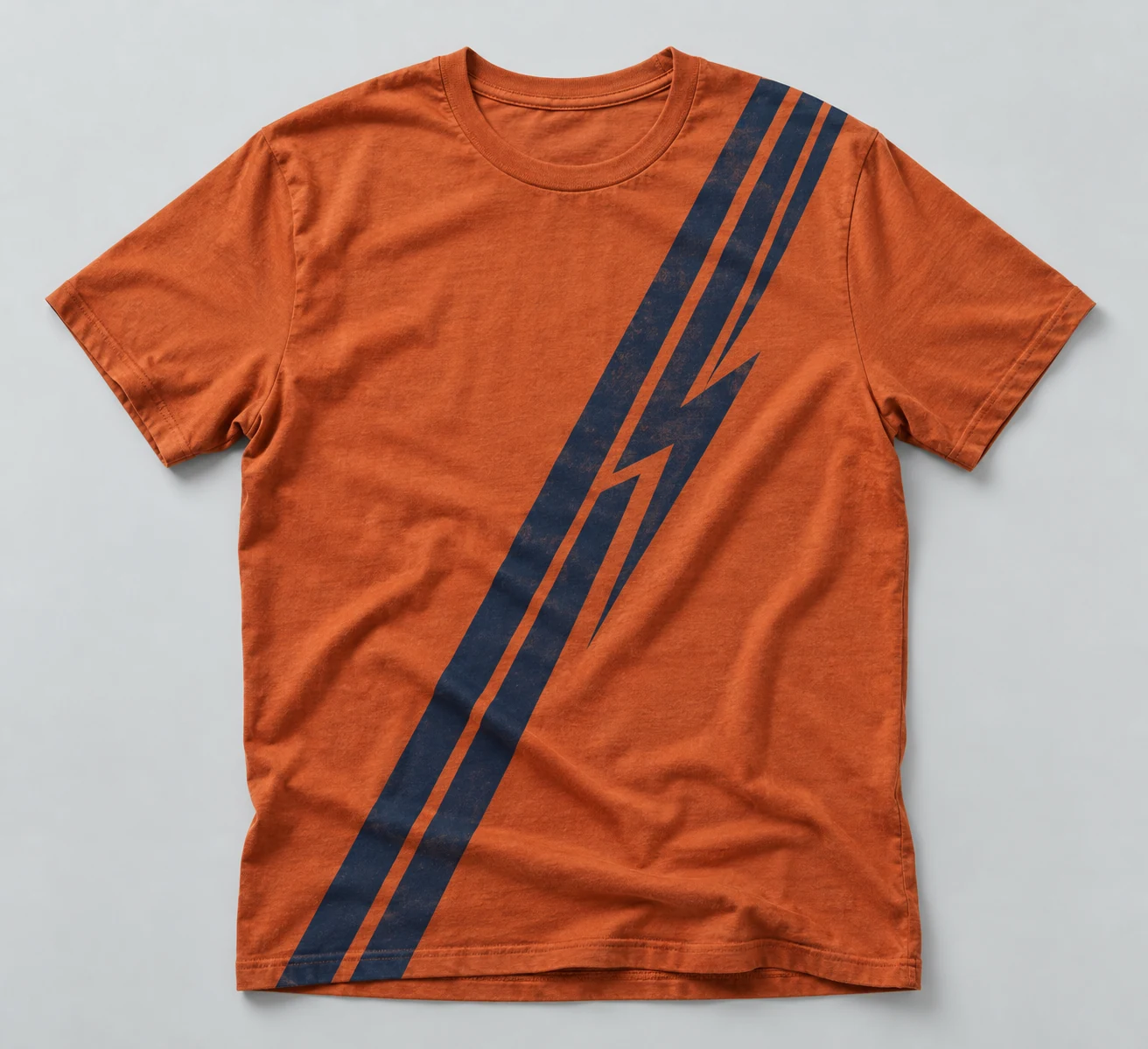
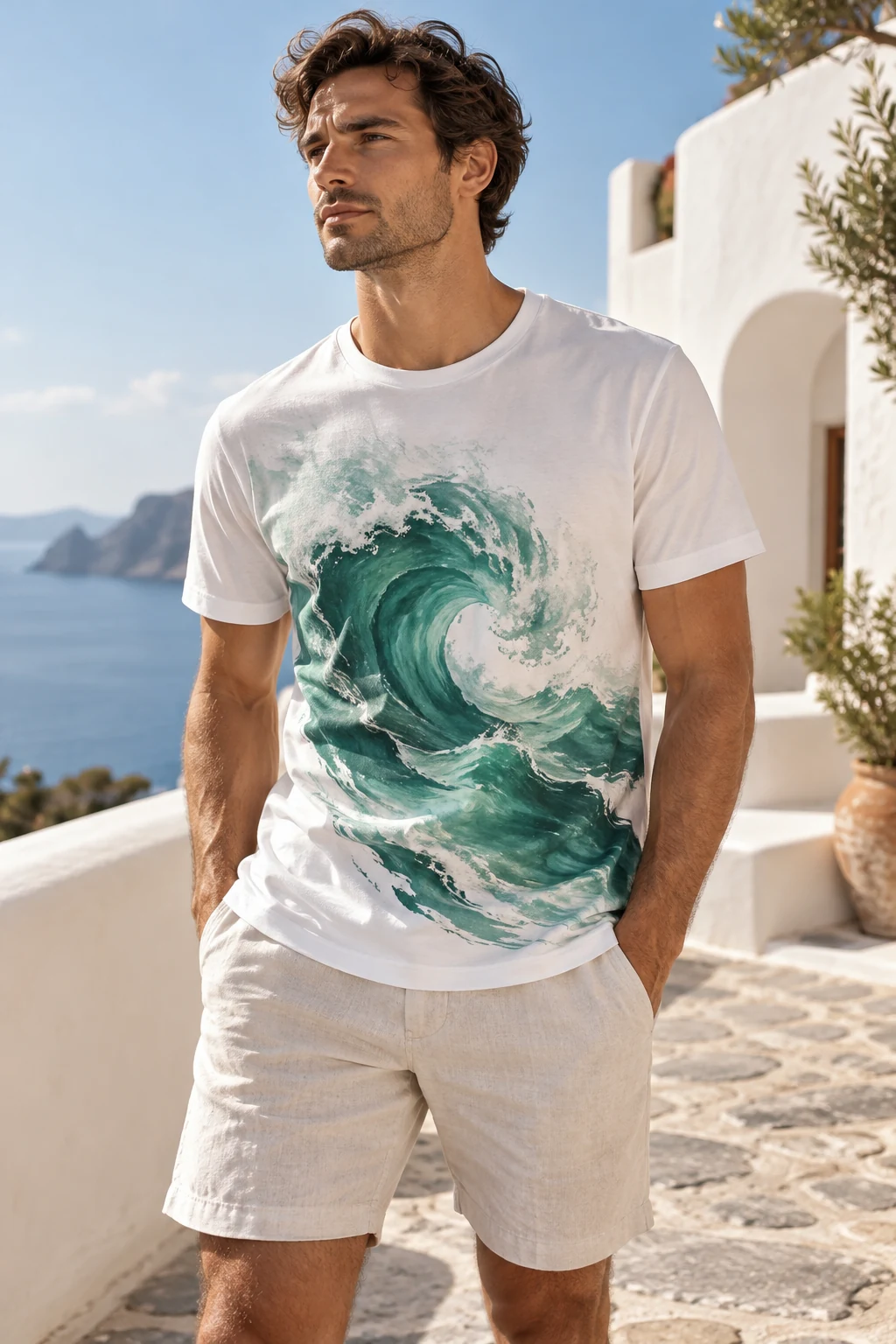
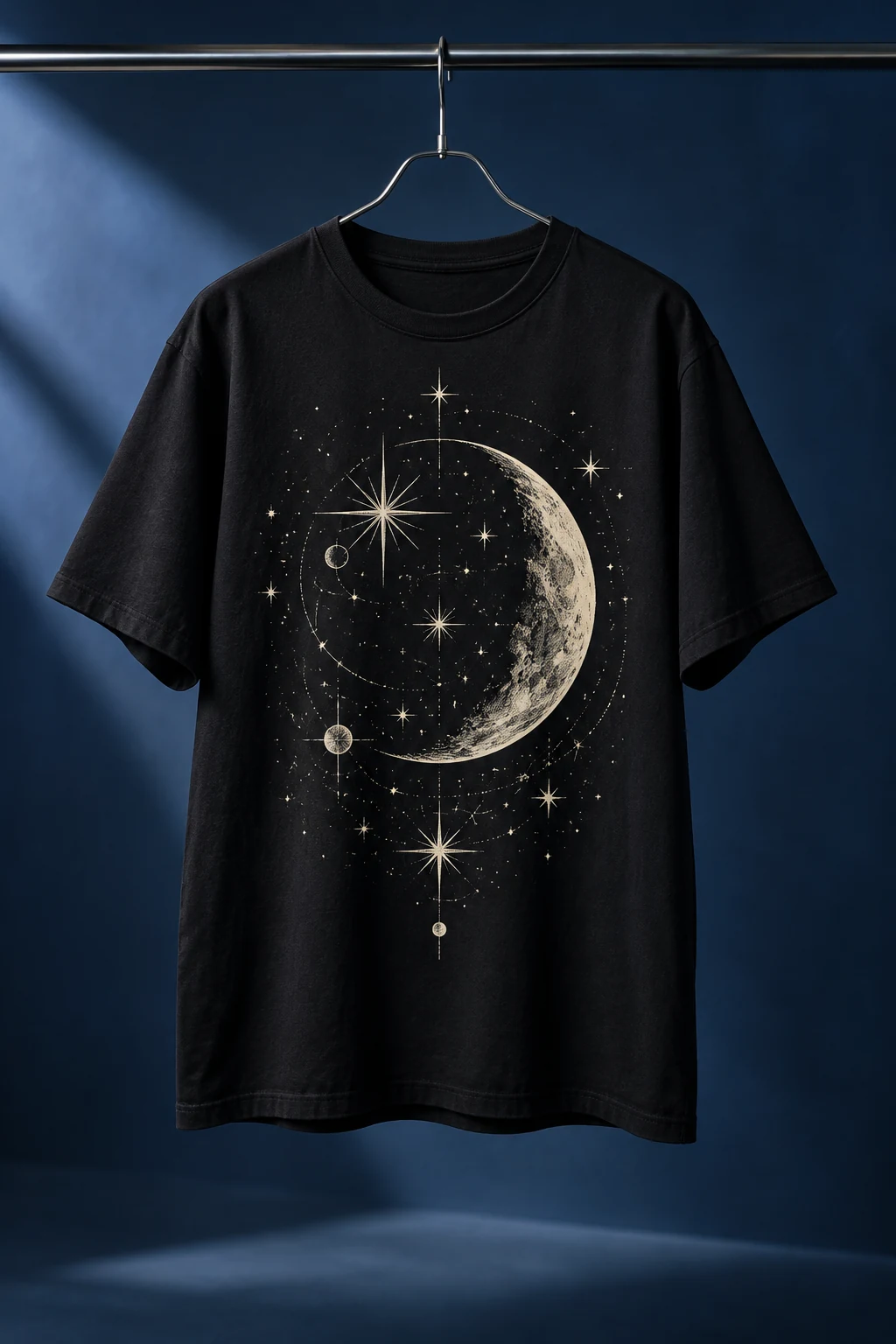
Turn your logo or artwork into a T-shirt mockup with AI. Choose a model, flat-lay or hanger view, set the shirt color and print position, and create a 1K, 2K or 4K image.
Preview
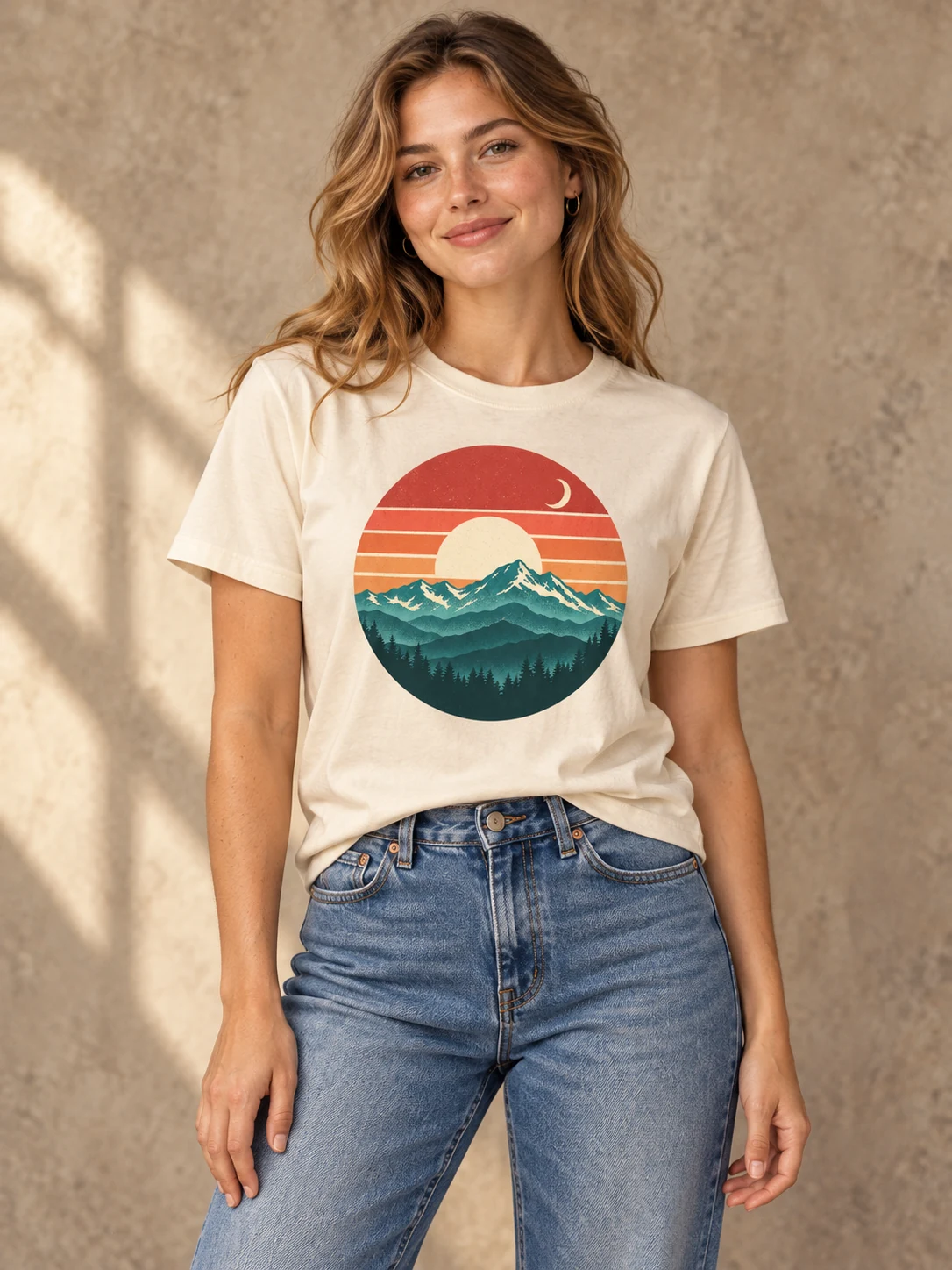
Explore more ways to create and edit images.
Create T-shirt mockup images for your shop, design review or next merchandise idea. Upload your artwork once, then explore how it looks on a model, a flat-laid shirt or a hanger. Our tool builds the image instructions around your choices using GPT Image 2.5.
Upload one JPEG, PNG or WebP artwork image.
Flat lay / On a model / On a hanger
Choose the resolution and image ratio before generating.
Use your uploaded graphic or logo to guide the printed design.
Switch between a model, flat-lay and hanger presentation.
Select the shirt color and place the print on the front, back or left chest.
A recognizable design, a clear presentation and output you can use in your creative workflow.
We use your uploaded design as the print reference and ask the model to retain its shapes, colors and lettering. The image instructions adapt the graphic to the shirt’s folds, lighting and perspective so you can judge how the design reads on fabric.
Upload a high-quality graphic with a clean or transparent background.
Compare small lettering, fine lines and colors with your original artwork.
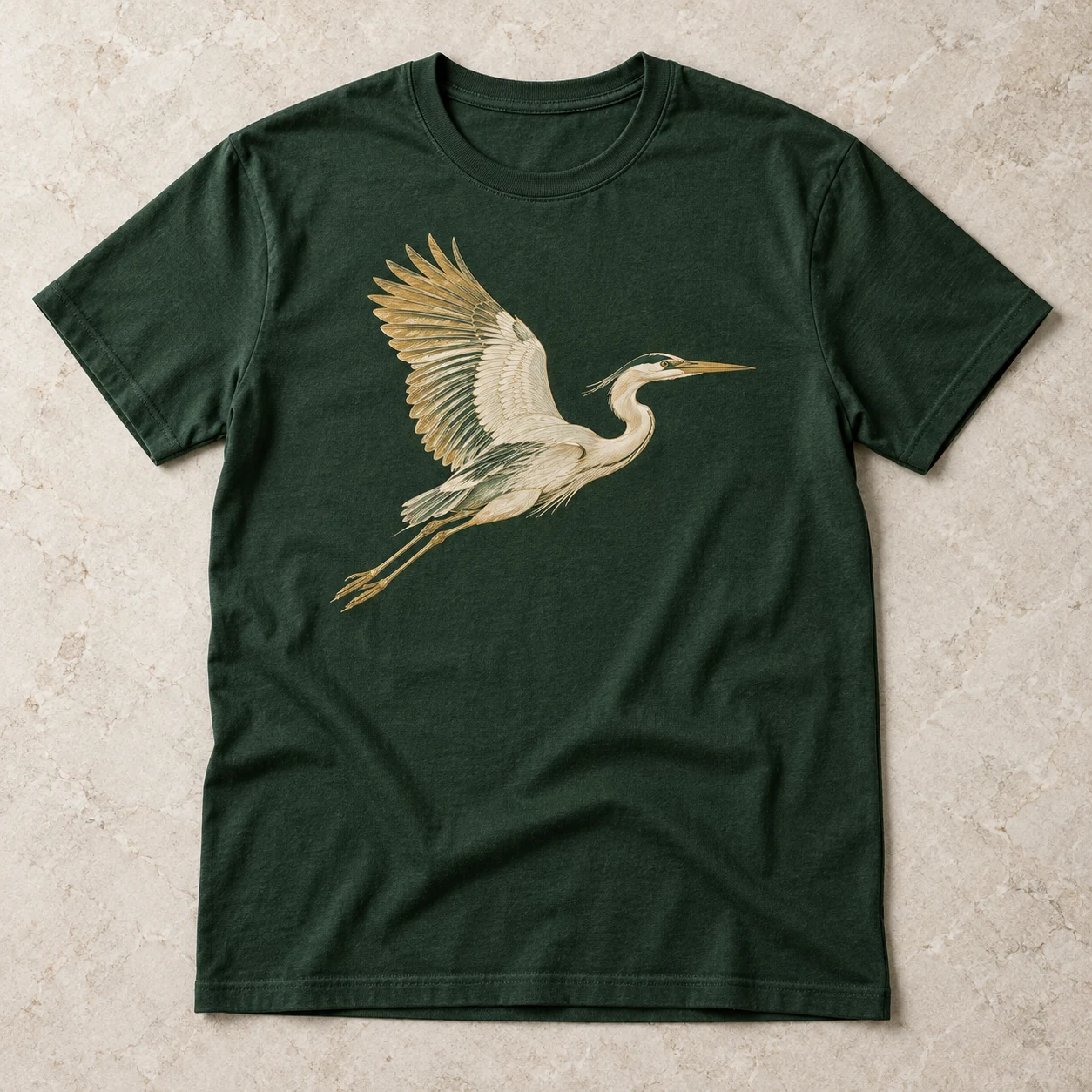
A model view gives your merchandise a fashion context. Flat-lay and hanger views keep attention on the garment and print. Choose the shirt color and print position directly, without building a new editing prompt for each combination.
Explore model, flat-lay and hanger views from the same design.
The selected print position guides both placement and viewing direction.
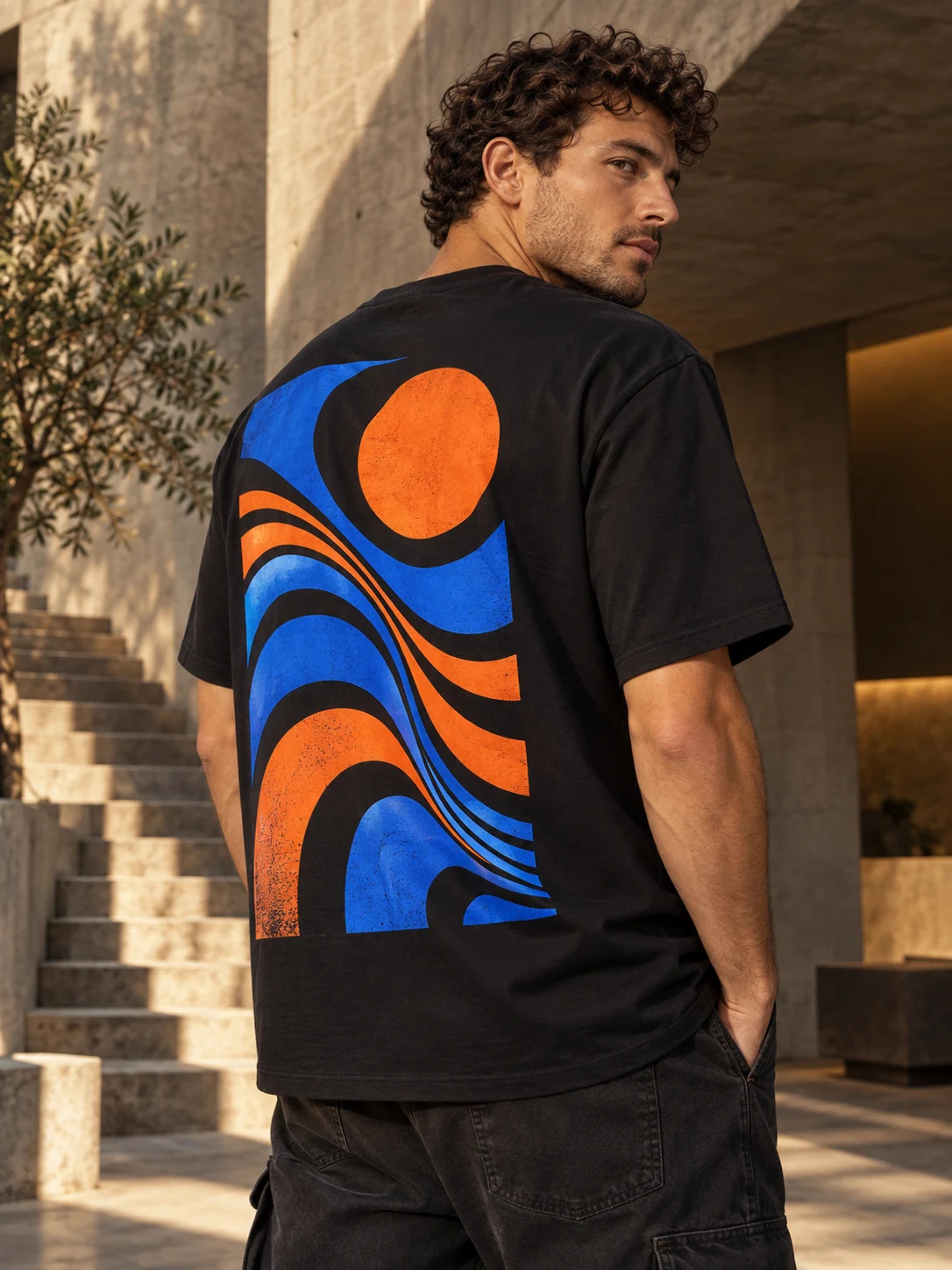
Choose a square, portrait or landscape composition and a 1K, 2K or 4K resolution tier. Check the credit estimate before you generate, then download the image or return to it in your Library. Use the mockup to present an idea and review the artwork separately before printing.
Choose 1:1, 3:4 or 4:3 for your intended layout.
Download the mockup and find completed generations in your Library.
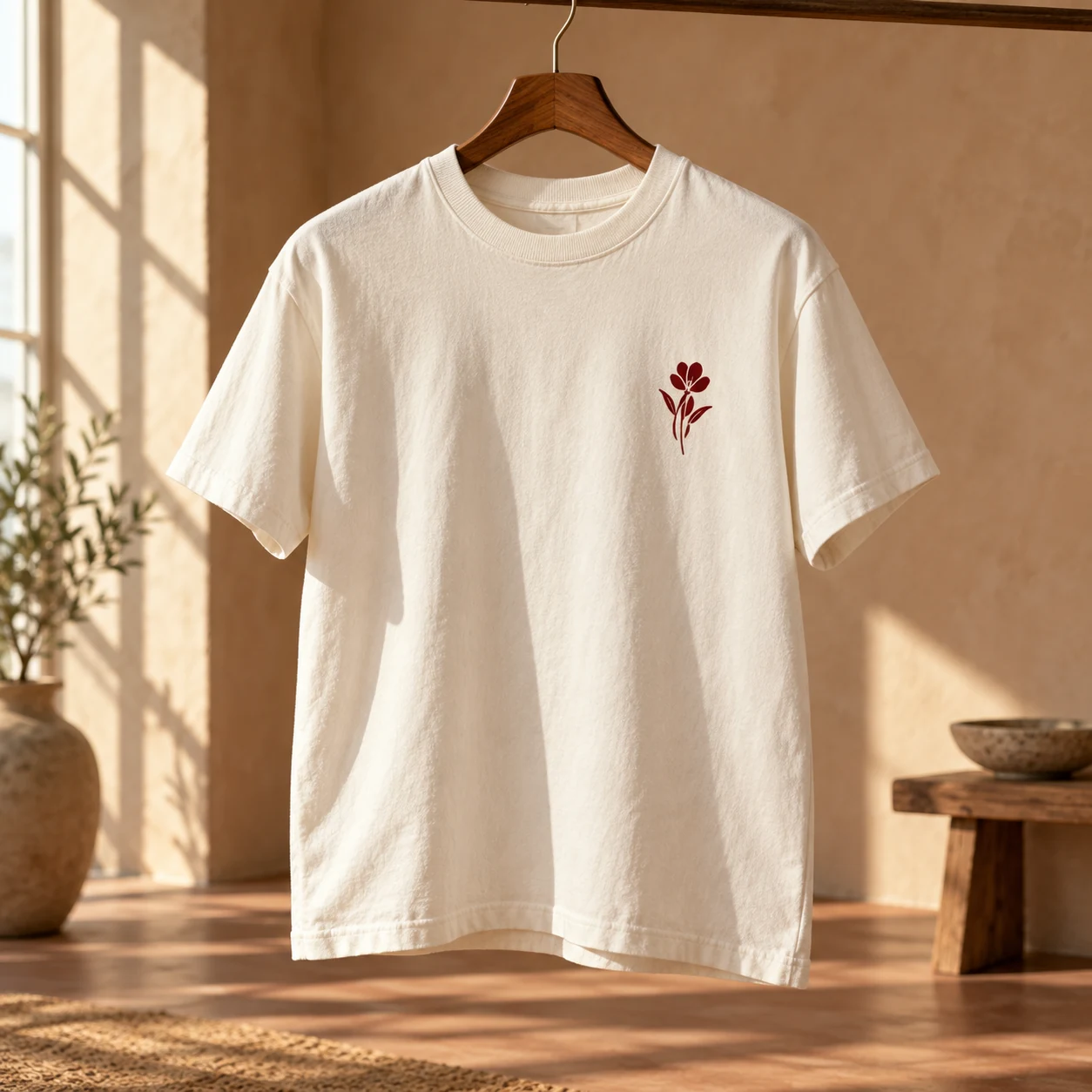
Add one graphic or logo as JPEG, PNG or WebP, up to 50 MB.
Select a presentation, color and print position. Add optional styling notes and set the ratio and resolution.
Sign in, check the credits and generate. Compare the print with your artwork before downloading.
We use GPT Image 2.5 to generate one mockup from your uploaded artwork and selected shirt settings. No manual masking or template editing is required.
Use a clear graphic or logo in JPEG, PNG or WebP, up to 50 MB. A transparent PNG or WebP helps separate the artwork from its background. Upload only content you have permission to use.
Yes. Choose white, black, cream or navy, then place the print on the front, back or left chest. Add optional notes for lighting, background and styling.
AI may alter small text, fine lines, colors or proportions. We ask the model to follow your artwork closely, but you should compare the result with the original before using it in a product listing.
The result is a visual mockup. It does not provide a separate print file, garment measurements or a physical color proof. Keep your original artwork and follow your printer’s production requirements.
Generation requires sign-in and SceneFlare credits. The button shows the current estimate. Each attempt creates one downloadable image at your selected 1K, 2K or 4K tier and saves the result in your Library.
Upload your artwork and create a mockup for your next merchandise idea.