
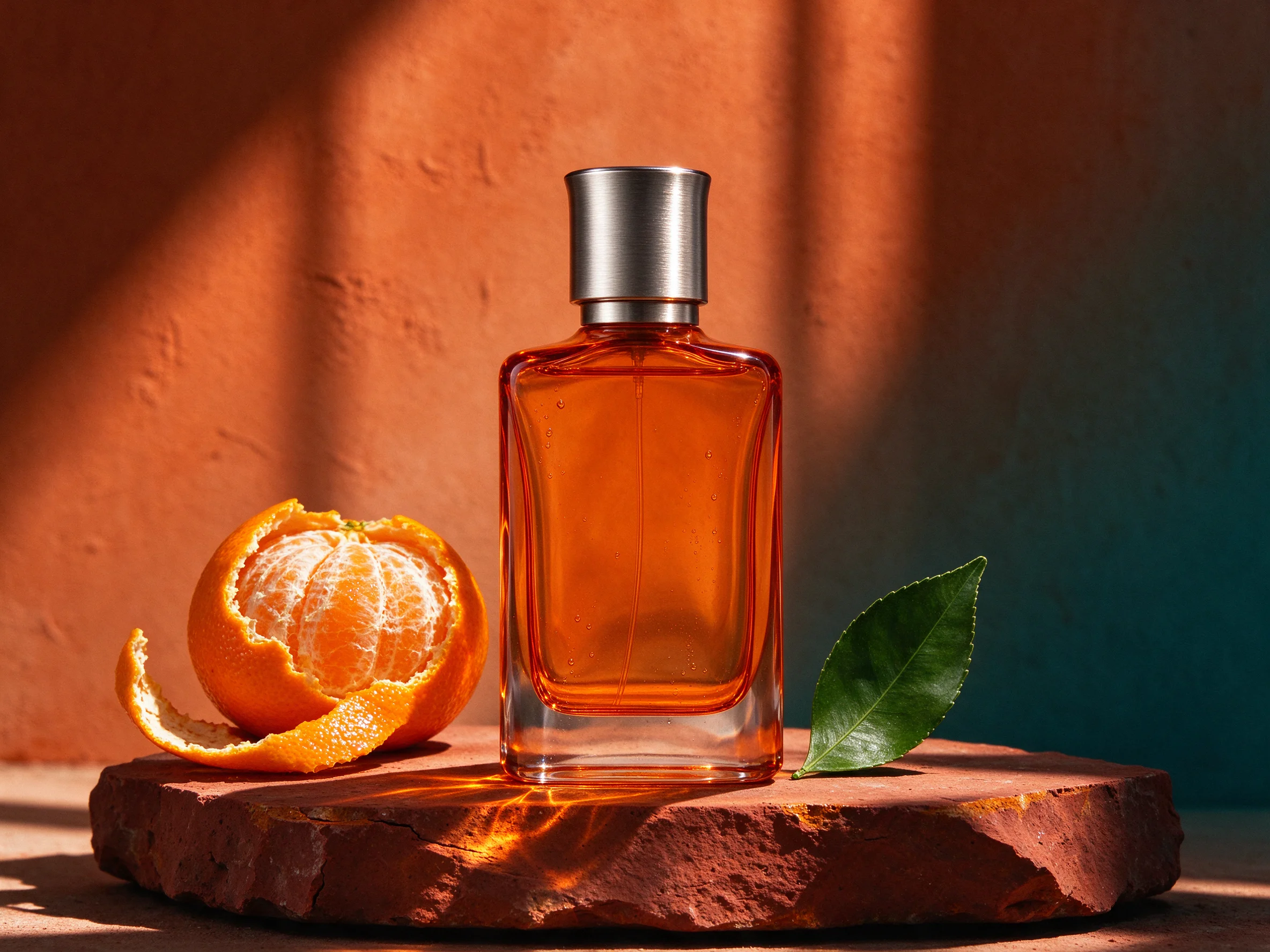
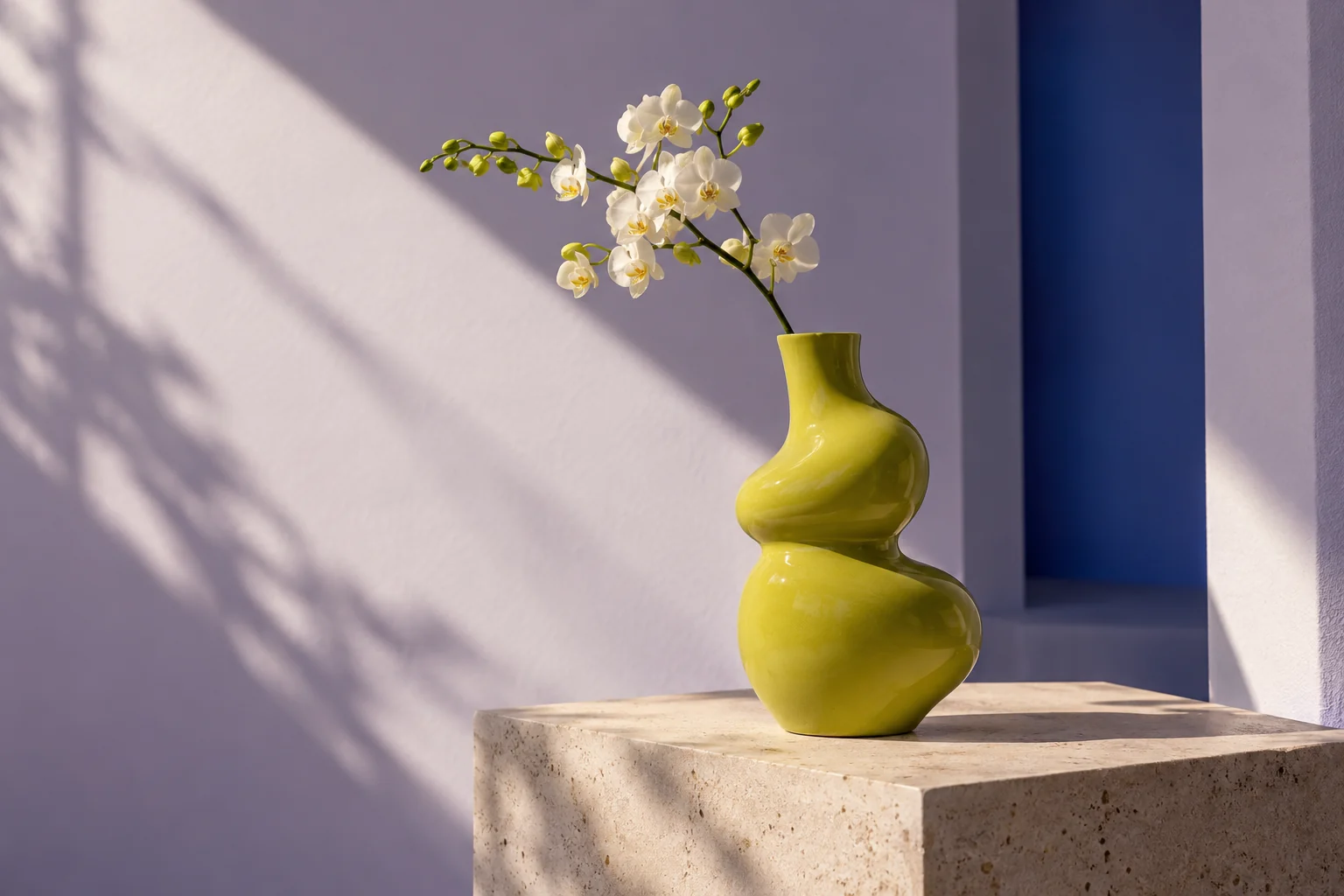
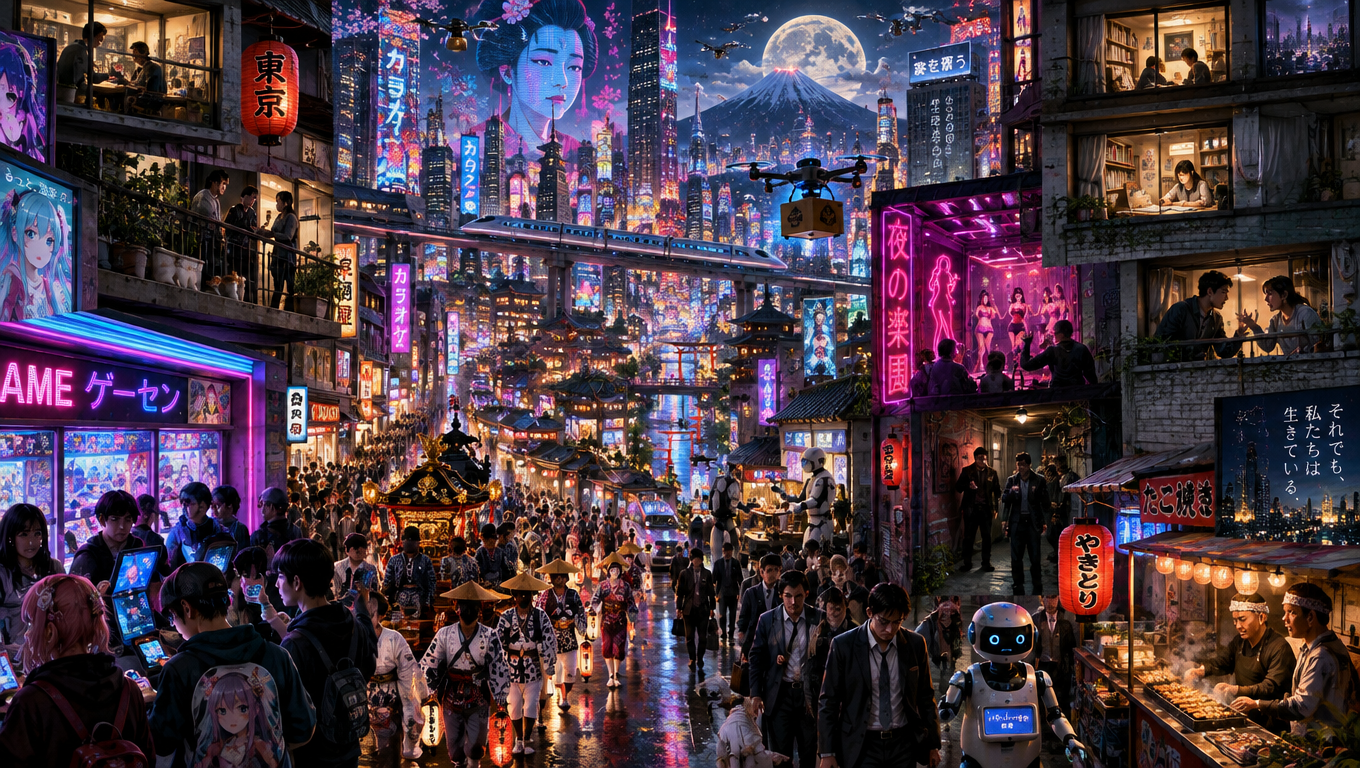
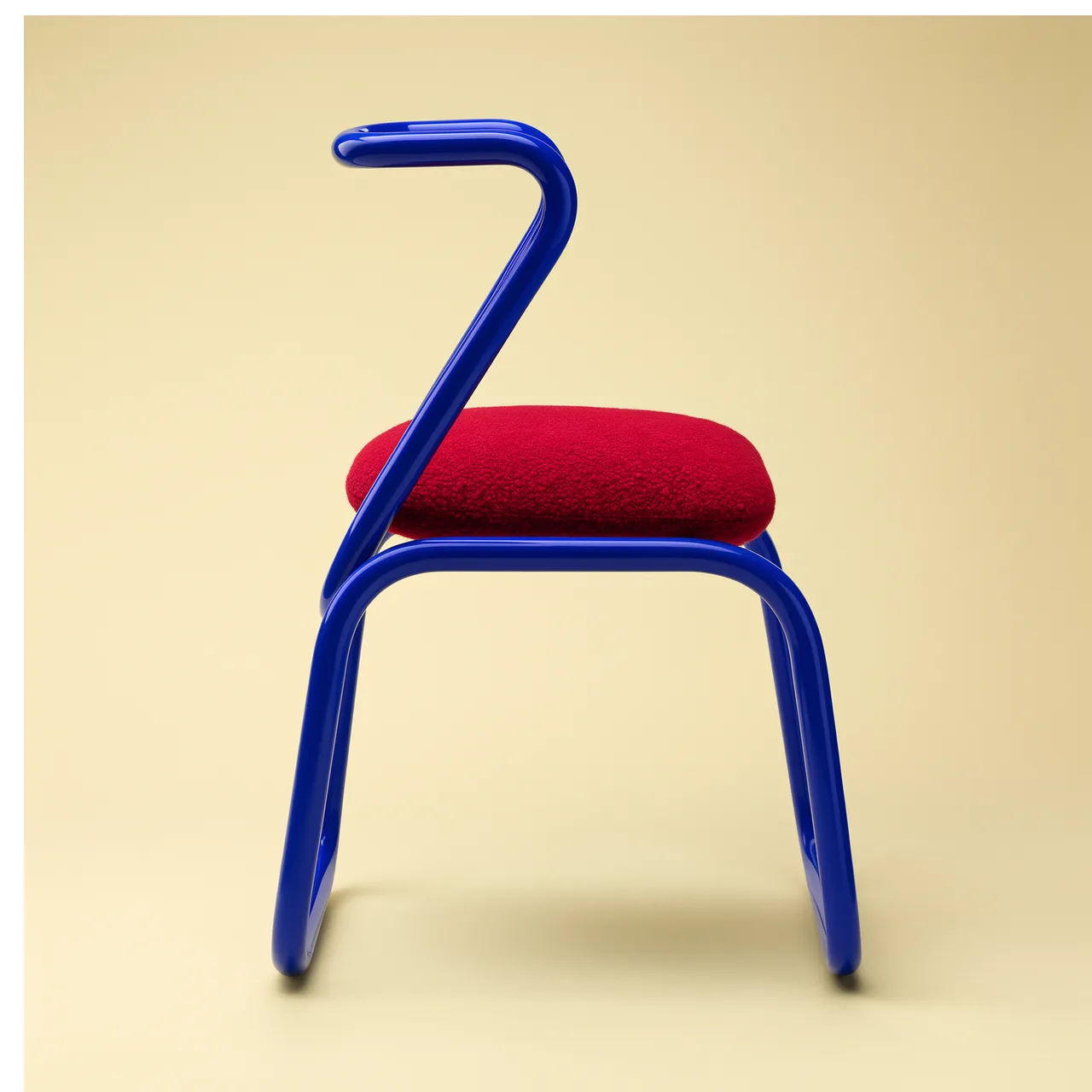
Standard / Pro
Generation and editing in either version.
Generate and edit images with Qwen Image 3.0. Choose Standard or Pro, 1K or 2K, and up to six outputs. Add up to three reference images when editing.
Preview
Explore other image models for generation and editing.
A product poster needs more than a beautiful background: the headline must fit, the object must stay recognizable and the layout must leave room for the message. Use Qwen Image 3.0 to explore those elements together, or change a specific part of an existing image.
Generation and editing in either version.
JPEG, PNG or WebP for editing.
11 ratios; 1–6 images per request.
Start from a written brief or existing images, then control the version, format and number of results in one place.
Build a product shot, illustration or poster without an upload. Describe the subject first, then its surroundings, lighting and composition. Separate required text from the visual description.
Upload a subject photo and, if useful, a composition or style reference. State what each image contributes and which details should remain; references guide the result without guaranteeing an exact copy.
Both versions offer generation and editing with the same controls. Standard is the lower-cost starting point. Compare Pro on your own brief when evaluating a different quality tier; it does not guarantee perfect text or identity.
Choose from 11 ratios, including square posts, 4:5 portraits, 16:9 banners and 9:16 stories. Set the composition before generating so important subjects have room within the intended frame.
Both sizes are available in Standard and Pro. Standard charges the same output rate for either size; Pro costs more at 2K. Exact pixel dimensions depend on the chosen ratio.
Request one image while refining a brief, or several interpretations once the direction is clear. Each output adds cost; reference-image charges apply once per request rather than once per output.
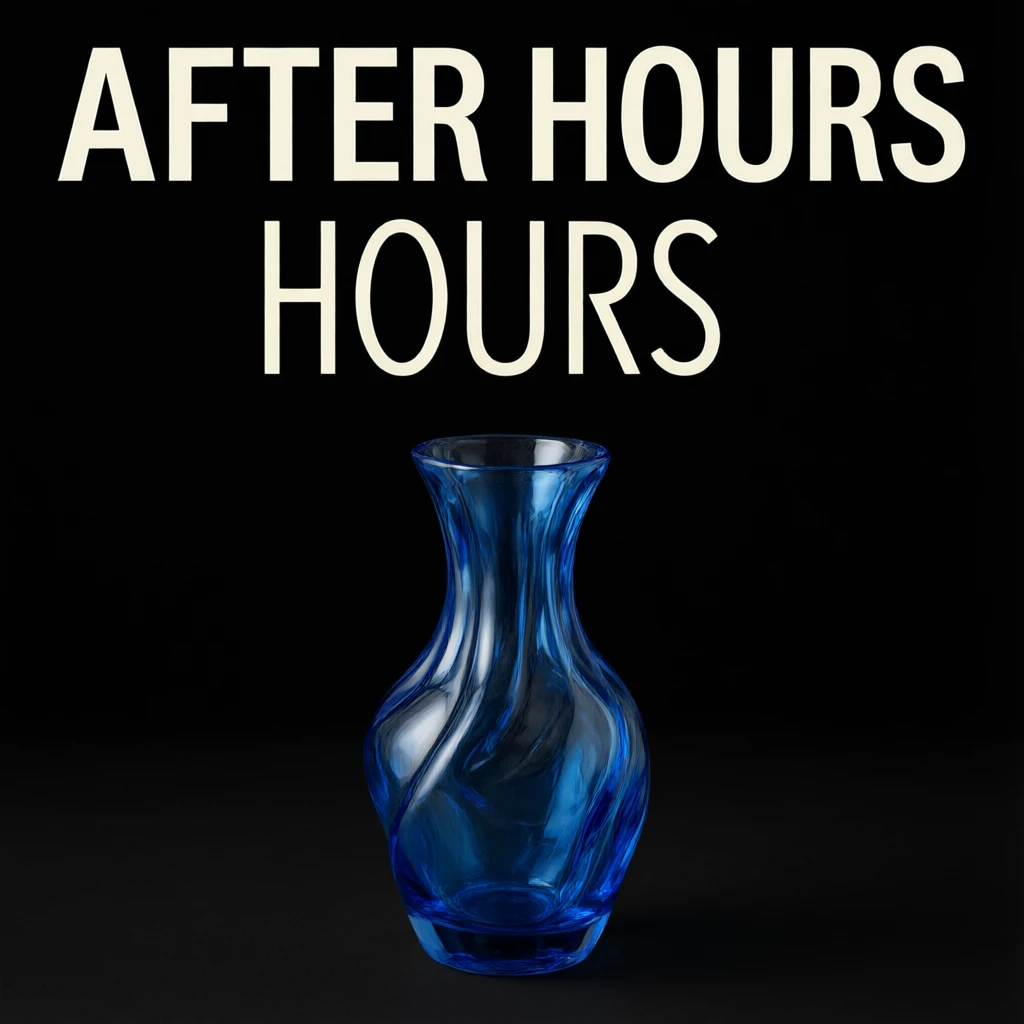
This is our Standard 1K result from the poster preset above. The blue glass vase and dark background follow the brief, while an extra “HOURS” line shows why generated typography still needs a final review.
Put the exact wording in quotes and specify its position, color and size. A short title leaves more room for the main subject.
Look for duplicated words as well as spelling errors. This example retains its extra line so you can see the unretouched result.
For event dates, prices or brand copy that must be exact, consider generating the background first and placing final typography in a design editor.
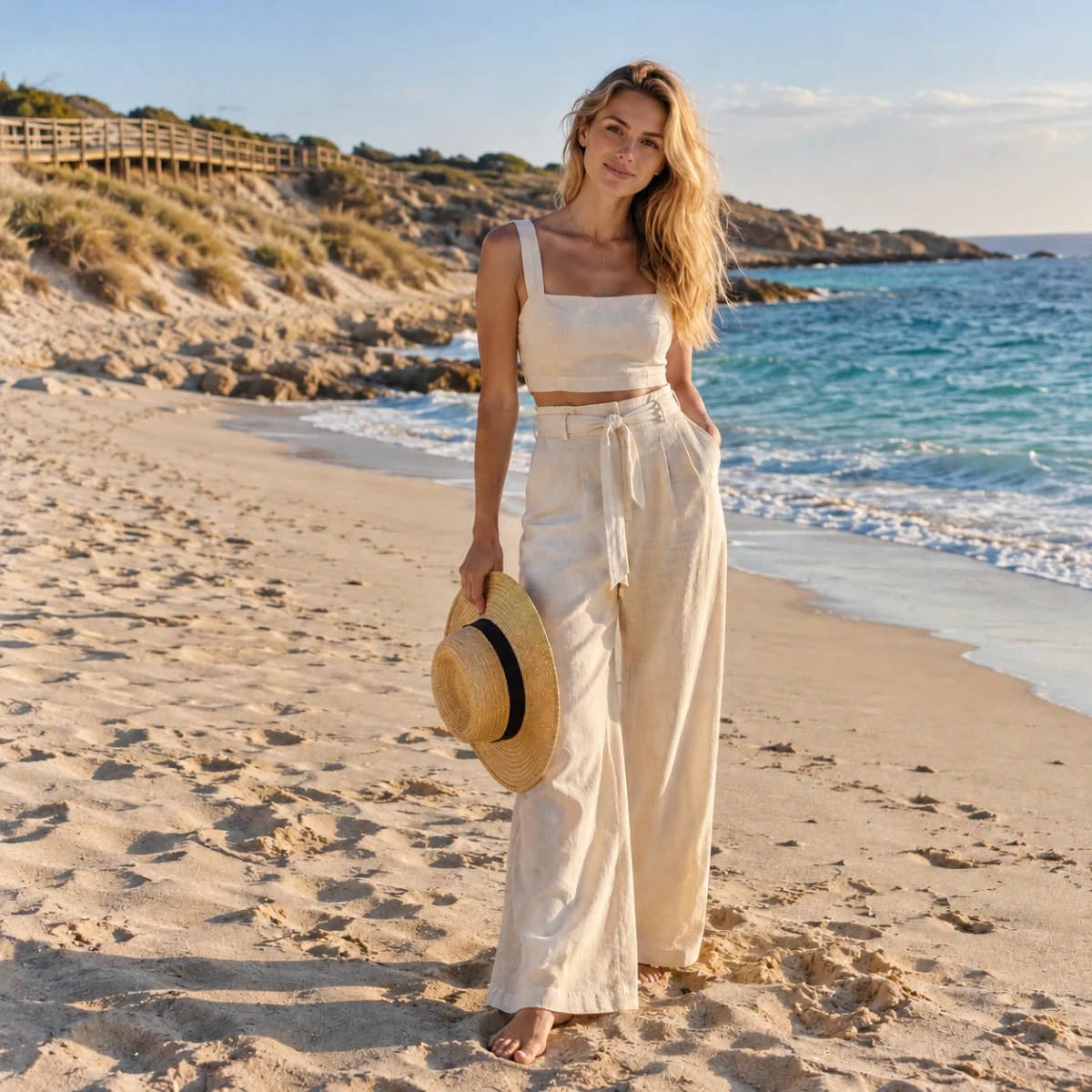
The image here is an example input, not a Qwen editing result. Use a clear portrait or product photo to explore a different setting, palette or treatment while telling the model which details to preserve.
Keep the subject large enough to see. On this page, each image must be JPEG, PNG or WebP with both edges between 384 and 3072 pixels.
For example: “Keep the face, hair and ivory outfit from image 1; change only the background to a warm studio.” With more references, assign each one a role.
Check faces, hands, clothing and product labels against the original. Editing is generative: details outside the requested change may also shift.
Start from text, or upload one to three JPEG, PNG or WebP references. Each image edge must be between 384 and 3072 pixels.
Describe the subject, layout and any exact text. Choose version, ratio, resolution and output count.
Sign in, check credits and submit. Review spelling, reference fidelity and edges before downloading or publishing.
Generate a new image from text or edit using one to three reference images. The page offers Standard and Pro, 1K and 2K, 11 aspect ratios and up to six outputs per request.
Start with Standard to explore a brief at a lower cost. Pro uses a different price tier with the same input controls. Compare results for your task rather than assuming either version guarantees exact text or likeness.
This page accepts JPEG, PNG and WebP. Both width and height must be between 384 and 3072 pixels. Choose image-to-image mode and upload one to three images; text-to-image needs no upload.
Output count, the selected version and resolution, plus reference images. Each reference is charged once per request, not once per output. Choosing six outputs costs more than one. Standard uses the same output rate at 1K and 2K.
Prompt enhancement is off by default. Enable it for a loose visual idea; leave it off when exact wording, positioning or editing boundaries matter. Always inspect the final image.
Not reliably on every attempt. In our Standard 1K poster test, the requested headline appeared but one word was duplicated. Review spelling, repeated words, numbers and punctuation before publishing.
No. 1K and 2K are output tiers; the selected ratio determines the shape and dimensions. Choose square for a square composition or a portrait or landscape ratio for that destination.
This page uses text instructions and reference images, with no mask-painting or layer export controls. The result is a flattened image. Use a design editor for precise final typography or layer-by-layer adjustments.
Describe your next image or bring a reference to edit.