
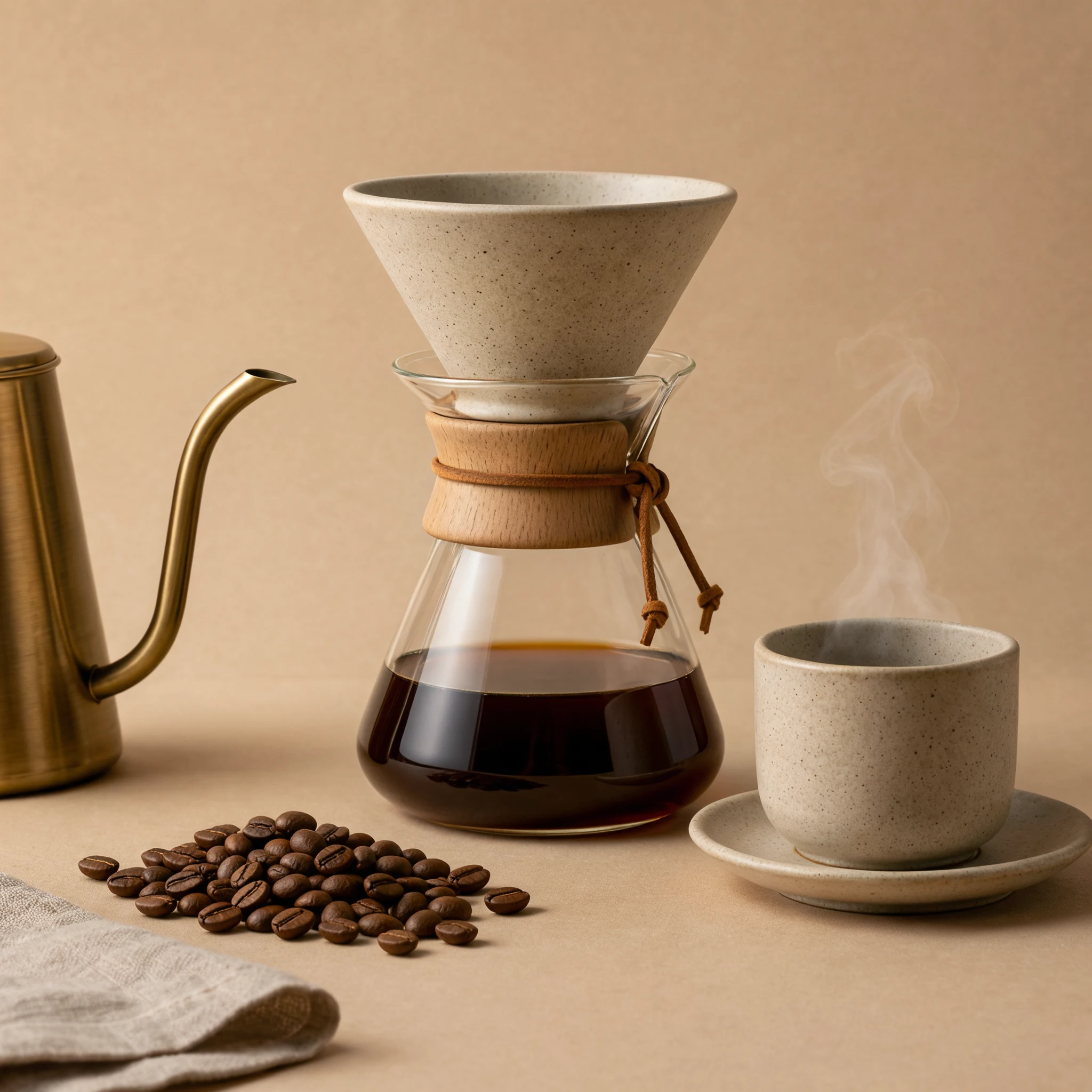
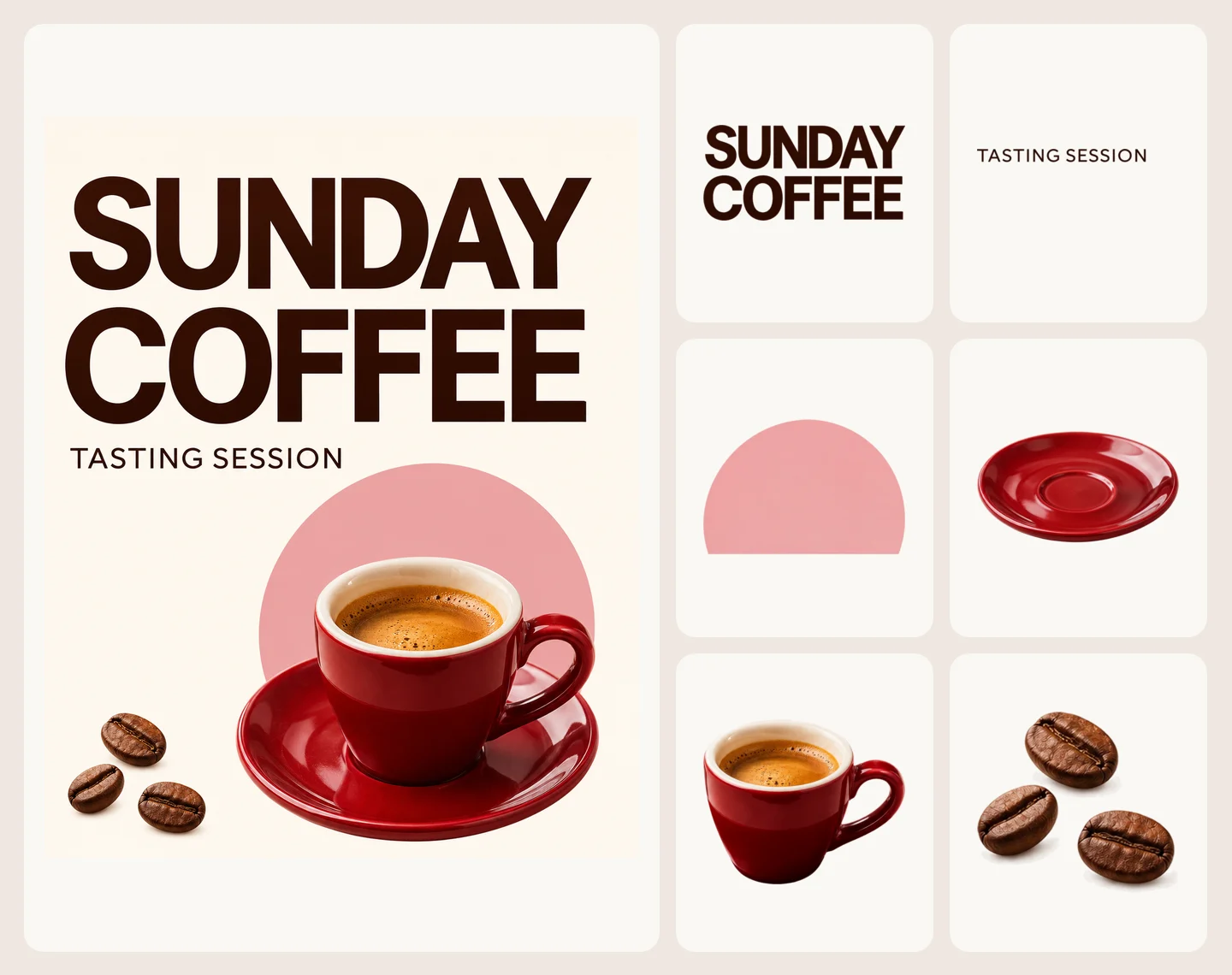
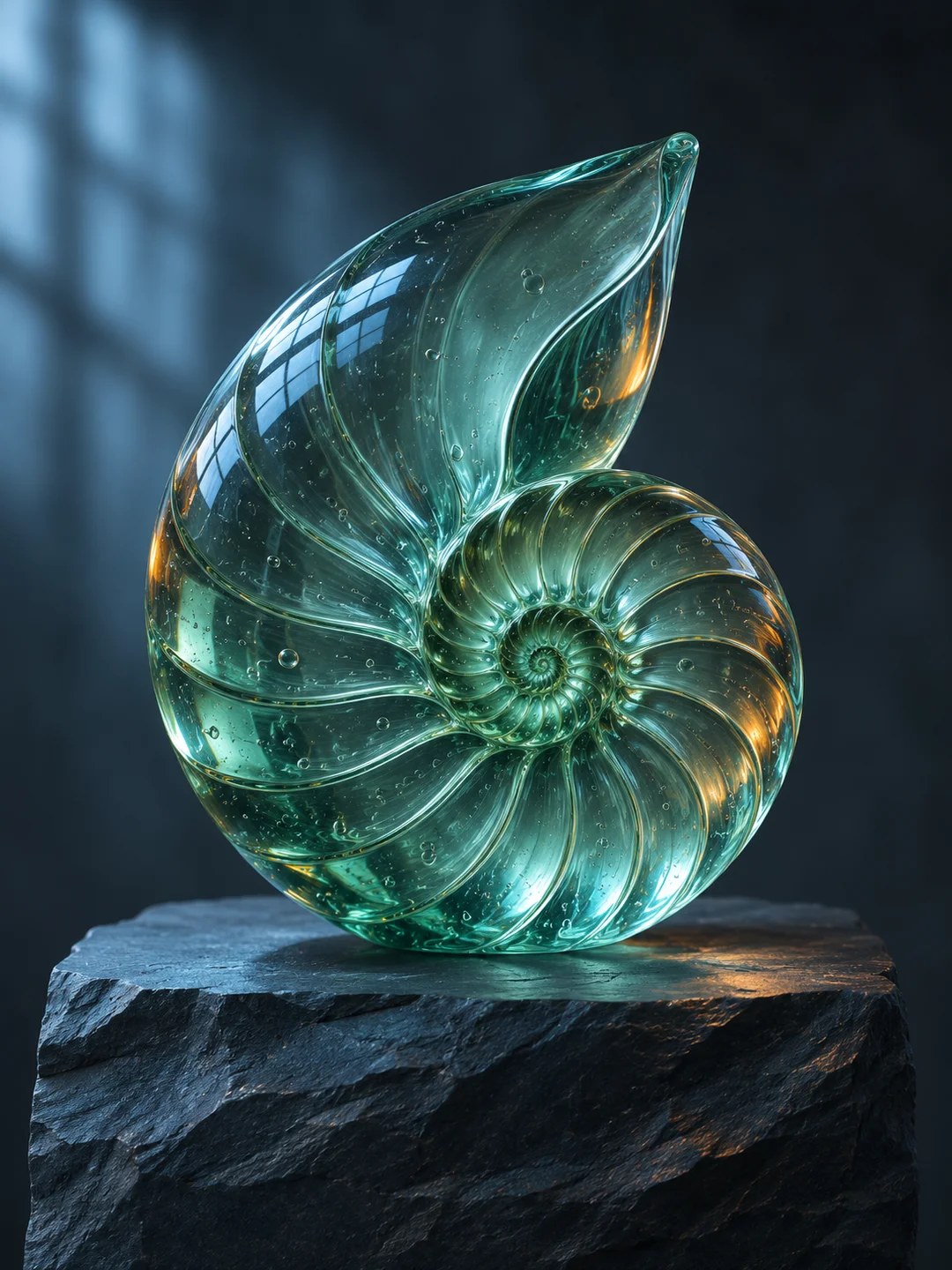
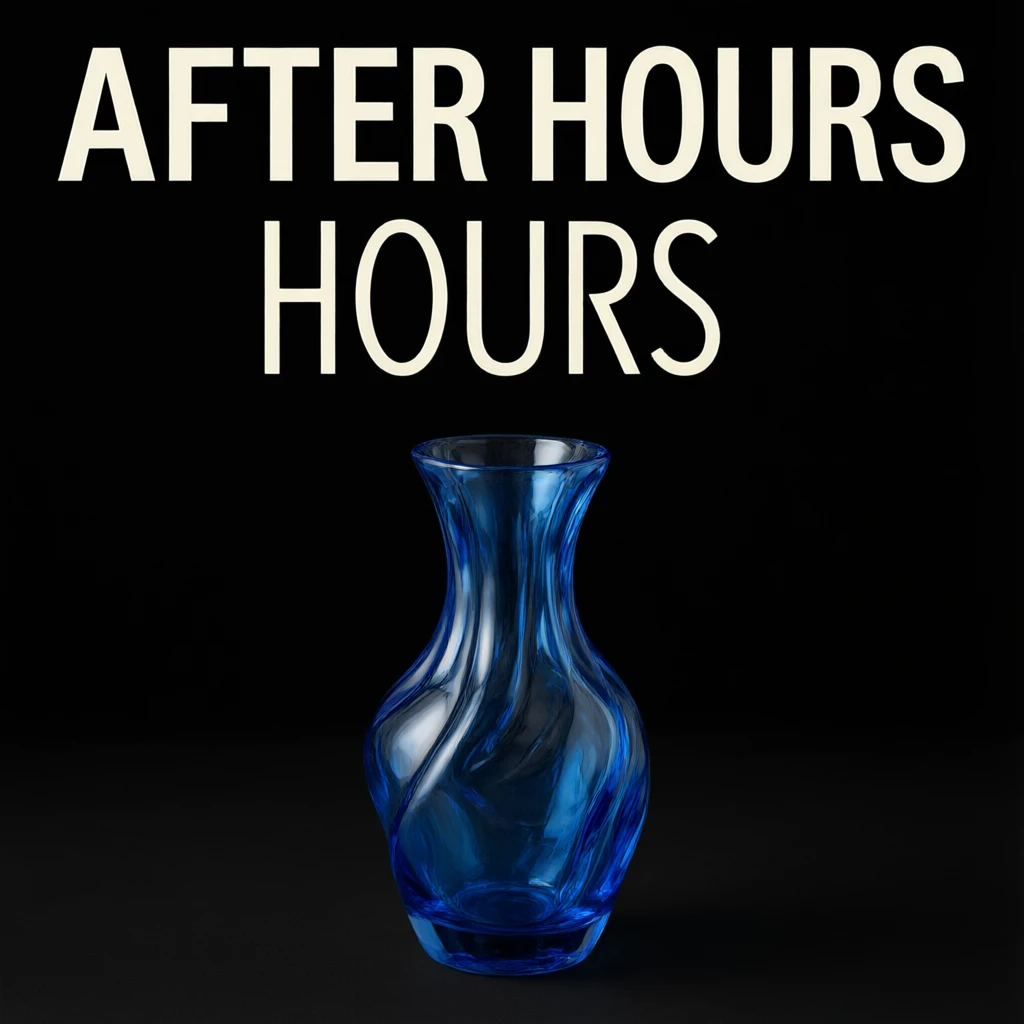
Give each reference a purpose
Use one image for the subject and add others only when they explain a different detail, such as a material or a camera angle. Each request returns one image.
Create an image from text, edit with up to 10 reference images, or make a transparent PNG. Set an aspect ratio or enter custom dimensions.
Explore compatible models for your next creation.
Use Seedream 5.5 on SceneFlare to make a new composition, revise an existing image, or create a standalone asset for a layout. For an edit, tell the model what to change and which details in the reference should stay.
Use one image for the subject and add others only when they explain a different detail, such as a material or a camera angle. Each request returns one image.
Choose an aspect ratio and 1K, 1.5K or 2K. For an exact canvas size, switch to Custom pixels. It accepts 921,600–4,624,220 total pixels and ratios from 1:16 to 16:1, with each side at least 15 pixels.
Set Background to Transparent for a PNG with an alpha channel. Use JPEG for an opaque image when you need that format.
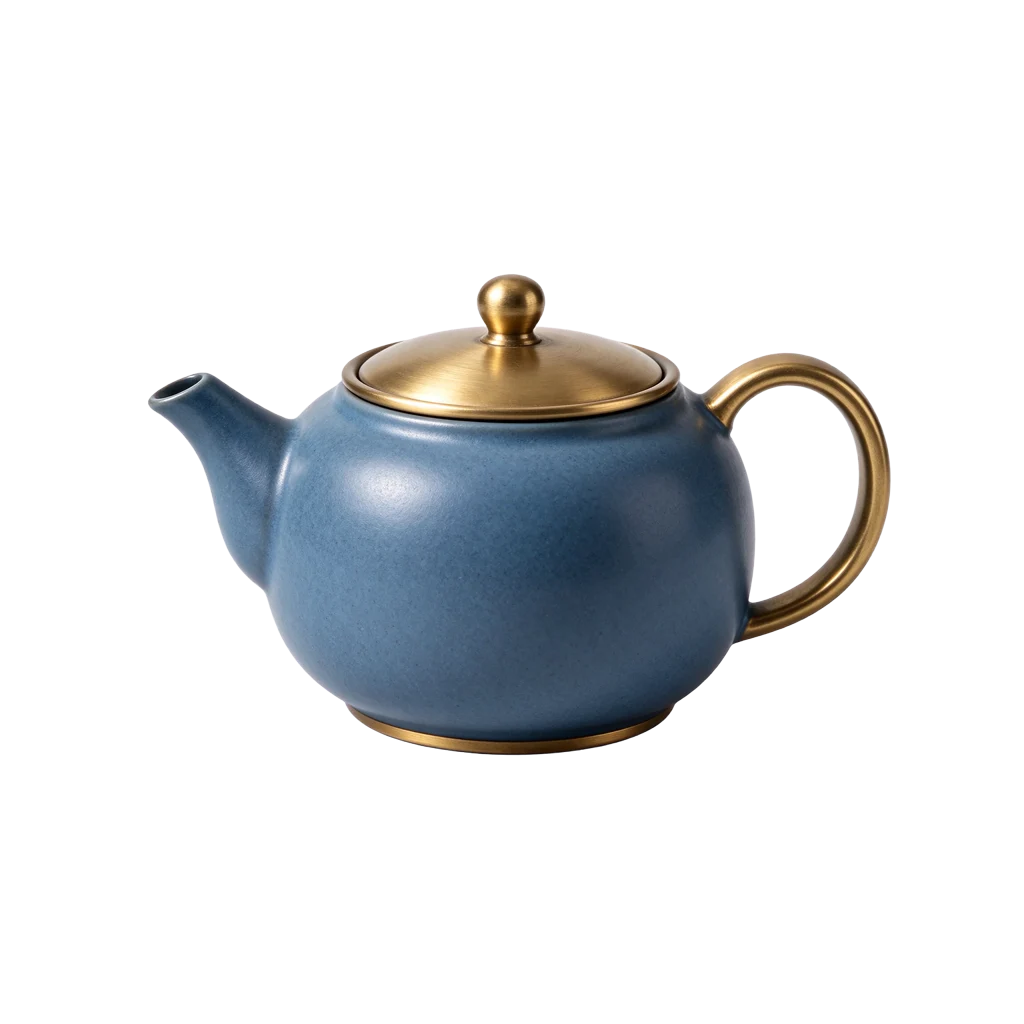
We generated the blue teapot on November 13, 2026 with no reference image. The downloadable result was a 1024 × 1024 PNG with transparency and cost 4 SceneFlare credits.
Use text-to-image with 1:1, 1K and Transparent. Describe a centered matte blue ceramic teapot with a brushed brass lid and handle.
Place the PNG over a light background and a dark one. Inspect the thin gap under the handle and the outline of the lid before placing it in a layout.
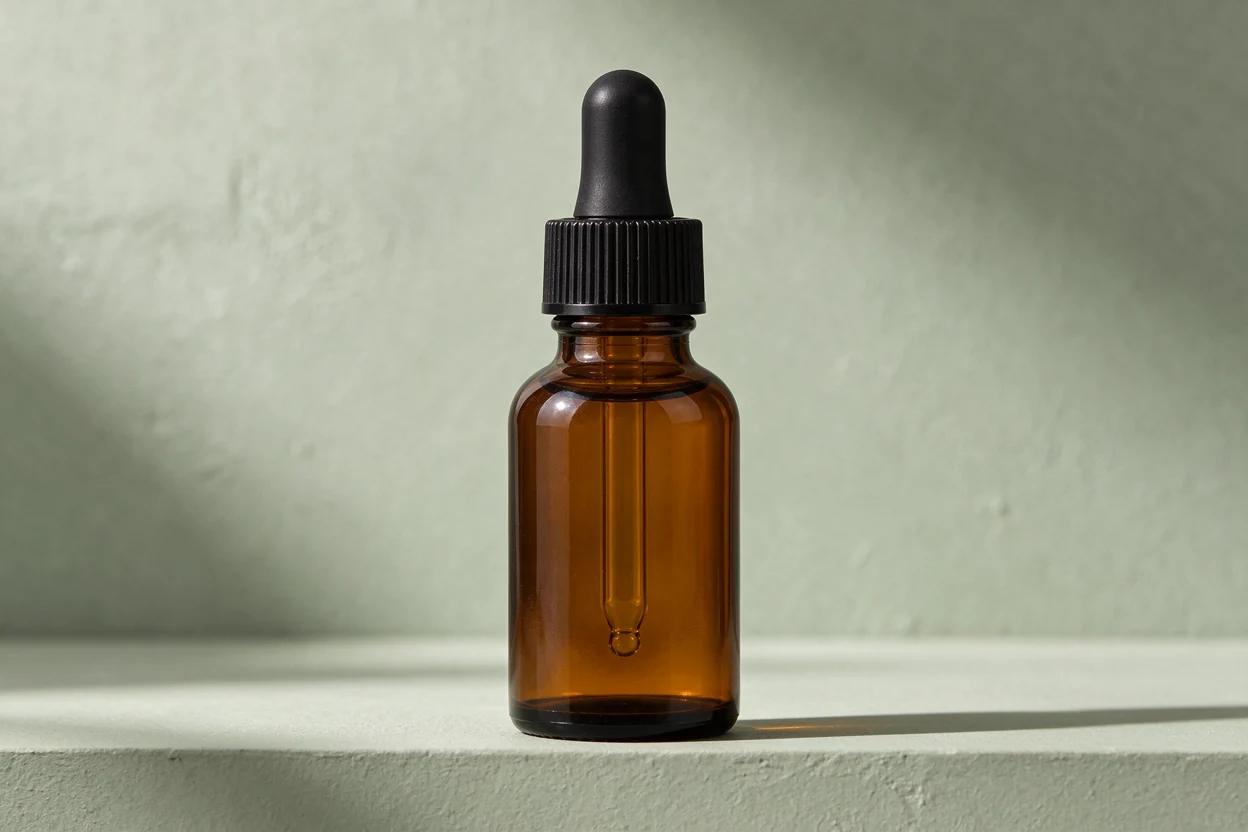
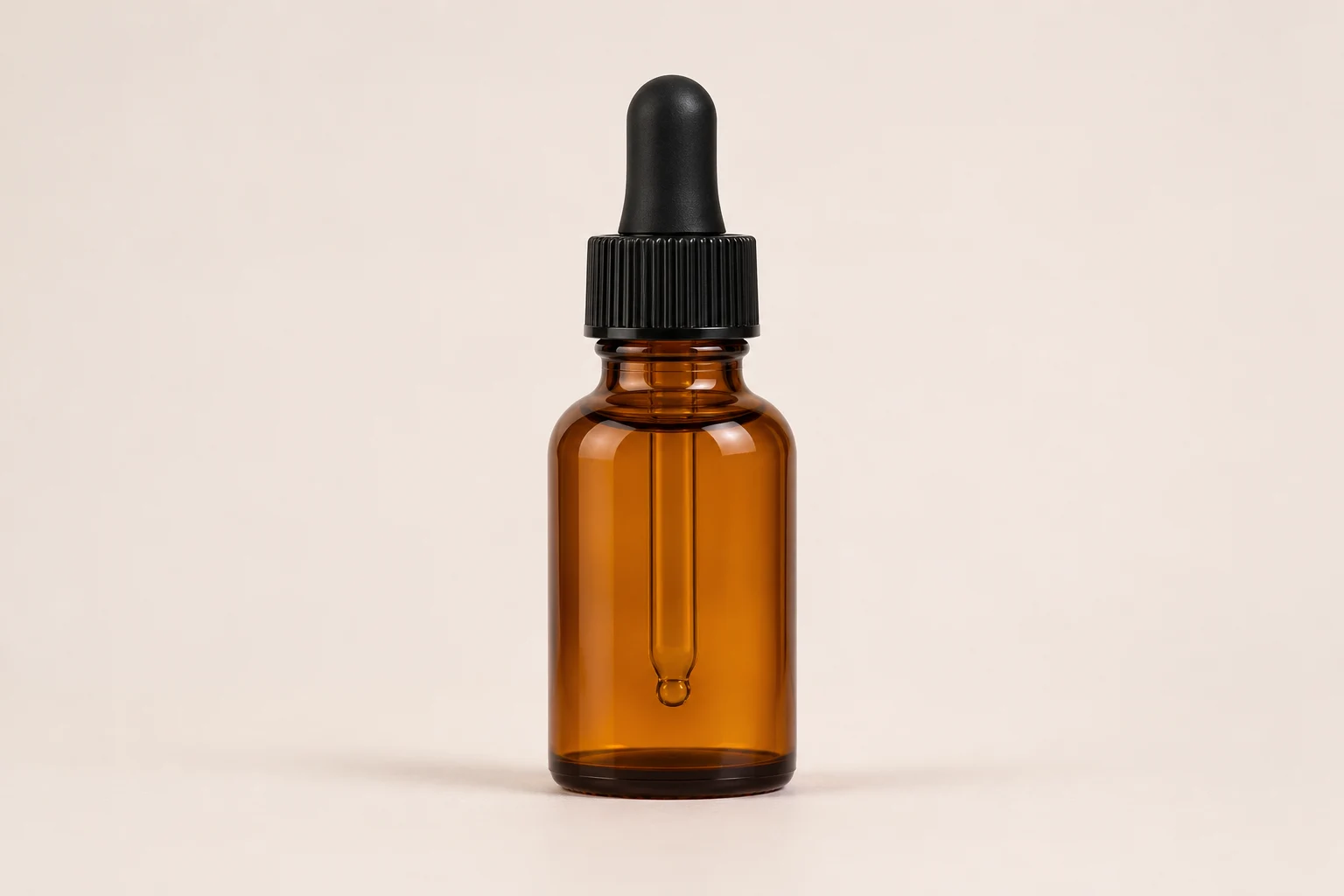
We used the off-white product image as a reference and asked Seedream 5.5 to replace the background with sage-green plaster. Drag the divider to compare the bottle silhouette, the cap and the angle.
Choose Text to image for a new composition. For an edit, choose Image to image and add the original image first.
Name the subject, lighting and framing. For edits, try a specific instruction such as “Change the backdrop to pale stone. Keep the shape, handle and camera angle.”
Select the dimensions and background, sign in, and review the credit quote. Download the image and compare it with the brief or source before using it.
Without reference images, 1K and 1.5K cost 4 SceneFlare credits and 2K costs 6. Each input image changes the quote. Custom output uses the higher tier above 2,610,000 pixels.
Choose Transparent to get a PNG with transparency. Select an opaque background if your workflow requires JPEG.
This generator returns one flattened image. To separate an existing design into movable elements, choose Seedream 5.5 Layerize in the model menu.