
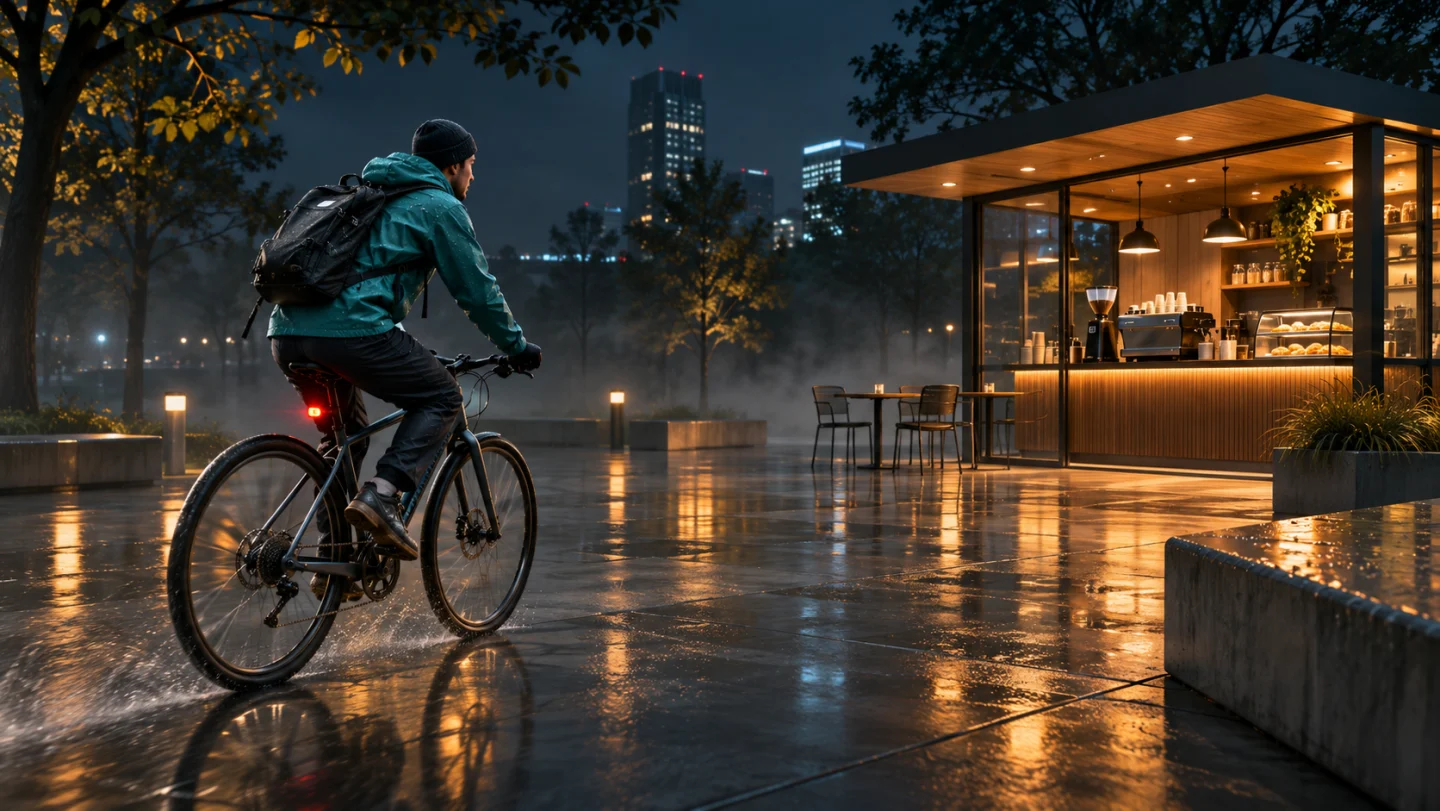
1 photo or 2–15s video
Use one clear full-body outfit photo or 2–15s clip where the shoes, outfit silhouette, and face are clearly readable.
Turn an outfit photo into the viral street-style sidewalk reveal: boots drop from mid-air onto sunlit pavement before a smooth upward tilt and hair-sweep walk under green scaffolding.
Explore models for other image and video ideas.
Starting low on sunlit concrete as both boots drop down from above sets up the instant street-style hook. Lifting smoothly past the outfit into a confident backward-tracking walk—complete with a breezy hair sweep and sunglasses touch—keeps the whole 12-second take seamless.
Use one clear full-body outfit photo or 2–15s clip where the shoes, outfit silhouette, and face are clearly readable.
Initial settings are 12 seconds, 16:9 and 720p with audio on, and you can adjust available options before generating.
Check the credit quote shown before submitting; the estimate can change with resolution, duration and reference video length.
Open low at curb level as both dark boots descend from mid-air and land lightly on the sidewalk with natural knee flex and crisp shadows.
Glide smoothly up past the boots, dress or trousers, jacket, and shoulder bag beneath green steel scaffolding without changing clothes or daylight.
Strut forward toward the retreating camera as both hands push hair back over the shoulders, ending with a cool touch to the sunglasses.
Uploading a full-body reference with clear footwear lets the model anchor the opening mid-air landing right above the sunlit concrete shadows before lifting up the legs.
Start close to sunlit sidewalk concrete as black leather boots drop neatly from mid-air and cast sharp street shadows.
Check that both boots stay consistent in height, buckles, and heel shape from touchdown through the full walk.
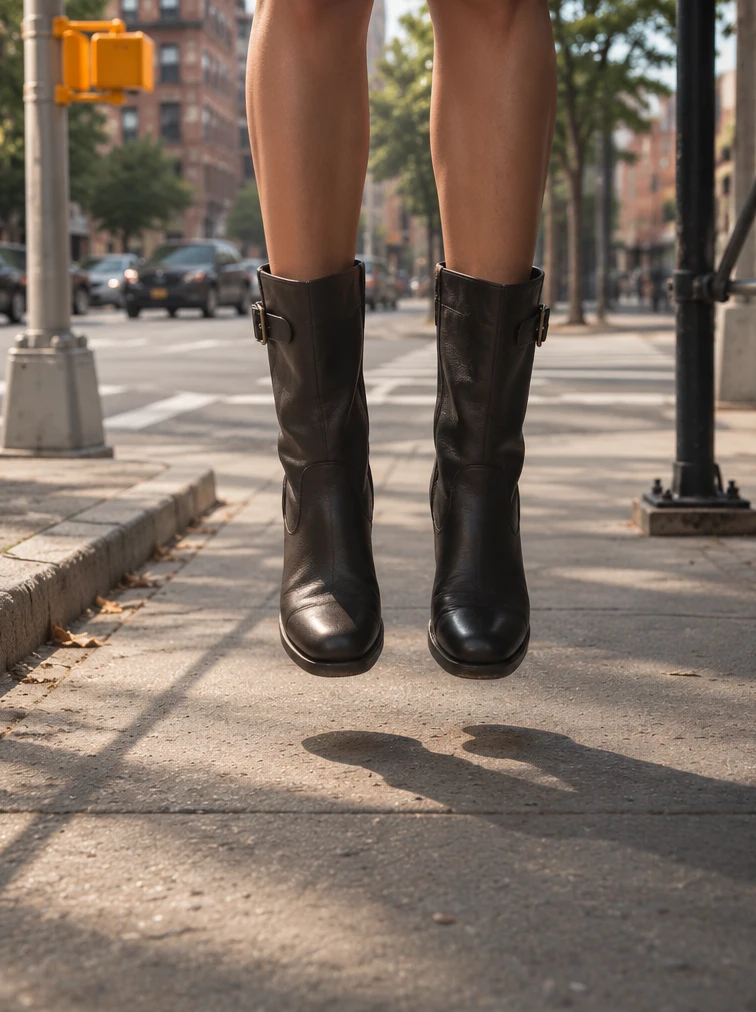
Once the camera reaches eye level under the green sidewalk scaffolding, continuous motion sells the one-take street edit—sweeping hair back with both hands before lightly adjusting the sunglasses.
Track smoothly backward beneath green NYC scaffolding as both hands push hair back and one hand briefly touches the sunglasses.
Review the upward tilt and stride to verify outfit layers, bag strap, and facial expression stay consistent.
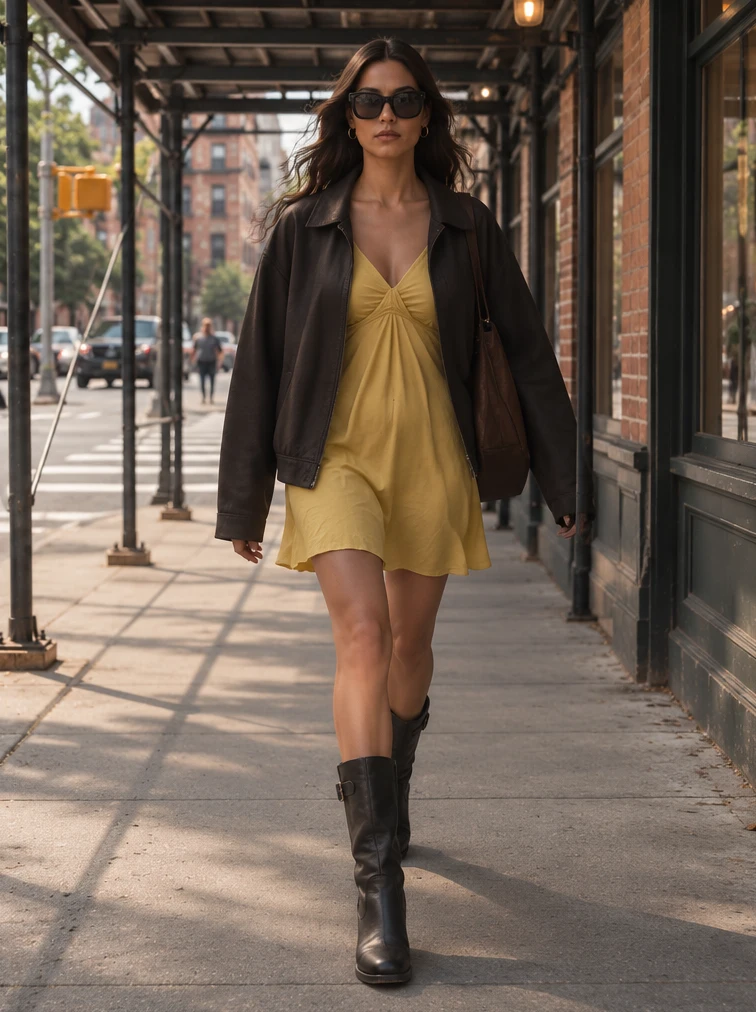
Upload a clear full-body photo or 2–15 second clip showing the face, outfit layers, and shoes clearly.
Optionally customize the jacket, street corner lighting, or scaffolding look, or leave blank for the classic NYC street-style sequence.
Confirm 16:9 (or switch to 9:16), 12 seconds, and credit estimate, generate the clip with audio, and verify footwear and transition smoothness.
You can adjust the available settings before generating. The initial settings are 12 seconds, 16:9 and 720p with audio on.
Upload one clear full-body photo or 2–15 second clip showing head-to-toe outfit and footwear—or a portrait if you want default boots and jacket styling.
The model animates a mid-air landing, camera tilt, and walking gestures, and may adjust footwear shape, clothing folds, or street traffic in the background.