1
Use a sharp image with readable text. Upload, drag and drop, or paste one JPEG, PNG or WebP.
Change words, prices and dates in an image with a written instruction. Upload one image, describe the replacement, and review the edited result.
Example edit


AI-generated concept example, not an output from this tool. Drag the divider to compare.
Explore other image models for generation and editing.
A date changes. A price needs updating. A headline needs another language. Describe what to replace and use the original image as the visual reference, without rebuilding the whole layout from scratch.
Use a sharp image with readable text. Upload, drag and drop, or paste one JPEG, PNG or WebP.
Quote the original and replacement text. If it appears more than once, say where to edit it.
Choose a fixed ratio for 1K or 2K output. Auto lets the model choose dimensions.
Put the current words and new words in quotation marks. You can ask for a date, a price or a headline change in the same instruction.
The editor asks the model to match the existing lettering, color and placement while preserving unrelated content. Exact fonts and unchanged pixels are not guaranteed.
Auto asks the model to follow the source composition and lets it choose output dimensions. Choose a specific ratio to enable 1K or 2K resolution.
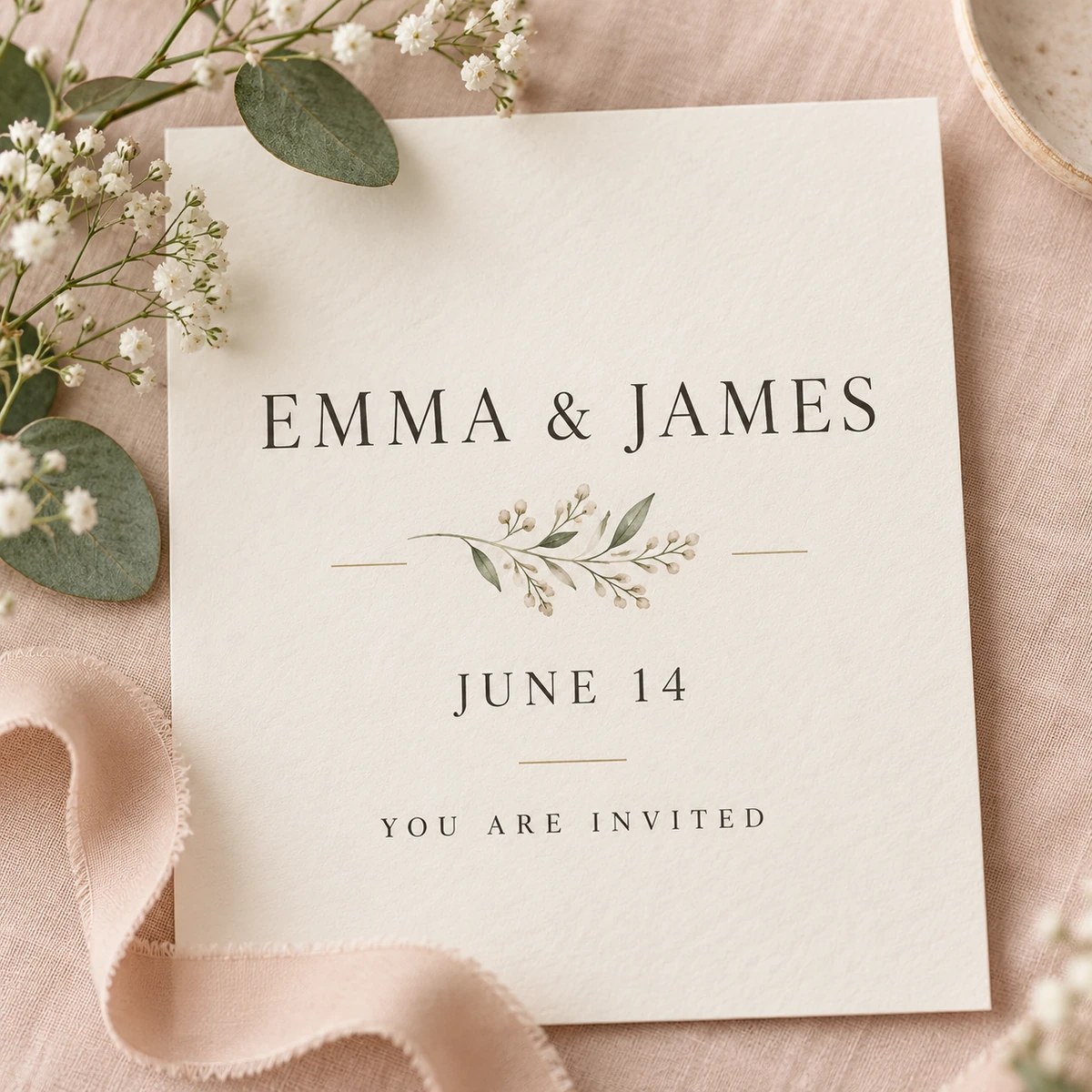
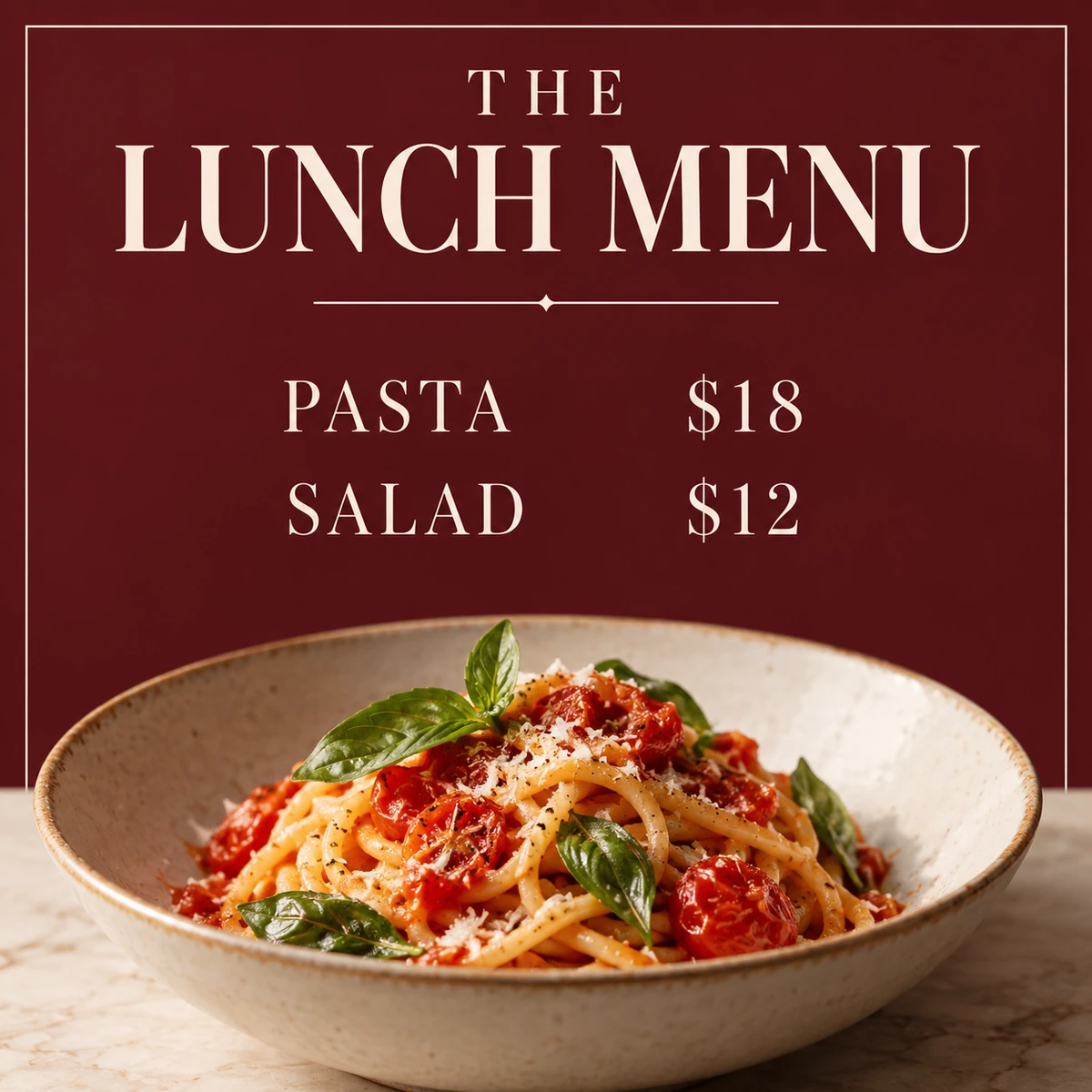
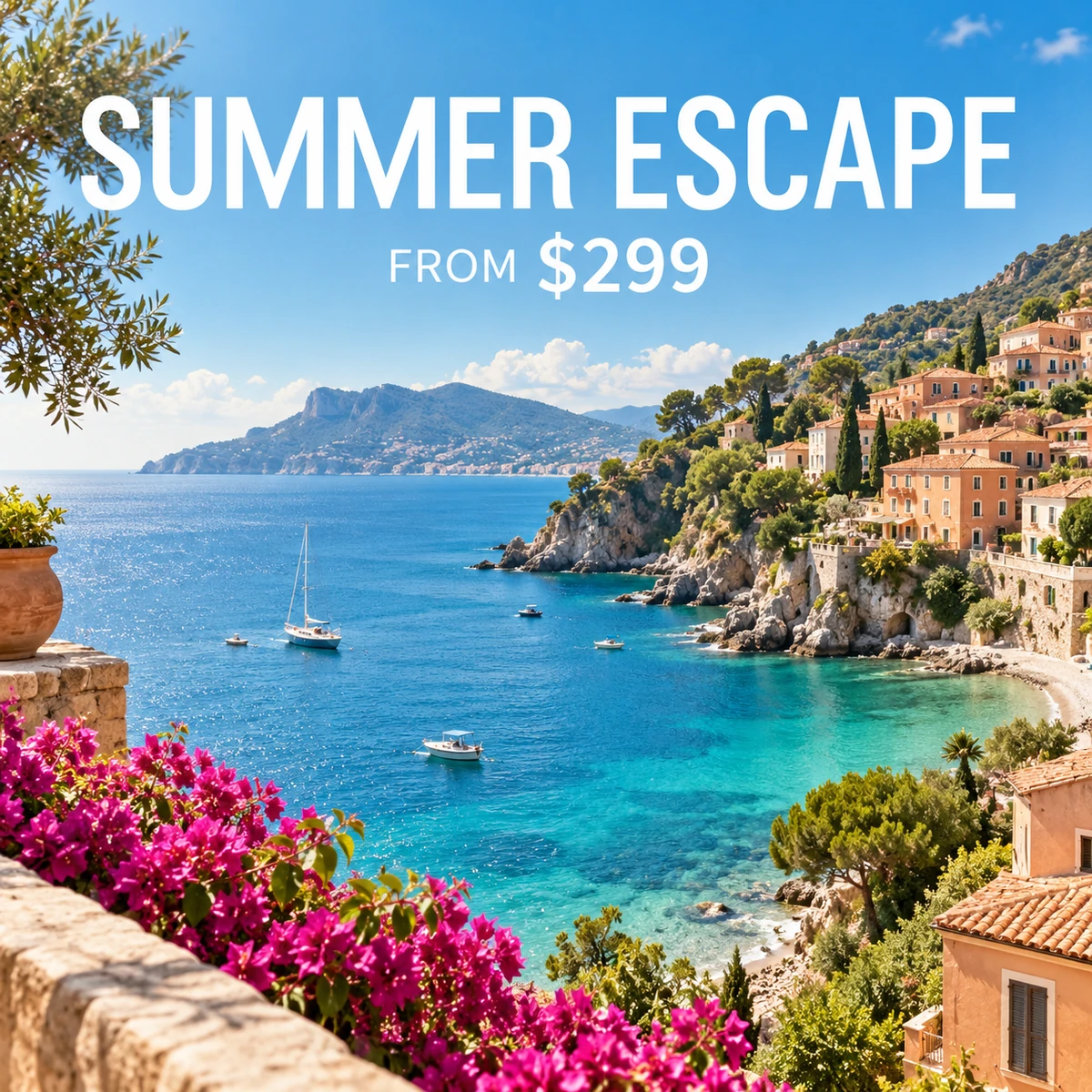
These AI-generated concepts are not outputs from this tool. Use your original image as the reference for a new version.
Use a JPG, PNG or WebP image to update a headline, price or date without the source design file. Check the words and surrounding details after generation.
Identify the original text, replacement and location to separate what should change from what should stay.
Check dates, currency symbols and small print against the current promotion.
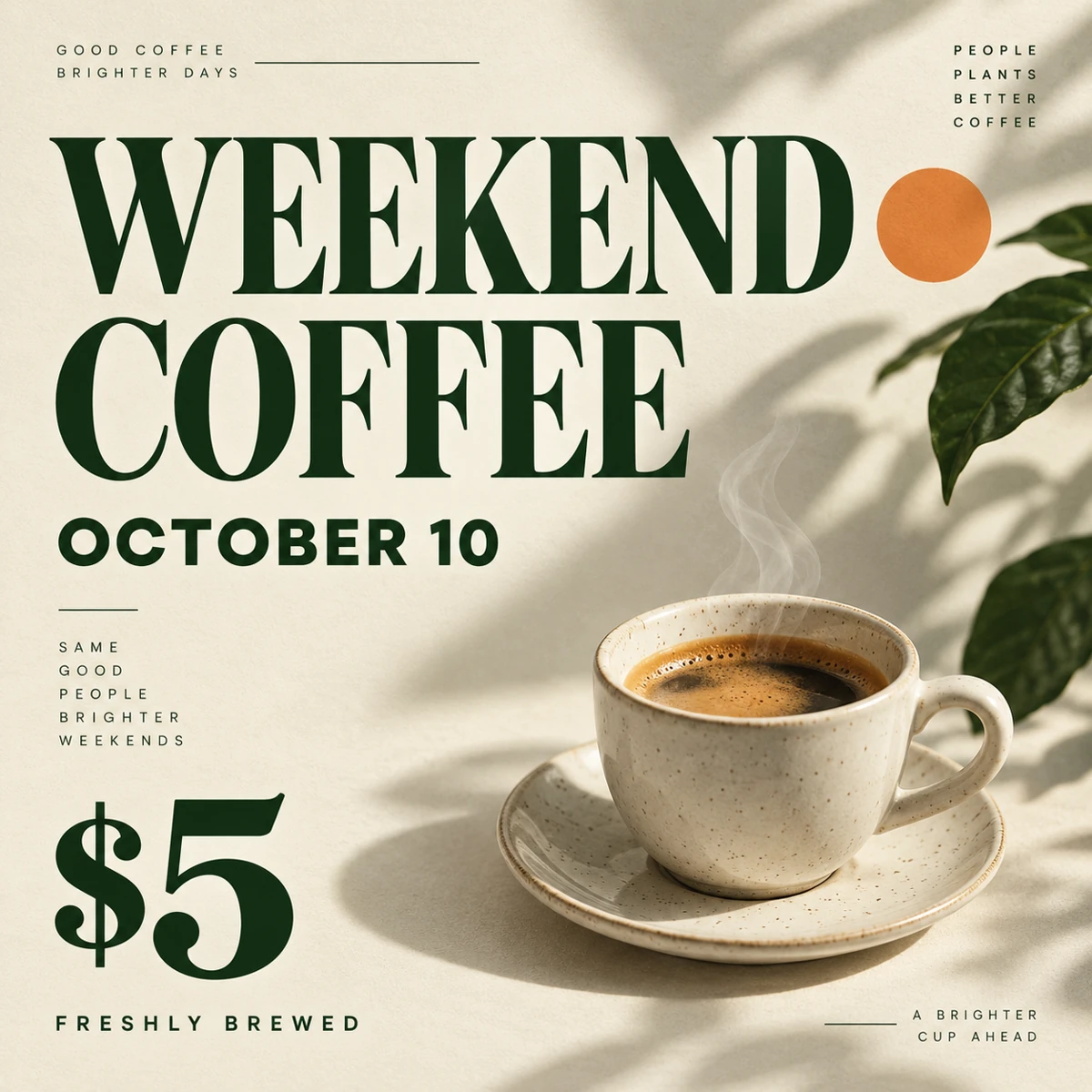
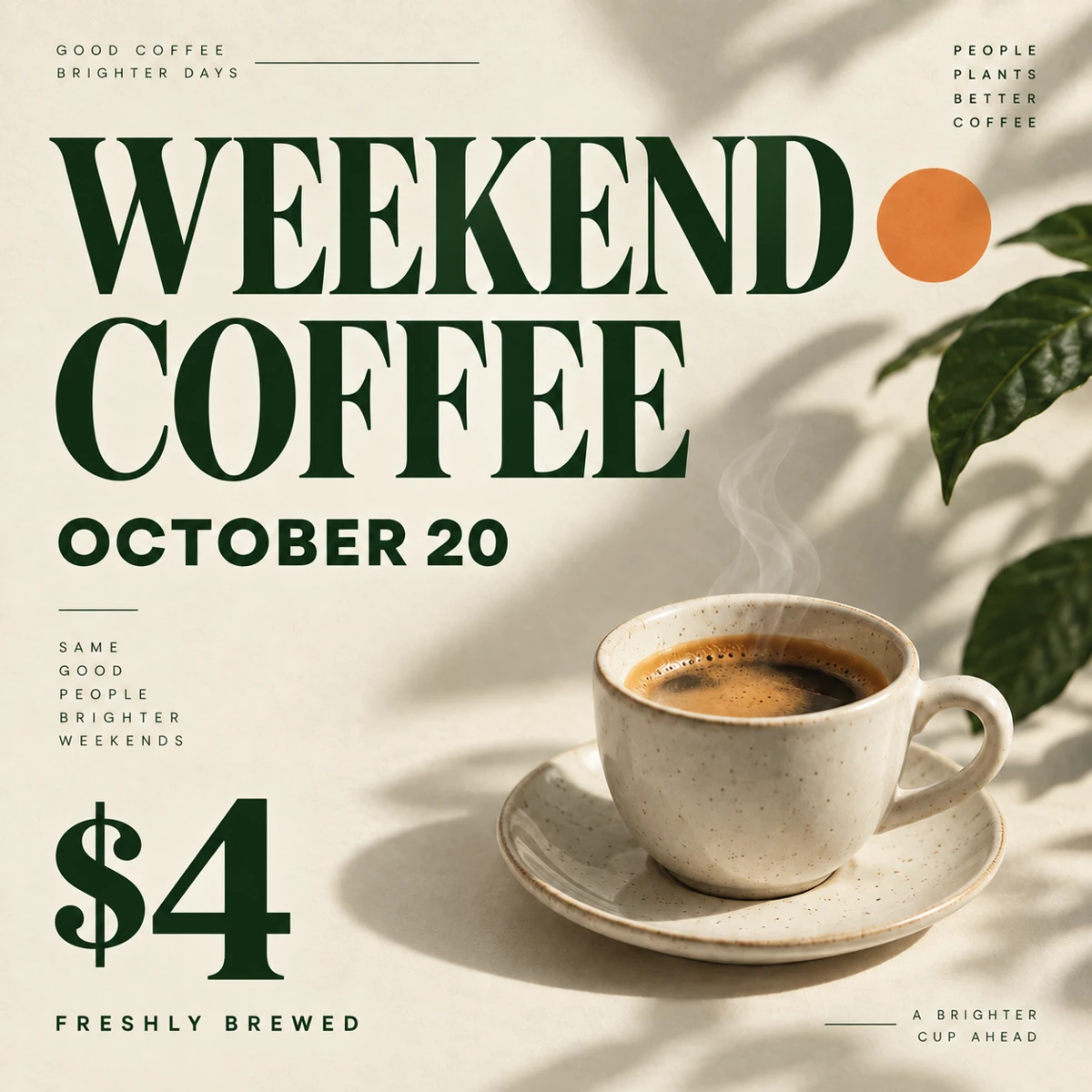
Describe the lettering, color and placement to guide the replacement. AI may change letter shapes or background details; an exact match is not guaranteed.
Provide a reviewed translation, then check every word and the layout.
Say whether smaller lettering or adjusted spacing is acceptable when the new wording is longer.
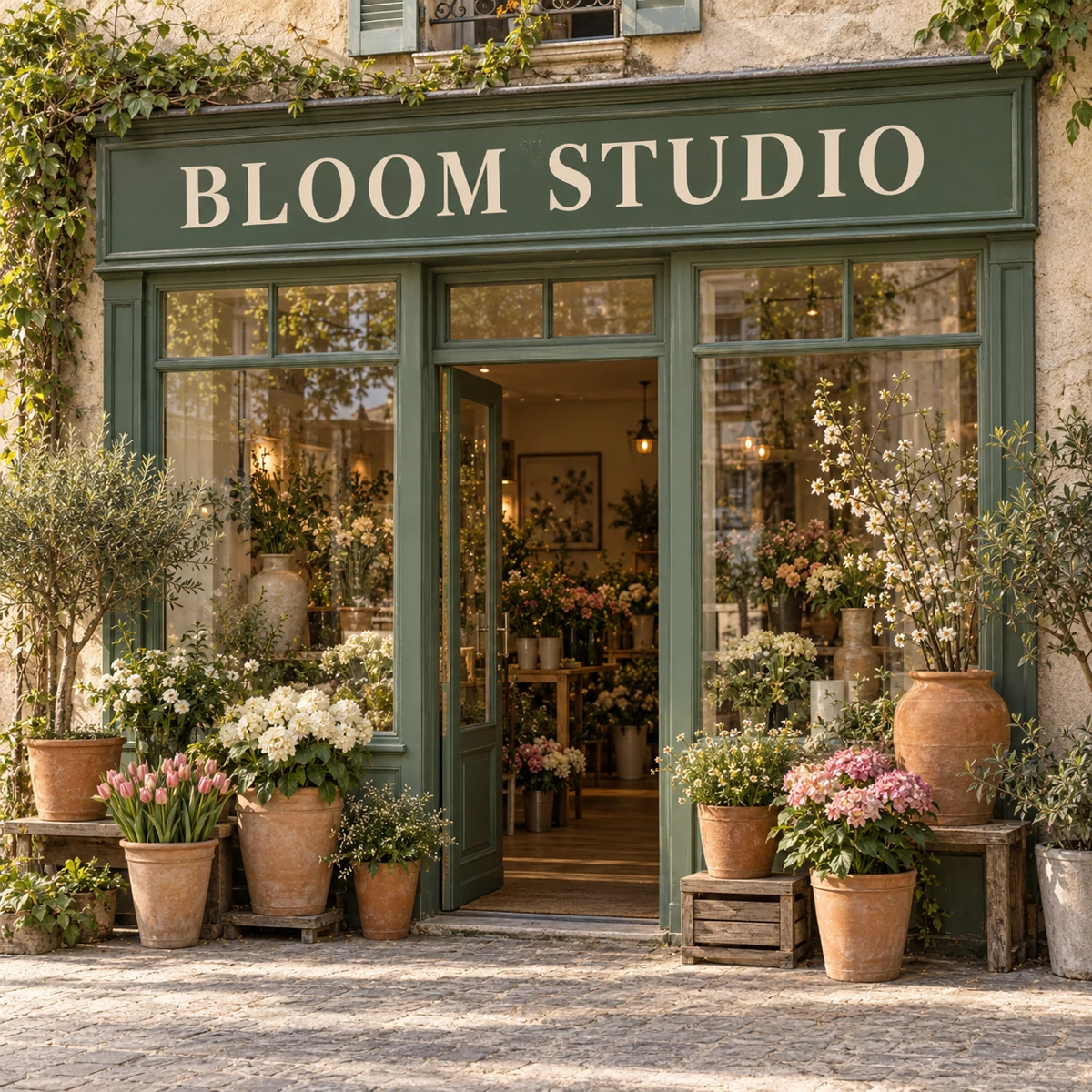
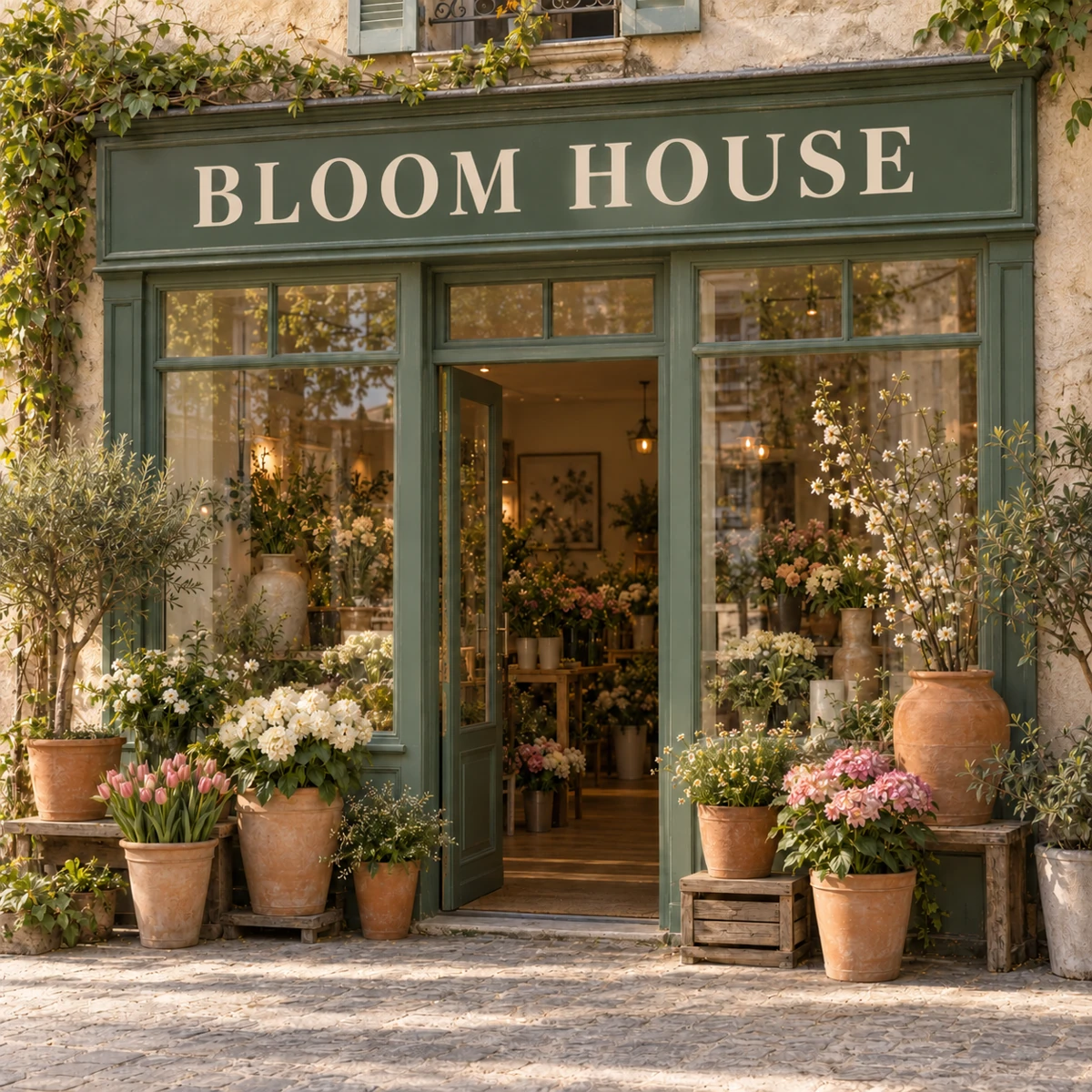
Choose one JPEG, PNG or WebP with legible words. Use the clearest version you have; avoid blurred text.
Quote the current text and the new wording, then specify the location and what to preserve. Start with a quick example and adapt it to your image.
Check the credit estimate, sign in and generate. Open the result at full size to check spelling, numbers and surrounding details, then download it.
Yes. Upload the flattened image and describe the edit. This generates a new image; it does not recover editable text layers, install the original font or return a layered design file.
Not necessarily. The model is instructed to preserve them, but it can redraw surrounding details or change letter shapes. Exact typography and pixel-level preservation require a conventional editor and, when available, the original design file.
You can specify the source text, target language and exact replacement. For a precise translation, provide the translated words yourself. Text length, unusual characters and dense paragraphs can affect legibility; check every word in the result.
Sharp posters, promotional graphics and signs with large, readable words are easier to describe. Blurred screenshots, tiny text, handwriting and crowded layouts are harder. This page has no manual text box or mask selection.
Generation requires sign-in and SceneFlare credits. The button shows an estimate for your image and settings before submission. Each new generation uses credits. Files and instructions reset on refresh; no saved edit history is loaded into this form.
Upload an image and describe the change you need.
AI-generated creative concepts, not tested outputs from the featured model or tool.