Coming soon
Checked October 3, 2026: Kling is rolling out early access and plans the full 4.0 release for October. Kling 4.0 generation is not available on SceneFlare yet.
Explore Kling 4.0’s announced 3–30 second video generation, multiple keyframes and Omni Reference capabilities. Check rollout status and prepare your next video brief.
Preview
Explore other video models for your next project.
Kling 4.0 combines longer video generation with control through reference assets. This page explains the announced capabilities and helps you prepare a video brief. SceneFlare is an independent service and does not yet offer Kling 4.0 generation.
Checked October 3, 2026: Kling is rolling out early access and plans the full 4.0 release for October. Kling 4.0 generation is not available on SceneFlare yet.
Images to guide visual moments
Combined asset limit
Official model capabilities; these are not current SceneFlare generator settings.
Native 3–30 second generation offers room for a beginning, an action and an ending. Plan the pacing before adding more events.
Up to 10 keyframe images can guide changes in composition and scene progression. Keep the same subject details across your frames.
Omni Reference combines images, videos and subjects. Use one asset for appearance and another for movement or camera direction.
Kling announces stereo audio, improved lip-sync, 4K and 21:9 output. 10-bit HDR at 1080p and 4K remains coming soon.
Use text and visual references to adjust expressions, motion, backgrounds or camera movement. Specify what should change and what should stay.
Creative Recreation uses a reference video’s pacing and shot structure with new characters or products. Choose references you have permission to use.
Explore character action, a dragon sequence and a martial-arts scene through the supplied video examples.
Two characters face a giant creature in a ruined city. Colored energy, moving debris and changing camera angles shape the confrontation.
Describe who moves, the direction of the action and the moment of impact.
Specify how dust, rubble and nearby objects respond to movement.
Check positions, scale and camera direction across cuts.
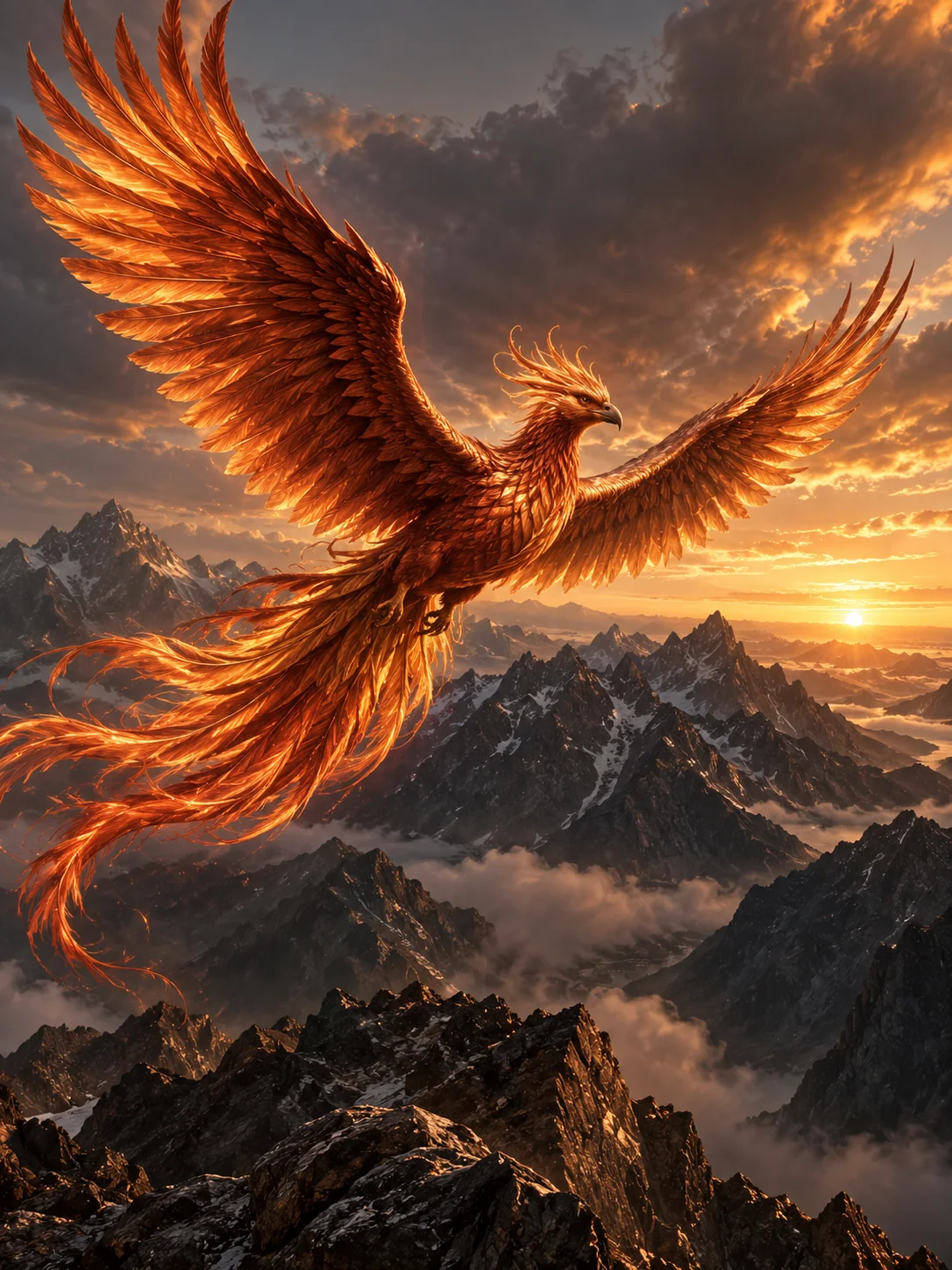
A dragon launches from a stone tower, flies over a medieval city and breathes fire. Wide views and closer tracking shots carry the action forward.
Plan the launch, flight, fire and final view as separate story beats.
Keep wing shape, silhouette and scale consistent across angles.
Use the city skyline and travel direction to connect shots.
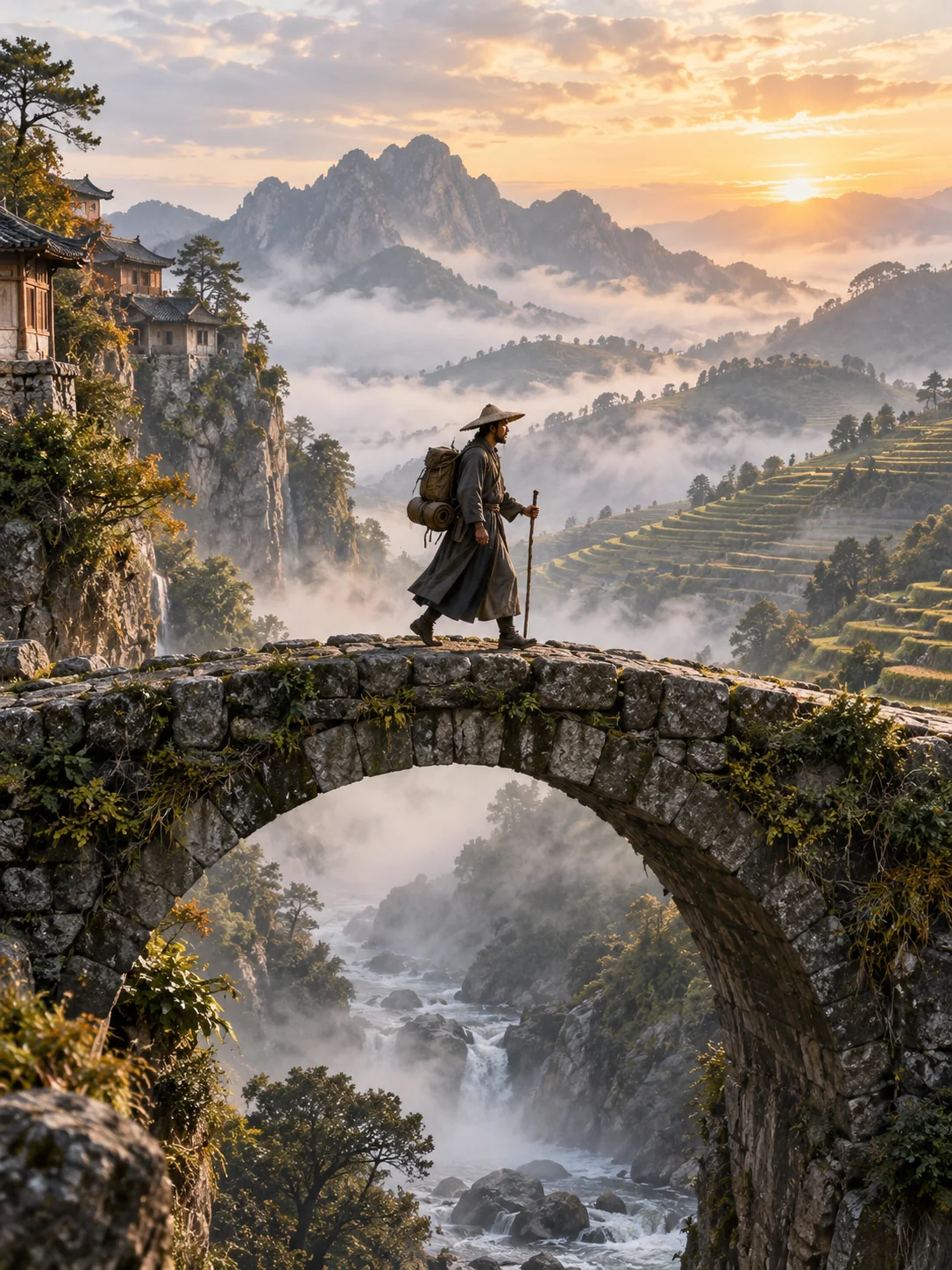
A dark-clad fighter moves through a misty mountain landscape. The broad hat, weapon and shifting viewpoint define the character’s silhouette.
Keep clothing, hat and weapon details consistent.
Describe foreground rocks, distant mountains and moving mist.
Specify footwork, pauses and the camera’s distance from the fighter.
Define the subject, action, setting, camera move and sound. Start with one scene.
Select only assets you are allowed to use. Label which reference guides appearance, motion or composition.
Check official rollout availability and settings. On SceneFlare, compare currently available video models while Kling 4.0 is pending.
Not yet. As of October 3, 2026, this page introduces the announced model capabilities. Kling 4.0 generation and credit pricing are not yet available on SceneFlare.
Kling’s September announcement schedules the full release for October 2026. Flash early access began September 28 for Ultra Yearly subscribers; availability depends on account eligibility.
The official guide lists up to 15 combined assets, including voice references: up to 10 images, 5 videos with a total duration of up to 30 seconds including video-based subjects, and 7 subjects, of which up to 3 can be video-based. The individual limits share the combined cap.
No. 4K describes resolution; HDR describes dynamic range. Kling announces 4K output, while 10-bit HDR at 1080p and 4K is still marked coming soon.
SceneFlare pricing has not been announced. Official subscription access and future SceneFlare credit pricing are separate.
Explore SceneFlare’s video models and their current settings while Kling 4.0 is pending.
AI-generated creative concepts, not tested outputs from the featured model or tool.