1
Use a clear photo of one person with the face and hair visible.
Turn a clear portrait into a professional headshot. Choose a style, adjust clothing and background, and generate without writing a prompt.
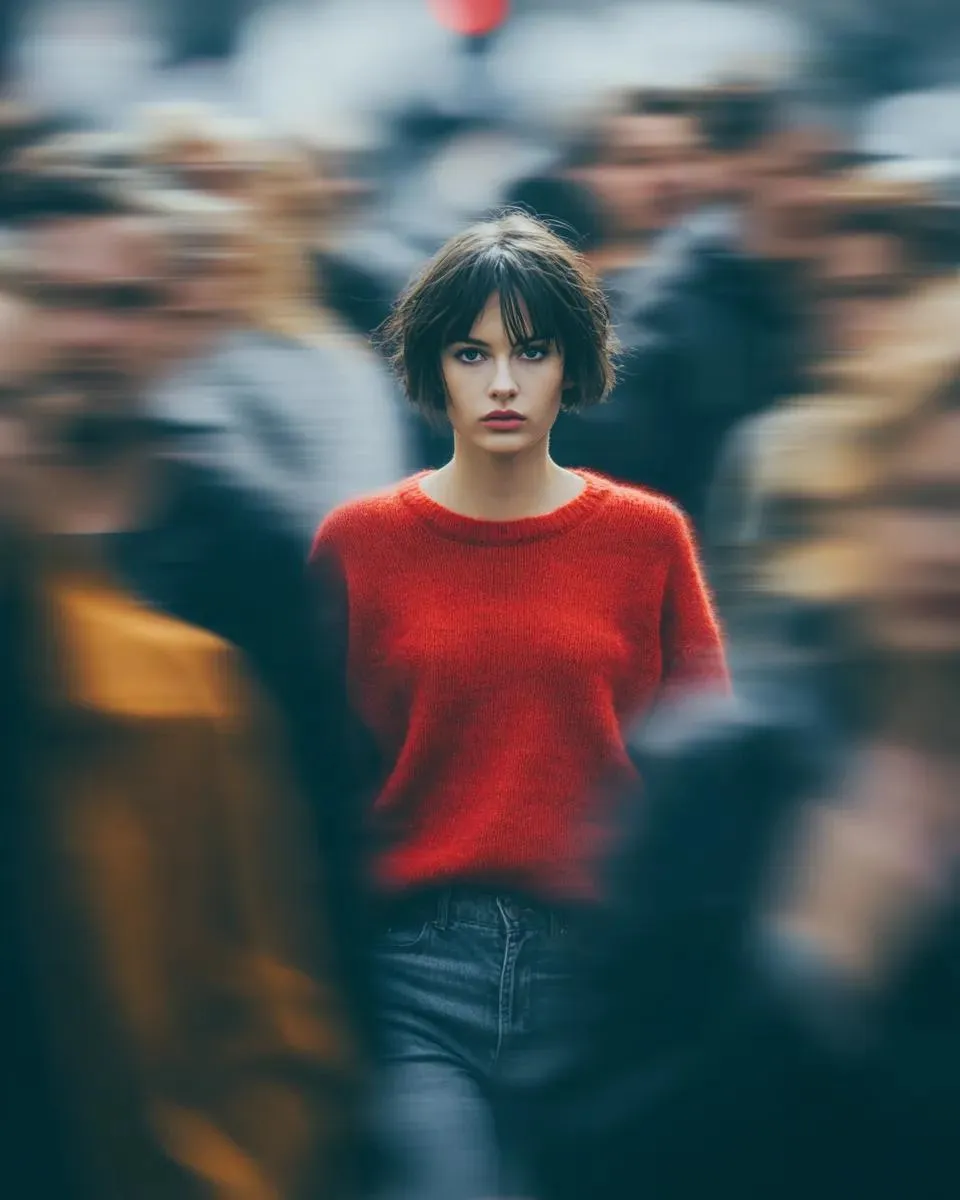
Style preview
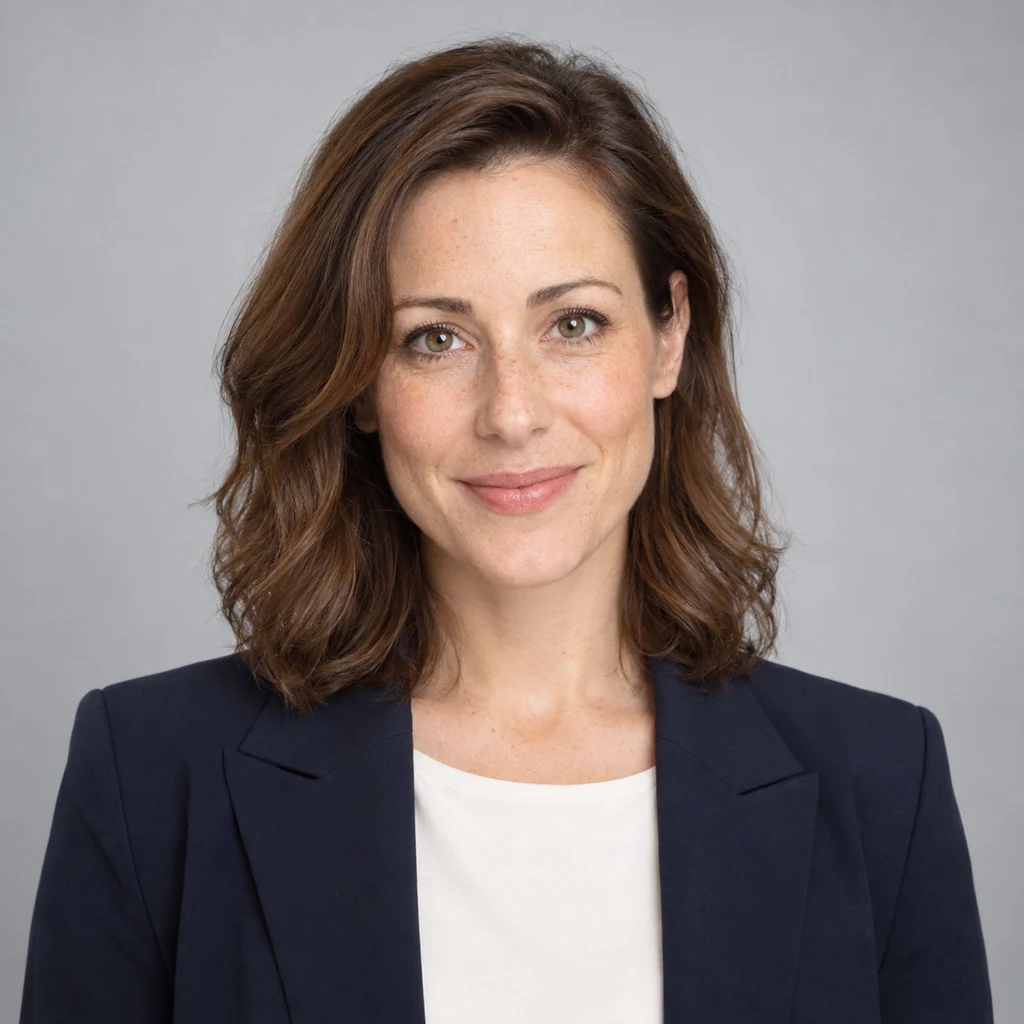
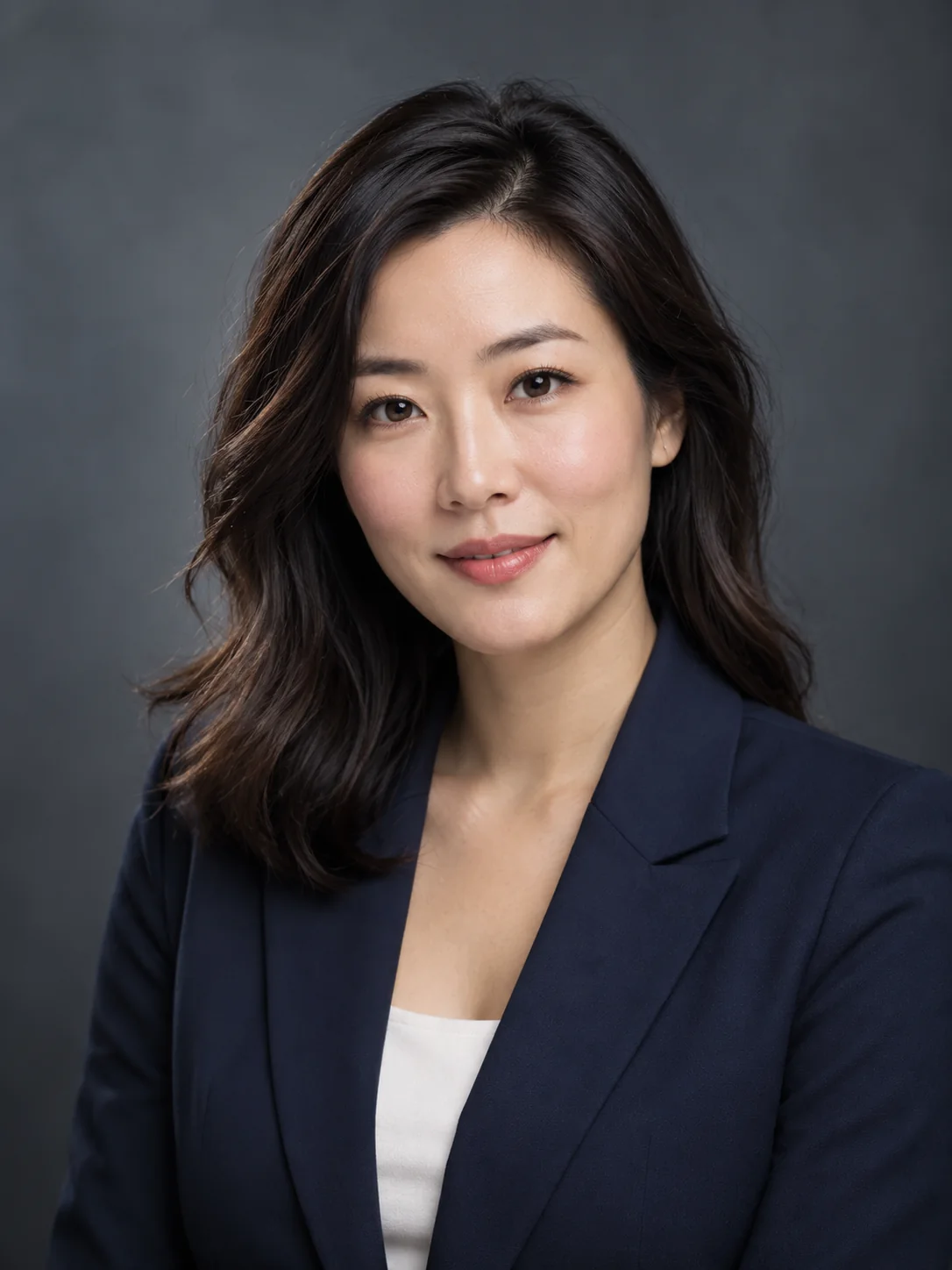
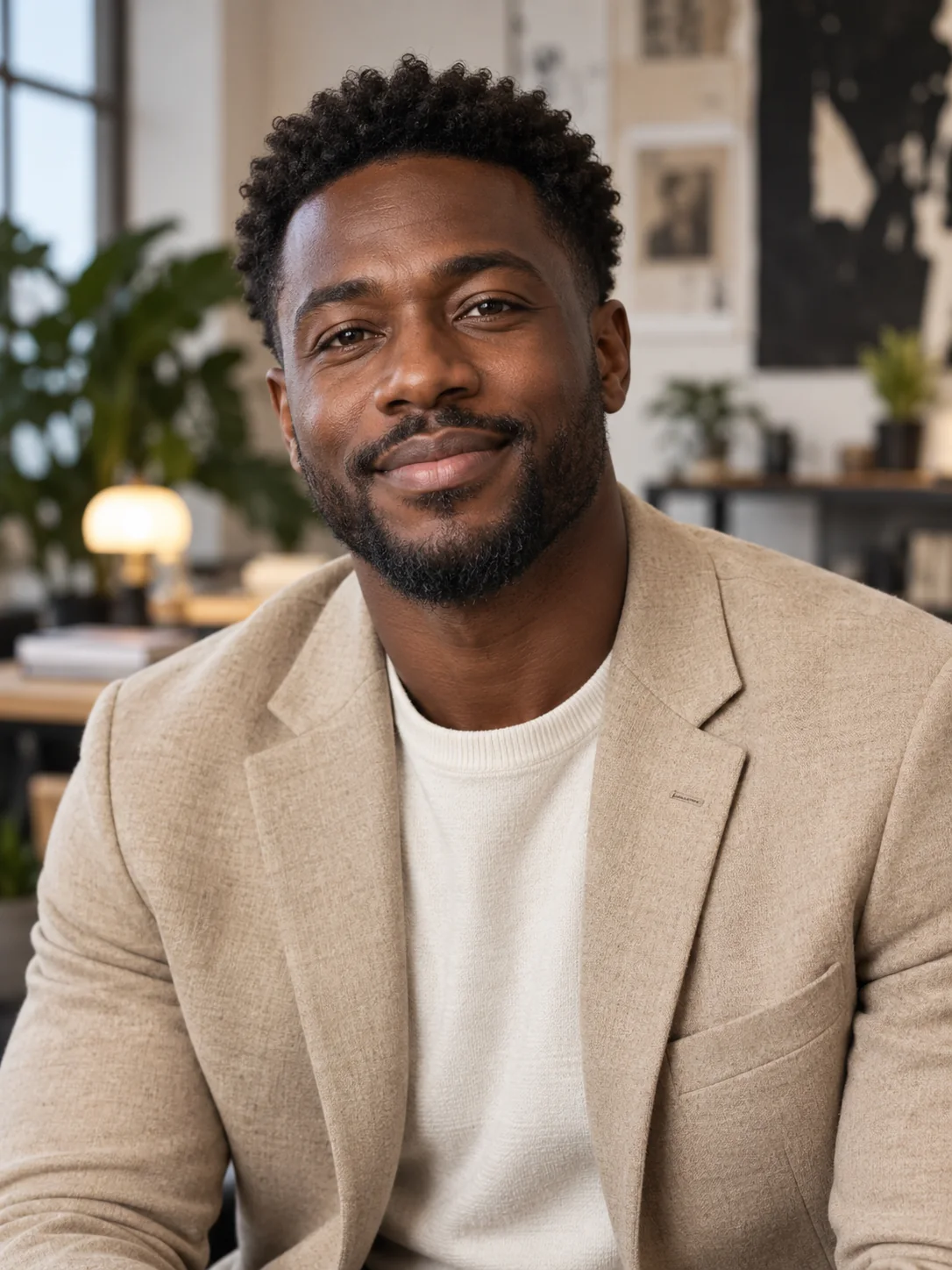
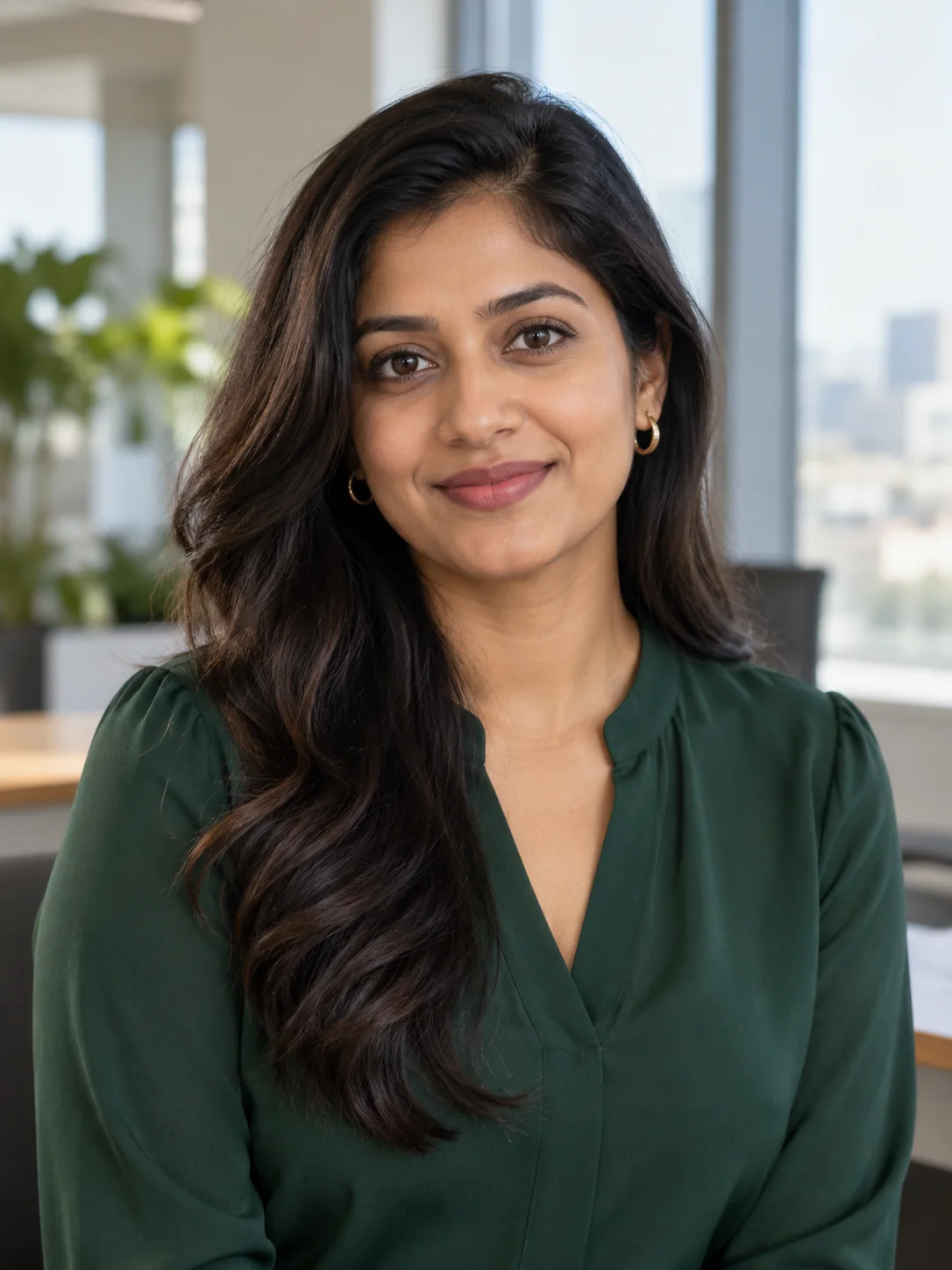
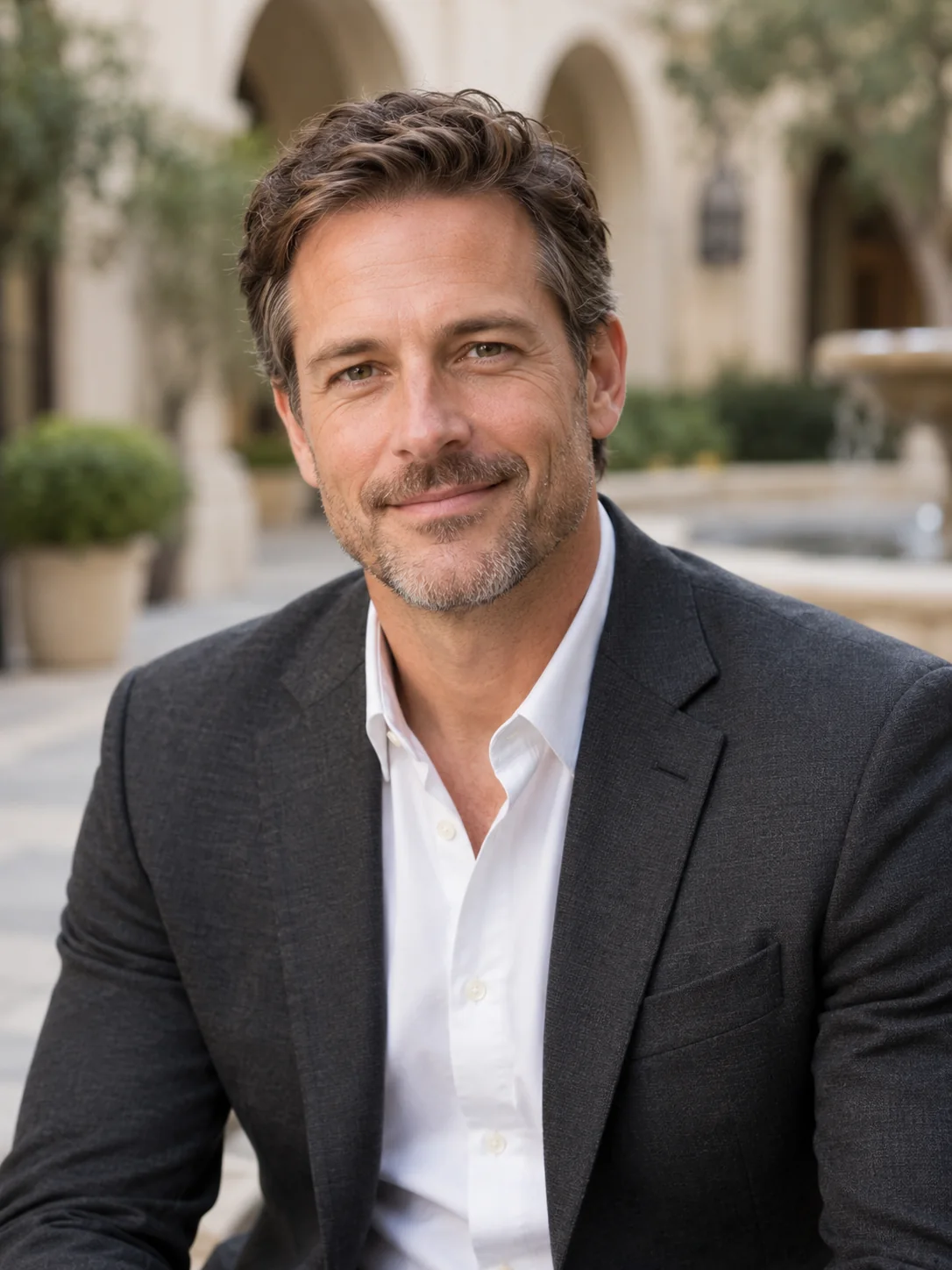
AI-generated style illustrations, not results from this tool.
Explore other image models for generation and editing.
Create a portrait for a professional profile, team page or speaker bio. Start with your own photo and choose a setting that fits how you want to present yourself.
Use a clear photo of one person with the face and hair visible.
Browse professional, casual and document-inspired portraits. Each style combines clothing, background and lighting, with separate clothing and background controls. Document styles are illustrative and do not verify official photo requirements.
Choose 1K or 2K output. Review the credit estimate before generating.
Browse professional, casual and document-inspired portraits. Each style combines clothing, background and lighting, with separate clothing and background controls. Document styles are illustrative and do not verify official photo requirements.
Choose Keep original for clothing and mention glasses or a preferred expression in optional preferences. The instructions preserve your hairstyle and natural skin texture.
Compare the result with your source. Check eyes, glasses, facial proportions and clothing; identity preservation is a goal, not a guarantee.
AI-generated style illustrations, not results from this tool.
Use a neutral background and a clean head-and-shoulders crop for a professional profile. Leave space around your head so the portrait can be cropped later.
Leave room above the head and avoid cropping through the chin. Check how the image looks in a circular avatar.
Use a simple shirt or blazer that does not distract from the face. Keep original clothing when it already fits the purpose.
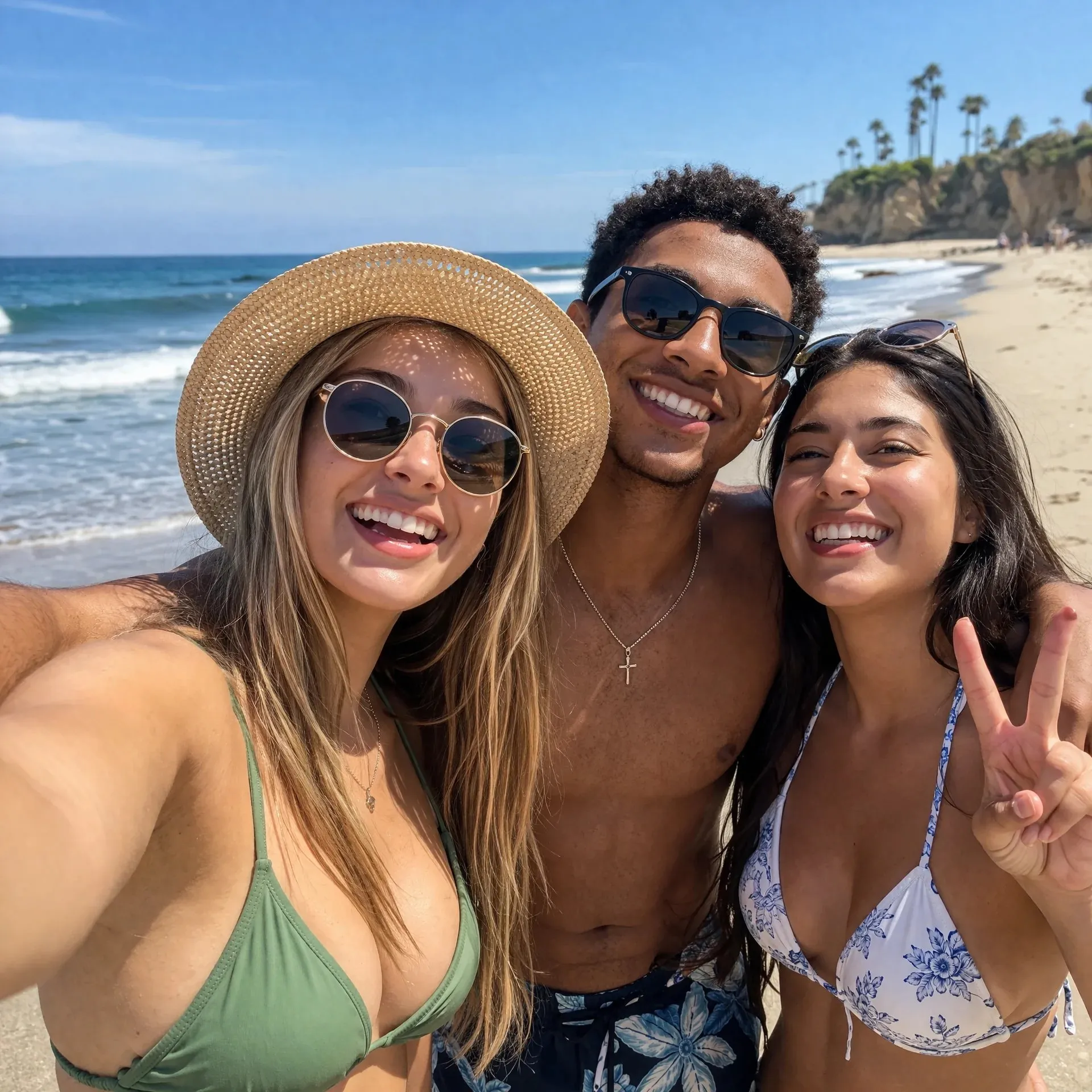
Natural or outdoor styles suit a personal website or speaker bio. Keep the outfit simple and review the exported image at the size where it will appear.
Use soft outdoor light for an approachable portrait, or an office background for a work introduction.
Check glasses, earrings, collar edges and skin texture at full size before downloading.
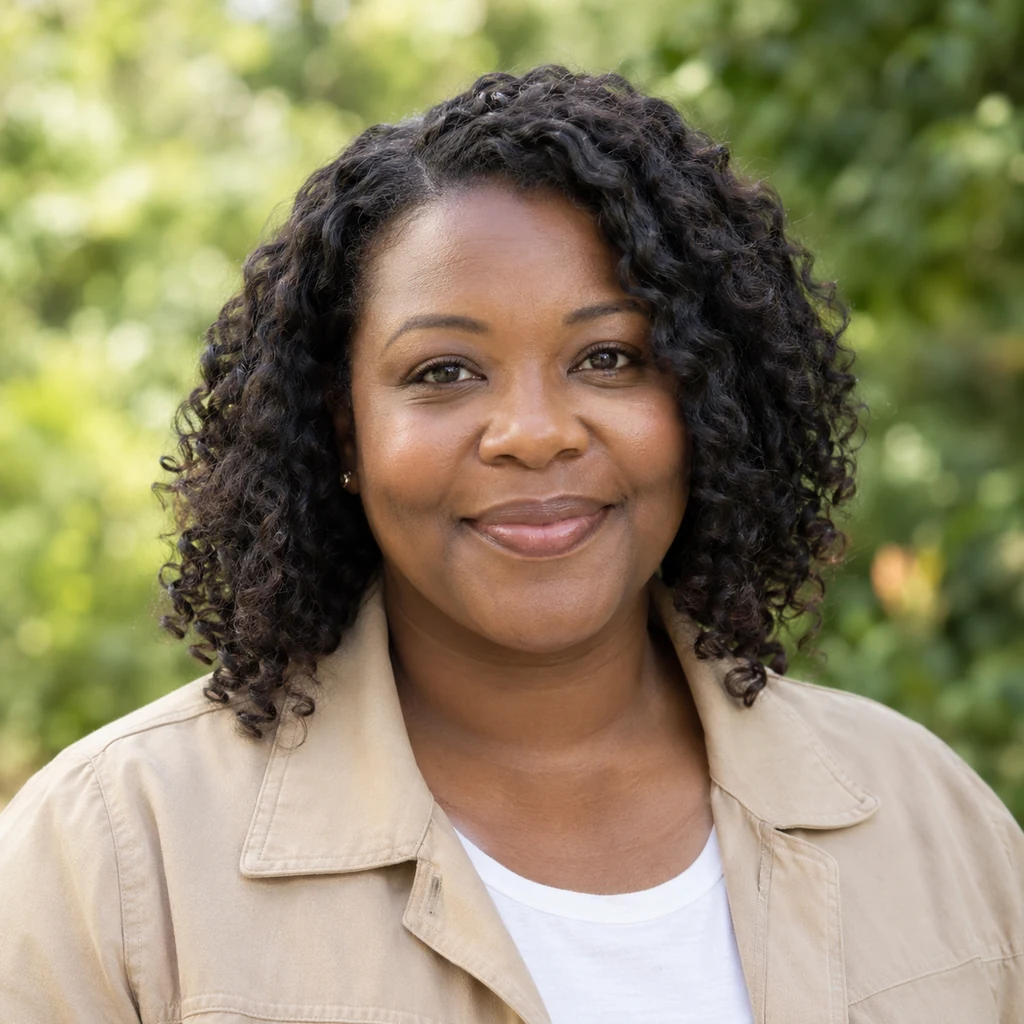
Use a sharp JPEG, PNG or WebP with one visible face. Avoid heavy filters, sunglasses and group photos.
Select a template and optionally adjust clothing or background. Additional preferences can stay empty. Choose a ratio and resolution, then check the credits.
Sign in with enough credits. Review the result alongside your original and download the image you want to use. Another generation uses credits again.
The photo and built-in instructions guide facial identity, but details can change. Review the result and use a clearer source photo if needed.
No. A selected template is enough. Optional preferences can describe a compatible detail such as clothing or expression. They start empty and reset on refresh.
Generation requires sign-in and SceneFlare credits. The button shows an estimate for the current inputs and settings before you submit.
The ID and visa styles are visual previews only. This tool does not verify official photo specifications or guarantee acceptance for a passport, visa or identity document.
The template guides the clothing, background, lighting and framing. The result is adapted to your photo and aims to preserve your identity, hairstyle and hair color. Clothing and background options override the corresponding template settings. Additional preferences may also affect the result. Exact poses, fabric details and facial features are not guaranteed to match the example.
Upload a photo and choose the setting for your next introduction.
AI-generated creative concepts, not tested outputs from the featured model or tool.