
3:4
The starting format is 3:4; choose 2:3 for a taller poster or another ratio for sharing.
Design a Thanksgiving poster for a dinner, restaurant offer, classroom notice or weekend sale. Plan the headline, event details and call to action, with room for final text.

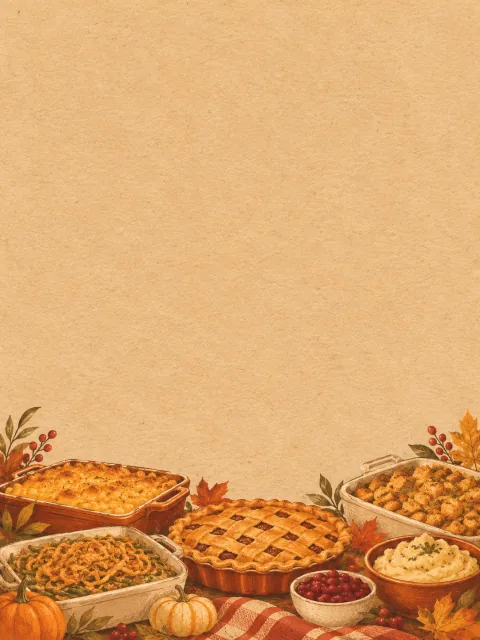
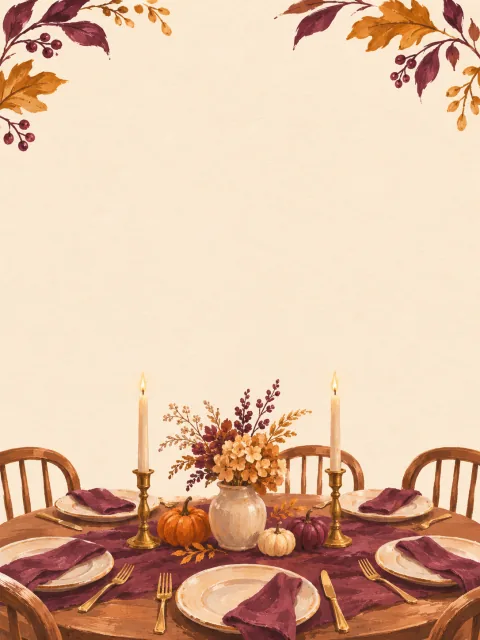
Layout concept for illustration; not a verified SceneFlare generation.
Explore models for other image projects.
A poster should answer what is happening, when, where and what to do next. Use Thanksgiving Poster to explore an autumn layout for a gathering, school notice or promotion. Choose one main visual and leave quiet areas for the details that matter.
The starting format is 3:4; choose 2:3 for a taller poster or another ratio for sharing.
Use text alone, or switch modes and add up to three reference images.
Provide the date, place and call to action yourself; the default brief invents none.
Ask for one dominant headline area, a smaller event-details block and a distinct call to action. Keep seasonal decoration away from those areas.
A cream panel or quiet background can make room for your final text. For precise fonts, spelling and placement, add the lettering afterward in an image editor.
Use a family photo, dish or logo to guide the visual. Generated faces, food and brand details can change; place the original photo or logo afterward when exact reproduction matters.
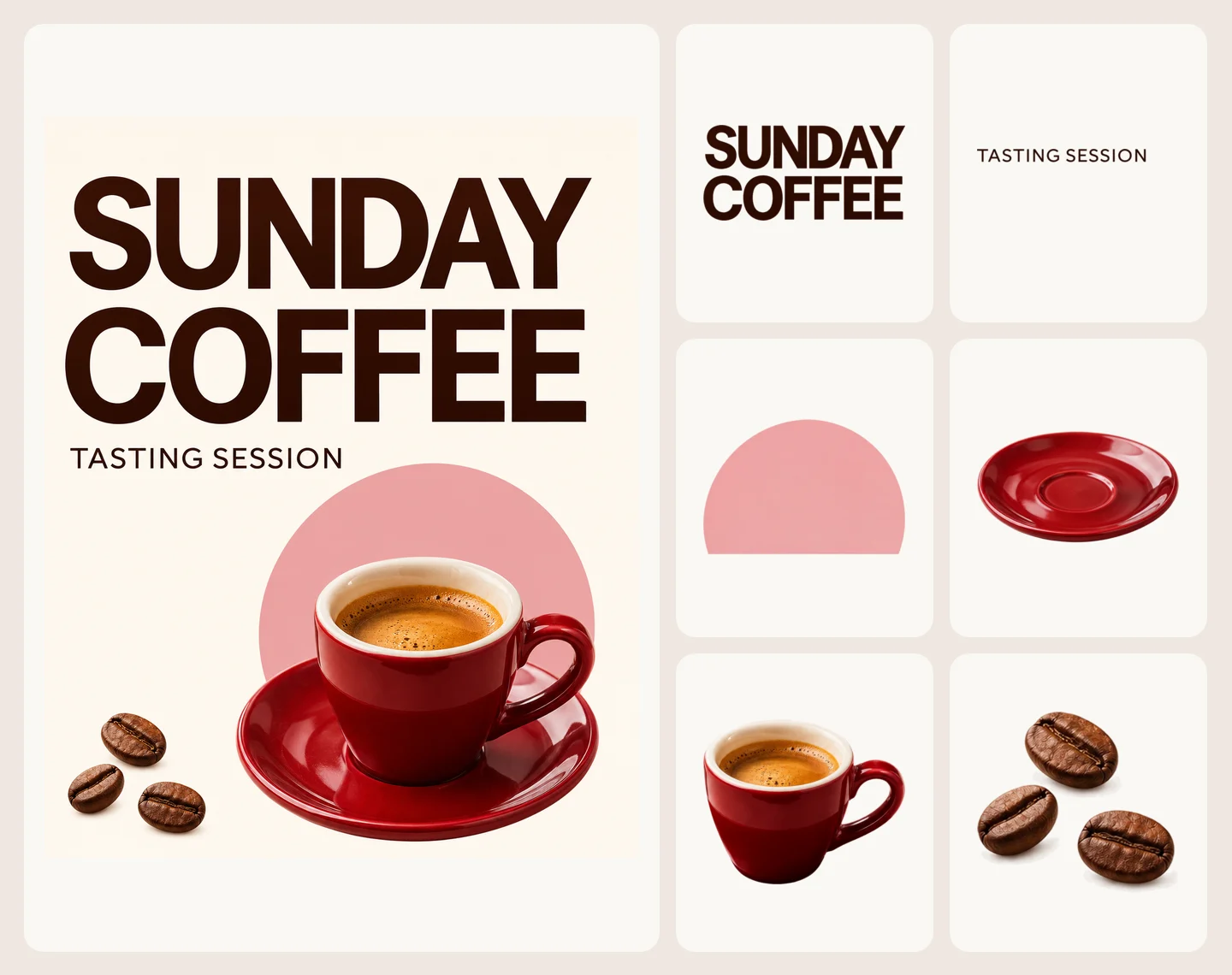
These layout concepts illustrate different briefs, not verified model outputs.
For a family gathering, neighborhood potluck or school collection, give the occasion top billing. Put the user-provided date and location together, then finish with an RSVP or participation instruction. A classroom notice needs open space for what to bring and where to leave it.
Review a small screen preview and a print proof. If the details disappear among the leaves and pumpkins, simplify the background.
Use photos you have permission to share, and consider the audience before posting names, faces or a home address publicly.

Build around one dish or product and one offer. Reserve separate areas for the offer terms, booking or shopping action and a logo. Supply the actual promotion dates, prices and conditions in your brief, or add them after generating the background.
Check availability, dates and exclusions before publishing. A decorative headline should not crowd out the conditions.
Add an original logo and any QR code in an editor, then test the code. For printing, confirm dimensions, resolution, bleed and color requirements with your printer.

Name the occasion, audience and posting location. Add your exact wording or request blank areas for later text.
Start at 3:4 or choose 2:3. Optionally switch to image-to-image and upload references, then review the settings and credit estimate.
Sign in to generate. Check the layout and image details, download it, and finish the text before printing or sharing.
A poster brief is enough in the default text-to-image mode. Image-to-image requires one to three JPEG, PNG or WebP references, such as a family photo, a dish or a logo.
For exact wording and alignment, yes. Ask for blank areas, then add the headline, date, venue and call to action in an editor. You can also request text in the brief, but check every word: the downloaded image has no editable text layers.
3:4 and 2:3 are common starting points for portrait posters; this page defaults to 3:4. Choose 1:1 or 4:5 if that suits your sharing destination. A ratio does not define a physical print size: check the actual pixels and your printer’s requirements.
Yes, as references in image-to-image mode. Describe where each should appear. AI may alter faces and logos; for an exact family photo or brand mark, generate a layout with space for it and place the original in an editor.
You can design promotional visuals. Use photos and brand assets you are authorized to use, and check the applicable service terms. Verify prices, dates, offer conditions and any claims yourself before publishing; the tool does not check them.
Provide the date and venue in your brief, or add them afterward. The default design has no event date. Generation uses SceneFlare credits and requires sign-in; review the current estimate in the generator before submitting. Another generation uses credits again.
Describe the occasion, leave room for the words and build your Thanksgiving poster.
Poster layout concepts for illustration; not verified SceneFlare generations.