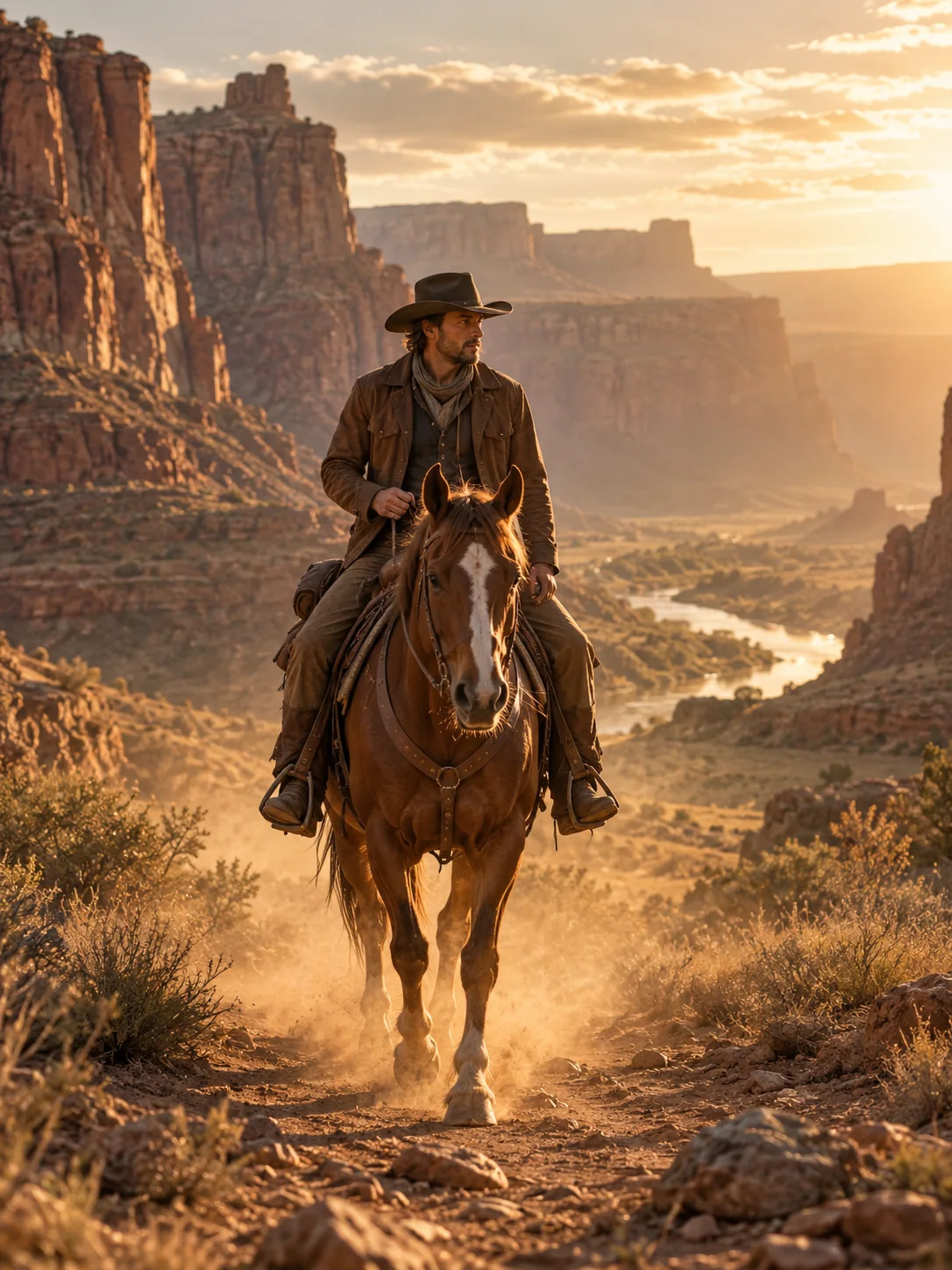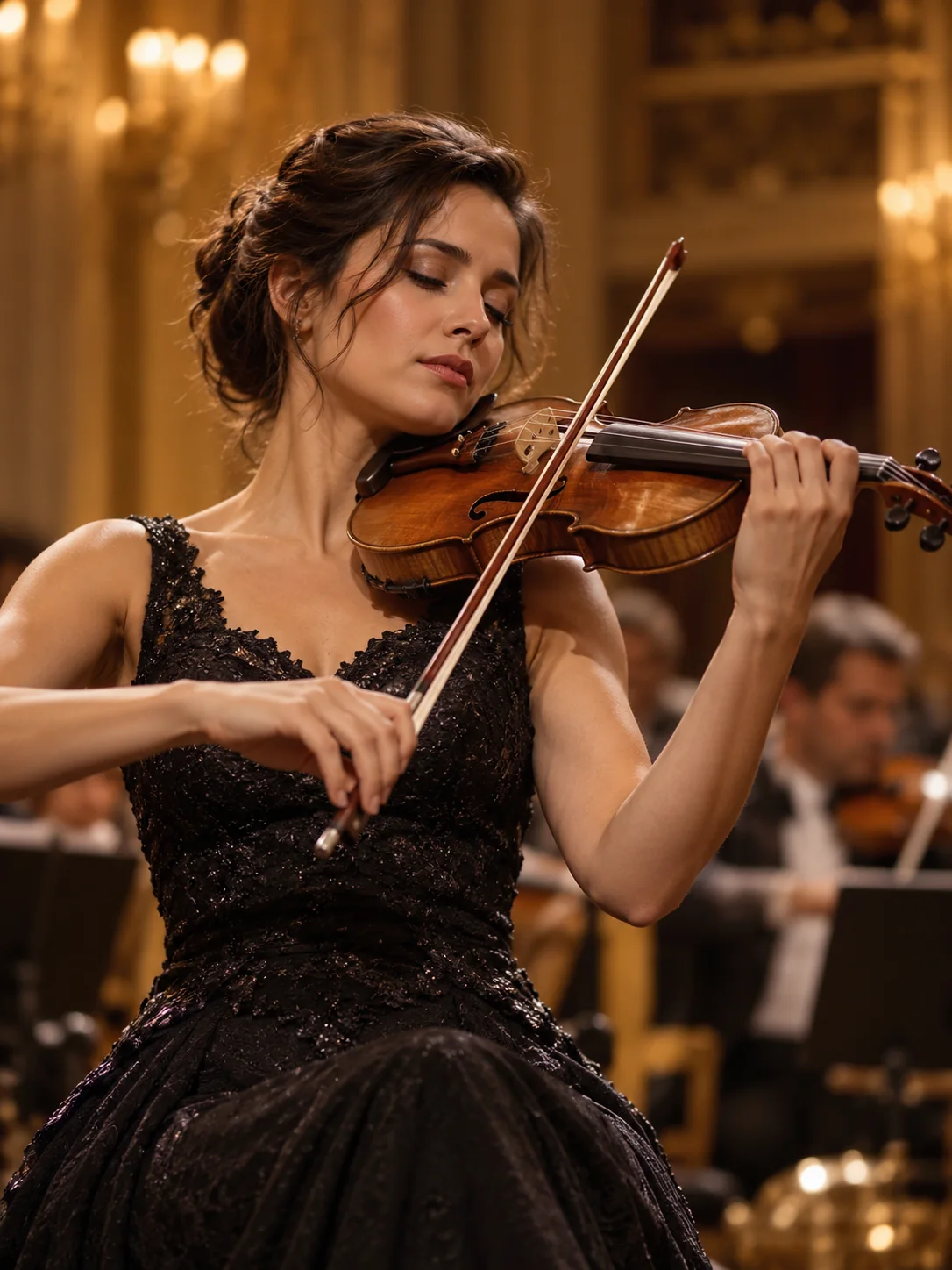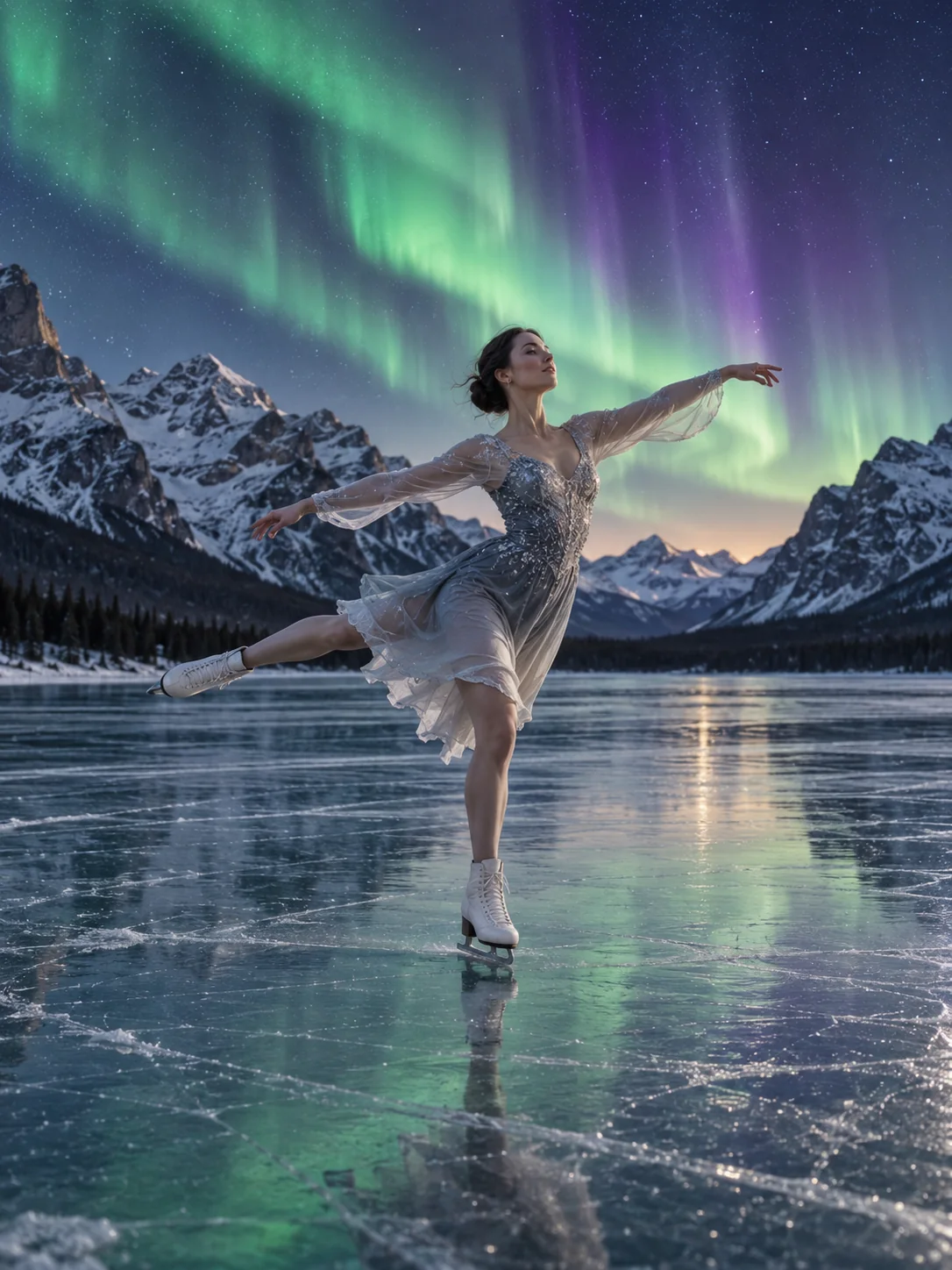
Veo 3.1 series
Includes Quality, Fast, and Lite so you can choose by visual quality, speed, and cost.
Use Veo 3.1 in SceneFlare to generate AI videos with text-to-video and image-to-video, use reference-to-video through Veo 3.1 Fast, and choose Quality, Fast, or Lite by quality, speed, and cost.
Preview
Explore other video models for your next project.
Veo 3.1 is an AI video generation model series in SceneFlare with Quality, Fast, and Lite variants. Generate video from text prompts, or upload an image as the starting visual; when reference control matters, use Veo 3.1 Fast to create short videos that follow reference assets more closely.
Includes Quality, Fast, and Lite so you can choose by visual quality, speed, and cost.
Start from text, or upload images to guide the subject, composition, aspect ratio, and visual direction.
Generated results are saved to account history for review, comparison, download, and prompt refinement.
Veo 3.1 is suited for turning scene prompts, product images, concept visuals, and references into short videos for ads, social media, product showcases, and creative review.
Enter the subject, action, scene, camera language, and style so Veo 3.1 can generate an AI video draft for early review.
Upload product images, portraits, posters, or concept images and let the model create motion while keeping the starting visual.
When a video should follow a character, product, composition, or visual style, choose Veo 3.1 Fast and add reference images.
Quality fits tasks that prioritize visual detail, Fast fits quick direction checks, and Lite fits lighter short video tests.
Choose landscape, portrait, or automatic ratio based on the publishing channel so ads, product pages, and social content fit more easily.
Completed videos go into generation history, making it easier to compare prompts, image assets, and model variants.
Use Veo 3.1 to turn prompts and image assets into AI videos for marketing, product, social media, and creative review.
Turn a creative brief, shot description, or ad script into an AI video draft ready for review.
Clarify whether the short clip is for an ad preview, product demo, social post, brand moment, or concept validation.
Specify the subject, action, camera angle, camera movement, lighting, pacing, aspect ratio, and visual style.
Before publishing, check frame stability, person or product details, logos, text, copyright, and brand requirements.
Use product shots, portraits, campaign visuals, or concept images as a starting point for motion assets suited to display and placement.
State which product shapes, person traits, composition, colors, and brand elements must remain consistent.
Describe push-ins, pullbacks, orbiting, pans, subject actions, or scene changes to reduce random motion drift.
Choose Quality when visual detail matters most, or choose Fast or Lite when you need to compare creative directions quickly.
When a character, product, or style direction needs to stay consistent, use Veo 3.1 Fast with reference images for more control.
Use text-to-video to confirm the theme, camera, and pacing before deciding whether image assets should add control.
Use reference images to describe the character, product, composition, or style so the output stays closer to the target visual.
Keep finished videos in SceneFlare history so you can download, compare, or keep refining prompts later.
Choose Quality, Fast, or Lite based on visual quality, speed, credit cost, and whether reference images are needed.
Describe the subject, action, camera, style, and ratio; upload suitable image assets for image-to-video or reference-to-video.
Submit the task, review the saved result, compare frame stability and detail quality, then download the clip or keep refining.
Veo 3.1 is an AI video generation model series supported by SceneFlare for text-to-video and image-to-video; Veo 3.1 Fast also supports reference-to-video.
Quality fits content that needs stronger visual detail, Fast fits faster creative checks and reference images, and Lite fits lighter short video tests.
Text-to-video can use only a prompt. Image-to-video and reference-to-video require image assets, and the current Veo 3.1 series page is focused on image input.
SceneFlare permits commercial use of generated video assets under the applicable plan and model terms. You remain responsible for input and third-party rights, including brand rules, likeness, logos, text, claims, and platform requirements; SceneFlare does not obtain or clear those rights for you.
Add a prompt or image and create AI video clips.