1 reference photo
Show the complete product with its important details visible.
Turn your product photo into a static ad image. Choose a creative direction, make room for your message, and select an image model.
Explore other image models for generation and editing.
Create product ad images for a launch, a seasonal promotion or a new creative test. Use your photo as the reference and describe the composition you need. Download the image, then finish exact headlines, prices and calls to action in your design editor.
Show the complete product with its important details visible.
Explore color blocks, copy space, lifestyle, flat lay, seasonal and spotlight compositions.
The estimate changes with your chosen model and settings.
Specify the audience, placement, colors and visual focus. A concrete brief gives you more to refine than “make a great ad.”
Try Headline space and request the product on the right with a quiet background on the left. Keep the image text-free, then add editable copy after downloading.
Apply a preset, then replace its palette with your brand colors. Describe one focal point and a simple background. Applying another preset replaces the prompt.
Keep the photo and brief, then switch a compatible model or change the layout. Review the updated credit estimate. Each generation is charged separately; this page does not run ad tests.
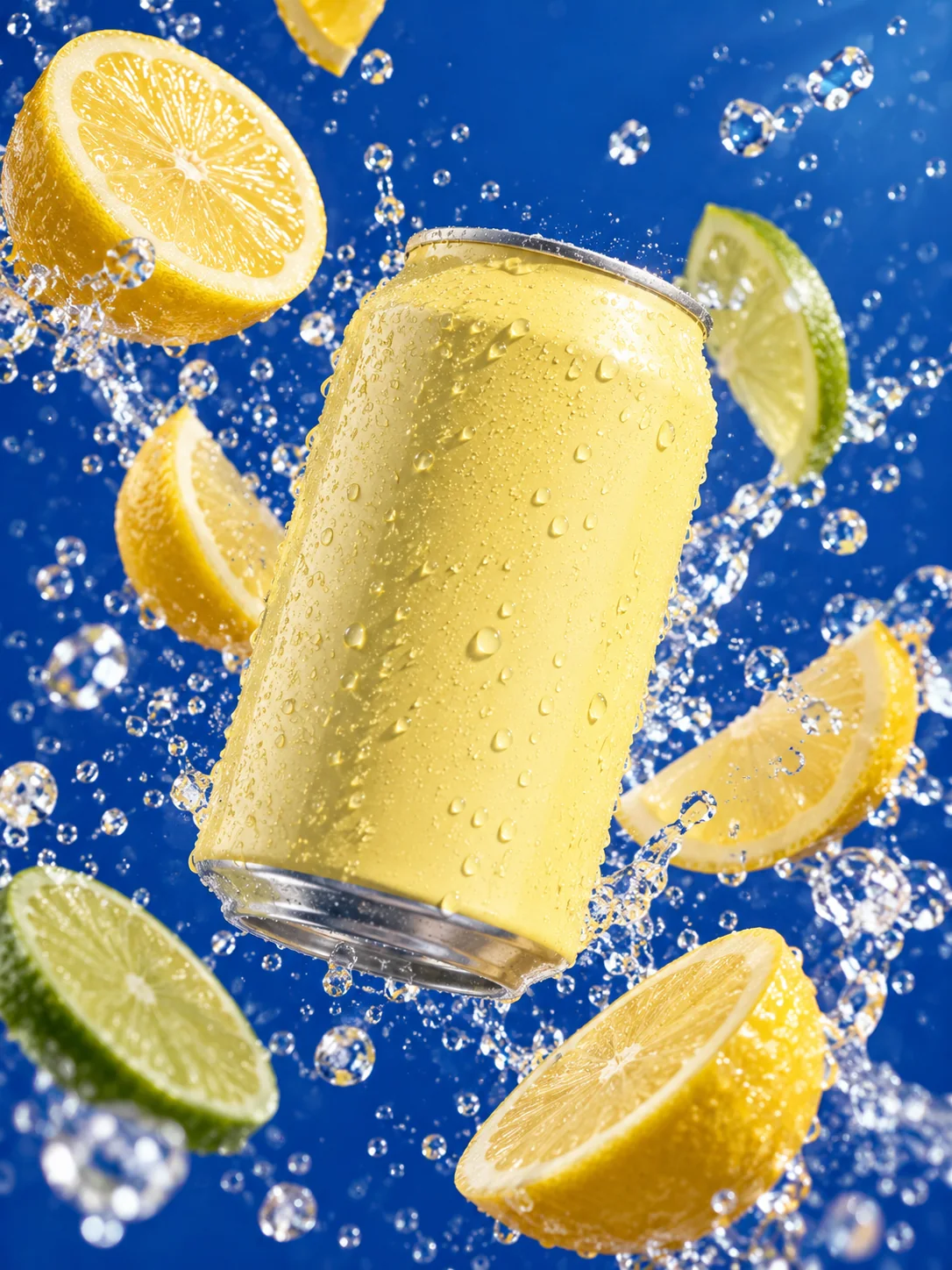
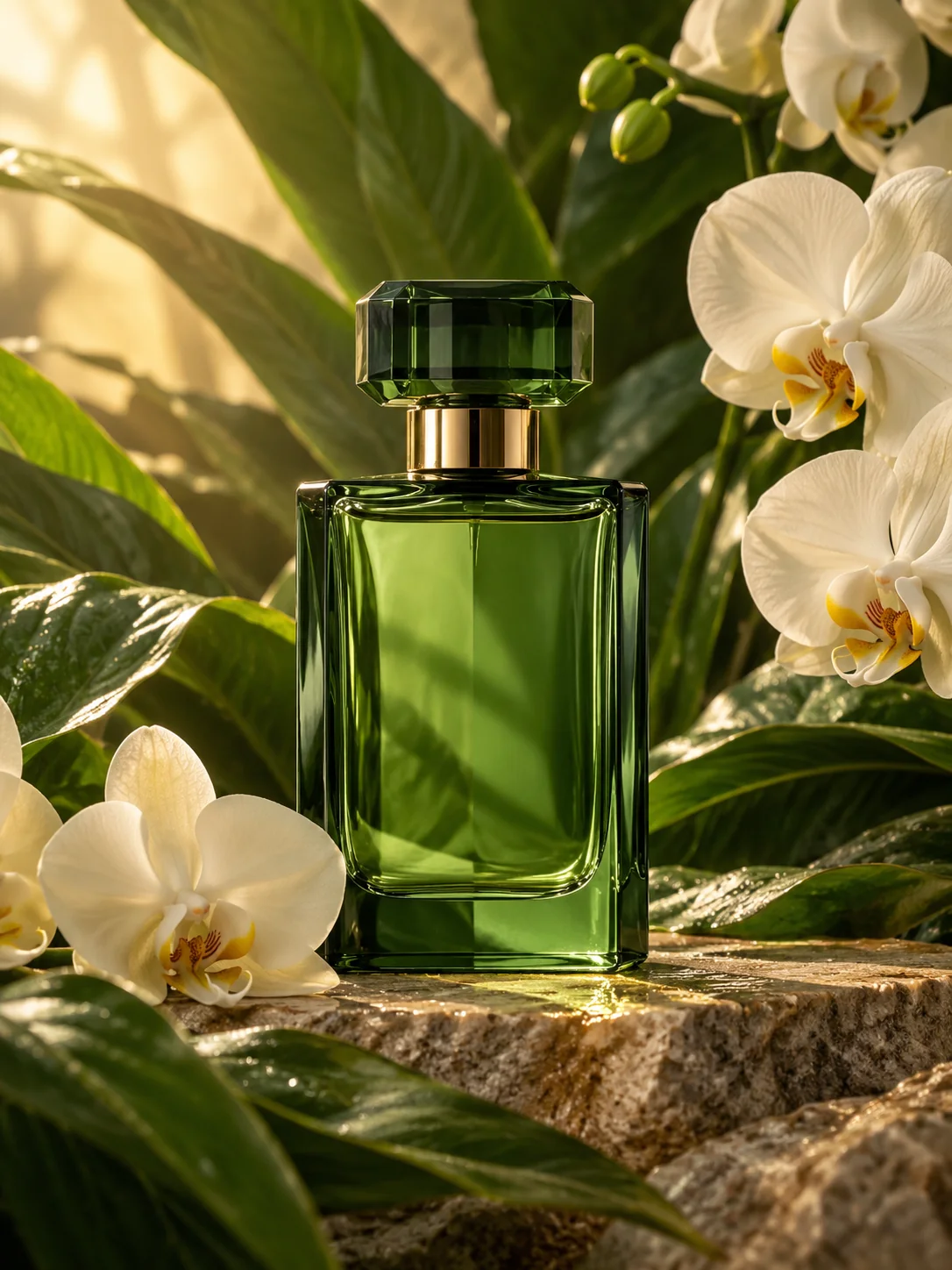
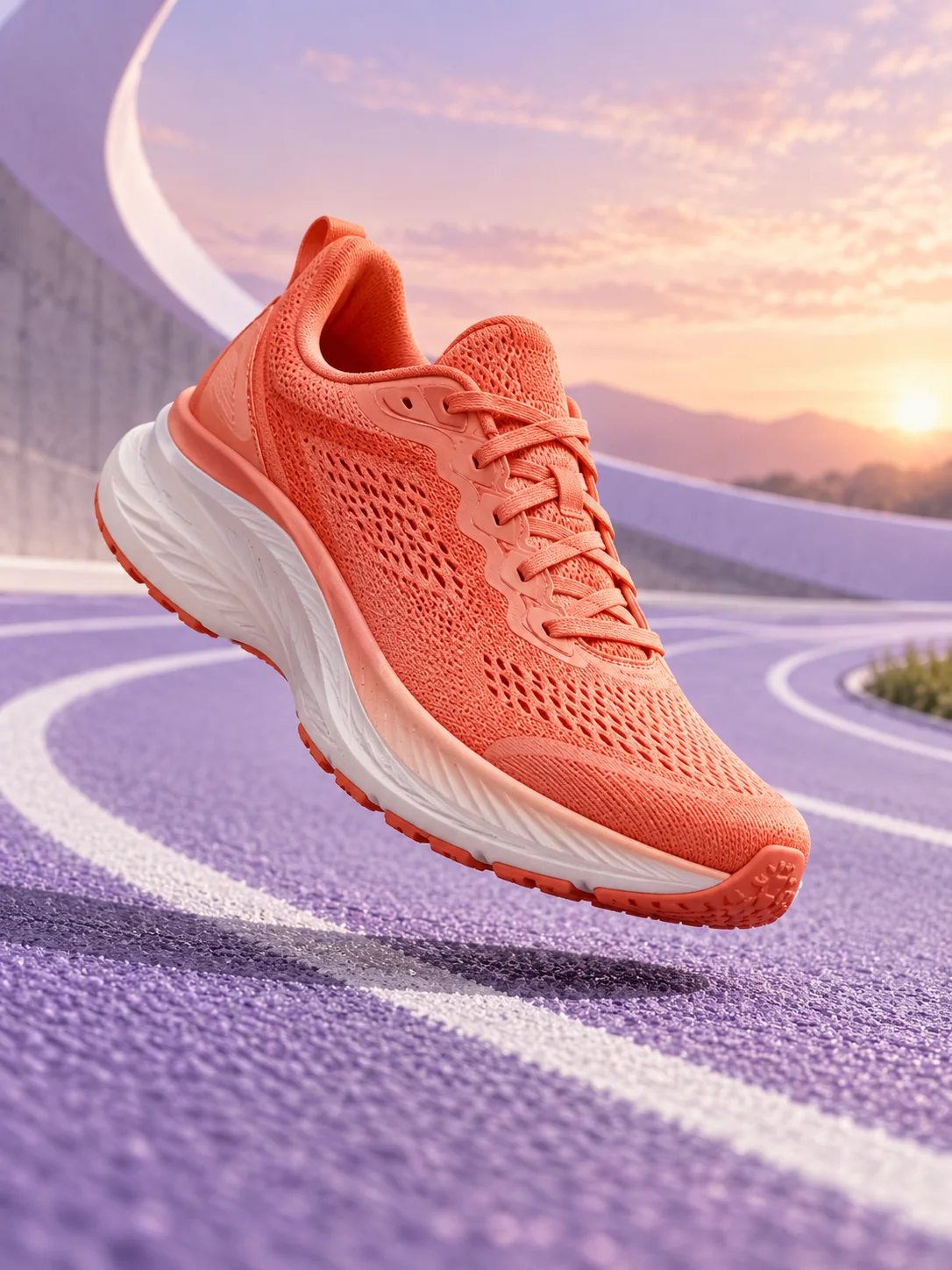
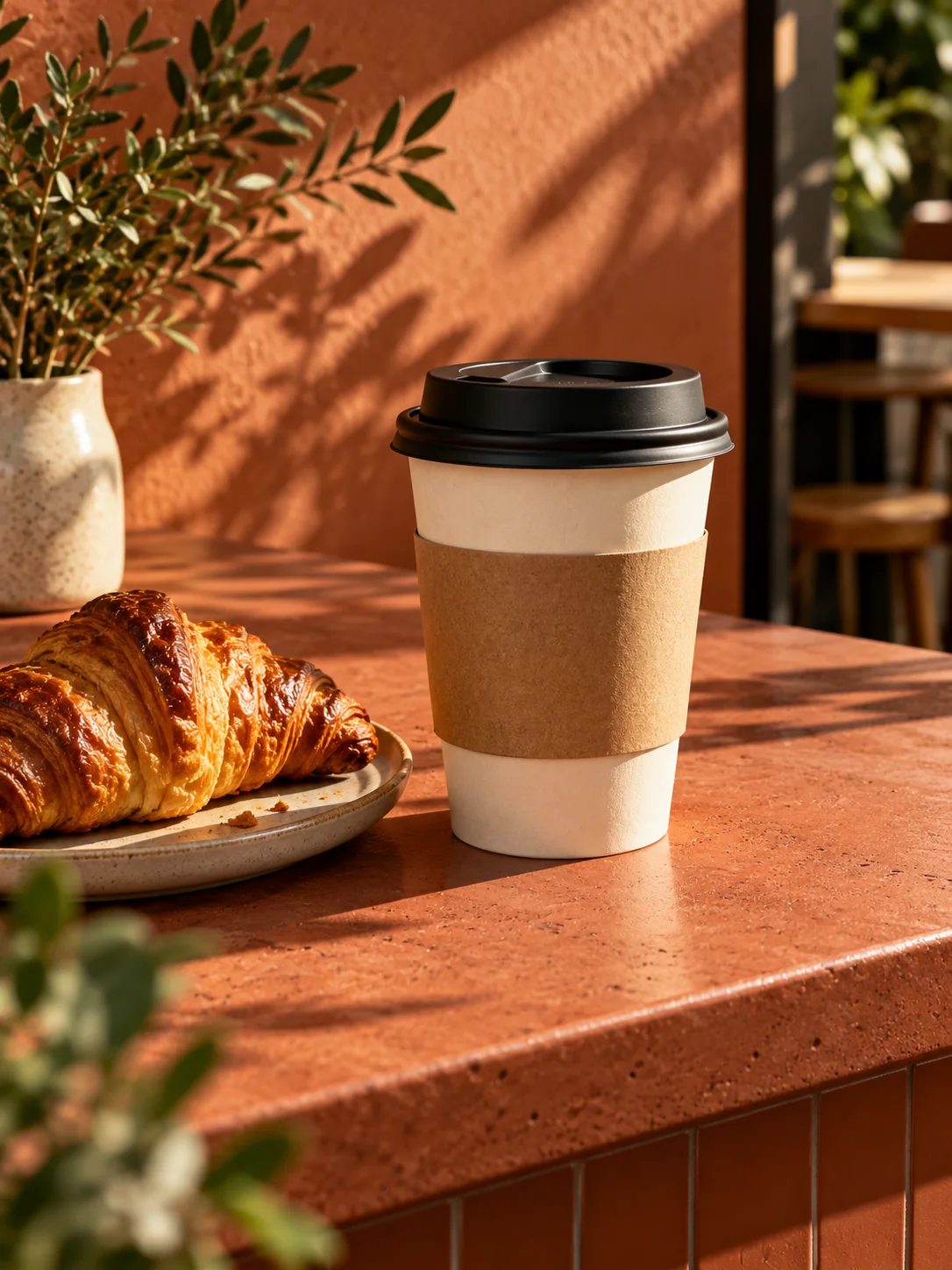
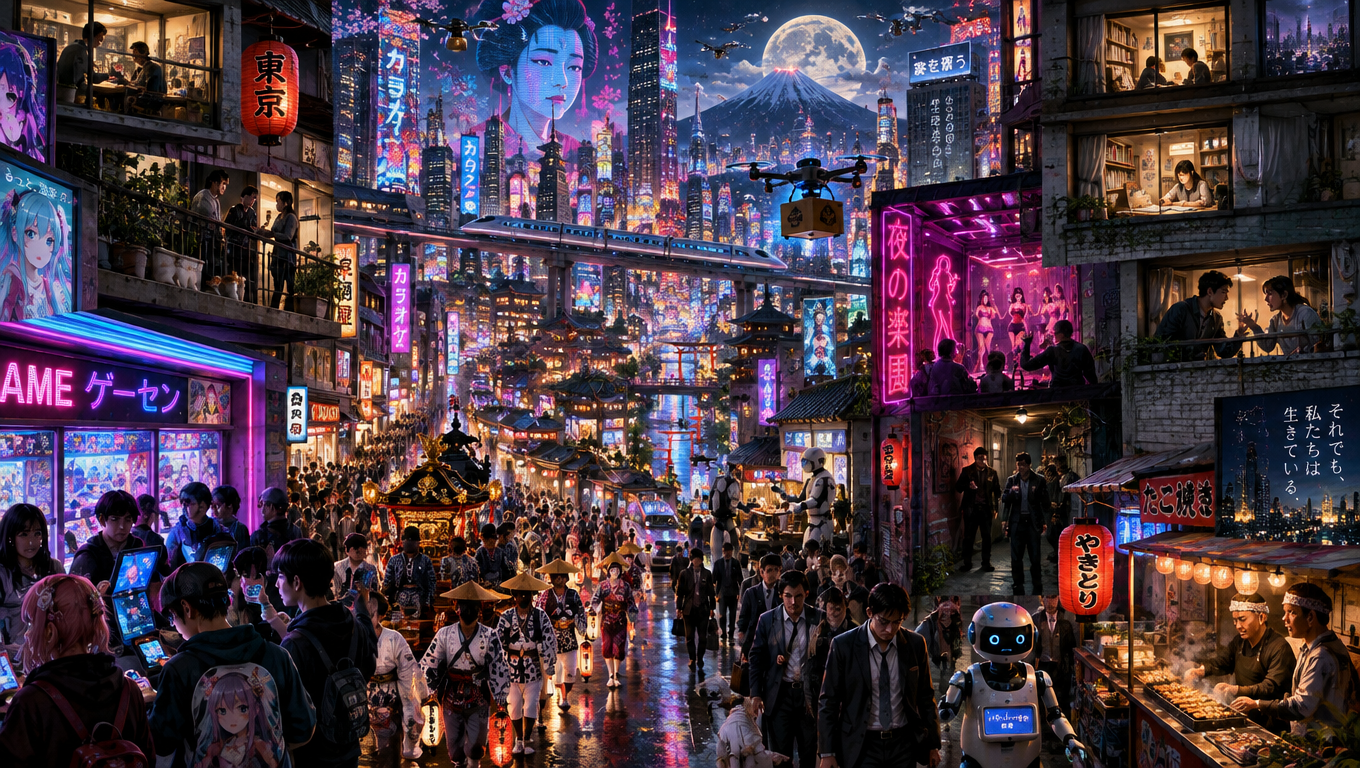
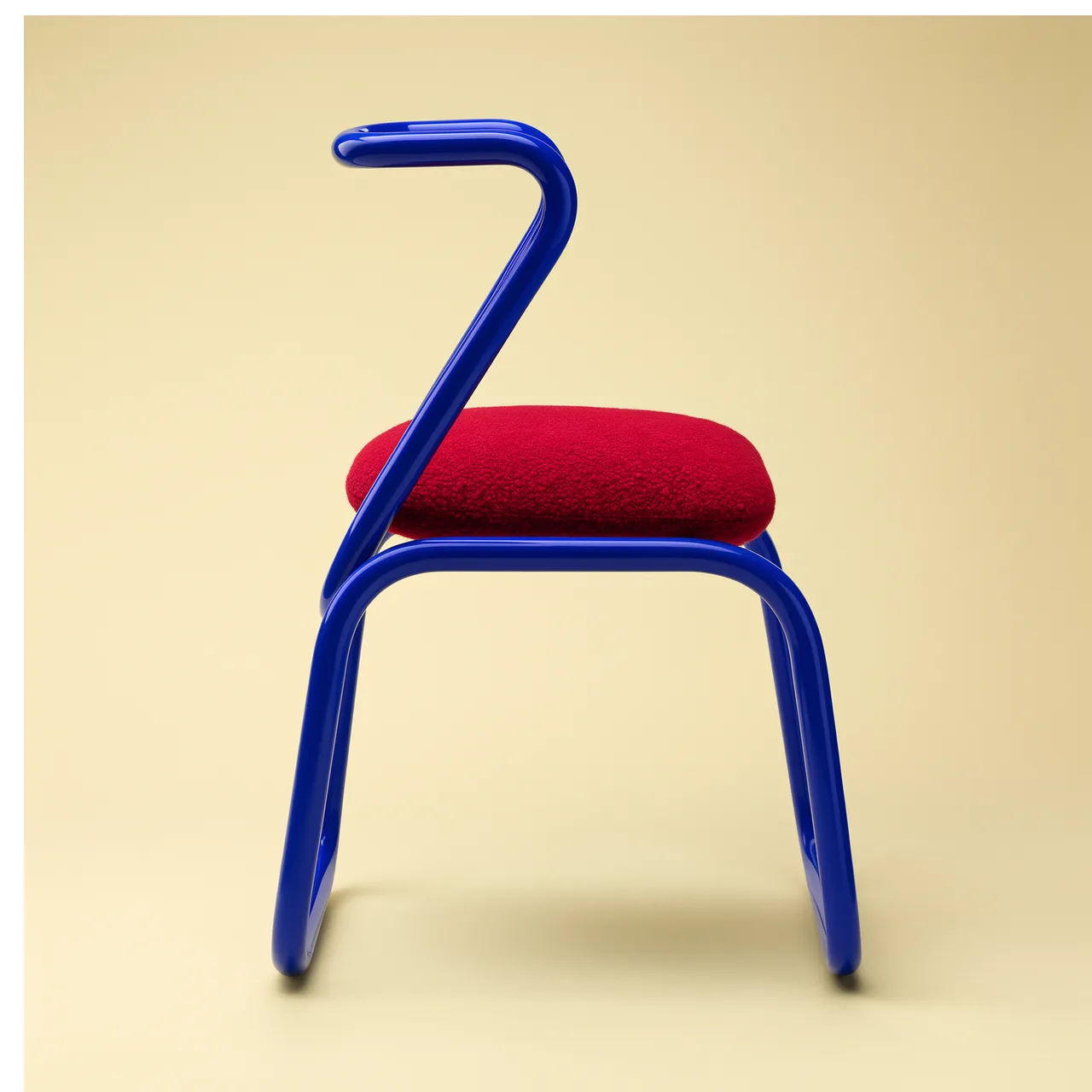
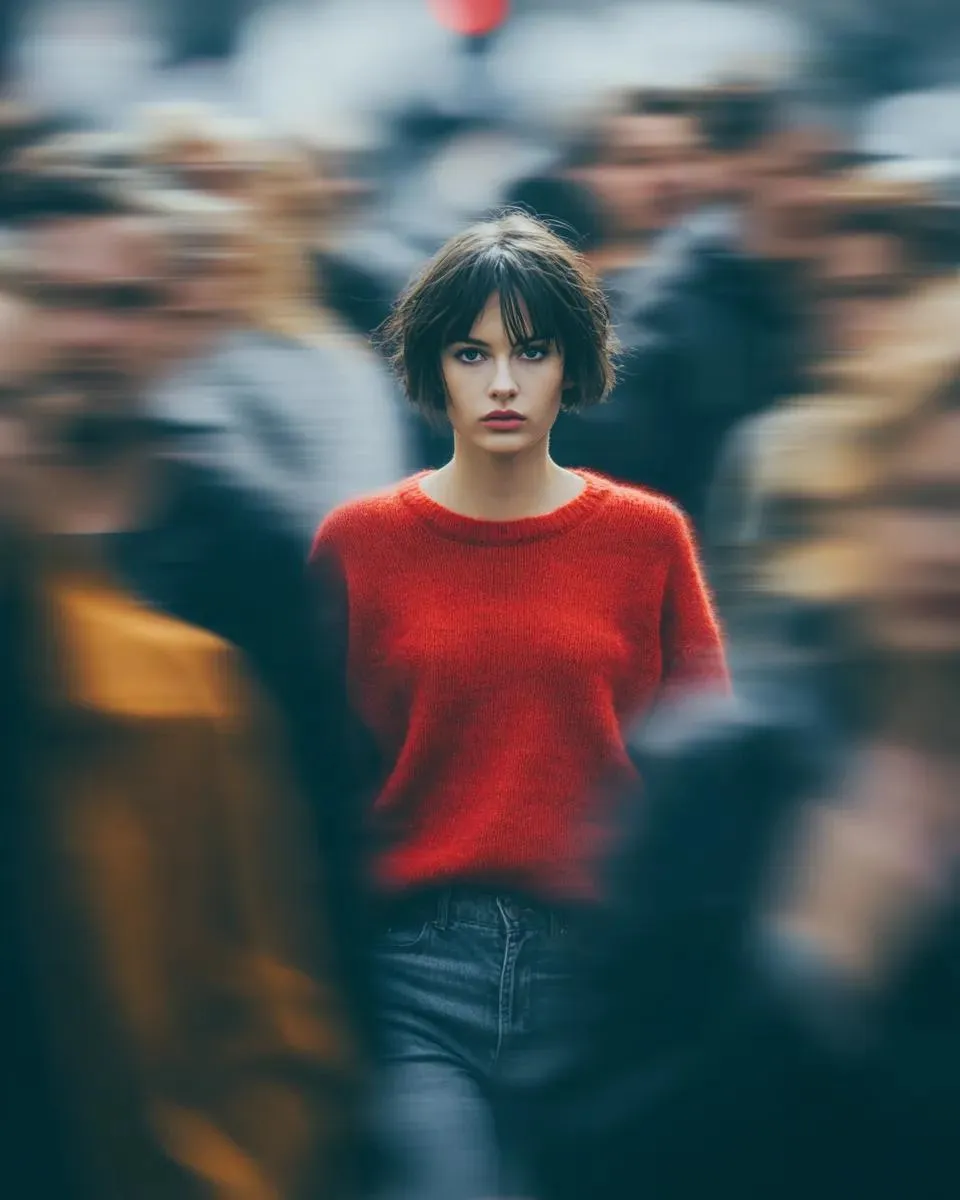
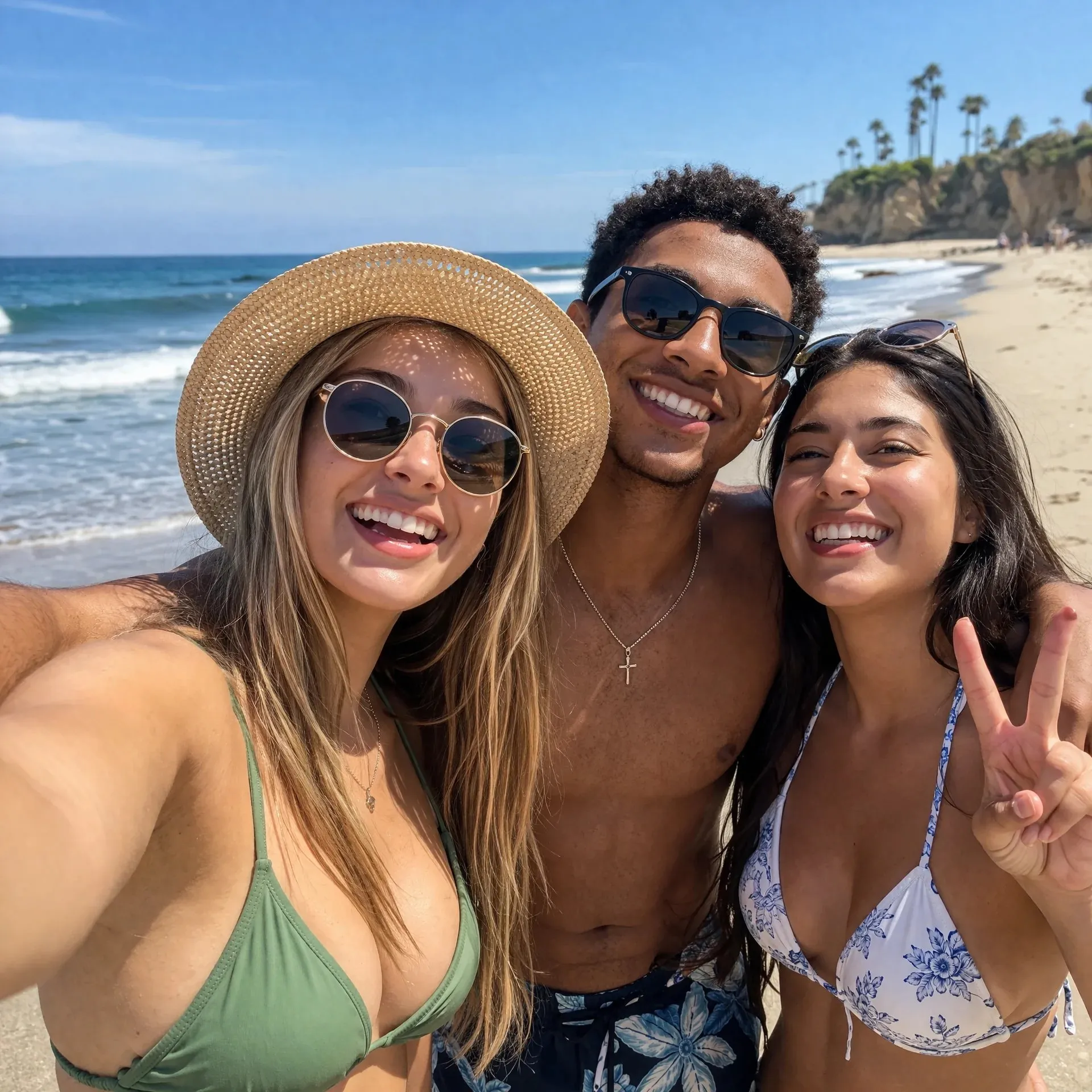
AI-generated illustrations made for this page. These are creative examples, not outputs from this tool or evidence of a model’s performance.
Use Bold color for a new product announcement or a campaign built around one hero item. Start with a strong contrast between the product and background, then adapt the palette to your brand.
Name the product, intended audience and mood. Specify one focal point and one or two background colors; extra props should support the product without competing with it.
“Use a coral background and simple geometric shapes. Place the product on the right, keep it fully visible, and leave the left third clear. Add a soft contact shadow. No text.”
Compare a lighter background, a tighter composition or another compatible model while keeping the same reference. Check product shape, colors and label details in every result. Each generation uses credits.
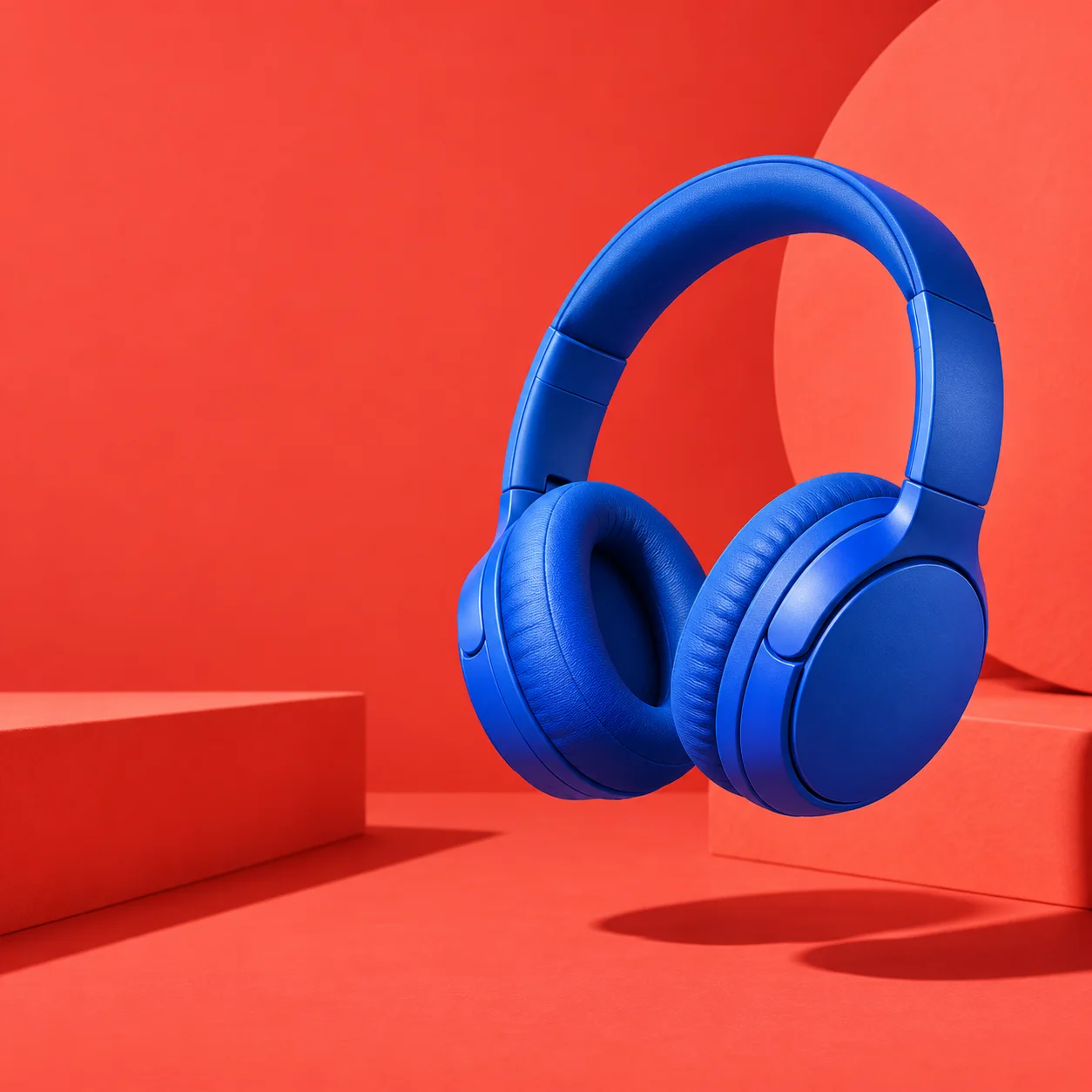
For an offer-led ad, plan the headline, price and call to action before generating the visual. Headline space gives you a quieter starting composition that you can finish in a design editor.
Choose an available aspect ratio for your intended placement. Decide where the copy will sit and keep the product away from crop edges. A square example is a starting point, not a layout for every placement.
“Place the product at the lower right on a warm cream background. Leave the left half and upper third empty for a headline. Use soft light and a subtle shadow. Do not add lettering or prices.”
After downloading, add the exact headline, verified offer, brand assets and call to action in your design editor. Check readability at the final display size and review the platform’s current image requirements.
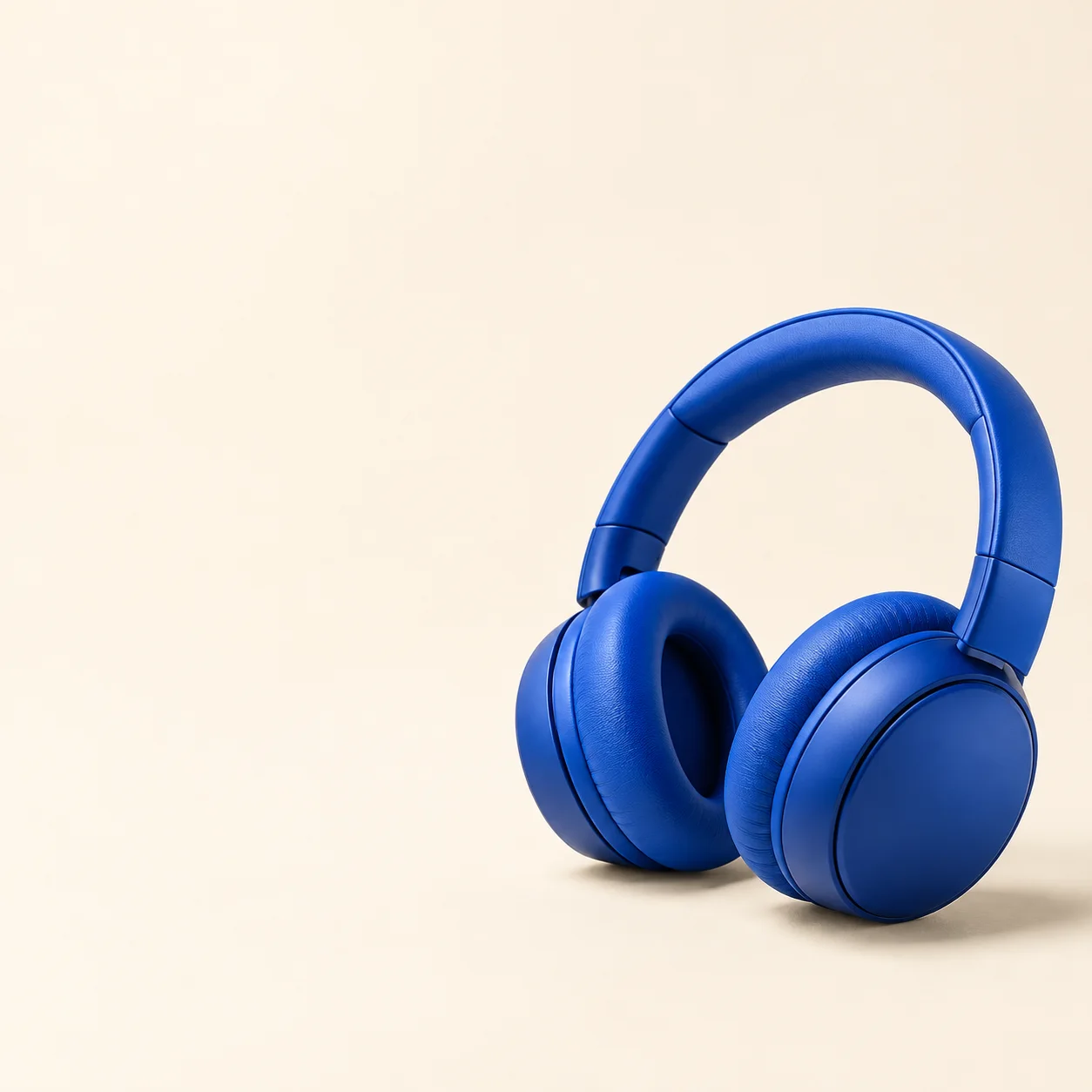
Choose a sharp JPEG, PNG or WebP showing the whole item. Avoid a busy source image or glare hiding the label.
Use effect fills the required prompt. Add your palette, audience and layout instructions. Select a model, available aspect ratio and image count, then check the credits.
Sign in with enough credits and create the image. Results opens when you start and when an image arrives. Check the product, download it, and add final copy before publishing.
You can create static image concepts for those placements. Choose from the aspect ratios your selected model offers, then check the exported dimensions, crop and current placement requirements. This tool does not publish ads or guarantee platform approval.
Presets leave copy space empty. You can edit the prompt to request exact text in quotation marks, but spelling and layout may vary. For precise prices, logos and editable copy, add them in a design editor after downloading.
No. This page creates static images from one reference photo. It does not create video ads, connect an ad account, set a budget, launch campaigns or measure conversions.
Not always. Reference images and prompts guide generation, but labels, colors and shapes can change. Compare the result with your source. Use only verified claims and real offers in your final design.
Generation requires sign-in and SceneFlare credits. The button shows the estimate for your selected model and settings. It does not include any advertising spend, and no conversion or sales result is promised.
Use the image-count setting when your model offers it, or adjust one part of the brief and generate again. Each run uses credits. Downloaded outputs are flat images, not layered templates; test performance in your own advertising workflow.
Upload a product photo, choose a composition and turn your brief into an image you can refine.
AI-generated creative concepts, not tested outputs from the featured model or tool.