AI Image Upscaler
Upload a source image and upscale it automatically without writing prompts.
Upload an image for AI image upscaling, improving resolution, edges, and detail clarity for product photos, avatars, thumbnails, screenshots, social images, and older assets.
Preview
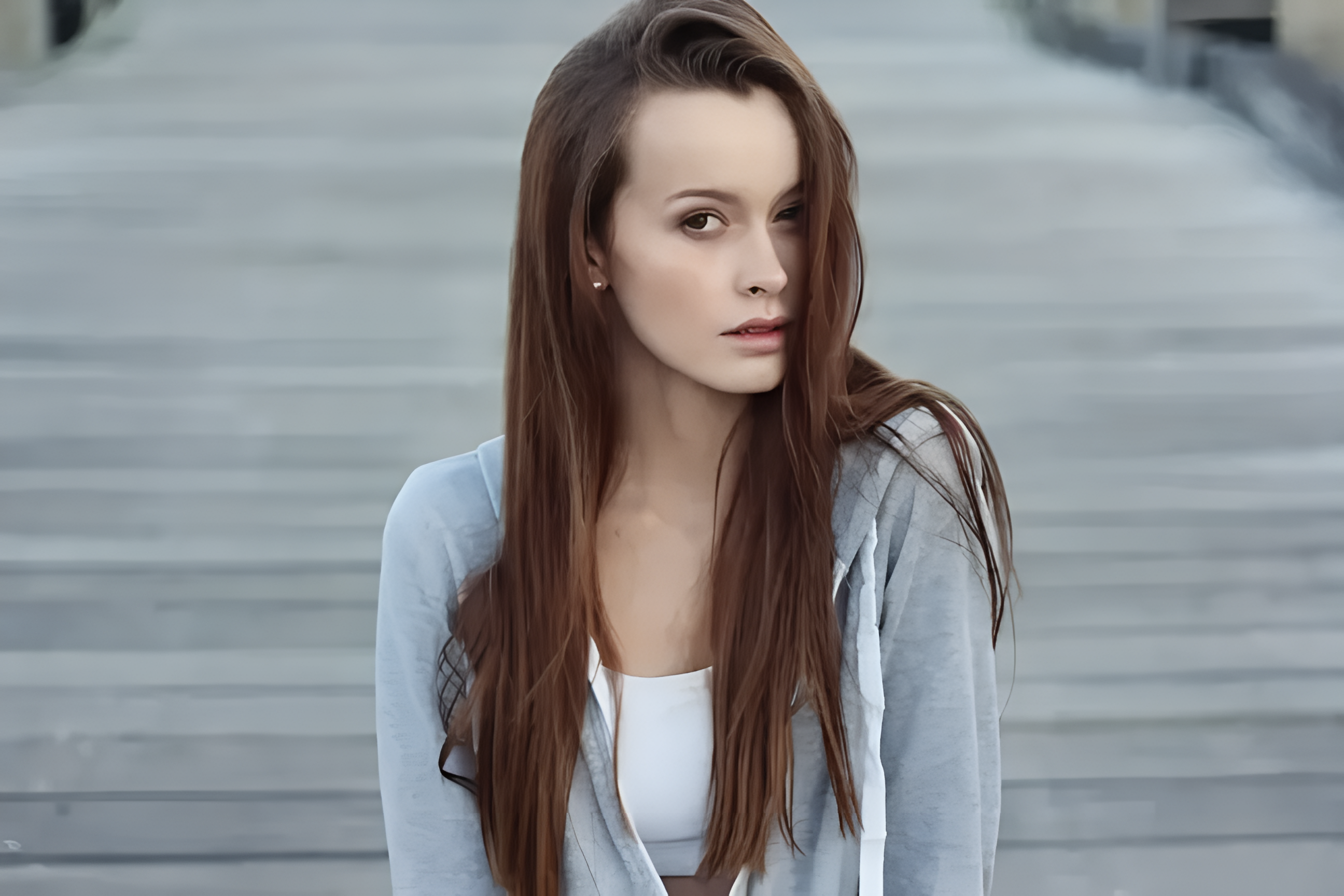
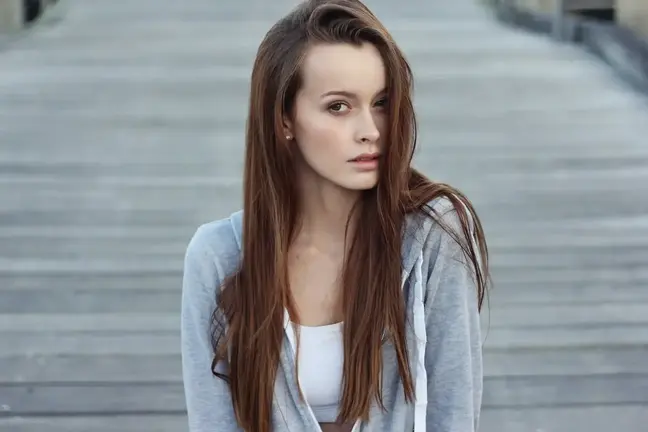
Explore other image models for generation and editing.
Upload a product photo, avatar, screenshot, thumbnail, or older asset, and AI Image Upscaler creates a clearer higher-resolution version for pre-publish checks, presentations, social content, and further image editing.
Upload a source image and upscale it automatically without writing prompts.
Suitable for product photos, avatars, screenshots, thumbnails, older photos, and visual references.
Generate a higher-resolution version for review, download, or continued editing.
It is built for AI image upscaling and image enhancement on existing assets, focusing on larger size, sharper edges, and inspectable detail instead of recreating the composition.
Upload a source image and generate an upscaled result without extra prompts or complex settings.
Upscale product shots, packaging images, and close-ups so labels, materials, edges, and textures are easier to inspect.
Improve small images, older assets, and compressed pictures so subjects and key areas are easier to recognize.
Make interface screenshots, poster drafts, and cover previews clearer before presentation or secondary editing.
Check the original and upscaled result to confirm edges, text, noise, and texture fit the intended use.
Keep finished upscaled images so you can download, revisit, or use them as assets for the next edit.
When an image is too small, visibly compressed, or too soft, use Image Upscaler to create a clearer version before publishing or continuing to edit.
Upscale main product photos, detail images, and close-ups so labels, materials, edges, and textures are easier to inspect.
Choose an existing product photo, SKU image, packaging shot, or close-up.
Focus on whether edges, textures, label text, and shadows are clearer.
Use the clearer result for review, listing preparation, or further editing.
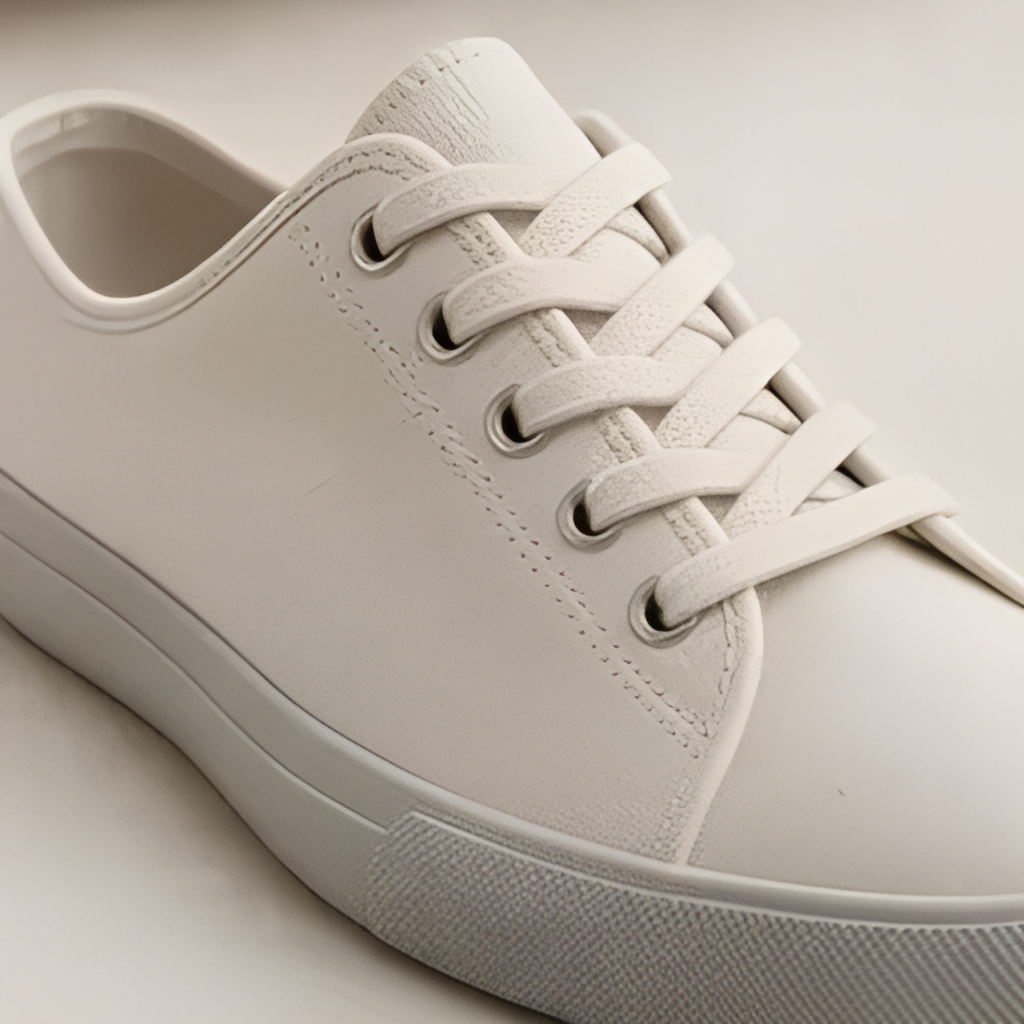
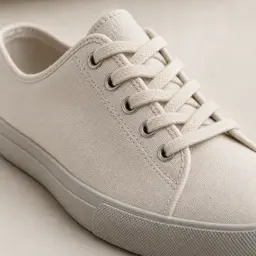
Upscale low-resolution references, archived assets, or chat-compressed images to improve readability and review quality.
Upload the least-compressed version you have so more original information remains.
Make people, object outlines, and important details easier to recognize.
After upscaling, check for unnatural texture or over-sharpening.
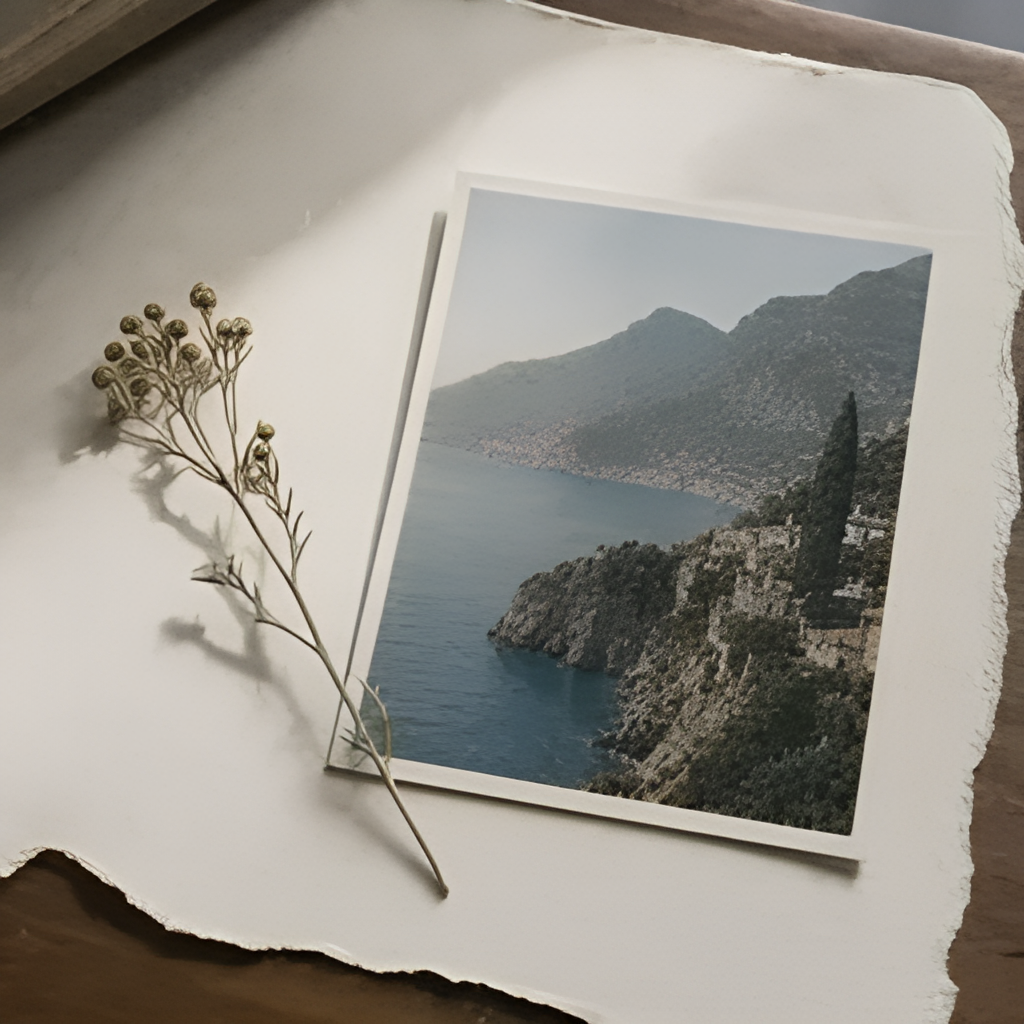

Prepare clearer visuals for covers, avatars, posts, slides, and download pages.
Choose the source image based on its real use as an avatar, cover, presentation visual, or content image.
Use AI image upscaling to improve edge and texture clarity.
Save the upscaled result, then crop, remove backgrounds, or use it as an image-to-image reference.
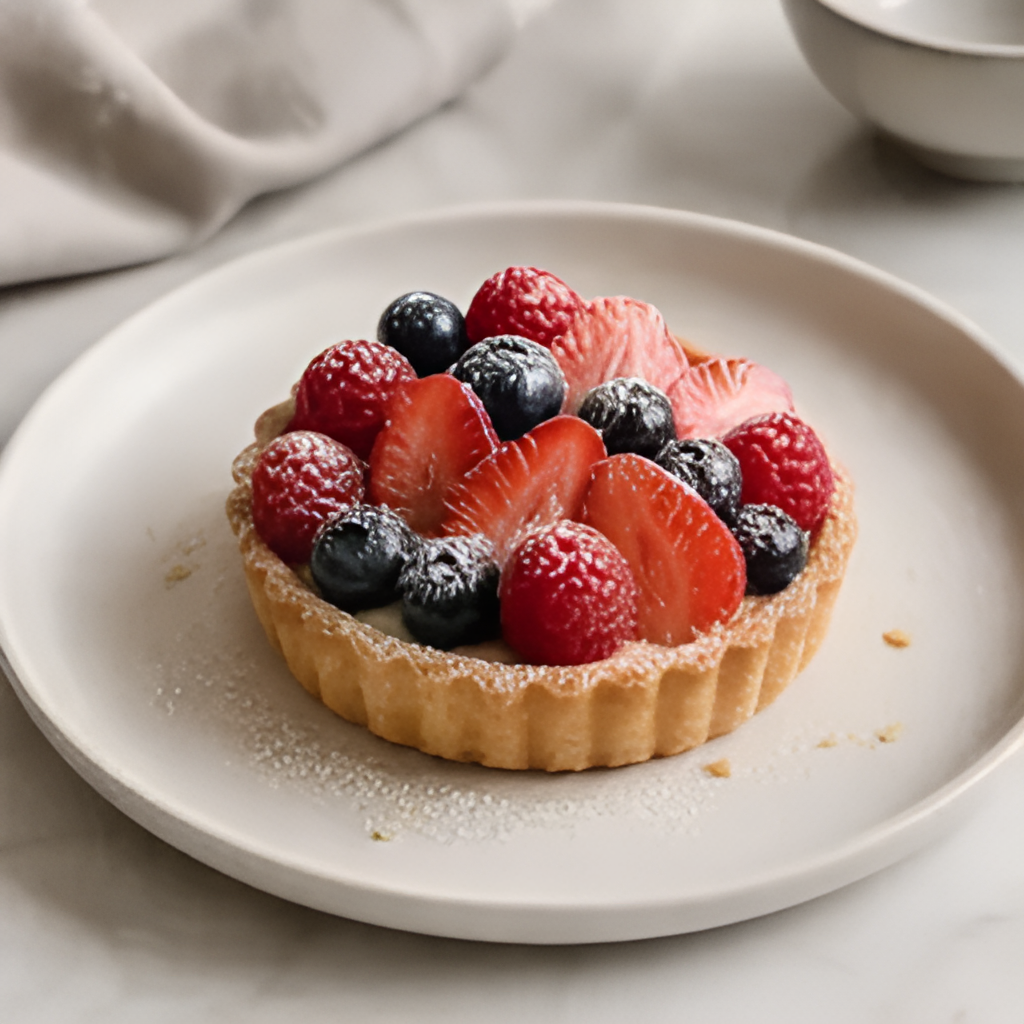
Add the product photo, avatar, screenshot, thumbnail, older photo, or other image asset you want to upscale.
The tool creates a clearer version from the uploaded image, focusing on size, edges, and visible detail.
Check the original and upscaled result, then download it or keep editing with other image tools.
AI Image Upscaler is an online AI image upscaling tool that turns an uploaded image into a higher-resolution, clearer version while trying to preserve the subject, edges, and details.
No. It is not meant to recreate the composition. It focuses on upscaling and clarity enhancement around the original image, making it useful for improving and reviewing existing assets.
Whether a result reaches 4K depends on the source image, model output, and platform limits. Treat 4K as a possible target, not a guaranteed result every time; check the actual size and visual quality after downloading.
Yes. It can help review product edges, labels, textures, and close-up details, especially for listing preparation, ads, or product detail page assets.
Finished upscaled images appear in generation history, so you can compare, download, or continue with background removal, image-to-image, and other editing tools.
Upload a source file and improve resolution and clarity.