
1 image
Create a detailed still image or guide an edit with up to 10 JPG or PNG references. Kling Image 4.0 offers 2K, 4K and 8K output on this page, one image per request.
Create a detailed still image or guide an edit with up to 10 JPG or PNG references. Kling Image 4.0 offers 2K, 4K and 8K output on this page, one image per request.
Explore other image models for generation and editing.
Create a detailed still image or guide an edit with up to 10 JPG or PNG references. Kling Image 4.0 offers 2K, 4K and 8K output on this page, one image per request.
Create a detailed still image or guide an edit with up to 10 JPG or PNG references. Kling Image 4.0 offers 2K, 4K and 8K output on this page, one image per request.
Choose a fixed aspect ratio or Auto, then 2K, 4K or 8K. Start at 2K to review the layout before spending on a larger version.
Start from a written brief, or upload references and cite them in order as @image_1 and @image_2. Say which details to preserve.
Start from a written brief, or upload references and cite them in order as @image_1 and @image_2. Say which details to preserve.
Choose a fixed aspect ratio or Auto, then 2K, 4K or 8K. Start at 2K to review the layout before spending on a larger version.
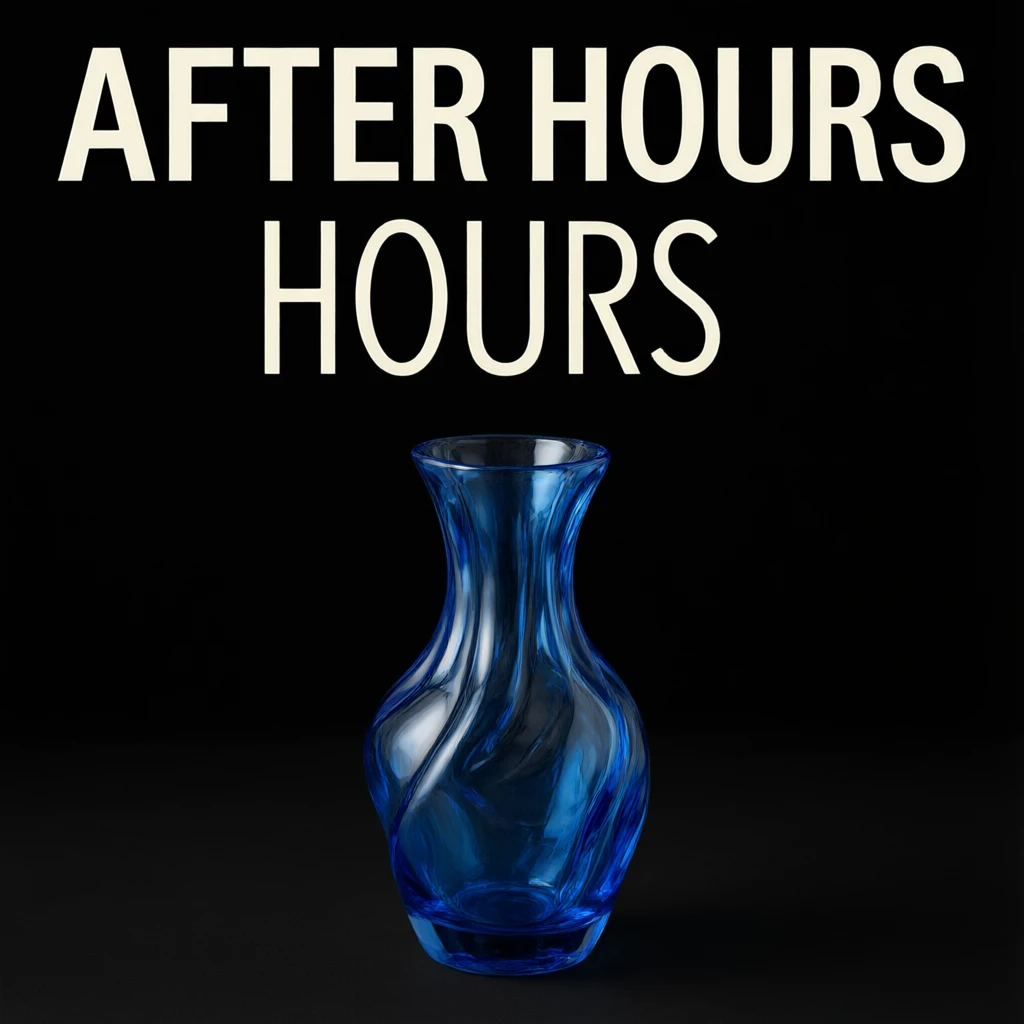
Quote the exact words you want to appear. Check spelling, reflections, edges and the recognizable details of each referenced object.
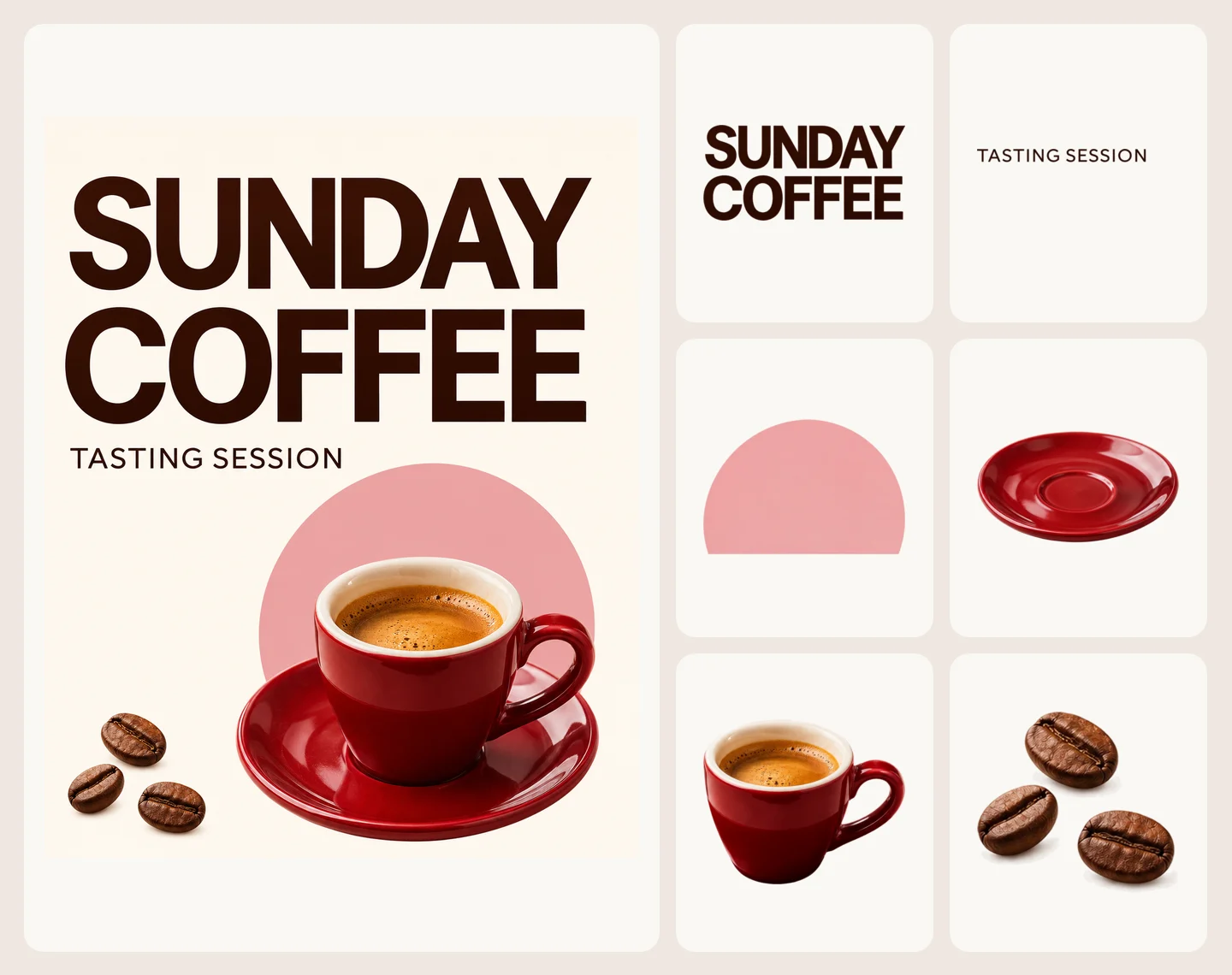
Use Kling Image 4.0 to lock exact headline copy at 2K–8K or move physical products into new lighting while preserving materials.
Create a navy and cream jazz poster with a saxophone, clear margins, and crisp hierarchy. Quote “ROOFTOP JAZZ”, “FRIDAY 8 PM”, and “FREE ENTRY” explicitly, then inspect every character before scaling up.
Wrap every poster line in quotes and define placement, contrast, and alignment so typography never collides with the saxophone.
Test layout balance, numeral spacing, and line breaks in 2K first before spending extra credits on higher-resolution renders.
Check spelling, punctuation, and edge padding across the whole poster before downloading the final PNG or JPEG.

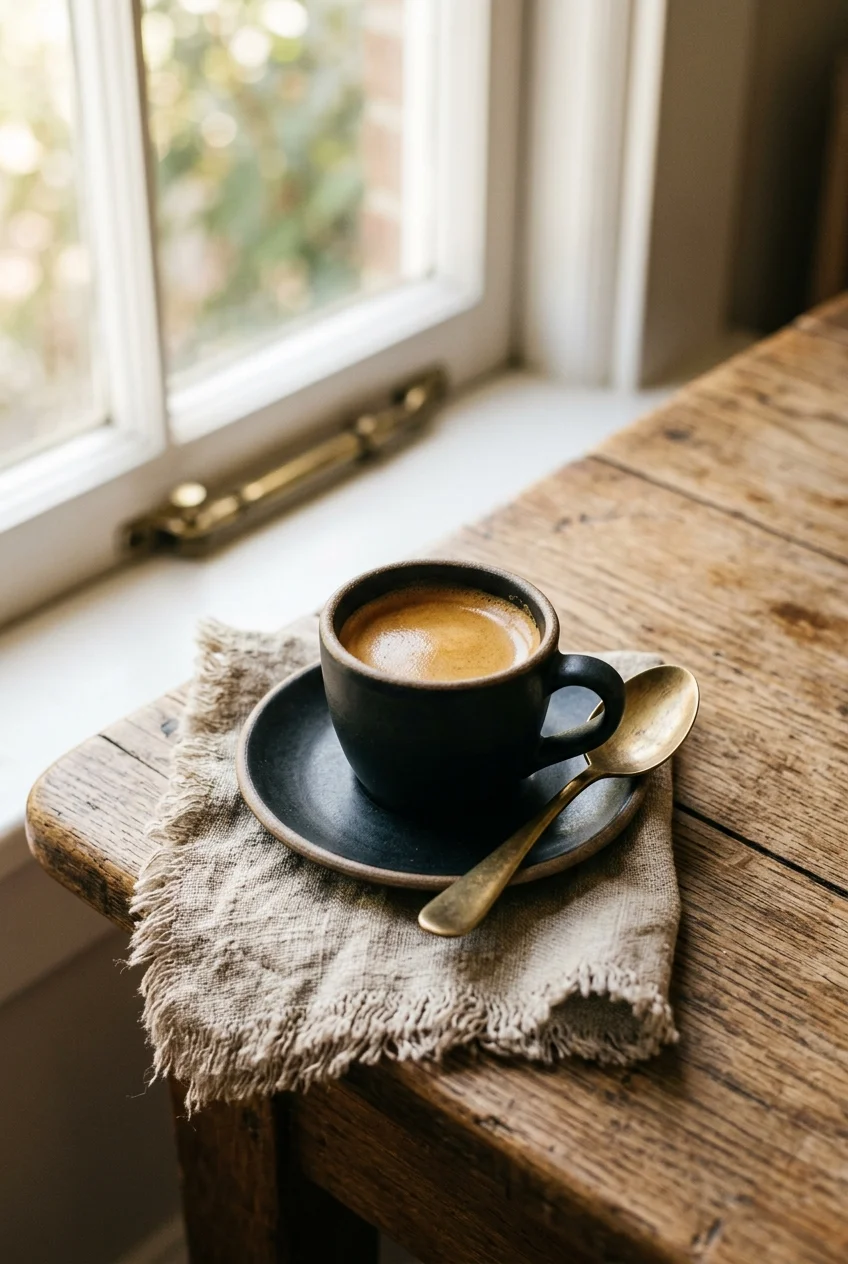
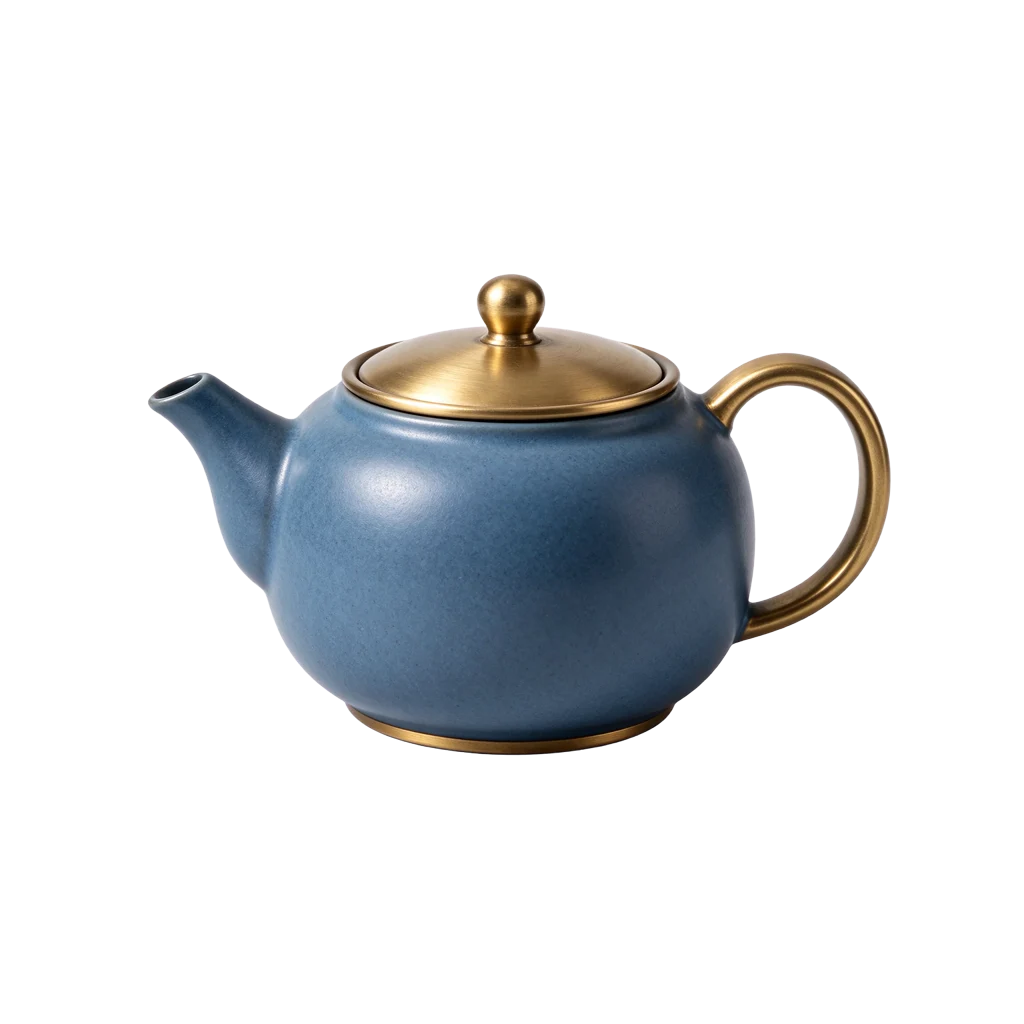
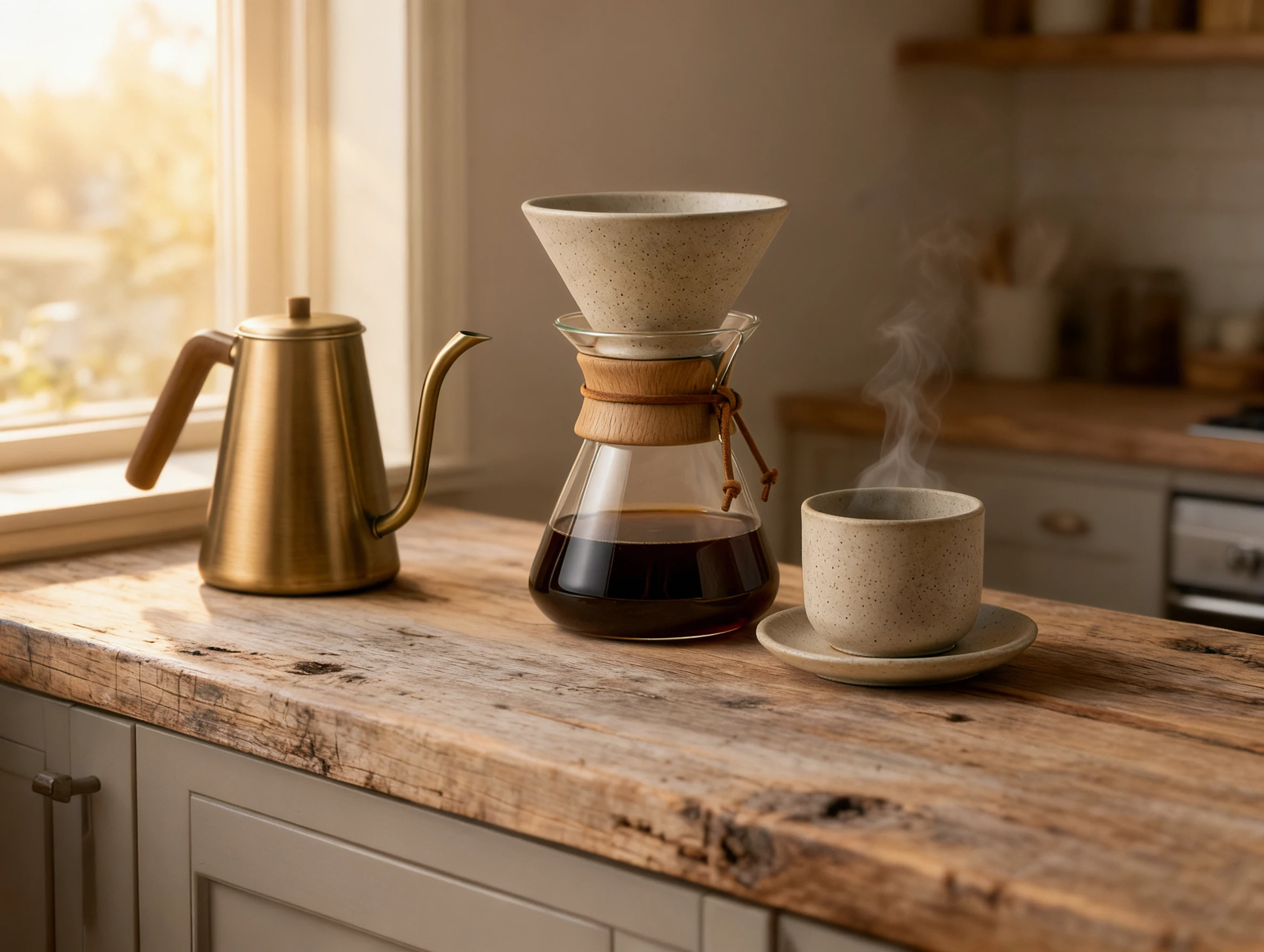
Upload clear product photos and reference them as @image_1 to move objects into a sunlit wooden coffee bar. Naming the glaze, glass ribs, and handles to keep stops the edit from reshaping your product.
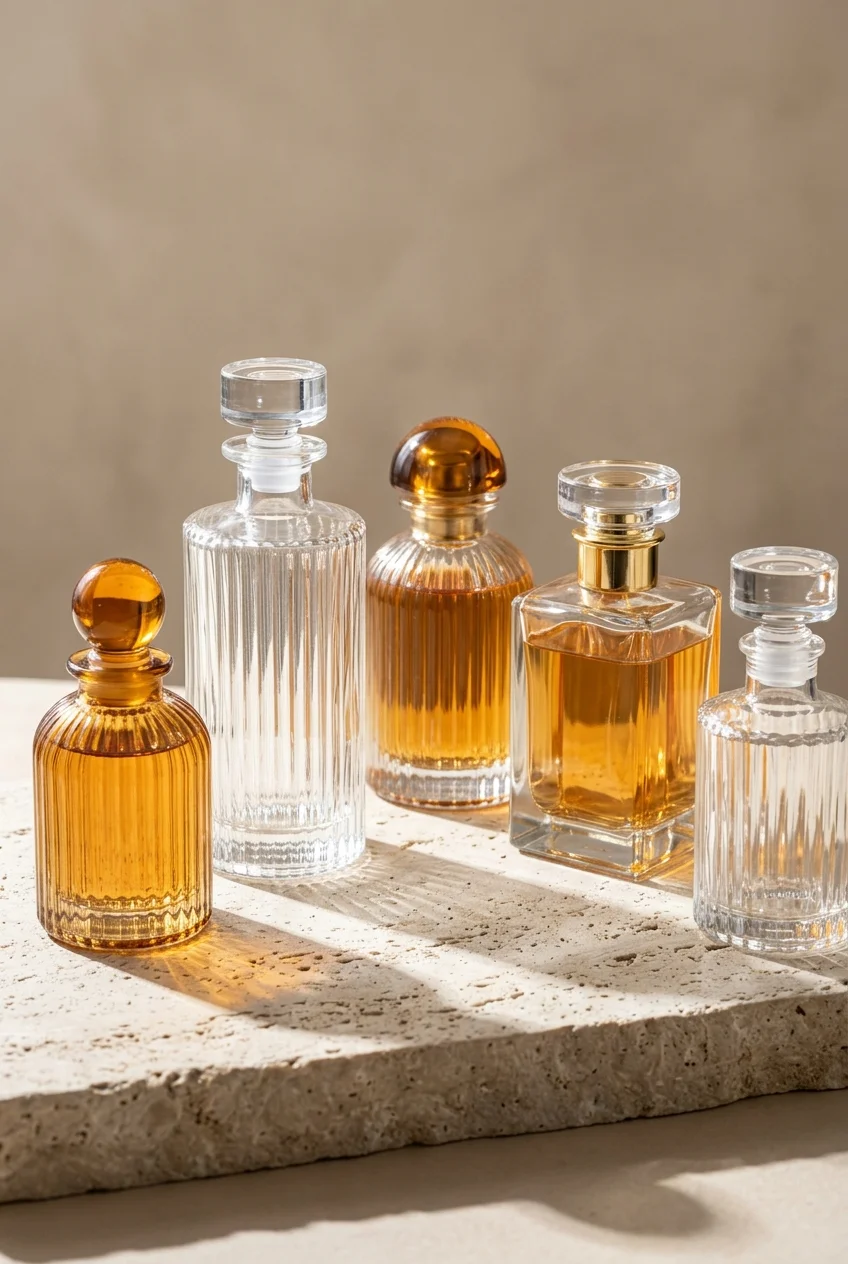
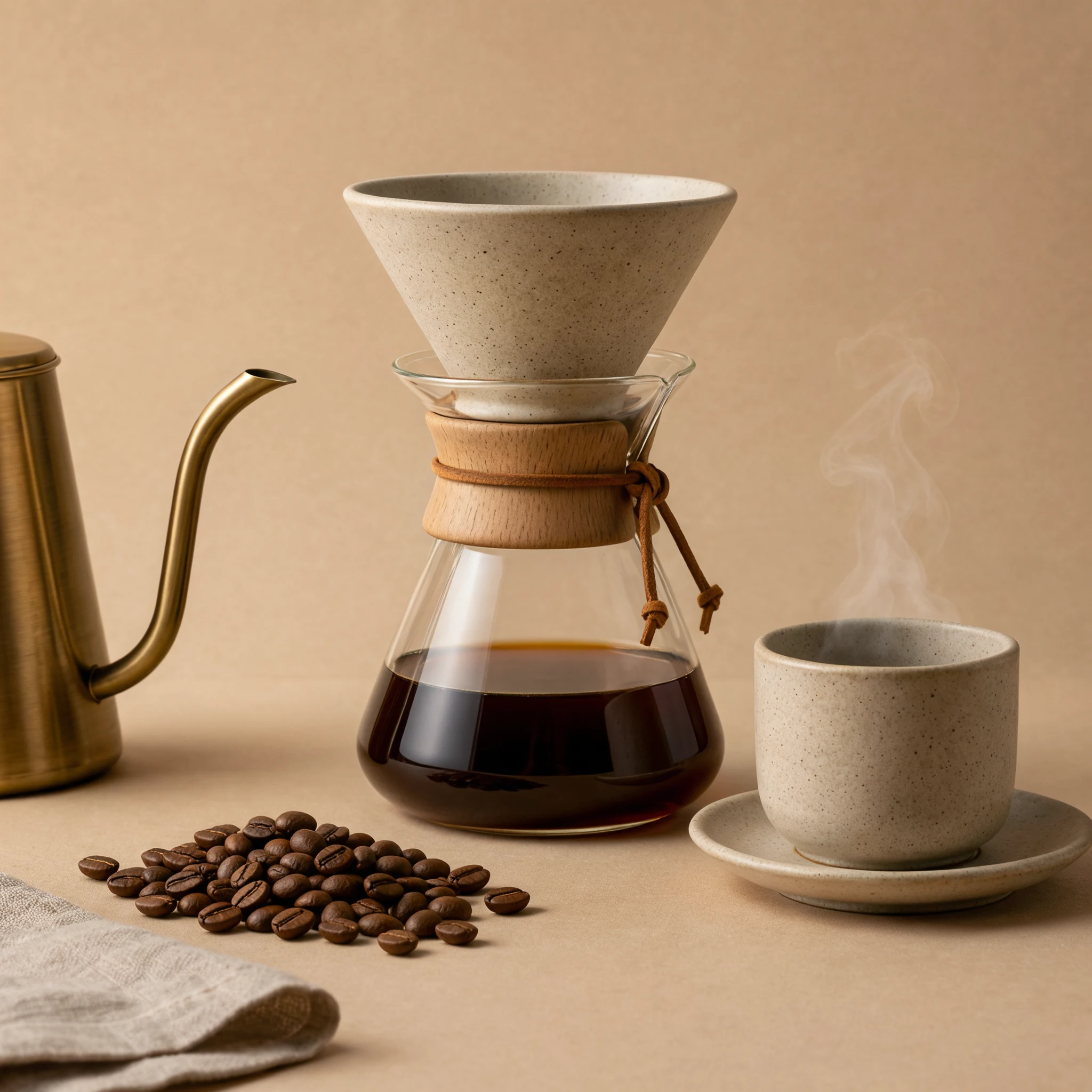
Reference your source image with @image_1 and specify the speckled ceramic dripper, ribbed glass carafe, and matching cup silhouette to preserve.
Call out the warm oak counter, morning window shadows, and companion brass kettle so the environment updates cleanly around the set.
Zoom in on ceramic speckling, glass reflections, and rim proportions against @image_1 to confirm the product stays true to life.
Start from a written brief, or upload references and cite them in order as @image_1 and @image_2. Say which details to preserve.
Choose a fixed aspect ratio or Auto, then 2K, 4K or 8K. Start at 2K to review the layout before spending on a larger version.
Quote the exact words you want to appear. Check spelling, reflections, edges and the recognizable details of each referenced object.
Create a detailed still image or guide an edit with up to 10 JPG or PNG references. Kling Image 4.0 offers 2K, 4K and 8K output on this page, one image per request.
One image is returned per request. Series mode, custom elements, masks and the separate long-image endpoint are not exposed here. At 8K the provider returns JPEG; 2K and 4K usually return PNG.
The estimate includes the output resolution and each reference image. Check the displayed credits before creating; a revision is a new request.
Create a detailed still image or guide an edit with up to 10 JPG or PNG references. Kling Image 4.0 offers 2K, 4K and 8K output on this page, one image per request.