
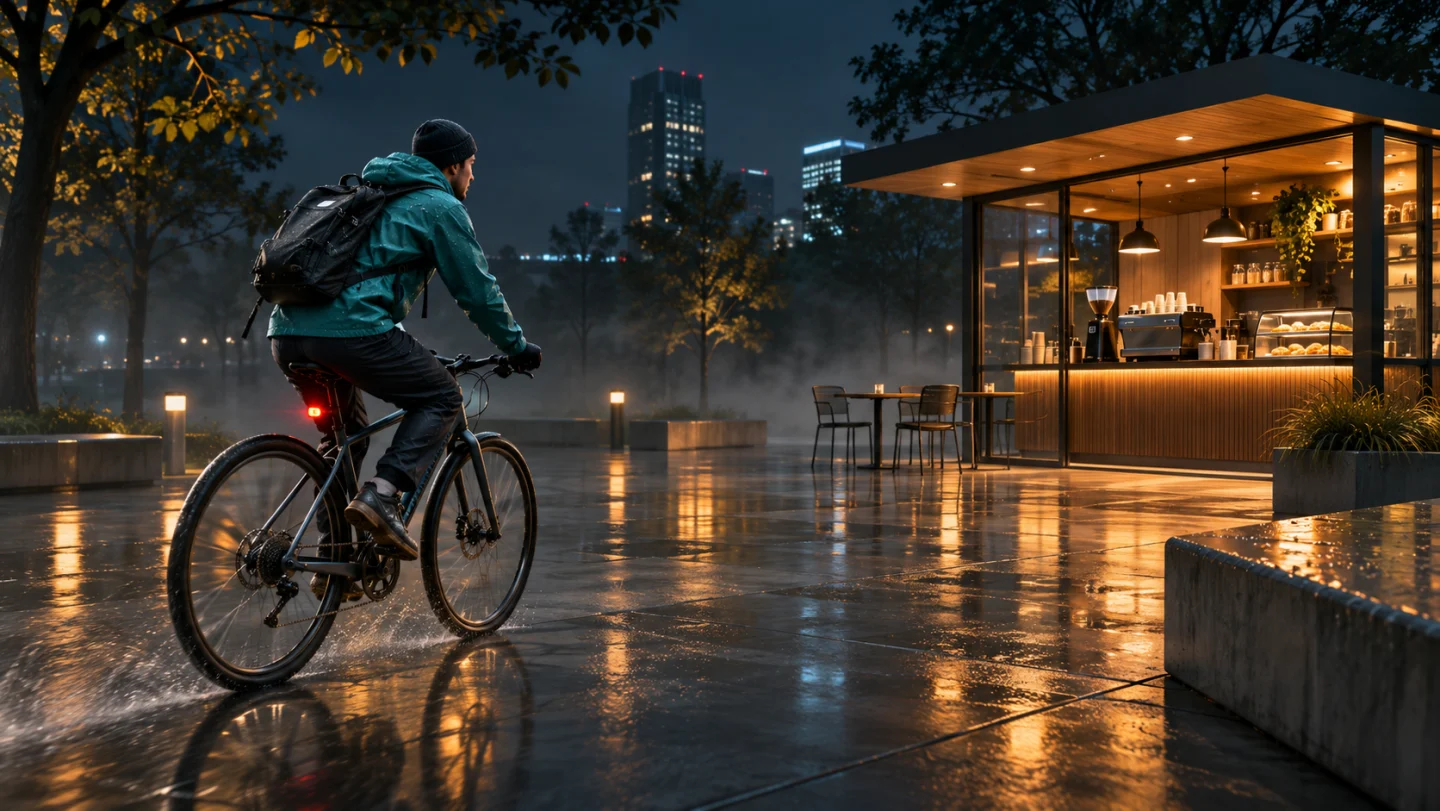
1 photo or 2–15s video
Use a well-lit portrait or short clip where the face, hair and upper body are clear with extra room around the pose.
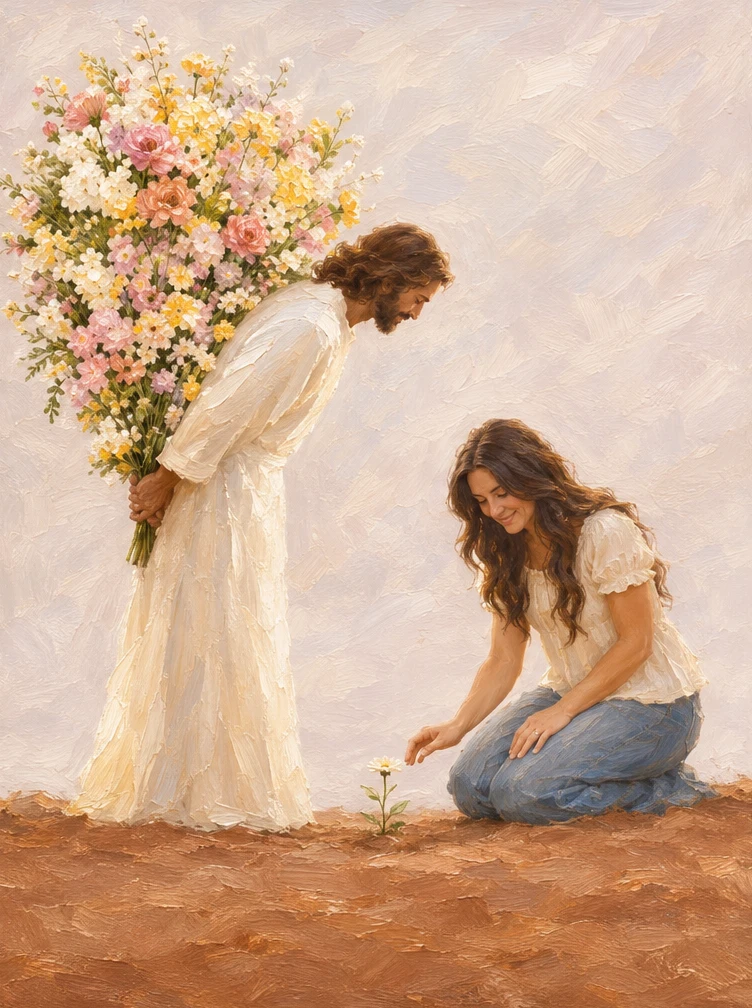
Turn a portrait into a warm impasto oil painting where the subject notices a small flower while Jesus holds a large bouquet behind his back.
Explore models for other image and video ideas.
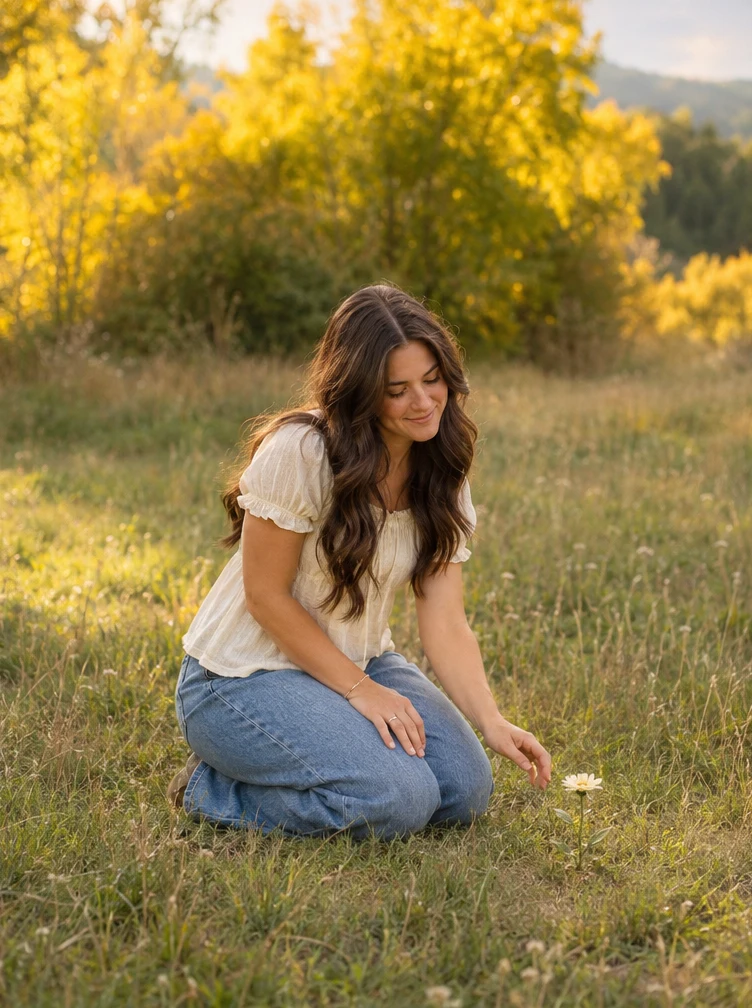
Move from a sunlit meadow reference into textured brushstrokes against a cream sky and warm earth. Keeping the subject low beside one small blossom leaves room behind them for Jesus and the full bouquet.
Use a well-lit portrait or short clip where the face, hair and upper body are clear with extra room around the pose.
Initial settings are 10 seconds, 9:16 and 720p with audio off, and you can adjust available options before generating.
Check the credit quote shown before submitting; the estimate can change with resolution, duration and reference video length.
Preserve the subject’s facial likeness and clothing colors as the photograph shifts into soft, expressive impasto brushwork.
Pose the subject kneeling toward the ground with a gentle, unhurried expression so the single white blossom feels meaningful.
Place Jesus in a light cream robe standing calmly behind, holding an oversized mix of pink, yellow and white blooms out of sight.
Choose a clean reference portrait or kneeling meadow shot without cluttered objects in the background. Leaving space behind the person makes the shift into the oil-painted composition feel calm and uncrowded.
Shift smoothly from sunlit meadow light into warm cream oil-paint tones and earthy brushwork.
Check that the subject’s face, hairstyle and outfit remain recognizable before the painted background settles.
The emotion relies on contrast: one small white flower near the foreground and a vivid bouquet tucked behind Jesus’ back. Check that the bouquet stays behind him rather than blocking the subject’s profile.
Paint the hidden bouquet with ivory, pale pink and soft yellow blooms against a quiet cream textured backdrop.
Verify that the small flower stays visible in the foreground and that the hands holding the bouquet behind the robe look natural.
Upload a clear photo or 2–15 second clip of the person you want placed in the painted meadow scene.
Optionally describe the bouquet colors, robe tones or warm cream lighting, or leave blank to use the default composition.
Review the duration, aspect ratio and credit estimate, generate the silent video, and inspect the painted faces and hands before saving.
You can adjust the available settings before generating. The initial settings are 10 seconds, 9:16 and 720p with audio off.
Use one clear photo or a 2–15 second reference video where the subject’s face and outfit are unobstructed.
The model shifts the scene into oil-paint brushwork and may alter hand positions, clothing folds, facial details or flower placement. Review the whole clip before saving.