
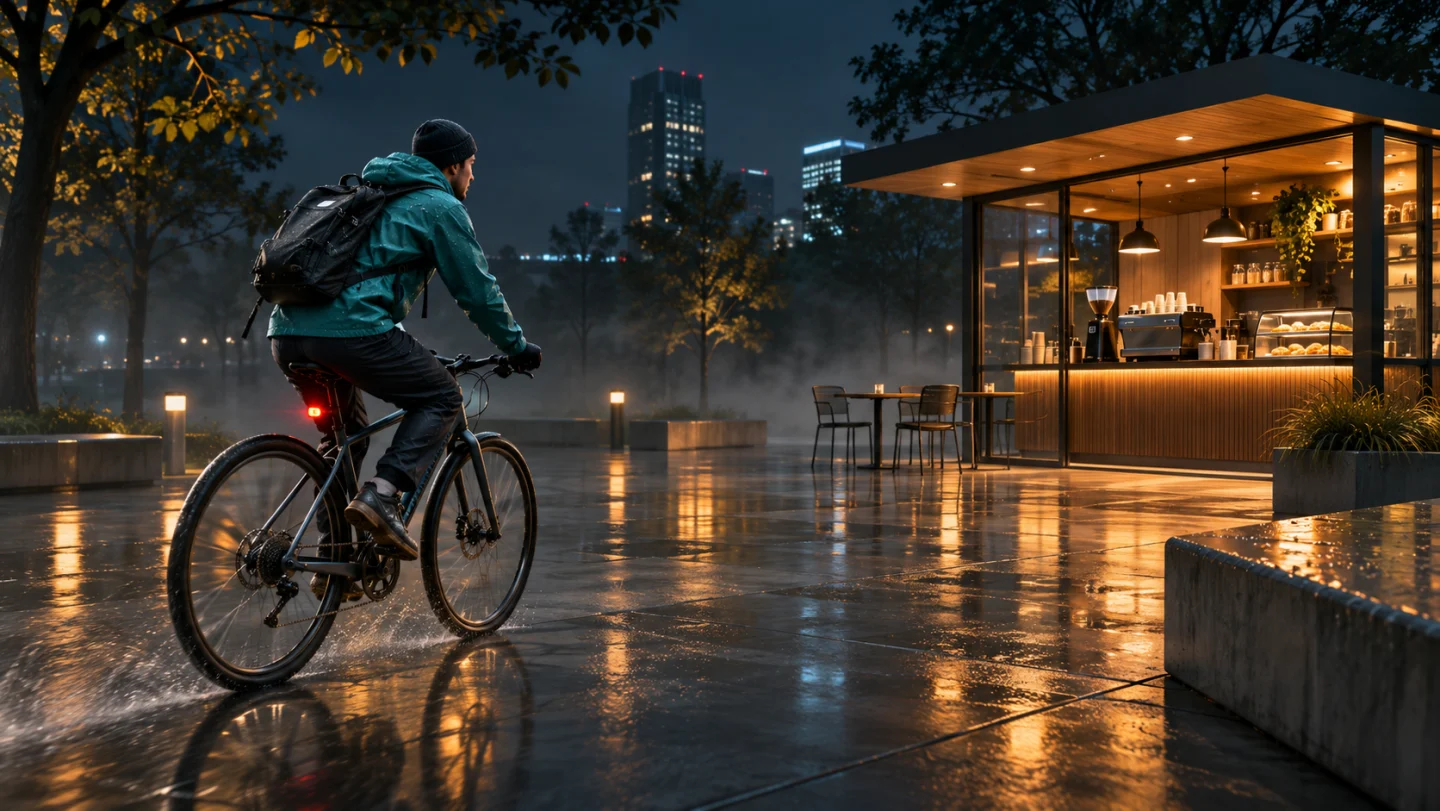
Use a sharp pet photo or a reference video of 2–15 seconds that clearly shows its eyes and coat markings.
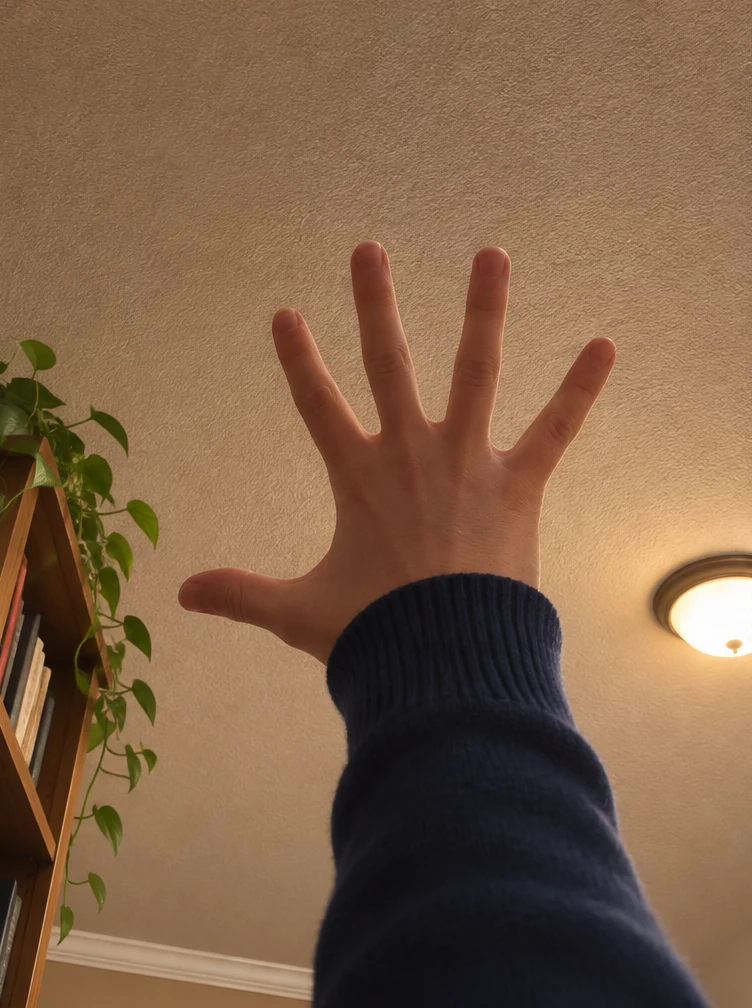
Use a low indoor camera angle. Let an open hand rise toward the ceiling and pass close to the lens.
Start with a hand reaching toward the ceiling, cut to your cat at floor level, then have someone scoop it out of frame.
Explore models for other image and video ideas.
Start with a hand reaching toward the ceiling, cut to your cat at floor level, then have someone scoop it out of frame.
Use a low indoor camera angle. Let an open hand rise toward the ceiling and pass close to the lens.
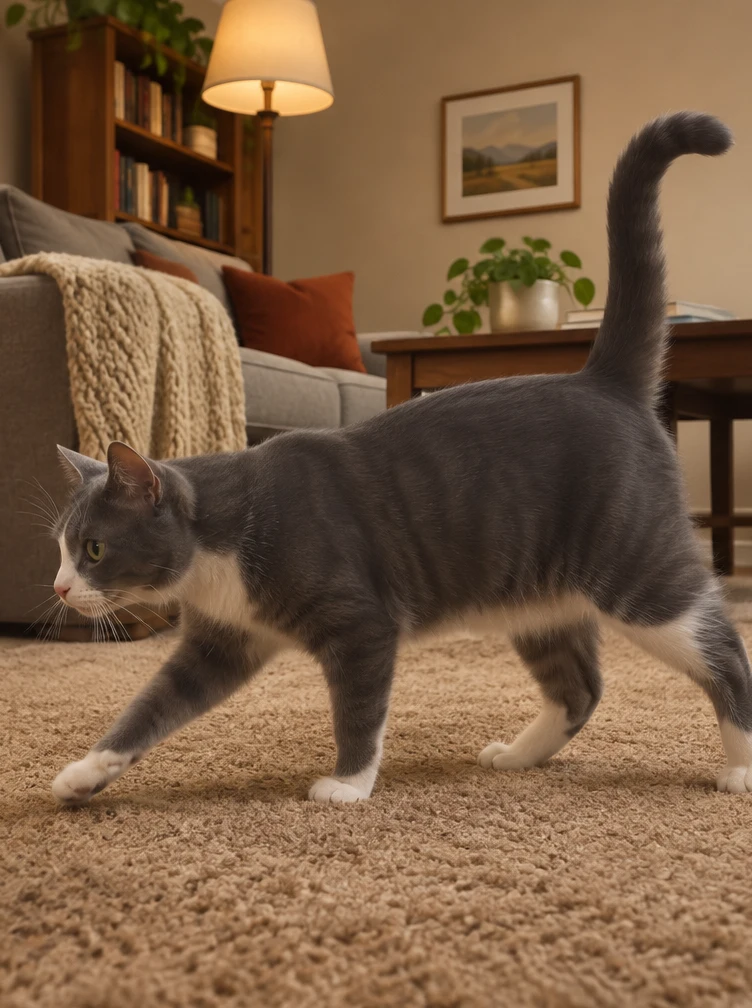
Show the pet briefly on the floor with its markings visible. Leave open space in the direction it will go.
A pair of hands comes in from the side and lifts the cat smoothly. Keep the camera still and leave just a brief beat on the empty rug.
Use a low indoor camera angle. Let an open hand rise toward the ceiling and pass close to the lens.
Show the pet briefly on the floor with its markings visible. Leave open space in the direction it will go.
A pair of hands comes in from the side and lifts the cat smoothly. Keep the camera still and leave just a brief beat on the empty rug.
Set a low angle with the ceiling in view. Bring an open hand up from the bottom of the frame and leave room around the fingertips as it approaches the lens. Cut near the top of the reach to reveal the cat by the rug.
Start from a low angle. An open hand rises into frame. Cut to the floor near the top of the reach.
If the hand fills the frame, ask to keep it lower in the composition, with space between the fingertips and the ceiling.
Put the camera at rug height and show the cat in profile for a moment. Have the hands enter from the side, support the chest and hindquarters, and lift the cat in one smooth motion. A short glimpse of the empty rug lands the joke.
Let the hands enter from the left and lift the cat out of frame.
Check that you can see the cat before the hands enter, that the camera stays fixed and that the empty rug appears only at the end.
Use a sharp pet photo or a reference video of 2–15 seconds that clearly shows its eyes and coat markings.
Use a low-angle view in a softly lit carpeted room.
Check the credit estimate before generating.
You can adjust the available settings before generating. The initial settings are 5 seconds, 9:16 and 720p with audio off.
Use a sharp pet photo or a reference video of 2–15 seconds that clearly shows its eyes and coat markings.
The model can change facial features, hand positions or small details. Review the whole clip before saving.