
Use one clear photo or reference video of 2–15 seconds of the subject.
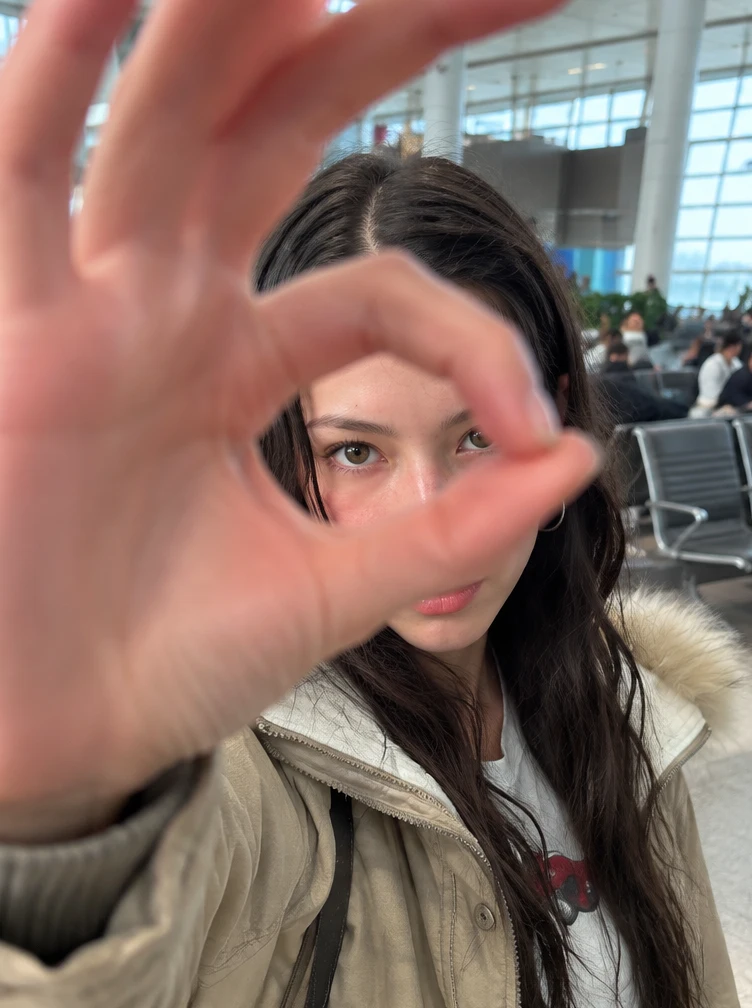
Frame one traveler at eye level, with airport seats and window light behind them.
Go from an airport gate to a neon-lit street with a hand-circle cut.
Explore models for other image and video ideas.
Go from an airport gate to a neon-lit street with a hand-circle cut.
Frame one traveler at eye level, with airport seats and window light behind them.
Keep one eye centered in the finger ring as it approaches the lens. Cut at the closest point, with the hand and eye in the same positions on both sides of the cut.
The traveler lowers their hand, turns and walks away. Leave enough of the street in view to see where they go.
Frame one traveler at eye level, with airport seats and window light behind them.
Keep one eye centered in the finger ring as it approaches the lens. Cut at the closest point, with the hand and eye in the same positions on both sides of the cut.
The traveler lowers their hand, turns and walks away. Leave enough of the street in view to see where they go.
Start with a reference that shows the traveler’s eyes and jacket. Frame the opening at eye level, with airport seats and window light behind them. As the thumb and index finger approach the lens, keep one eye visible inside the circle so the traveler stays recognizable before the cut.
Center the finger circle and hold it briefly before cutting.
Pause just before the cut. The hand should leave enough of the frame open to see an eye through the circle.
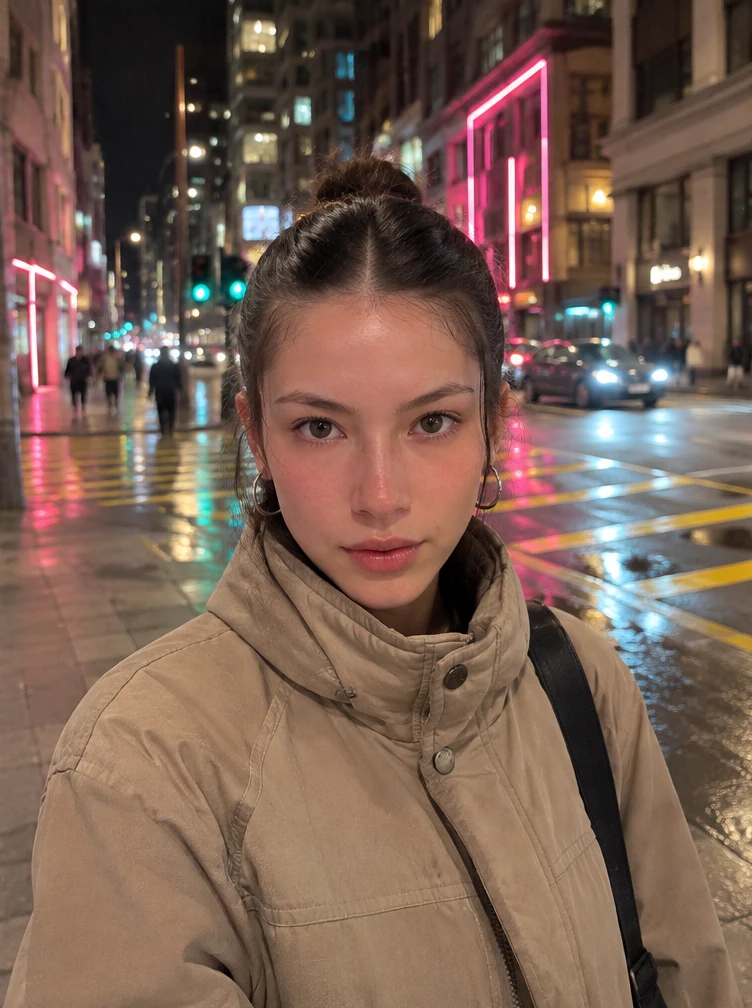
Start the night shot with the same eye and finger ring still aligned. Once the hand pulls away, let the traveler turn and walk into the wider street view. Reflections on the pavement can help the new location read as soon as the hand moves.
Keep the light jacket and framing. Once the hand drops, reveal the wet sidewalk.
Pause on either side of the cut. The eye and ring should line up. Then play the ending and check that the traveler turns and walks away in one continuous movement.
Use one clear photo or reference video of 2–15 seconds of the subject.
Use golden window light in the airport.
Check the credit estimate before generating.
You can adjust the available settings before generating. The initial settings are 8 seconds, 9:16 and 720p with audio off.
Use one clear photo or reference video of 2–15 seconds of the subject.
The model can change facial features, hand positions or small details. Review the whole clip before saving.