
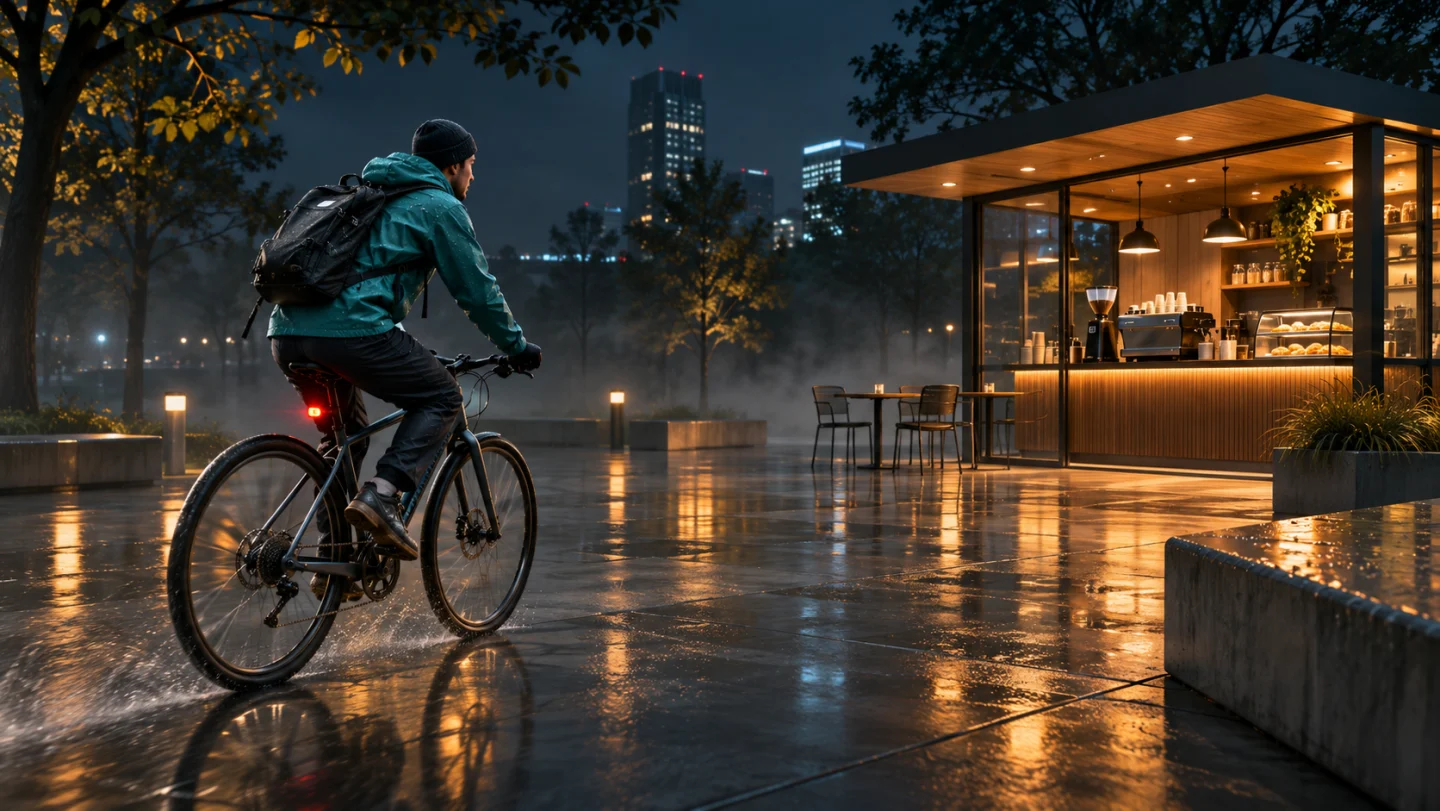
One photo or 2–30s clip
Upload one sharp vehicle photo or 2–30s clip showing roof, body lines, bumpers, and wheels cleanly in daylight.
Turn a truck or car photo (or 2–30s clip) into a Dropped Truck GTA 6 AI video: cruise a sunlit city avenue under a helicopter, spin thick tire smoke, and drift cleanly through downtown traffic.
Explore other SceneFlare video workflows for celebrations, pets, and social reels.
Start with one clear front-three-quarter photo or short video showing your vehicle's stance, rims, and paint. The camera tracks low behind the bed beneath a hovering helicopter as rear tires erupt in white smoke, then cuts to a wide intersection drift—with engine roar, tire screech, and blank license plates.
Upload one sharp vehicle photo or 2–30s clip showing roof, body lines, bumpers, and wheels cleanly in daylight.
Seedance 2.5 starts at 10 seconds, 16:9 widescreen, and 720p with engine and tire-screech audio enabled. Duration, ratio, and resolution are adjustable.
Check the credit estimate on the button before creating. You need to sign in to submit.
Capturing both front grille and side profile in bright daylight helps preserve lowered ride height, wheels, bumpers, and body paint.
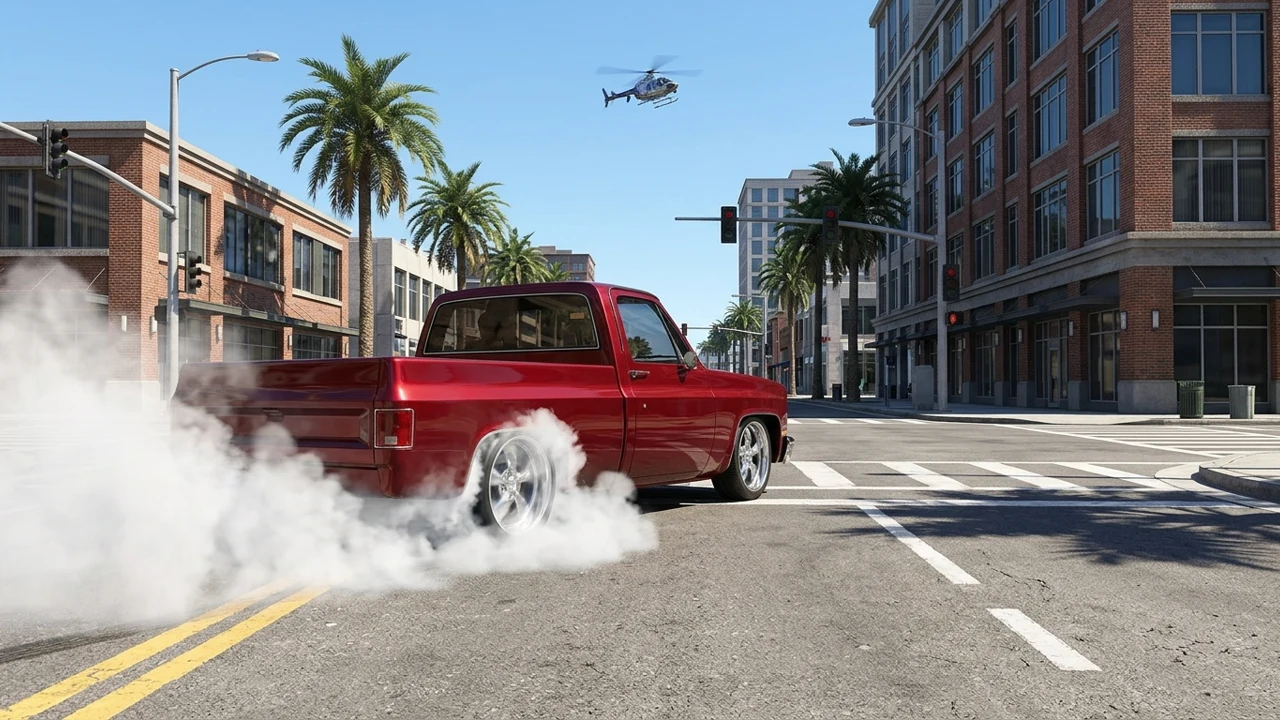
Low tracking behind the truck shows heavy tire smoke first, then swings around to the front corner as your truck slides cleanly past traffic.
The preset avoids readable license plates, badges, and billboard text so you can post your build online without exposing plate numbers.
A low rear-three-quarter angle emphasizes lowered suspension, wide rims, and billowing white tire smoke beneath a distant city helicopter.
Verify the lowered stance, bed proportions, and wheel design match your uploaded build before sharing.
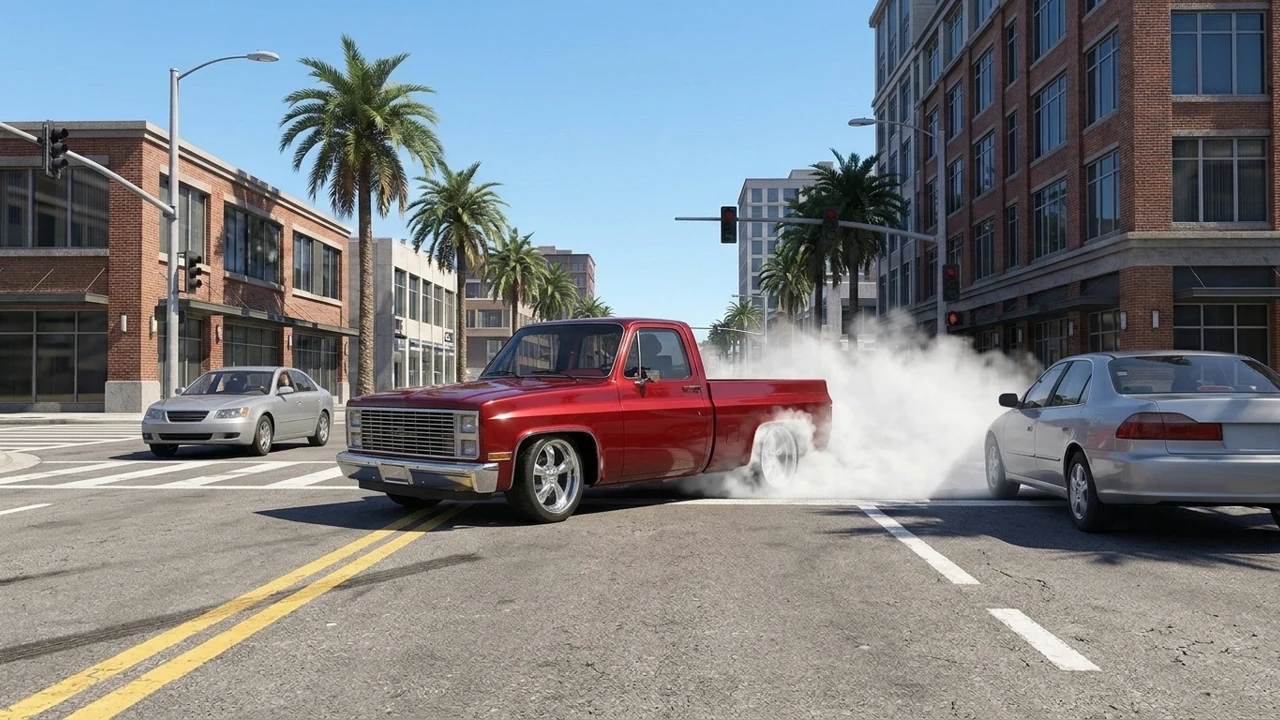
Cutting to the front angle as the truck slides sideways between paused city cars completes the action beat cleanly with synced tire screech.
Check that license plates remain blank and engine/tire audio cues align naturally with the burnout and drift cuts.
Choose a daylight JPG, PNG, or WebP shot (or 2–30s clip) of your truck, SUV, or car parked cleanly without people blocking the tires.
Leave Additional details blank for the default sunny avenue chase, or describe paint finish, wheel style, and palm-lined streets.
Sign in, check the credit quote, review stance, clean plates, and tire-screech timing across all 10 seconds.
Yes. Upload one clear corner shot of any truck, SUV, or car—just mention lifted or lowered ride height in optional notes if you want to reinforce the stance.
The preset explicitly instructs the model to leave license plates and emblems blank, though you should always inspect the finished clip to verify.
Yes, audio is enabled by default for engine rumble, tire screech, and helicopter ambience. Exact body badges or background signs can morph slightly in fast motion, so review the clip first.