

Use a sharp pet photo or a reference video of 2–15 seconds that clearly shows its eyes and coat markings.
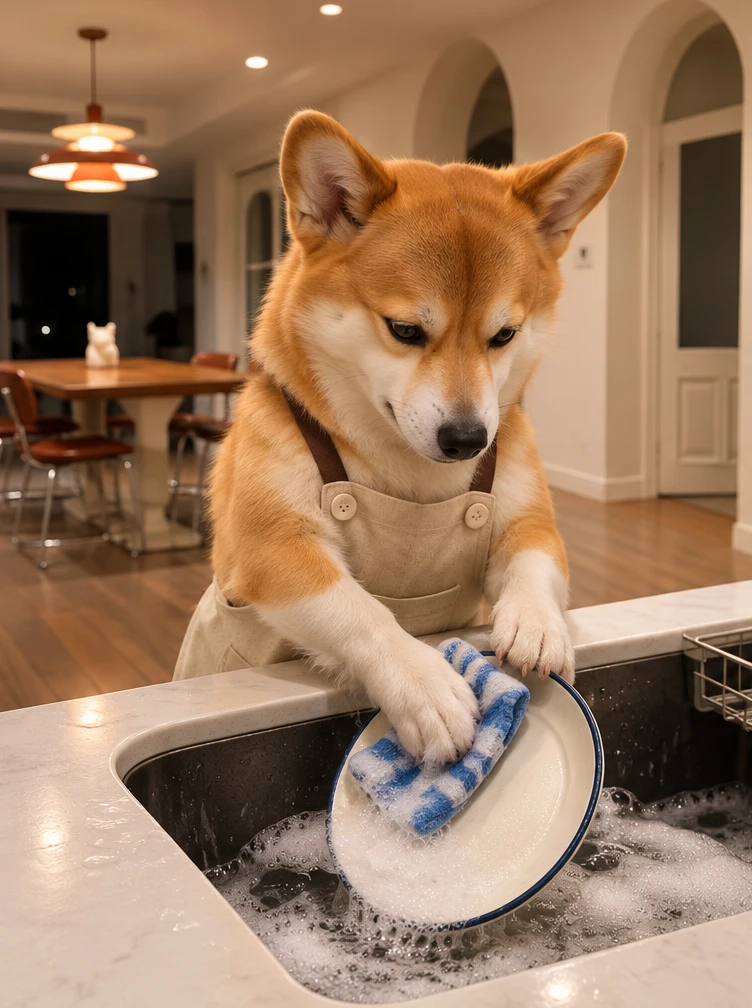
Start with the dog rubbing a plate with a blue dishcloth. Keep the plate, paw and cloth visible at counter height.
Your dog washes a plate until another dog delivers what looks like a new phone. The box holds a dish sponge.
Explore models for other image and video ideas.
Your dog washes a plate until another dog delivers what looks like a new phone. The box holds a dish sponge.
Start with the dog rubbing a plate with a blue dishcloth. Keep the plate, paw and cloth visible at counter height.
A second dog sets a closed phone box beside the sink. The phone pictured on the lid makes the gift look convincing.
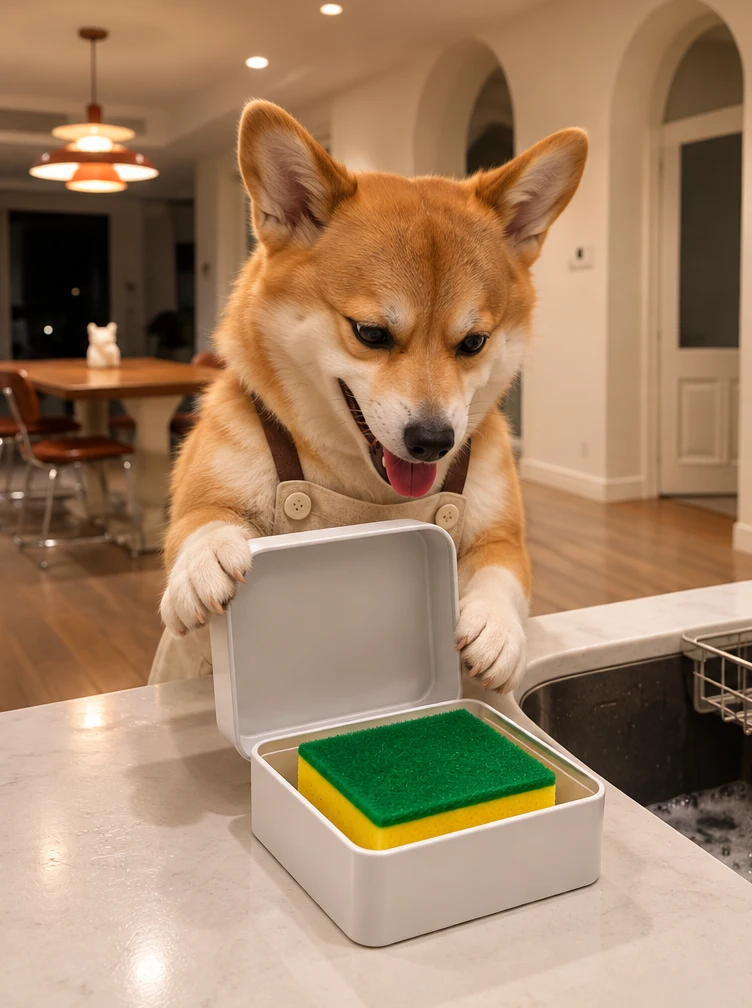
The washer opens the box with a paw, sees the sponge and backs away. Keep its reaction and the open box in view.
Start with the dog rubbing a plate with a blue dishcloth. Keep the plate, paw and cloth visible at counter height.
A second dog sets a closed phone box beside the sink. The phone pictured on the lid makes the gift look convincing.
The washer opens the box with a paw, sees the sponge and backs away. Keep its reaction and the open box in view.
Use a fixed view with enough space beside the sink for the second dog to set down the gift. Start with the plate, cloth and front paw in view so the delivery interrupts a chore the audience already recognizes.
Use warm kitchen light and a blue cloth to make the scrubbing motion easy to see.
On the first watch, check that you can see the plate and the scrubbing motion. If the suds hide the paws, ask to keep most of the foam in the sink.
Keep the box closed until the washer lifts the lid with its paw. Frame the sink from slightly above so viewers can see the sponge and the dog’s face. Give the dog a short pause to register what it got before it backs away.
Open a plain white box to reveal a green and yellow sponge. Have the dog look down at the box.
Check that the second dog brings the box, the washer opens it and the sponge appears before the reaction.
Use a sharp pet photo or a reference video of 2–15 seconds that clearly shows its eyes and coat markings.
Use a warm but softly lit kitchen and a dark sink.
Check the credit estimate before generating.
You can adjust the available settings before generating. The initial settings are 13 seconds, 9:16 and 720p with audio off.
Use a sharp pet photo or a reference video of 2–15 seconds that clearly shows its eyes and coat markings.
The model can change facial features, hand positions or small details. Review the whole clip before saving.