
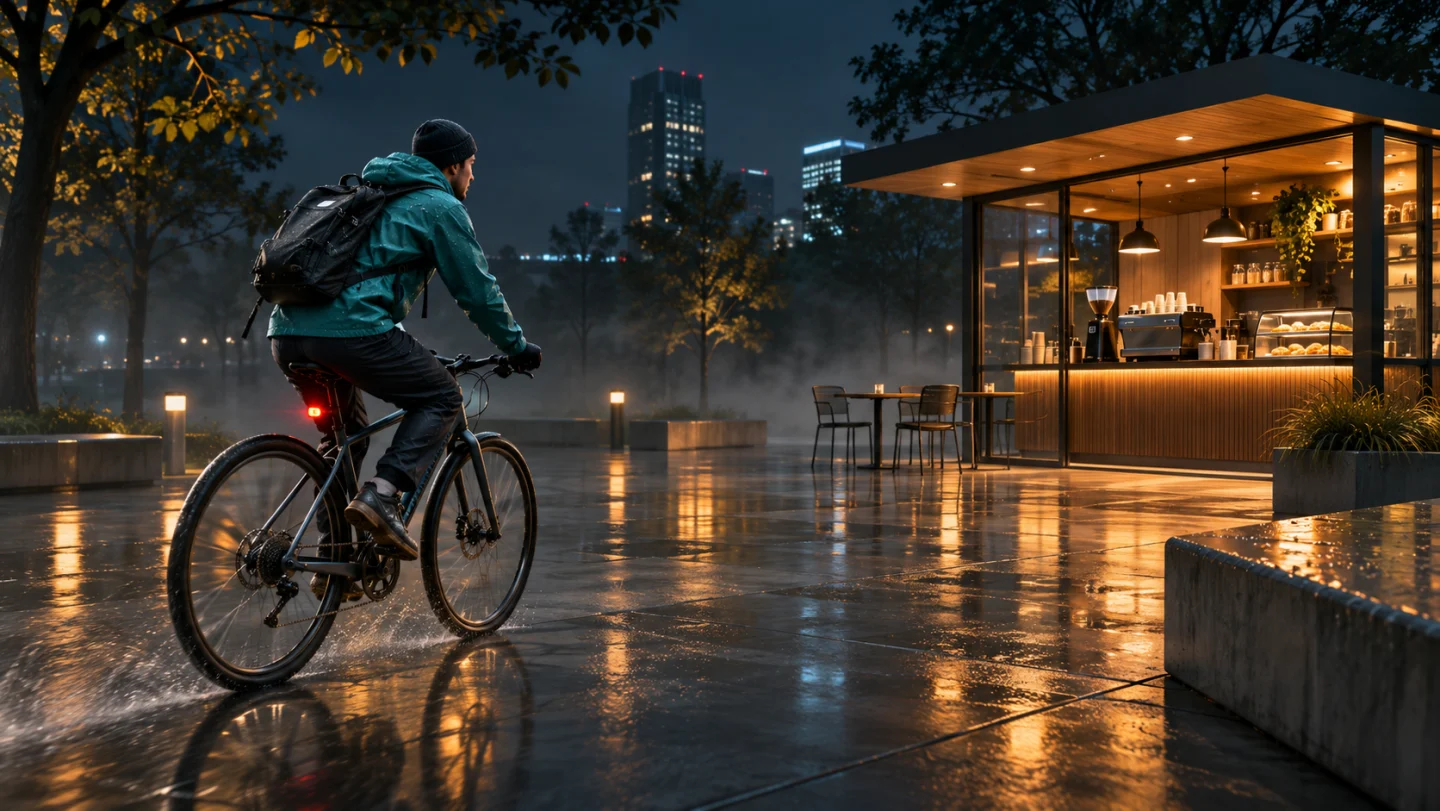
One photo or 2–30s clip
Upload one clear photo or 2–30 second reference clip showing the person or pet without heavy shadows or glasses glare.
Turn a portrait or pet photo (or 2–30s clip) into Digital Birthday Cards on video: an envelope opens on a warm tabletop as your loved one waves or your pet perks up joyfully, with clean space for your message.
Explore other SceneFlare video workflows for celebrations, pets, and social reels.
Start from one clear photo or short clip of a friend, grandparent, or pet. The camera pulls back to show the portrait inside an open envelope on a warm wooden desk while they wave toward the lens, leaving the lower edge clear so you can add exact birthday text afterward.
Upload one clear photo or 2–30 second reference clip showing the person or pet without heavy shadows or glasses glare.
Seedance 2.5 starts at 10 seconds, 9:16, and 720p with paper-rustle audio enabled. You can adjust duration (5–30s), aspect ratio, and resolution before generating.
Check the credit estimate on the button before creating. You need to sign in to submit.
Even daylight and natural eye contact help preserve facial features or fur markings once the portrait moves inside the card.
Pulling out to a standing tabletop envelope turns a regular snapshot into a physical greeting reveal without needing craft templates.
AI-rendered names often misspell letters, so leaving a quiet card border lets you type the exact recipient name in your messaging app or editor.
Let the open envelope flap frame the portrait clearly on a sunlit table so viewers immediately recognize the person or pet.
Verify eyes, glasses, and clothing details look natural before adding any overlays or sending to family.
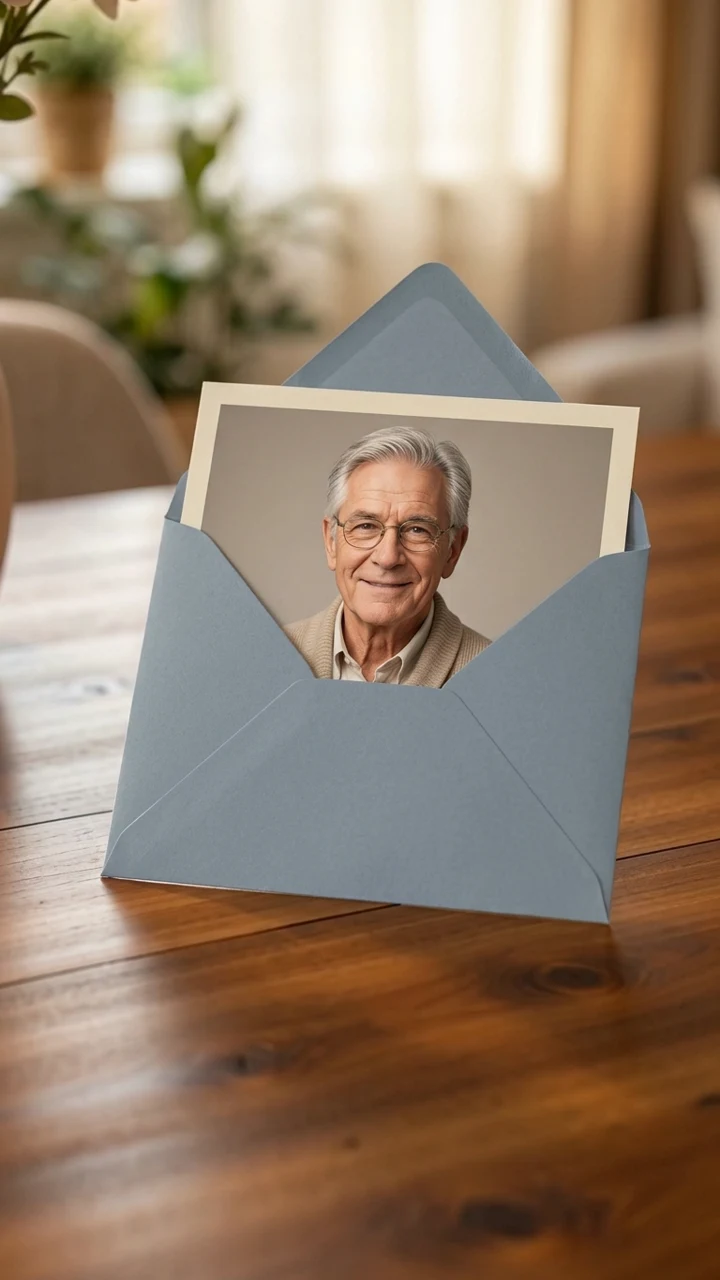
Keep the bottom margin quiet so a waving hand or celebratory cupcake stands out clearly, leaving room for your personal birthday note.
Type exact recipient names, milestone numbers, or licensed birthday music onto the clean lower border before exporting.
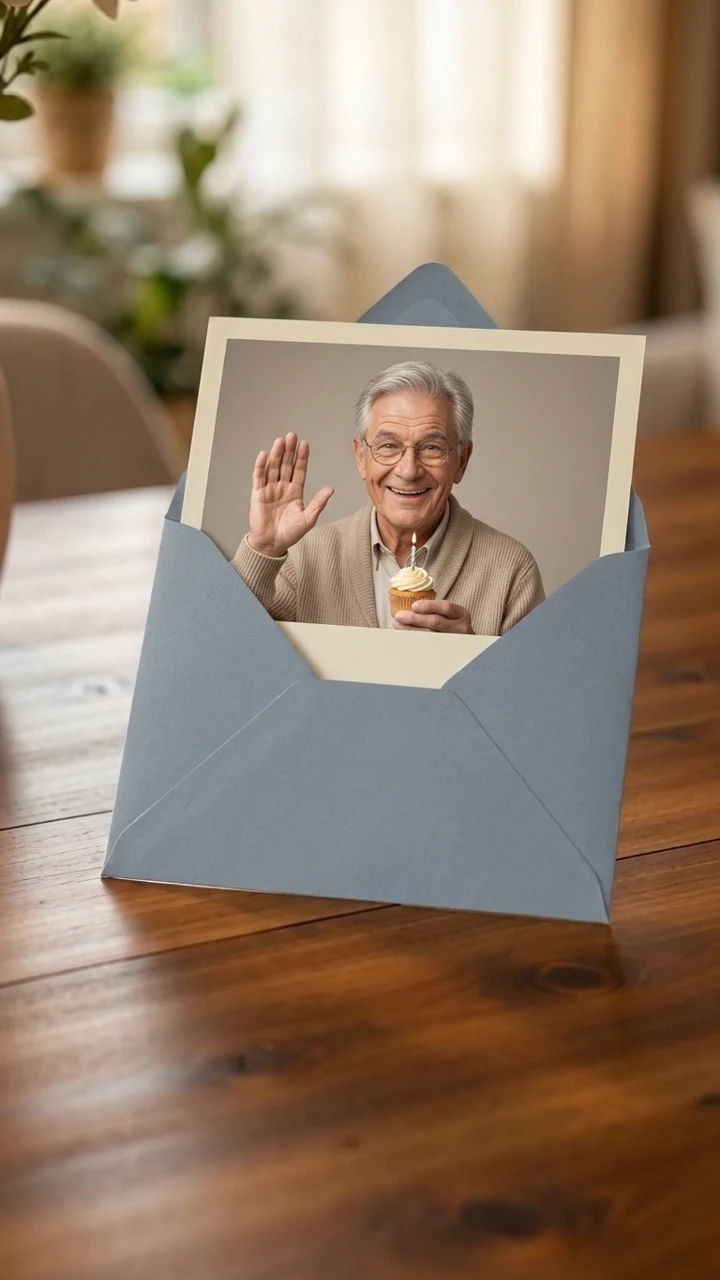
Choose a sharp JPG, PNG, or WebP photo or 2–30 second video of yourself, a relative, or a pet (with permission).
Leave Additional details blank for warm tabletop paper, or note envelope color and a small cupcake prop.
Sign in, review the credit quote, inspect the wave motion and card edges, then add the exact recipient name in your editor.
No. Leaving names and dates out keeps the lower paper margin clean so you can add exact, correctly spelled typography afterward in an editor or chat app.
Yes. One photo or 2–30 second video of a dog, cat, or person works in the same slot—keep the face centered and well lit.
The preset enables soft paper-rustle and quiet room sound by default. Exact likeness, hand finger count, and candle details vary per run, so preview the full clip before sharing.