
One photo or 2–30s clip
Upload a single shared couple photo or 2–30 second reference clip showing both faces clearly without sunglasses or shadows.
Turn one couple photo or short clip into a Video Wedding Invitation. The envelope opens, a paper pavilion unfolds around your portrait, and the final card leaves room for wedding details.
Explore additional SceneFlare video workflows for seasonal invites and visual reveals.
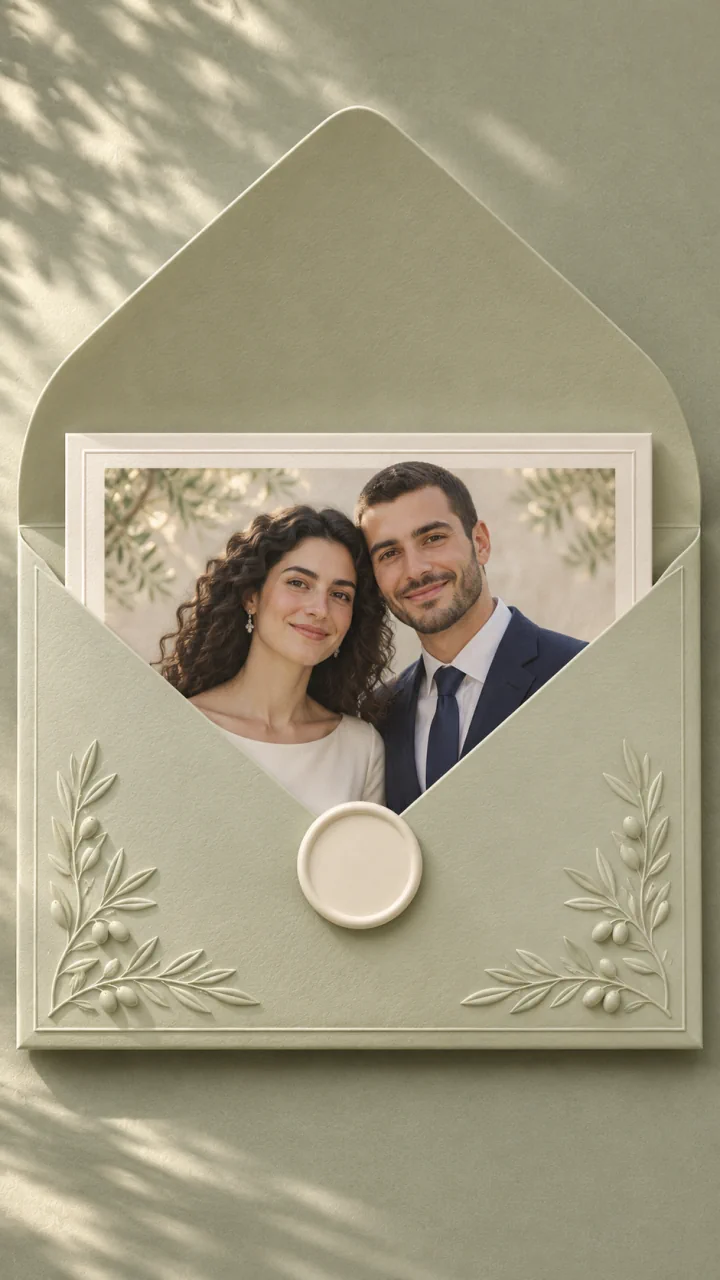
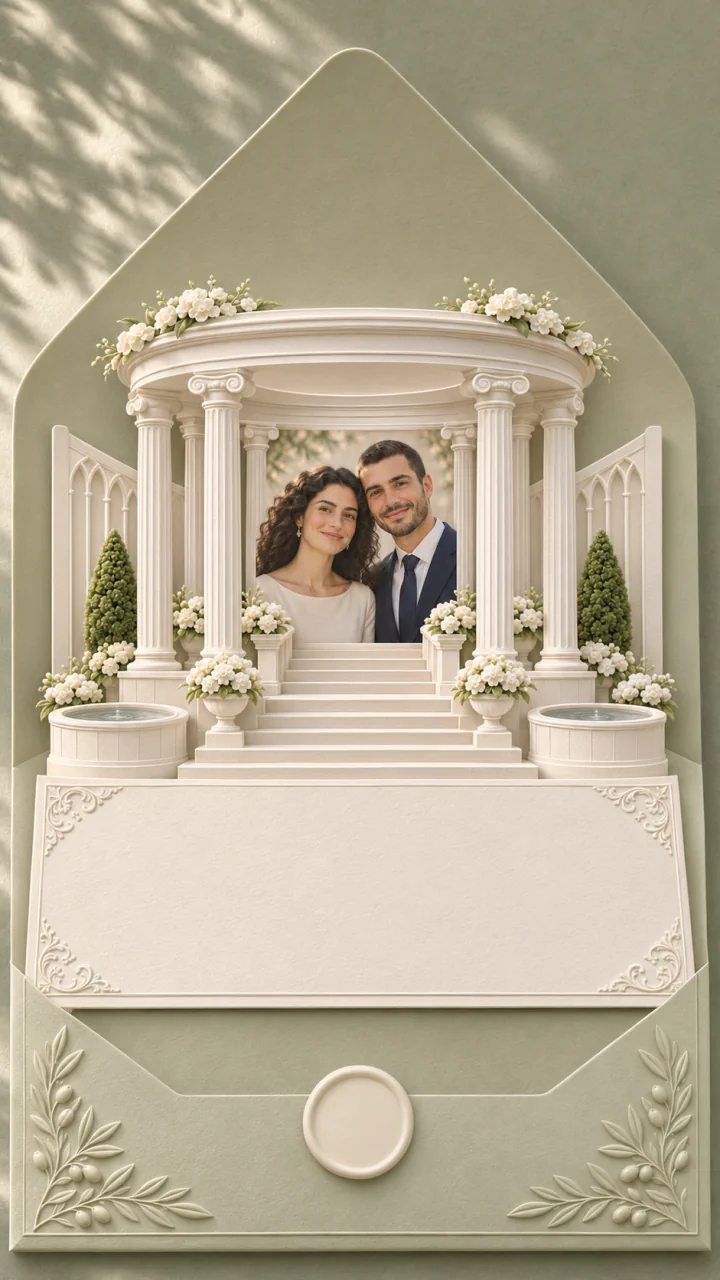
Start with a clear photo or short clip of both partners. The envelope reveals their printed portrait, then a paper pavilion unfolds around it. Hold the blank panel at the end so you can add the date, venue, and RSVP in your editor. The main player shows the reference clip. The stills below show a personalized layout.
Upload a single shared couple photo or 2–30 second reference clip showing both faces clearly without sunglasses or shadows.
Seedance 2.5 starts at 10 seconds, 9:16, and 720p with audio enabled. You can adjust the duration (5–30s), aspect ratio, and resolution before generating.
Check the credit estimate on the button before creating. You need to sign in to submit.
Even daylight and unobstructed faces help preserve both partners’ features and keep their left-to-right standing order intact inside the reveal.
Let the printed portrait appear first, then unfold the pavilion around it while keeping both faces visible.
Keeping the video free of generated dates or words lets you overlay crisp, accurate names, date, venue, and RSVP details afterward in an editor.
Let the stationery fill the first shot, then give the flap enough time to open before the invitation appears. Use soft light so the raised floral details are visible.
Play through the card draw carefully to make sure eyes, hairlines, and left-to-right placement match your original photo.
A steady light-toned foreground at the end keeps flowers and movement clear of your final wording. Once downloaded, use any video editor to add your verified wedding date, ceremony location, RSVP deadline, and licensed music.
Place exact couple names, ceremony address, RSVP instructions, and licensed audio cleanly over the still closing space in your video editor.
Pick a clear joint photo or 2–30 second video showing both partners side by side in balanced light with space around their shoulders.
Leave the field blank for the default ivory envelope and paper pavilion, or describe a paper color and flowers. Adjust duration (5–30s), ratio, or resolution as needed.
Sign in, check the credit estimate, and review both faces and the timing of the paper sounds. Add the exact date, venue, and RSVP in your editor.
The preset asks for a quiet closing shot without lettering. Generated text can distort, so add the exact names, date, venue and RSVP details in your video editor.
No. This preset accepts one required photo or one 2–30 second video, so upload a single picture or clip that already shows both partners together.
The preset generates soft paper sounds as the envelope and card open. You can add licensed wedding music in an editor. Review both faces and hand details before sending the invitation.