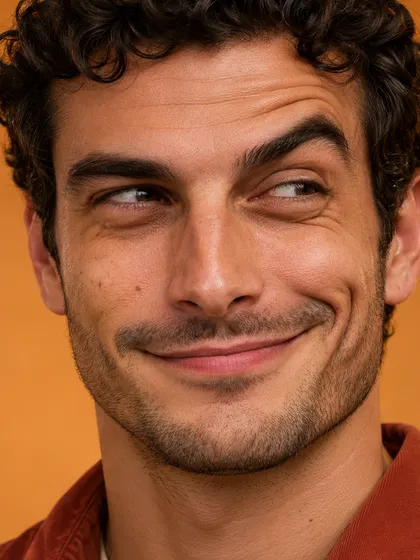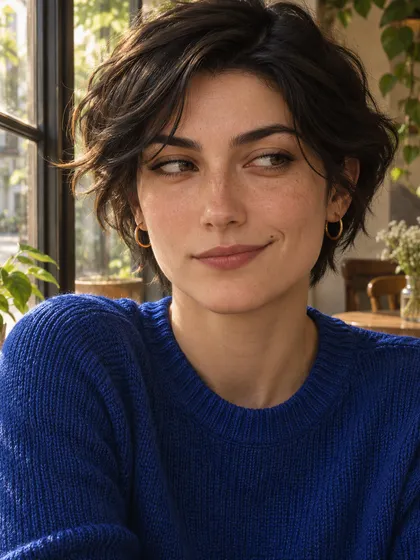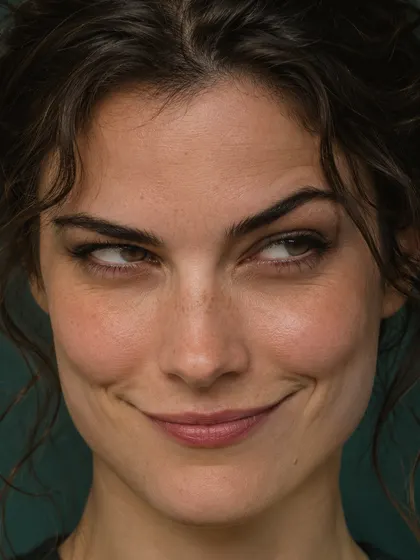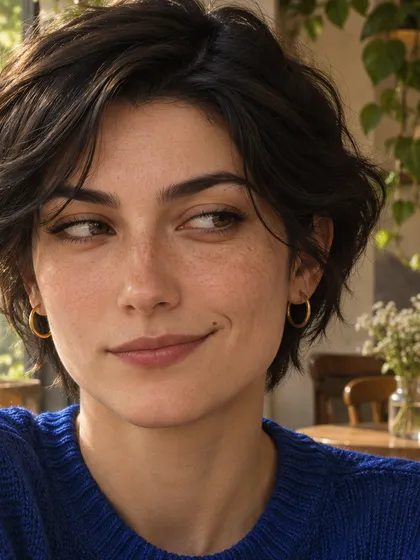

One face photo
Upload one clear face photo in JPEG, PNG or WebP. Use one visible face, even lighting and unobstructed eyes and mouth.
Turn a face photo into an exaggerated reaction image with Vyper Face. Results vary with the original photo.
Explore models for other image and video ideas.
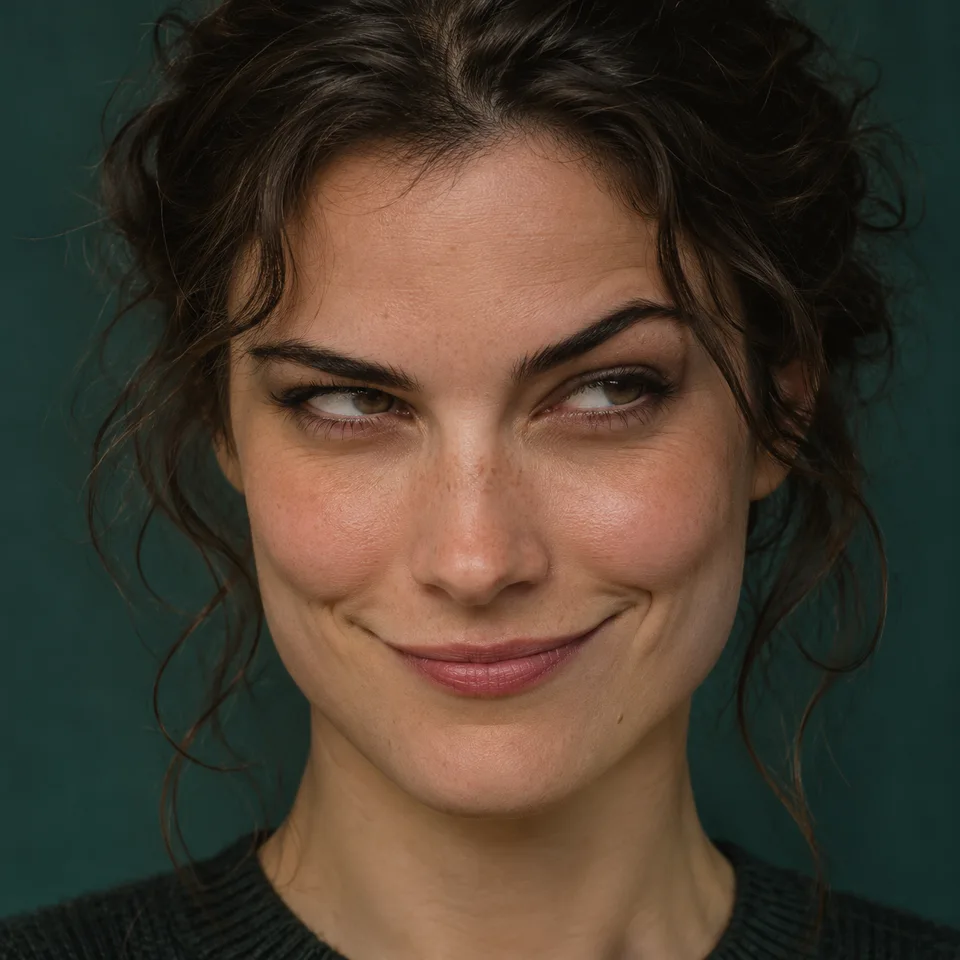
Vyper Face is an expression-focused photo effect for a meme-style reaction image. Describe the brows, gaze and smile you want to exaggerate, while asking to retain the person’s features and setting. It creates a still image, and does not promise an exact copy of the original meme artwork.
Upload one clear face photo in JPEG, PNG or WebP. Use one visible face, even lighting and unobstructed eyes and mouth.
Starts at one square 1K image. Quality, ratio and resolution are adjustable.
Sign in and review the current estimate. Each new generation uses credits; uploading alone does not start a task.
Specify raised or uneven brows and where the eyes look. Treat these as creative choices, not a claim about exact meme anatomy.
Ask for a small smirk before requesting a larger distortion. Check teeth, lip edges and the shape of the jaw after generation.
Ask to retain hair, clothing and background so expression carries the change. Facial resemblance and small details can still shift.
Start with a front or slight three-quarter view so the eyes and mouth are easy to read. Leave space around the chin and forehead. Review both eyes and the smile at full size.
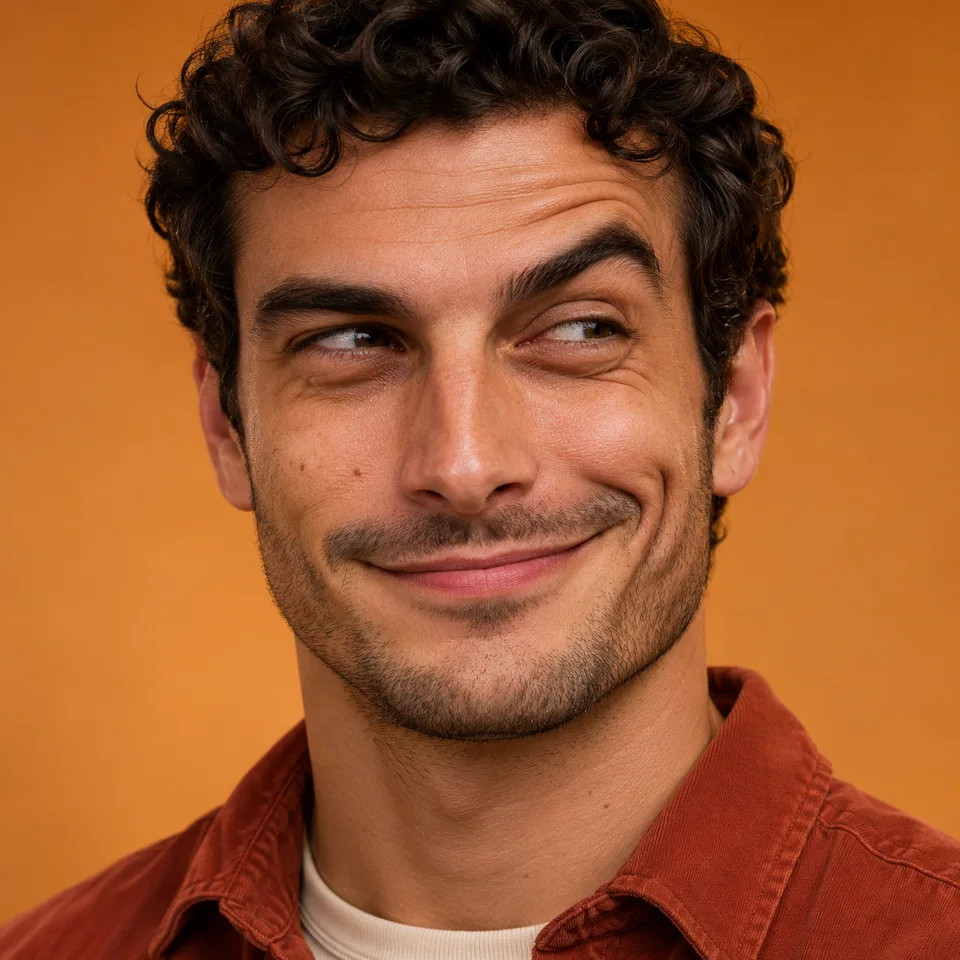
For a photo with a useful setting, keep the original framing and request restrained changes. A strong head turn, glasses glare or covered mouth may limit how clearly the filter reads.

Upload one clear face photo in JPEG, PNG or WebP. Use one visible face, even lighting and unobstructed eyes and mouth.
Leave this field blank for the default expression. Add a note if you want to adjust the brows, gaze or smile.
Review the estimate, generate, then inspect the result before downloading or sharing.
No exact reproduction is promised. This page creates an expression-inspired edit of your own face photo rather than supplying or tracing the original artwork. It does not claim an official association.
The source angle, existing expression, lighting and visible facial detail affect the edit. AI may change likeness or introduce artifacts. Results vary with the original photo; compare the eyes, mouth and face shape before sharing.
Vyper Face uses one face photo to create a still image. Add optional details if you want to adjust the expression.
Upload a clear face photo to make a reaction image, then check the likeness.