One photo or video
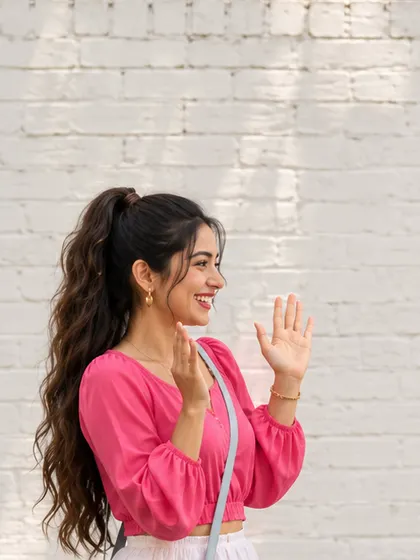
Upload one photo or a 2–15 second video with one visible person and empty space beside them. Keep arms and legs in view if possible.
Add a drawn dance partner beside the person in your photo or video. Customize the line color or movement if you like.
Explore models for other image and video ideas.
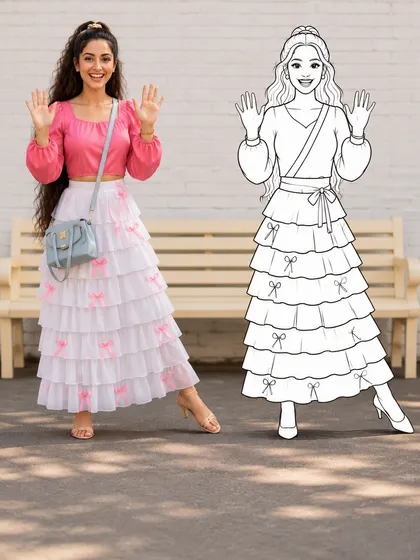
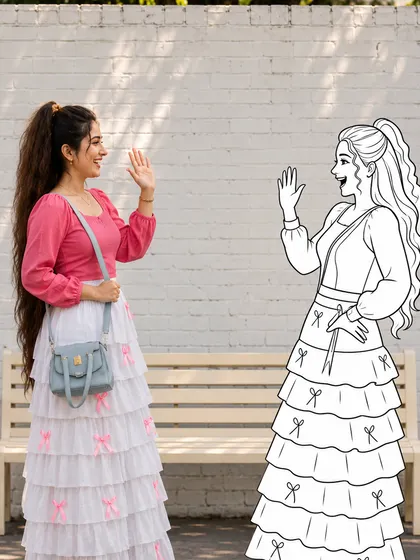
AI Doodle Dance Partner explores a mix of live-action appearance and simple line art in one scene. Your reference supplies the person and setting; the prompt asks for a separate drawn companion. Leave space beside the person so the two silhouettes can stay distinct throughout the dance.
Upload one photo or a 2–15 second video with one visible person and empty space beside them. Keep arms and legs in view if possible.
Starts at 10 seconds, 9:16, 768p. Duration, ratio and resolution are adjustable.
Sign in and review the current estimate. Each new generation uses credits; uploading alone does not start a task.
Describe a round head, stick limbs and a consistent outline. The added character should remain visibly different from the real person.
Name the empty side and ask both figures to stand on the same floor line. This is a generation instruction, not an automatic tracking control.
Try a step together or a short arm-wave response. Complex contact and crossing bodies can make the drawing merge with the person.
Use a wide, uncluttered reference with room next to the person. Ask for a doodle of a similar visible height and small lateral steps; check foot contact and line consistency in the result.
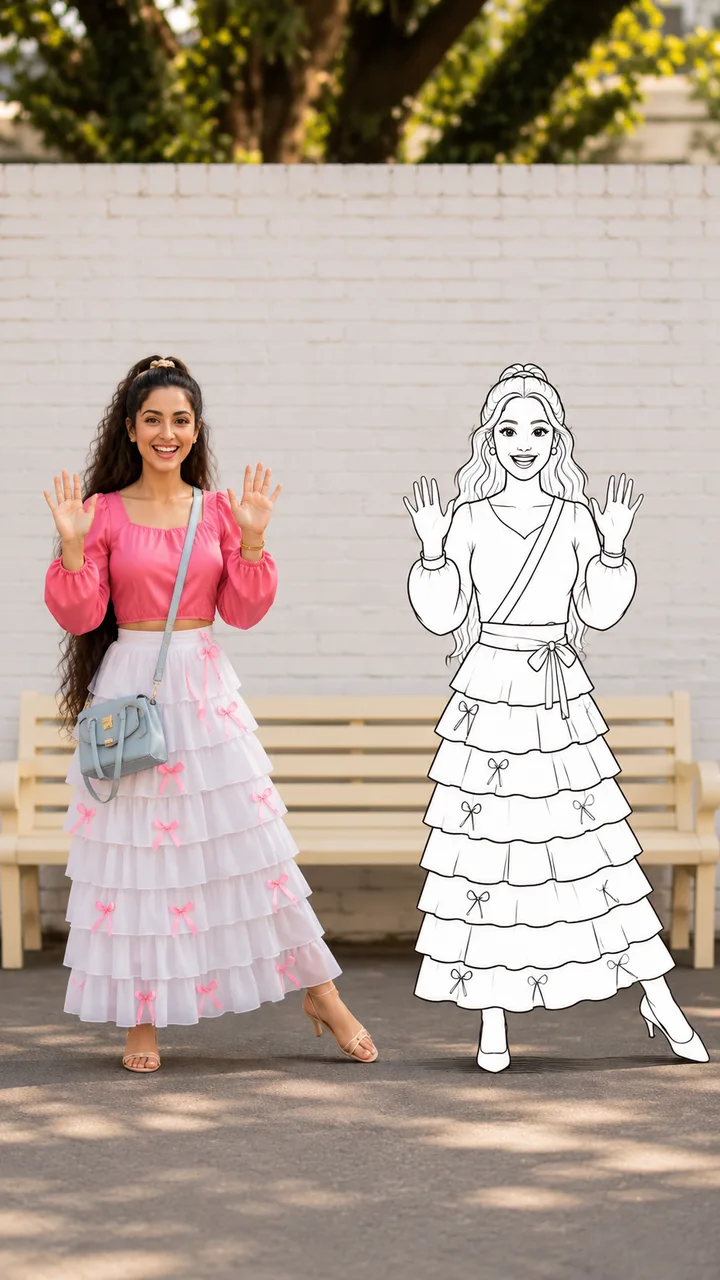
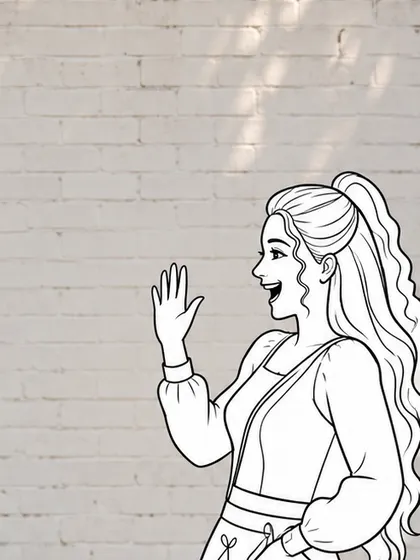
Let the person lift one arm and the doodle answer with a wave. Keeping them apart makes their roles easier to read. Check the full clip for missing limbs or a changing outline.
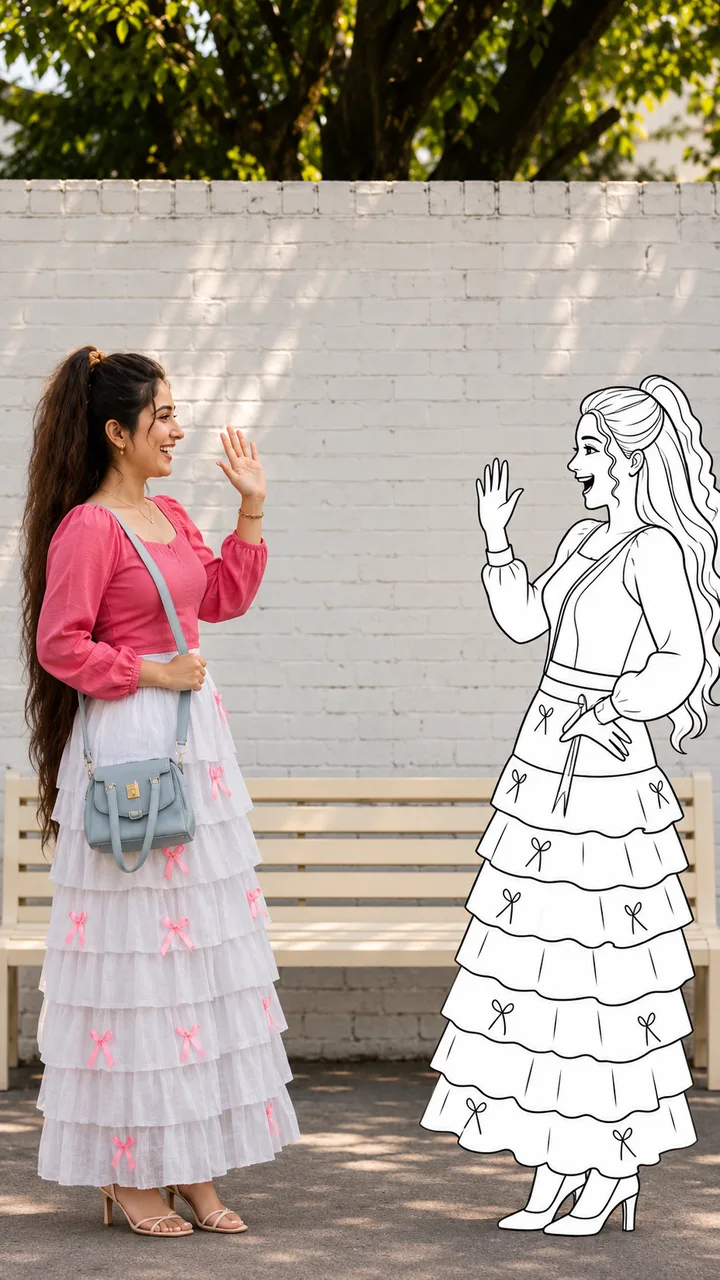
Upload one photo or a 2–15 second video with one visible person and empty space beside them. Keep arms and legs in view if possible.
Leave this field blank for the default duet. Add a note if you want to change the partner’s side, line color or movements.
Review the estimate, generate, then inspect the result before downloading or sharing.
Upload a photo or video of the person and the effect adds the drawn partner. You can optionally describe how it should look or move.
Not necessarily. Shared movement, consistent outlines and foot placement are generated rather than tracked deterministically. Keep actions simple and inspect the entire clip for merging bodies or flickering limbs.
You can describe line color, size, side and gestures. There is no character library or music picker here. Arrange any specific soundtrack separately and check its permissions.
Upload a photo or video with room beside the person for a drawn dance partner.