
1 photo
A photo is required; a clear face and visible clothing help guide the transformation.
Turn your photo into a Christmas elf scene with pointed ears, festive clothing and a workshop or snowy setting. Transform the whole picture with an editable prompt.
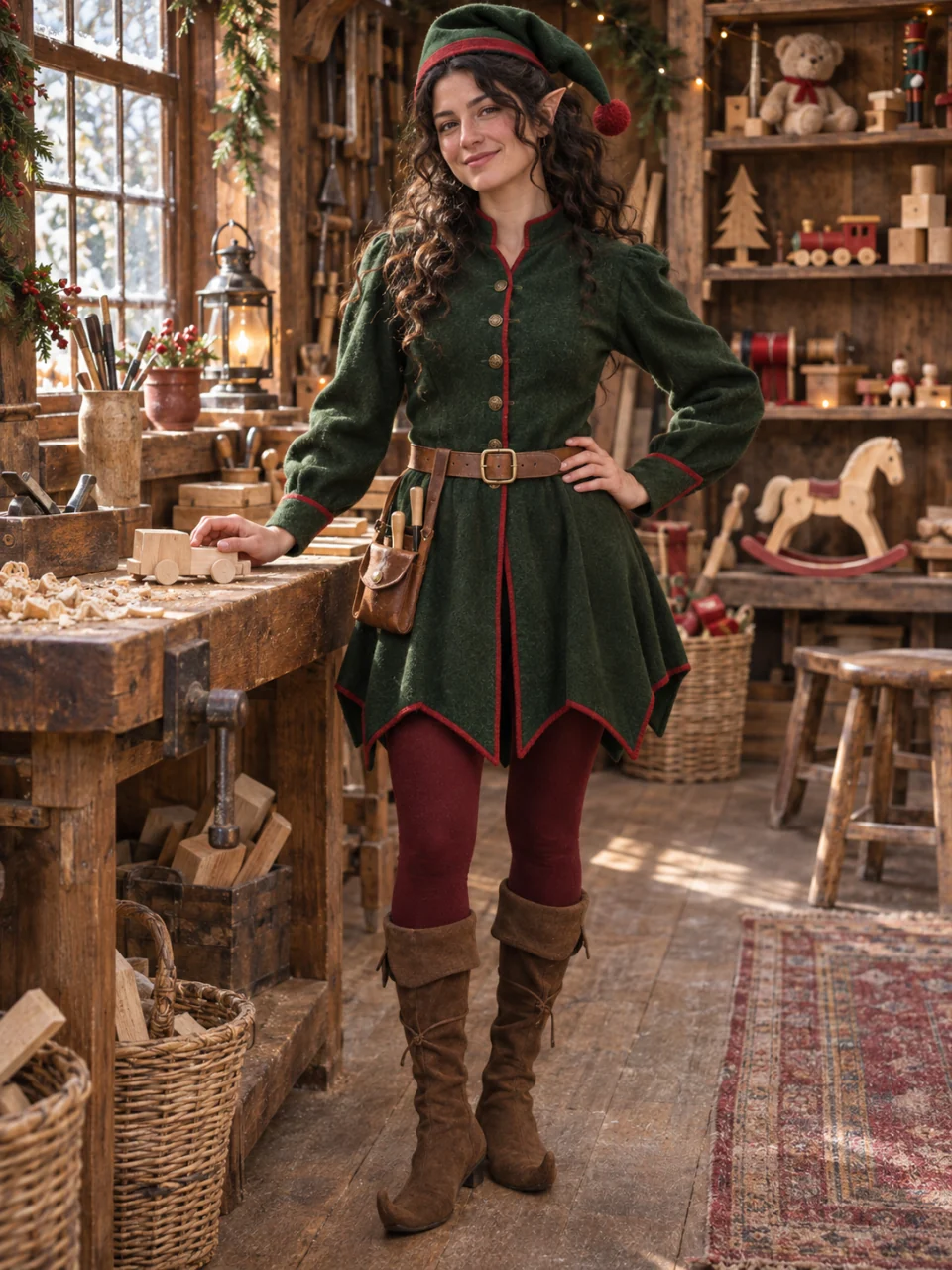
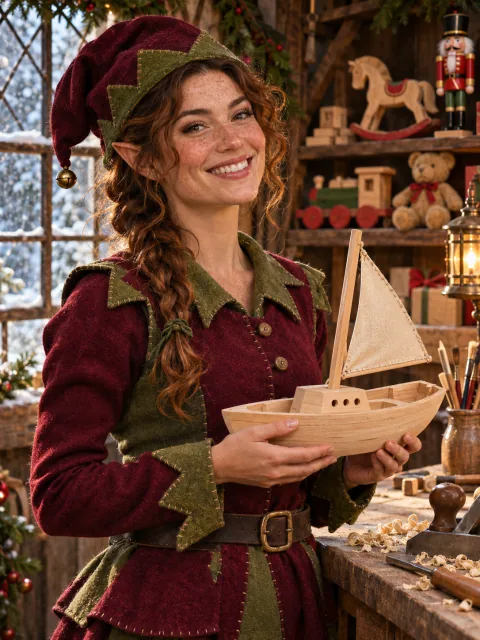
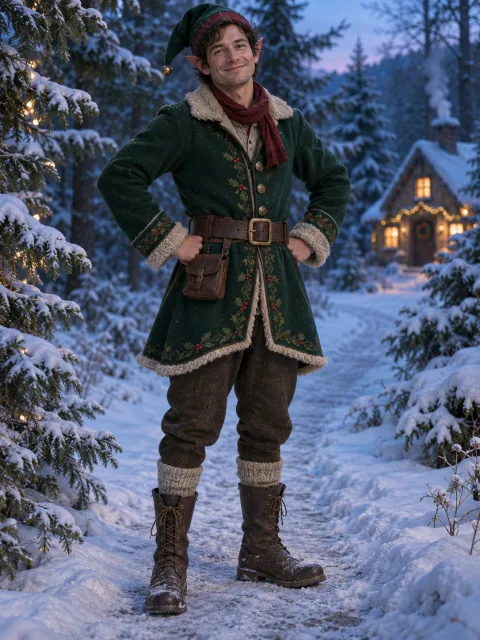
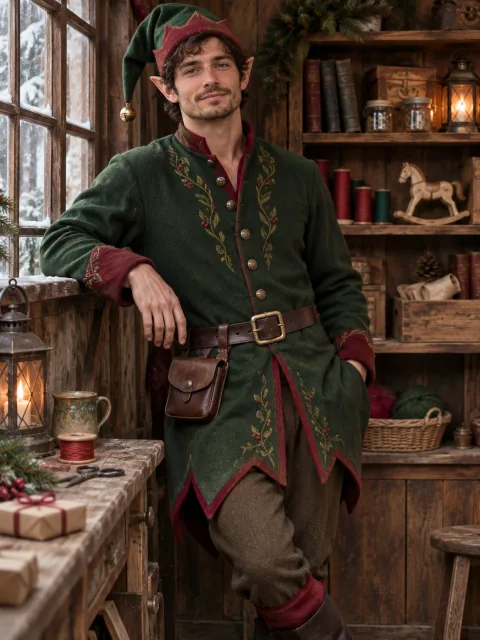
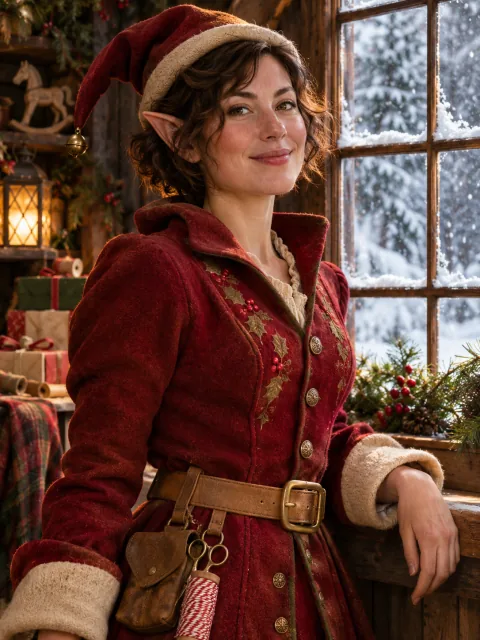
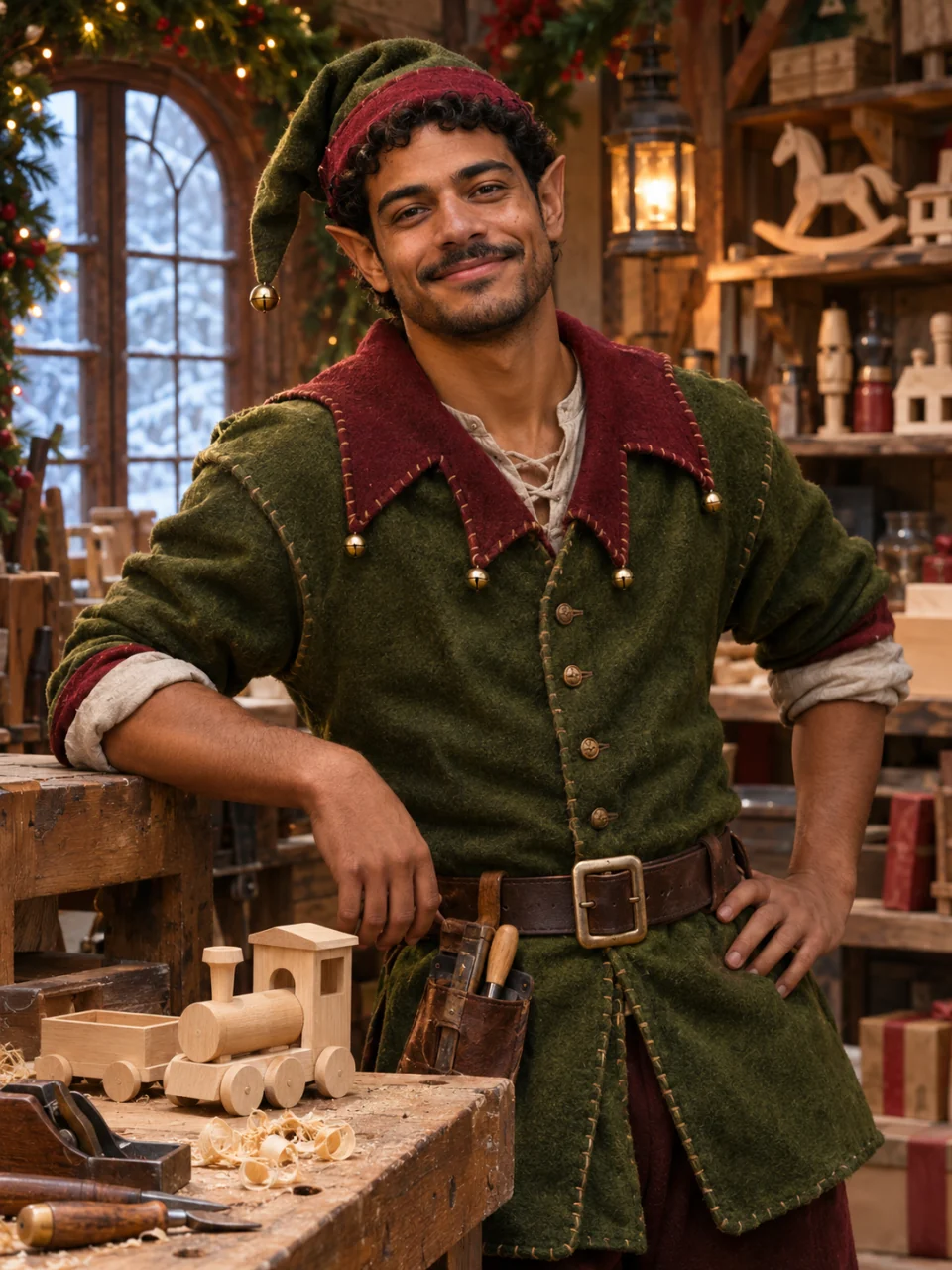
Elf styling concepts for illustration; not verified SceneFlare generations.
Explore available models for other photo transformations.
Use Elf Yourself to explore costume, ears and surroundings together. A half-body or full-body photo gives room for sleeves, belts and boots where visible. You can keep your setting or describe a toy workshop or snowy path. This is a still-image transformation.
A photo is required; a clear face and visible clothing help guide the transformation.
Choose a ratio that suits the source photo and keeps room around the person.
Change the outfit and setting in the brief, or restore the starting description.
Describe subtle or pronounced pointed ears, felt or velvet clothing, a belt, hat and visible footwear. Name the details that matter instead of relying on “make it festive.”
Ask to retain the pose, camera angle and visible body. Choose a matching aspect ratio so the outfit has room; AI may still crop or alter details.
Keep the original background or request wooden workbenches, toy shelves or a snowy clearing. Describe lighting that fits both the person and the new scene.
Elf styling concepts for illustration; not verified SceneFlare generations.
Use a photo with enough space around your arms and legs for a winter coat and visible boots. Ask for a snowy path and soft winter light, then check hands, ears and the edges of the outfit.
Make sure the hat, ears and visible footwear fit within the final frame.
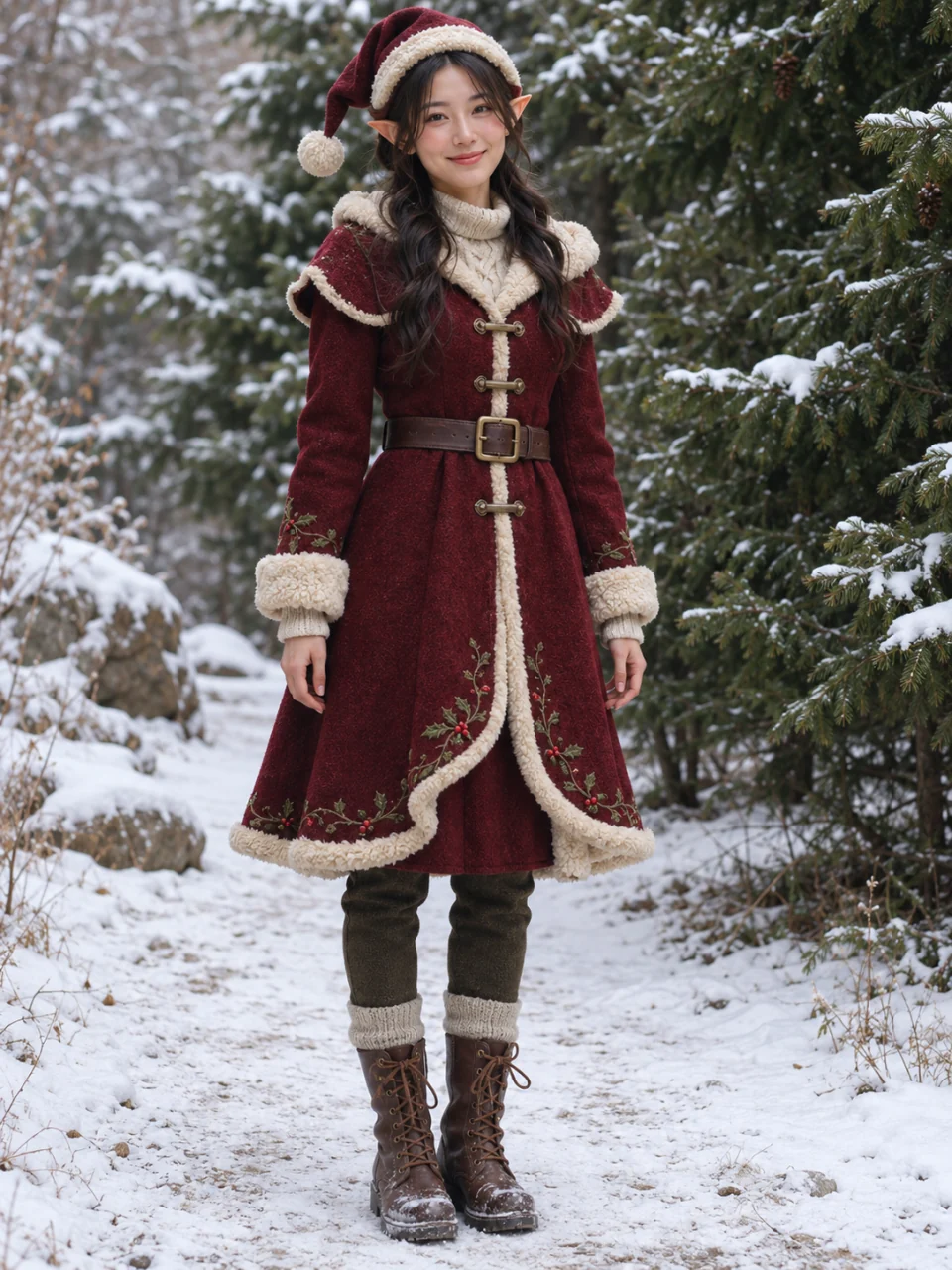
A half-body or full-body photo can show the tunic, belt and surrounding workbench. Keep the original pose or describe a quiet workshop setting. The goal is a complete scene rather than a circular profile-picture crop.
If the scene includes tools or toys, check fingers and where they meet those objects.
Use one JPEG, PNG or WebP photo, with a clear face and enough of the outfit visible for your intended look.
Edit the ears, clothing and setting. Choose aspect ratio, quality and resolution, then review the credit estimate.
Sign in to generate. Check the face, hands, ears, costume and framing before downloading or making another version.
Yes. This page uses GPT Image 2.5 in image-to-image mode with one uploaded photo. It does not offer a text-only mode.
Christmas PFP focuses on profile-picture framing. Elf Yourself changes the costume, ears and surrounding scene across the photo. Start with a half-body or full-body image if you want more of the outfit visible.
Ask for both in the editable brief. A clear source photo helps, but AI can alter facial features, body details and backgrounds. Check resemblance and the entire composition before sharing.
No. This page creates a static image. It has no dance animation, video timeline, music selection or face-swap video controls.
You can describe clothing colors and the setting. The page accepts one source image; for a predictable starting point, use one clearly visible person. It has no per-person face assignment controls for groups.
This is SceneFlare’s image effect under the same name. It is not presented as an official OfficeMax or other third-party product and claims no trademark authorization. Generation requires sign-in and credits; review the current estimate before submitting. Each new generation uses credits.
Upload a photo and describe the ears, outfit and setting you want to explore.
Elf styling concepts for illustration; not verified SceneFlare generations.