


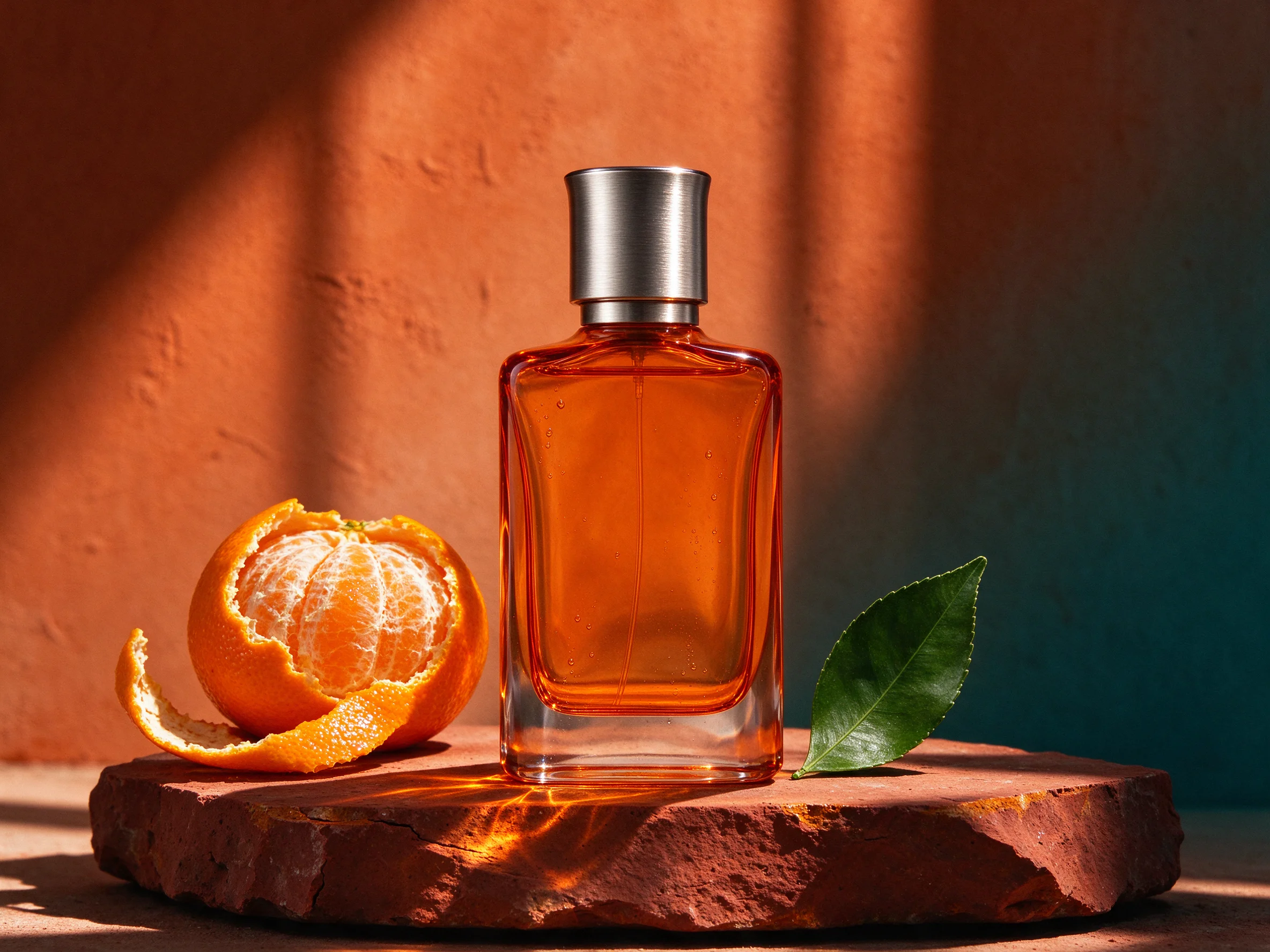

Keep the recognizable details
Use a clear single-subject photo. Your face, hair, glasses or your pet’s coat markings guide the portrait rather than being replaced by a generic Christmas character.
Turn your selfie or pet photo into a Christmas PFP with a Santa hat, soft snow and warm lights. Start with a square portrait and customize the festive look.
Explore compatible models for your next creation.
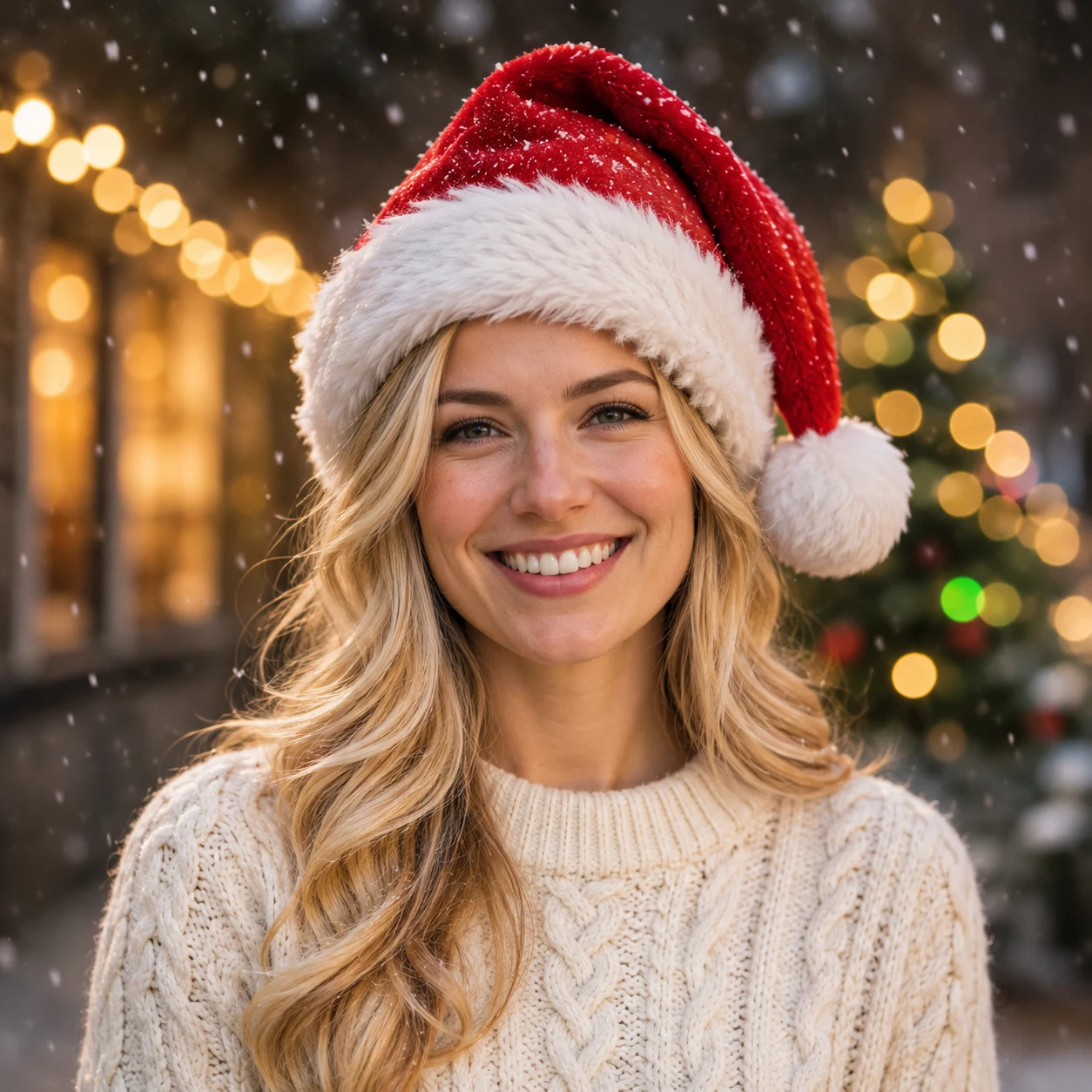
A Christmas PFP gives your everyday profile photo a seasonal change without losing the person people recognize. A red Santa hat, a few snowflakes and warm lights do the festive work; your face stays at the center. Make a square portrait for an avatar, then check the circle crop in the app where you plan to use it.
Use a clear single-subject photo. Your face, hair, glasses or your pet’s coat markings guide the portrait rather than being replaced by a generic Christmas character.
A square canvas leaves space for the face, hat and pompom. Keep important details away from the corners, which disappear when an app displays a circular avatar.
The description starts with a red hat, soft snow and golden lights. Edit it for a darker green backdrop, a cozy indoor setting or a different color palette.
AI-created illustration
Small avatars need a clear expression. A head-and-shoulders portrait keeps eyes and smile readable while the lights soften into the background. A few snowflakes can suggest winter without covering the eyes or making the image feel crowded.
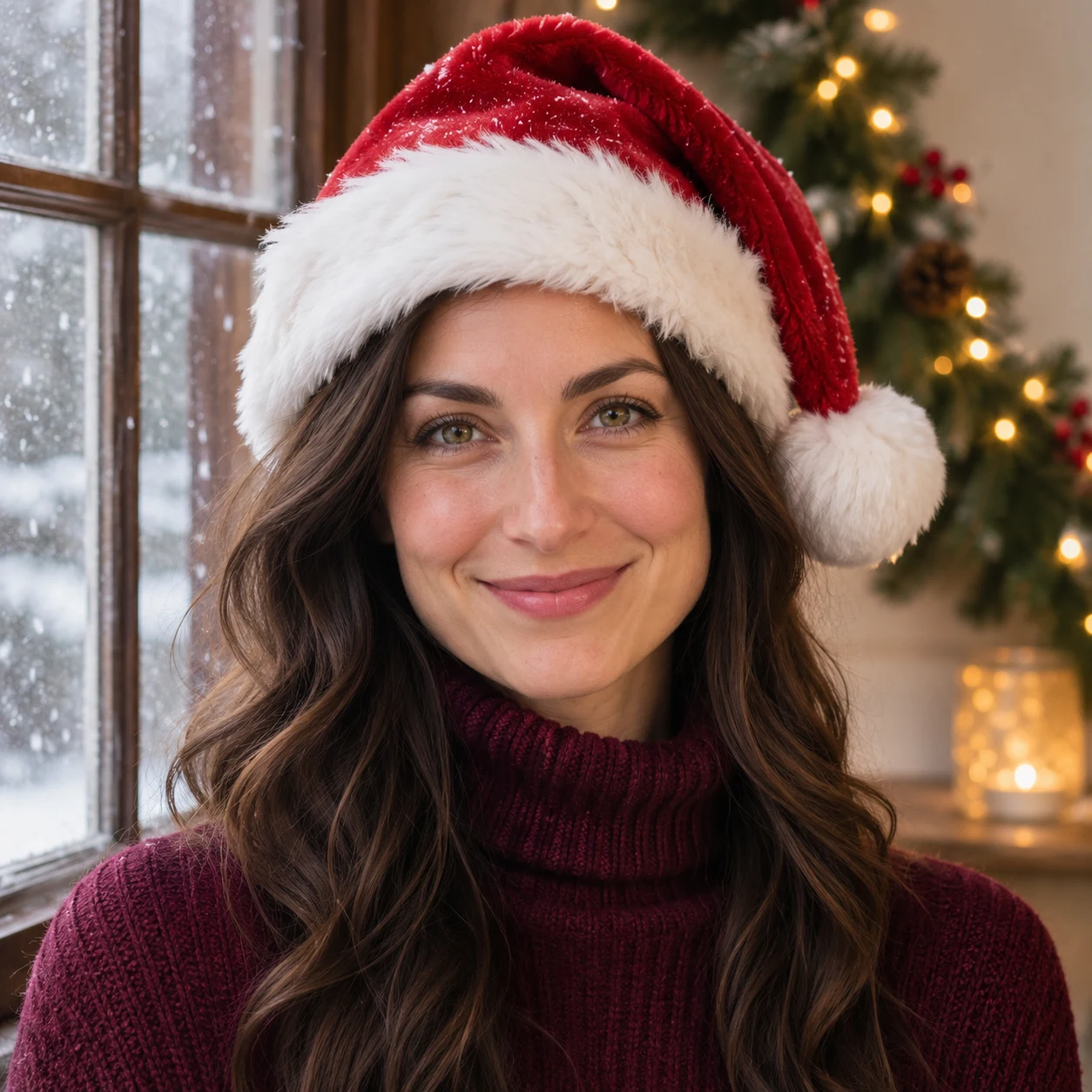
For a coordinated pair, use the same hat, background colors and lighting description with each person’s own photo in separate generations. The examples share a festive mood while changing the hair, knitwear and backdrop. Pets can join in too: keep the ears, muzzle and coat pattern visible.

Choose a selfie, portrait or pet photo with one visible face and room around the head.
Keep the Christmas details you like, edit the rest, then choose a model and review the credit estimate.
Download the result and preview it inside your chosen app’s circle crop before saving the new profile picture.
PFP means profile picture. A Christmas PFP is a festive avatar, often featuring a Santa hat, winter colors, snow or holiday lights.
Yes. Upload one pet with clear eyes, muzzle and ears. The prepared description asks to preserve its species and coat while adding the Christmas setting.
The default output is square. Social apps often display it inside a circle, so leave room around the hat and face and check that app’s crop.
Yes. The description is prefilled and editable. Your edited text is sent with your photo; you can also restore the default description.
GPT Image 2.5 is the default. Compatible alternatives and their output settings are available in the form; the credit estimate updates before submission. Facial details can vary, so inspect the result.