

One photo together, two individual photos, or one 2–15 second video showing both adults.
Upload the supporting dancer first, then the dancer being lifted. In a shared photo or video, use that same left-to-right order.
Create a partner dance from a photo of two people: linked hands lead a turn, the pair changes places and finishes in a standing hug. This preset does not add a snowman character.
Explore models for other image and video ideas.
Create a partner dance from a photo of two people: linked hands lead a turn, the pair changes places and finishes in a standing hug. This preset does not add a snowman character.
Upload the supporting dancer first, then the dancer being lifted. In a shared photo or video, use that same left-to-right order.
Initial settings are 9:16, 15 seconds and 720p with audio on, and you can adjust available options before generating.
Check the credit estimate before generating.
Place both people on one open floor in a bright atrium. Use a fixed full-body view and preserve their outfits.
Connect one pair of hands and raise them to guide an underarm turn. Let the partners change places without crossing through each other.
Bring their feet to a stop, release the raised hands and finish in a gentle standing hug. Check the hand connection and footing.
Upload one clear full-body photo of two people standing side by side with margin above their heads and around their shoes. An open bright atrium behind an unlettered red heart sculpture keeps the linked-hand turn clean.
Keep the bright atrium and unlettered red heart arch behind both dancers, using one smooth underarm turn with linked hands.
Verify linked hands stay naturally connected through the turn, neither partner clips through the other, and faces stay recognizable.
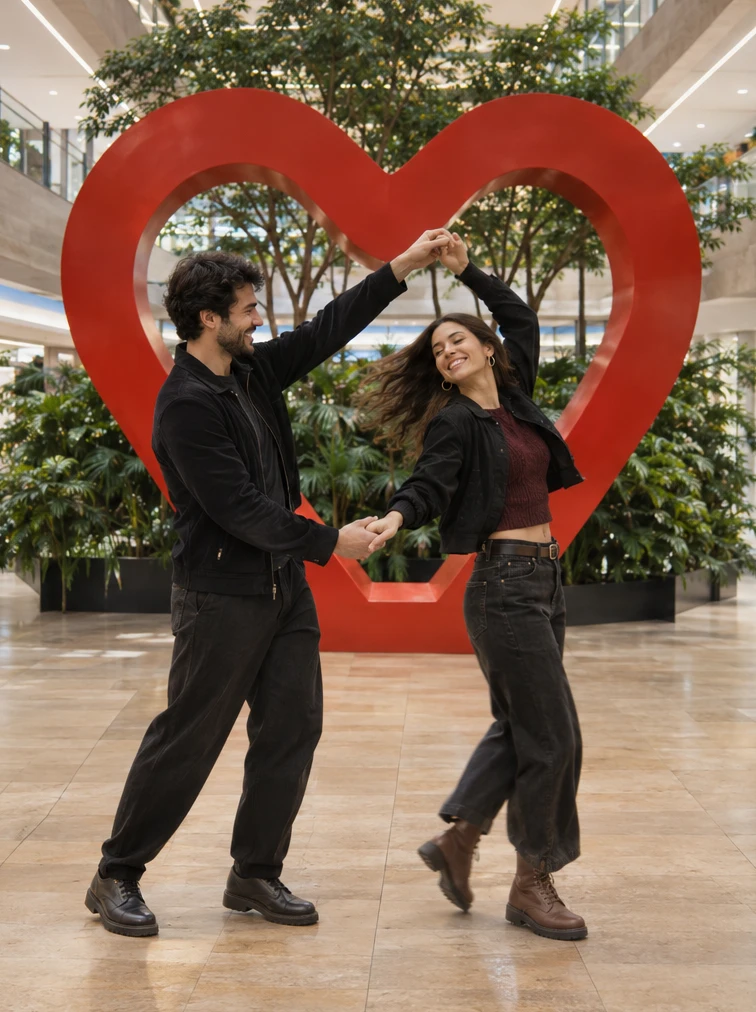
Keeping the camera angle steady from head to toe gives both partners room to trade places and slow into a gentle standing hug. Avoid cropped ankles in the source photo so footsteps stay grounded.
Hold a wide full-body camera view as the turn slows down, letting both partners step together into a relaxed standing hug.
Inspect footing on the atrium floor, outfit consistency across the spin, and natural arm wrap in the final embrace.
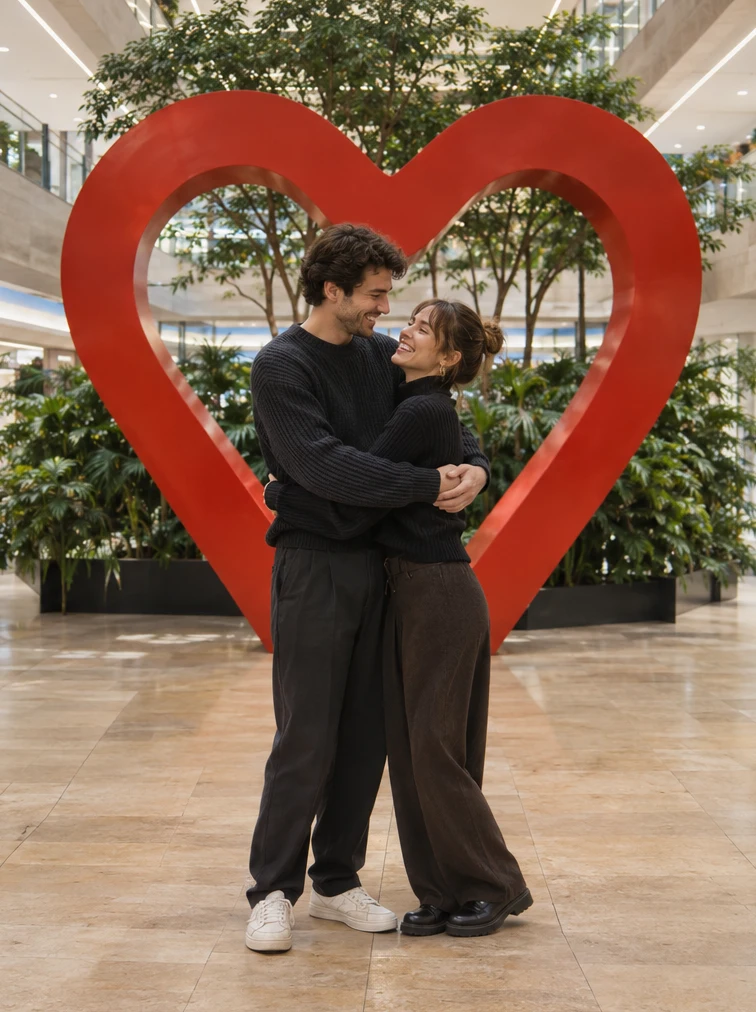
One photo together, two individual photos, or one 2–15 second video showing both adults. Upload the supporting dancer first, then the dancer being lifted. In a shared photo or video, use that same left-to-right order.
Keep the bright atrium and unlettered red heart decoration. Use one small underarm turn.
Check the credit estimate before generating.
You can adjust the available settings before generating. The initial settings are 9:16, 15 seconds and 720p with audio on.
One photo together, two individual photos, or one 2–15 second video showing both adults. Upload the supporting dancer first, then the dancer being lifted. In a shared photo or video, use that same left-to-right order.
The model can change facial features, hand positions or small details. Review the whole clip before saving.