2 photos
One image for the left performer and one for the right.
Put your two characters in an orange-studio duet. Upload one photo for each performer; add lyrics or dialogue if you like, or leave it blank for the default performance.
Explore other video models for your next project.
Hotel Lobby AI turns two character photos into a short duet in the recognizable orange studio. The built-in effect sets the scene, gestures and sound. Upload two clear images and optionally add short lyrics or dialogue.
One image for the left performer and one for the right.
A fixed duet format, with 768P or 2K quality.
Use the default vocal performance or add your own lines. No music upload is needed.
The orange studio, microphone and duet staging are built in. You can generate from two photos alone, with optional lyrics or dialogue for a personal touch.
Use one sharp image of a single character in each slot. The effect assigns the first image to the left performer and the second to the right.
The default duet needs no text. To customize the vocals, add short original lyrics or dialogue, specify the language and identify the left or right speaker. Pronunciation and timing can vary.
MiniMax H3 powers this effect. Choose 768P or 2K and check the credit estimate before generating. Sign-in and sufficient credits are required; each run is charged separately.
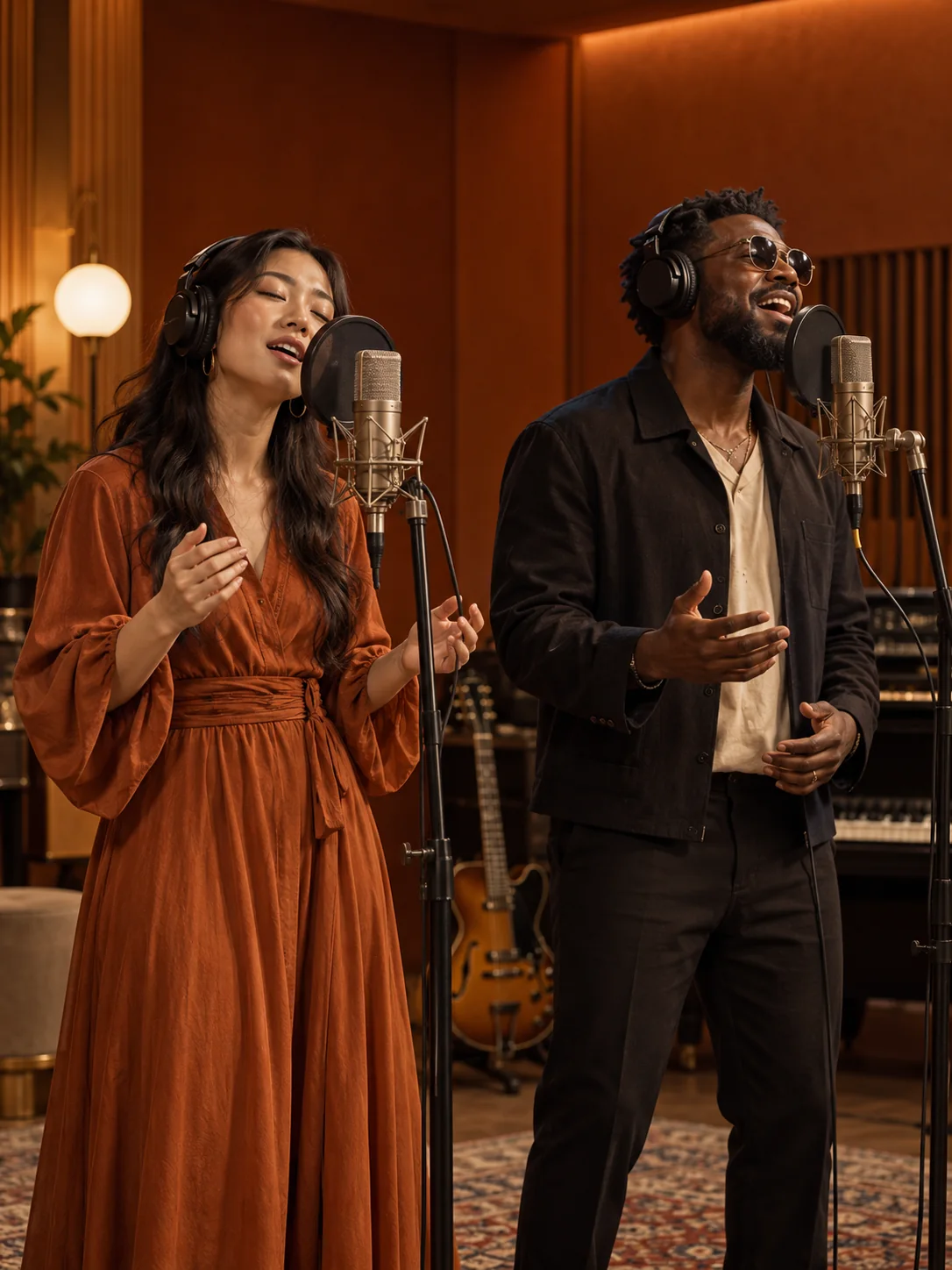
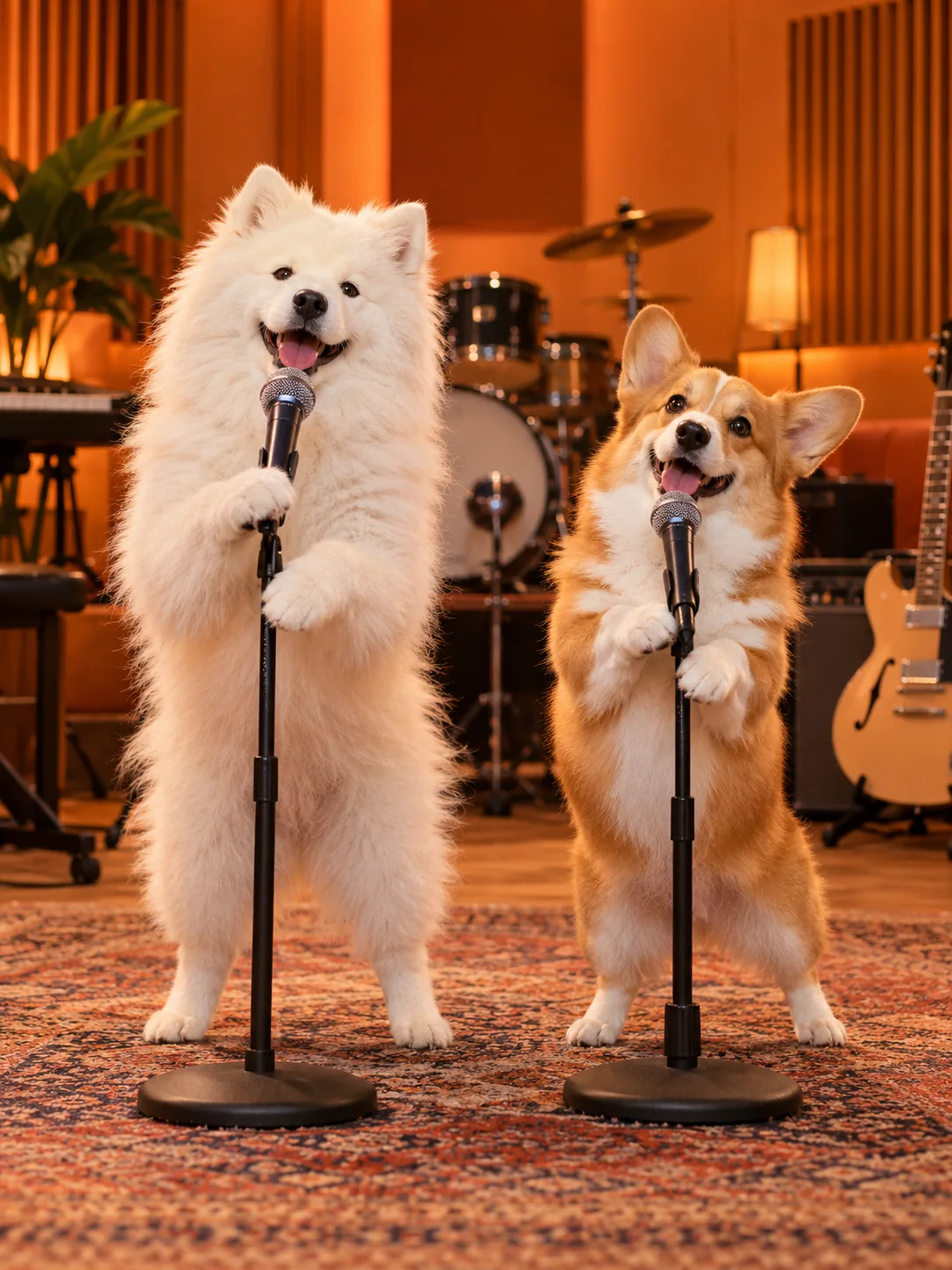
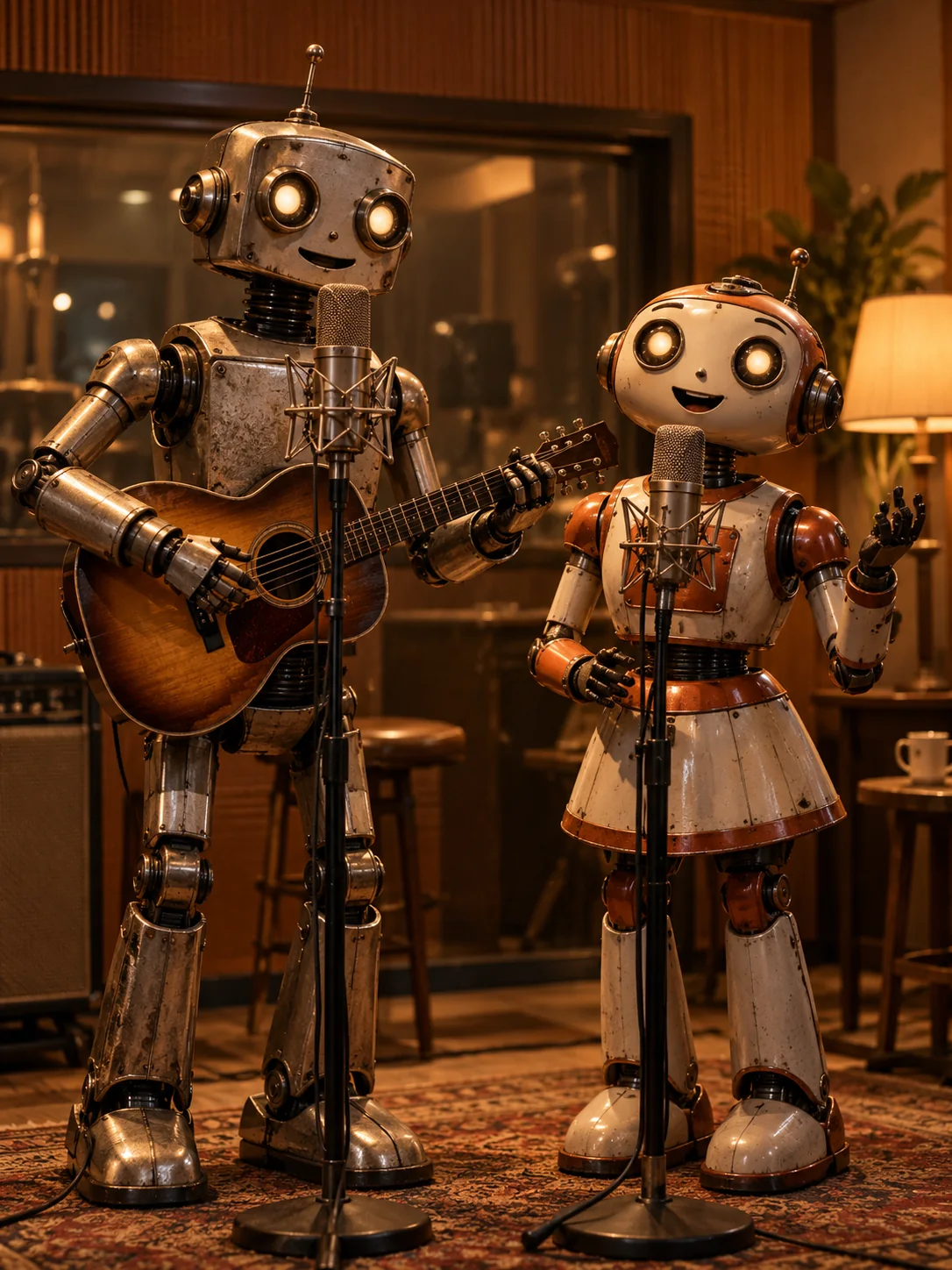
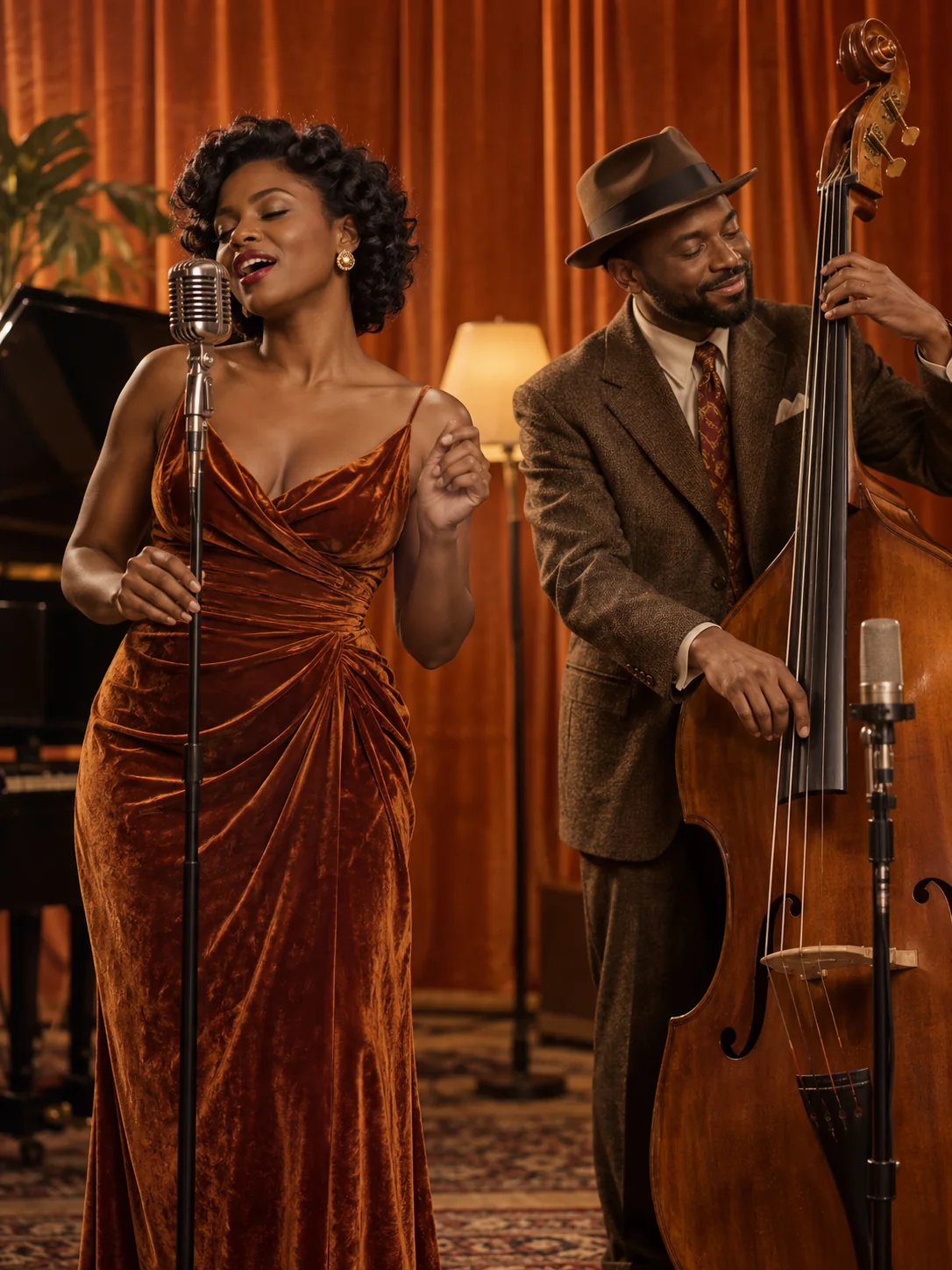
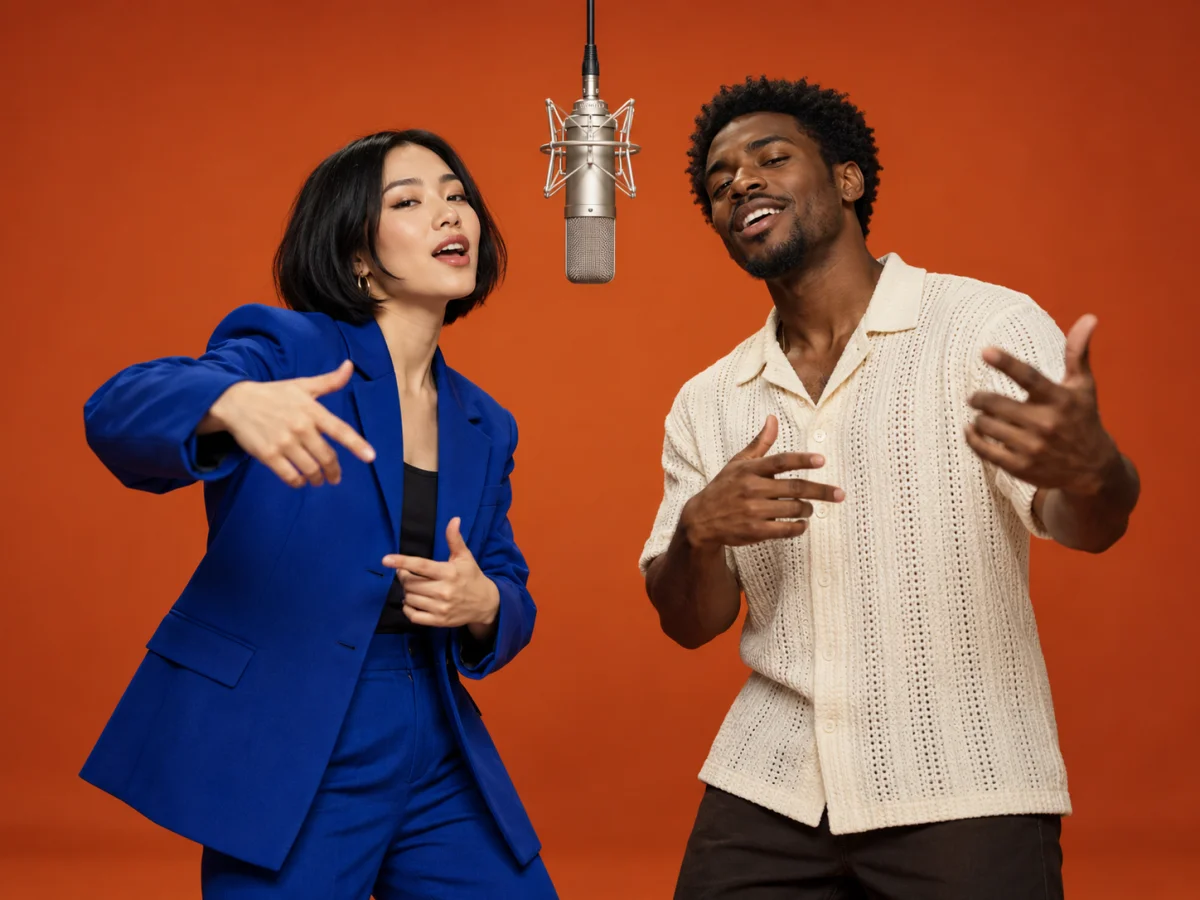
These AI-generated stills illustrate creative directions. They are not outputs or performance evidence from MiniMax H3.
Use two portraits for a friendly musical exchange. Keep the built-in duet or add a few original lines to personalize the vocals without writing a full generation prompt.
Choose separate front-facing or slight three-quarter portraits. Avoid tiny faces, heavy blur and group photos. Keep visible details you want the model to preserve.
Optionally add: Left says, “We made it to the mic.” Right answers, “Now let the good times start.” Name the language and keep the exchange short; the effect supplies the scene and gestures.
Check the faces, mouth movements, sound and transitions before sharing. The preset keeps a consistent creative direction, but does not guarantee identical faces, exact words or perfect lip sync.
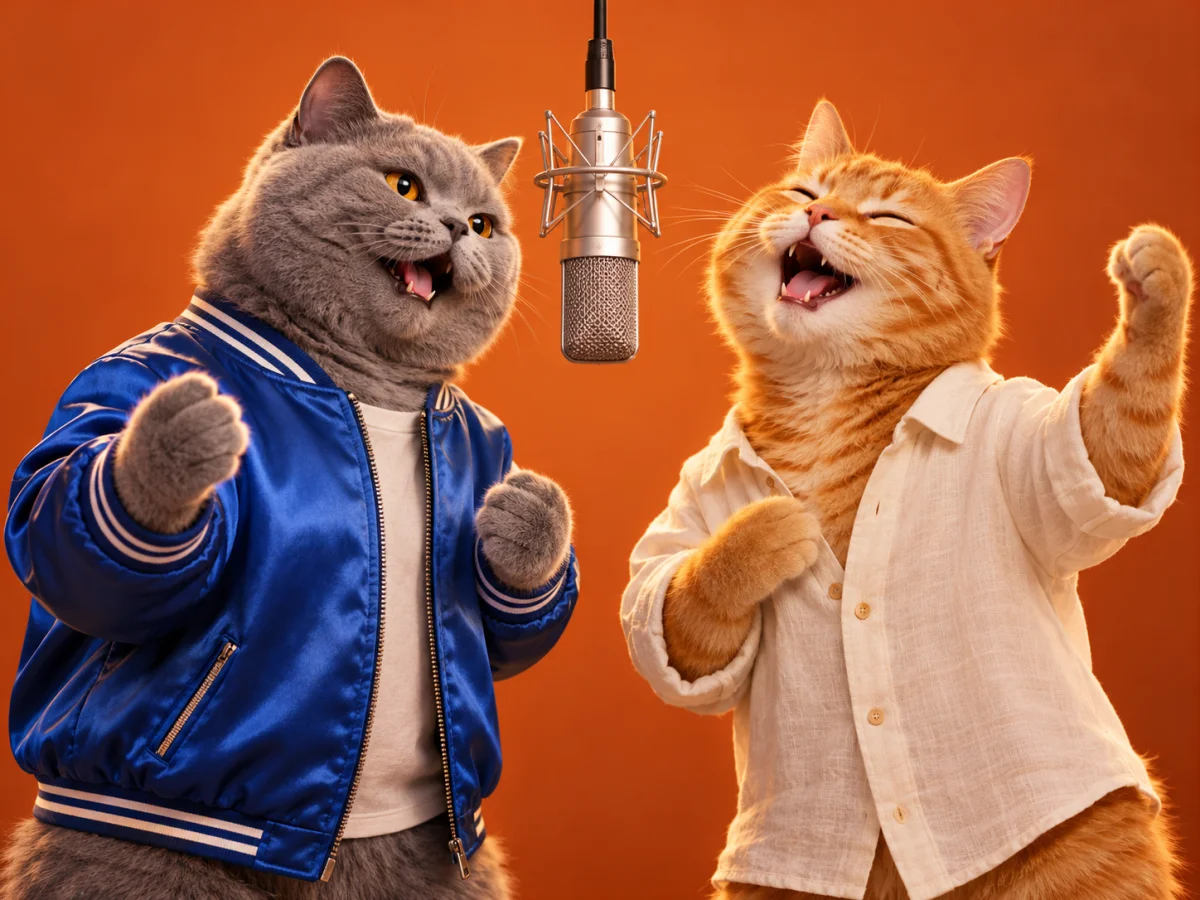
Try pets or illustrated characters for a lighter duet concept. The built-in effect supplies the staging and rhythm; choose two clearly recognizable references.
Give each character its own slot. References guide appearance, but stylized bodies, paws and outfits may change during animation.
The preset guides alternating gestures and an upbeat vocal exchange. Leave the text field blank, or add a short original line for the characters to perform.
If a character is hard to recognize, try a clearer portrait. If the vocal exchange feels rushed, shorten the optional lines. Each new run uses credits.
Add one JPEG, PNG or WebP for the left performer and one for the right. Both photos are required.
Choose quality and aspect ratio, then review the credits. Lyrics or dialogue are optional: leave the field blank for the default duet.
The preview shows the provided video until generation succeeds, then your result replaces it. Play the result with sound, check the pair and download it.
Two character images: one for each performer. No prompt, video or music upload is required. The effect supplies the scene and performance; lyrics or dialogue are optional.
Yes, optionally. Add short original lyrics or dialogue, specify the language and assign quoted lines to the left and right performers. The effect combines that vocal content with its built-in scene and performance instructions. Exact words, voices and lip synchronization can vary.
This effect does not promise a copy of the original song or a specific recording. The default directs an original upbeat groove with wordless vocals. Optional lyrics or dialogue can customize the vocal content.
This effect uses MiniMax H3 with a fixed 15-second duration. Choose an aspect ratio and 768P or 2K quality; the default ratio is 4:3. For other models, durations and reference workflows, use the video model pages.
References guide appearance, but faces, clothing and gestures can change. Use clear individual images and review the entire clip for identity mixing, distorted hands and mouth movements.
Generation requires sign-in and SceneFlare credits. The estimate includes the reference-video input and selected quality. The initial preview is the provided video, not a result from your photos. The stills below illustrate creative ideas, not successful runs of this effect.
Upload one photo for each performer and choose the format. Keep the default duet or add a few lines of your own.
AI-generated creative concepts, not tested outputs from the featured model or tool.