
1 photo or 2–15s video
Use a front-facing portrait or short reference clip with plenty of headroom for the tall hairstyle.
Turn a portrait into a snowy storybook holiday scene with tall candy-ribbon curls, rosy cheeks, ornament earrings and a fur-trim coat.
Explore models for other image and video ideas.
Leave space above the subject’s head so the towering curls, striped ribbons and velvet bow fit cleanly in frame. A gentle turn at the end brings the glowing holiday village and falling snow into full view.
Use a front-facing portrait or short reference clip with plenty of headroom for the tall hairstyle.
Initial settings are 4 seconds, 9:16 and 720p with audio off, and you can adjust available options before generating.
Check the credit quote shown before submitting; the estimate can change with resolution, duration and reference video length.
Frame the original portrait slightly lower than usual so the stacked curls, snowflakes and top red bow never touch the top crop.
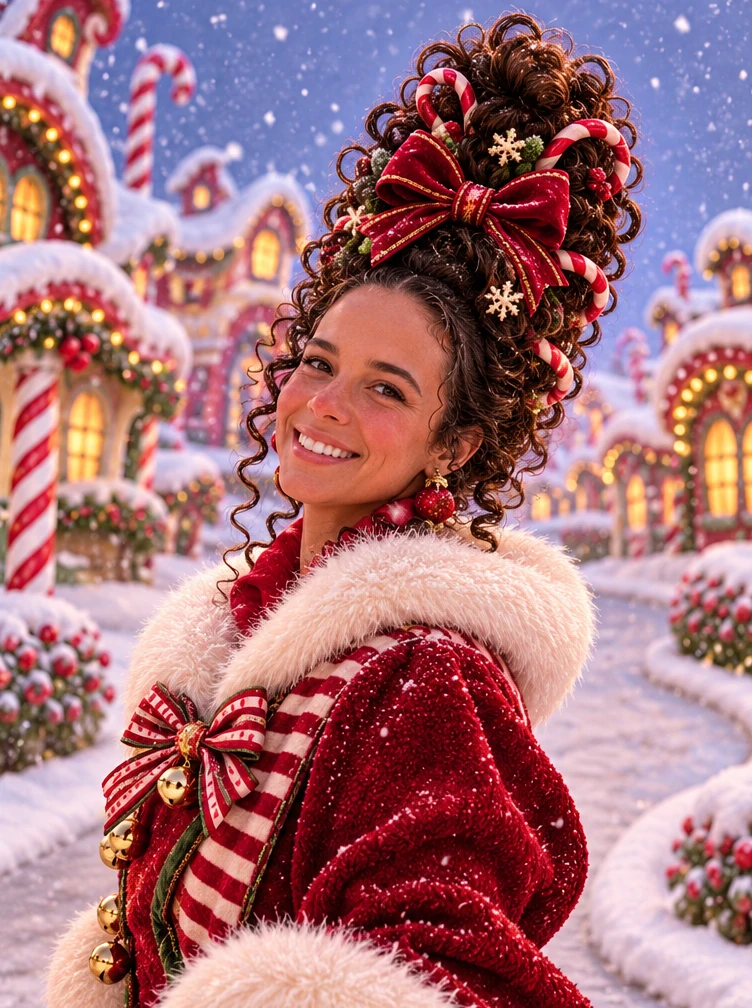
Dress the scene with candy canes woven into the hair, glossy red ornament earrings and a plush red coat trimmed with white faux fur and gold bells.
Finish with a gentle three-quarter turn under falling snow so both the full sculpted silhouette and warm candy-striped cottages stay visible.
Start with a clean front-facing look so rosy cheeks, glossy red ornament earrings and the plush fur collar read immediately. Even warm light keeps the striped ribbons and tiny bells sharp against the winter backdrop.
Add glossy red ornament earrings, tiny gold jingle bells on the fur trim, and a bright red velvet bow on top.
Check that the top of the tall curls and bow stay inside the frame and that the face looks natural.
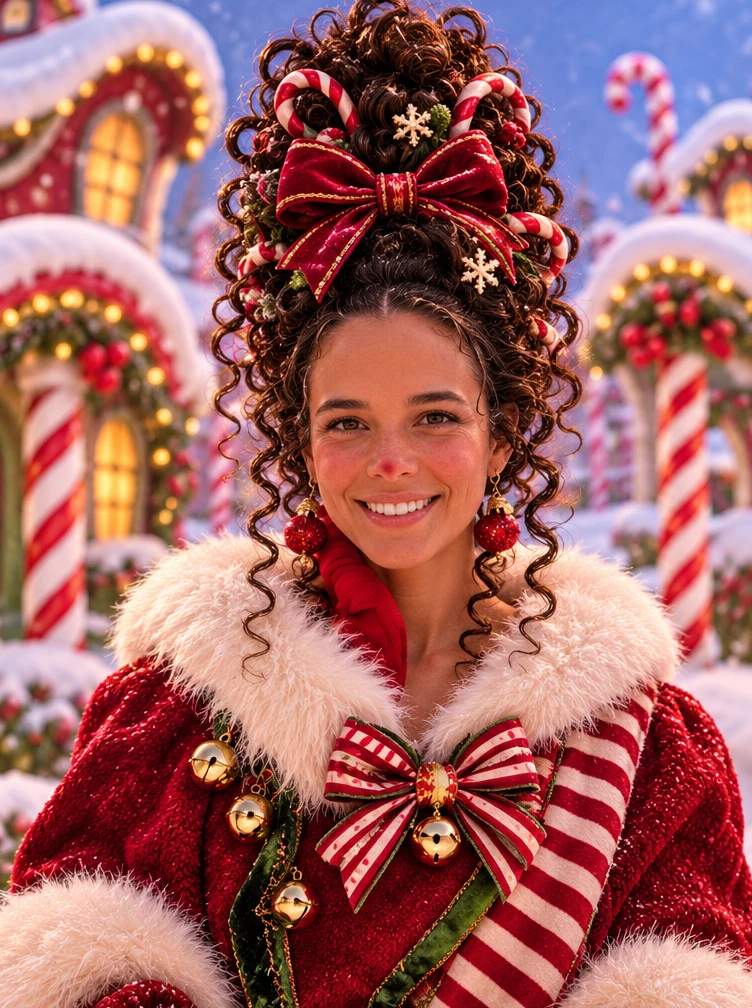
An over-the-shoulder three-quarter pose shows off the height of the curled hair while opening the street behind. Warm cottage windows and gentle snowfall at twilight give the ending depth without obscuring the face.
Use warm glowing windows, candy-striped village houses and soft blue-hour snowfall behind a gentle turn.
Check that snowflakes stay light enough not to cover the eyes and that the candy canes remain neatly placed in the curls.
Upload a clear portrait photo or 2–15 second video with open space above the head for the tall festive curls.
Optionally customize ribbon colors, ornament earrings or blue-hour village lighting, or leave blank for the preset look.
Check your duration, resolution and credit estimate, generate the silent clip, and verify the hair silhouette and face before saving.
You can adjust the available settings before generating. The initial settings are 4 seconds, 9:16 and 720p with audio off.
Use one clear photo or a 2–15 second reference video of the subject with ample headroom above the hair.
The model adds stylized curls, ornaments and winter wardrobe, and can shift facial details or accessory placement. Watch the full clip before saving.