

One photo or video
Use one photo or one video between 2 and 30 seconds. A single, clearly visible person gives the effect a clear subject.
Turn one photo or video into a short dance with Santa. The effect adds a Santa character beside the person in your reference for a simple side-by-side routine.
Explore models for other image and video ideas.
Choose a reference with a clear patch of floor beside the person. It gives Santa room to enter the same frame and lets both performers move without overlapping.
Use one photo or one video between 2 and 30 seconds. A single, clearly visible person gives the effect a clear subject.
The effect is built in. You can leave the field blank, then choose a duration and review the credit estimate.
Review the credits shown on the button before generating. The quote can change with resolution, clip length and the length of a reference video.
Start with a well-lit reference that shows one person from head to toe. Leave clear space around the arms and shoes.
Try a side step or a small wave. When both dancers’ feet remain visible, you can tell whether they are moving together.
Review the finished movement before adding and syncing a track.
A wide view shows both dancers and their feet. Leave a gap between them so the red suit and the other dancer’s arms stay easy to follow.
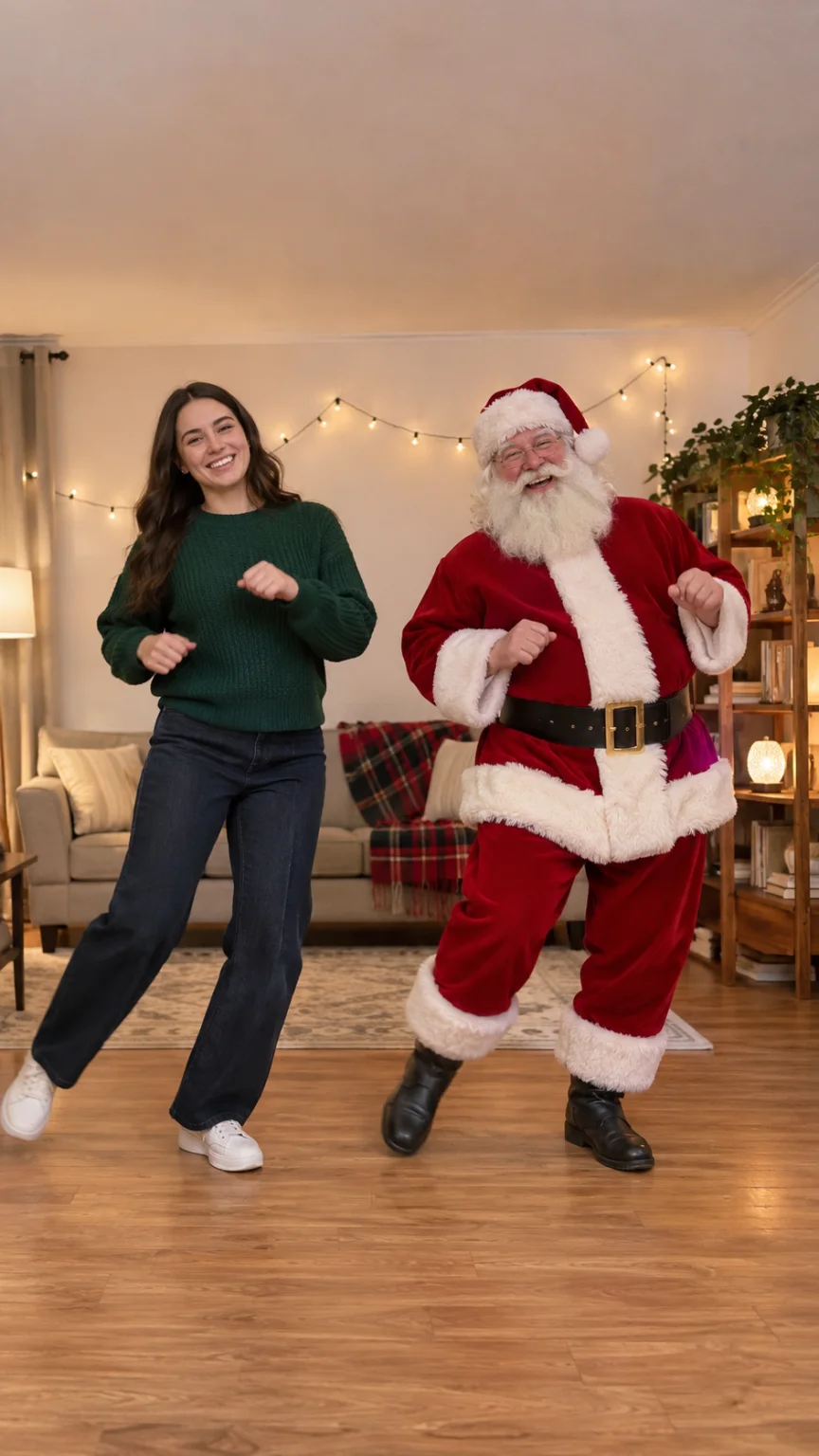
A small arm gesture keeps the focus on the duet. Check that both performers stay on the same floor and at a consistent scale.
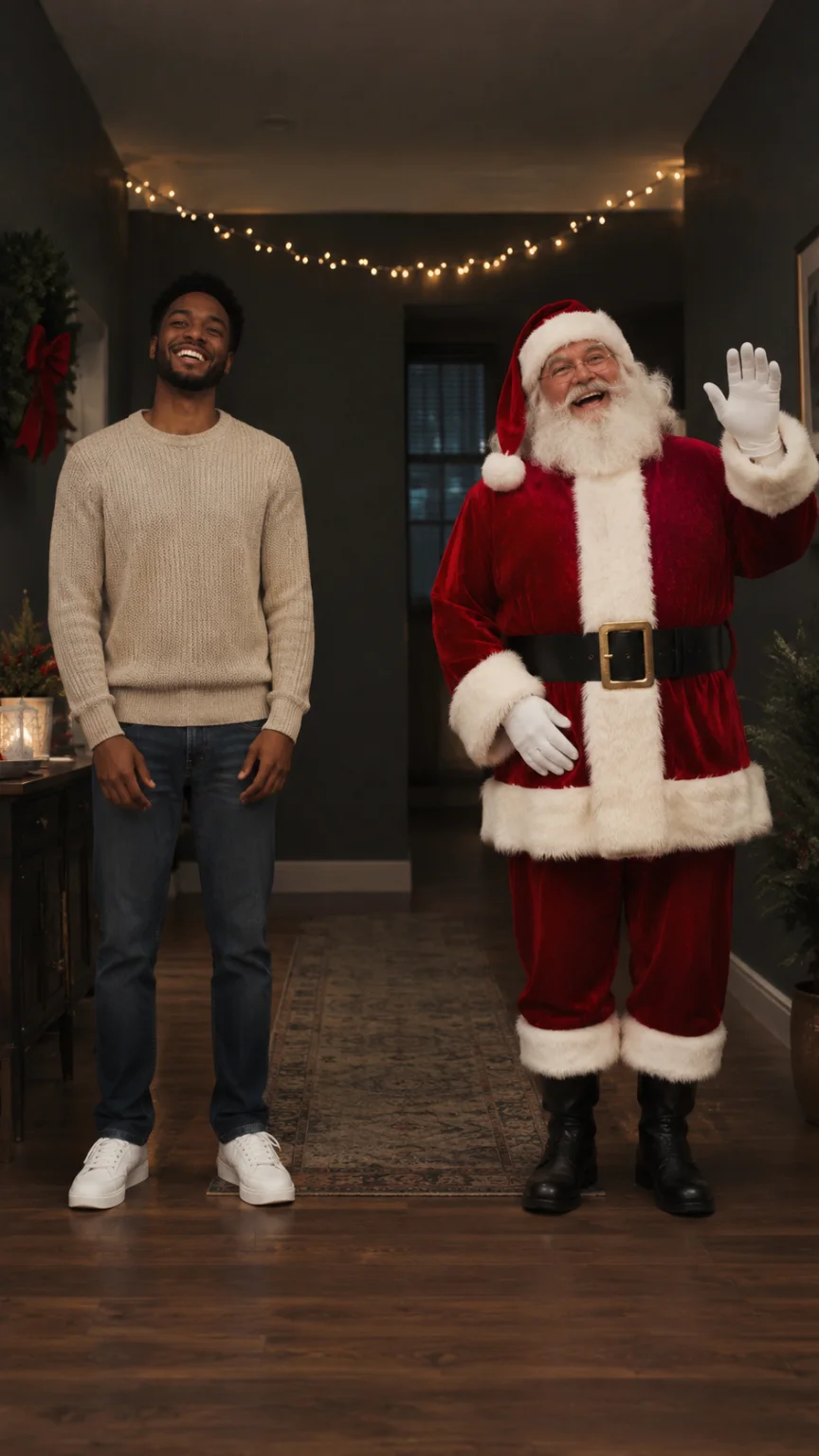
Start with a well-lit reference that shows one person from head to toe. Leave clear space around the arms and shoes.
The effect is built in. You can leave the field blank, then choose a duration and review the credit estimate.
Review the finished movement before adding and syncing a track.
The effect creates a silent clip. You can add a track you have permission to use in a video editor.
Use one photo or one video between 2 and 30 seconds. A single, clearly visible person gives the effect a clear subject.
It uses your reference to guide appearance and movement. Check the face, hands and steps in the finished clip before sharing.