


A recognizable pet underneath
The description keeps the original species, head shape, ears, eye color and pose. Coat markings become lighter and darker green rather than disappearing.
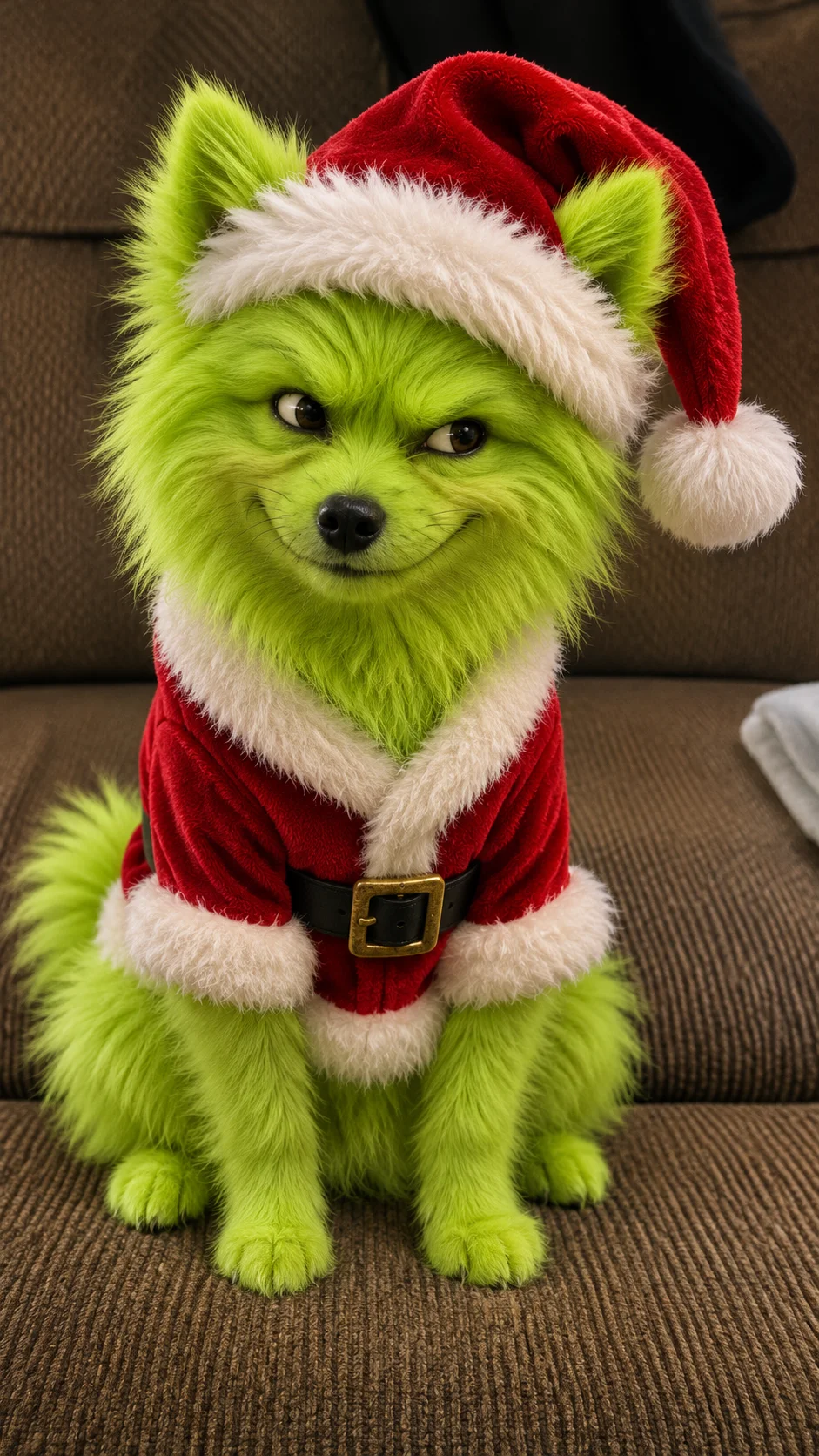
Turn your cat or dog into a green Christmas grump with Grinch Pet Filter. Keep the familiar face, pose and room, then add a sly grin, Santa hat and red suit.
Explore compatible models for your next creation.
Grinch Pet Filter is the green-fur Christmas makeover with a mischievous expression. The ears, muzzle and familiar sitting pose still belong to your pet; the lime-green coat and red Santa outfit supply the transformation. Start with a photo you already like, whether your dog is on the sofa or your cat is claiming its usual spot.
The description keeps the original species, head shape, ears, eye color and pose. Coat markings become lighter and darker green rather than disappearing.
A small closed-mouth smirk and curved brows give the familiar face a cheeky mood. The pet should keep an animal muzzle, not become a human face.
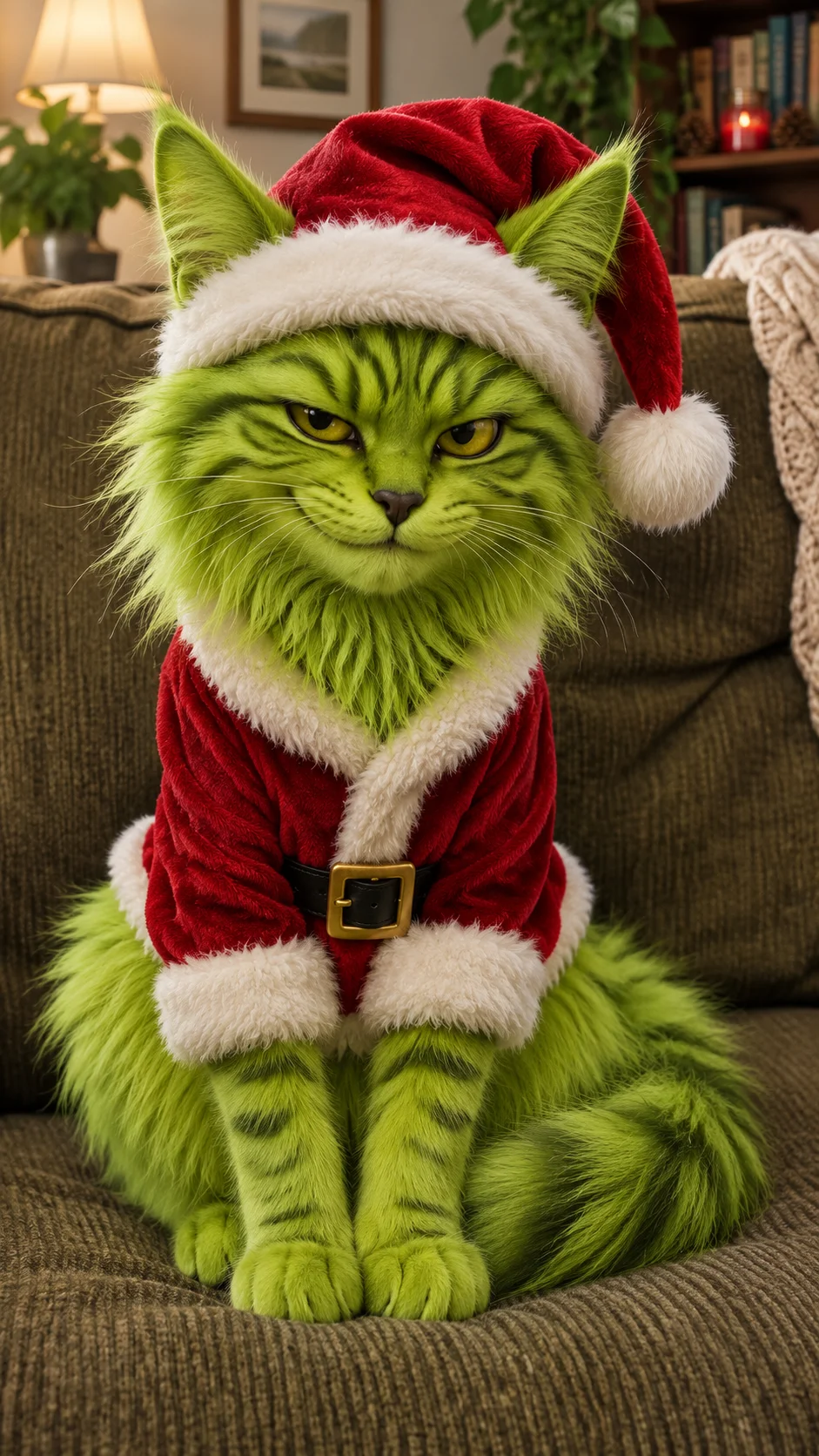
A Santa hat and white-trimmed red suit replace existing pet clothes. The sofa, floor and camera angle remain part of your original photo.
AI-created illustration
A festive accessory alone makes a Christmas portrait. This look goes further: green fur covers the face, ears and paws, while the slightly narrowed eyes create the grumpy joke. Keeping the nose and recognizable muzzle helps the result feel like your pet in character, rather than a random green creature.
Pointed ears, whiskers and the usual perched pose give a cat its own version of the look. For either species, leave space above the ears for the hat and include the chest and paws if you want the outfit visible. A busy room is fine when the animal remains clearly separated from the background.
Use one clear photo of one cat or dog. Include the ears and paws, with space above the head for the hat.
Start with GPT Image 2.5, 1K and 9:16. The effect is built in; extra details are optional. You can change the model and resolution.
Check identity, proportions and the main effect before downloading. AI details can vary between runs.
This page creates a still image. It does not animate the before-and-after reveal or add the sound from social videos.
The default description asks to keep both. Green fur, expression and costume are the intended edits. AI may alter small details, so compare the result with the original.
Christmas PFP is a festive avatar. Grinch Pet Filter changes the pet’s fur and expression while retaining the original scene, with more room to show the costume.
Yes. The form lists compatible options and updates the credit estimate when settings change. Higher resolution does not guarantee more accurate identity or movement.
The Generate button shows the current estimate for your selected model and resolution before submission. No fixed price is promised for every configuration.