

1 person, couple, or pet
Upload a sharp portrait or pet snapshot (with owner and participant permission).
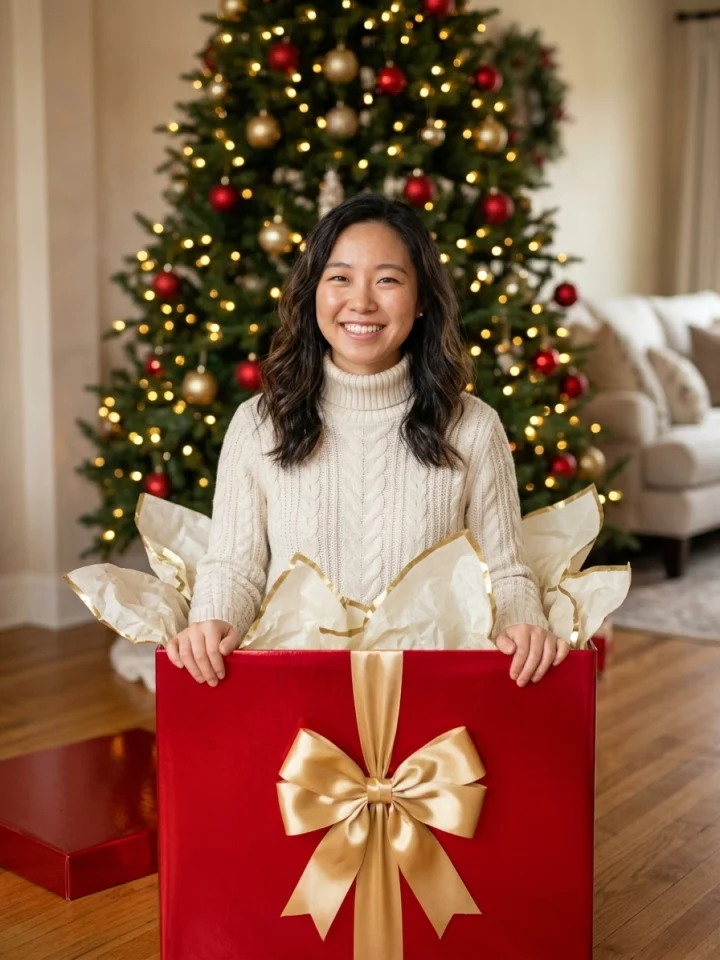
Place one smiling portrait, couple, baby, or pet playfully peeking out from inside an oversized glossy red Christmas gift box tied with a gold satin bow beside warm glowing tree lights.
Explore compatible models for your next creation.
Upload one waist-up or seated portrait with breathing room around the shoulders so hands, sweater texture, and crinkled wrapping paper sit naturally around the open gift rim.
Upload a sharp portrait or pet snapshot (with owner and participant permission).
Starts at 3:4 vertical portrait; switch aspect ratio cleanly before generating.
Defaults to a candy-red box and gold bow; customize box color, sweater, or tree lights.
Leave Additional details blank for the signature candy-red box and gold ribbon, or ask for emerald green, cream knitwear, or snowy window light.
Keep 3:4 for printable greeting cards or select 9:16 vertical or 1:1 square before generating.
Verify that both hands, eyes, puppy fur, and satin bow knots look natural inside the saved result.
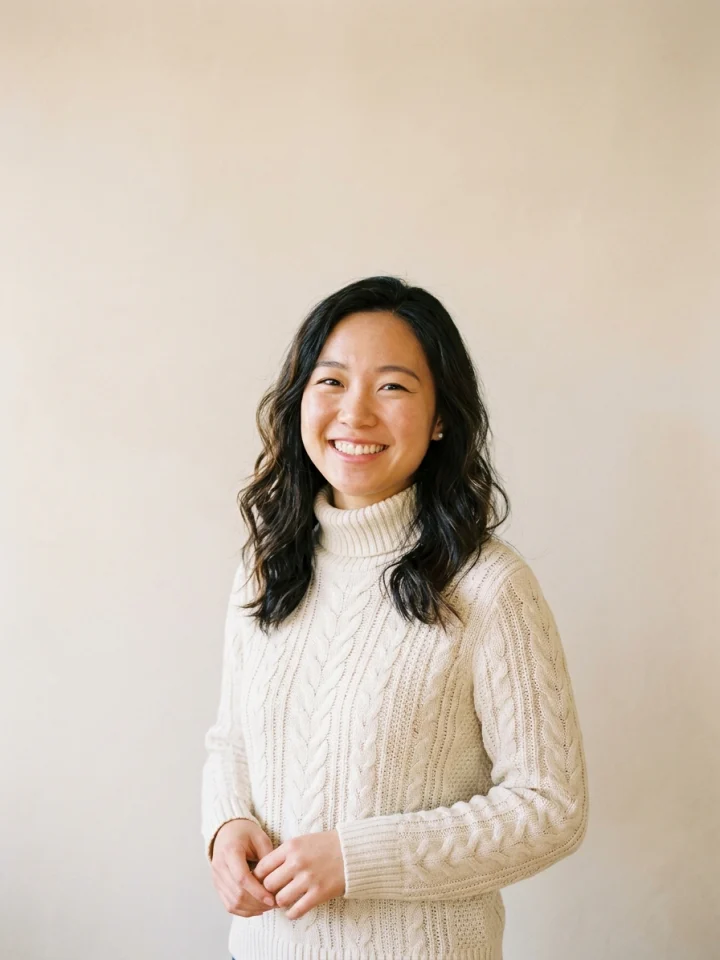
Drag the divider across this scene transformation to check how recognizable facial likeness, wavy hair, and cream cable-knit sweater re-frame cleanly inside the oversized red box and glowing tree room.
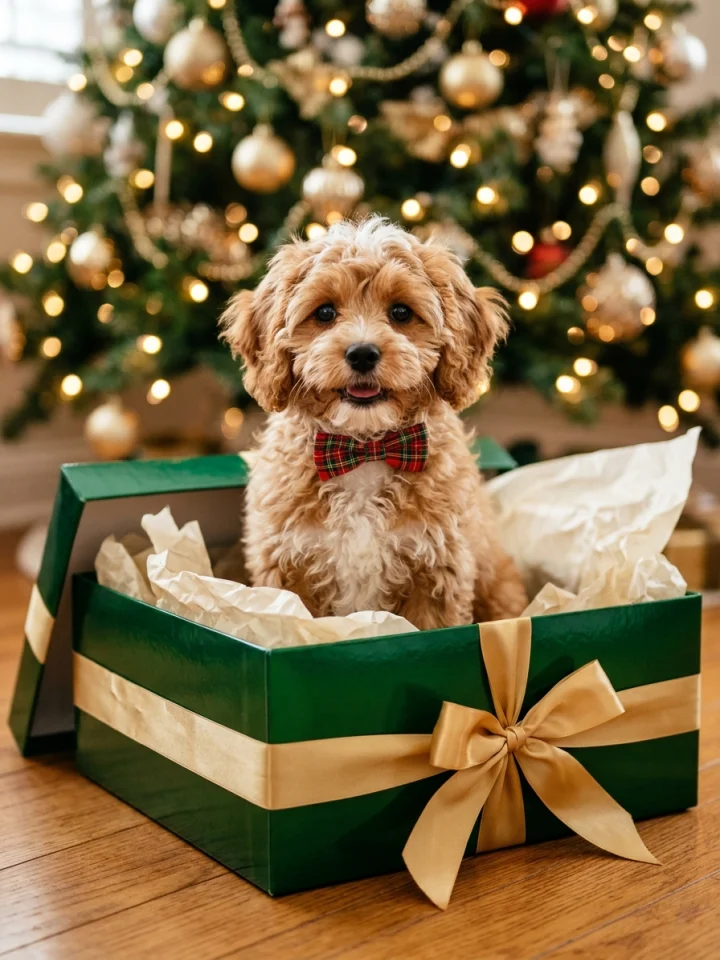
Pet photos keep natural fur markings, sparkling eyes, and expressive ears inside crinkled cream tissue paper and wide satin ribbons next to warm Christmas bokeh.
Use a clear portrait or pet photo with permission and good headroom above the subject.
Leave Additional details blank for glossy red & gold bow, or specify emerald green, winter sweater, or snow bokeh.
Review the finished image in your gallery to check facial fidelity, fingers resting on the rim, and warm lighting.
Yes—upload one clear photo containing a solo person, couple, child, or pet (with consent) and the box scales naturally around whoever is shown in your photo.
It keeps your face, hair, and existing sweater recognizable while integrating crinkled tissue paper and gift box borders naturally—unless you request a holiday sweater in notes.
Yes—switch Aspect ratio before clicking create among available ratios (such as 3:4, 1:1, 4:3, or 9:16) to fit prints, posts, or vertical wallpapers.