1
Window Dance AI
Make a 12-second Window Dance AI video from one portrait. Move toward a lit apartment window, catch a dance beside a speaker and end on a closed curtain.
More video models
Explore models for your next creation.
Window Dance AI
One lit window and a dance that ends with a look
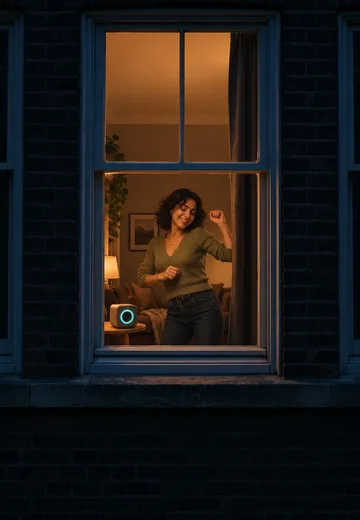
A warm rectangle in a dark brick building draws the eye. A small speaker gives the dancer a reason to move. When the dancer finally sees the lens, the pause and curtain close give the clip its ending.
MiniMax H3 Max · 768p
12s
9:16
Before you generate
Give the frame a little room
Leave space above the head and around the elbows so the pose reads through the window frame.
Use even light on the face
A clear face helps keep the dancer recognizable when the shot moves closer to the window.
Describe the mood inside
Add a short note about the room or lighting, such as a warm table lamp or a dim living room.
From across the street to the curtain
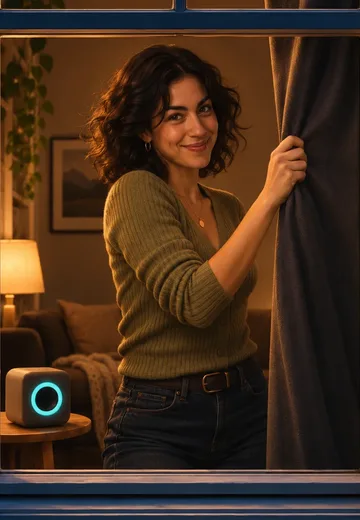
SceneFlare’s original still illustrations show the window approach and curtain reveal. The player shows the reference video.
Start outside the building
The lit window is already open, with the dancer visible from the first frame. As the camera moves closer from outside, the sill and frame stay in view.
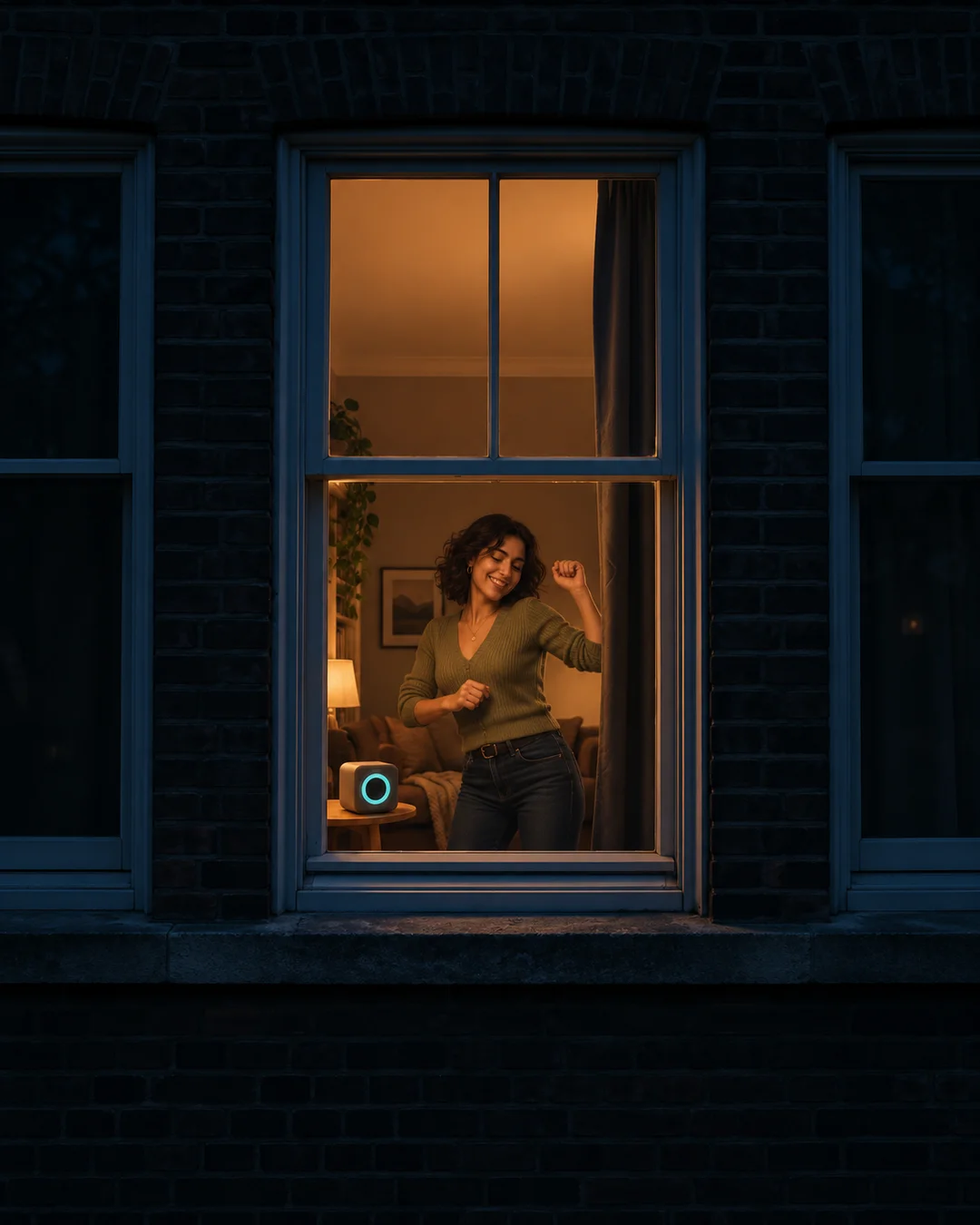
Let the curtain finish the joke
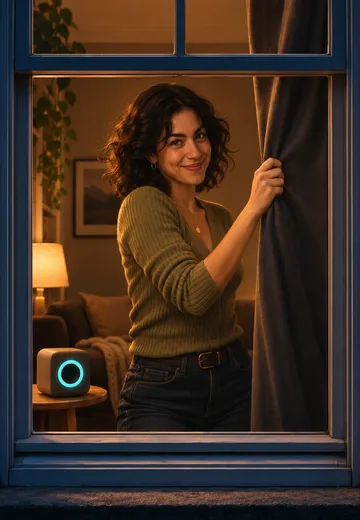
A small weight shift and a few arm swings are enough for the dance. At the end, the dancer meets the lens, pauses for a beat and draws the curtain completely across the window.
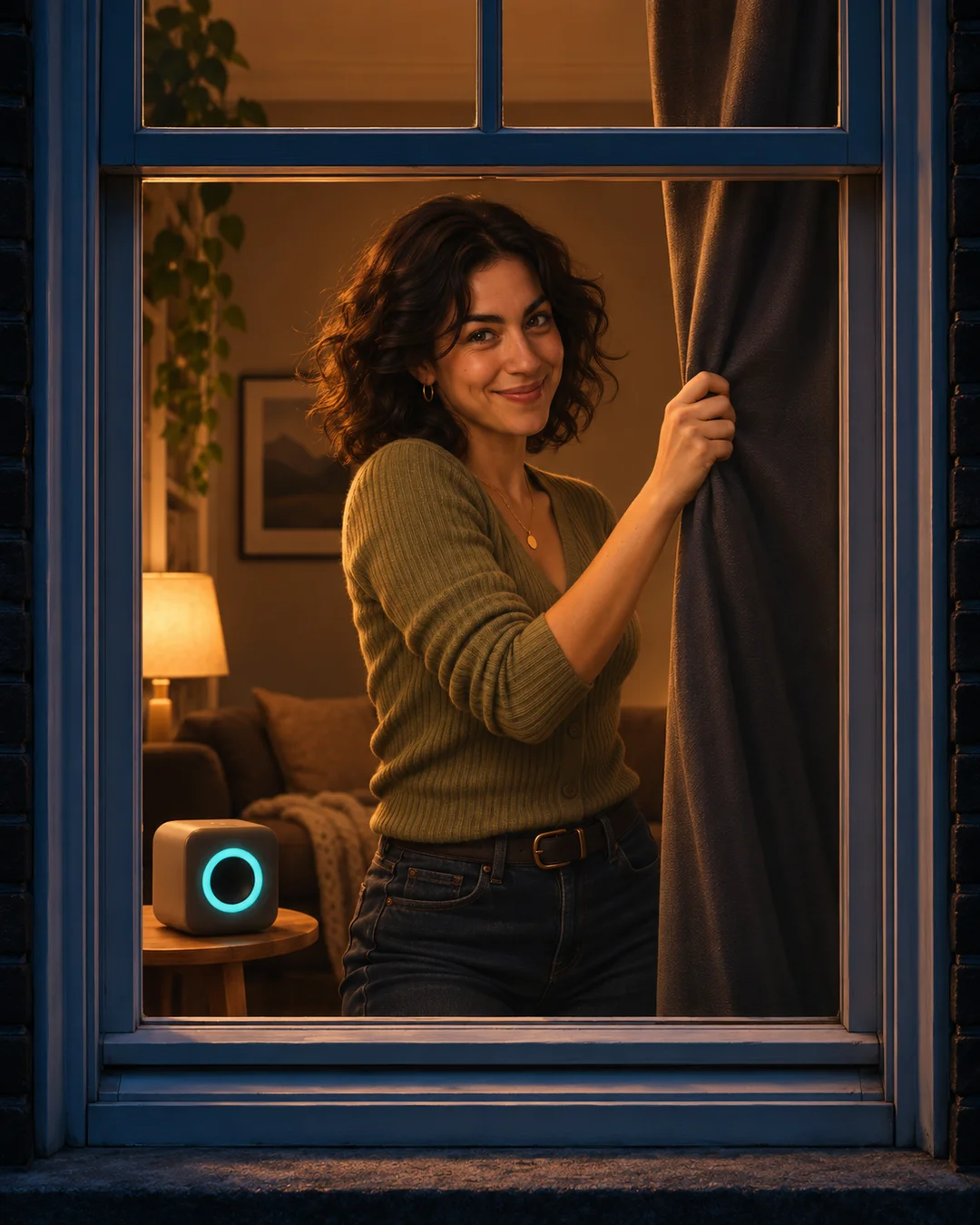
How to make your video
01
Upload your photo
Add the photo or photos in the labelled slots.
02
Choose your settings
Select a model and resolution; add notes only if needed.
03
Generate and review
Check the credits, submit, then inspect the result before saving.
Settings and results
Can I change the model and resolution?
Yes. MiniMax H3 Max at 768p is the default. Select a compatible model and resolution and review the updated credit estimate before submitting. Sign-in and credits are required.
Where does the sound come from?
The model creates a new instrumental beat and scene sounds. The reference player has its own audio. Dance timing and sound can vary.
Can I change the setting?
Add optional lighting or room details. The night exterior, speaker, outside viewpoint and curtain ending give the clip its structure.
Window Dance AI
Start with your own photos.