
SceneFlare

Flamingo Float

Put yourself on the pink flamingo in Flamingo Float. One photo becomes an 11-second vertical rooftop-pool prank, complete with the selected dialogue and pool ambience.

Your photo
Subject

Upload one clear adult photo. The seated passenger uses your identity; the camera-side helper is a supporting character.

Flamingo Float

Flamingo Float

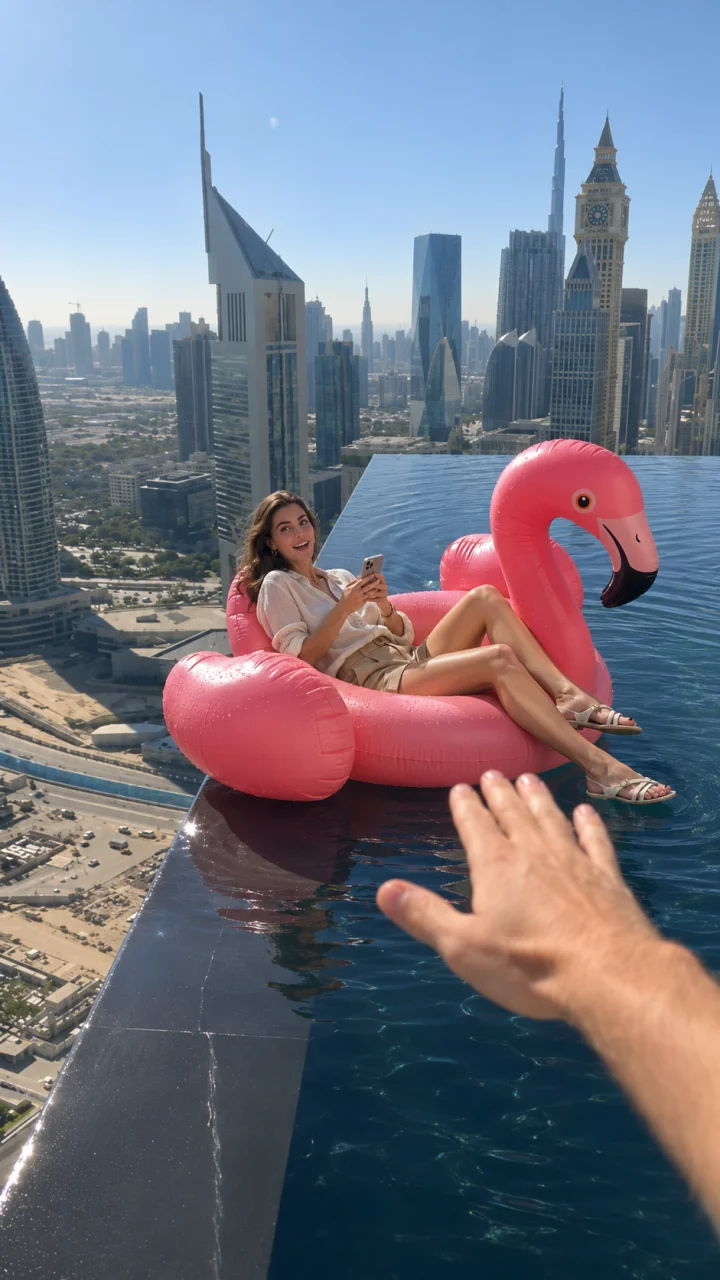
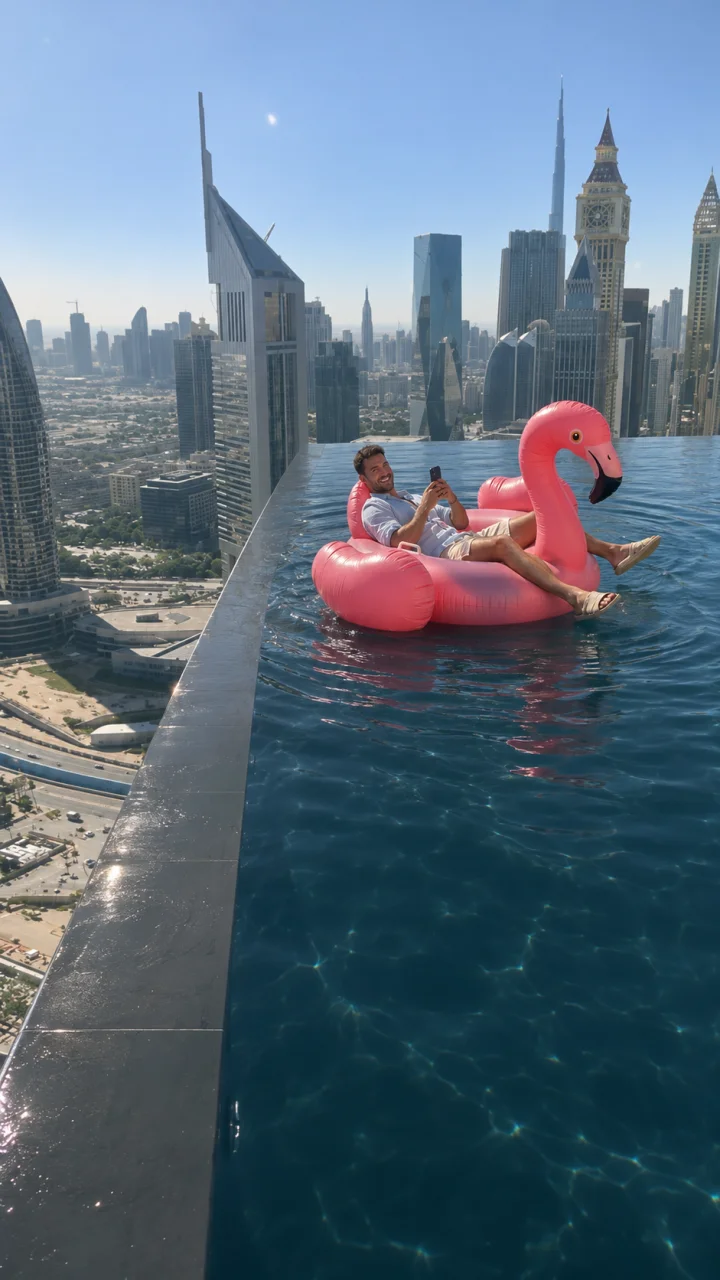
A pink flamingo, a phone and an impossibly high pool: Flamingo Float begins like a relaxed holiday clip, then lets the skyline do the worrying. The passenger barely notices the edge until a hand enters from behind the camera. A small nudge sends the float back along the pool, turning the tension into relief. Make your version of that short visual prank from a photo, without staging it at a real pool.

11s · 9:16Seedance 2.0 Mini · 720p

One float, one hand, one change of mood

AI scene illustrations based on the selected clip.

The skyline sets up the suspense

The wide view matters: you need to see the person, the inflatable, the dark pool lip and the buildings far below at once. The passenger remains seated with a phone while the pink float approaches the edge. That contrast between a relaxed person and an alarming-looking setting is the setup. Our selected Dubai sequence keeps the rooftop perspective rather than turning it into a close-up holiday portrait.
The skyline sets up the suspense

The helping hand is the payoff

The camera-side hand arrives partway through the shot, briefly meets the float and redirects it toward the pool interior. The passenger reacts, then drifts farther away as ripples close behind. The sequence ends on the water; it is not a fall-from-a-building effect. Your uploaded appearance belongs to the passenger throughout. Add optional clothing or lighting details while retaining the float and this continuous sequence.

The helping hand is the payoff

How to make your video

01

Upload your photo

Upload one clear adult photo. The seated passenger uses your identity; the camera-side helper is a supporting character.

02

Choose your settings

Select a model and resolution; add notes only if needed.

03

Generate and review

Check the credits, submit, then inspect the result before saving.

Settings and results

Can I change the model and resolution?

Yes. Mini at 720p is the default. Select a compatible model and resolution and review the updated credit estimate before submitting. Sign-in and credits are required.

Where does the sound come from?

The selected source excerpt supplies the spoken reaction and water ambience, added afterward at the original speed. The player shows that source example. The page illustrations are AI-generated variations based on its frames.

What should I check in the result?

The reference guides the shot, but hand contact, float geometry and facial detail may vary. Check the full sequence and water contact before saving. This is a fictional video effect, not a real-world stunt guide.

Flamingo Float

Create your version from one photo.