
SceneFlare

Can You Make It Cap

Make your Can You Make It Cap reaction video with two photos. A studio turn, an instant laughing cutaway and the matching dialogue in a 14-second horizontal clip.

Your photos
Questioner / Laugher
Turning guest

Upload one adult per photo. The first photo owns the questions and laughter; the second owns the turn and response. Each appears in separate shots.

Can You Make It Cap

One turn. One cut. A reaction that says everything.

Can You Make It Cap lives in the cutaway: a short studio request, a turn toward the camera and someone who cannot keep a straight face. Put yourself and a friend on opposite sides of that exchange. The clean backdrop leaves all the attention on the gesture, the smile and the laugh that arrives a little too quickly.

14s · 16:9Seedance 2.0 Mini · 720p

The turn sets it up; the reaction pays it off

AI scene illustrations based on the source. The player shows a third-party source excerpt, not a tested SceneFlare result.

A simple studio makes the gesture stand out

There is no dance floor or crowd to hide behind. A pale background, a small microphone and a waist-up view make a hair sweep and shoulder turn easy to read. The selected source cuts away partway through the movement; it does not show an uninterrupted full 360. Our sequence follows that brief setup so the reveal lands in the reaction shot rather than dragging out the turn.
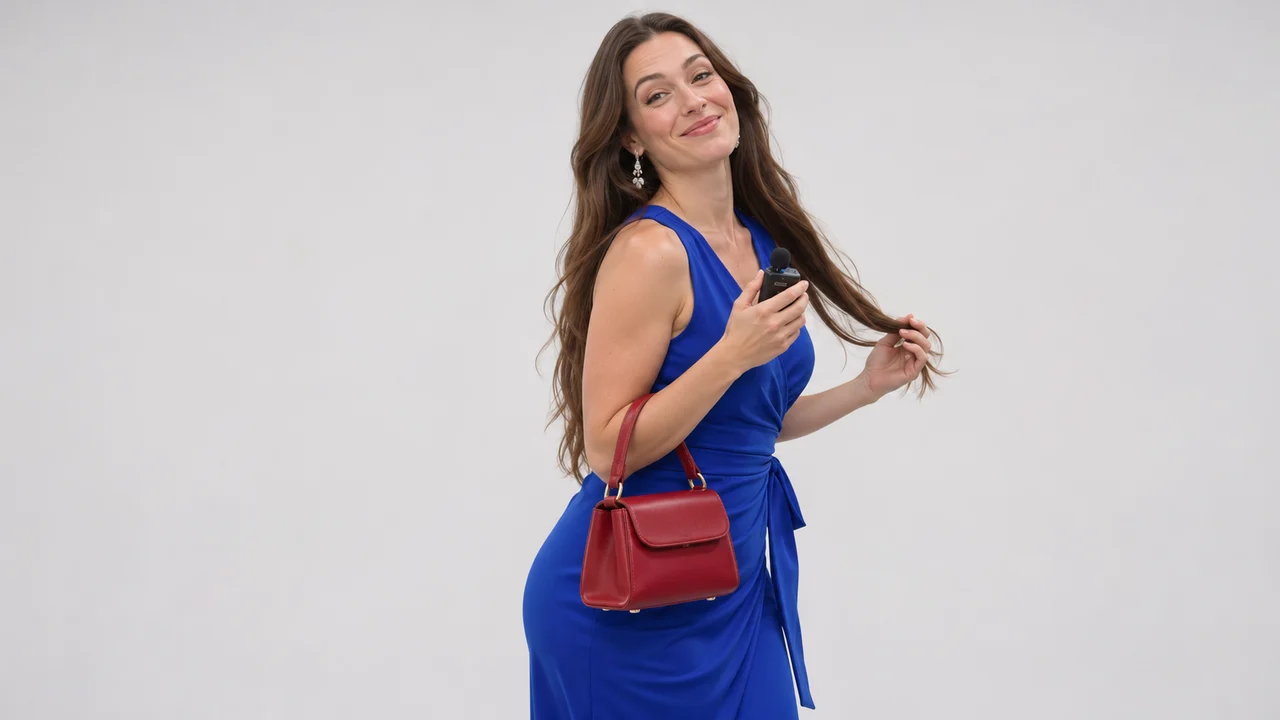
A simple studio makes the gesture stand out

The laugh belongs to the other person

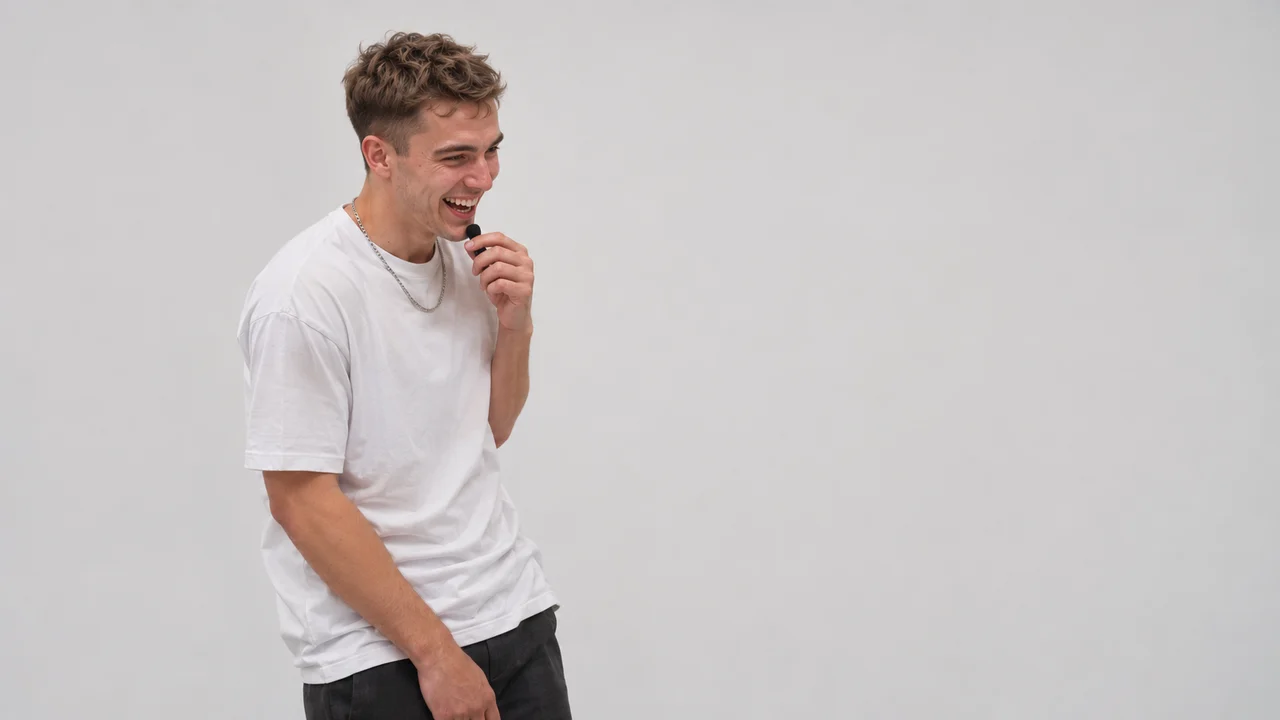
The second half of the joke needs a different face. The camera alternates between the guest’s composed reaction and the questioner laughing with a hand near the mouth. Only one person appears in each shot. Keeping those roles separate gives the exchange its back-and-forth rhythm, and lets two uploaded photos feel like participants in the same conversation without a crowded two-person frame.

The laugh belongs to the other person

Make your version

01

Choose both sides of the exchange

Add the questioner first and the turning guest second, using separate clear adult photos.

02

Choose model and resolution

Review the updated credit estimate before submitting. Mini at 720p is selected by default.

03

Generate and review

Watch both roles and their timing before downloading the finished video.

Before you create

Is this also called Can You Make It Clap or Oh He Tweakin?

Oh You Can Make It Cap and those phrases are used to find versions of the same white-studio reaction exchange. This page uses Can You Make It Cap as its effect name and the selected source excerpt as the visual reference; it is not a separate dance for each spelling.

Will both people appear together?

New footage is generated from the two photos and built-in written shots, without sending a reference video. The sequence is designed to alternate single-person shots: photo one is the questioner and laugher; photo two is the turning and responding guest. AI may occasionally bring the other person into the edge of a shot, so review the whole clip before downloading.

Do the clothes change?

The uploaded photos guide each person’s face, hair and visible outfit. The source blue dress and white T-shirt are not default costume replacements. Clothing outside the crop may need to be inferred.

Can I use another model or resolution?

Yes. Mini at 720p is the default for a 14-second 16:9 output. Only compatible models are offered for this duration. Changing the model or resolution updates the credit estimate. Sign-in and credits are required.

Is the original conversation included?

The matching source dialogue is added to the silent generated video at normal speed. It is not newly recorded speech in your own voice. Check mouth movements and reaction timing; the model may not reproduce exact lip synchronization.

Can You Make It Cap

Pick the guest. Pick the person who loses their composure.