1
AI Car Edit
Turn one car photo into a 15-second vertical AI Car Edit. Give the car a low-angle night shoot with fast camera passes, speed ramps and wheel details.
More video models
Explore models for your next creation.
AI Car Edit
Give your car a night edit
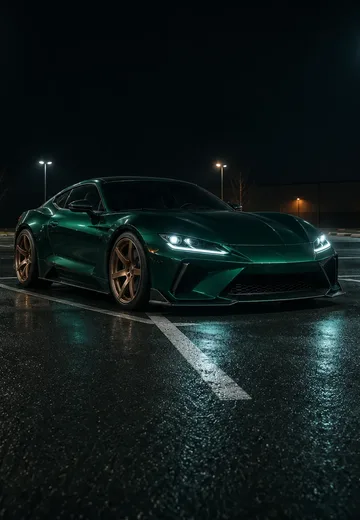
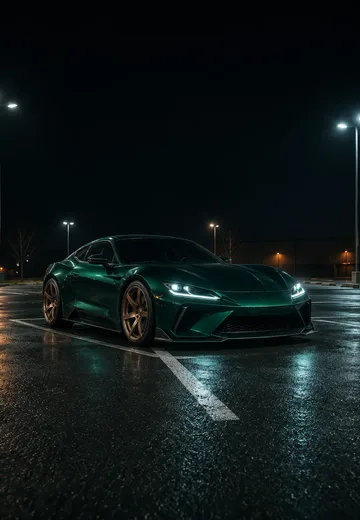
A wide opening establishes the car and the parking lot. The camera drops toward the wheels, accelerates through cuts and slows just long enough for the details to register. The result is designed around the vehicle in your photo.
MiniMax H3 Max · 768p
15s
9:16
Before you generate
Keep the reference angle clean
A front three-quarter angle with even light gives the camera a consistent outline to follow through the edit.
Keep the wheels in view
Choose a photo where the fenders and wheels are unobstructed so the close-up has usable reference detail.
Set the lighting mood
Add a short lighting note, such as cool overhead lamps or warm reflections across the asphalt.
What makes the night edit work
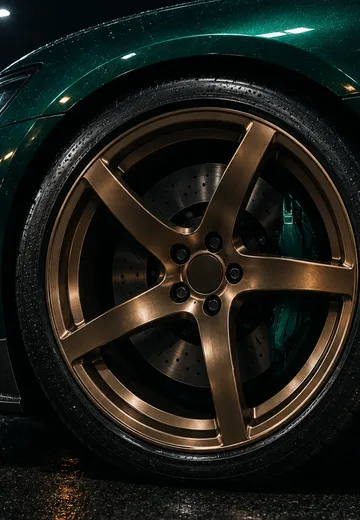
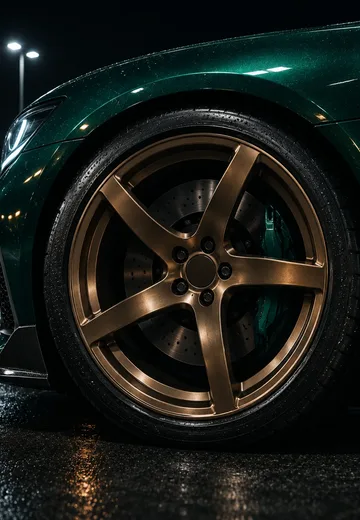
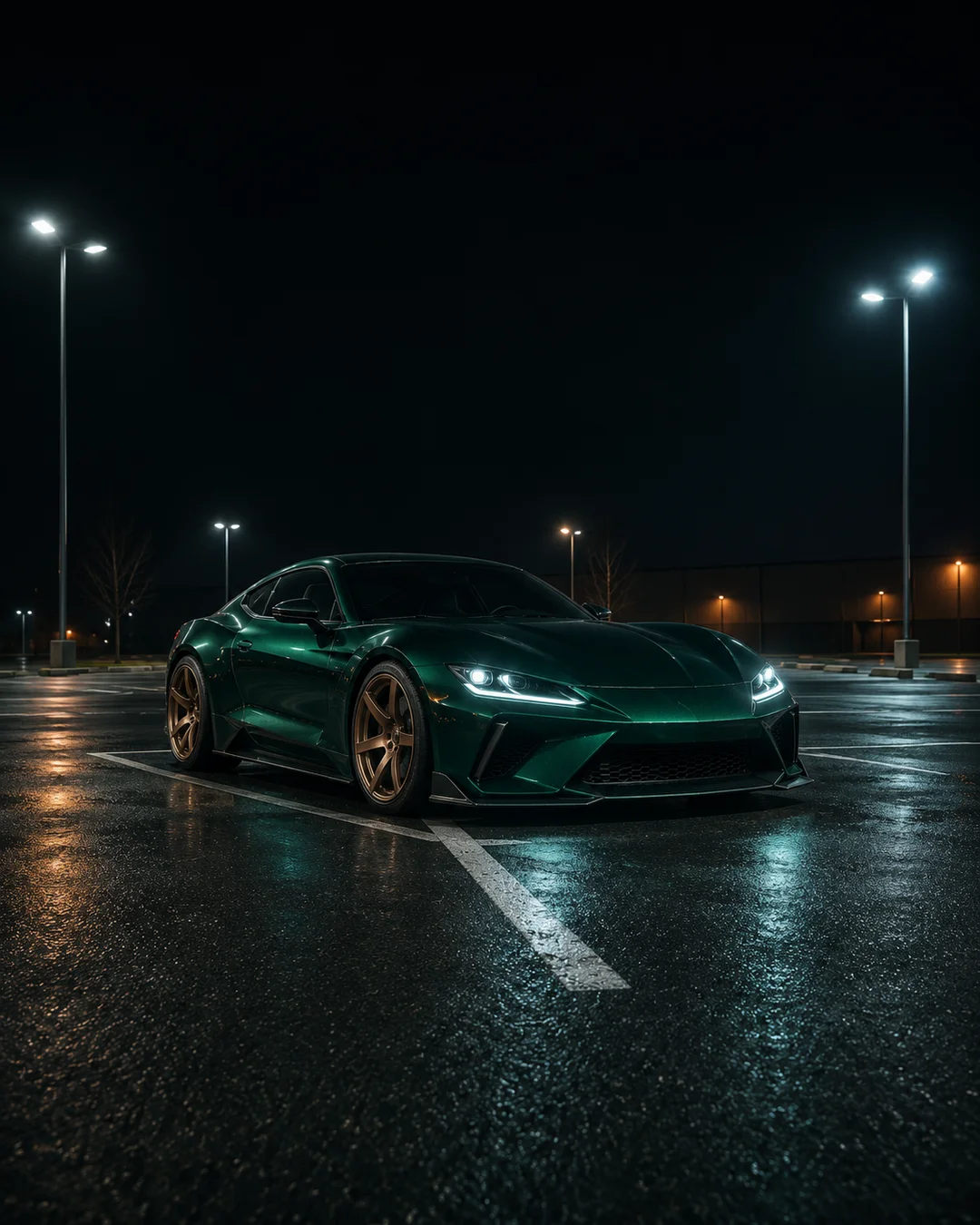
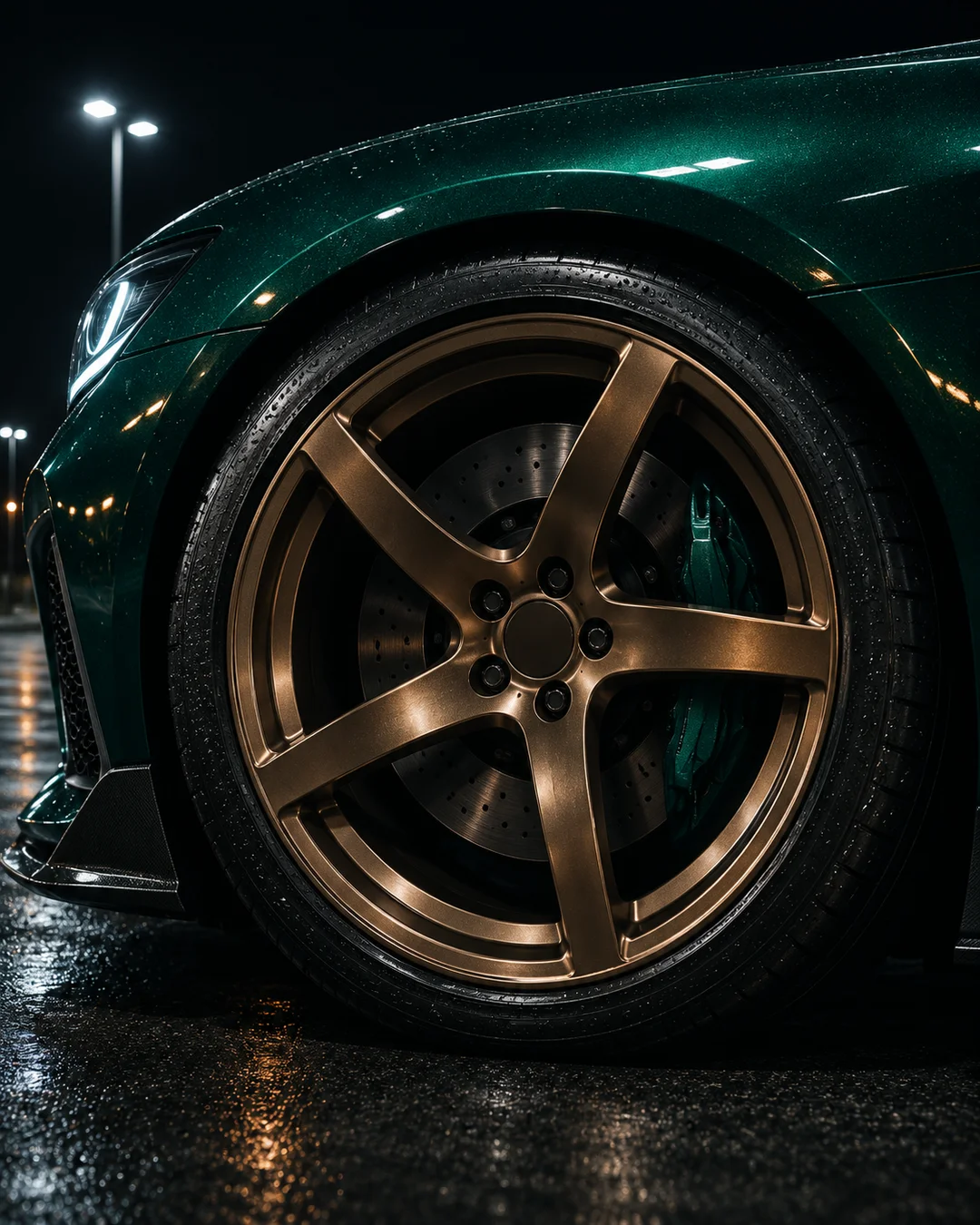
SceneFlare’s original still illustrations show a full-car angle and a wheel close-up. The player shows the reference edit.
Start wide, then bring the camera down
Start low at a front three-quarter angle, move to a centered view of both headlights, then cut to a low pass by the rear.
Give the wheels, badge and rear their own shots
Show the wheel from ground level, hold briefly on the visible factory badge, then cut to a tight rear view. Finish with the whole car in frame.
How to make your video
01
Upload your photo
Add the photo or photos in the labelled slots.
02
Choose your settings
Select a model and resolution; add notes only if needed.
03
Generate and review
Check the credits, submit, then inspect the result before saving.
Settings and results
Can I change the model and resolution?
Yes. MiniMax H3 Max at 768p is the default. Select a compatible model and resolution and review the updated credit estimate before submitting. Sign-in and credits are required.
What photo works best?
Use a clear image of one car from an angle that shows the front and side. A cropped grille or distant group of cars gives less information about its shape and wheels.
What should I check before sharing?
Compare the paint, lights, bodywork and wheel spokes with your upload. Unseen details may vary. The model generates a new instrumental track, with timing that can differ from the reference.
AI Car Edit
Start with your own photos.