1 portrait
Use one clear portrait in JPEG, PNG or WebP. Leave room for the miniature.
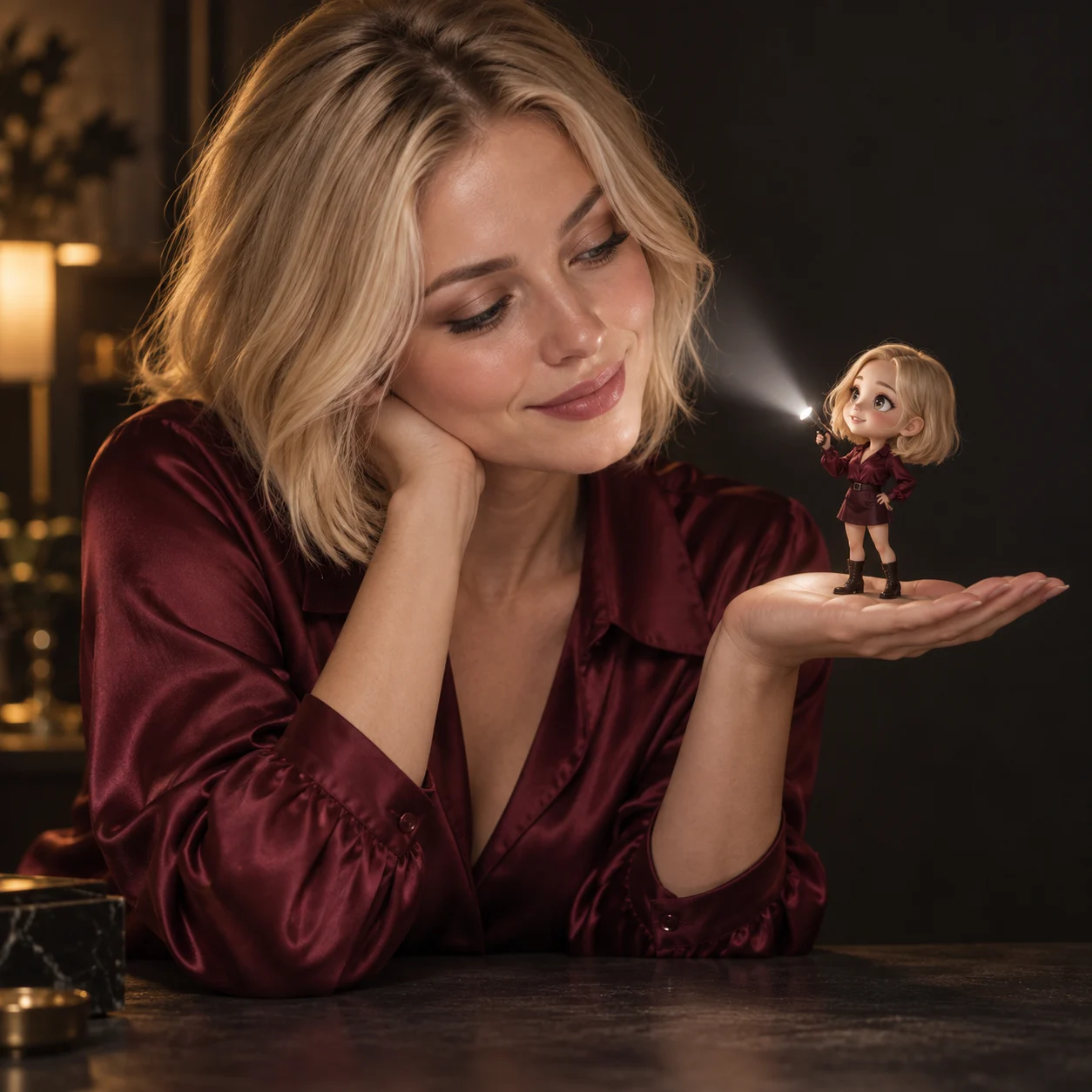
Create a cinematic flashlight portrait with a mini anime version of yourself. Upload a photo and use or edit the ready-made prompt to shape the placement, lighting and mood with GPT Image 2.5.
Before and after
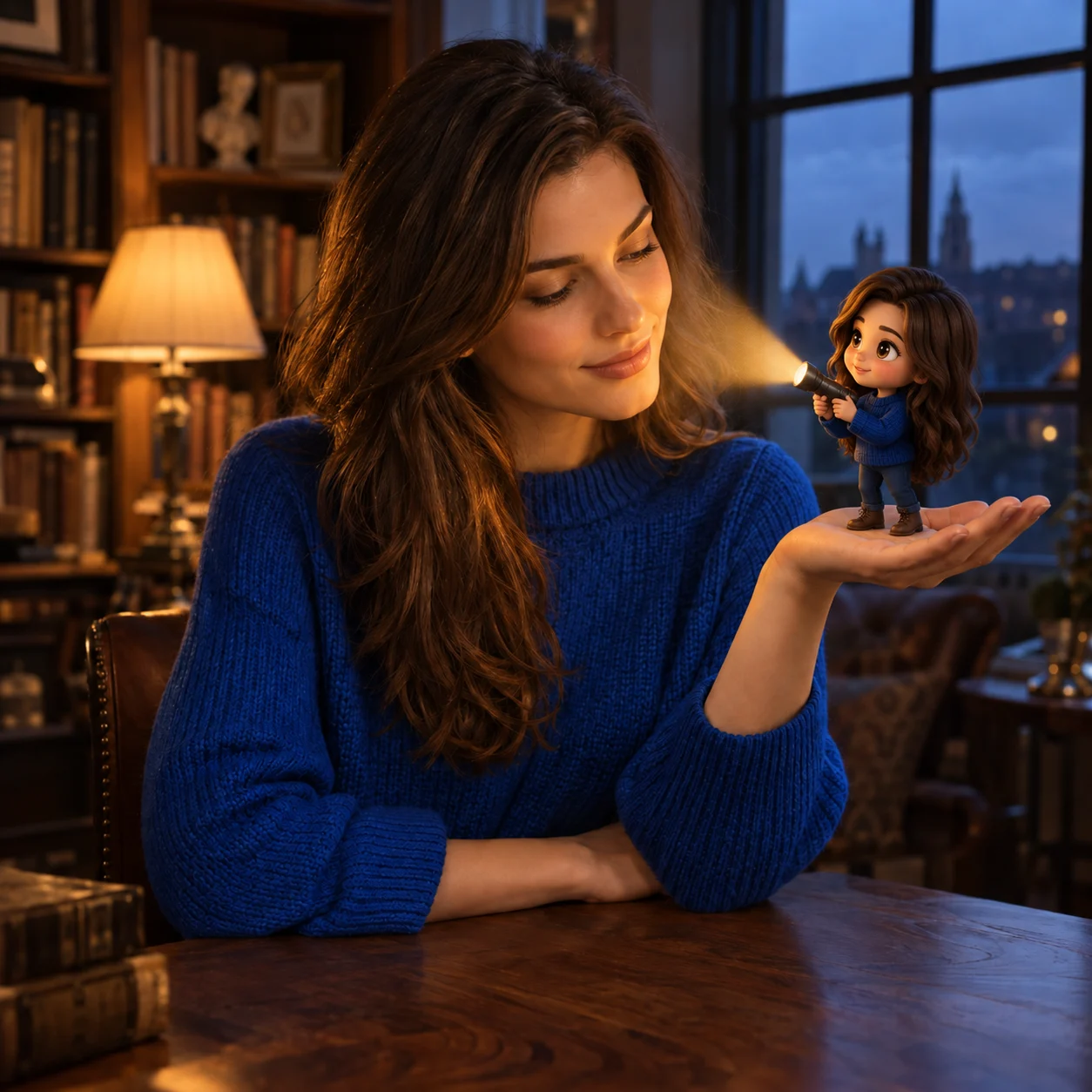
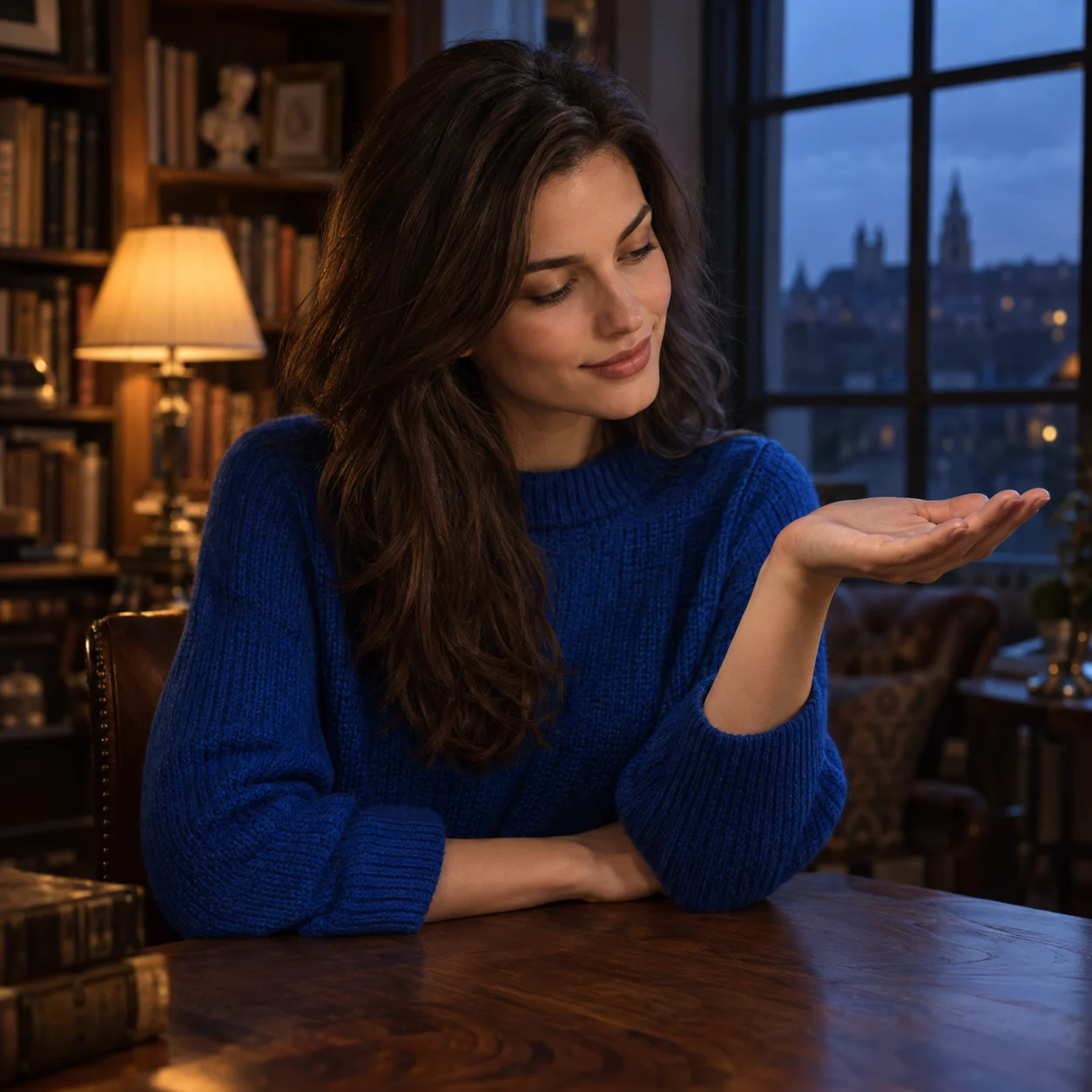
Explore more ways to create and edit images.
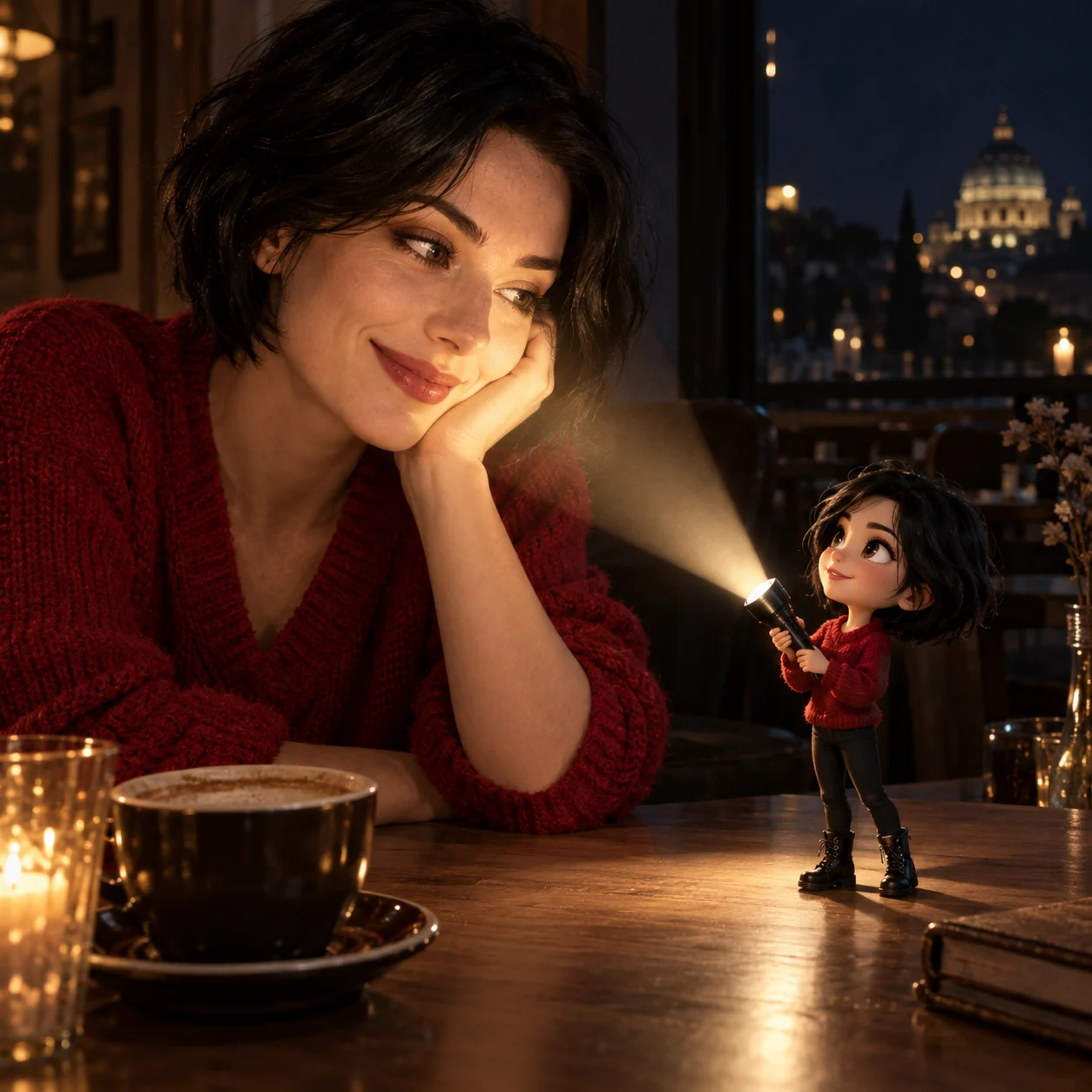
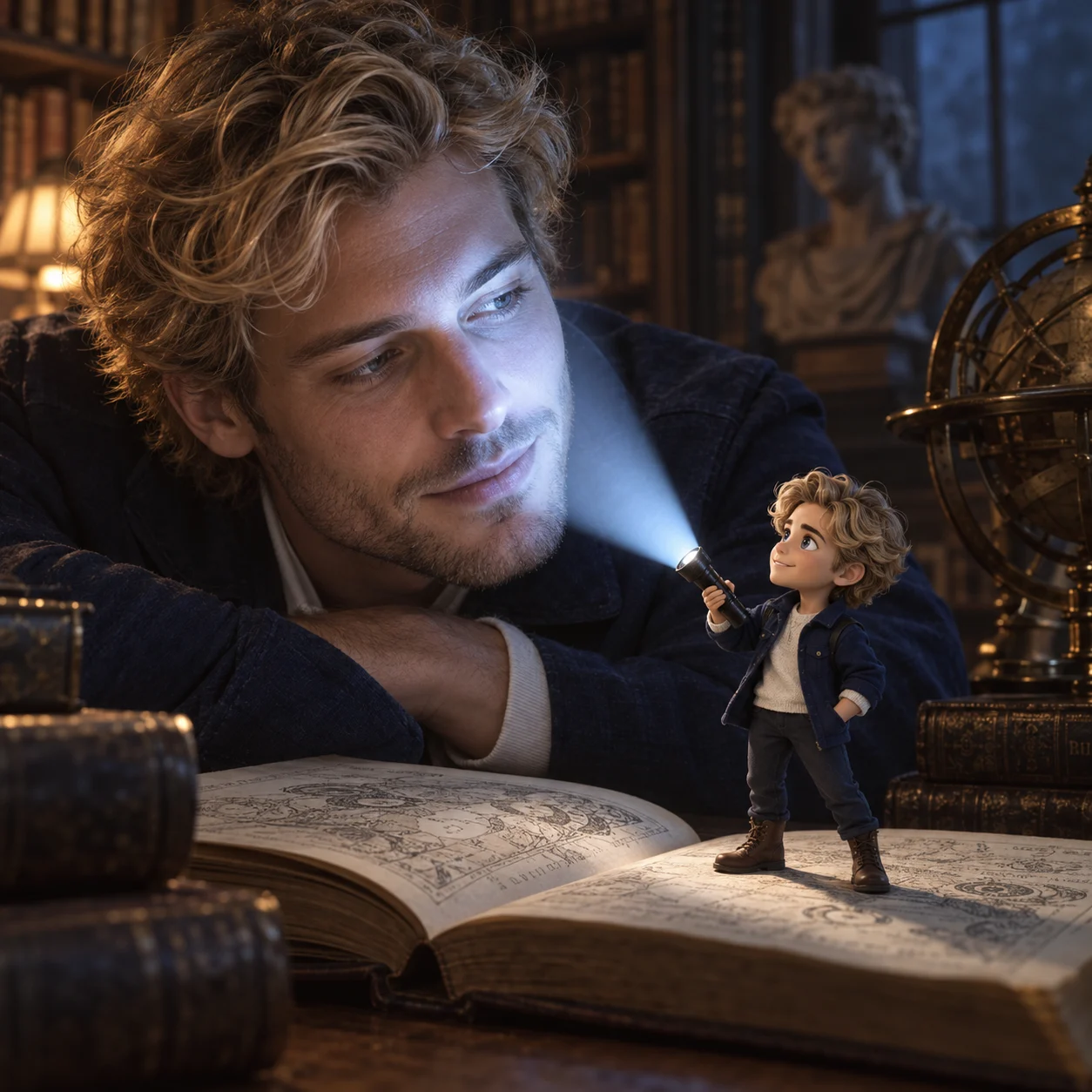
Bring a tiny anime double into a real portrait. Start with a ready-made prompt, then freely edit the miniature’s position, flashlight color and atmosphere to make the scene your own.
Use one clear portrait in JPEG, PNG or WebP. Leave room for the miniature.
Use the default or describe your own scene.
Choose a size before generating.
Keep a realistic portrait alongside an anime miniature inspired by your hair and outfit.
Describe the beam color, brightness and direction to shape the mood of your portrait.
Start with a complete prompt. Change the miniature’s position, appearance or surroundings without being limited to preset choices.
The strongest portraits connect a recognizable person, a tiny double and a believable source of light.
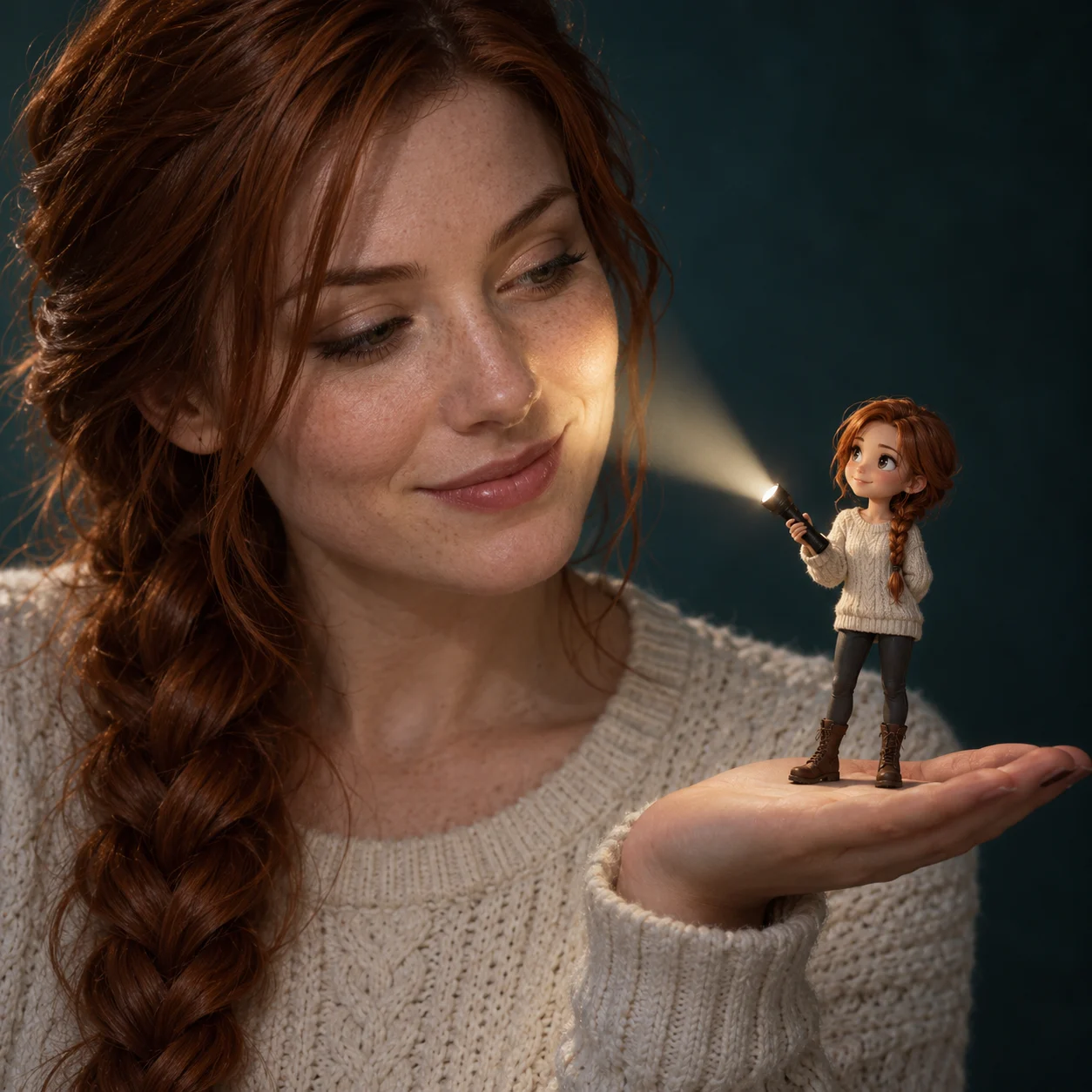
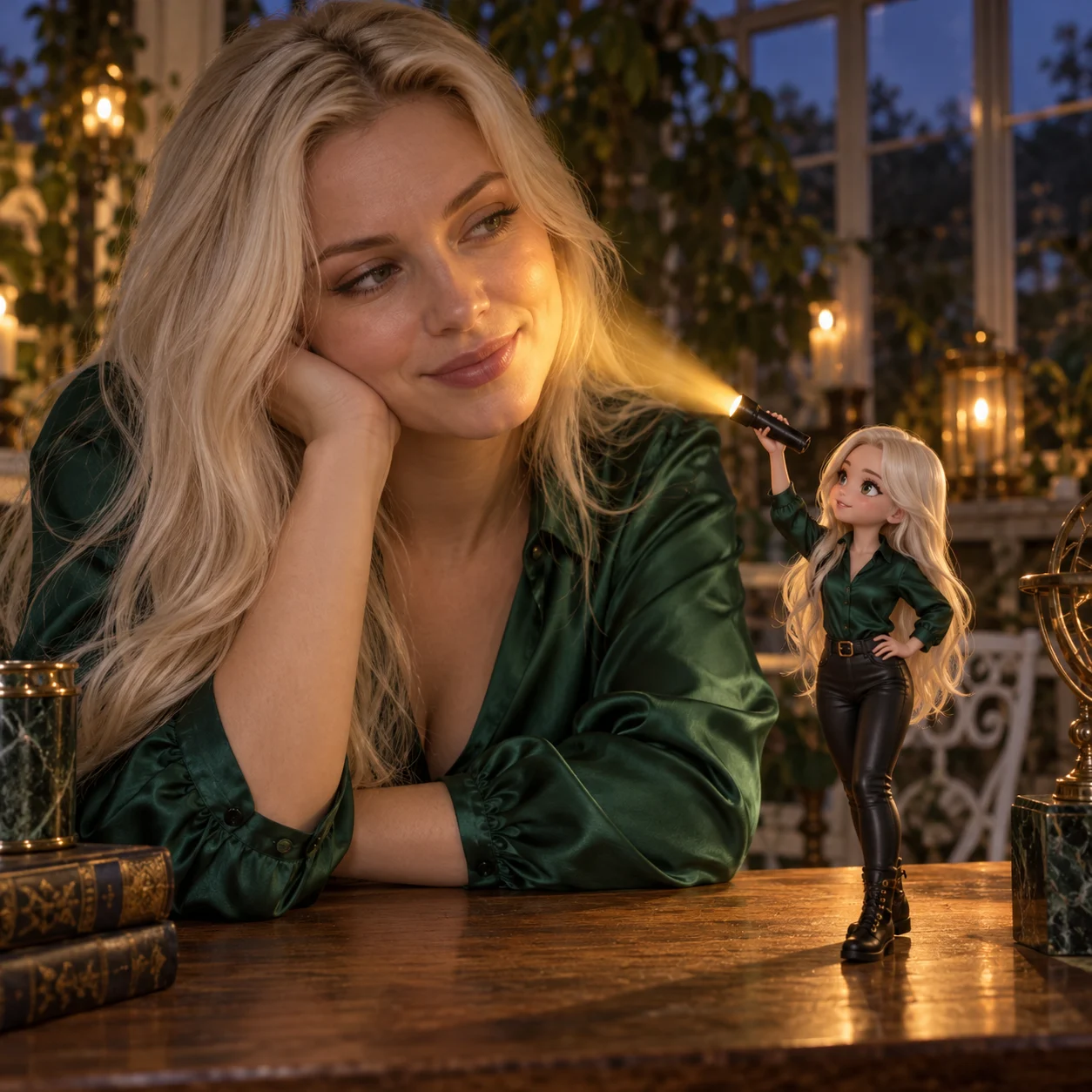
A strong flashlight portrait combines two visual styles: a photographic person and a miniature anime double. Your source photo guides facial identity, hair and outfit colors, so the pair feels connected without turning the whole image into a cartoon.
Choose a single-person portrait with visible hair and clothing.
Compare facial features, hands and accessories after generation.
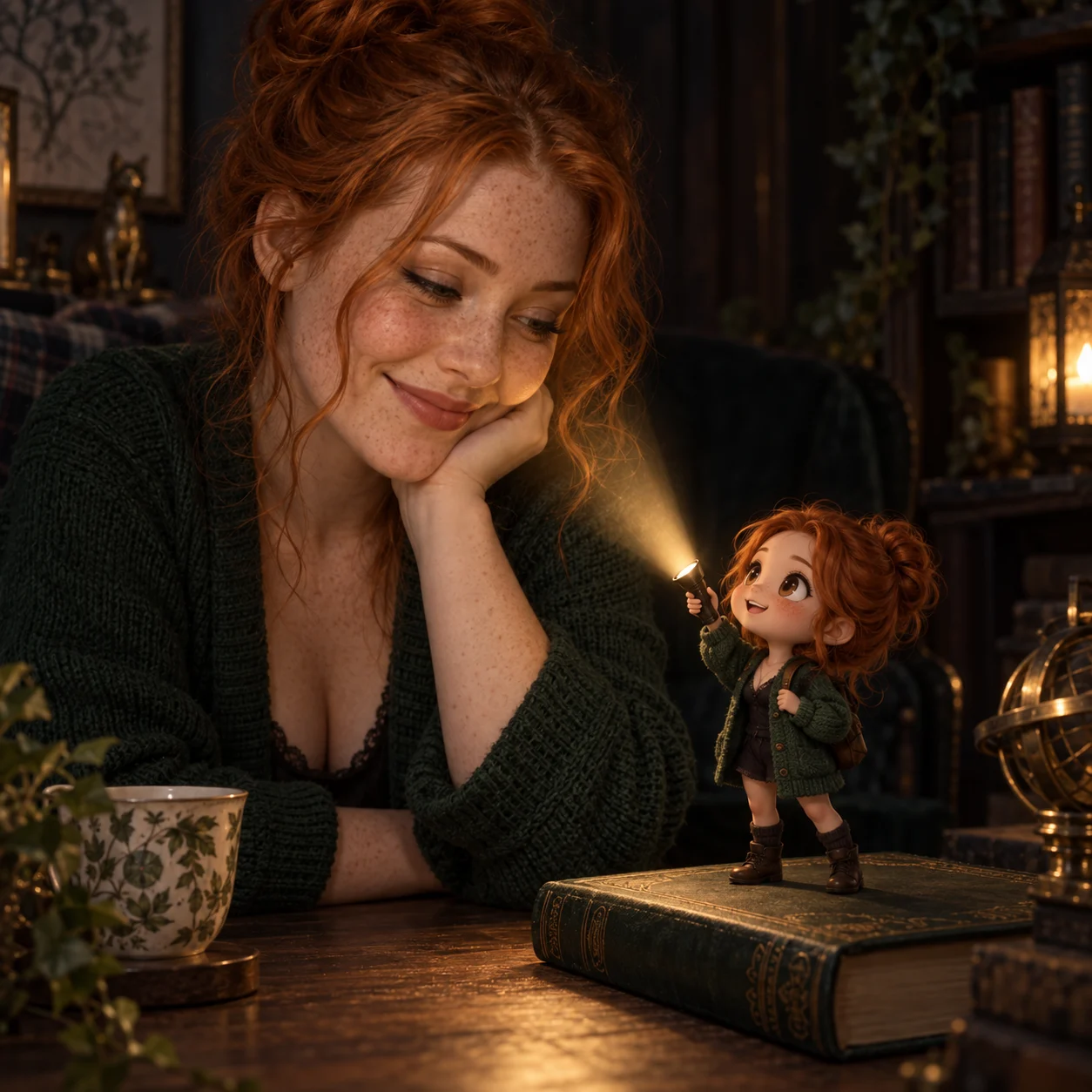
The tiny character’s torch gives the scene a focal point. Warm amber creates a cozy glow, cool blue feels more dramatic, and neutral white keeps the lighting understated. The edit aims to connect the beam, illuminated face and surrounding shadows.
Write the color, brightness and illuminated area into the prompt.
Gentle illumination works better than an overexposed face.
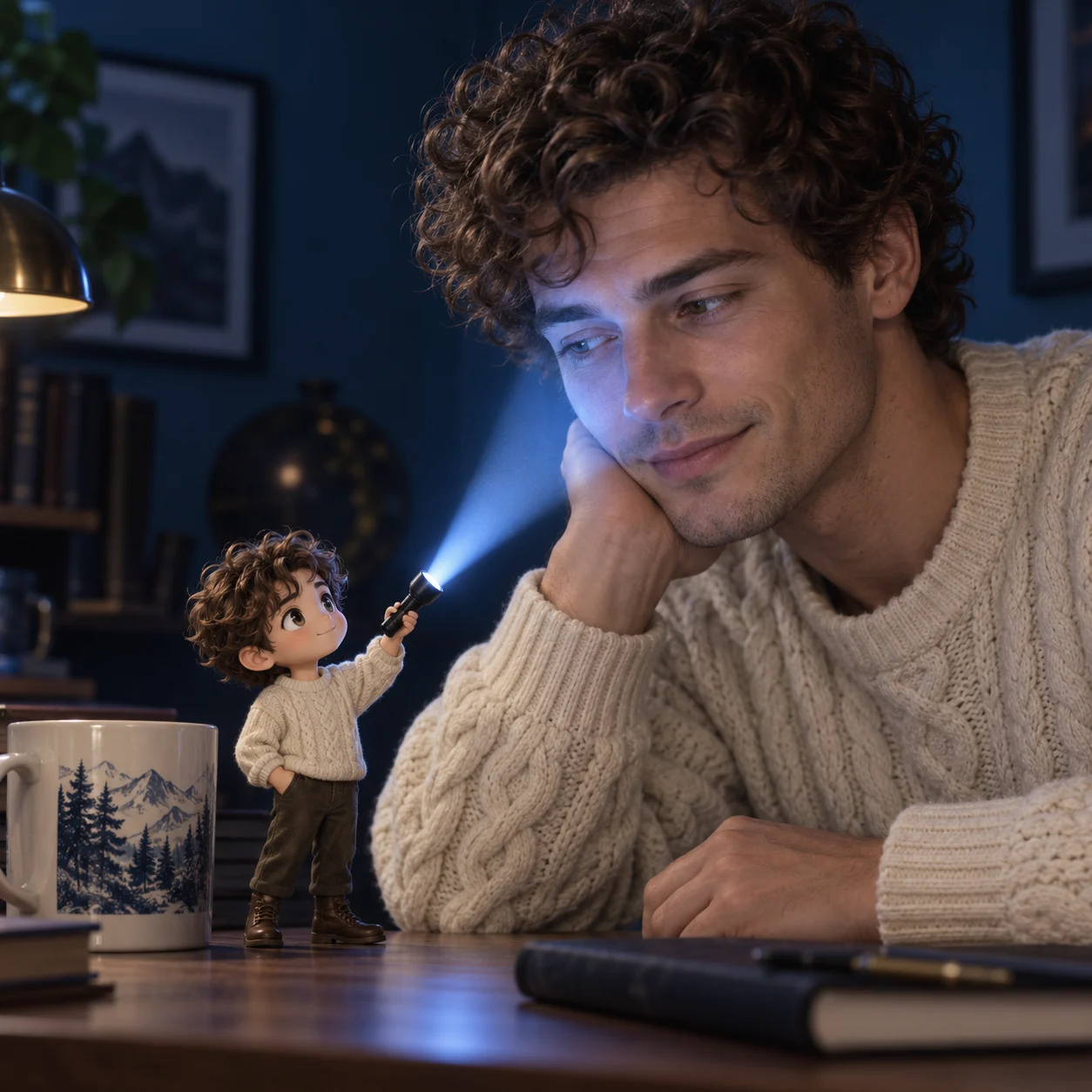
A surface and believable contact shadows help the miniature feel part of the scene. Describe where you want it to stand, whether on a palm, shoulder, table or another place. Leave enough space in the source photo for the composition you want.
Choose a square, portrait or landscape output ratio.
Edit the default prompt to change the background, atmosphere or character details.
Use a clear photo of one person, with room around the face and hands.
Keep the ready-made scene or describe your own placement and lighting. Choose an output ratio and 1K or 2K resolution.
Review the credit estimate, sign in and generate. Compare the result with your original, then download it.
It combines a realistic portrait with a tiny anime double holding a flashlight. The double echoes the person’s hair and outfit, while the beam adds a cinematic highlight to the face.
A complete prompt is already filled in. You can generate with it, edit any part of it, or replace it with your own description. Use Restore default to bring back the starting prompt.
Use a clear, single-person portrait with visible hair and clothing. A little space beside the face helps. To place the miniature on your palm, a visible open hand gives the model a stronger reference. Avoid heavily obscured faces and crowded group photos.
Your photo guides the person’s identity and the miniature’s appearance. AI creates a new image, so small details, hands, clothing or the background can change. Compare the result with the original before sharing.
Yes. Describe the position in the editable prompt, such as on a palm, shoulder or table. You can also change the light color and direction. If the photo lacks space, the edit may adjust the pose or scene; review the result after generation.
This tool uses GPT Image 2.5. Choose 1K or 2K output and a 1:1, 3:4 or 4:3 ratio. It generates one image per request.
Yes. Sign-in and SceneFlare credits are required. The button shows an estimate before submission, and each new generation uses credits. Finished images are saved to your library; uploads and form settings reset on refresh.
Upload your portrait and create a mini anime companion.