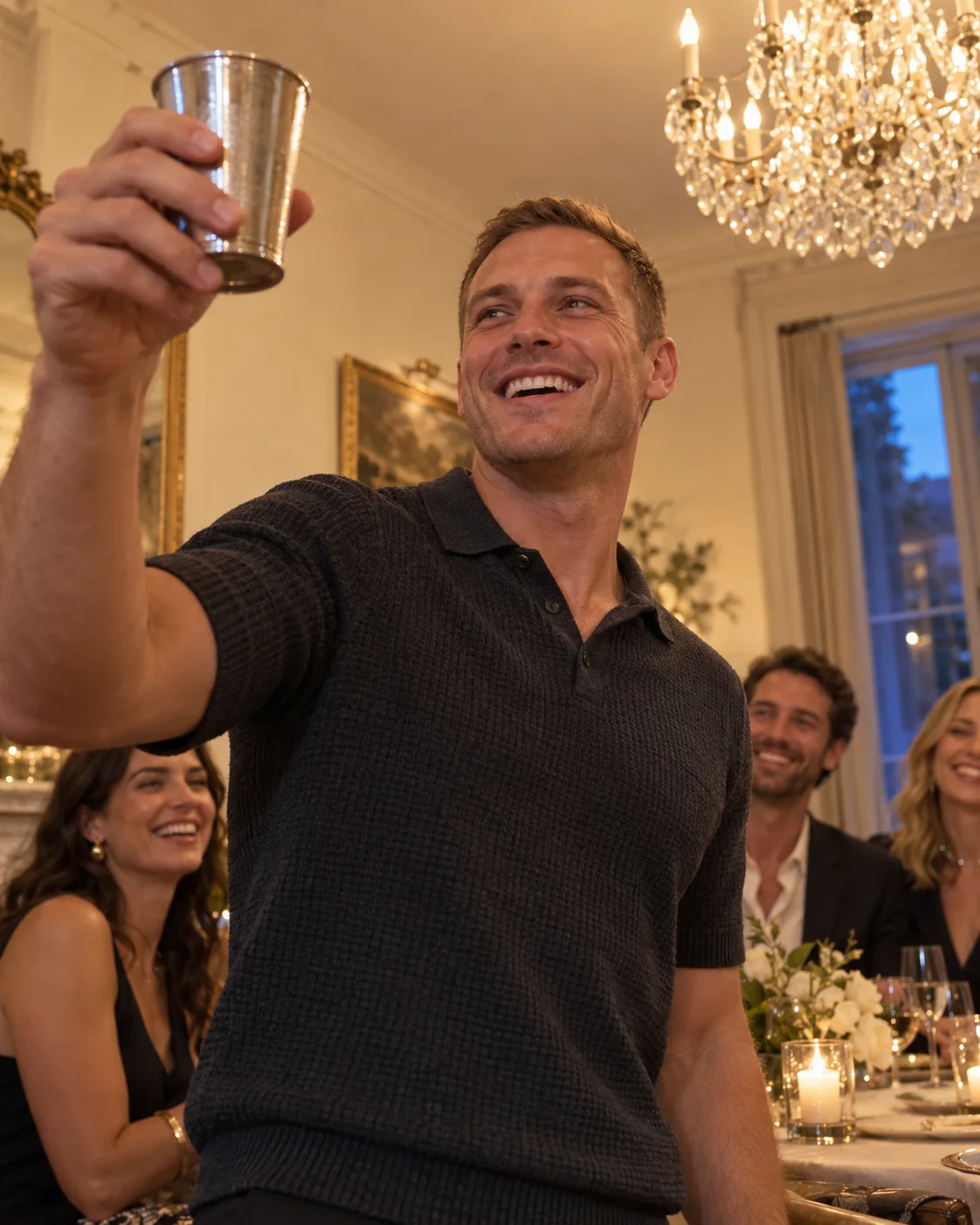
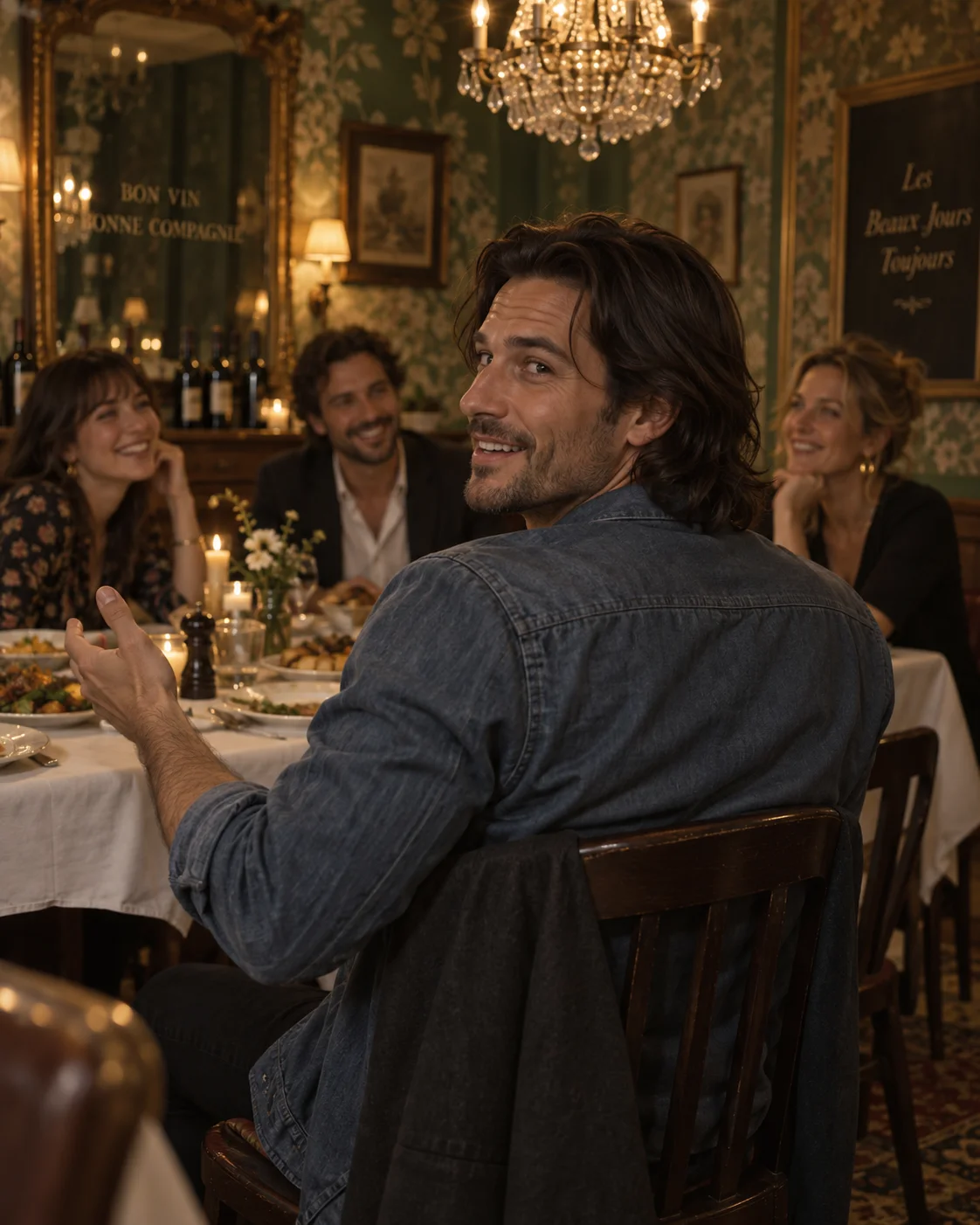
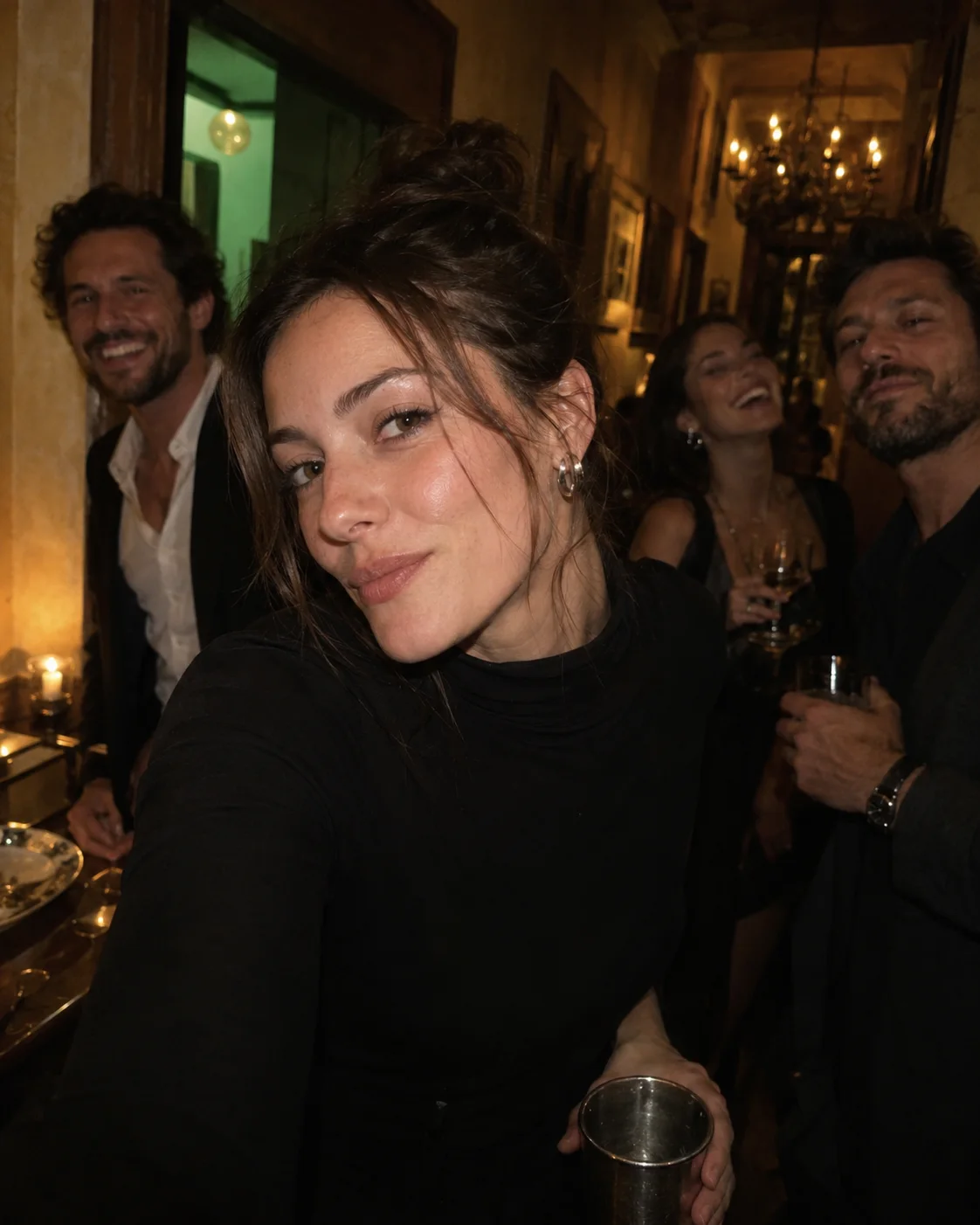
1 portrait
The motion reference is already included.
Create a Burning Bridges-style video with your portrait and a built-in party reference. Follow the original gestures and camera movement with MiniMax H3. The default is 15 seconds in 16:9.
Original motion reference
Explore more ways to bring images and ideas to life.
Bring your own face into the Burning Bridges party scene. Your photo guides identity; a built-in clip guides gestures, rhythm and camera movement. Keep the default direction for a closer match, or add small changes to expression and atmosphere.
The motion reference is already included.
Default: 15 seconds to follow the reference timing.
Choose your quality and framing before generation.
Use your portrait as the visual reference while a new party scene takes shape around you.
A built-in party clip guides gesture order, timing and camera movement together.
Choose a vertical or landscape format and check the credit estimate before creating.
Shape the person, performance and atmosphere together.
Your portrait gives the model a reference for facial features, hairstyle and clothing. A clear face and simple composition help keep the person readable as the camera and body move. The result is a newly generated video, so fine details can vary.
Use one person with good lighting and an unobstructed face.
Use a clear portrait so facial features remain easy to reference during movement.
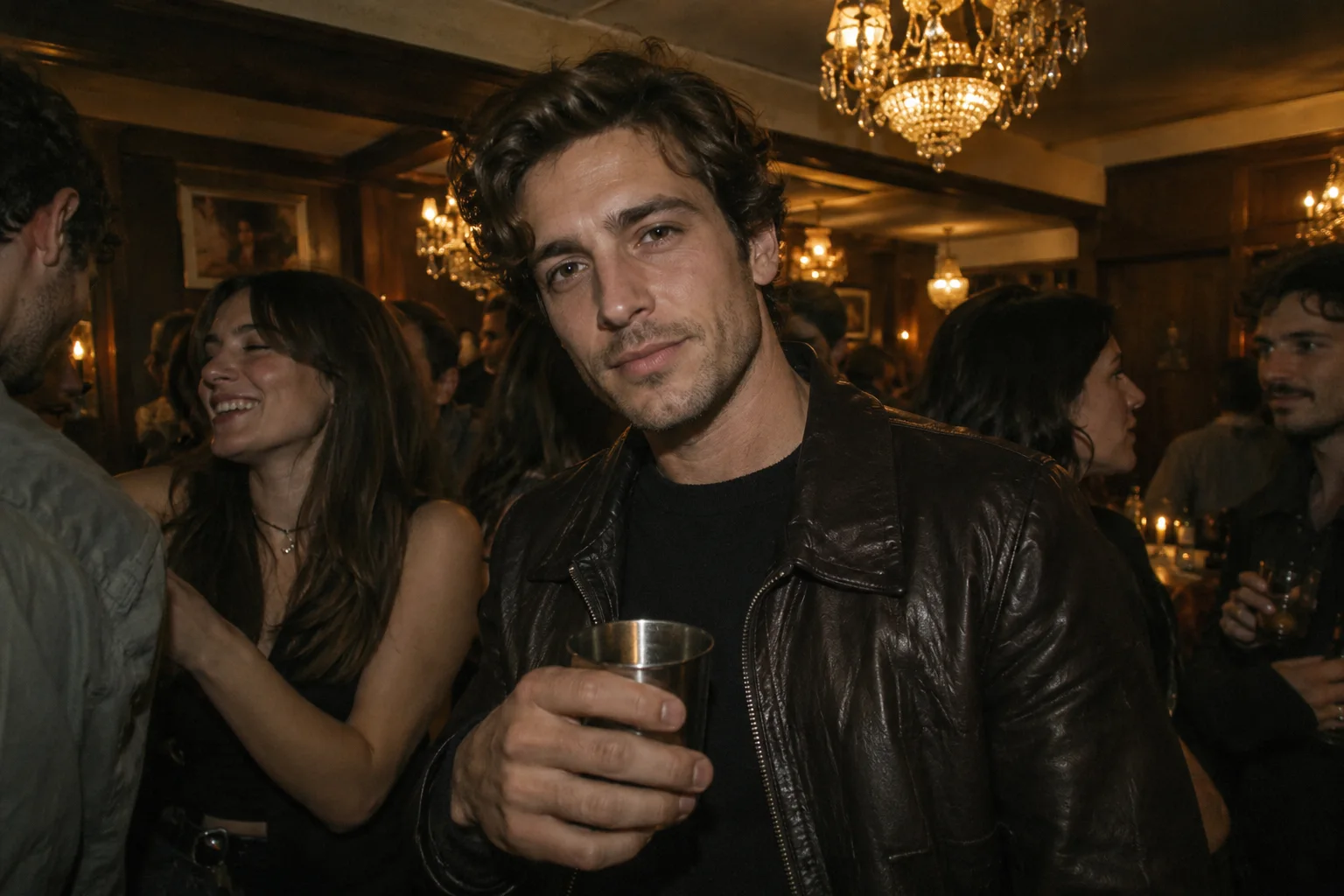
The reference shows how the performer holds the cup, reaches toward the camera and turns to the surrounding guests. It also supplies the camera approach and lateral movement. Using these cues together gives generation a more specific direction than a description of dancing alone. Exact frame-by-frame reproduction is not guaranteed.
The 15-second reference is attached automatically; no extra video upload is needed.
Keep 15 seconds for the full reference; shorter output follows an opening excerpt at natural speed.
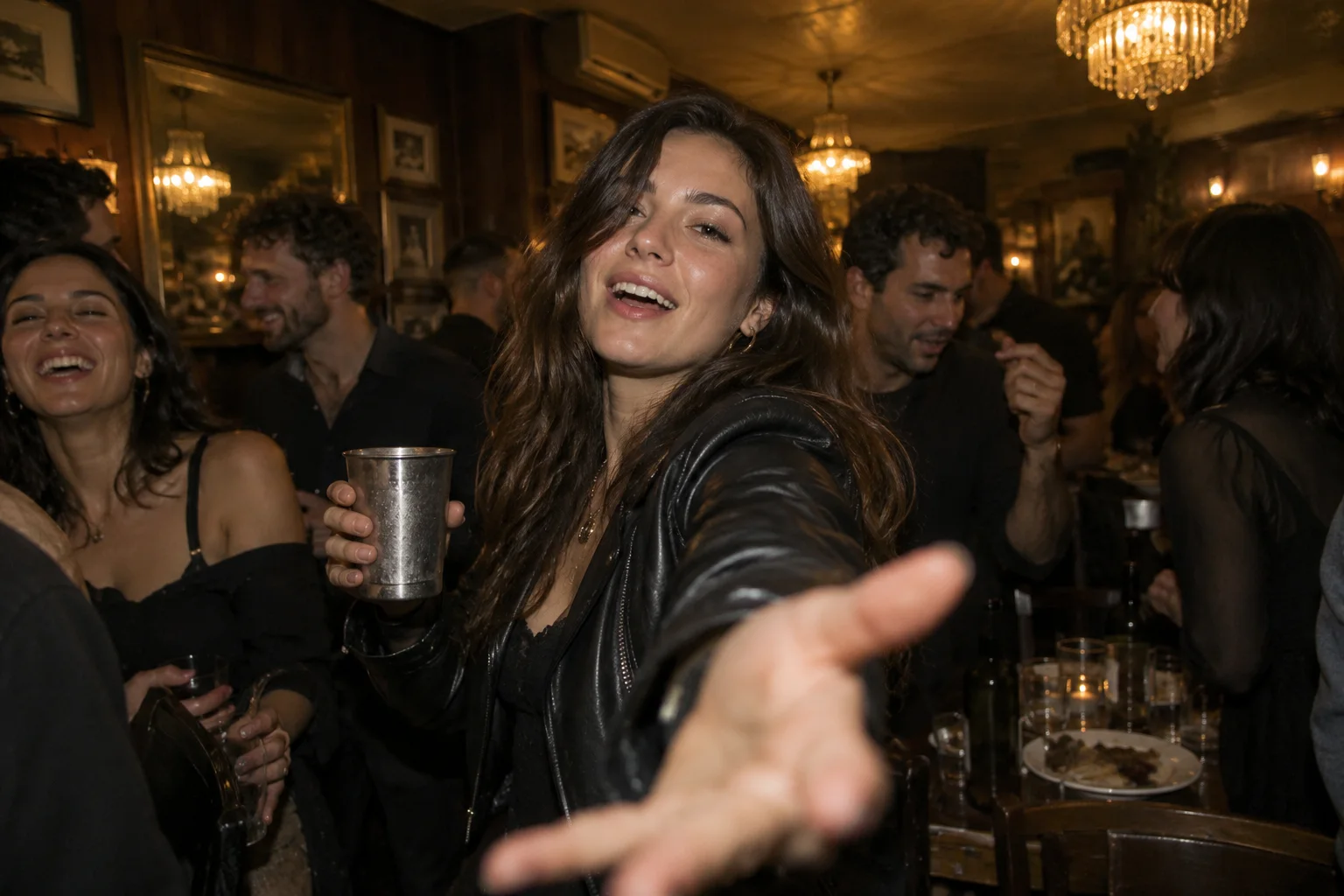
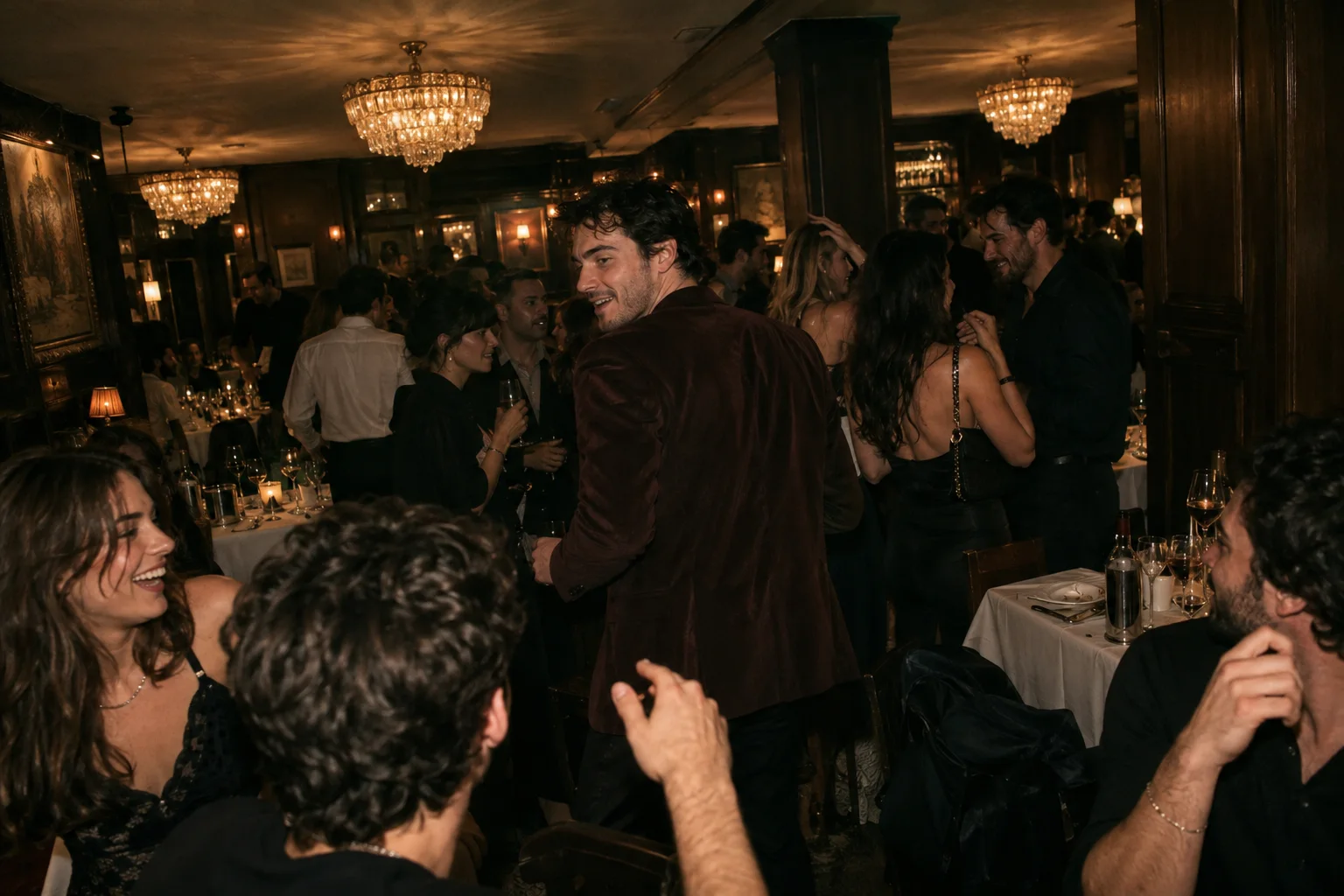
The reference anchors the warm chandeliers, background guests and changing distance from the performer. Start with 16:9 to retain the wider composition. Other ratios adapt the framing and may crop parts of the scene. Add subtle expression or lighting details without requesting a conflicting routine.
16:9 follows the reference composition; vertical formats reframe the scene.
Choose 4–15 seconds and 768P or 2K. The estimate includes the 15-second reference.
Choose a clear photo of one person with the face and upper body visible.
Start at 15 seconds, 16:9 and 768P. Edit the prefilled prompt or adjust duration, framing and quality.
Review the credits, sign in and generate. Watch the finished clip, then download it.
It creates a new party performance using your portrait for identity and a built-in original party clip for motion. The reference guides the gesture sequence, rhythm and camera movement, while your face remains the intended main subject.
No. Upload one portrait; SceneFlare automatically attaches the 15-second party reference. MiniMax H3 uses the image and video together, so you do not need to find a clip or manually mask your face.
Yes. You can edit the prefilled prompt, especially expression and atmosphere. For a closer match to the meme, retain its gesture order and camera movement. Strongly conflicting instructions can reduce similarity; even with a reference, timing and details can vary.
Choose a sharp, well-lit photo of one person with a visible face, hair and upper body. Avoid heavily obscured faces, tiny subjects and crowded group photos. JPEG, PNG and WebP are supported.
The photo guides facial identity and appearance, but AI generates new frames. Facial details, hands and clothing may change. Review the finished clip before sharing and use a clearer photo or simpler movement if needed.
The built-in reference contains the original audio. Click play to hear it. Generation uses the clip as a sound and rhythm reference, but the model may change the music or vocals rather than reproduce the original recording exactly.
Choose 4–15 seconds, 768P or 2K, and a supported aspect ratio. The default is 15 seconds, 16:9 and 768P. Credits account for both output duration and the fixed 15-second video reference. Shorter output still uses the full reference. Review the updated estimate before each generation.
Upload a portrait and bring your scene to life.