2 required
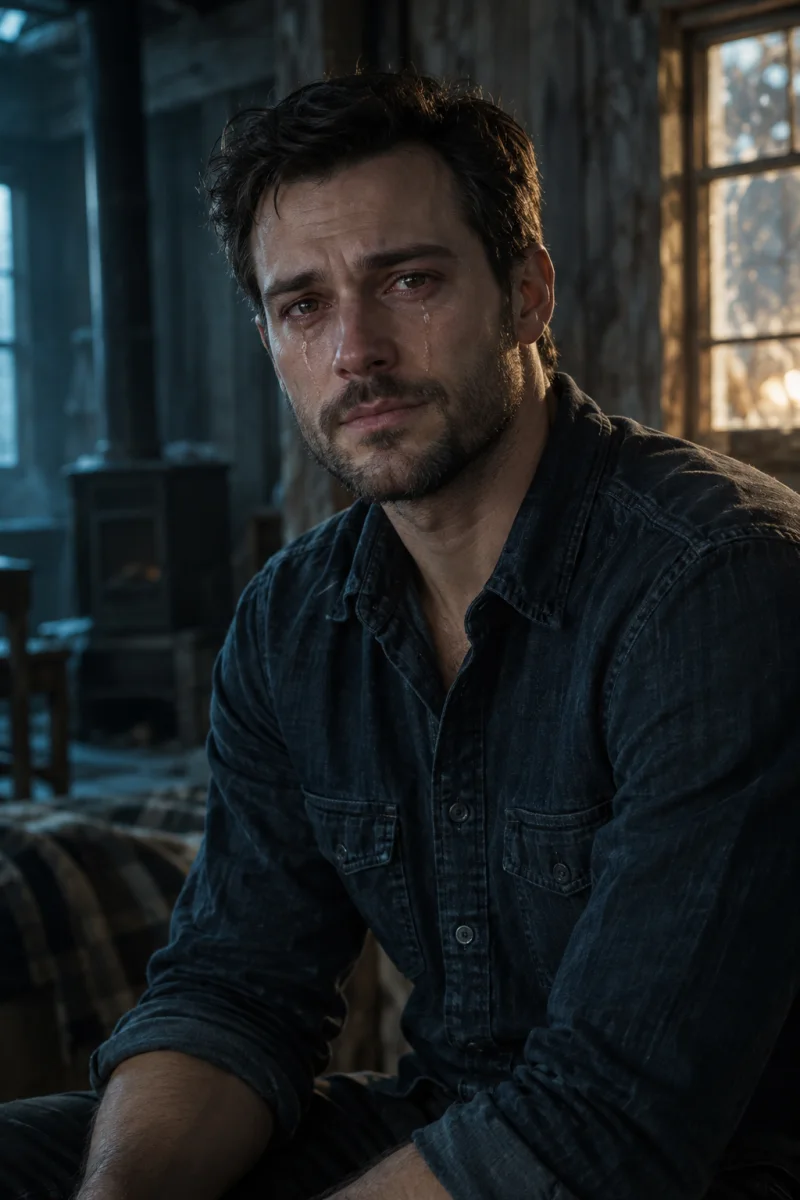
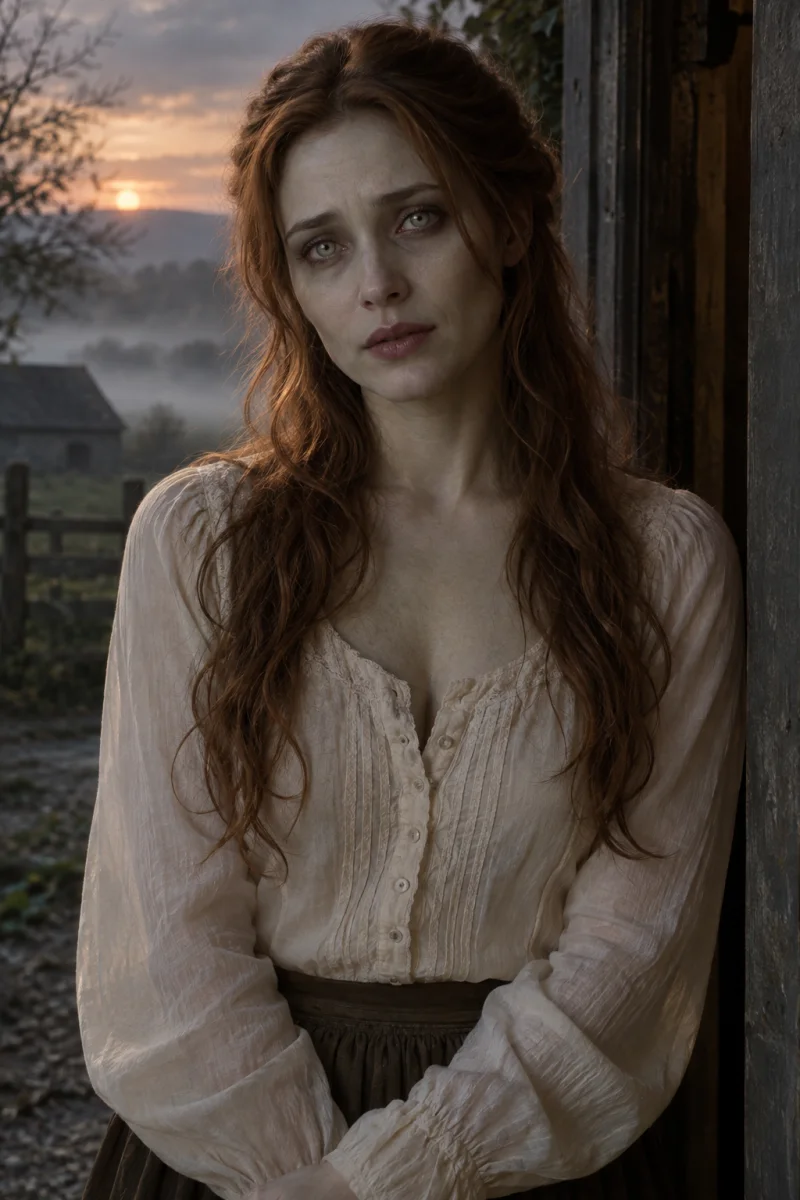
Image 1 stays human. Image 2 is infected in the reunion and healthy in the memory.
Create a new 15-second Zombie Love Story with two portrait photos: a tense reunion, an embrace and a warm memory. Start with Seedance 2.0 Mini and generate video with sound.
Explore more ways to bring two photos into a short film.
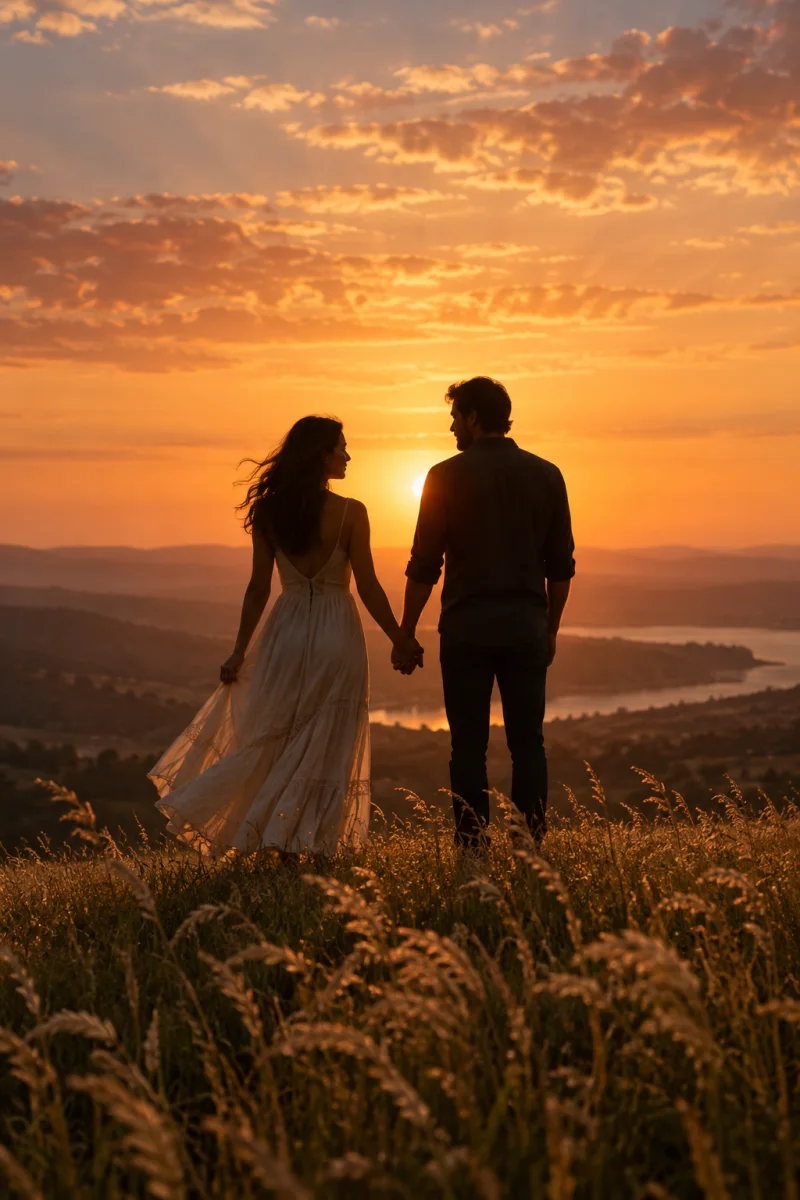
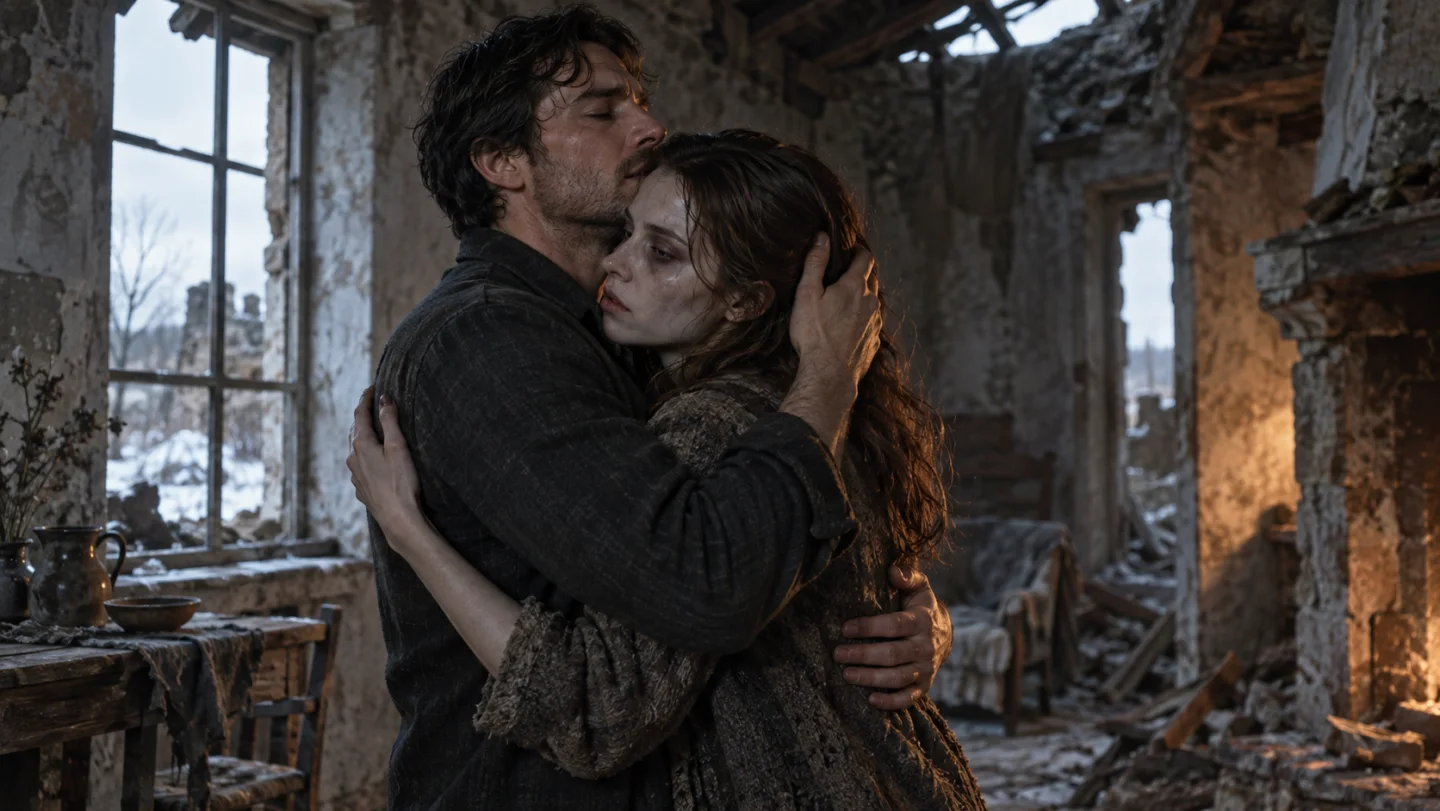
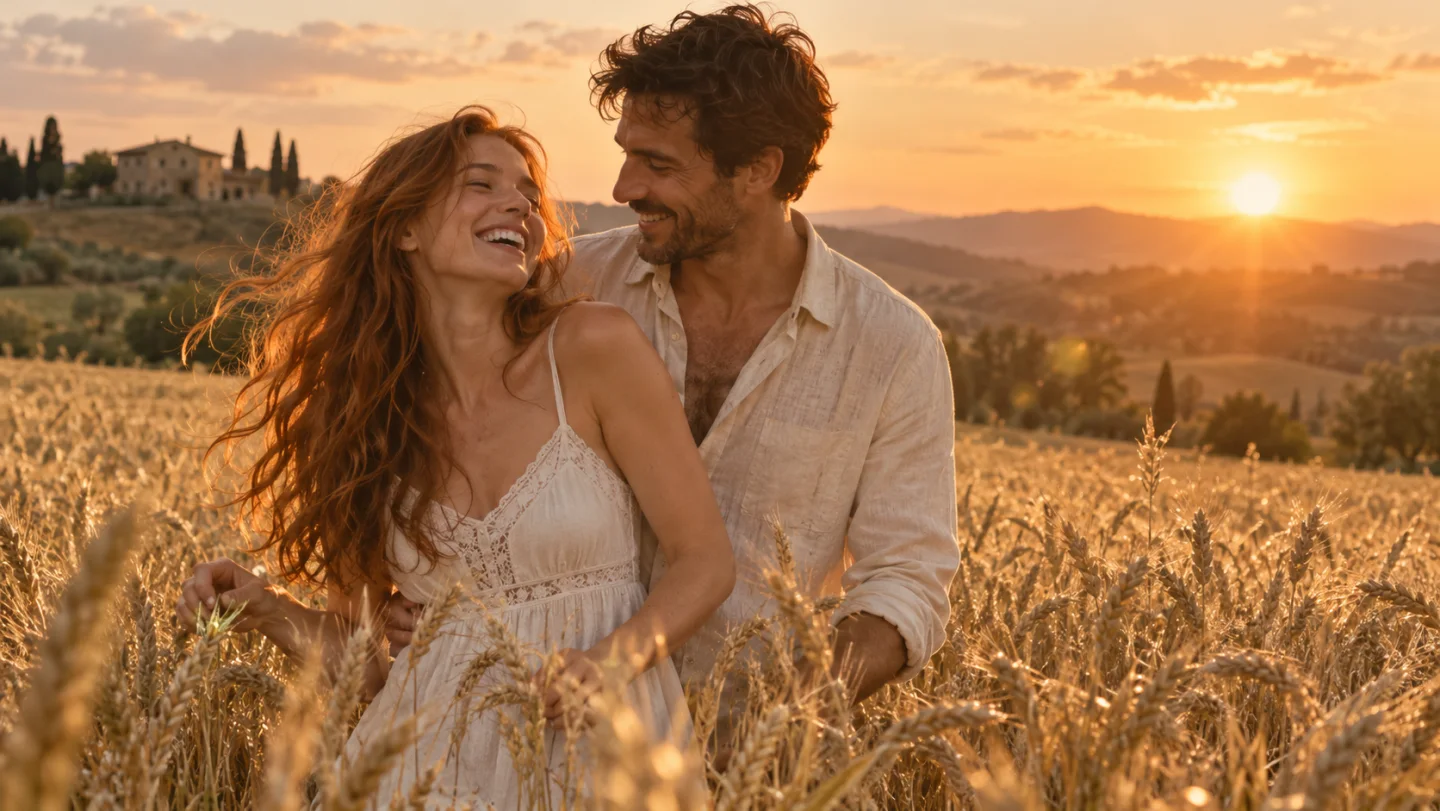
Your two portraits define the leads. The built-in story starts with a raised gun and two close-ups in a dim room, moves into an embrace, and ends with a warm meadow memory.
Image 1 stays human. Image 2 is infected in the reunion and healthy in the memory.
9:16 is optional. 720p is the default; 480p costs less.
The model generates scene sounds and background music with the video. Sound and shot timing vary with each generation.
Use clear reference photos and choose the balance of quality and credits that suits your video.
Use photo 1 for the human character throughout the reunion and memory. Separate photo slots keep the intended roles clear.
Photo 2 guides both the infected appearance, with dark eye sockets and visible veins, and the healthy person in the memory. Facial features, hair and clothing follow the same reference.
Start with Seedance 2.0 Mini, or choose Seedance 2.0. Compare 480p and 720p credit estimates before generating. Both models generate video with sound.
Use clear reference photos and choose the balance of quality and credits that suits your video.
Use the photo as the visual reference for facial features, hair and clothing. A clear, well-lit image gives the model more useful details; the result is a newly generated performance.
Front light, open eyes, and no sunglasses or hands across the face.
Each photo has its own role, helping you keep the two appearances distinct.
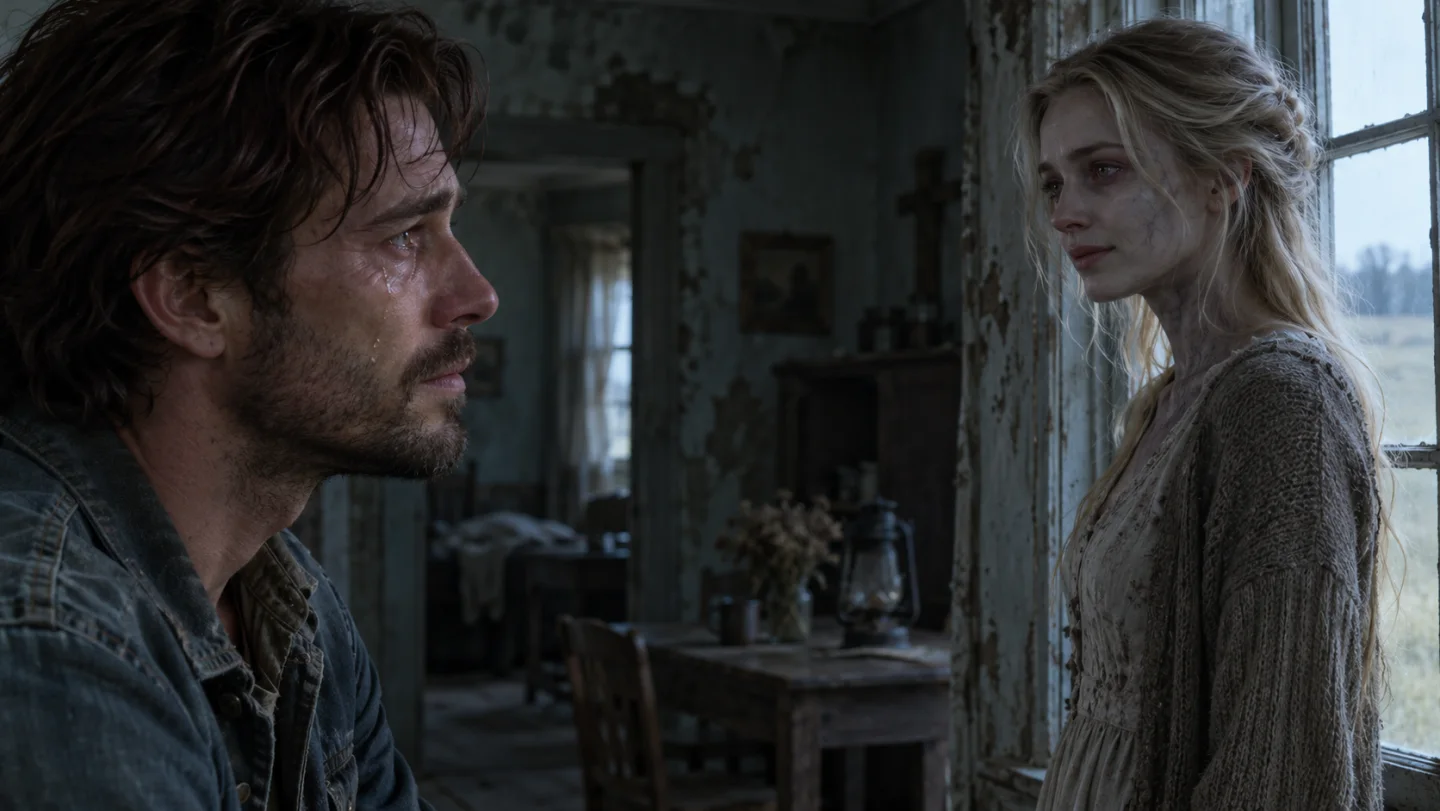
The built-in prompt arranges the close-ups, face-to-face encounter, lowered gun and embrace before a cut to the sunny memory. Add optional direction for mood or lighting.
The story connects recognition, lowering the gun and embracing, with the survivor on the left and the partner on the right in the room.
The model generates scene sounds and background music with the video. Sound and shot timing vary with each generation.
Choose Seedance 2.0 or Mini and 480p or 720p. The estimate covers your two reference photos and video generation with sound; no reference video is submitted or charged.
Switch model or resolution to compare the estimate before generating.
The model generates scene sounds and background music with the video. Sound and shot timing vary with each generation.
Upload two different, clear portraits with one person in each. Image 1 stays human; image 2 appears infected in the reunion and healthy in the memory.
Start at 15 seconds, 16:9, and 720p. Choose 9:16 or 480p if you want a taller frame or the lower quote. Add an optional note of up to 300 characters.
Check the estimate, create your video, then review the faces, motion and sound before downloading.
Your two portraits define the leads. The built-in story starts with a raised gun and two close-ups in a dim room, moves into an embrace, and ends with a warm meadow memory.
Image 2 is the loved one who turns. Image 1 is the survivor and stays human, including in the memory. Use Swap photos if you placed them the other way around.
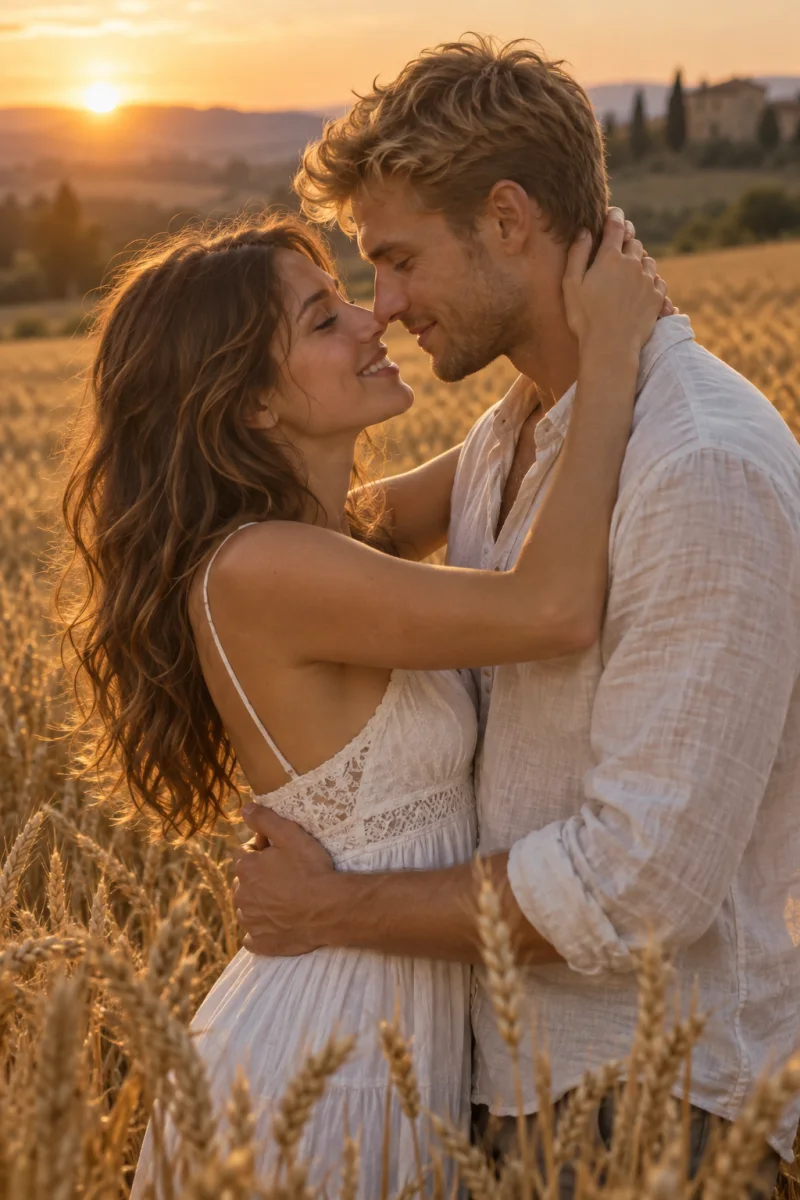
The memory is meant to restore image 2 to a healthy version of the same person, with the same face and hair. Image 1 stays human throughout. AI still generates new frames, so review both faces before you share the clip.
Upload two different, clear portraits with one person in each. Image 1 stays human; image 2 appears infected in the reunion and healthy in the memory.
The model generates scene sounds and background music with the video. Sound and shot timing vary with each generation.
The video is about 15 seconds. Defaults are Seedance 2.0 Mini, 16:9 and 720p. You can choose Seedance 2.0, 9:16 or 480p. Credits cover two reference photos and video generation with sound, without a reference-video charge.
No. Upload two portraits. We generate a new video from your photos and the built-in story prompt. The video shown on the page is for viewing and is not sent to the model.
Photos guide appearance and the prompt guides the story. Faces, hands, clothing and shot timing may vary. Review the reunion and memory before sharing.
Create a new reunion and warm memory with your two portraits, complete with generated sound.