1–2 photos
Start with one portrait; an optional second photo guides the same person’s finished look.
Turn an everyday look into a new style at the clap of your hands. Upload a selfie, add an optional after-look photo and create your own before-and-after video with Upside Down Trend AI.
Explore other video models for your next project.
The appeal is the sudden change in someone you can still recognize. An everyday look gives way to styled hair, makeup and a new outfit after a hand gesture. Palms turn up and down, come together, then open for the reveal. We turn that sequence into a photo-based generator with you as the subject.
Start with one portrait; an optional second photo guides the same person’s finished look.
Vertical MP4 with the hand sequence, makeover and final reveal.
Your downloaded video includes the music from the reference clip.
Start with the default makeover or give the reveal a specific direction.
Upload only the before portrait and we build a simple everyday opening followed by a more styled makeup, hair and outfit reveal. You do not need to record the hand sequence.
Have a photo of yourself with the makeup and clothes you want? Add it as the optional style reference. Both photos should show the same person.
Use the look notes for details that matter: loose waves, rose lipstick and a black top, for example. Specific colors and clothing describe your idea more clearly than a long list of style words.
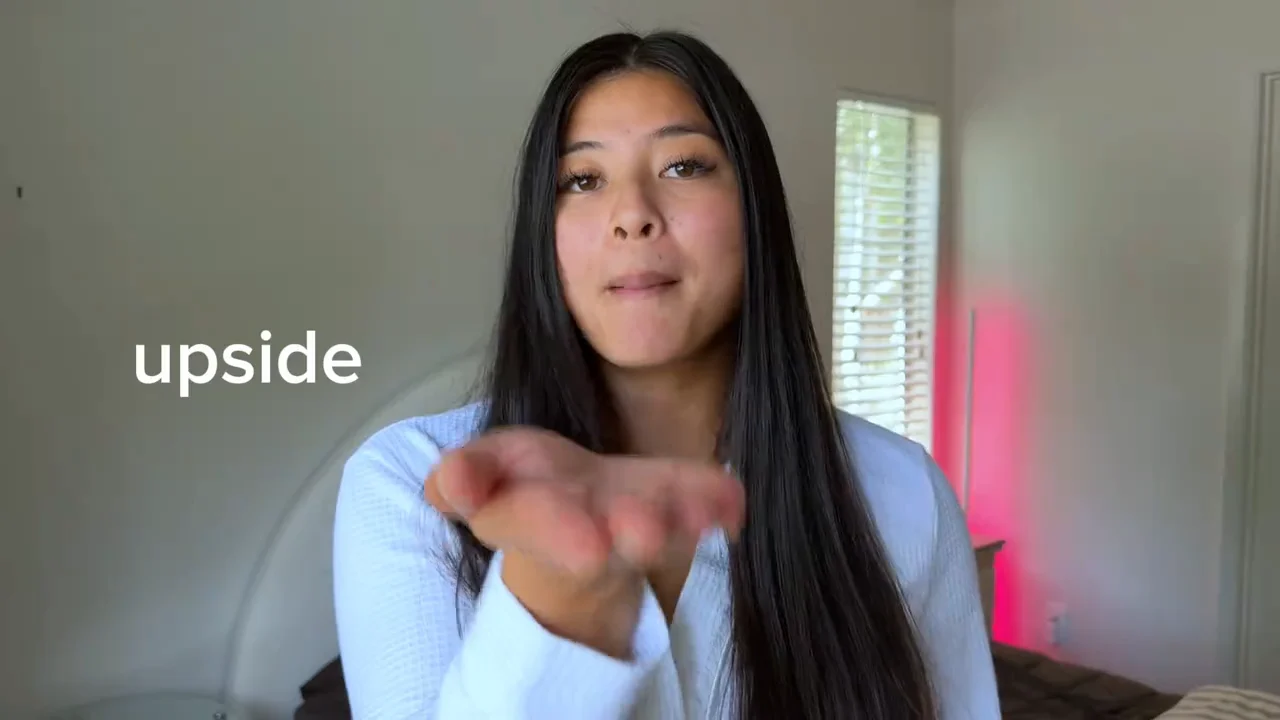
The gesture gives a change of style its moment. The images below illustrate possible looks.
Straight hair, a light top and simple makeup leave room for the reveal. Choose a photo with visible eyes, facial contours and hairline. Recognizing you before the change is what gives the comparison its point.
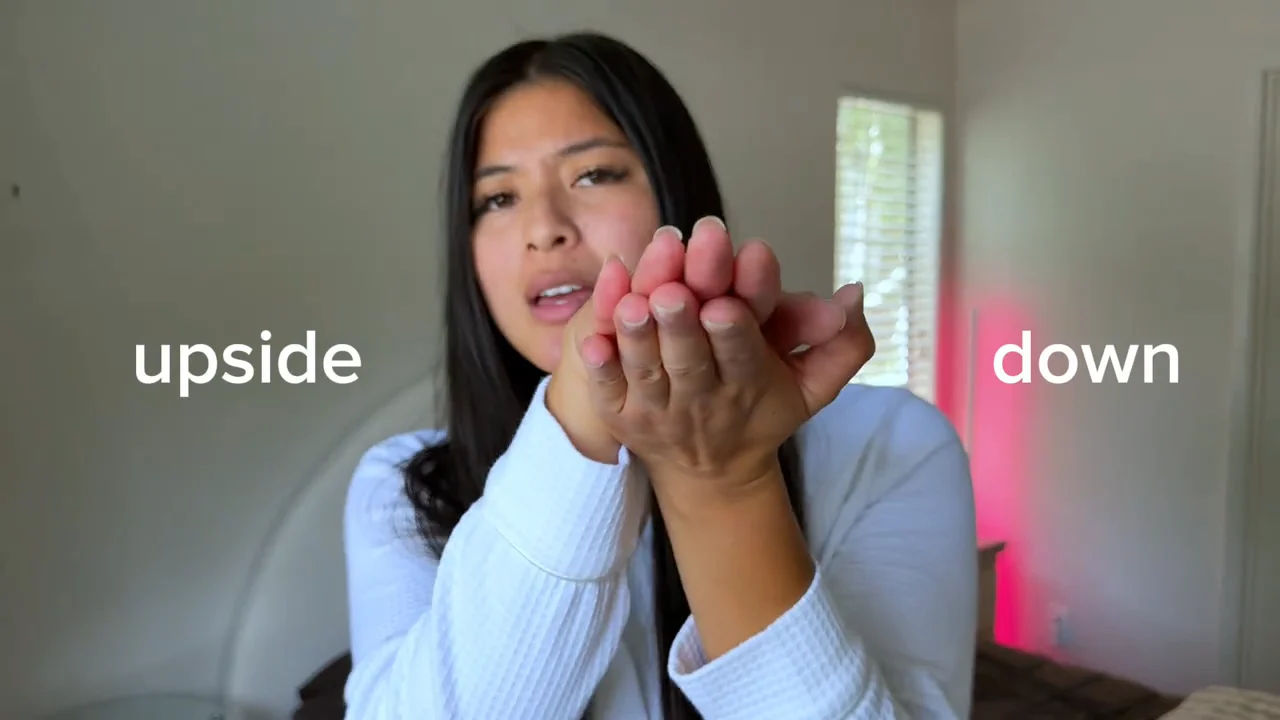
Start with palms facing up and down before moving into the clap. An upper-body view keeps both the face and the hand sequence readable.
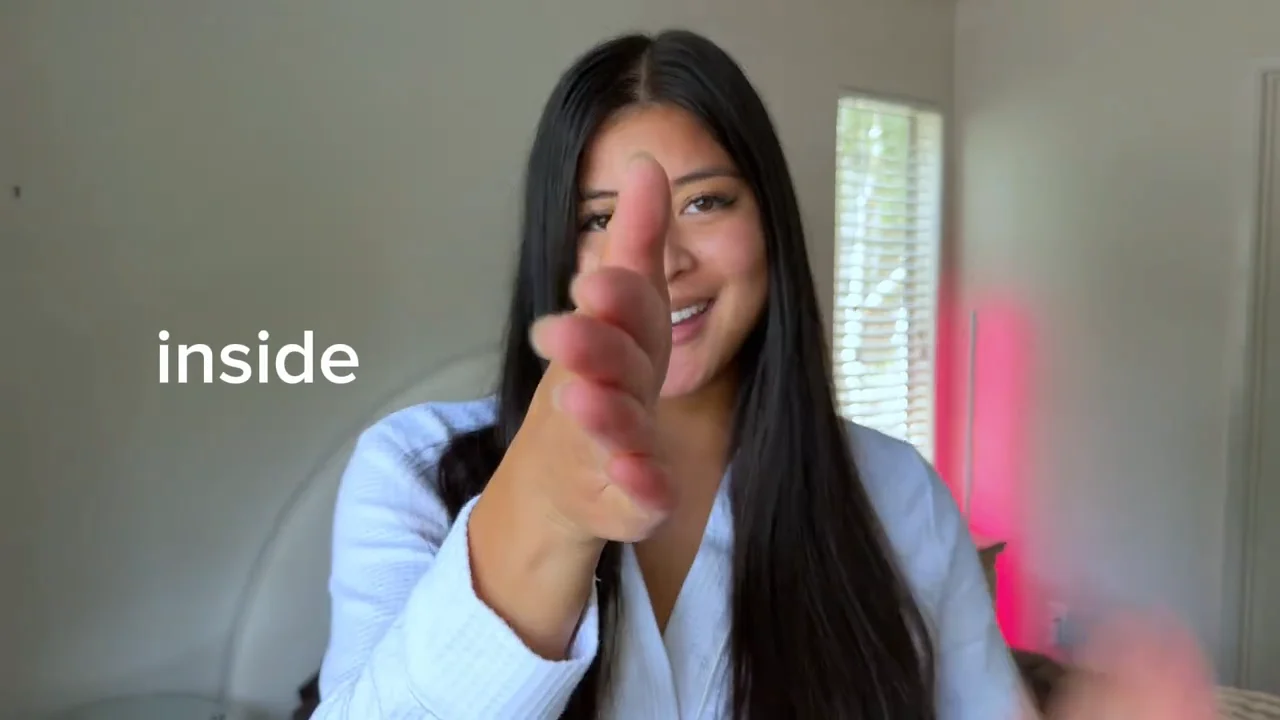
The same room and viewpoint make the change of styling easier to notice. Choose a simple, bright backdrop so your face, hair and clothes remain the focus.
A simple starting outfit gives the finished styling room to stand out. You do not need heavy makeup or lots of accessories in the opening photo.
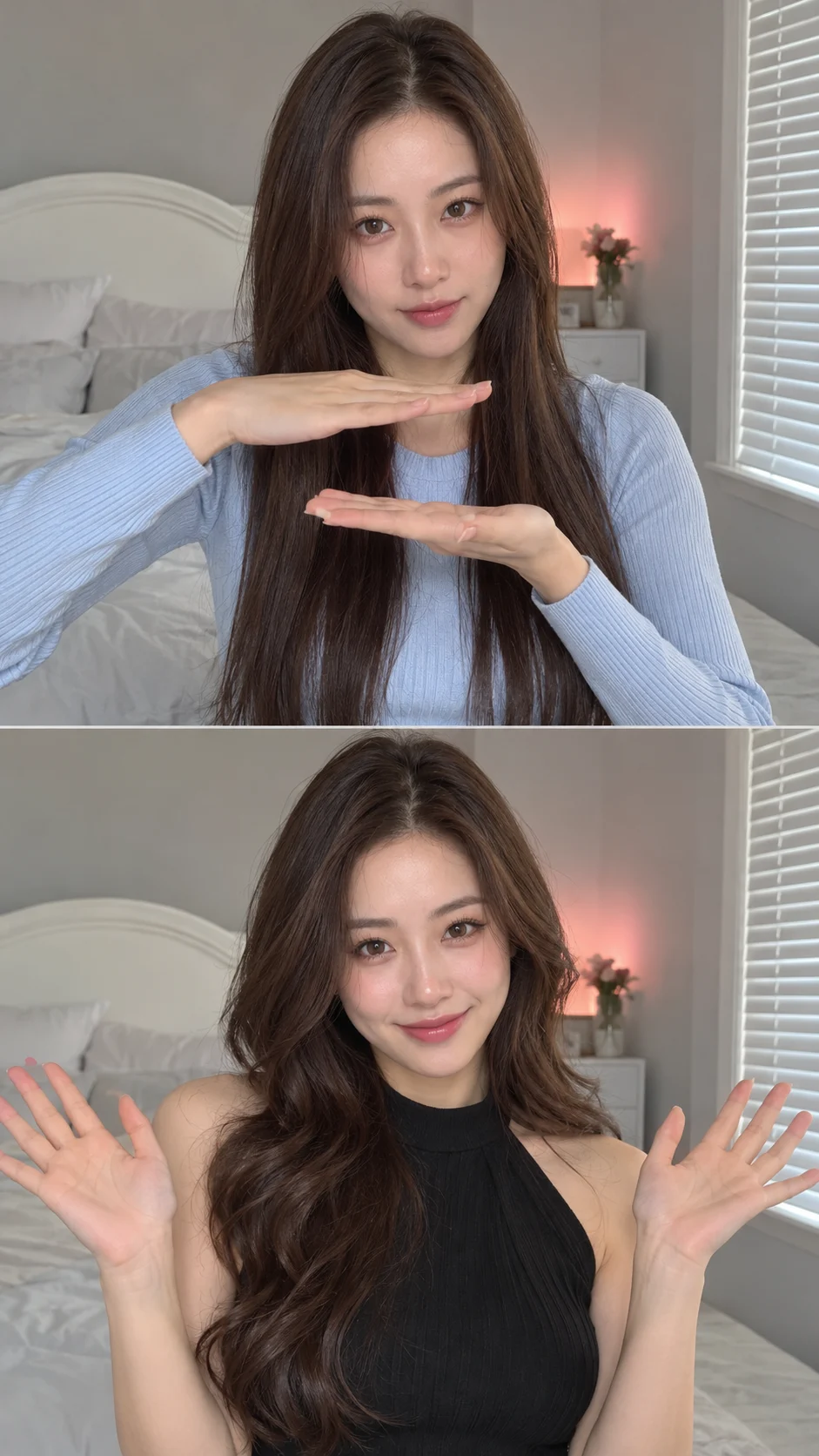
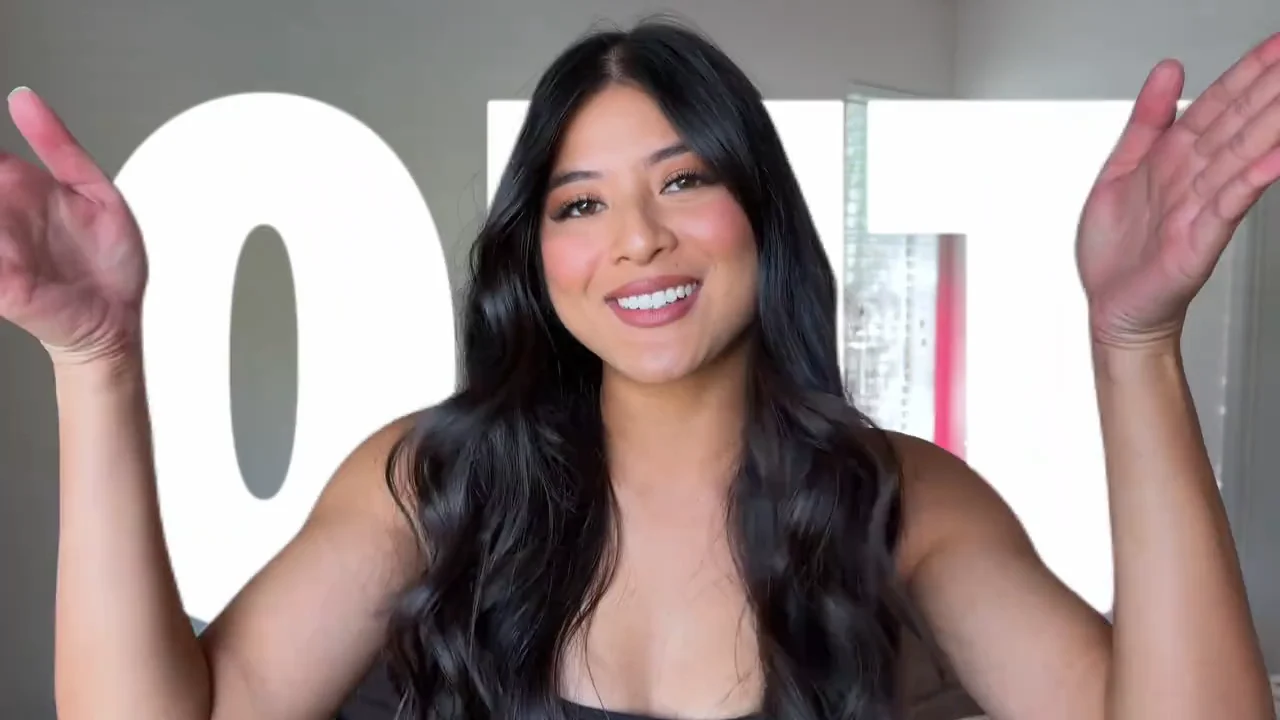
Bring waves, makeup and a dark top into the reveal together. Choose that classic combination or bring your own idea: a new hair color, different lipstick or a top you have wanted to try. Let the final smile and pose feel like you.
Moving from straight long hair to fuller waves, with more defined eyes, blush and lip color, gives the two looks a clear contrast. Use the style photo or notes to make your preferred change clear.
This trend uses a front-facing upper-body view, so necklines, sleeves and clothing colors stand out. It will not fully show the shape of a long dress or a pair of shoes.
The first photo guides identity throughout the makeover. Before downloading, check facial similarity, fingers and the transition to see whether the reveal works for you.
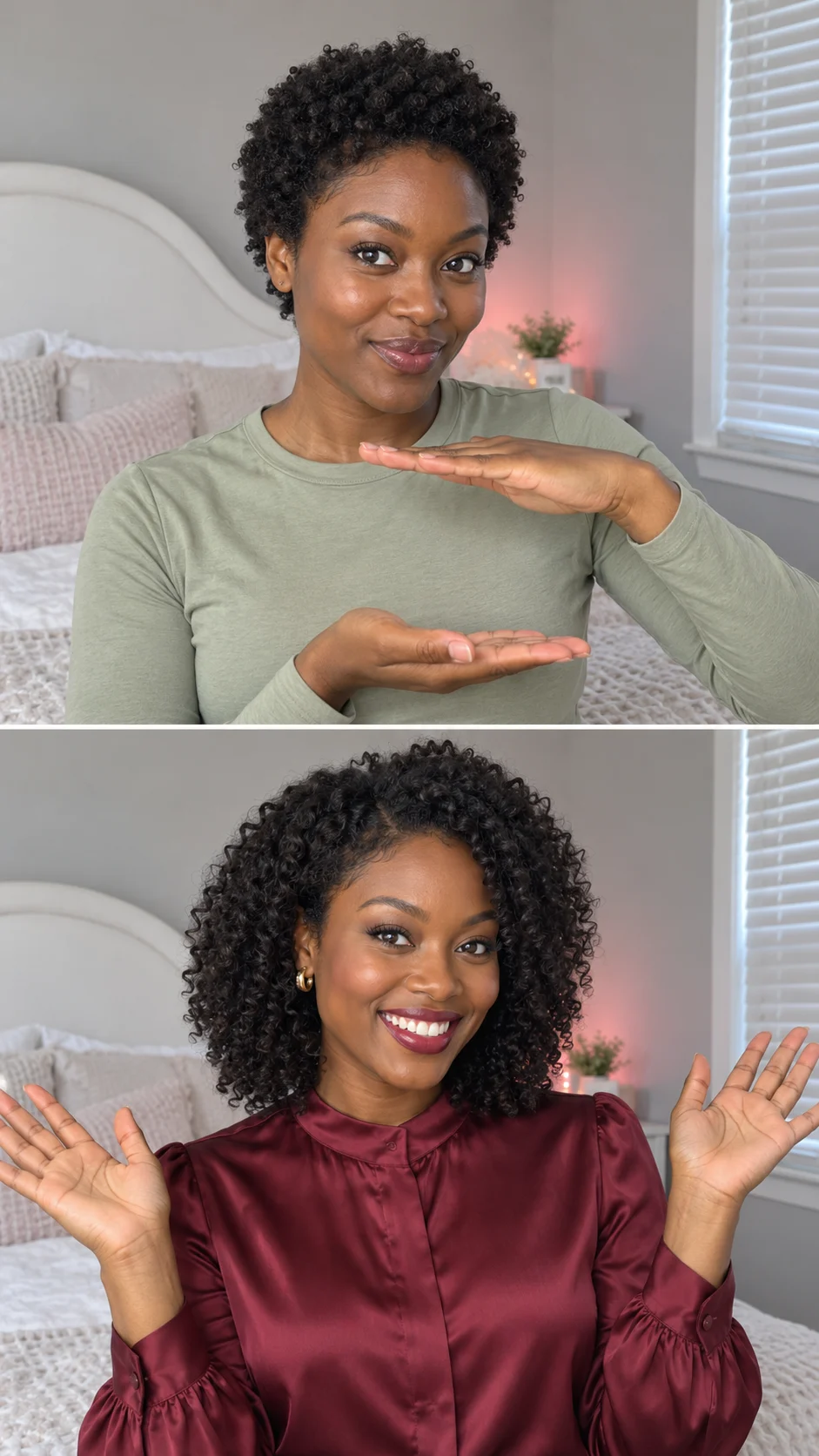
Upload one person facing forward or slightly to the side, with no hand, hair or phone covering key facial features.
Add a style photo of the same person or write a short note. Keep the default makeover if you have no specific styling in mind.
Review the estimate on the button before starting. Preview the hand gesture, makeover and music together, then download your video.
Yes. This page makes the hand-gesture makeover often paired with Diana Ross’s Upside Down: an everyday look, turning palms and a clap, followed by a styled reveal.
This page accepts a portrait and an optional style photo, not your own video. We supply the reference clip for the gestures and transition.
Yes. We add the reference clip’s soundtrack automatically, so you do not need to add it yourself. The music keeps its original tempo; check how the makeover lands on the beat before sharing.
This generator creates moving video. The static page images illustrate styling ideas; they are not a promise of an identical result.
Exact frame-by-frame matching is not guaranteed. Facial similarity, fingers, clothing details and transition timing can vary; a reference guides the result rather than ensuring a precise copy.
The default is Seedance 2.0 Mini at 720p. You can switch to compatible Seedance, Wan or MiniMax models and select an available resolution separately. MiniMax uses its own options, such as 768p. Videos stay 9 seconds and 9:16, with the reference soundtrack included. Credits update with the model and resolution, including the built-in reference video cost. Check the button estimate before submitting.
Choose your starting portrait, then decide which look you want to reveal when your hands open.