1
JPEG / PNG / WebP
Become the still center of STORM II Dance AI. Upload one photo for a 10-second landscape crowd sequence with the reference excerpt’s soundtrack.
Explore other ways to animate your photos.
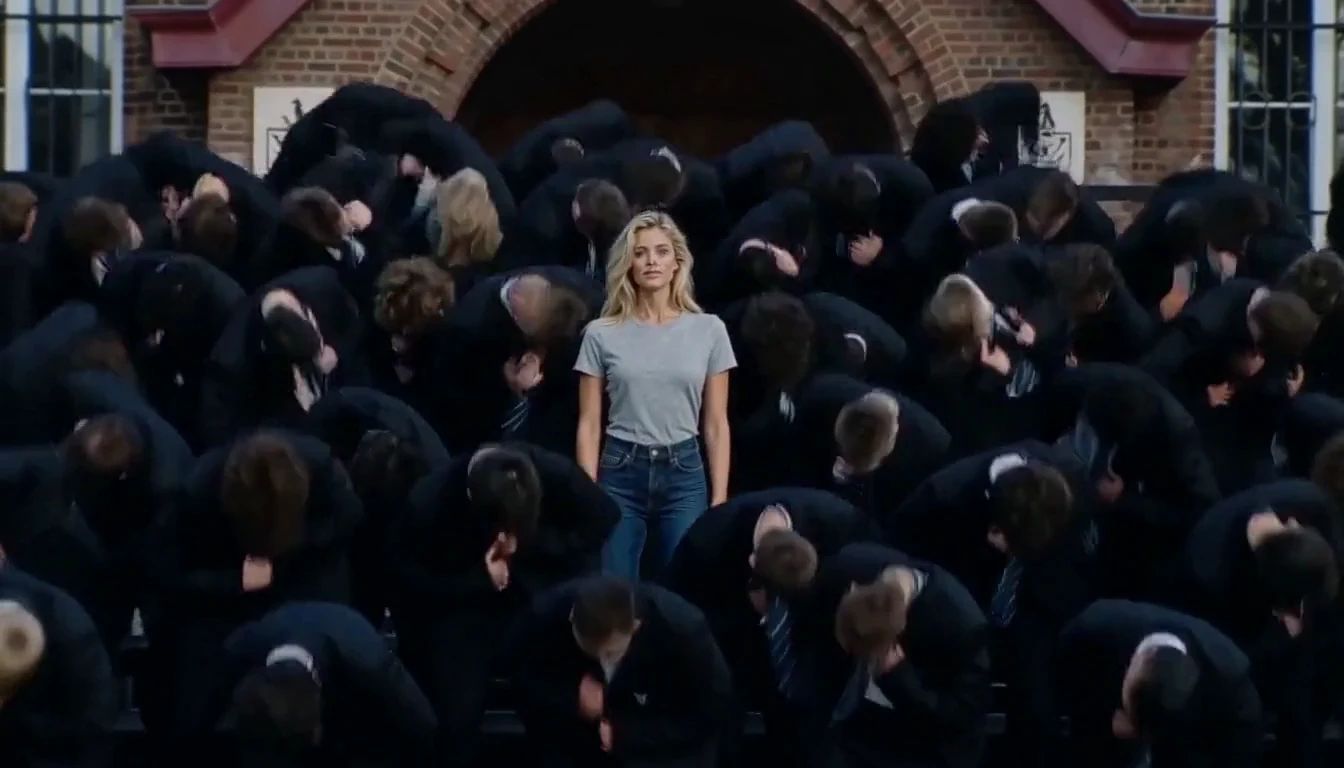
The appeal of STORM II is the contrast: one person looks straight ahead while a tightly packed crowd erupts around them. Bring your own face and style to that unsettling calm, with the bowing formation and widening view that make the scene recognizable.
JPEG / PNG / WebP
Choose the model and resolution in the generator. Default: MiniMax H3 768P.
The current estimate includes generation and reference-video processing.
Illustrations of possible looks; not generated-video test results.
The central person is the anchor of the scene. While heads and shoulders sweep around them, their upright posture keeps drawing your attention back. A clear photo gives your version a recognizable lead; avoid sunglasses or heavy filters if you want the face to read clearly.
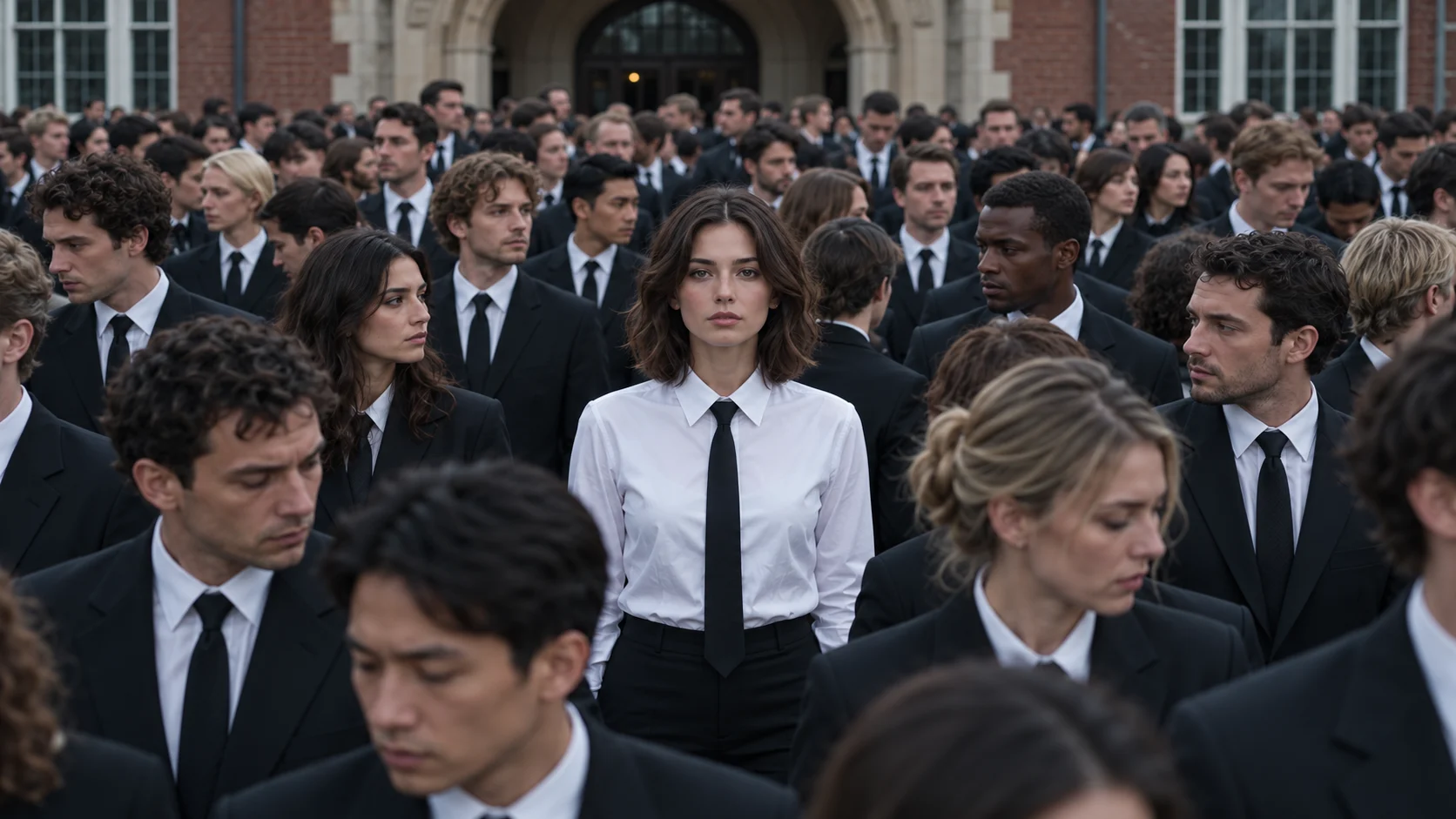
Repeated bows and sharp backward head accents create the tension around the still protagonist. Matching dark uniforms make the movement read as a single wave. Try a different shared outfit in your notes, keeping the lead distinct so the visual contrast remains clear.
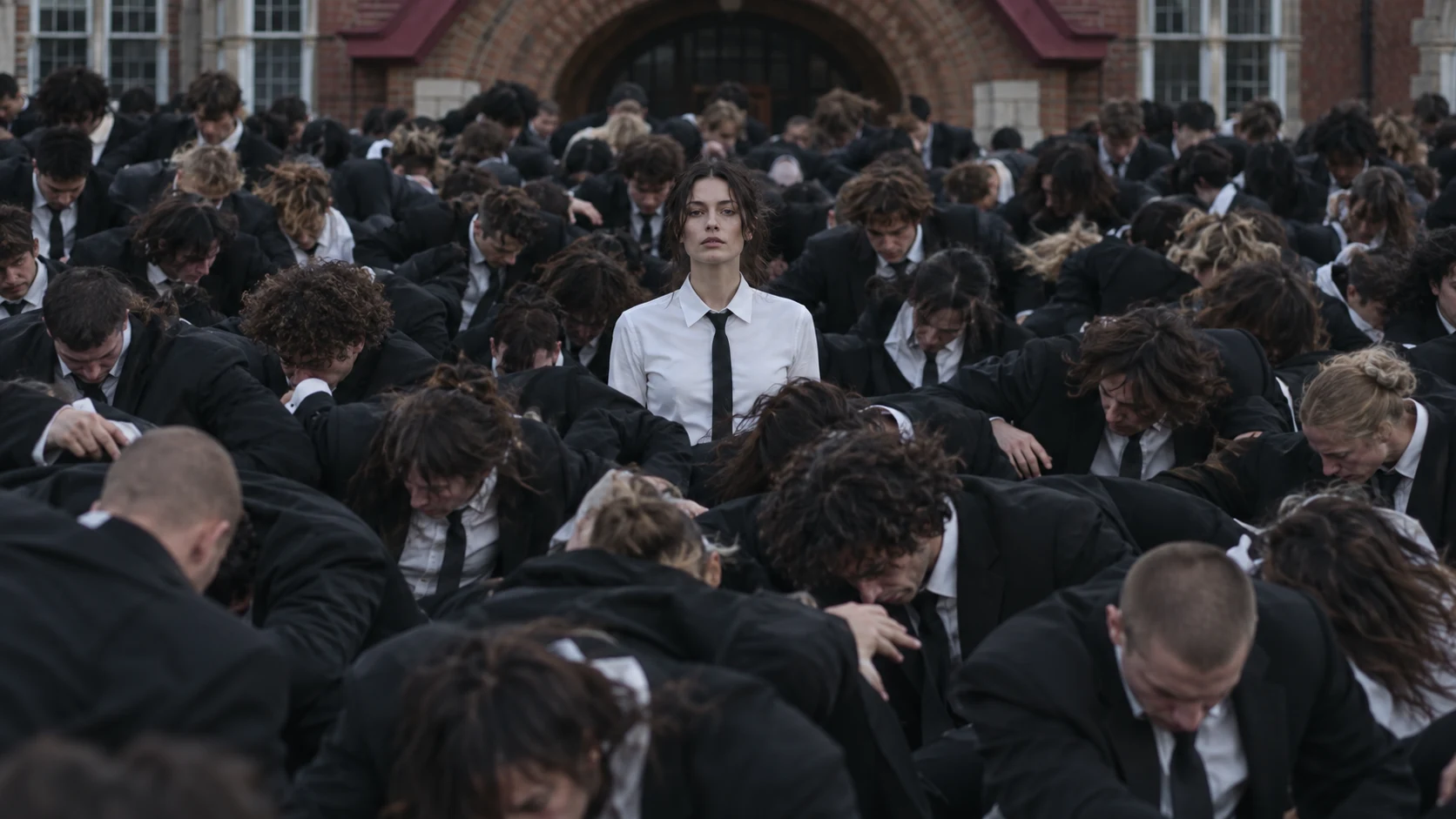
The pull-back exposes row after row of dancers in the brick courtyard. The effect comes from the formation growing around a person who hardly moves, rather than from a new location or a solo dance. Keep space around the protagonist when describing an alternative setting.
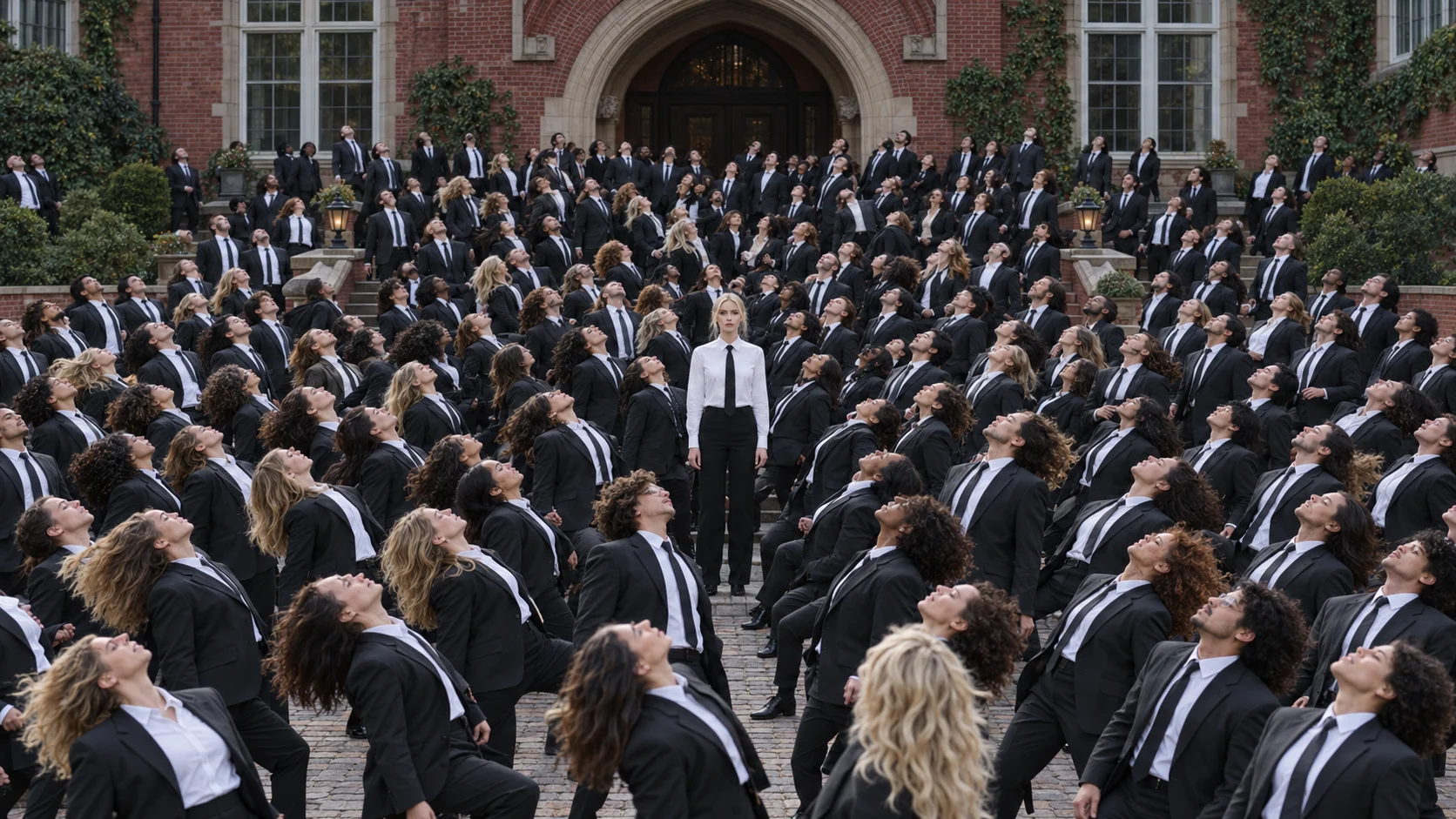
Use a clear JPEG, PNG or WebP photo of one adult.
Describe the lead’s outfit, crowd uniforms or setting, or keep your photo’s outfit and the reference’s dark-suited crowd in a brick courtyard.
Sign in, check the credits and create. Review the protagonist and the crowd’s timing before downloading.
The scene comes from GENER8ION’s STORM I & II, starring Yung Lean and directed by Romain Gavras. This page uses a 10-second excerpt of the closing crowd sequence as its visual and audio reference. It is an independent tool, not an official collaboration. The player shows a SceneFlare-generated example. The original clip is used separately as the generation reference.
The bow and snap-back is the moment people share. Generating just that part keeps the clip short and the timing clear within the 10-second output.
Yes. Use the optional field to describe a uniform look, such as hospital staff or long gothic robes, or another location. The crowd is always made of adults, and the protagonist’s look comes from your photo.
The output is a 10-second landscape video in 16:9. Choose the model and resolution in the generator; the default is MiniMax H3 at 768P. Duration, aspect ratio and the added soundtrack stay the same for every model.
The finished file uses audio from the same 10-second reference excerpt at its original speed. We request silent output where supported and replace model audio during assembly. Generated movements can vary; review the crowd accents against the soundtrack before sharing.
Credits depend on the model and resolution you choose and include generation plus processing of the page’s 10-second reference clip. The button shows the current estimate; check it before submitting.
Choose your photo, model and resolution, then make the scene your own.