Cat or person
The uploaded photos guide the subjects’ appearance. No category selection is needed. Use clear photos with one subject per image.
Create a Smalltown Boy AI video with your cat, pet or portrait photos. Choose who screams first and who dances first, then make a 14-second vertical clip.
Explore other video models for your next project.
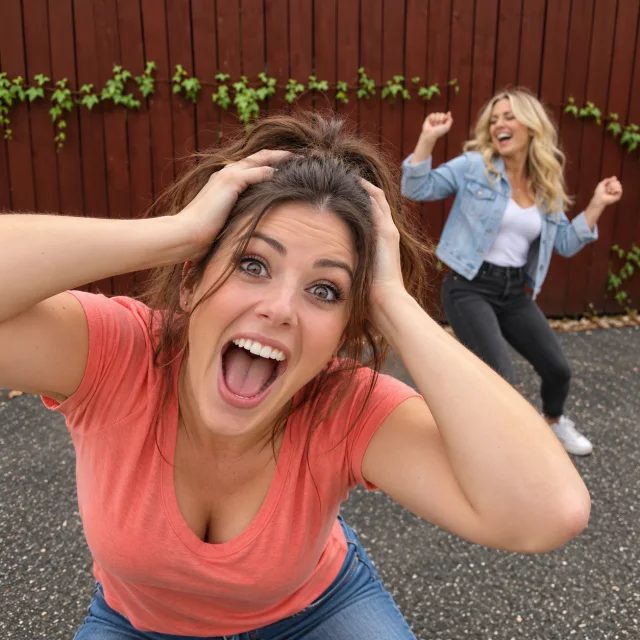
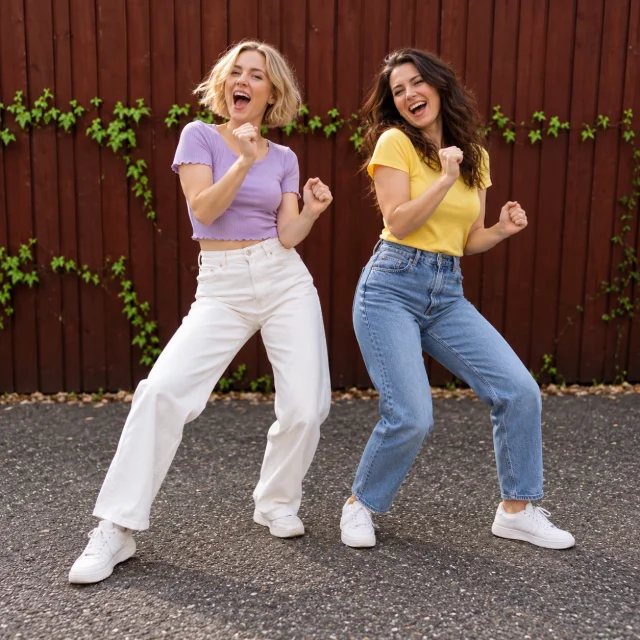
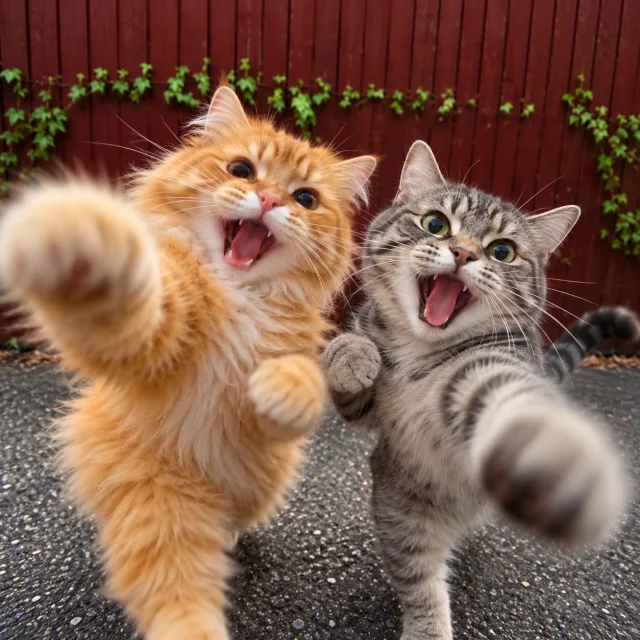
Upload a pet or person and create a vertical Smalltown Boy video: a head-clutching scream in front, a dancer behind, then a shared dance and a rush toward the camera.
The uploaded photos guide the subjects’ appearance. No category selection is needed. Use clear photos with one subject per image.
720p vertical output, ready to download and edit for Reels, Shorts or TikTok.
The finished video includes the reference clip’s soundtrack. The video duration is adjusted to match the soundtrack.
Upload the subjects, arrange the two roles and add instructions if you want.
The subject in the first slot starts by screaming while the subject in the second dances. Swap the photos to switch roles, or use one photo for both.
The uploaded photos guide the subjects’ appearance. No category selection is needed. Use clear photos with one subject per image.
The generation button shows the current credit estimate, including the reference video. Sign in and confirm the amount before generating.
Use one photo for both roles or combine two subjects. The default sequence is ready; extra instructions are optional.
Assign the opening scream and dance to different subjects, or use one photo for both. Swap the slots before generating to change the opening order.
A clear photo helps guide the subject’s face, hair or fur and distinctive features.
Leave the second slot empty, or use the same photo for the scream and the dance.
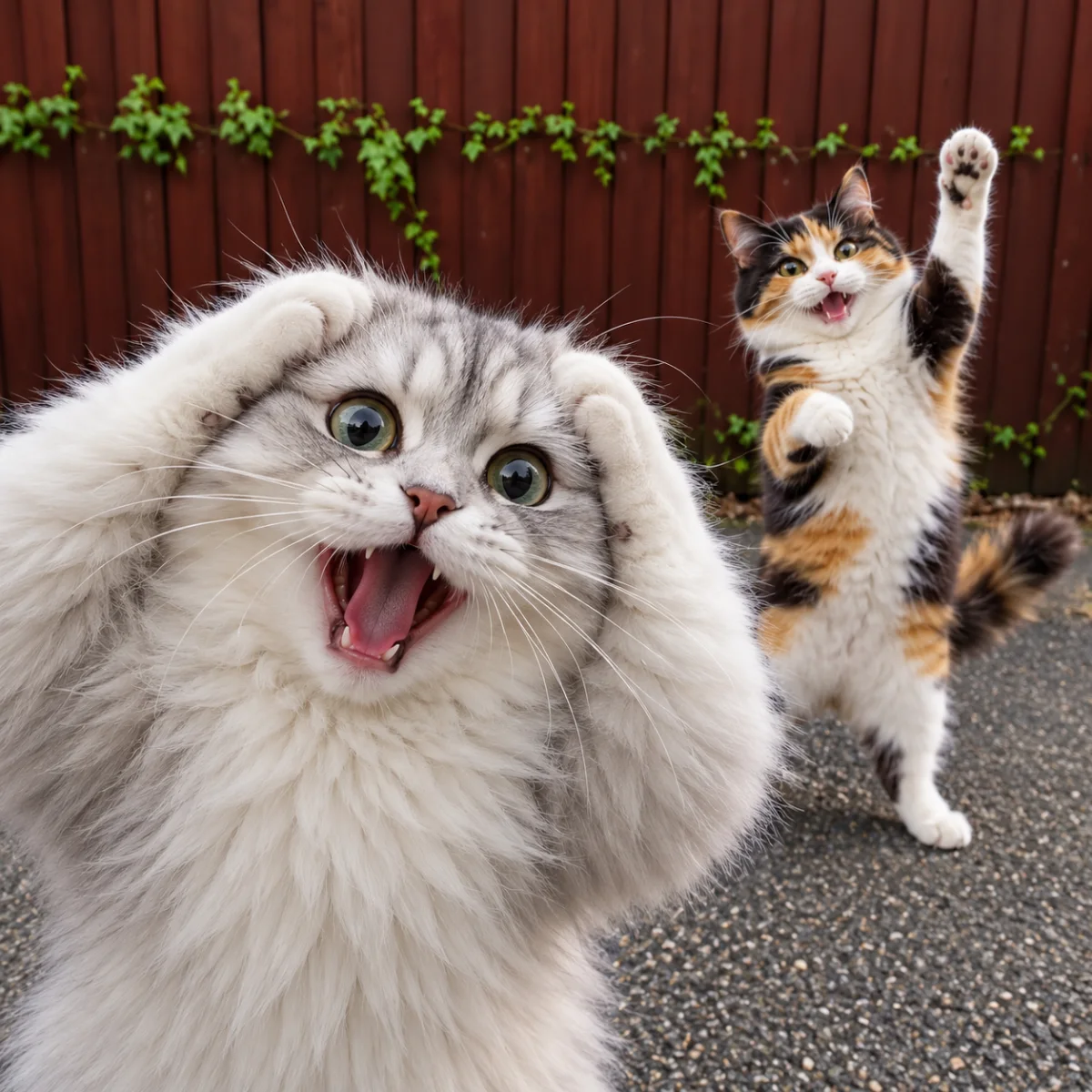
Describe the setting, expressions, movement or visual style you want. The uploaded photos remain the subject references. Review appearance and movement before sharing.
The uploaded photos guide the subjects’ appearance. No category selection is needed. Use clear photos with one subject per image.
Additional instructions are optional. Upload your photos and generate without writing anything.
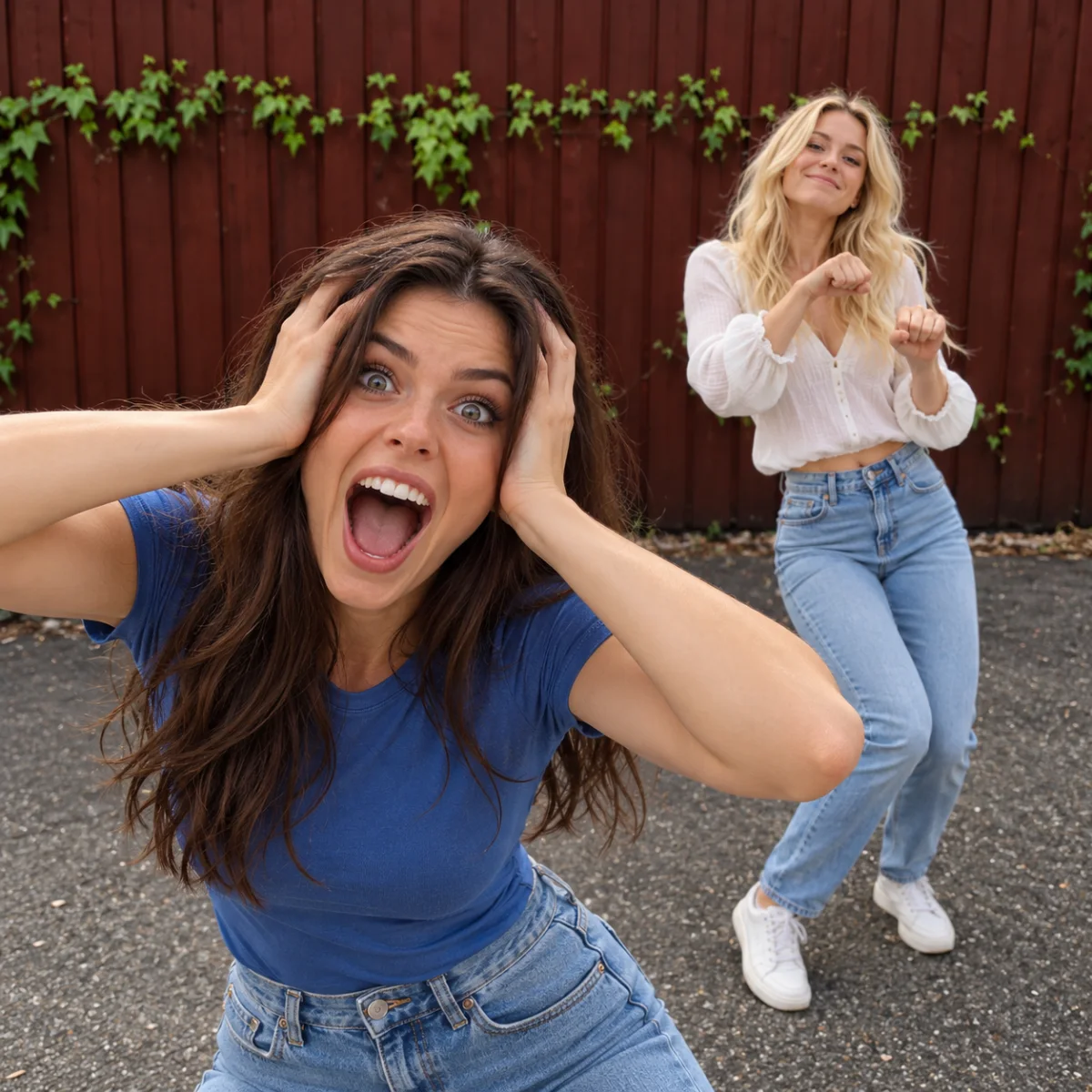
Upload the photos for the opening scream and dance. Swap their order or use one photo for both roles.
Additional instructions are optional. Upload your photos and generate without writing anything.
Check the credit estimate, then generate. Review the faces, movement and sound before downloading and sharing.
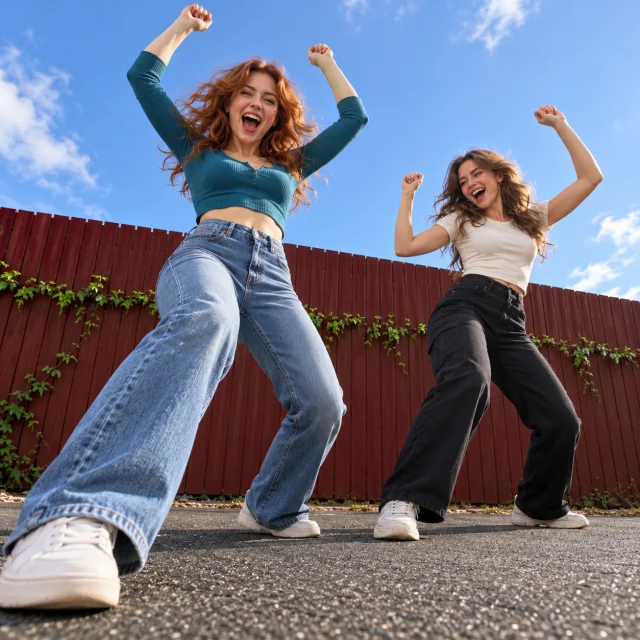
A photo-based scream-and-dance video. The sequence combines a foreground scream, a side-by-side dance, a low-angle shot and a final rush toward the camera.
Yes. Use the same photo in both slots, or leave one slot empty and that photo plays both roles.
Additional instructions are optional. Upload your photos and generate without writing anything.
The finished clip includes the reference soundtrack and lasts about 14 seconds.
This page uses Seedance 2.0 Mini at 720p in 9:16. The final clip is aligned to the soundtrack and lasts about 14 seconds.
The generation button shows the current credit estimate, including the reference video. Sign in and confirm the amount before generating.
Upload your photos. The scream, shared dance and rush toward the camera are already arranged.