1
JPEG / PNG / WebP
Turn your photo into a Ramalama costume walk: footsteps first, then a playful outfit reveal. Make a 12-second vertical clip with the reference soundtrack.
Explore other ways to animate your photos.
Ramalama turns an ordinary walk into a reveal. For a few seconds, the shoes and the beat hold your attention; then the camera rises and the person behind the look takes over. Bring your own style, or describe the costume you want to wear.
JPEG / PNG / WebP
Choose the model and resolution in the generator. Default: H3 Max 768p.
The current estimate includes generation and reference-video processing.
Illustrations of possible looks; not generated-video test results.
Before the face appears, the walk already has a personality. Heavy boots, smart shoes or a flowing hem change the feel of the same entrance. Choose a photo that shows your footwear if you want to keep it, or describe a new outfit. Your costume can be theatrical without needing a whole new story.
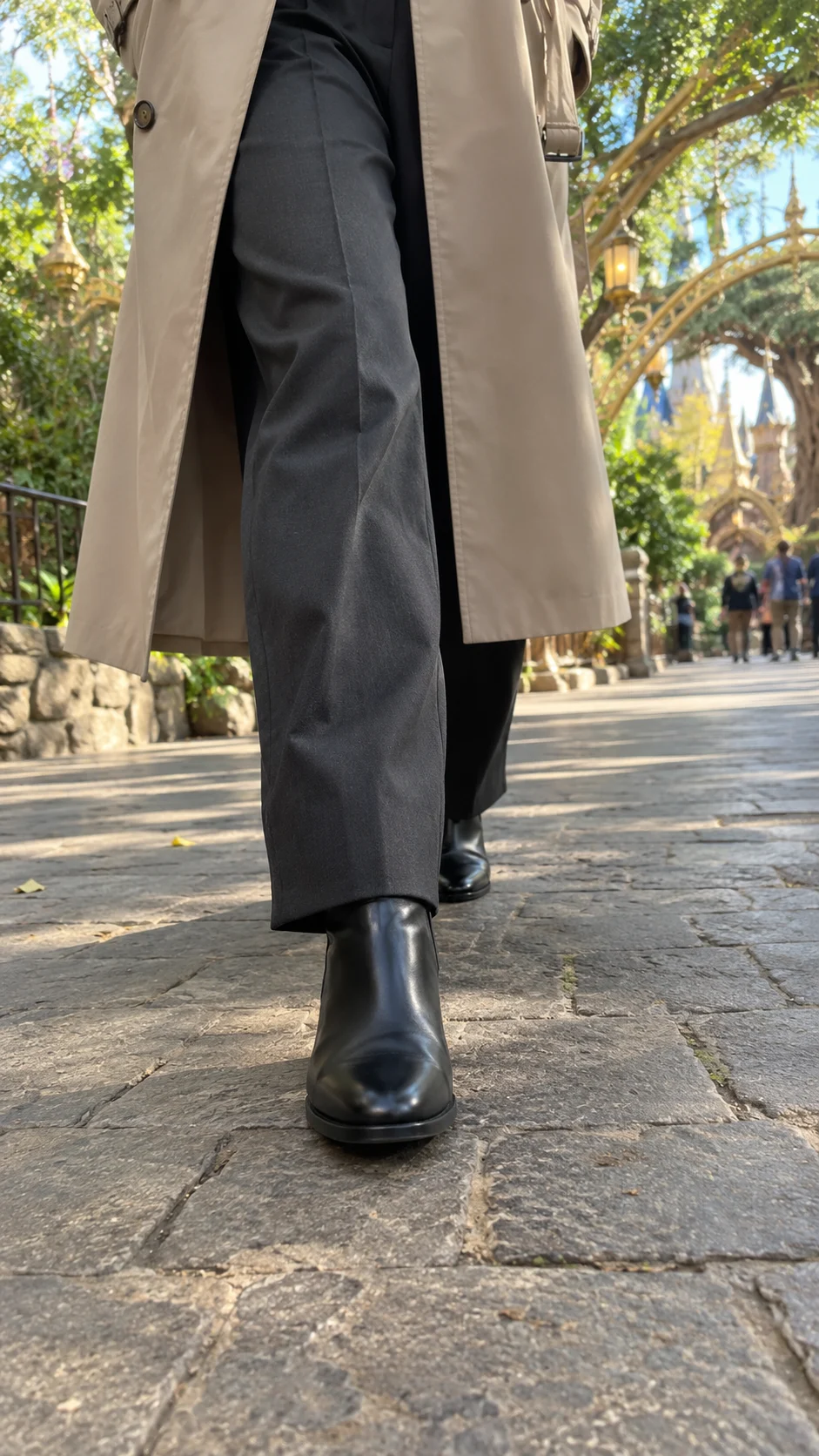
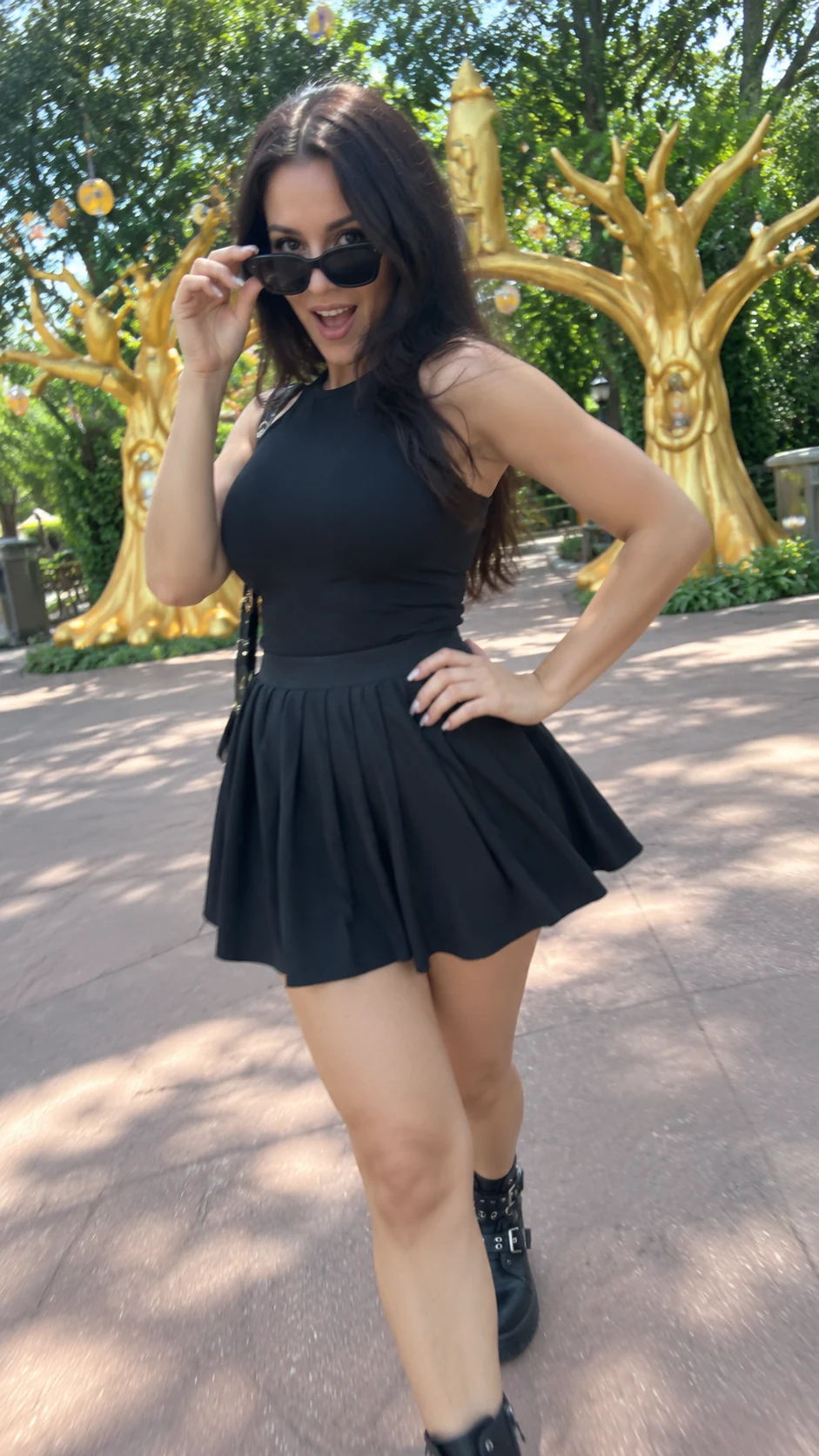
The sudden change from legs to face makes this more than an outfit video. Our selected reference moves from a close view of the steps to a playful pose in daylight, with a golden tree arch behind the walker. The glance, hand gesture and little turn give the reveal its attitude; it does not need a night street or a runway.
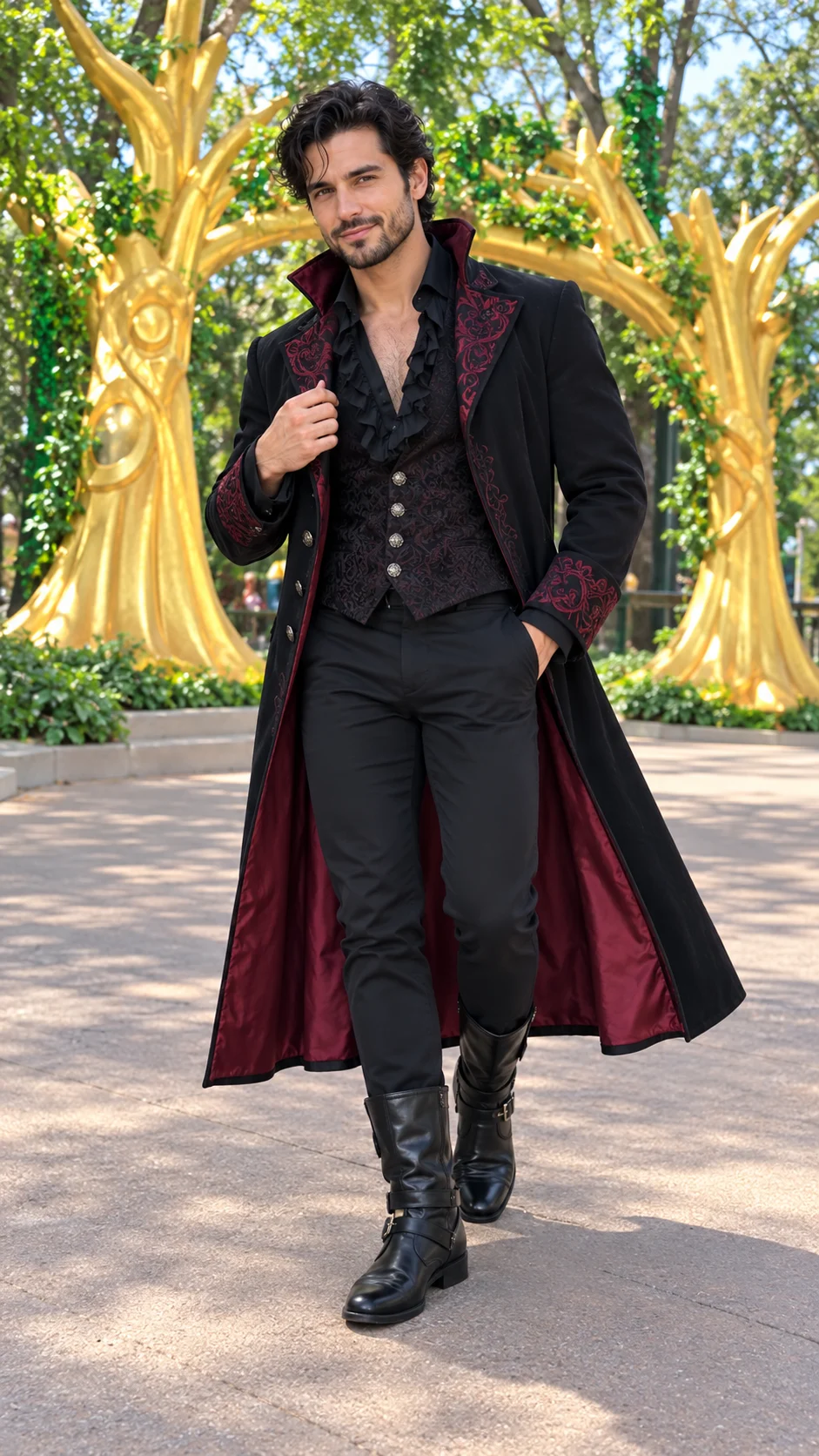
Try a vampire coat, a witch-inspired dress or the clothes you already love. A short note can change the outfit or location while the walk keeps its rhythm. Only one lead is customized on this page. A clear photo and one coherent outfit are more useful than several competing costume ideas.
Use a clear JPEG, PNG or WebP photo of one adult, ideally full-body.
Describe an outfit or place, or leave blank for your photo’s outfit on the daylight theme-park path.
Sign in, check the credits and create. Review the face, hands and shoes before downloading.
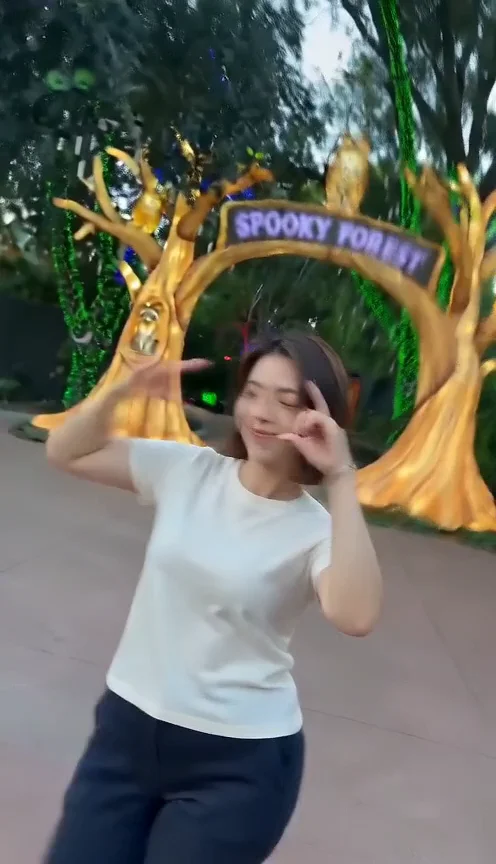
Ramalama is the costume-walk trend associated with Róisín Murphy’s “Ramalama (Bang Bang)”. This preset uses a 12-second excerpt of a daylight solo walk, rehosted by RamalamaAI.com and attributed to @yoyavazquez_. It is a reference clip, not a SceneFlare-generated result or an official partnership. The player shows a SceneFlare-generated example. The original clip is used separately as the generation reference.
No. Upload one photo; the reference clip supplies the walk, upward tilt and pose. Optional notes change the outfit or location. We process the reference alongside your photo.
The output is a 12-second vertical video in 9:16. Choose the model and resolution in the generator; the default is H3 Max at 768p. Duration, aspect ratio and the added soundtrack stay the same for every model.
The final download uses the audio from the same reference excerpt at its original speed. Models that support disabling audio are requested to generate silently; any model-generated audio is excluded when the reference track is attached. Movement may still vary, so review the reveal against the beat.
The reference tilts up around 6–7 seconds. Generated timing, steps and hand positions can vary, so watch the full clip before sharing.
Credits depend on the model and resolution you choose and include generation plus processing of the page’s 12-second reference clip. The button shows the current estimate; check it before submitting.
Upload your photo, choose your model and resolution, and give the walk your own look.