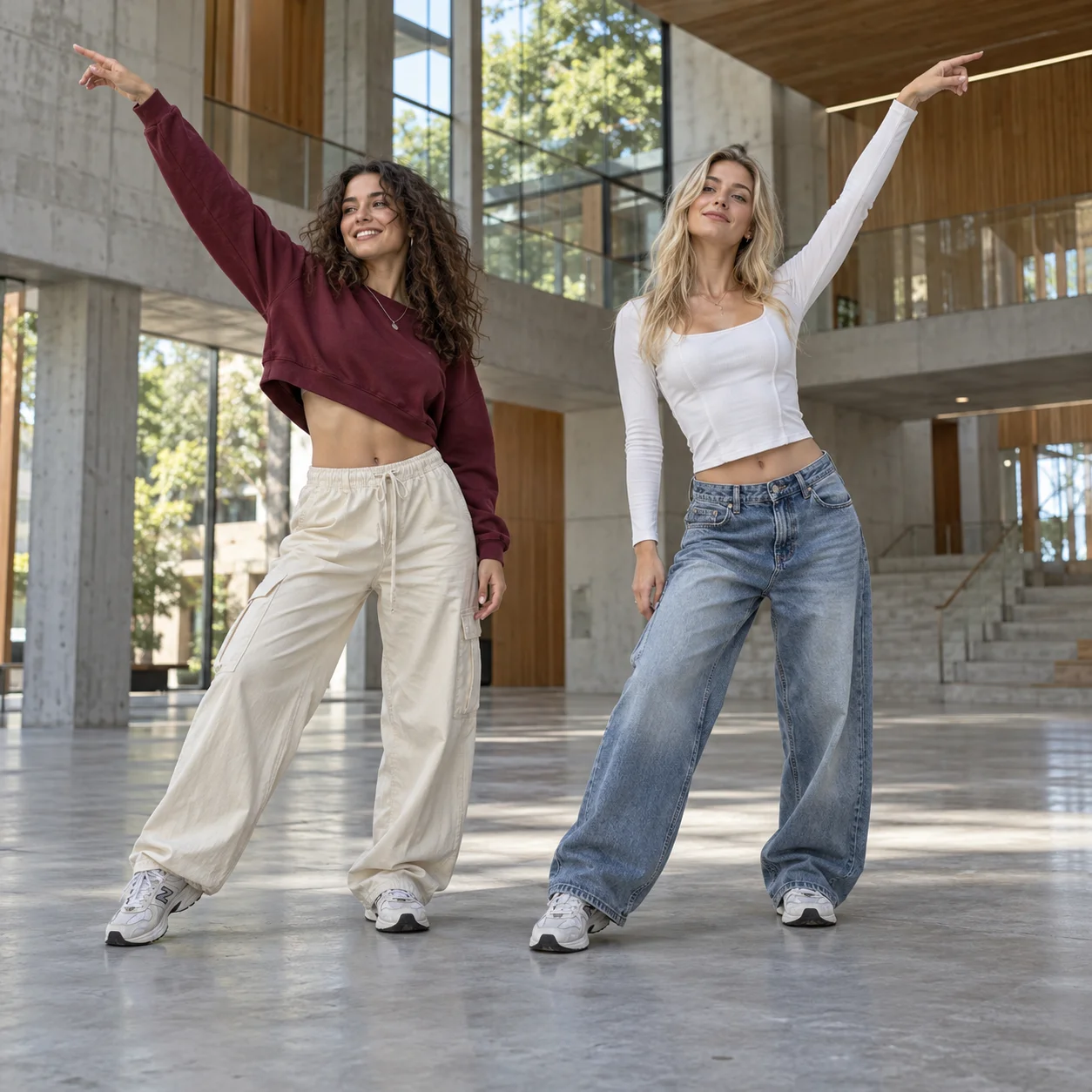
Two dancers
JPEG / PNG / WebP
Make a 15-second NEON Dance AI video from your photos. Add two dancers, or use one photo for both, and create a vertical duo performance with sound.
Explore models for your next video.
Bring your duo into the A2O LITE NEON dance trend. Start with separate photos and create a new scene and performance using built-in movement descriptions: sweeping arms, turns, lifted legs and a low finishing pose.
JPEG / PNG / WebP
9:16 · Seedance 2.0 Mini
Assign a photo to each starting position. Swap them before generating, or use the same photo in both slots.
The dance sequence and camera direction are built in. You do not need to write a full video prompt.
Use optional notes for clothing, mood or setting. Leave them blank to keep the modern atrium scene.
Choose your pairing, start with the choreography in place, and shape the look through outfits, lighting and setting.
You and a friend do not need a photo together or a dance recording from the same location. NEON Dance AI uses each uploaded subject to create a new duo scene. The photos guide faces, hair and clothing, while the left and right slots assign the opening positions. You can decide how the pair enters the performance before generating.
Bring two different subjects together, or use one photo to create two versions of the same subject. Swap the opening positions with one button.
Use one clearly visible subject per photo. Full-body or knees-up framing adds outfit and proportion details; AI fills in anything outside the image.
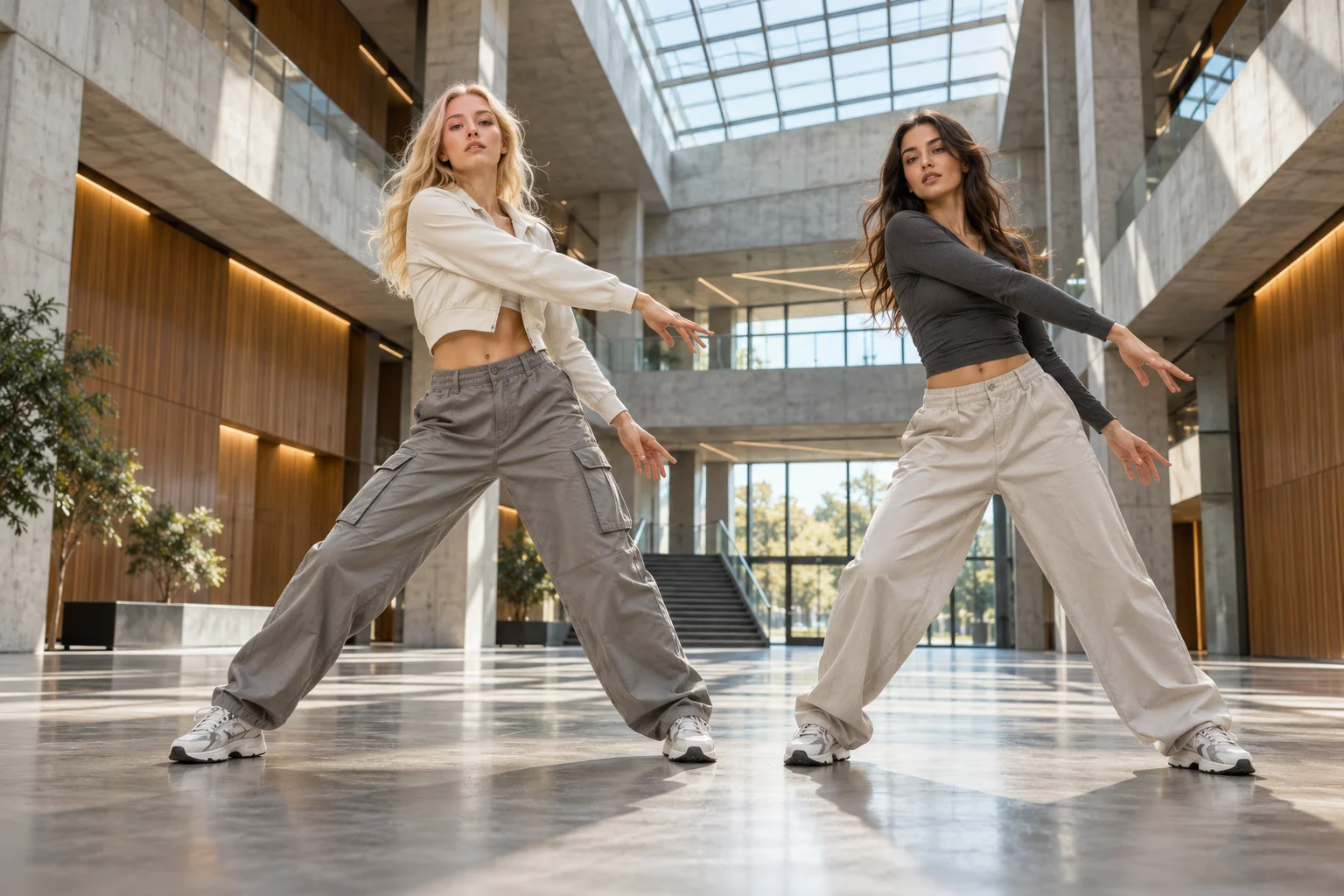
The appeal goes beyond two dancers moving at once: arm sweeps lead into turns, raised legs and changes in body height. Built-in movement descriptions guide the sequence and pacing, while your photos guide each subject’s appearance. A new atrium scene and a low frontal camera give both dancers room to move. The routine is inspired by NEON, with steps that can vary between generations.
The opening groove, mid-routine turn and leg lift, and closing pose are already in the instructions. You do not have to write a second-by-second dance or camera plan.
Both dancers follow the same written routine. Check their appearance through turns, hand and foot movement, and spacing in the result. Timing and movements can still vary.
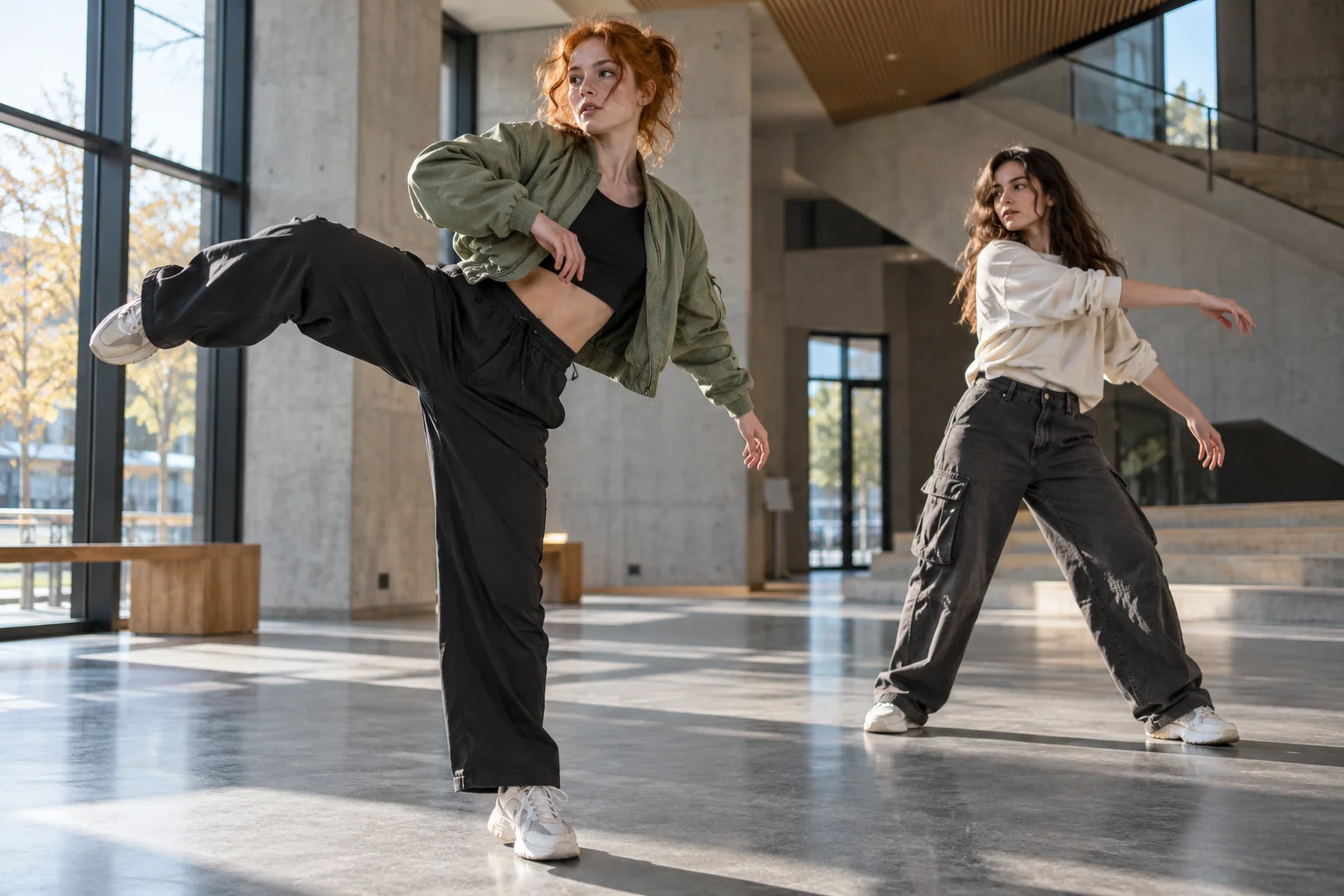
Ask for coordinated streetwear, contrasting outfit colors or warmer light in the atrium using the additional description. The built-in direction already covers the scene and camera, so you can leave this field empty. When you have a particular look in mind, describe only what you want to change, keeping the NEON duo concept while shaping the overall mood.
Describe clothing, lighting or surroundings—for example, “Keep the outfits from the photos, with warm evening light.” Specific, compatible requests make your intention clearer.
The preset delivers 15 seconds at 720p in 9:16, with sound. Play and download it, or add captions and a cover in your editor. The credit estimate is shown before generation.
Upload JPEG, PNG or WebP photos in the left and right slots. Use the duplicate button if you want one subject to play both roles.
Describe the styling or setting you want to change. The dance direction is already included.
Sign in, check the displayed credits and generate. Play the finished video, then download it.
A new duo dance video inspired by A2O LITE NEON. Your photos guide the subjects, and built-in text instructions describe the movements, timing and framing. No reference video is sent for generation.
No. Use a separate photo for each slot. You can also upload one photo and use it for both dancers.
You can upload pet photos without choosing a separate mode. The prompt keeps the animal’s appearance while requesting an upright dance. Complex turns and paws may need another attempt.
No. This page uses Seedance 2.0 Mini with built-in dance instructions. Additional description is optional.
The preset is 15 seconds, 720p and vertical 9:16, with sound added after generation. Credits are calculated from the output resolution and duration. Check the estimate beside the generate button before submitting.
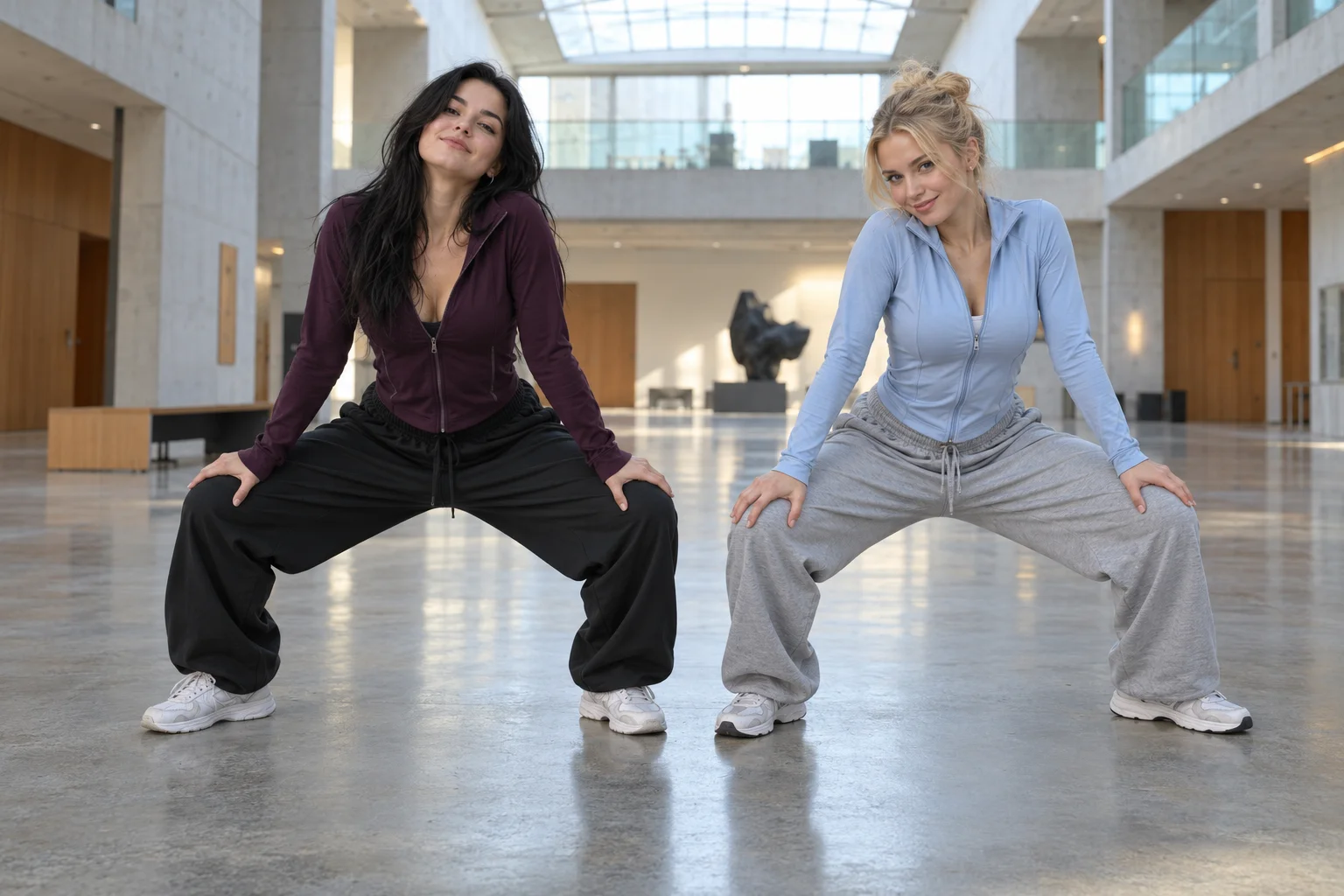
Exact identity and choreography are not guaranteed. Use sharp photos with unobstructed subjects, then review both dancers throughout turns, leg lifts and the final squat.
Choose who dances together and bring your photos into the routine.