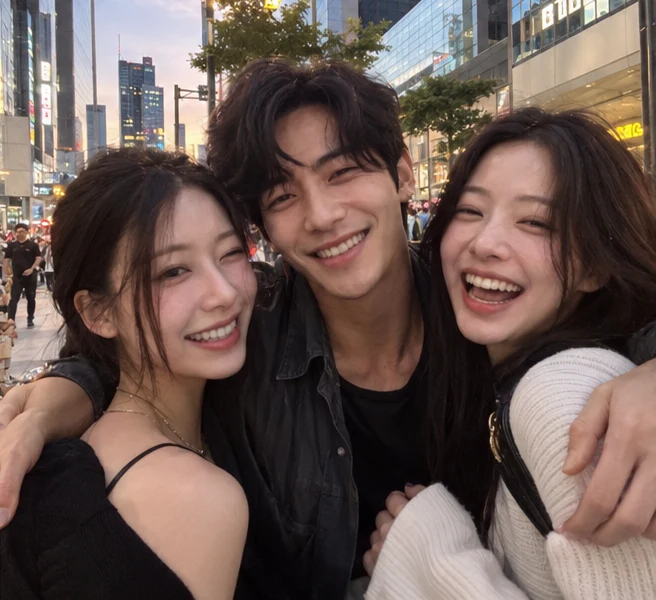
3
JPEG / PNG / WebP
Upload three photos for the Gangnam Style trio selfie: each friend gets a turn at the camera. Create a 15-second landscape video with the reference clip’s audio.
Explore other ways to animate your photos.
Gangnam Style AI Dance uses your three photos and the built-in reference video with MiniMax H3 Max. Photos guide appearance; the video guides positions, solo shots, movement and camera timing. The original soundtrack is added afterward.
JPEG / PNG / WebP
16:9 · MiniMax H3 Max
The estimate includes output duration, reference-video processing and applicable image-input charges.
Photo 1 is the center person, photo 2 the person on the left and photo 3 the person on the right in the opening shot.
The trio opens together.
Close selfie framing highlights all three friends while showing your chosen background. Describe a beach, café or another location and its lighting. Avoid sunglasses, heavy filters and group photos; check faces and hair during camera transitions in the result.
Positions refer to the opening group shot. Upload one clear person in each slot; the camera later moves between them.
Photo 1 is the center person, photo 2 the person on the left and photo 3 the person on the right in the opening shot. Use separate, clear portraits with visible eyes and hair. These roles stay assigned as the camera moves; they do not change with each person’s position on screen.
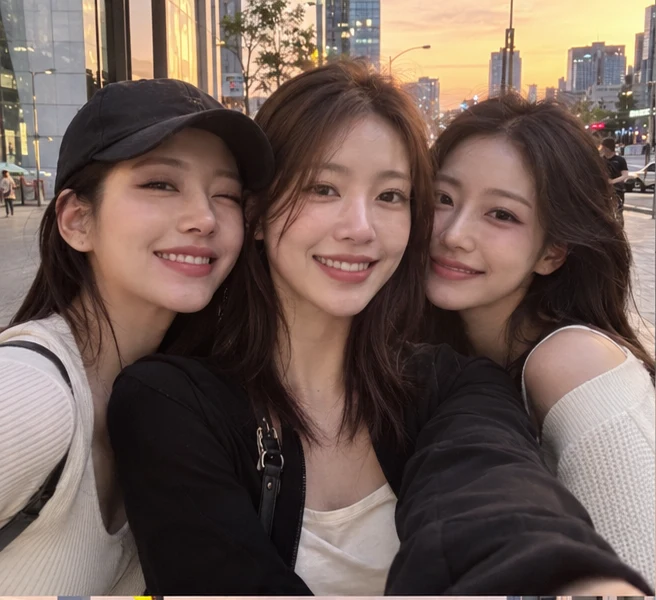
The trio opens together. The center friend leads, the camera swings to the opening right friend, then to the opening left friend, before returning to the center. Small shoulder movements, face-level gestures and the hands-on-head moment matter more than large footwork. The close framing is part of the effect.
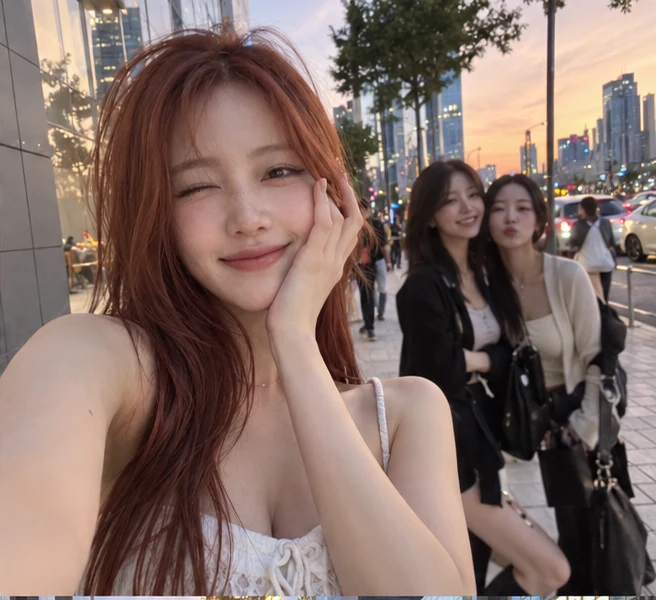
Close selfie framing highlights all three friends while showing your chosen background. Describe a beach, café or another location and its lighting. Avoid sunglasses, heavy filters and group photos; check faces and hair during camera transitions in the result.
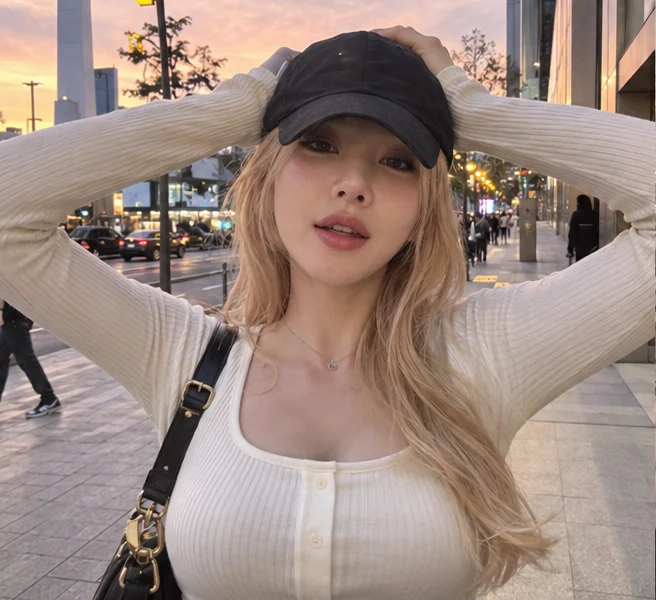
Use one clear JPEG, PNG or WebP photo in each position.
Describe a location and lighting if you want to change the scene. Leave blank to follow the reference video’s setting; cast assignments and dance direction are built in.
Sign in, check the credits and create. Review faces, hands and movement before downloading.
No. This page follows the three-friend street-selfie performance shown in the reference, with rotating close-ups and small gestures. It is not a full-body recreation of the classic choreography.
Upload three photos and optionally describe the scene. The built-in video reference is attached automatically; you do not need to upload a video. The original soundtrack is added after generation.
MiniMax H3 Max generates a 15-second landscape video using the 768p tier and a 16:9 request.
The audio from the reference clip shown here is added to the finished video at its original speed and pitch. It is not a newly generated performance of the song.
Photos guide identity and the reference video guides movement and framing. Faces, hands, solo framing and timing may still vary. Exact beat and lip synchronization are not guaranteed; review the full result.
The estimate includes output duration, reference-video processing and applicable image-input charges.
Upload three photos for the Gangnam Style trio selfie: each friend gets a turn at the camera. Create a 15-second landscape video with the reference clip’s audio.