One photo
JPEG, PNG or WebP
Create a 15-second flying car AI video from one photo. Use a built-in ramp reference, editable prompts, a choice of models and optional sound effects.
Explore models for your next motion-driven video.
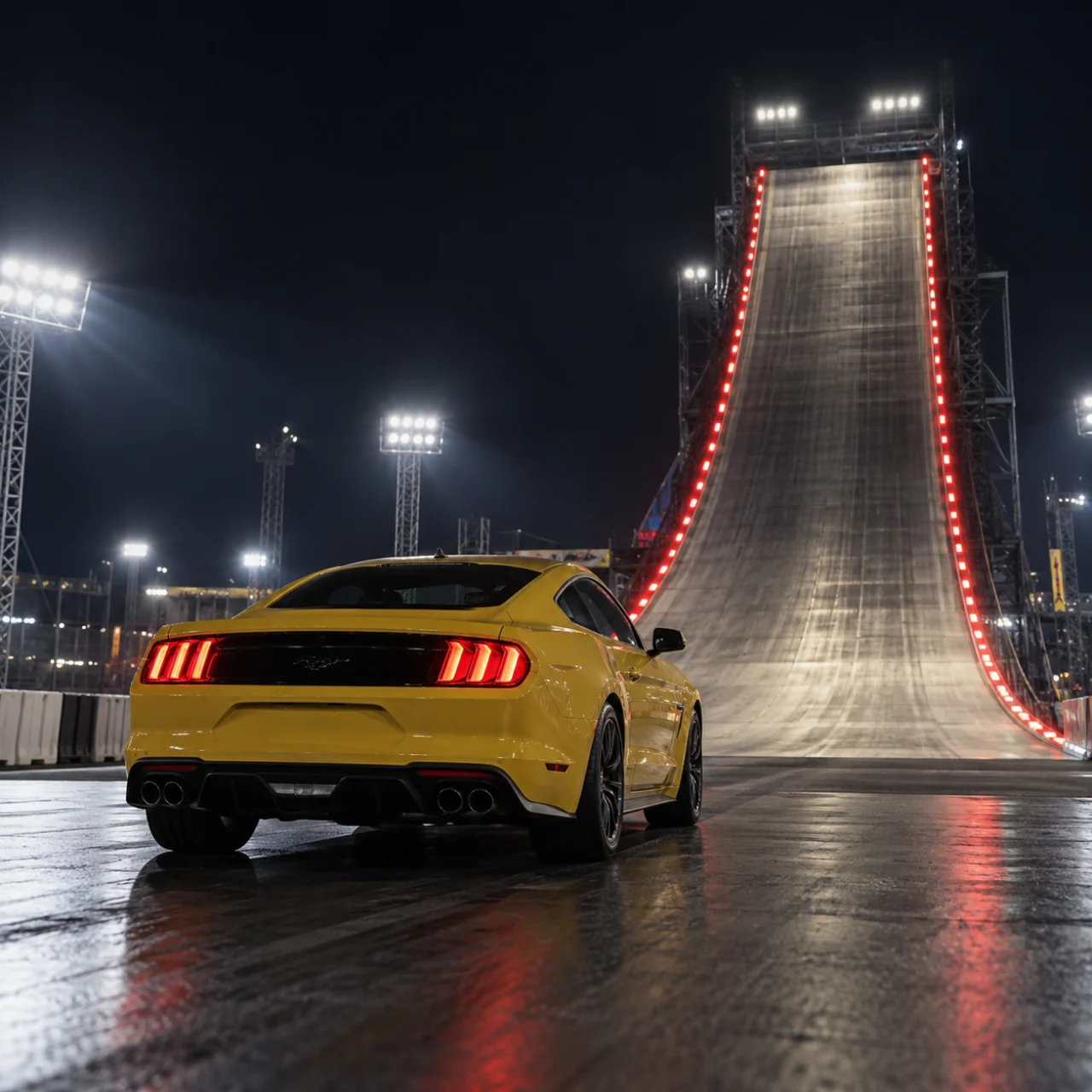
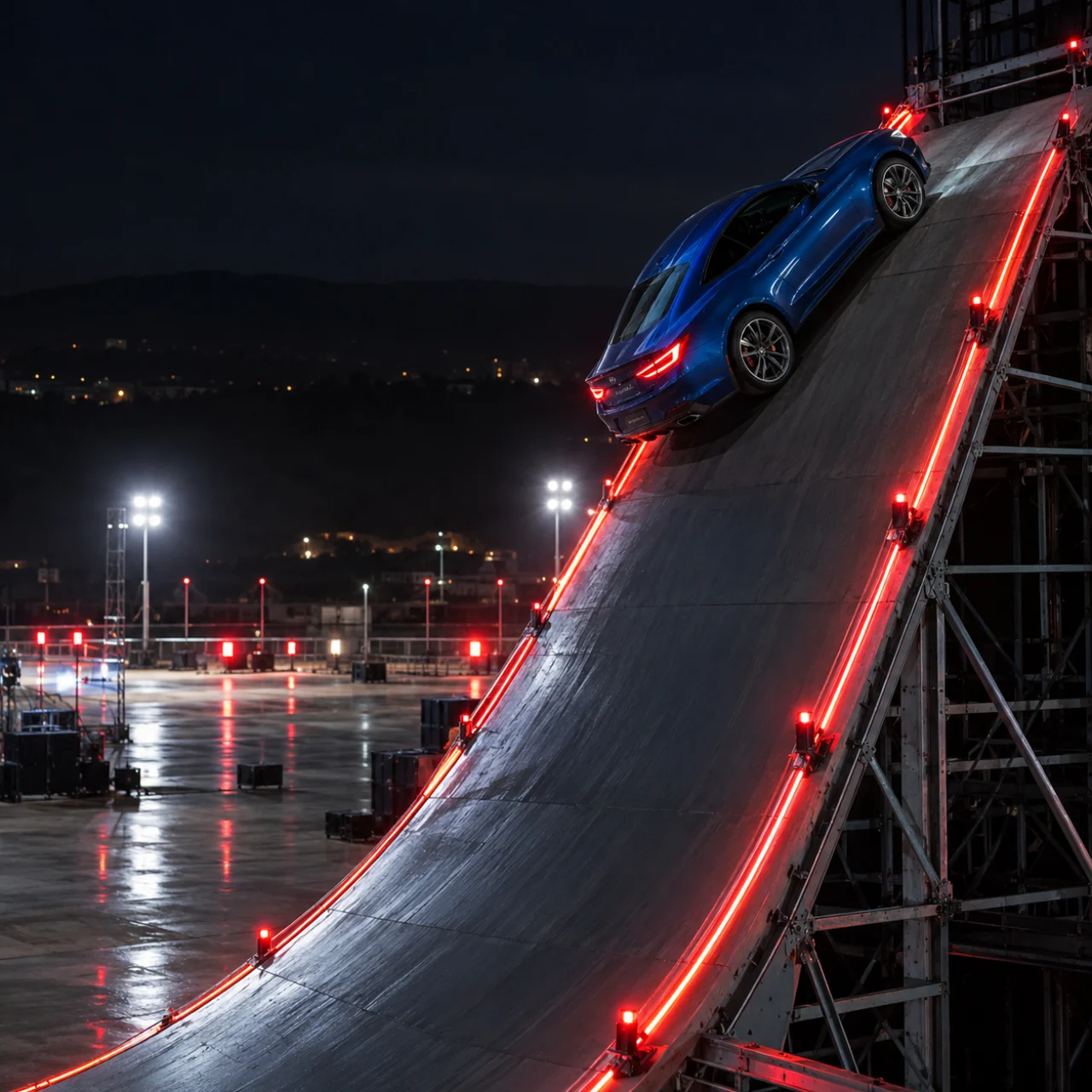
Put your own subject into a ramp stunt: climb, turn in the air and emerge from the landing smoke. The photo guides appearance; the built-in video guides movement and camera framing. You can try a car, a cyclist or a rider with a skateboard. Keep connected subjects together in one photo.
JPEG, PNG or WebP
Mini at 720p by default; quality options depend on the model.
The estimate includes the built-in video reference.
Upload a clear photo with the full silhouette and distinctive details visible.
The reference connects the ramp climb, launch, rotation and landing.
Start with Seedance 2.0 Mini, or select Seedance 2.0 or 2.5 and compare the estimate.
Shape your clip around a recognizable subject, guided action and camera movement, and a clear credit estimate.
Your image supplies the visual identity, including shape, colors and material. A complete silhouette gives the model more useful information than a tight detail crop.
Leave space around wheels, limbs or other protruding parts.
You do not need a matching ramp background or stunt pose.
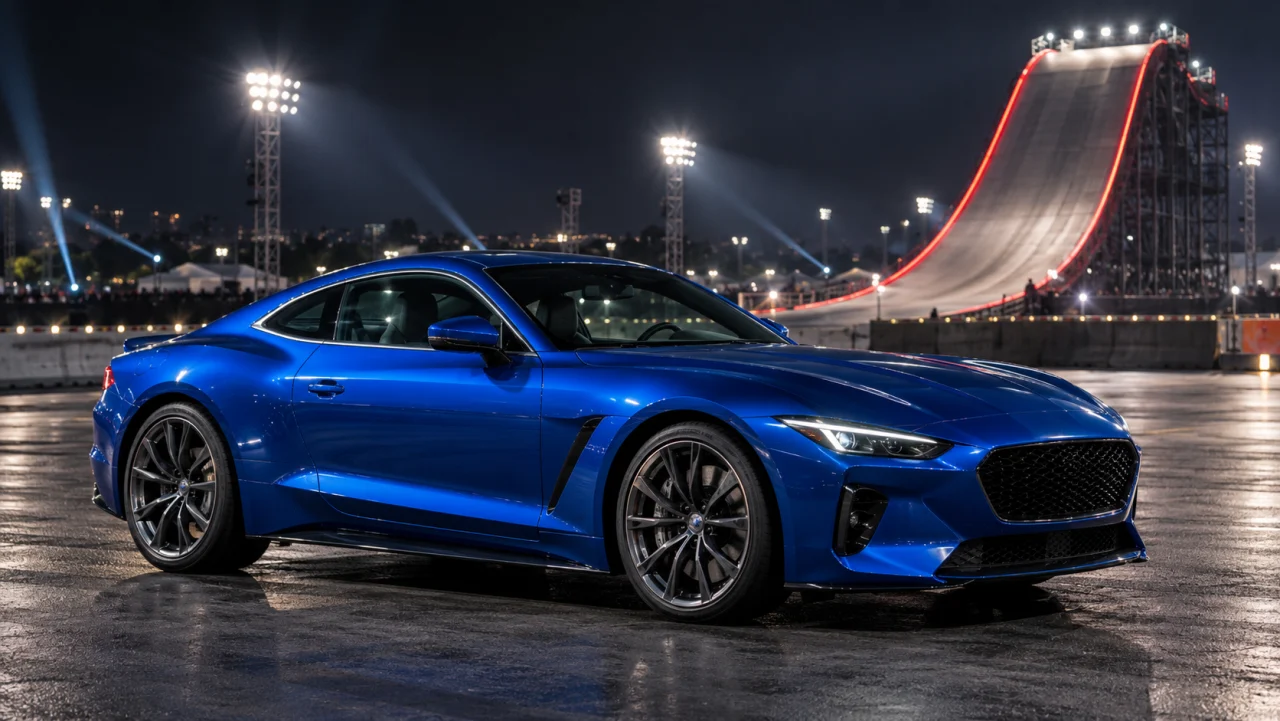
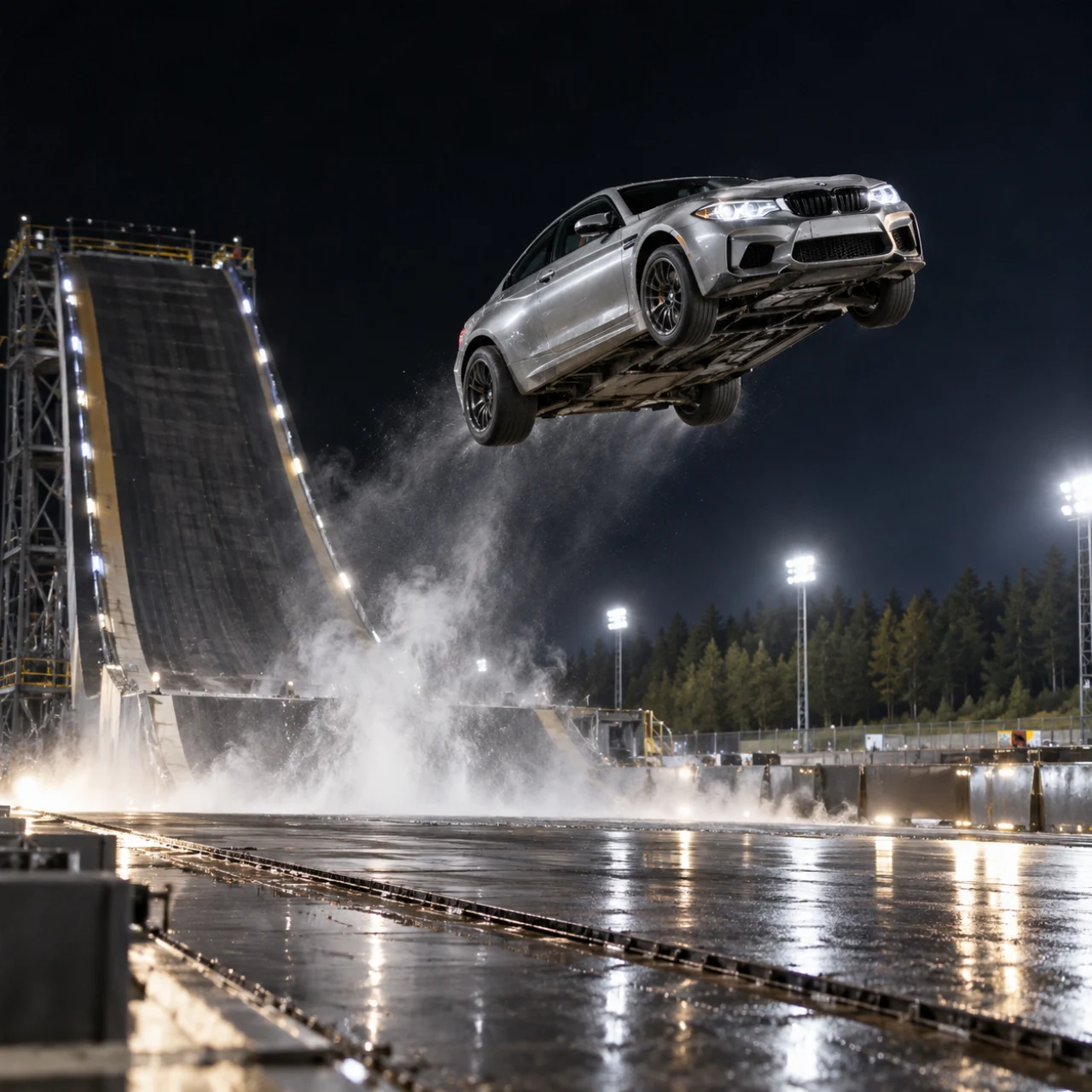
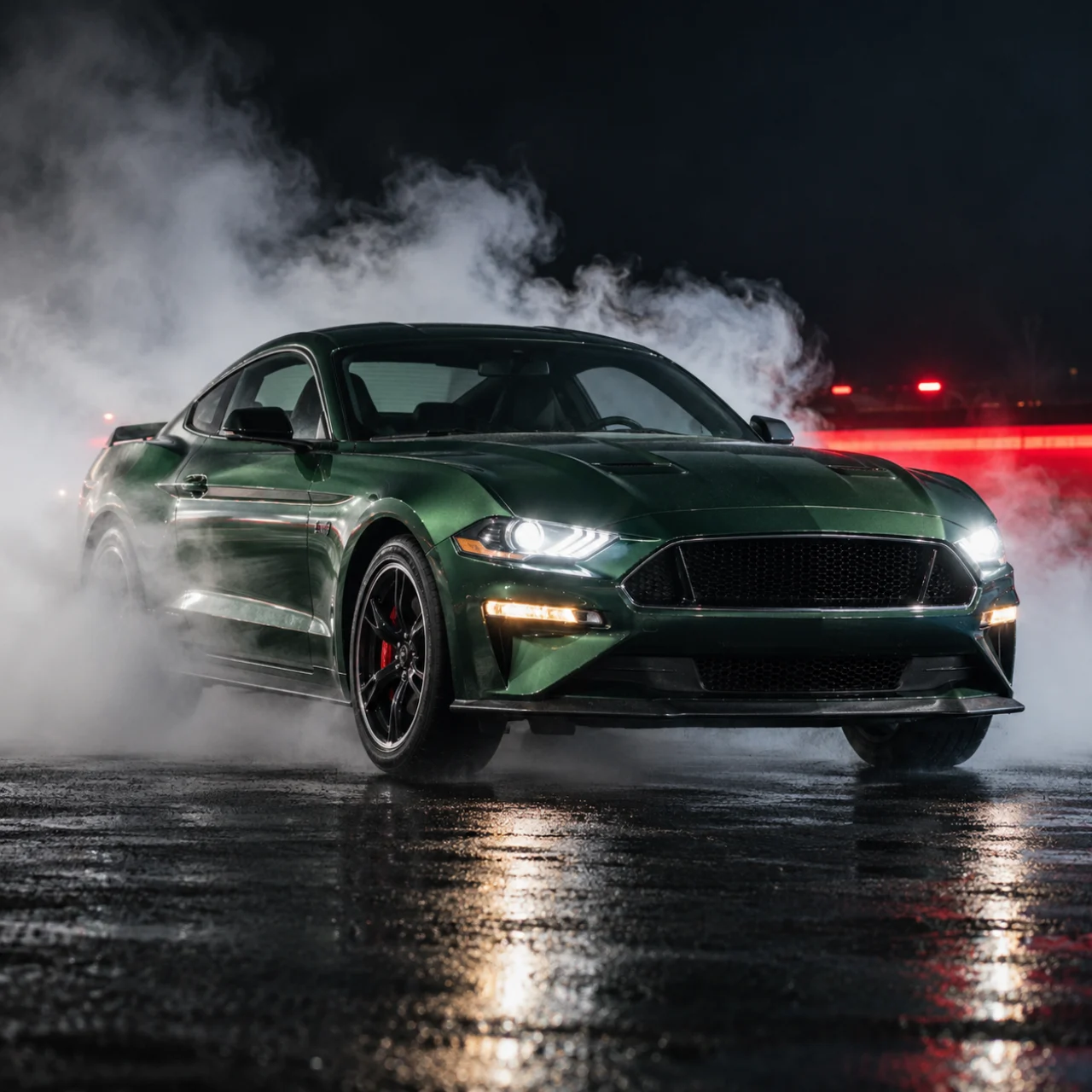
The built-in video provides the ramp climb, airborne flip and smoky landing, along with camera angles and pacing. Start with the included prompt and add the appearance details you want to preserve, without describing the whole stunt from scratch.
The ascent, rotation and landing belong to one sequence.
Refine the instructions while keeping the main action clear.
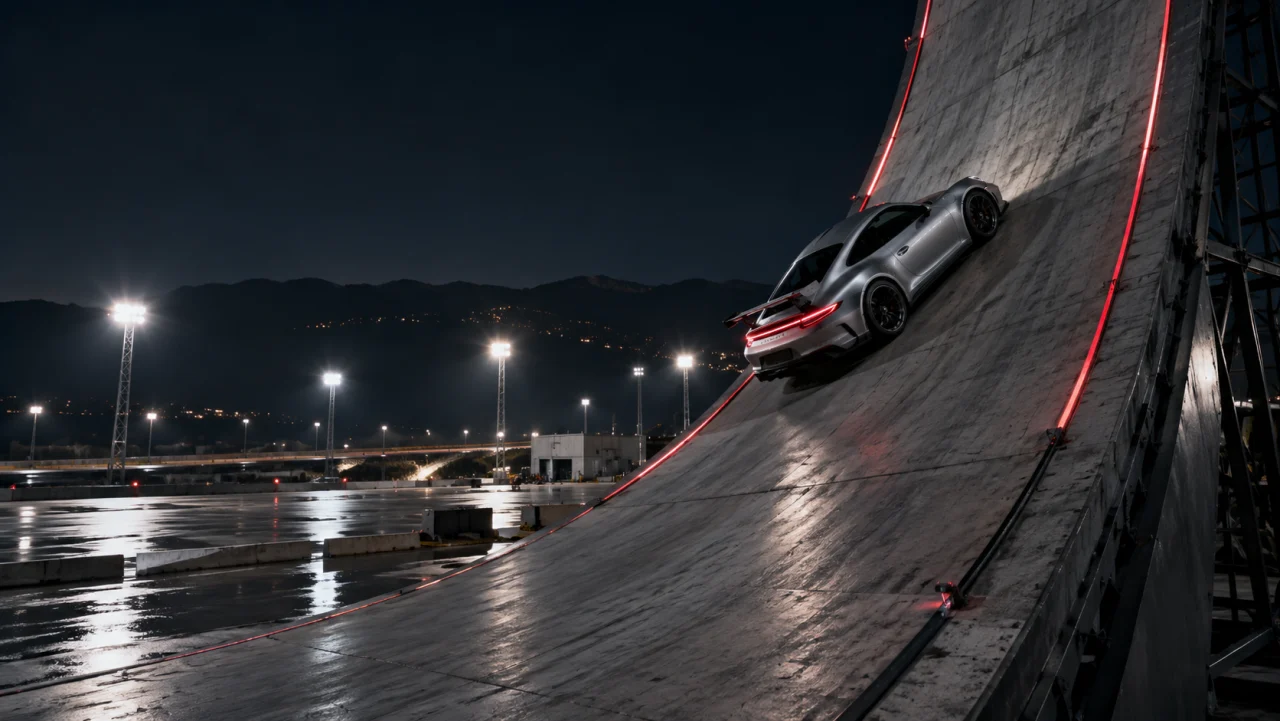
Start with Seedance 2.0 Mini at 720p for a 15-second, 16:9 video. Change the model, quality and audio settings before submitting. Available resolutions depend on the model, and the credit estimate includes the built-in reference.
Review the updated credit estimate before submitting.
Check identity, rotation and contact with the ground.
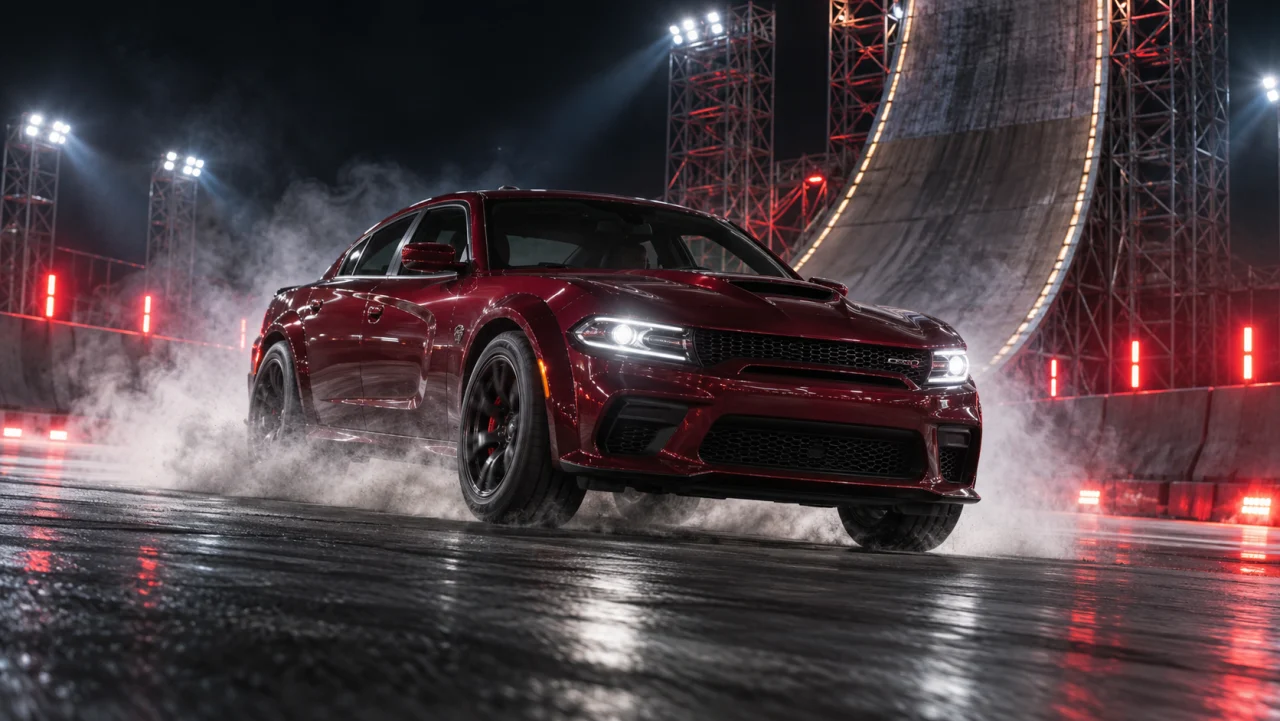
Choose a complete, sharp subject with an uncluttered background.
Watch the reference, keep or edit the prompt, and select the model and quality.
Sign in, confirm the credits and generate. Review the finished video before sharing.
It creates a new video of your photo subject performing a ramp climb, aerial rotation and landing, guided by a built-in clip. It is intended for creative stunt edits.
Yes. Sign in, choose your model and quality, then review the credit estimate on the generate button. It includes use of the built-in reference video. Check the updated quote whenever you change settings.
A car is a useful starting point, but you can also try another clearly visible subject. Unusual shapes and multiple connected parts can be harder to preserve; the outcome varies.
No. Add one image; the tool attaches the built-in ramp reference automatically. Its duration is included in the credit estimate.
Output is fixed at 15 seconds and 16:9. The default Mini model supports 480p and 720p; check the form for other models’ quality options. Audio is on by default and can be switched off. When enabled, the prompt requests movement and landing sounds.
The photo and reference guide generation, but shapes, movement and timing can change. Review the finished clip, especially the airborne rotation and landing; exact reproduction is not guaranteed.
Download the finished clip to share it. Output is landscape 16:9. For a vertical version, use an editor to add a background around the clip or reframe it, keeping the full subject and airborne action visible.
One subject. One ramp. Your next stunt.